
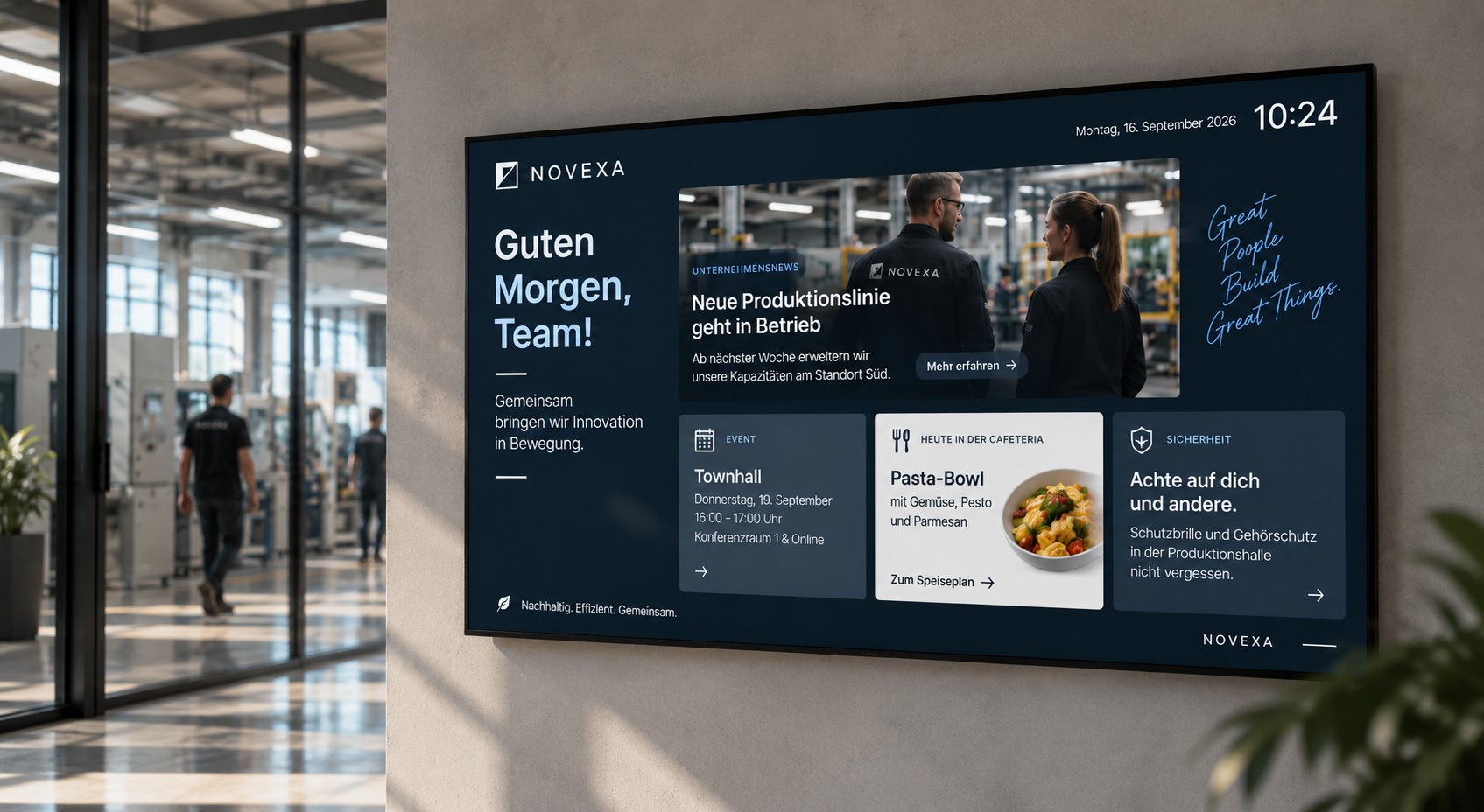
The digital notice board as a modern communication channel
In many companies, information is generated daily: new employees, shift schedules, safety alerts, HR news, internal events, metrics, project updates, or important announcements from management.
The problem: This information doesn't always reach all employees.
Emails are overlooked. Intranet posts are not opened regularly. Notices become outdated. Chat messages get lost in channels. And many employees don't even have a fixed PC workstation in their daily work.
This is precisely where the digital notice board comes in.
In brief: A digital notice board is a display or a network of displays on which internal information is centrally deployed. Companies use it to reach employees with news, shift schedules, safety information, metrics, appointments, HR notices, or location-specific messages. With connectSignage, content can be centrally managed, scheduled, and specifically deployed to different departments, locations, or teams.
A digital notice board doesn't just replace traditional paper notices. It makes internal communication more current, more visible, and easier to manage.
Why traditional notice boards reach their limits
The traditional notice board was long an integral part of internal communication. It hangs in the break room, in the hallway, at the entrance, or in production areas. Notices, duty rosters, operational information, or HR announcements are posted there.
That generally works, but only as long as information rarely changes.
In modern companies, content changes much faster. Shifts are adjusted, safety information needs to be updated, appointments change, new employees start, internal campaigns run, and locations need different information.
Typical problems with traditional notice boards are:
- Notices quickly become outdated.
- Information must be manually printed and posted.
- Employees don't know which information is current.
- It's difficult to inform multiple locations uniformly.
- Paper notices often appear cluttered.
- Important messages get lost among other papers.
- Content cannot be scheduled automatically.
- There is no central control over all notices.
- Employees without a PC are difficult to reach via digital channels.
A digital bulletin board solves precisely these problems. Content is created centrally, automatically displayed, and remains permanently visible on screens.
Why a digital bulletin board is important for businesses
Internal communication only works if information truly reaches its audience. This is especially true for companies with production, shift operations, multiple locations, field service, branches, workshops, public institutions, schools, clinics, or large office spaces.
Not all employees regularly read emails. Not all have access to an intranet or Teams. Not all sit at a desk all day.
A digital bulletin board therefore brings information directly into the space: into the canteen, at the entrance, into the break room, onto the shop floor, into the lobby, into the hallway, or into the employee area.
There, content is noticed casually, but regularly.
The digital bulletin board is particularly suitable for:
- Internal communication
- Employee information
- HR communication
- Shift and duty schedules
- Safety communication
- Location information
- Company news
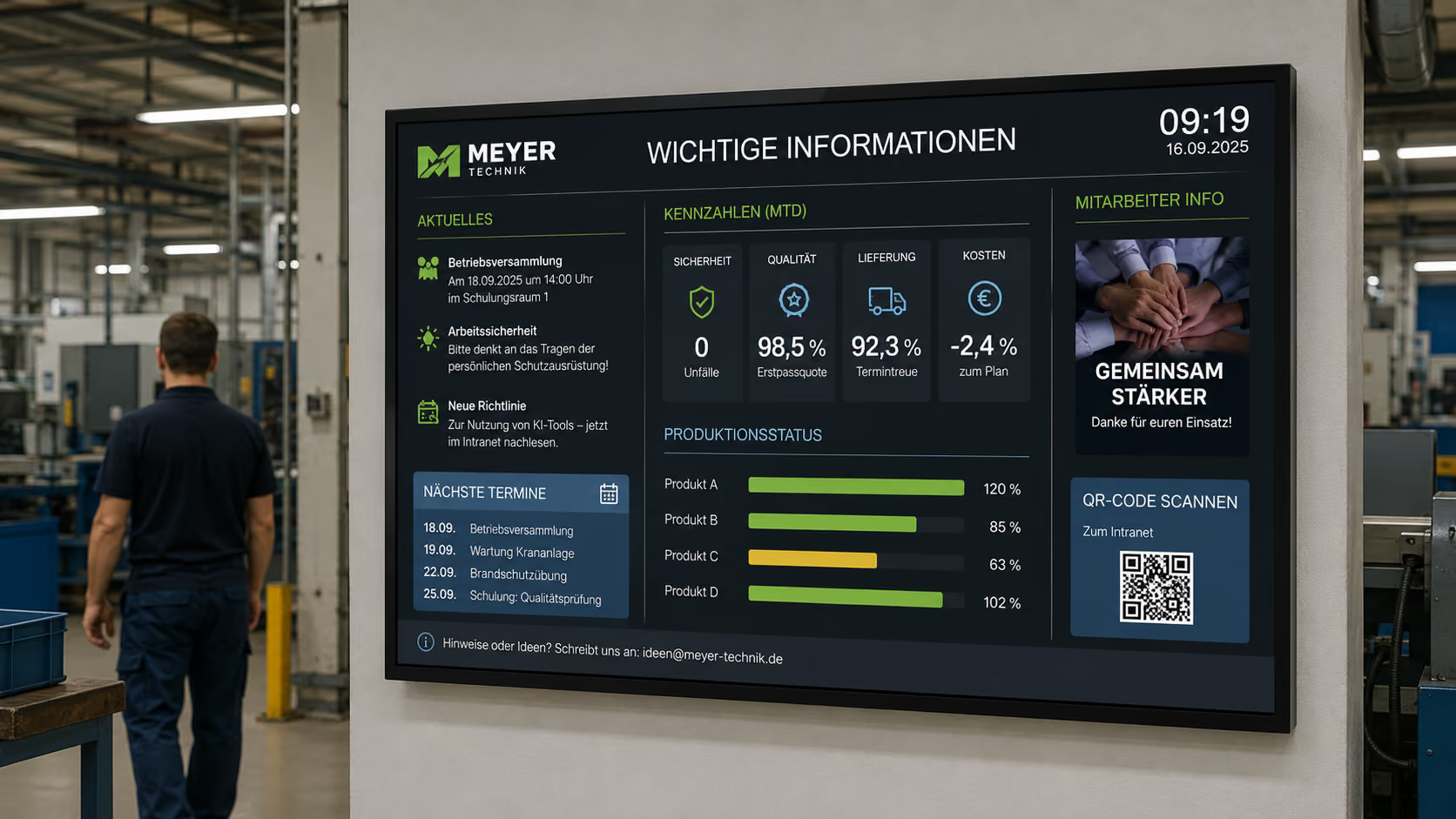
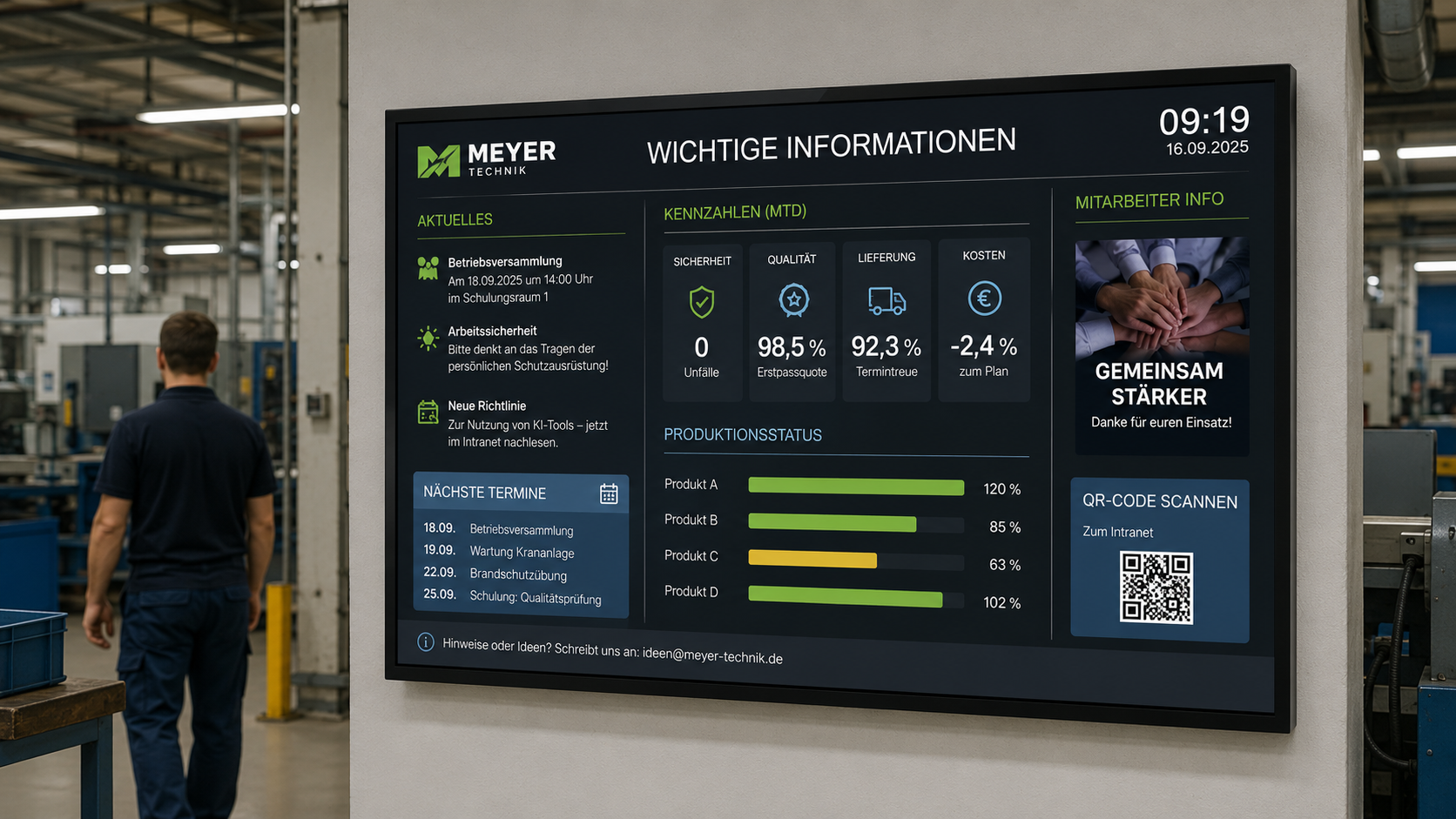
- Key figures and dashboards
- Event announcements
- Welcome messages
- Change communication
- Crisis and emergency information
This is how a static information board becomes a centrally managed communication channel.
Who is a digital bulletin board suitable for?
A digital bulletin board is suitable for almost any organization that wants to regularly inform its employees.
It is particularly useful for companies and institutions where information cannot be effectively communicated solely via email.
These include:
- Industrial companies
- Production facilities
- Logistics companies
- Retail and branch networks
- Government agencies and public institutions
- Schools and universities
- Clinics and healthcare facilities
- Hotels and hospitality businesses
- Service companies
- Administrations
- Workshops
- Canteens and cafeterias
- Social institutions
- Multi-location companies
The greatest benefit is realized wherever employees work in a distributed manner, don't have a fixed computer workstation, or information needs to be displayed location-specifically.
What does a digital bulletin board display?
A digital bulletin board can display a wide variety of content. The key is what information is relevant to employees in their respective areas.
Typical content includes:
- Company news
- New hires
- Birthdays and anniversaries
- Shift schedules
- Work schedules
- Safety instructions
- HR notices
- Appointments and events
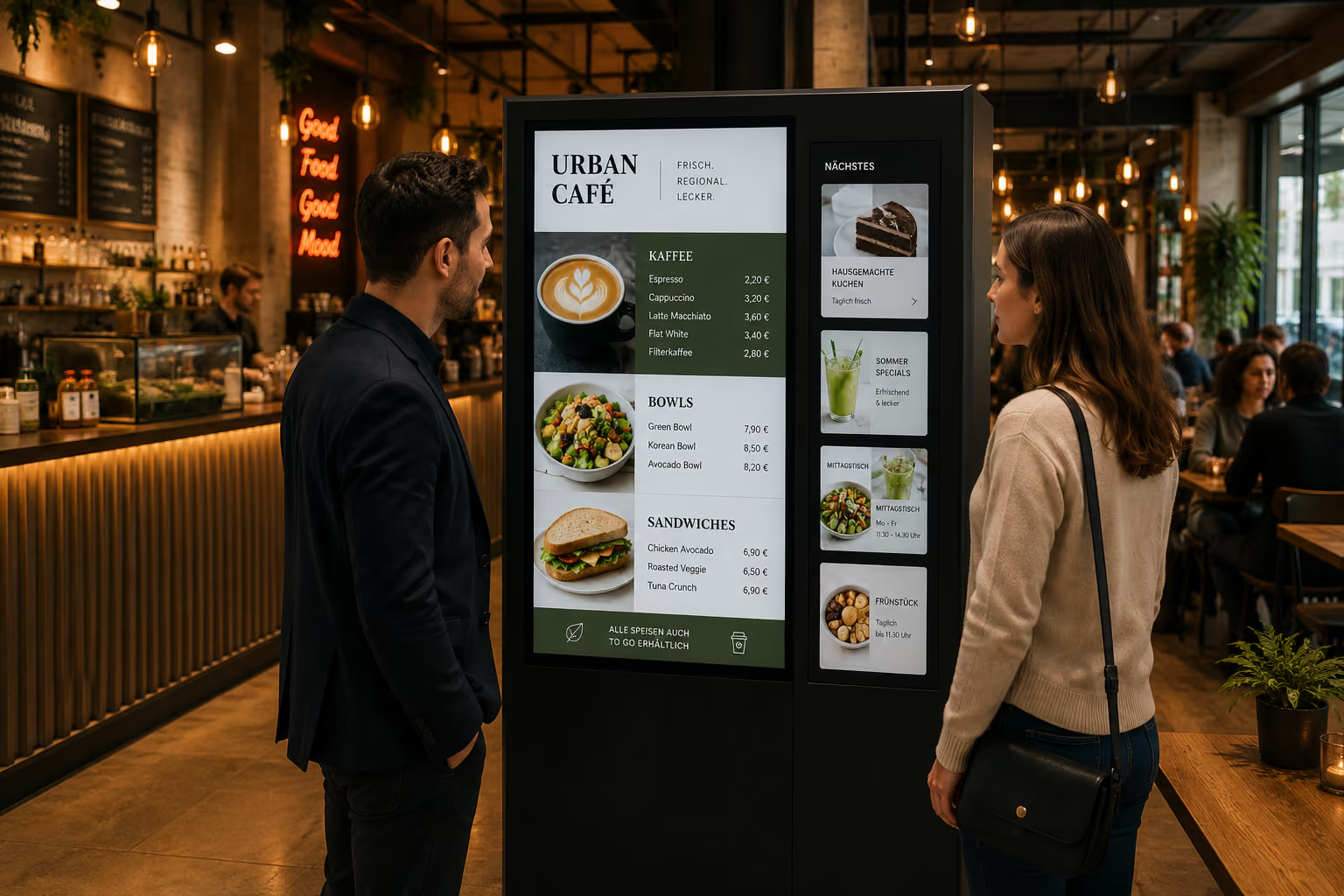
- Menus
- Project updates
- Key figures
- Dashboards
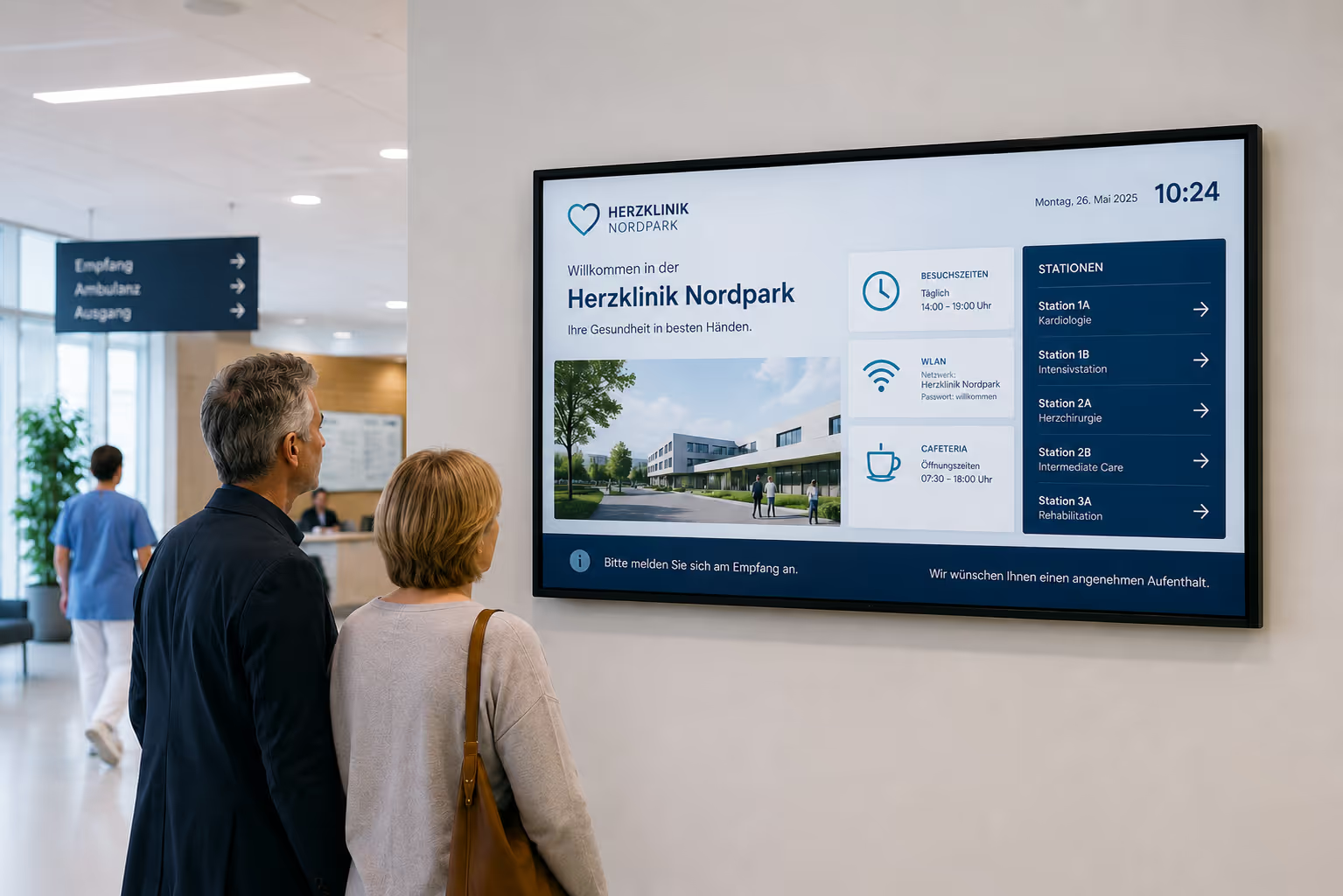
- Visitor information
- Location-specific messages
- Weather or traffic information
- Social media posts
- internal campaigns
- Emergency notices
The benefit: This content doesn't all have to appear at once. It can be scheduled as a playlist, played at specific times, or displayed differently depending on the location.
This way, each display shows exactly the content that is relevant there.
Highlighting company news
Company news is among the most common content on a digital bulletin board. This includes new projects, internal announcements, company changes, event recaps, or messages from management.
A digital bulletin board ensures that such information isn't just confined to the intranet, but becomes visible in daily work life.
Examples:
- new locations
- new client projects
- internal events
- Trade fair or workshop recaps
- Updates from management
- Company goals
- new processes
- important deadlines
- internal campaigns
- Training notices
This is especially important for companies with multiple locations. Content can be created centrally and simultaneously displayed on all relevant screens.
Strengthen HR Communication and Employee Engagement
HR information often only reaches employees via email or intranet. A digital bulletin board makes these topics more visible and personal.
Typical HR content includes:
- new colleagues
- Birthdays
- Anniversaries
- open positions
- internal training
- Benefits
- Health programs
- Team events
- Onboarding information
- Feedback campaigns
- Employee surveys
- Information on time tracking or vacation planning
This strengthens the internal culture because employees see not only operational information but also personal and community-related topics.
A digital bulletin board can therefore be more than just an information panel. It becomes a visible part of employer communication.
Display current shift schedules, duty rosters, and appointments
In production, logistics, healthcare, hospitality, education, or public institutions, shifts, duties, and appointments change regularly.
Printed schedules quickly become outdated. A digital bulletin board can centrally display shift schedules, duty rosters, or appointments and update them immediately when changes occur.
Possible content includes:
- Shift schedules
- Duty rosters
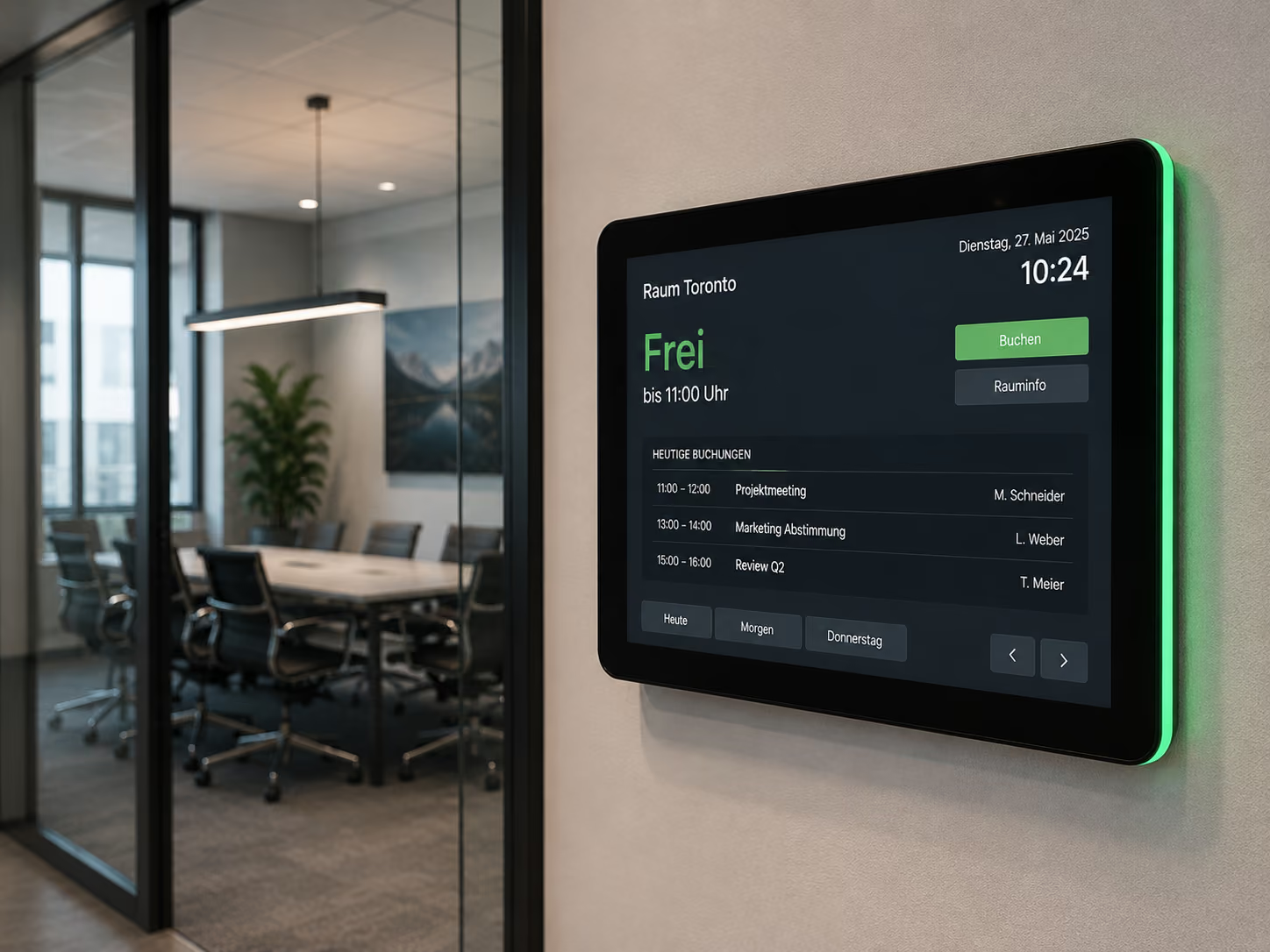
- Room layouts
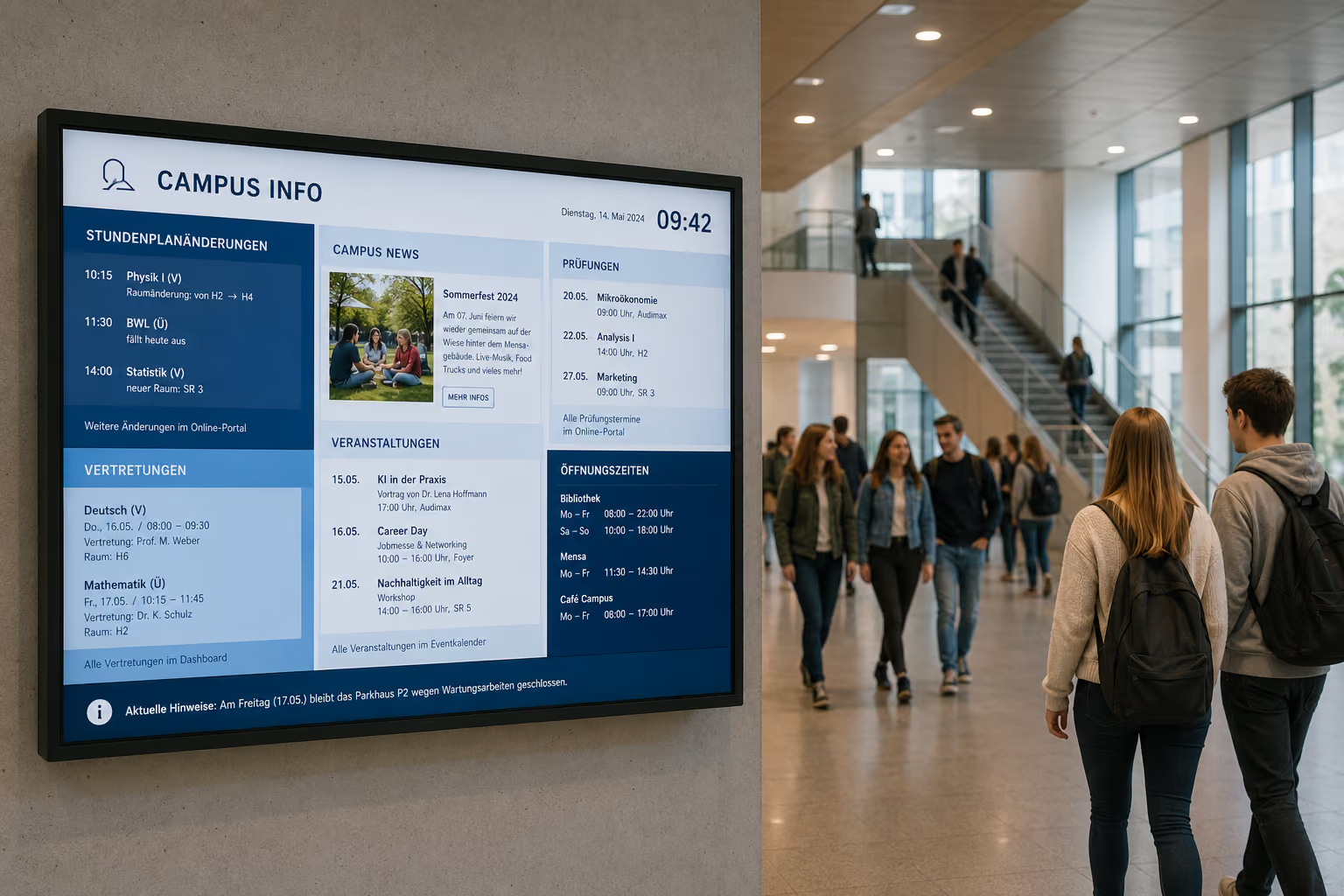
- Substitution schedules
- Event calendars
- Training dates
- Maintenance dates
- Meetings
- Company meetings
- All-hands meetings
If this information is visible on displays in break rooms, entrance areas, or hallways, employees don't have to actively search for it.
Displaying safety and mandatory information
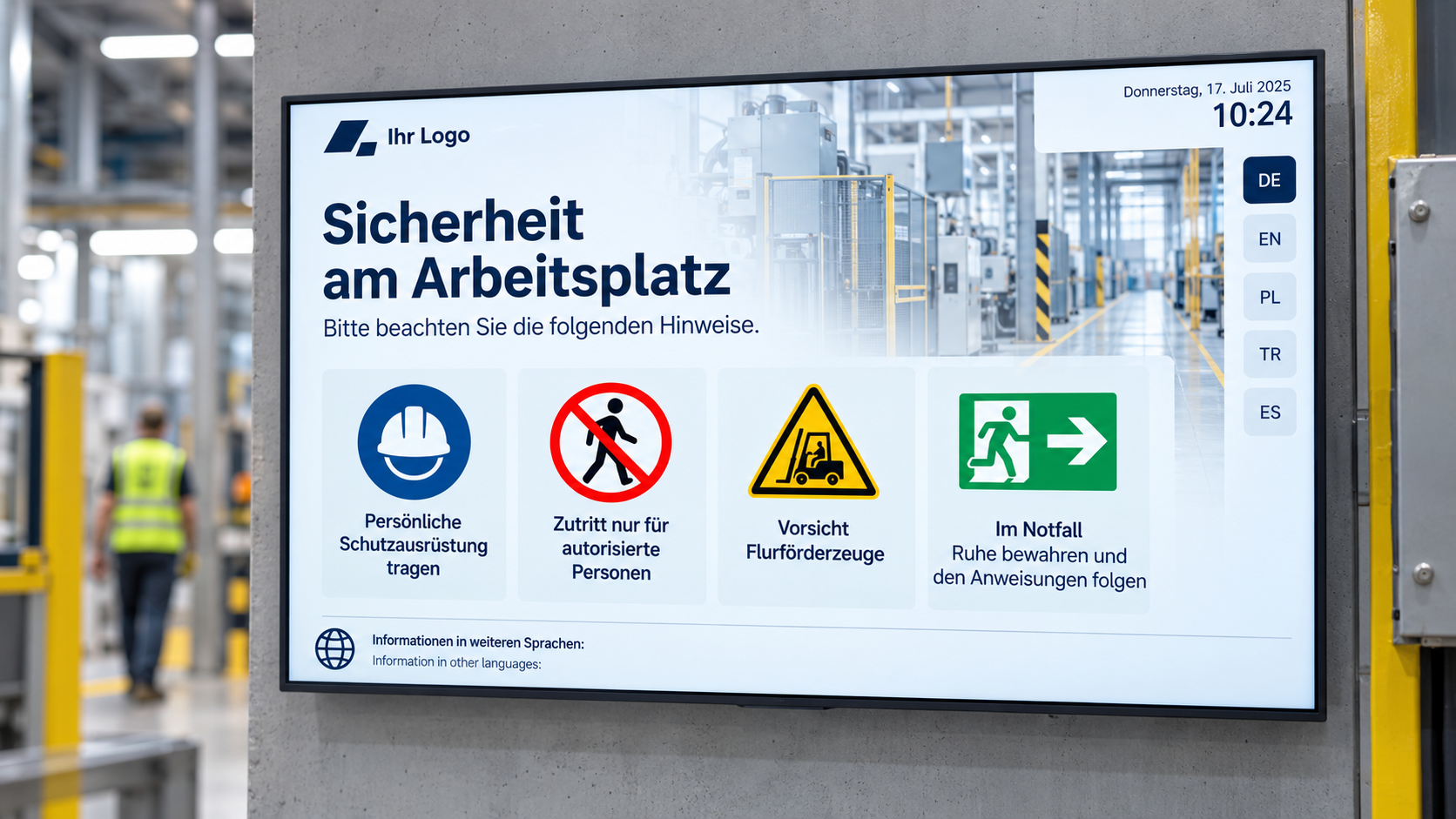
In many companies, safety information must be communicated regularly. This includes occupational safety, hygiene, fire protection, evacuation, access rules, or instructions regarding machinery and work areas.
A digital bulletin board can integrate such information into the display on a recurring basis.
Examples:
- Occupational safety
- Fire safety instructions
- Hygiene regulations
- Evacuation Instructions
- First Aid Information
- Visitor Rules
- Machine Instructions
- Hazardous Material Information
- Emergency Contacts
- Procedures for Disruptions
Particularly important: In an emergency, displays can be used for emergency communication. Regular content will be interrupted to show critical information such as evacuation routes, assembly points, or all-clear signals.
The digital bulletin board thus complements existing safety concepts with a highly visible communication channel.
Key Metrics and Dashboards for Greater Transparency
A digital bulletin board can display more than just news; it can also make key metrics and dashboards visible to everyone.
This is especially helpful in production, sales, support, customer success, logistics, and administration.
Possible dashboard content includes:
- Production Metrics
- Quality Data
- Sales Targets
- Support Tickets
- Project Status
- Service Levels
- Utilization
- Monthly Goals
- OKRs
- Customer Satisfaction
- Recruitment Figures
- Energy Consumption
- Sustainability Data
Relevant dashboards can be displayed on screens via web links, iFrames, database connections, or tools like Power BI.
This way, key figures from various systems are integrated into daily work.
Utilize SharePoint, Teams, RSS, and existing content
Many companies already have content in existing systems. The digital bulletin board should not replace this content, but rather make it visible.
With connectSignage, content from various sources can be integrated, for example:
- SharePoint
- Microsoft Teams
- Power BI
- Websites
- Intranet Pages
- RSS Feeds
- Calendars
- Databases
- Social Media Feeds
- Excel or CSV files
- APIs
This is particularly important because internal communication should not be duplicated. If content already exists in SharePoint or another system, it can be integrated as display content or prepared for display.
This turns the digital notice board into a visible extension of existing communication channels.
Case Study: RAILONE modernizes internal communication at the plant
The RAILONE example demonstrates how a digital notice board works in practice. The company faced the challenge of reliably and promptly informing employees in its plants — especially where many colleagues do not have a fixed workstation or regular access to emails or the intranet.
Before the introduction of digital displays, important information was manually posted on analog notice boards in the plants. This process was time-consuming, not always consistent across all locations, and often problematic in production environments, as notices could quickly get dirty or become unreadable.
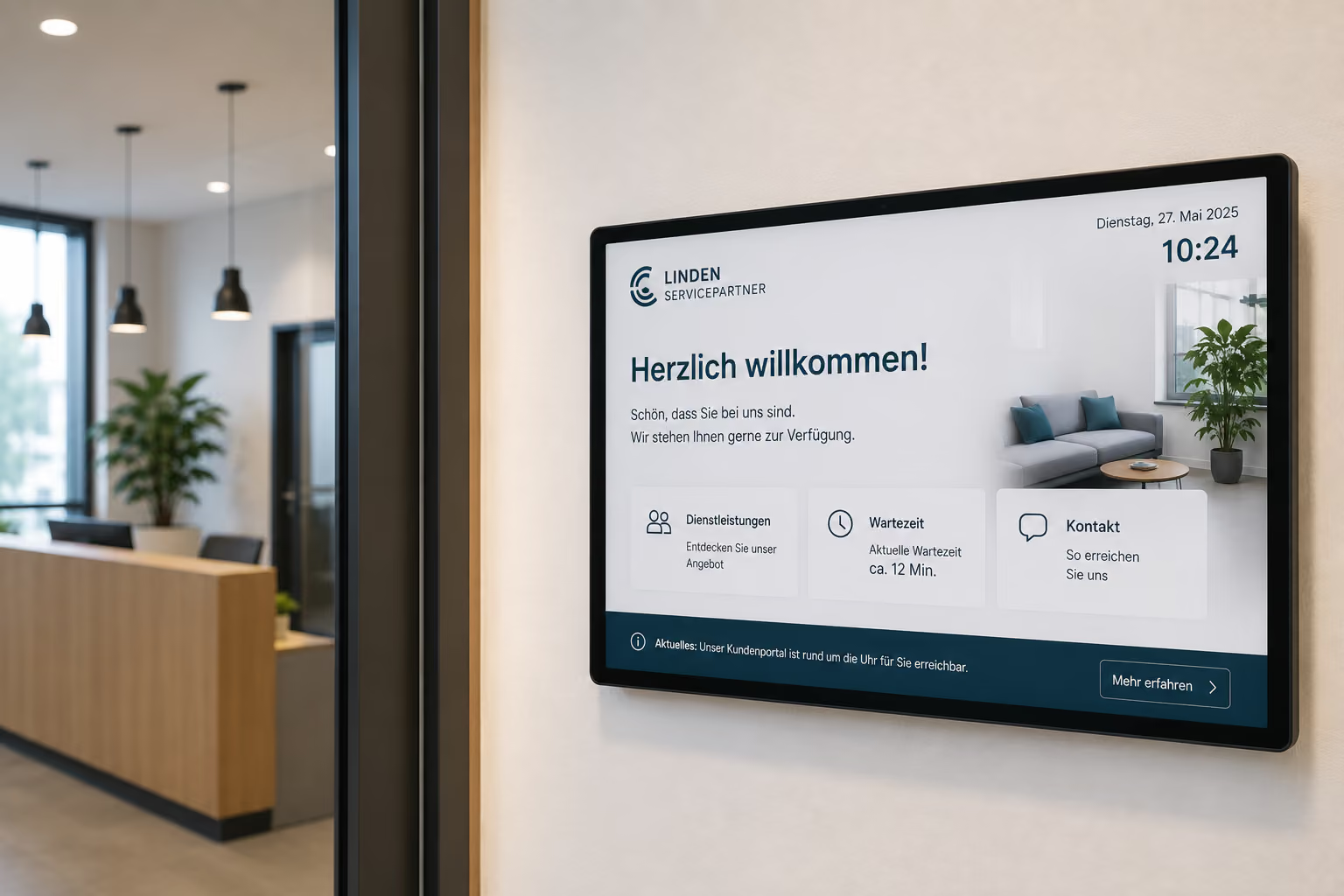
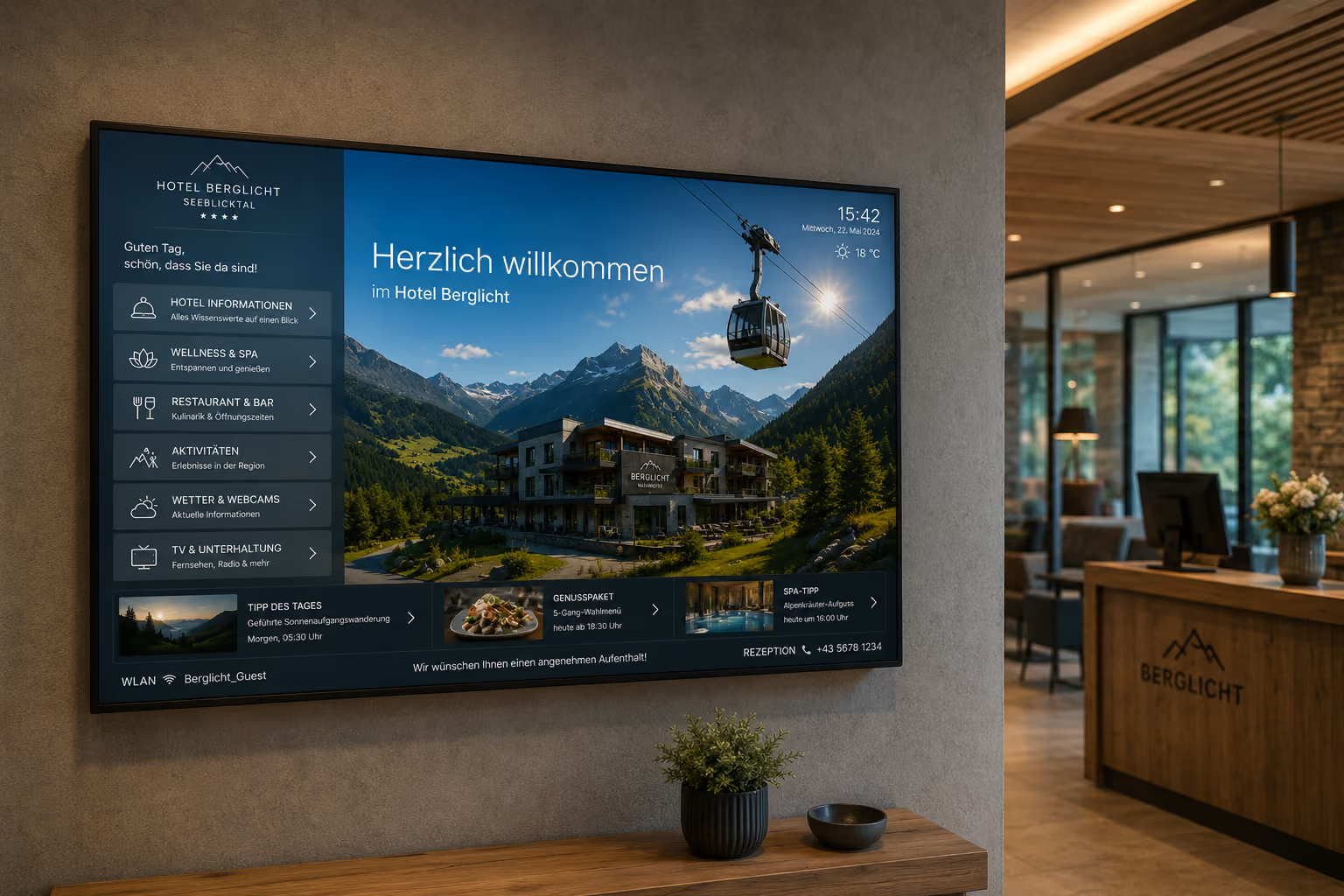
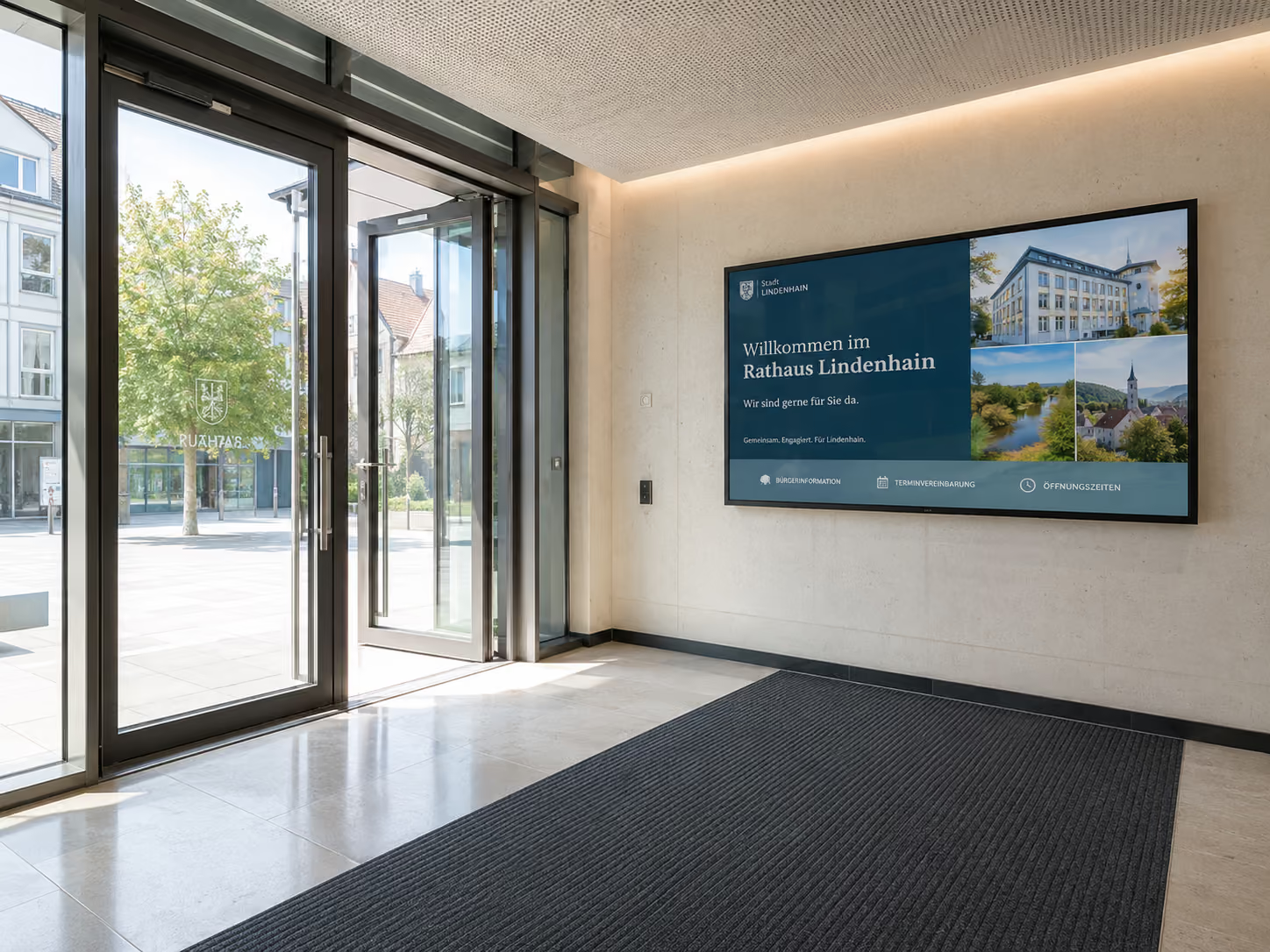
With connectSignage, RAILONE has implemented a central platform to manage information across all locations. In the plants, digital notice boards replace traditional postings, ensuring that employees see current shift schedules, relevant notices, and internal information directly in their daily work. At reception, welcome screens also provide a professional first impression and consistent visitor communication.
Content can be created without programming knowledge, flexibly adapted, and distributed to the appropriate displays in real-time. This makes internal communication more current, consistent, and significantly easier to maintain.
The result: information reaches employees faster, more targeted, and more reliably — regardless of whether they work in the office, in the plant, or directly in production.
For reference: RAILONE modernizes internal communication
Manage digital signage by location and target group
Not all information is relevant for every location or target group.
One location needs different notices than another. Production requires different information than administration. The canteen displays different content than reception. The break room needs different messages than the shop floor.
With connectSignage, content can be displayed in a targeted manner:
- by location
- by area
- by display
- by target audience
- by time of day
- by day of the week
- by campaign
- by language
- by event
This enables a company to provide central content for all locations while also supplementing it with local information.
Example:
- All locations display company news.
- Plant A also displays shift information.
- Plant B displays security updates.
- Administration displays internal appointments.
- Reception displays visitor information.
- Canteen displays menu and HR news.
This makes internal communication more relevant and reduces information overload.
Why connectSignage is suitable for digital notice boards
connectSignage is a digital signage software for central control of digital displays. connectSignage is particularly suitable for digital notice boards because internal information can be easily created, scheduled, and distributed to various displays.
The main advantages are:
- central control of all displays
- easy management in the browser
- Display content by location or target audience
- Scheduling for recurring information
- Integration of SharePoint, websites, Power BI, RSS, and calendars
- Display of dashboards and key figures
- Roles and permissions for different departments
- Corporate design templates
- Monitoring for displays and players
- Offline playback in case of connection issues
- Cloud or on-premise deployment
- GDPR-compliant usage
Particularly important for internal communication: Different teams can manage content without losing central control. HR, Communications, Occupational Safety, Site Management, or IT can each be responsible for their respective areas.
What companies technically need
A digital bulletin board should be easy to use, secure to operate, and flexibly extensible.
Key technical requirements include:
- Central content management
- Simple corporate design templates
- Role and permission management
- Scheduling and playlists
- Location control
- Interfaces to existing systems
- Support for various hardware
- Reliable playback
- Monitoring
- Offline capability
- Data privacy and IT security
With connectSignage, companies can centrally manage these requirements. Content is maintained, scheduled, and displayed on the appropriate screens directly in the browser.
Typical locations for digital notice boards
A digital notice board can be used in many locations. It's important that the displays are placed where employees regularly pass by or briefly pause.
Typical locations include:
- Break rooms
- Canteens
- Entrance areas
- Production halls
- Shop floor areas
- Hallways
- Elevator areas
- Employee entrances
- Reception
- Factory gates
- Administration
- Teachers' Lounge
- Station Areas
- Branches
- Break Rooms
- Training Rooms
Content may vary depending on the location. A display in the canteen is suitable for company news, menus, and HR information. A display in production is suitable for shift schedules, safety information, and KPIs.
Conclusion: The digital bulletin board makes internal communication visible
A digital bulletin board helps companies display internal information visibly, up-to-date, and centrally managed.
It replaces analog notices, reduces manual maintenance, and also reaches employees who don't regularly use emails, intranets, or chat tools.
A digital bulletin board is particularly valuable for companies with multiple locations, shift operations, production facilities, branches, public areas, or large office spaces.
With connectSignage, companies can centrally manage and strategically display news, HR information, shift schedules, safety alerts, dashboards, and location-specific information on screens.
This makes internal communication not only more digital but also more visible — right where employees pass by every day.
FAQ
What is a digital bulletin board?
A digital bulletin board is a display or a network of displays that shows internal information such as company news, shift schedules, HR notices, safety alerts, appointments, or key figures.
How does a digital bulletin board work?
Content is centrally created, scheduled, and displayed on screens using digital signage software. The screens can be placed in break rooms, hallways, production areas, entrance areas, or canteens.
What content does a digital bulletin board display?
Typical content includes company news, new employees, birthdays, shift schedules, duty rosters, safety information, HR notices, appointments, menus, key figures, dashboards, and emergency messages.
Which companies benefit from a digital bulletin board?
A digital notice board is suitable for industrial companies, administrations, schools, clinics, retail companies, logistics operations, hotels, service providers, and all organizations that want to regularly inform their employees.
Why is a digital notice board better than a traditional bulletin board?
A digital notice board is more up-to-date, more flexible, and centrally managed. Content doesn't need to be printed or manually updated. Changes can be made directly in the system and pushed to displays.
Can a digital notice board reach employees without a PC?
Yes. This is precisely what a digital notice board is ideal for. Information is displayed on screens in break rooms, production areas, hallways, or entrance areas and also reaches employees without a fixed workstation.
Can SharePoint or intranet content be integrated?
Yes. Content from SharePoint, intranet, websites, RSS feeds, calendars, Power BI, or other data sources can be integrated. This prevents information from being duplicated.
Can shift schedules or duty rosters be displayed?
Yes. Shift schedules, duty rosters, room plans, substitute plans, or calendar information can be displayed on digital notice boards and centrally updated when changes occur.
Can a digital notice board be used for emergency communication?
Yes. In an emergency, displays can show emergency notices, evacuation information, assembly points, behavioral instructions, or all-clear signals. The digital notice board thus complements existing safety concepts.
How does connectSignage support digital notice boards?
connectSignage helps companies centrally manage digital notice boards. Content can be created, scheduled, distributed by location, and connected with existing systems such as SharePoint, Power BI, websites, RSS feeds, or calendars.
Can a digital notice board be GDPR-compliant?
Yes. A digital notice board can be operated in a GDPR-compliant manner if hosting, rights management, data protection, and content processes are implemented accordingly. connectSignage is designed for secure and privacy-compliant use.
Where should a digital notice board be placed?
Suitable locations include break rooms, cafeterias, hallways, entrance areas, production halls, employee entrances, reception areas, elevator lobbies, staff rooms, ward areas, or other highly visible locations.
Bereit deine Kommunikation zu transformieren?
Entdecken, wie connectSignage deine Botschaften sichtbar und wirksam macht.
Weitere Insights zur digitalen Kommunikation
Lese mehr zu Trends, Strategien und Technologien, die Unternehmen verändern.
.png)

.png)
.png)
Digital Signage Insights Delivered Straight to Your Inbox
Trends, best practices, and tips—concise, relevant, and practical.