Digital Signage for Educational Institutions — Managing Information, Providing Orientation, Supporting Learning.
Centrally manage current information, announcements, and notes, and display them clearly for learners and employees.
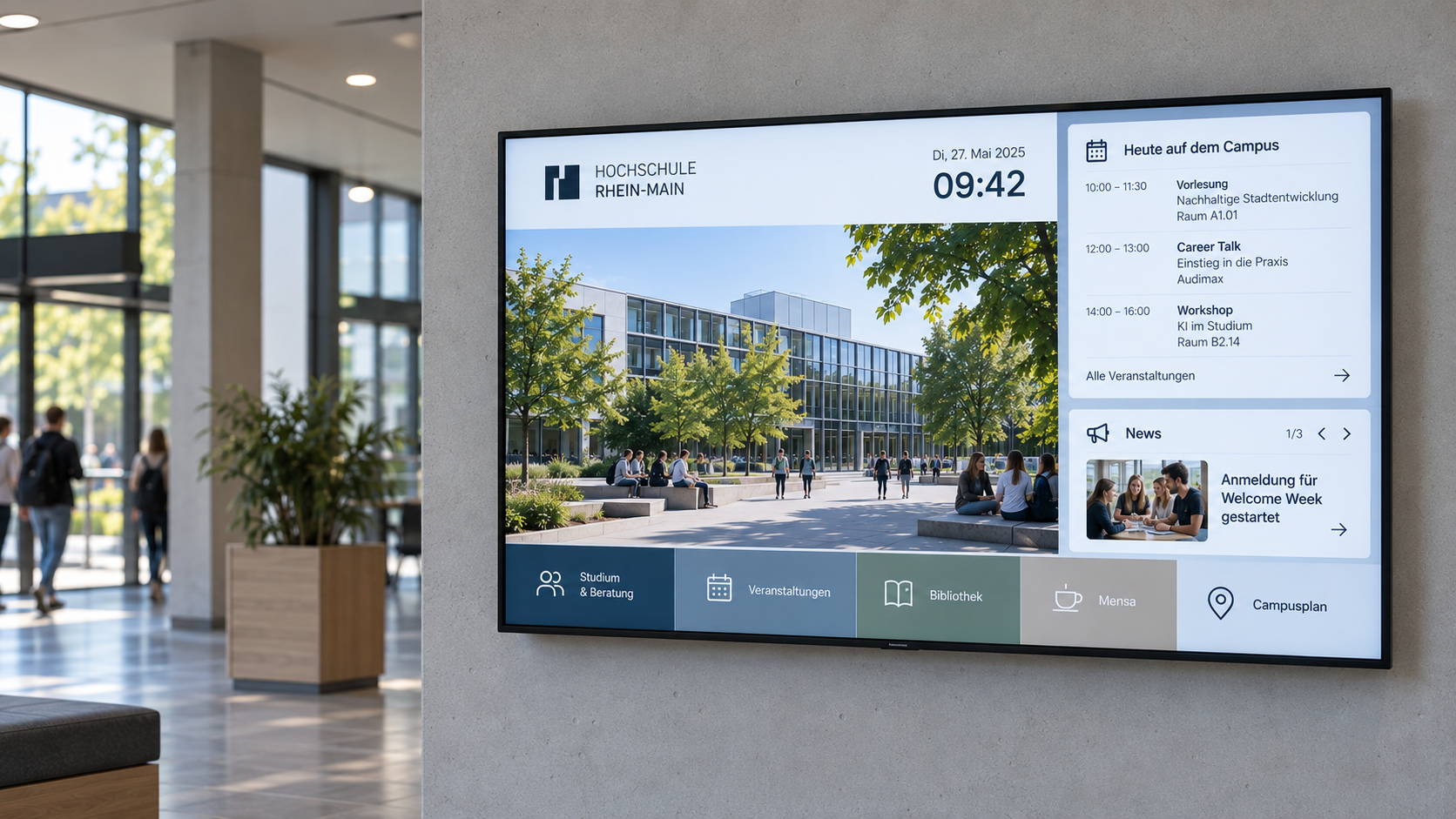
Educational challenges
Educational institutions must inform multiple target groups simultaneously and respond flexibly to changes.
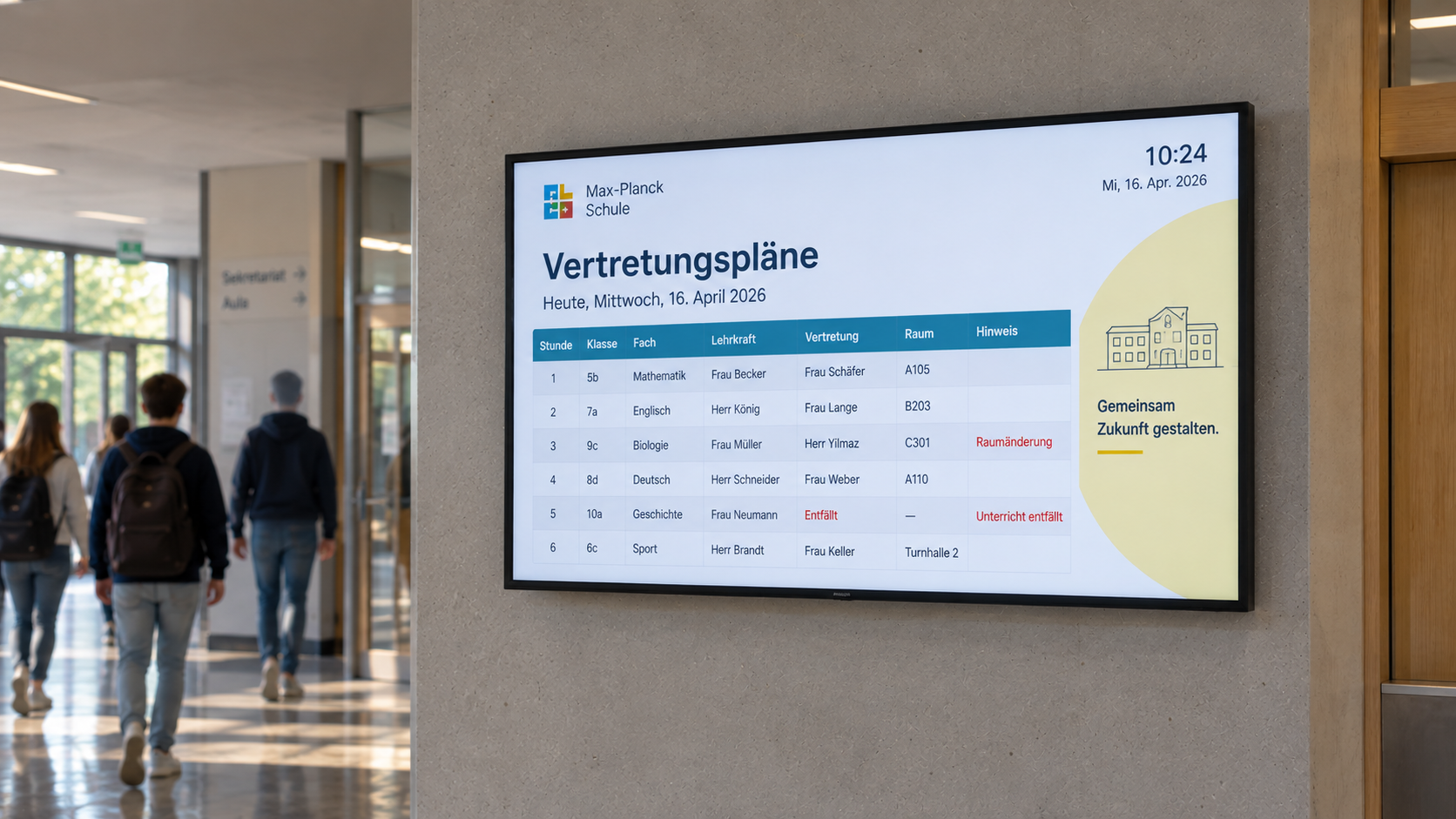
Communicate current information
Schedule changes, appointments, and announcements must be communicated quickly and reliably.
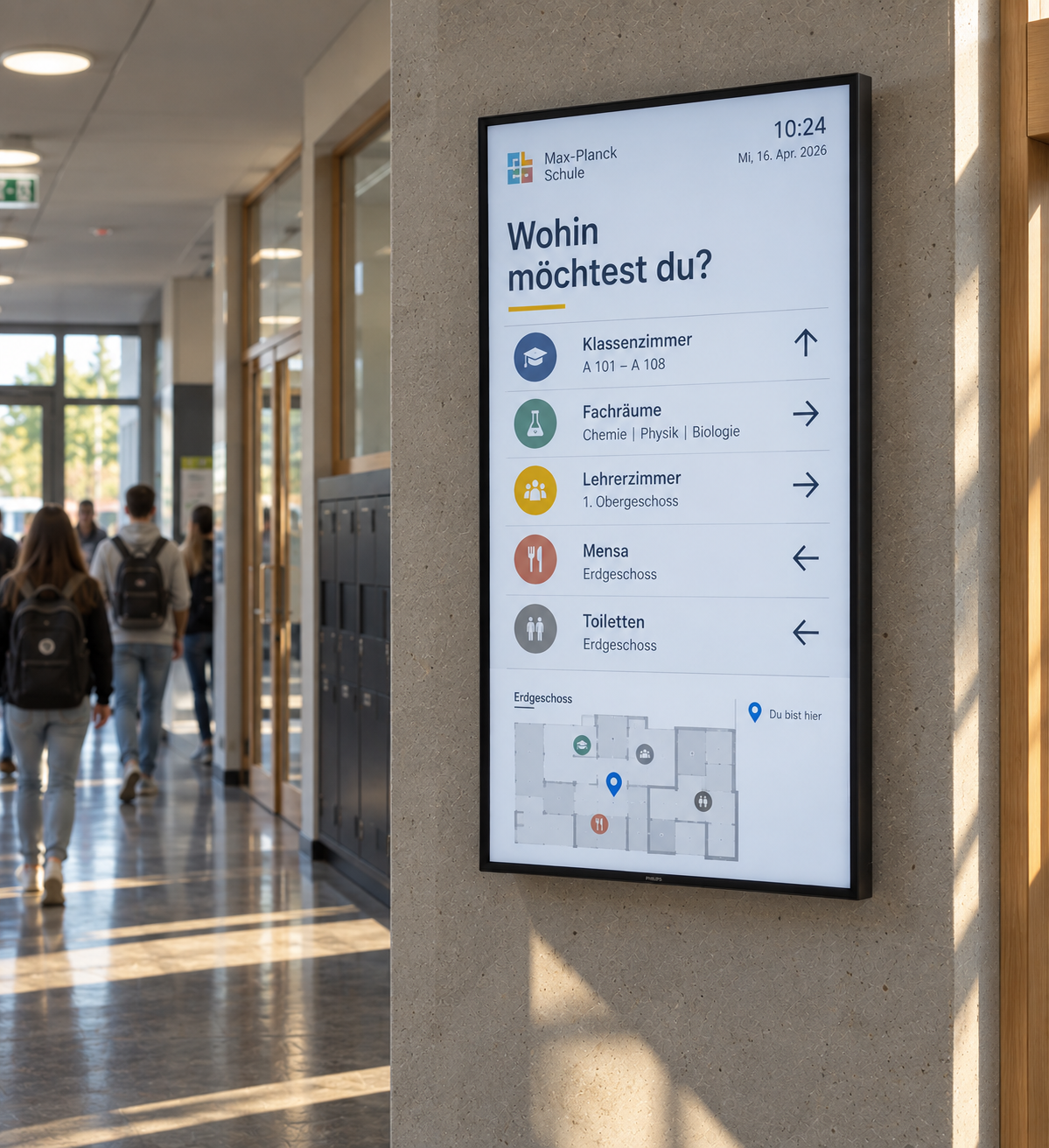
Orientation for learners and visitors
Large School and Campus Buildings require clear orientation and comprehensible directions.
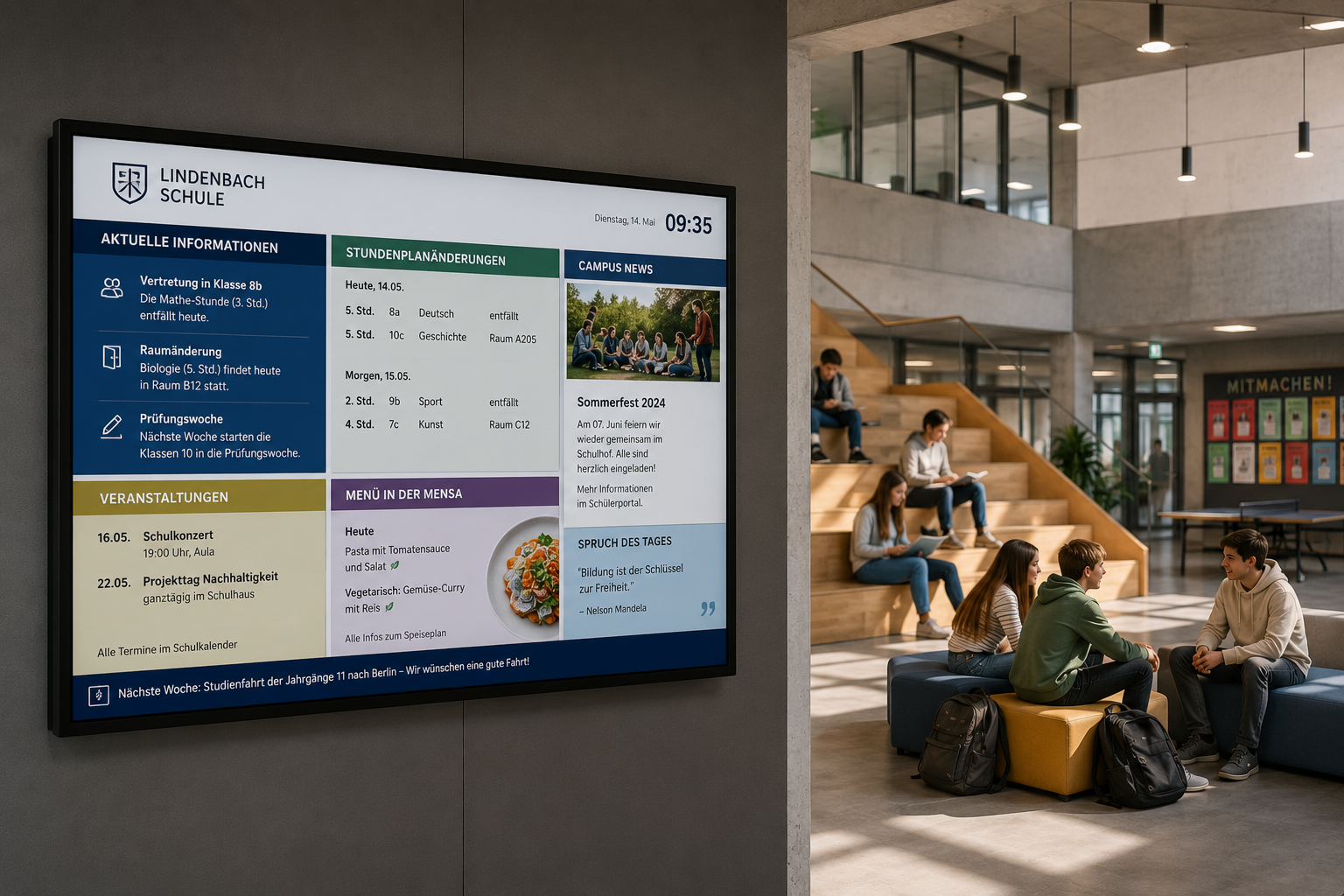
Centralized and easy management
Content should be centrally maintained and updated with minimal effort.
Digital displays for modern educational institutions
With digital signage, information, instructions, and orientation aids can be centrally controlled and flexibly adapted to different target groups.

Scheduling
Content can be easily planned and played automatically at specified times.

HTML 5 editor
Intuitive, PowerPoint-like designer for content creation.

Media upload
Easy upload of your own content, such as images, videos, GIFs, PDFs, and more.

Active Directory
Automatic login for selected users via Active Directory.

Google Workspace
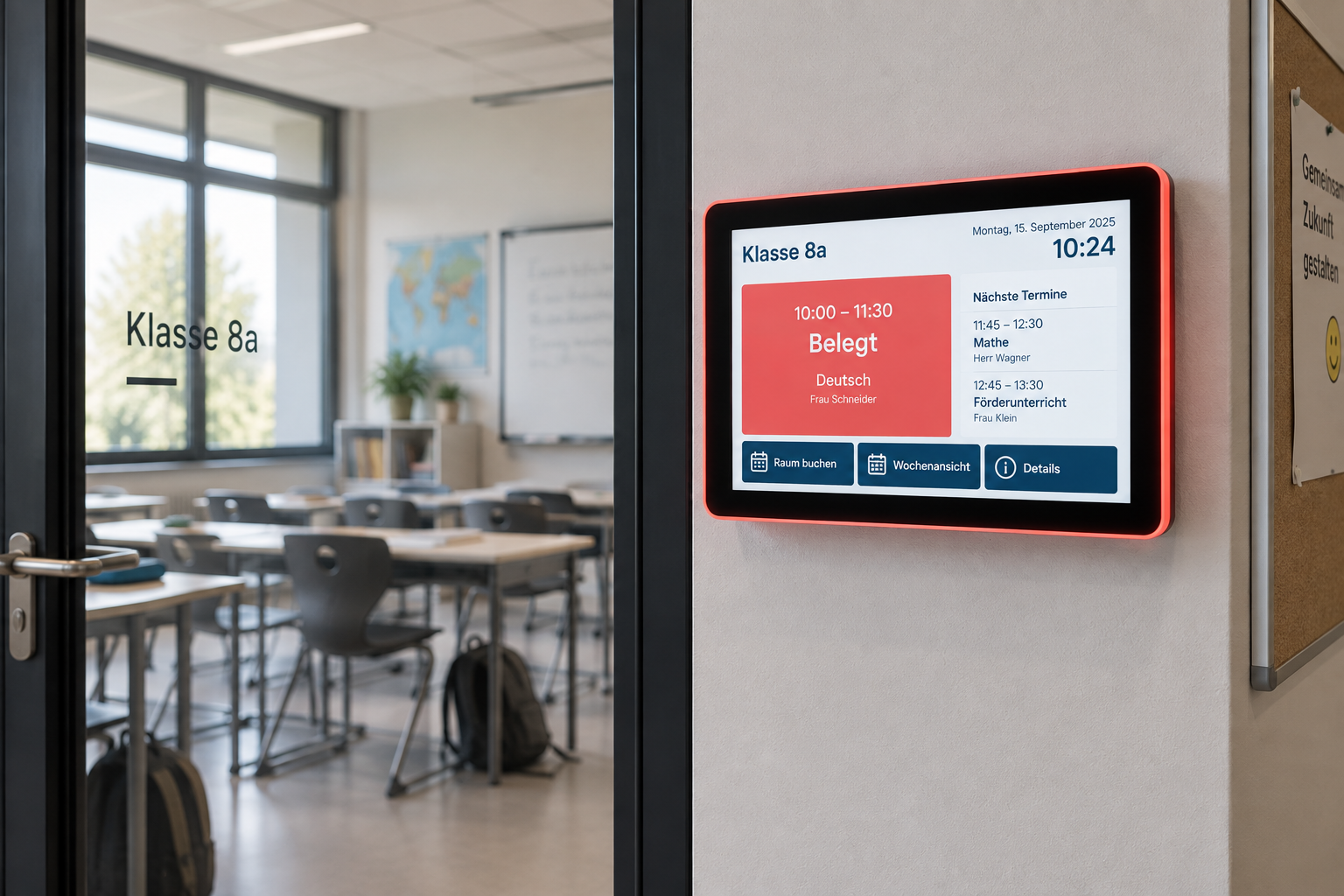
Integration of Google Workspace with the option to book directly on the display.

Touch
Create interactive touch applications with multiple levels and intuitive user guidance.
%20(1).png)
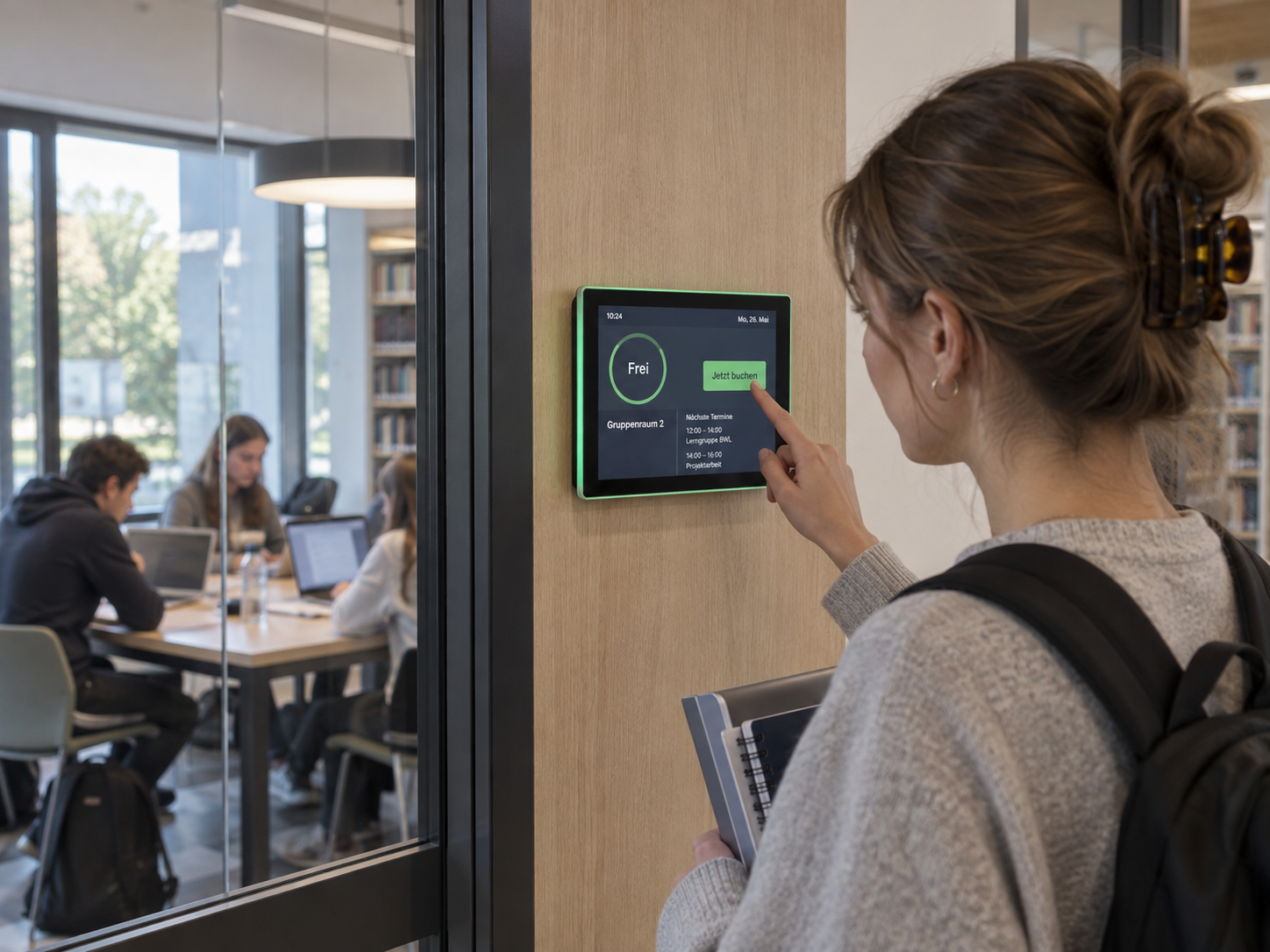
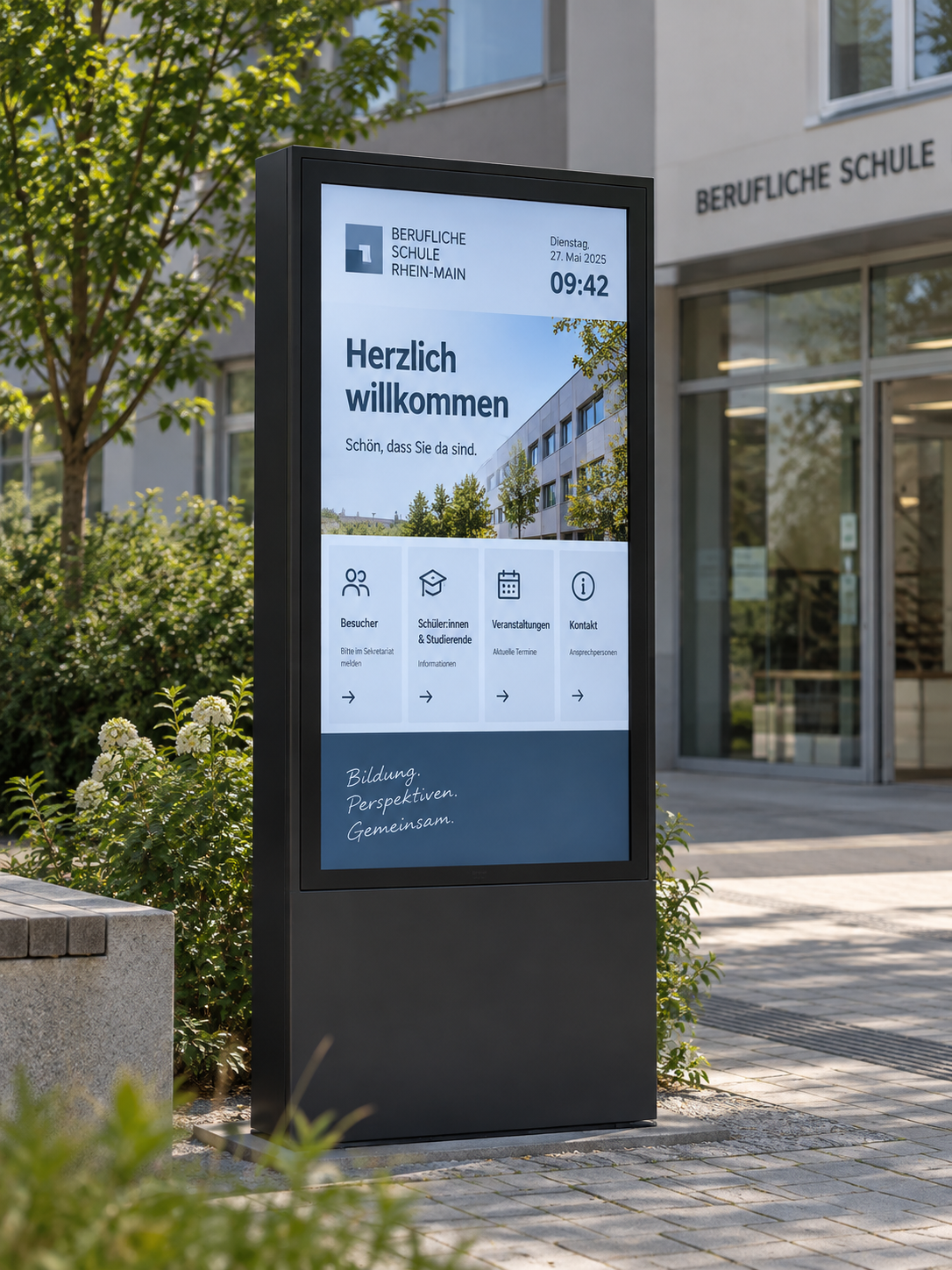
Digital room booking and orientation for everyday school life
With connectSignage, a secondary school uses a central Digital Signage solution for visitor information and digital room booking. Welcome screens in the entrance area and digital room schedules provide clear orientation, up-to-date information and more efficient management of specialist and meeting rooms.
%20(1).png)
Digital visitor information at the IHK Niederbayern
With connectSignage, the IHK Lower Bavaria uses a centralized digital signage solution for visitor information, event schedules, and digital wayfinding at its Passau location. Welcome screens and information displays clearly show current appointments, seminars, exams, and room details in the entrance area, helping visitors navigate the building.
This industry often relies on the following solutions
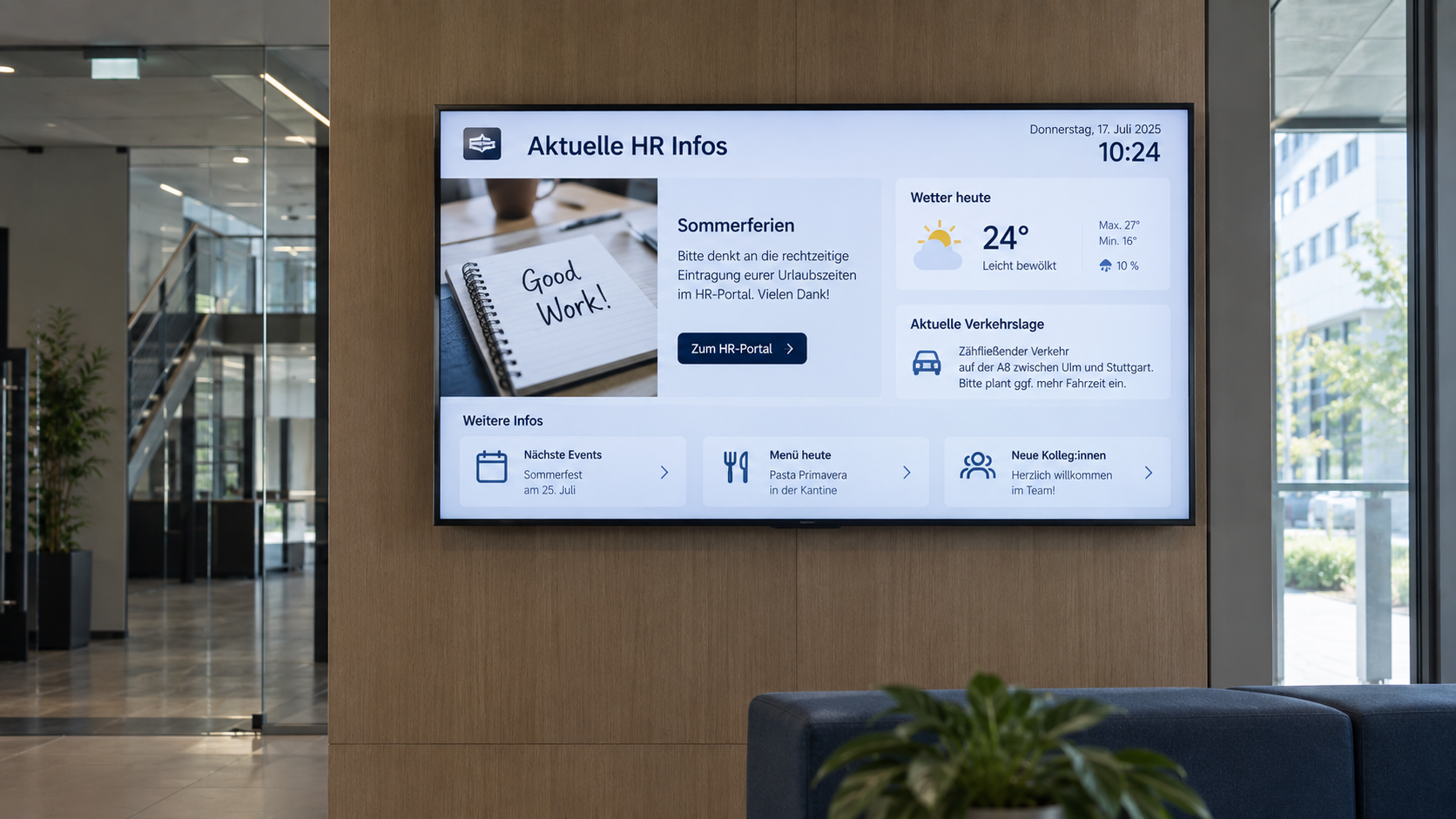
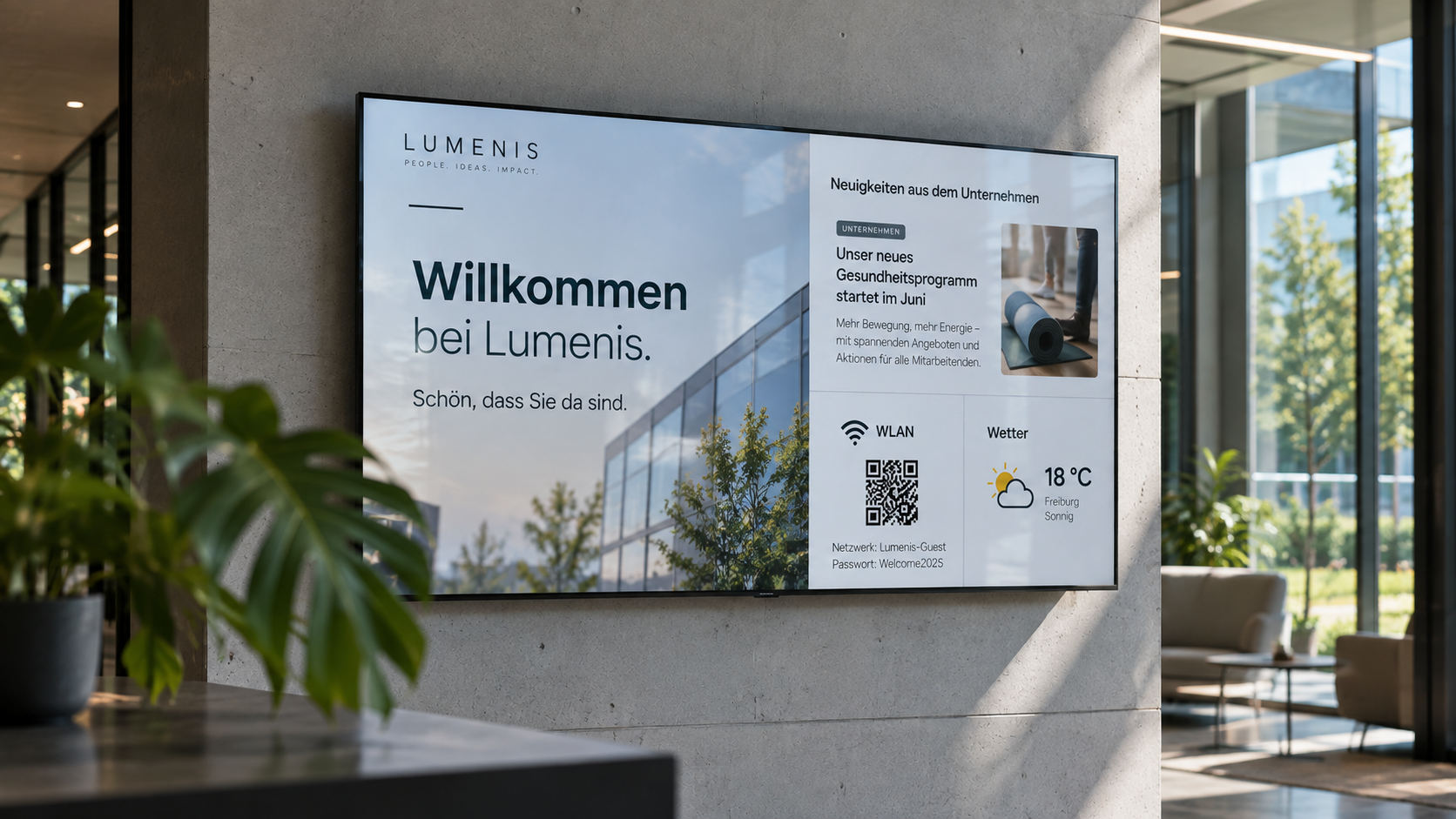
Digital bulletin board
Internal communication that hits the mark: Make news, notices, and important information visible directly on digital displays – centrally managed and always up to date.
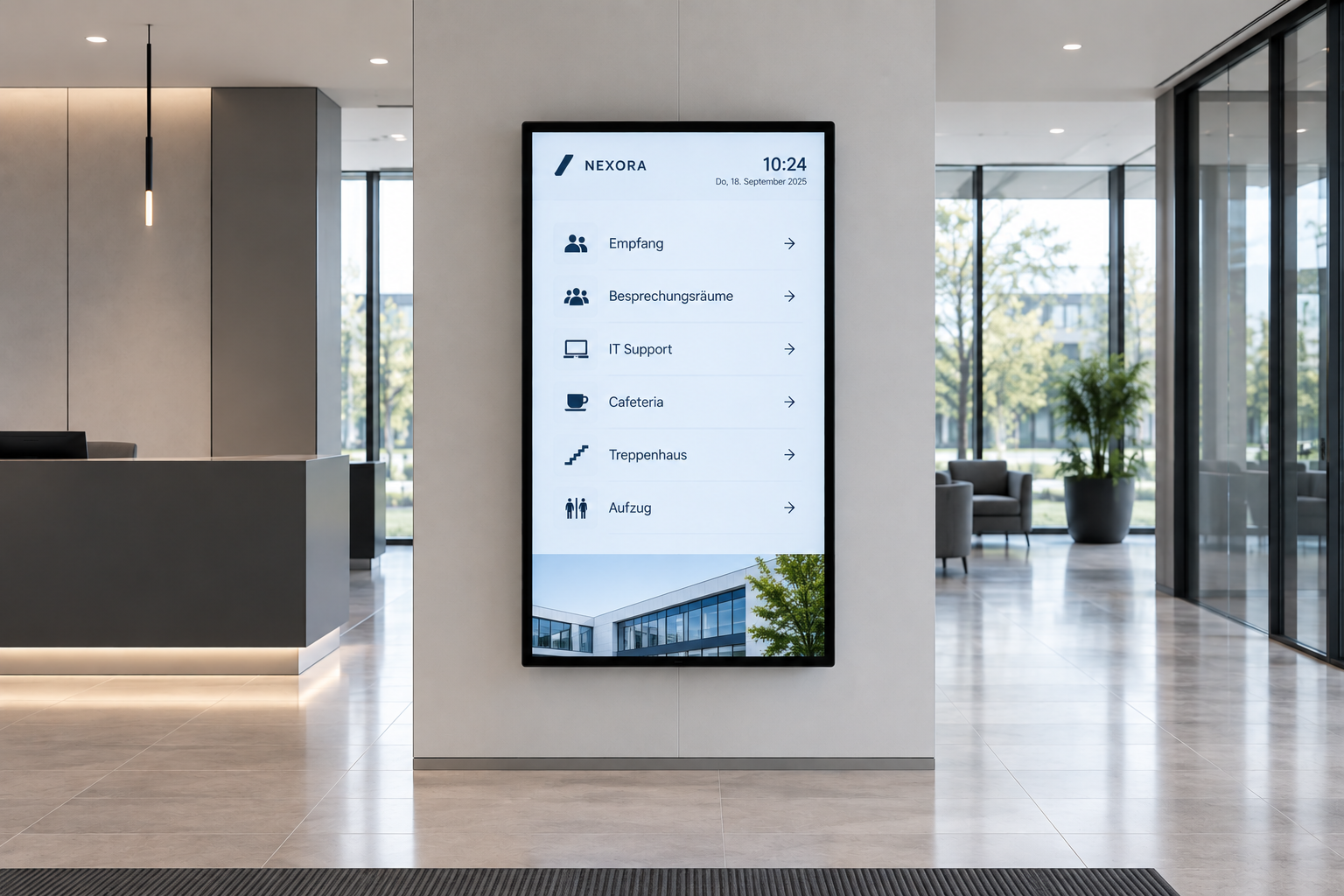
Digital wayfinding
Wayfinding that simply works: Digital wayfinding systems guide visitors, customers, and employees safely to their destinations—flexibly, centrally managed, and always up to date.
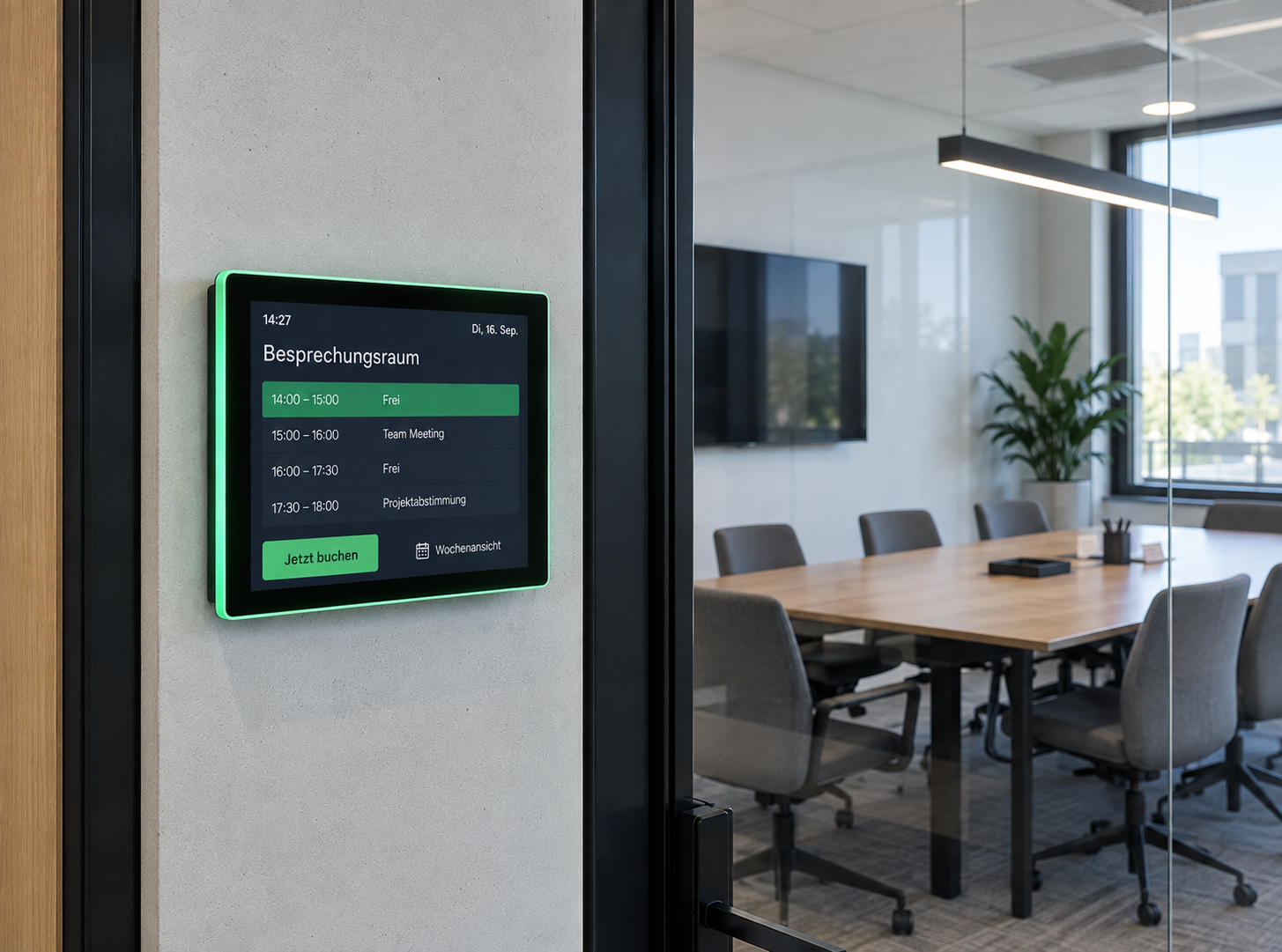
Room booking
Available rooms at a glance: Digital room booking makes availability visible right at the room – flexibly bookable, automatically synchronized, and always up to date.
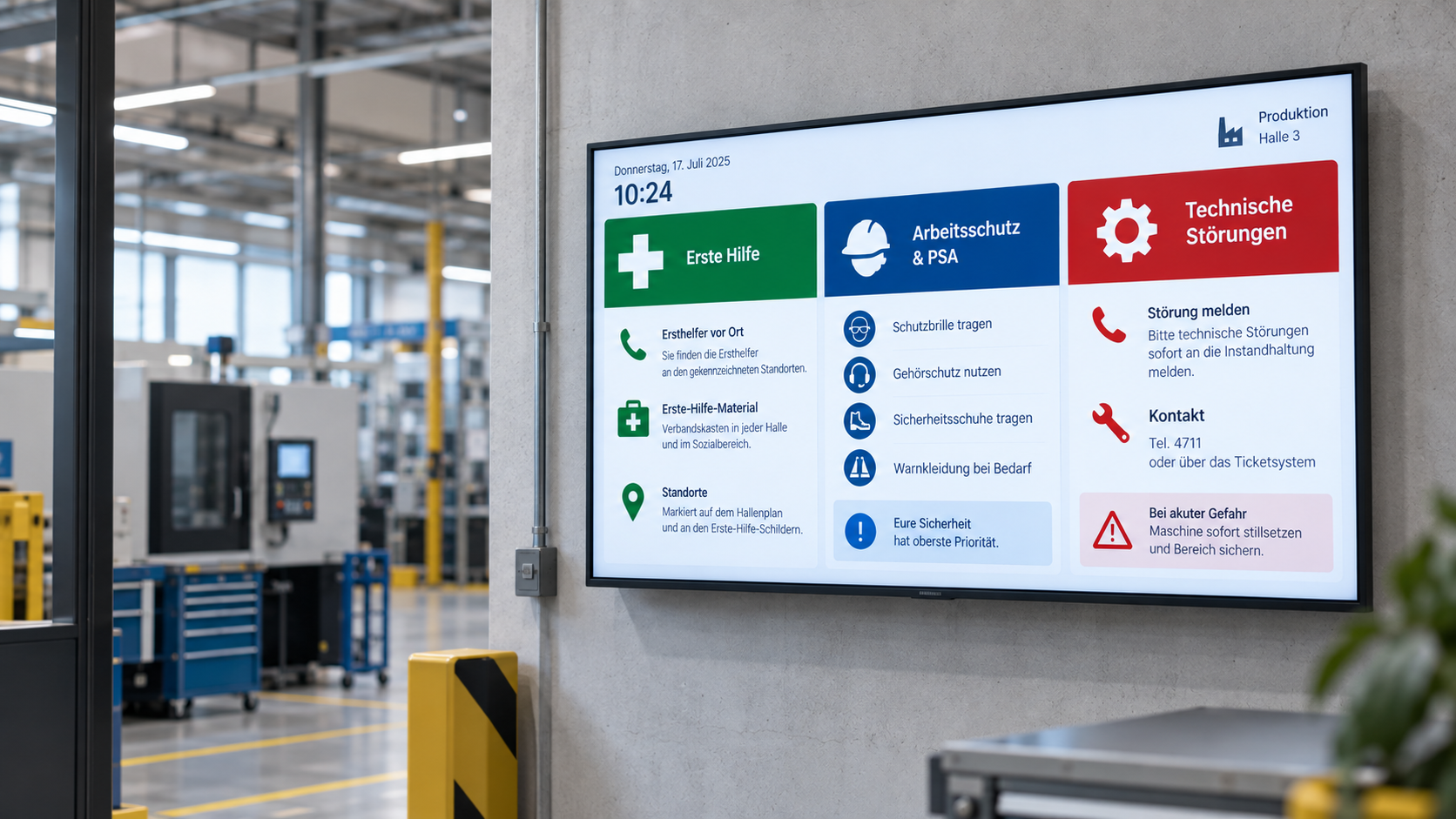
Emergency & safety communication
When every second counts: Make warnings, evacuation information, and safety alerts visible instantly—centrally managed, targeted, and easy to understand.
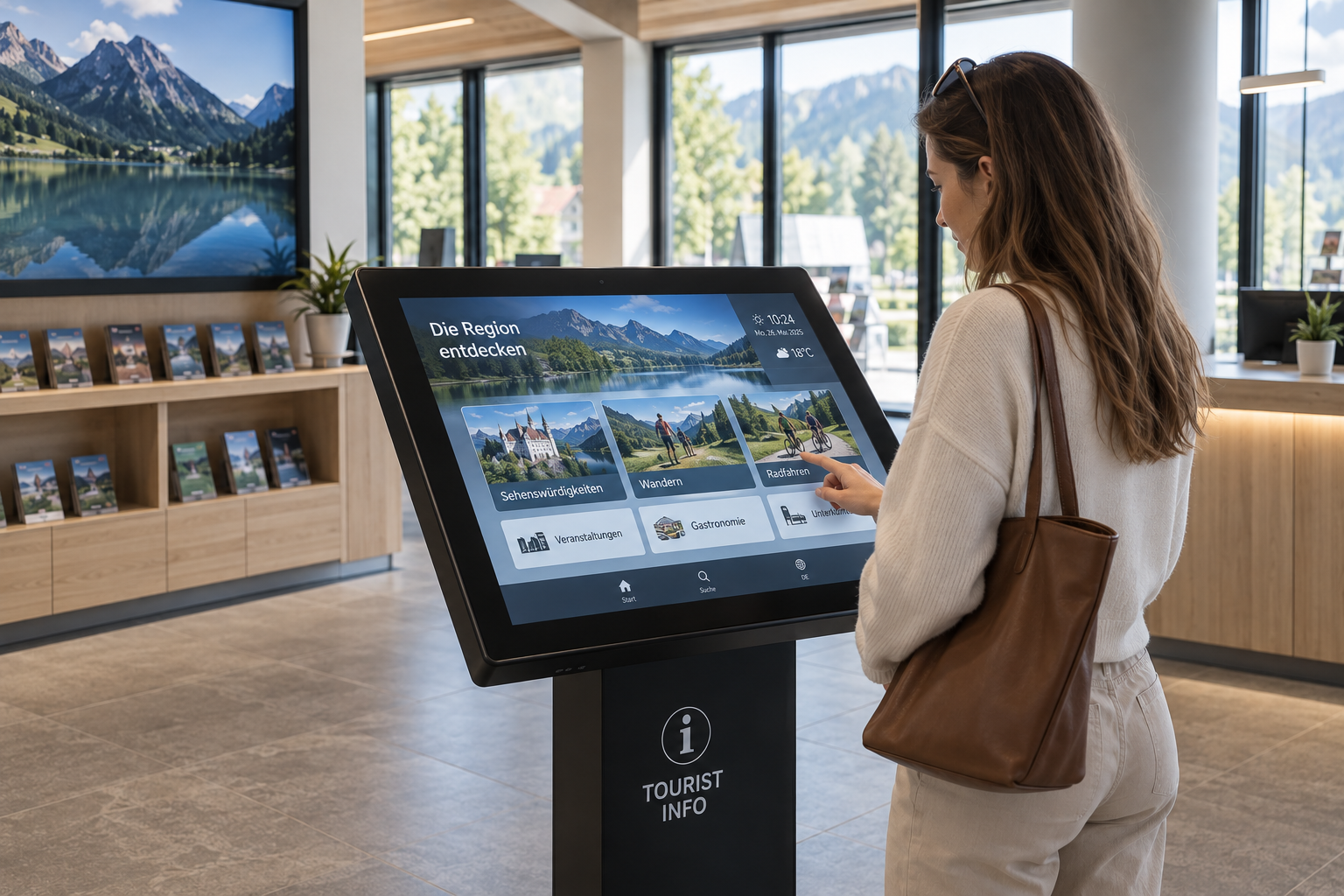
Information display
Information at a Glance: Display key metrics, process data, deadlines, and the latest information on digital displays—automatically updated and centrally provided.
That's what our customers say
“The advantage is that we can now display information even faster and more reliably.

“We successfully operate connectSignage at more than 1,000 locations and continue to develop projects together in close, partnership-based cooperation. ”
"With connectSignage, we have taken another step forward in digitizing our processes."
“With connectSignage, we're making our modern brand image more visible.”
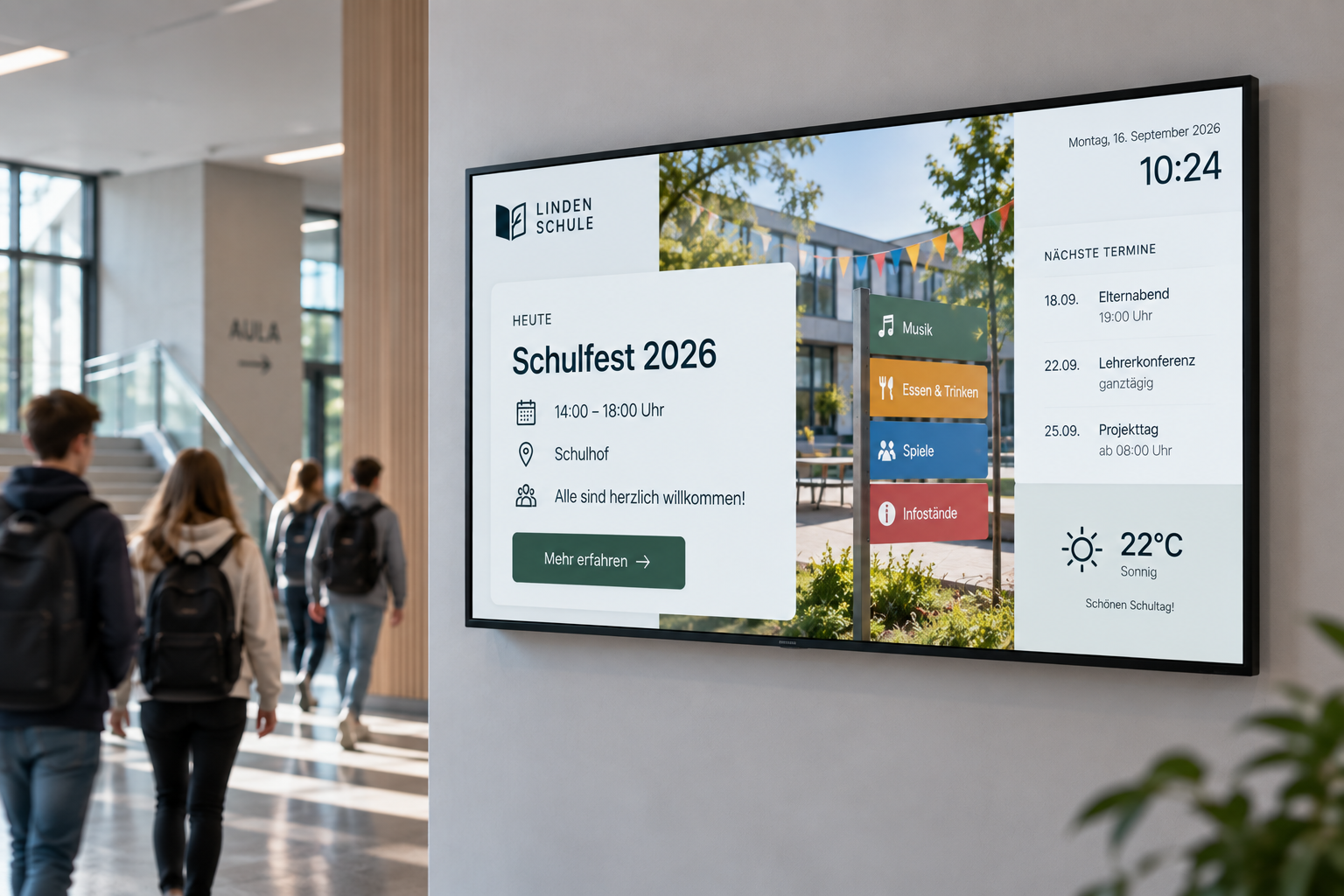
Digital Solutions for Everyday School and Campus Life
Examples of the use of digital displays in schools, universities, and educational institutions.
Take your in-store communication to the next level
Simplify the maintenance of your branch displays, strengthen your brand and increase your sales figures — with connectSignage.
.avif)
Common questions
Answers to common questions about digital signage in education.
Implementation is carried out in collaboration with our system integrators. Depending on the project, we provide support with selecting hardware and locations, connecting existing systems and interfaces, as well as with installation, commissioning, and training. For ongoing operations, our Customer Success Management team is also available to assist.
We guarantee the highest security standards with encryption, two-factor authentication and GDPR-compliant processes.
connectSignage offers over 500 integrations and interfaces. These include Microsoft SharePoint, Teams, Power BI, OneDrive, ERP and inventory management systems, databases, calendars, and APIs, among others. Additionally, custom integrations can be implemented for existing IT systems and workflows.
Flexible pricing models depending on company size and requirements. Individual advice included.
We offer a free 30-day trial period with full functionality and a personal introduction.
We support a wide range of SoC and player operating platforms. Samsung, LG, Sony, Philips, iiyama, Sharp, ProDVX, BrightSign, Windows, Android, Chrome OS, Chrome OS flex, Microsoft Teams Rooms, Barco.
Any more questions?
Our team is happy to help.