Digital wayfinding
Wayfinding that simply works: Digital wayfinding systems guide visitors, customers, and employees safely to their destinations—flexibly, centrally managed, and always up to date.
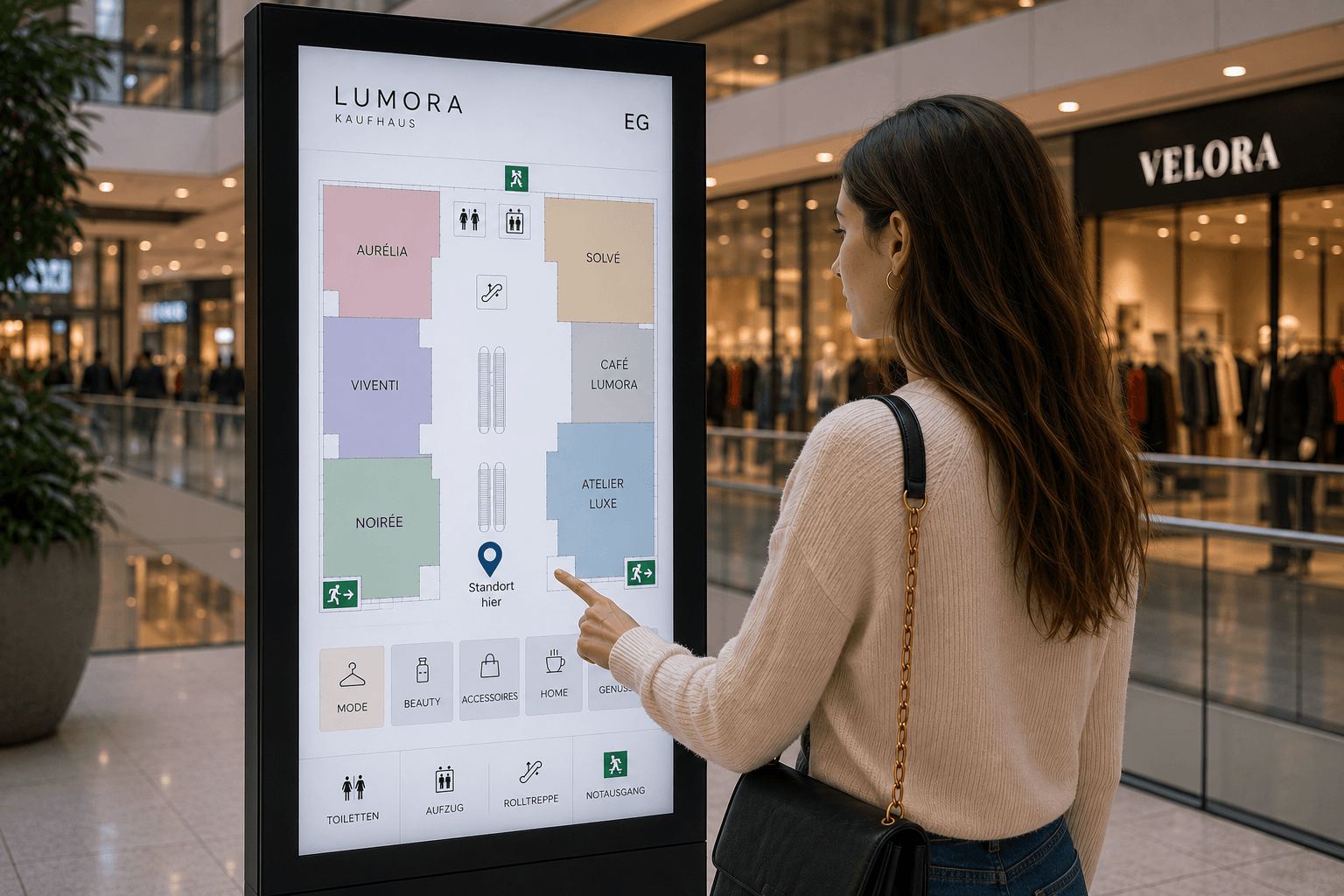
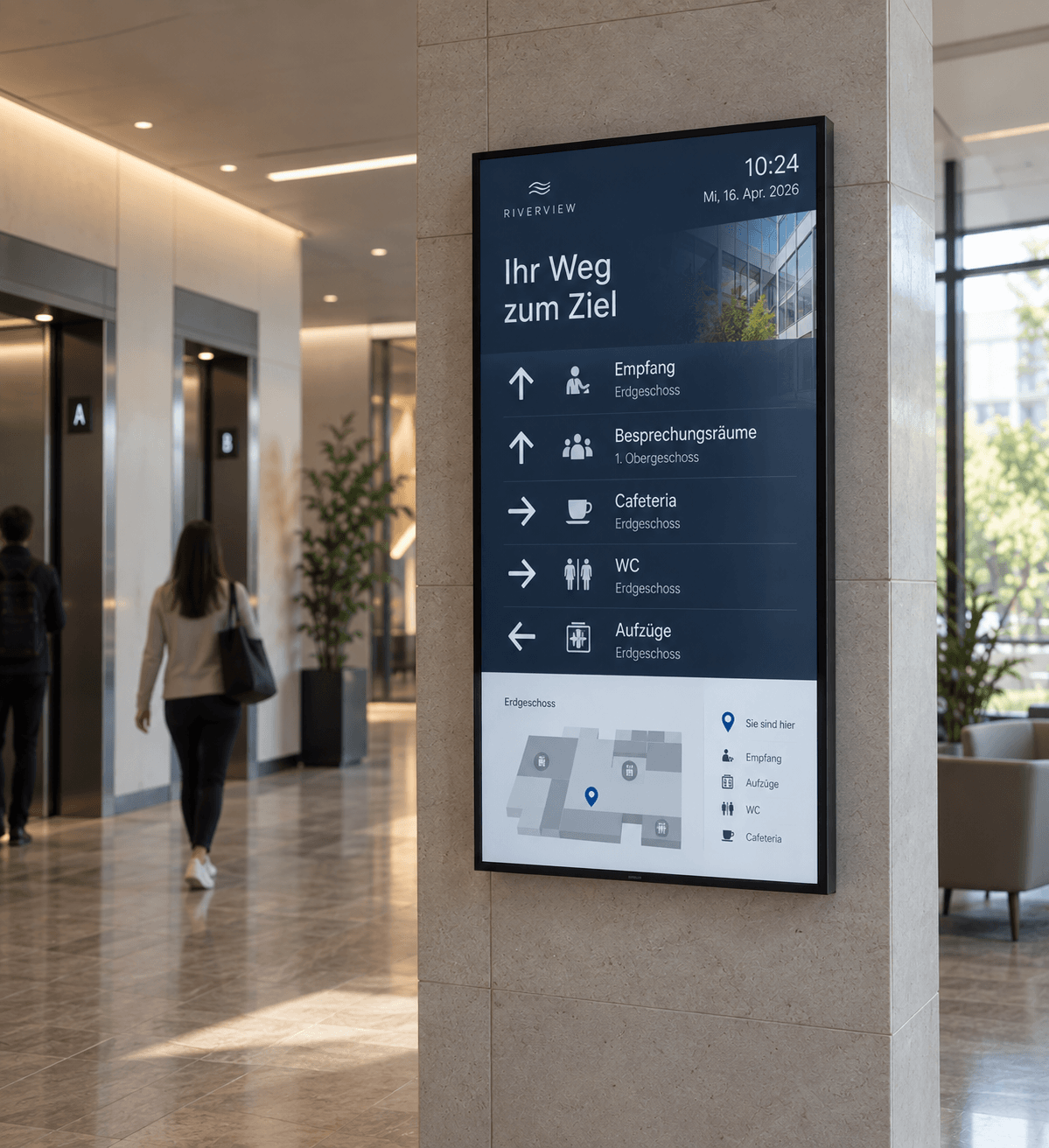
What is digital wayfinding and how does it work?
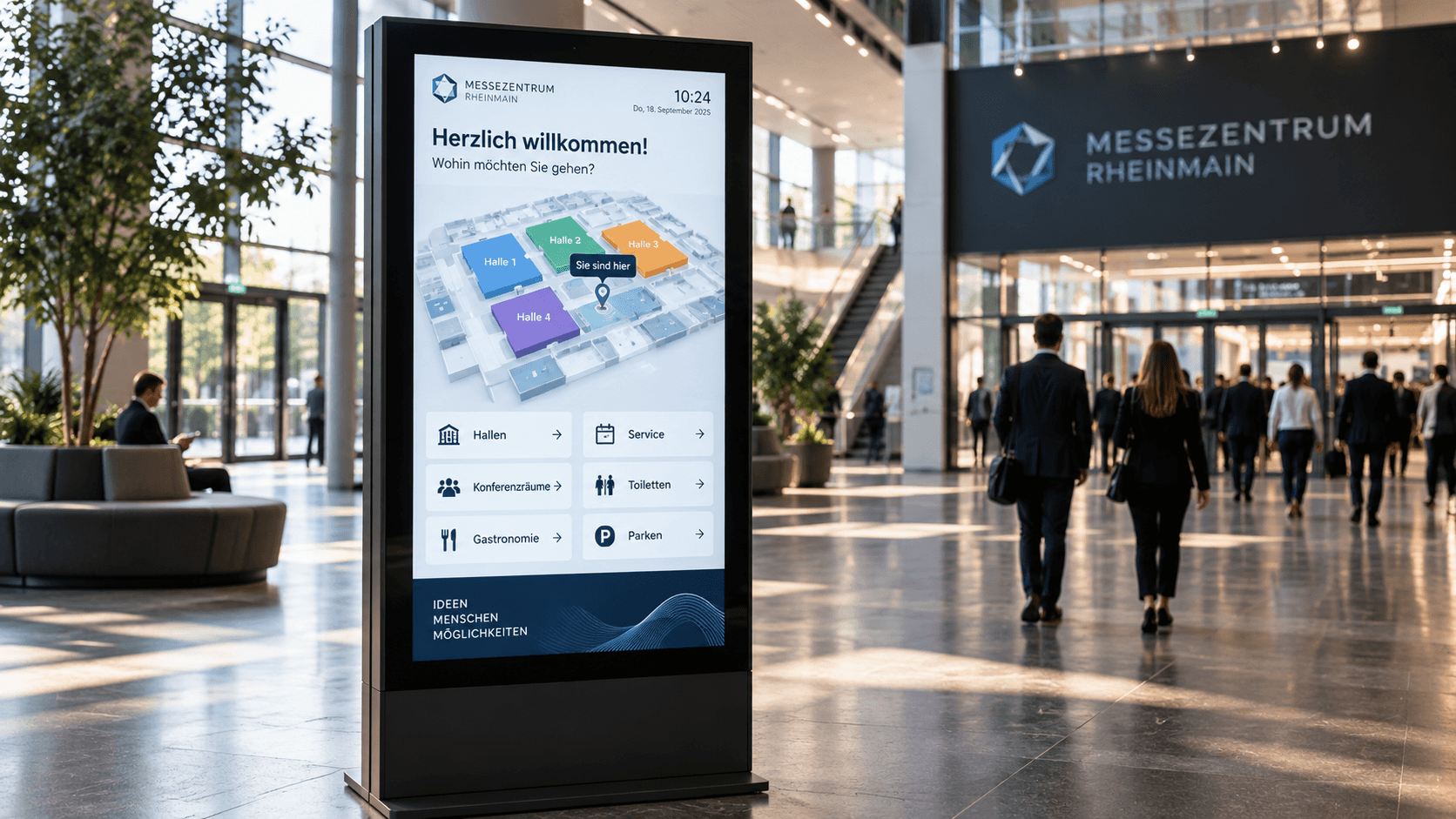
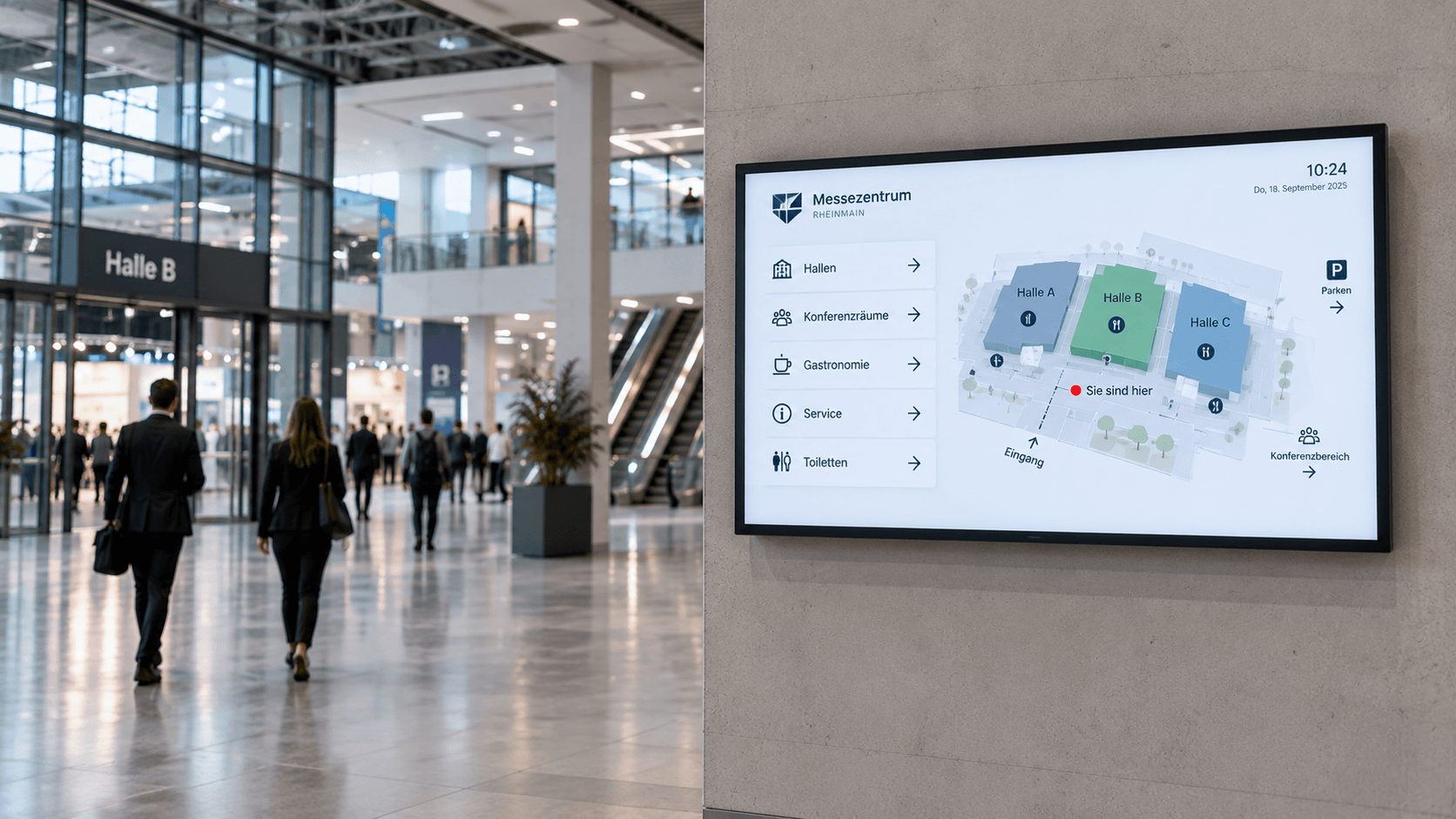
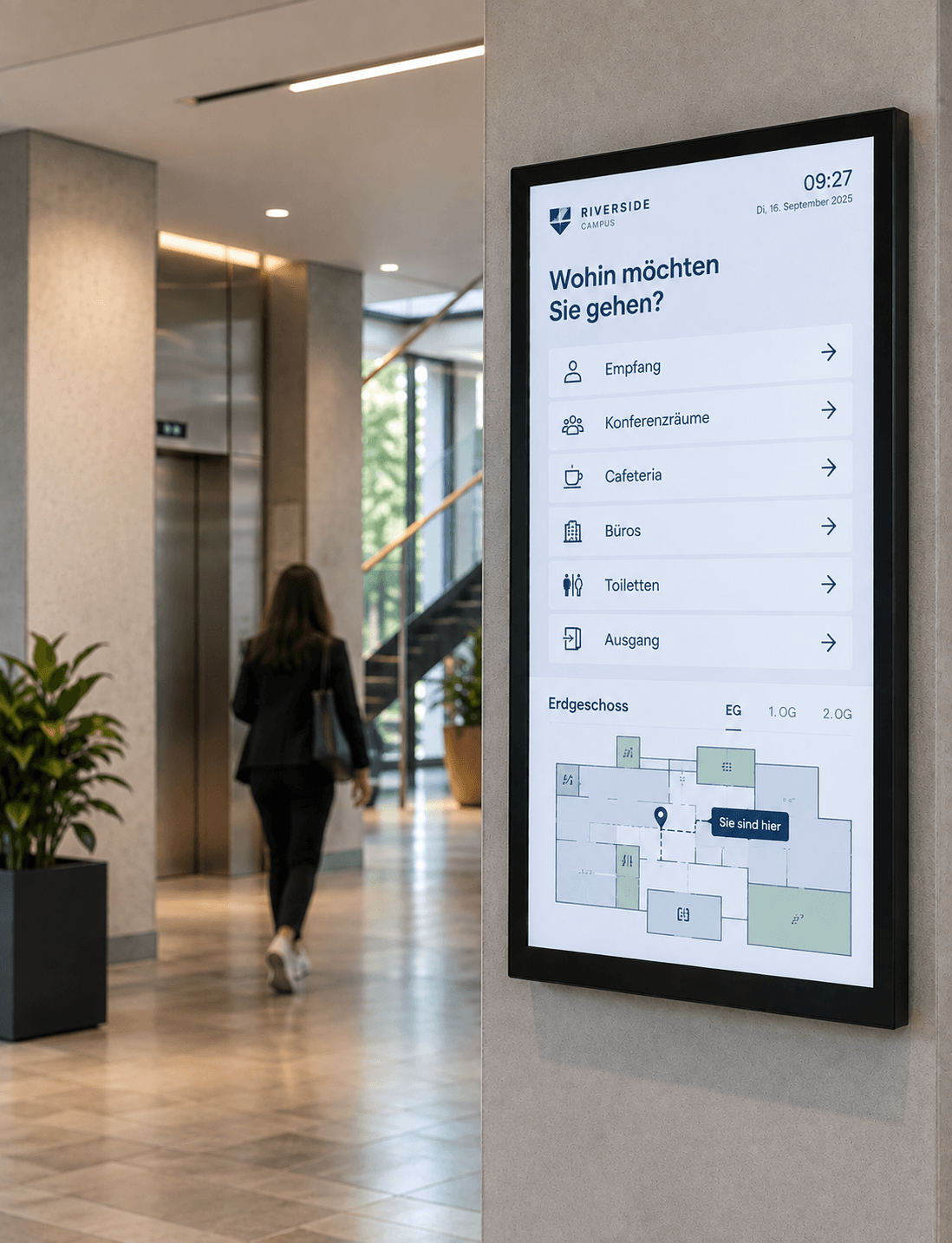
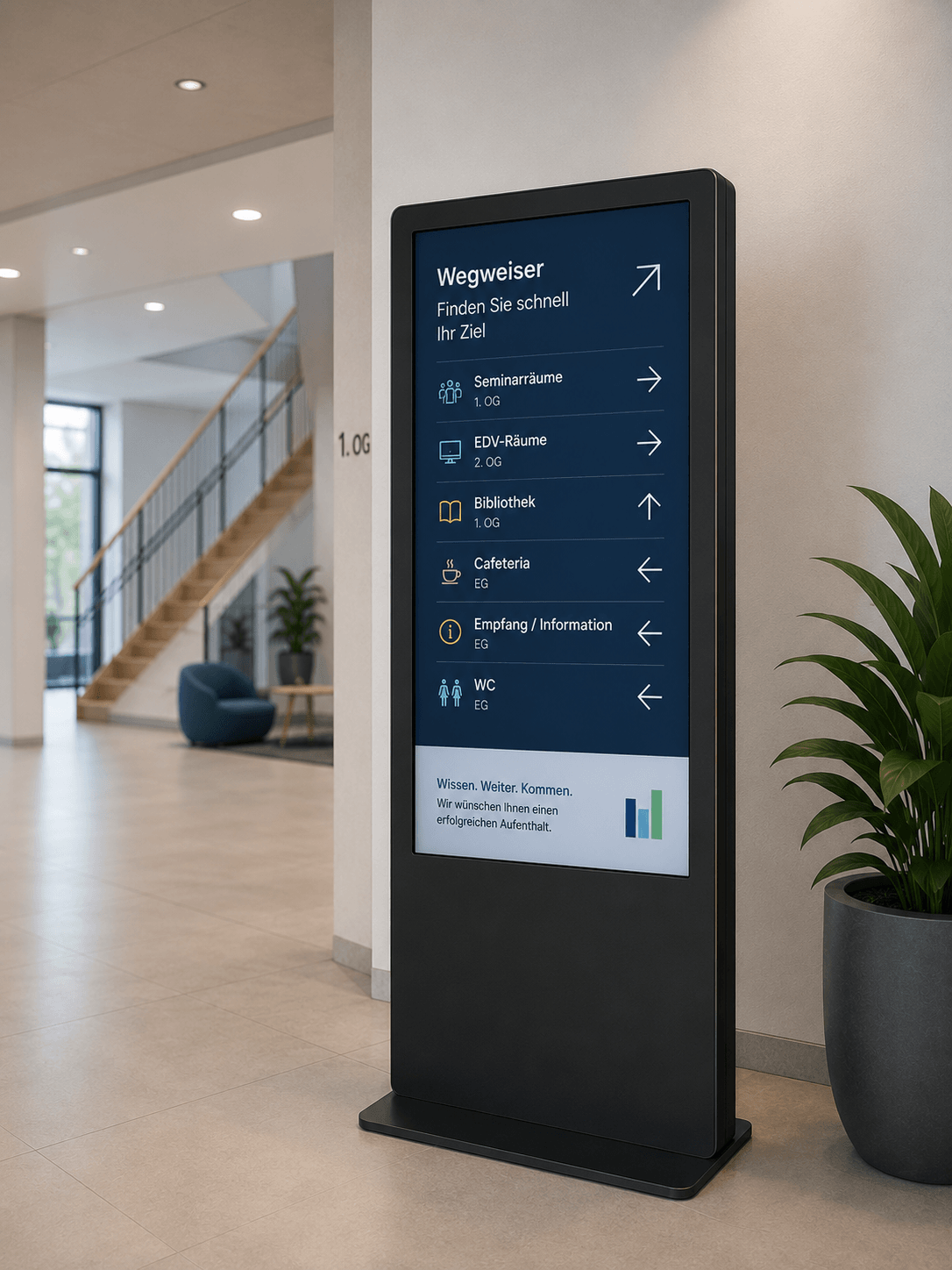
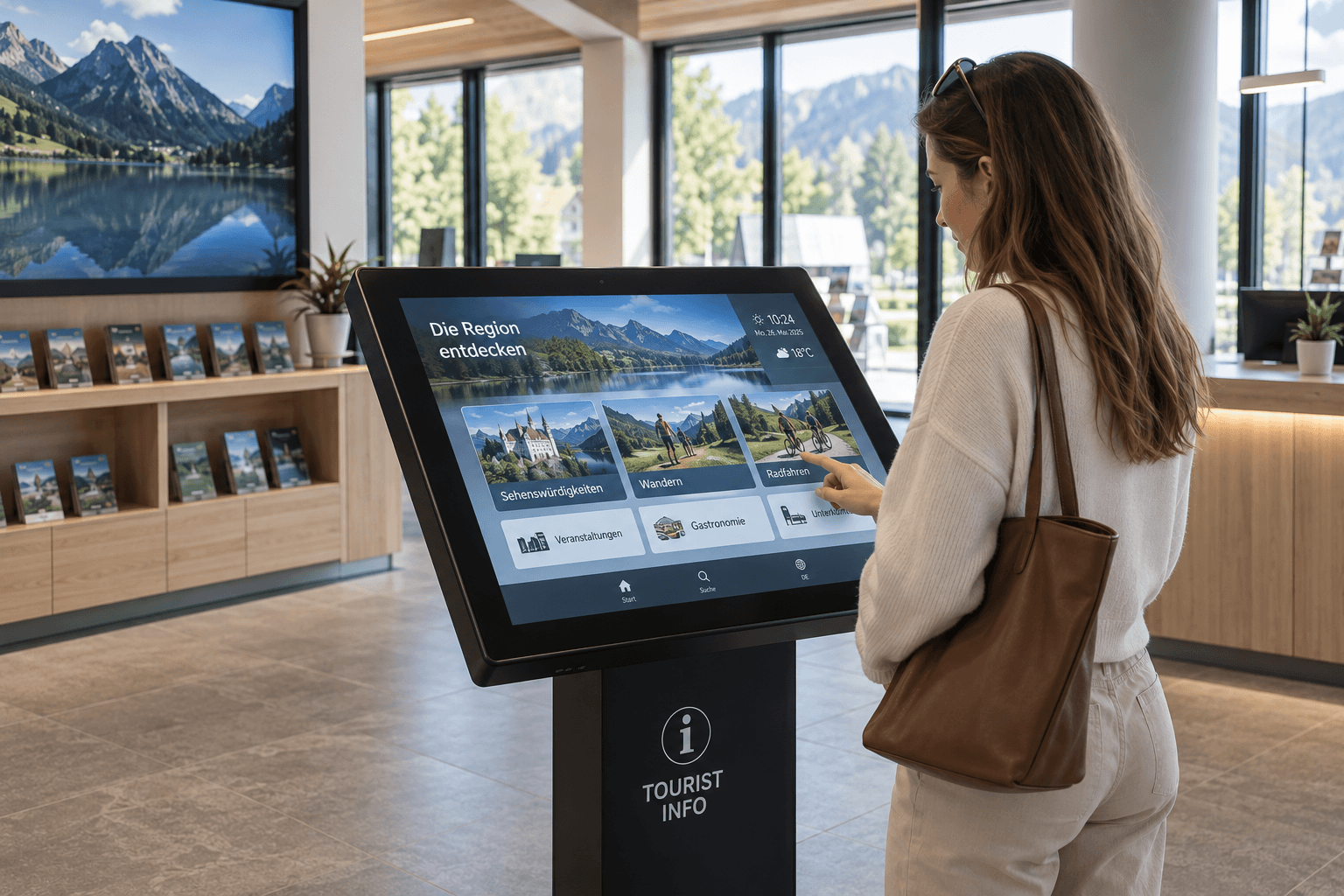
Digital wayfinding uses displays, digital directories, door signs, or touch kiosks to guide visitors, customers, guests, and employees safely to their destination within buildings and across sites. Directional arrows, room availability, floor plans, and event information can be displayed dynamically and updated centrally.
In large or flexibly used buildings, traditional signage quickly reaches its limits. Rooms are rebooked at short notice, events change locations, or building layouts evolve. Digital wayfinding allows you to respond flexibly to such changes and provide up-to-date information exactly where orientation is needed.
With connectSignage, digital wayfinding systems can be controlled centrally and linked to room bookings, calendar data, or other information. This creates a seamless digital visitor experience from the entrance to the desired room.
Where is digital wayfinding used?
Digital wayfinding is used wherever visitors, guests, or employees need to find rooms, departments, or other destinations quickly.
Typical locations include:
- Reception areas and lobbies
- Corporate headquarters and office buildings
- Hallways and elevator areas
- Conference and meeting areas
- Hospitals and healthcare facilities
- Government offices and administrative buildings
- Schools, universities, and campus grounds
- Hotels and conference centers
- Exhibition and event spaces
- Shopping centers and showrooms
Depending on the location, central directories, digital door signs, or interactive touch kiosks can be used. This allows visitor guidance to be tailored to the specific requirements of each building.
What information can digital signs display?
Digital wayfinding allows you to centrally provide various information for orientation and visitor guidance.
Typical content includes:
- Directional arrows and route descriptions
- Room occupancy
- Floor and building plans
- Event schedules
- Room and conference information
- Departments and contact persons
- Entrances and elevators
- Visitor and safety instructions
- QR codes for digital maps
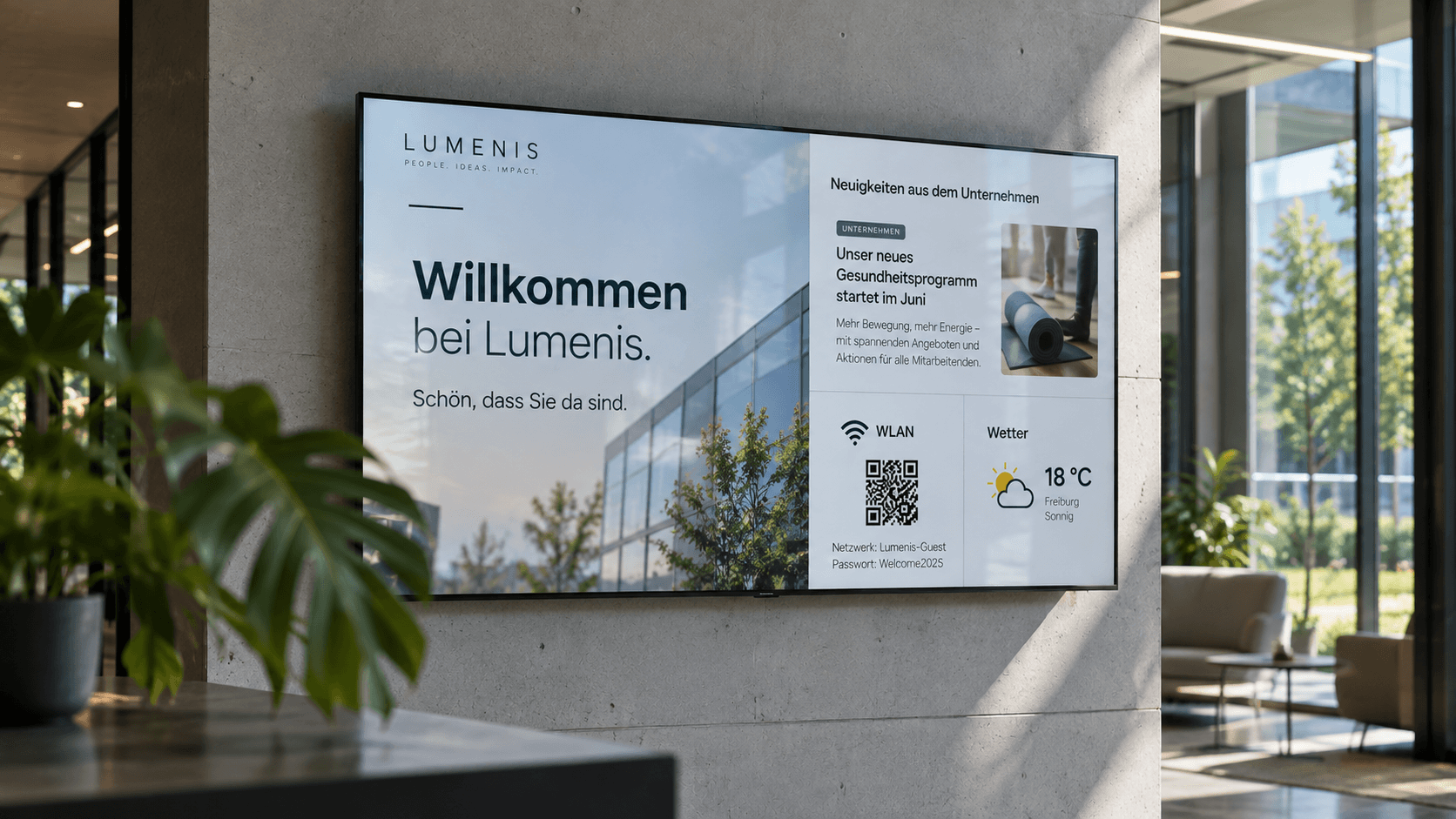
- Welcome screens
- Weather information
- Public transport departure times
Through interfaces with Outlook, Exchange, Google Workspace, or other calendar sources, current room occupancy can be synchronized automatically, for example. Touch kiosks also allow for interactive searches for rooms, people, departments, or events.
What are the benefits of digital wayfinding?
Digital wayfinding makes orientation more flexible, up-to-date, and easier to manage. Visitors reach their destination faster, while inquiries at the reception desk can be reduced. Changes to rooms, events, or routes can be made centrally without having to replace signs or notices.
Dynamic directional arrows can also be adjusted based on the time of day, event, or room occupancy. Digital door signs also show directly in front of a room whether it is free, occupied, or reserved.
With connectSignage, overview boards, digital door signs, touch kiosks, and welcome screens can be managed and combined via a single digital signage platform. This creates a seamless digital wayfinding system for the entire building or site.
Which industries is digital wayfinding suitable for?
Digital wayfinding is particularly well-suited for companies and organizations with large buildings, changing room assignments, or regular visitor traffic.
It is especially relevant for:
- Industry and manufacturing
- Service providers
- Government agencies and public institutions
- Healthcare
- Schools and universities
- Hotels and hospitality
- Banks and insurance companies
- Event and exhibition centers
- Office and administrative buildings
- Shopping centers
The greatest benefit is found wherever rooms, schedules, or routes change frequently. Digital wayfinding ensures that visitors and employees receive up-to-date orientation information exactly where they need it.
Clear orientation at a glance
Guide visitors effectively, present paths clearly, and update information flexibly.

HTML 5 editor
Intuitive, PowerPoint-like designer for content creation.

Scheduling
Content can be easily planned and played automatically at specified times.
Outlook / Exchange & iCal
Integration of calendar and booking systems to display and manage appointments directly on the display.

External connections
Integration and active control of external systems to expand functionality.

Touch
Create interactive touch applications with multiple levels and intuitive user guidance.

Player Administration
Central management of players with on/off times, live view, screencast, alarm profiles, and preview.
Real-world success stories
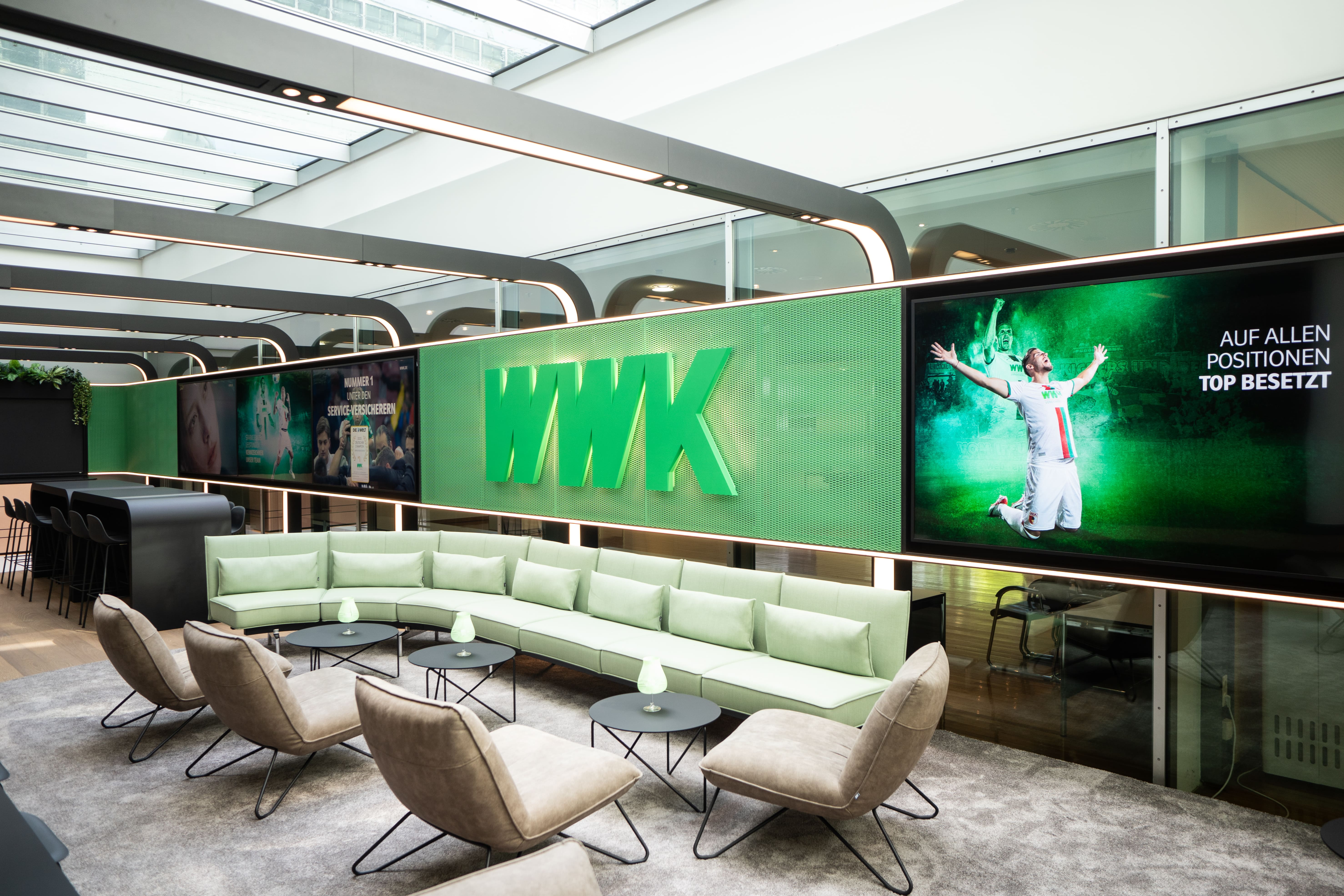
WWK creates multifunctional space for exchange and communication
At the Munich headquarters of the WWK Insurance Group, connectSignage ensures dynamic and efficient communication of information.
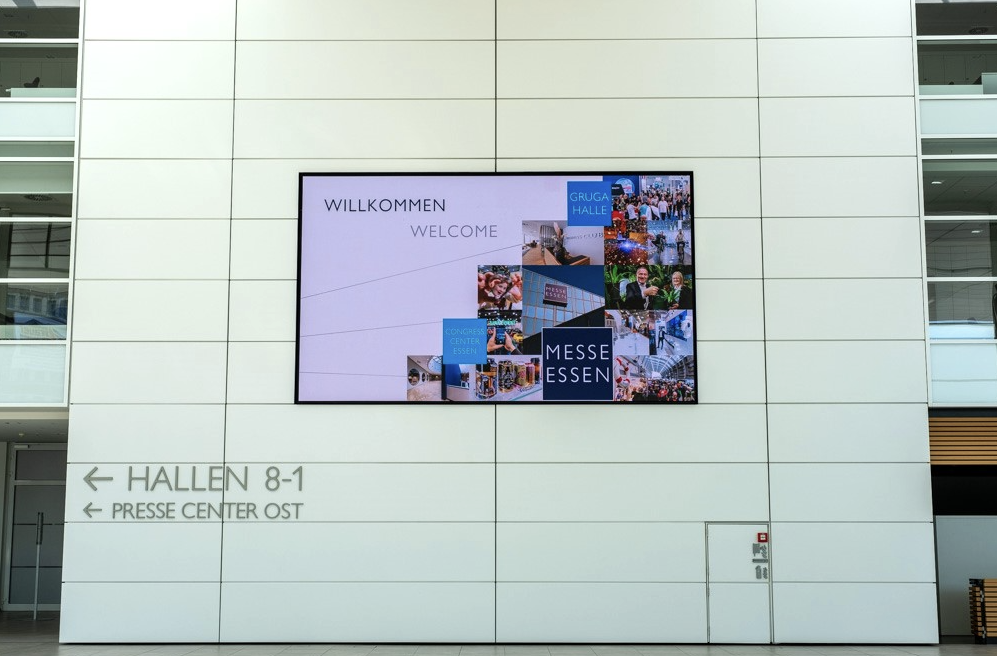
Efficient visitor communication at Messe Essen
Welcome screens, digital wayfinding, and room booking provide orientation, information, and a modern visitor experience.
%20(1).png)
Digital visitor information at the IHK Niederbayern
With connectSignage, the IHK Lower Bavaria uses a centralized digital signage solution for visitor information, event schedules, and digital wayfinding at its Passau location. Welcome screens and information displays clearly show current appointments, seminars, exams, and room details in the entrance area, helping visitors navigate the building.
More digital signage solutions
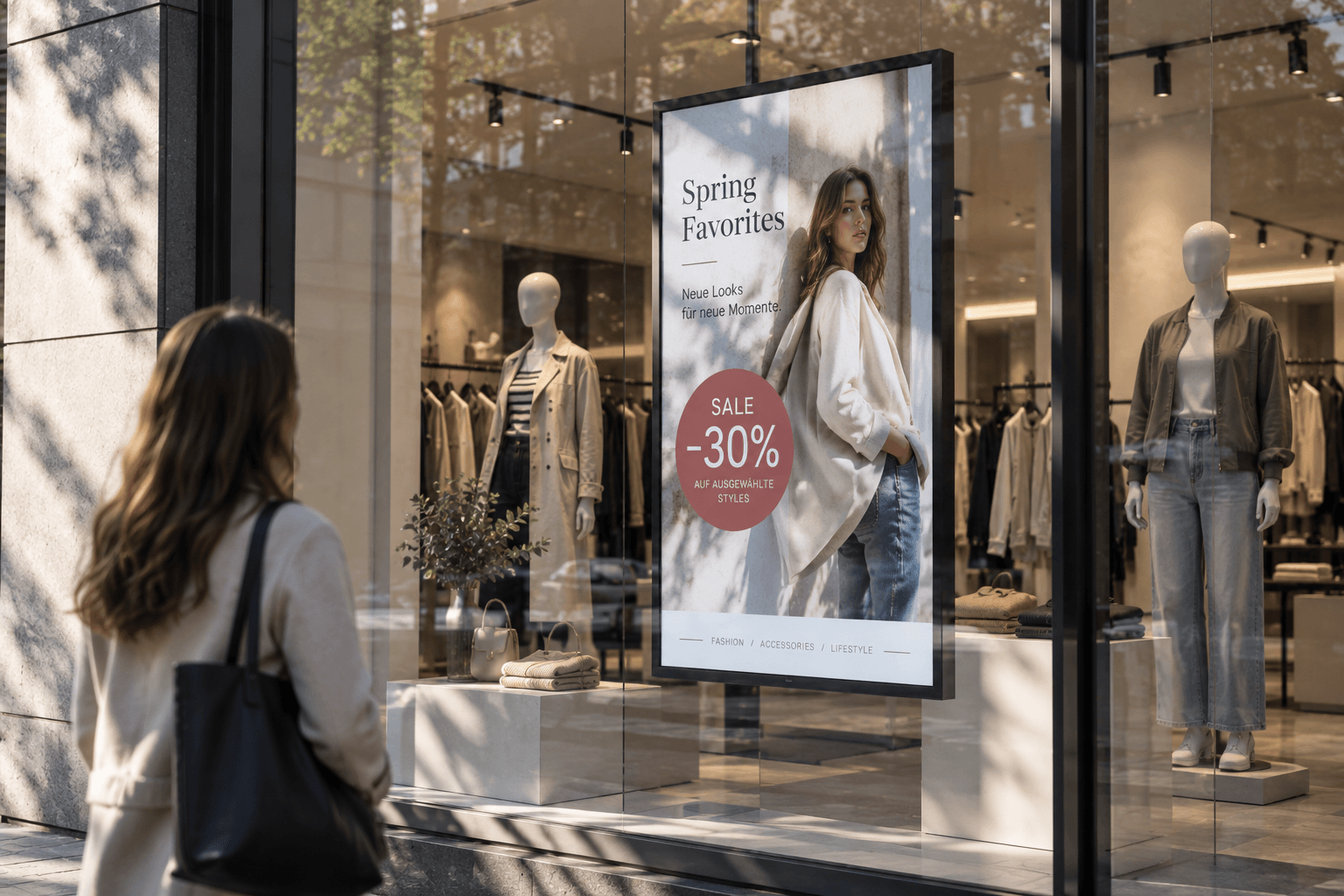
Advertising display
Advertising displays showcase campaigns, offers, and brand messages on digital screens in an eye-catching way. Content can be scheduled flexibly and managed centrally.
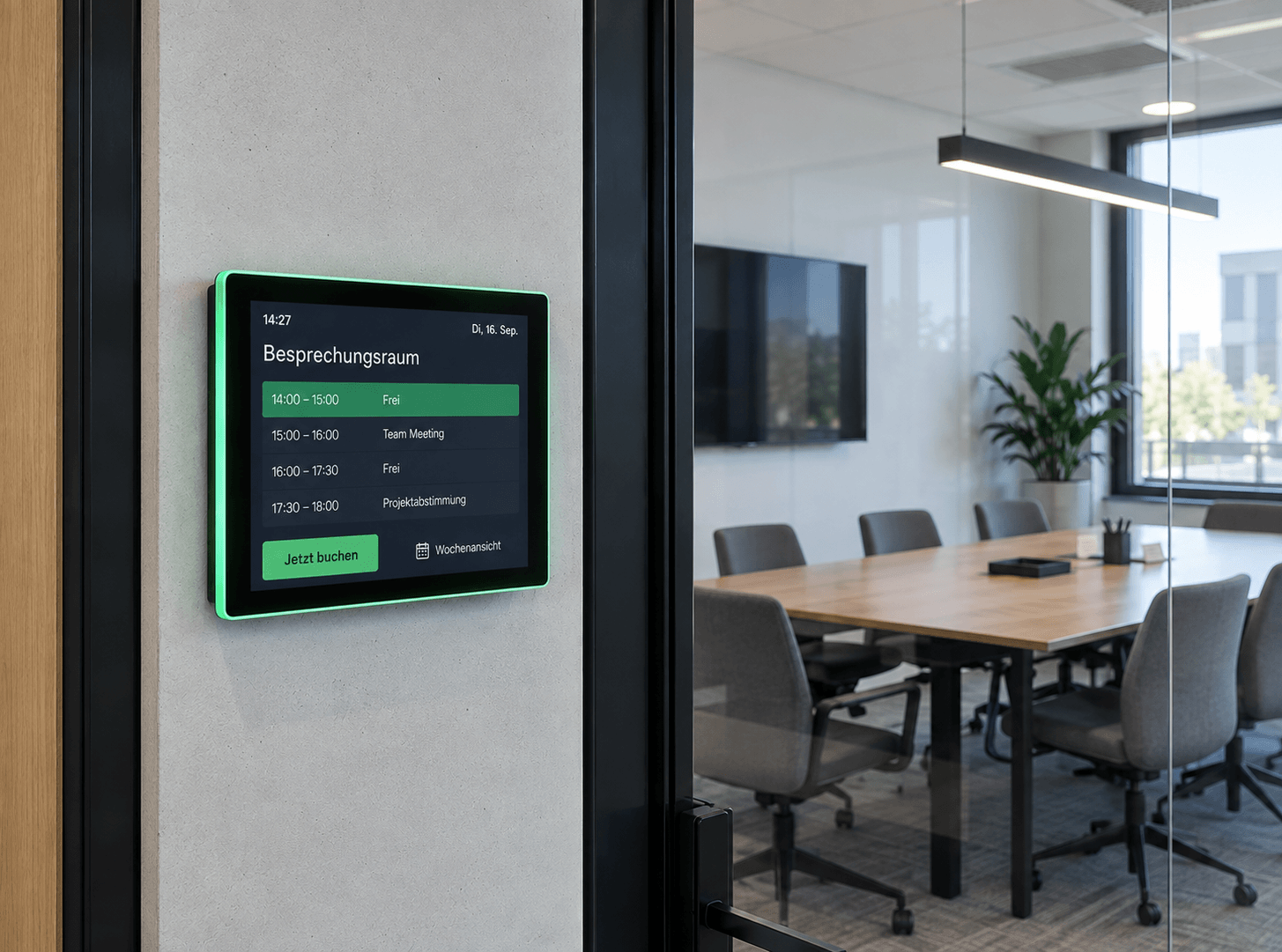
Room booking
Available rooms at a glance: Digital room booking makes availability visible right at the room – flexibly bookable, automatically synchronized, and always up to date.
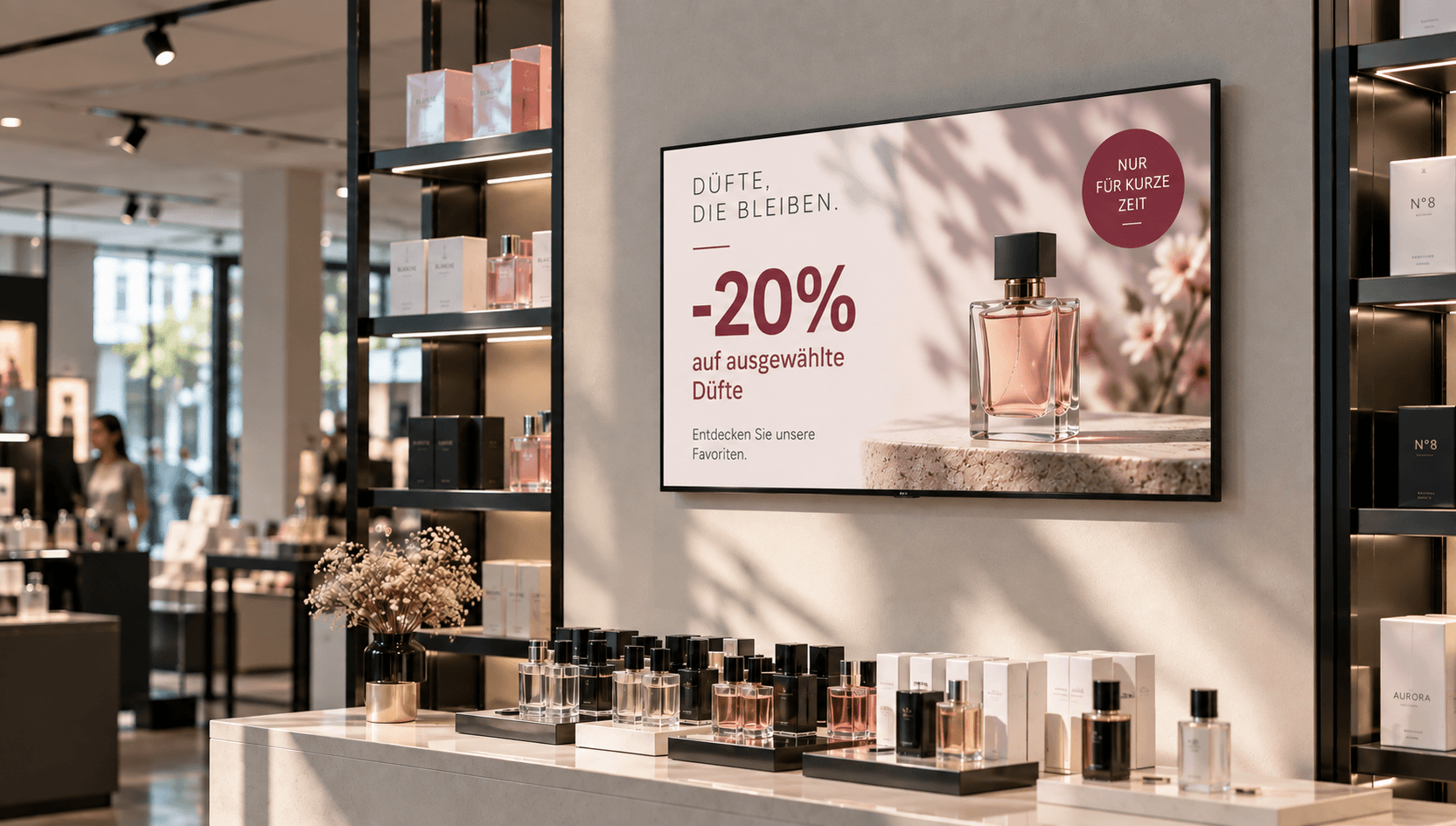
Price & promotional displays
Make offers visible at the right moment: present prices, discounts, and promotions directly at the point of sale—centrally managed, scheduled, and deployed with location-specific precision.
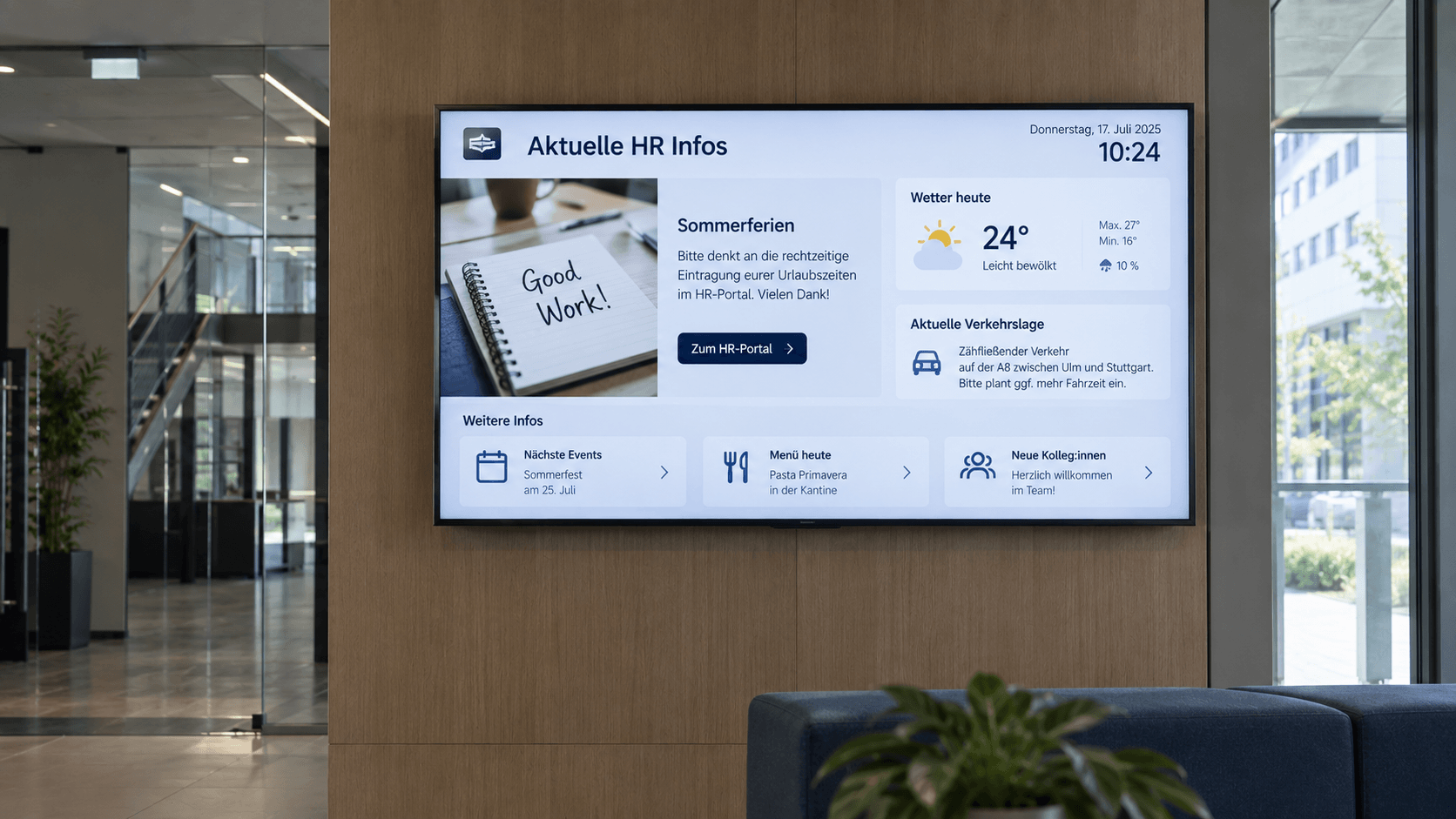
Digital bulletin board
Internal communication that hits the mark: Make news, notices, and important information visible directly on digital displays – centrally managed and always up to date.
Information display
Information at a Glance: Display key metrics, process data, deadlines, and the latest information on digital displays—automatically updated and centrally provided.
.png)
Emergency & safety communication
When every second counts: Make warnings, evacuation information, and safety alerts visible instantly—centrally managed, targeted, and easy to understand.
Meeting room display
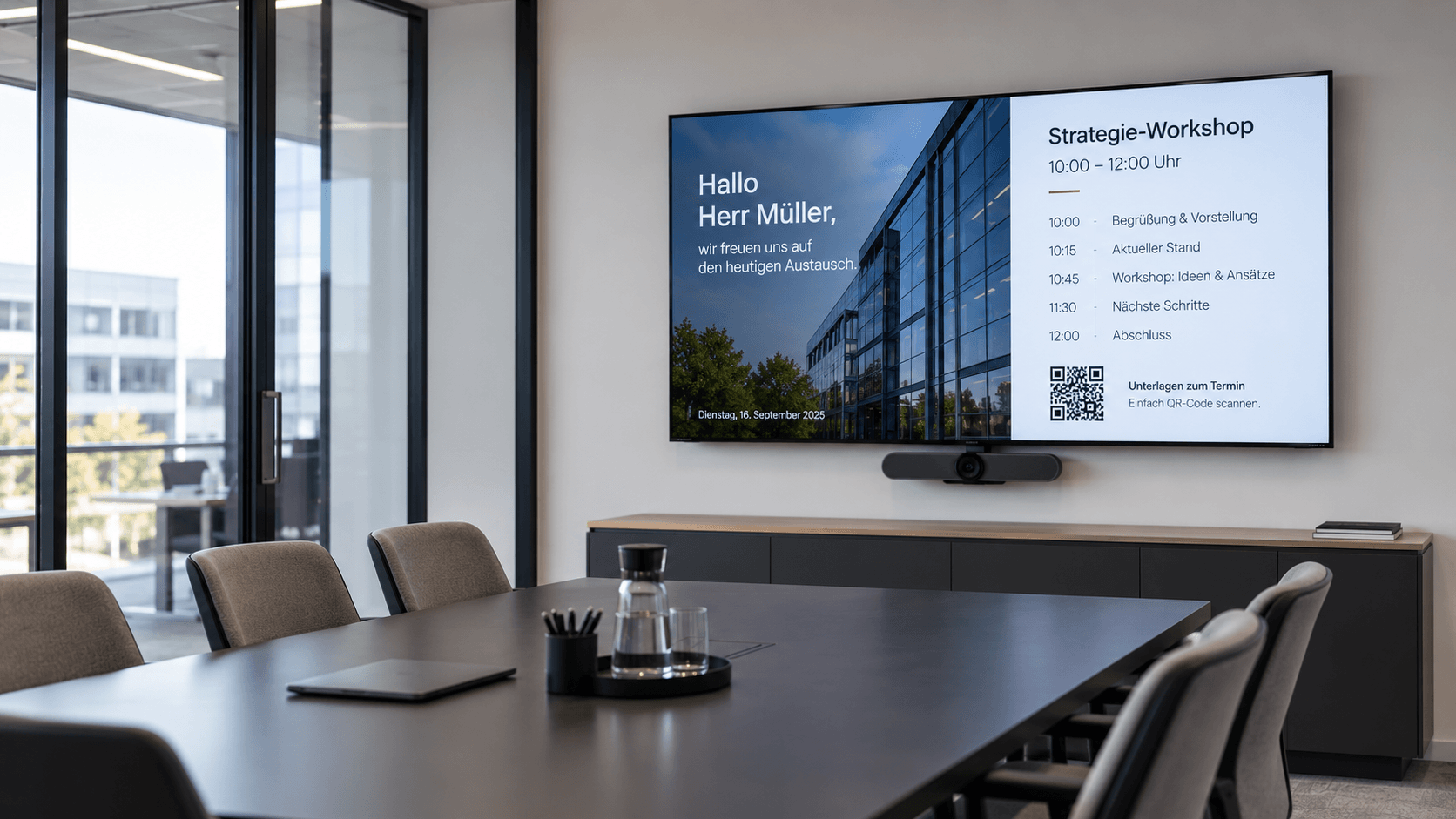
Professional meeting management: Display agendas, room status, and relevant information directly in the meeting room—centrally managed and always up to date.
Frequently asked questions
Answers to common questions about digital wayfinding, orientation, and navigation via displays.
Digital wayfinding uses displays to guide visitors, customers, or employees through buildings and across premises. Information such as site maps, floor plans, rooms, areas, or specific directions can be displayed. With connectSignage, this information can be managed centrally and broadcast to various displays.
Digital wayfinding allows you to centrally manage signs, floor plans, and other orientation information and display them on screens at key locations. With connectSignage, content can be tailored to specific locations or displays and updated centrally whenever changes are needed.
Digital wayfinding is suitable for companies, government agencies, hospitals, educational institutions, hotels, event venues, and large production facilities, among others. It is particularly helpful wherever visitors or employees need to be guided quickly to specific rooms, departments, or areas.
Yes. Digital displays can show floor plans, floor directories, room names, and wayfinding directions. With connectSignage, this content can be updated centrally and assigned to specific displays or locations.
Yes. Digital wayfinding can be implemented interactively via touchscreens. For example, users can select a destination and then have relevant information, floor plans, or directions displayed.
Yes. Especially for larger buildings, campus structures, or companies with multiple locations, centrally managed digital wayfinding makes navigation much easier. Content can be maintained centrally while still being displayed according to specific locations.
Any Questions?
Our team is happy to help.