Information display
Information at a Glance: Display key metrics, process data, deadlines, and the latest information on digital displays—automatically updated and centrally provided.

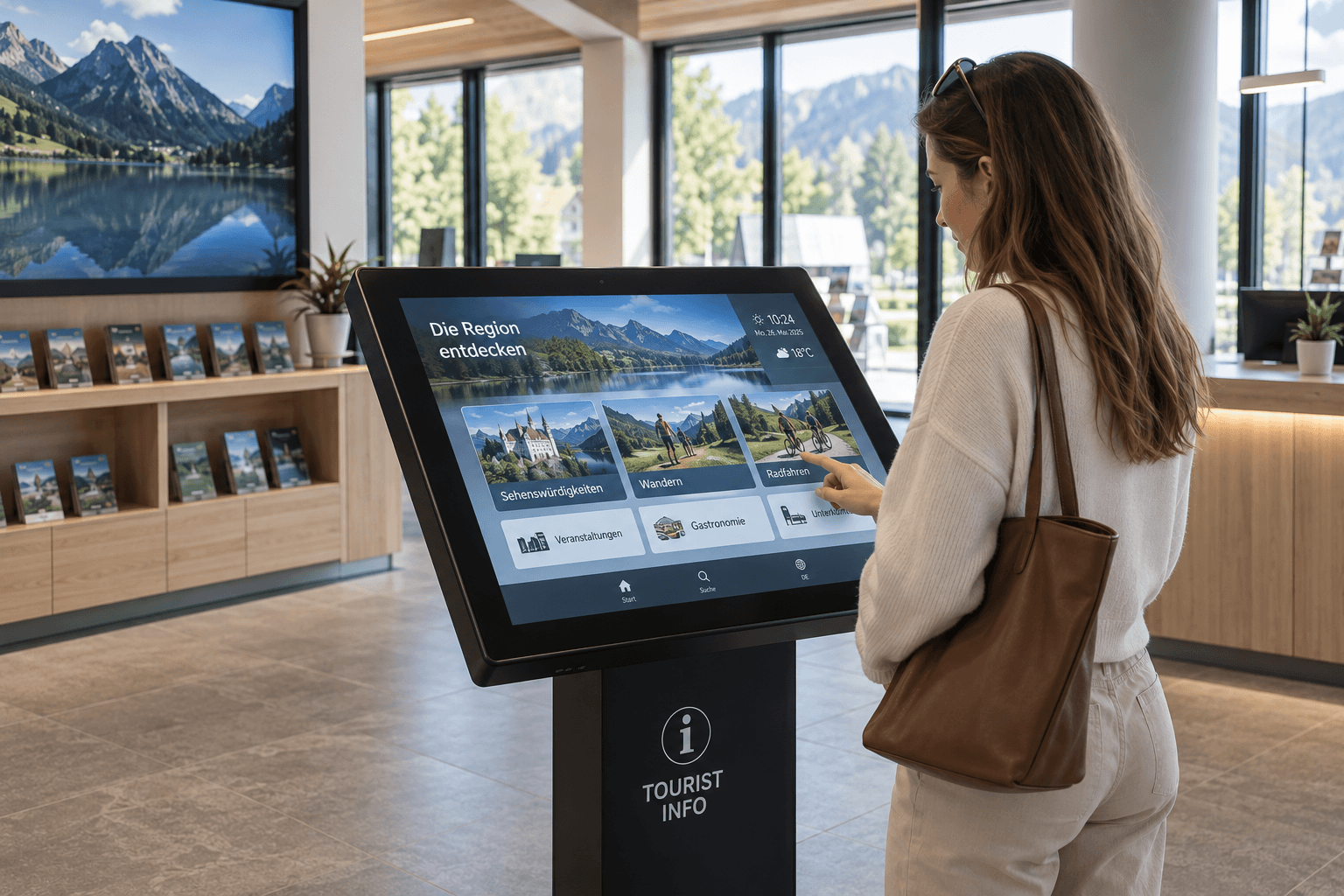
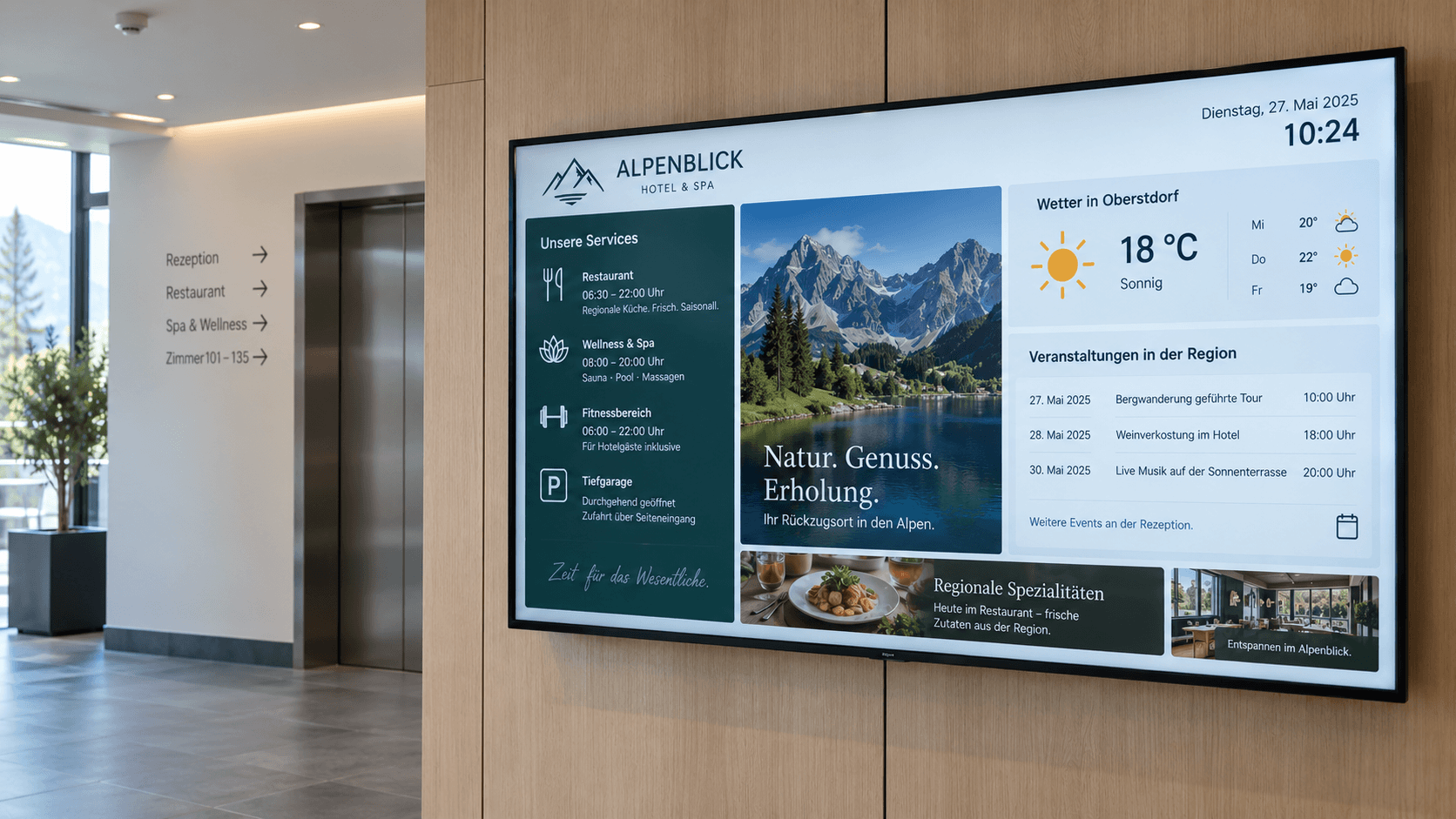
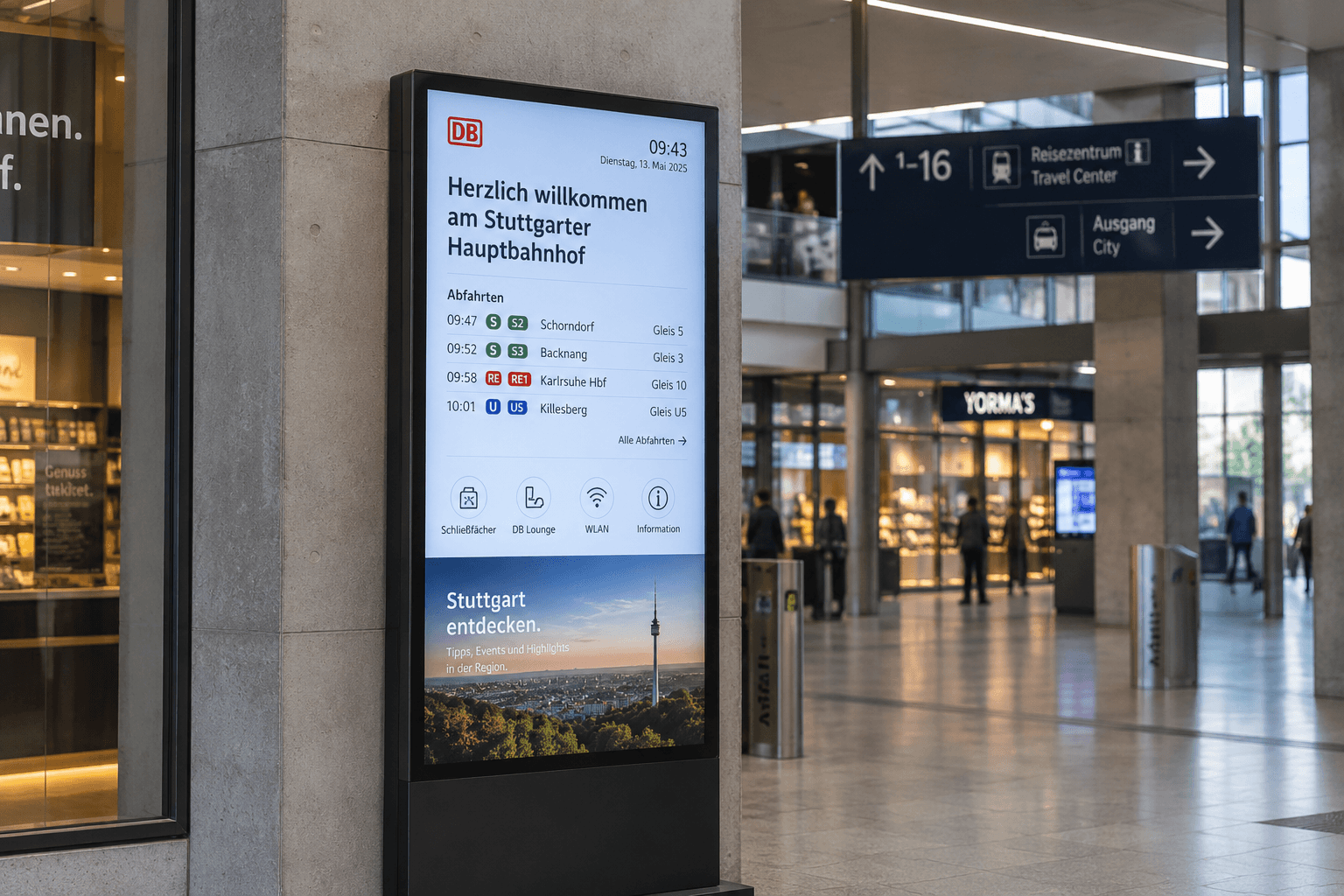
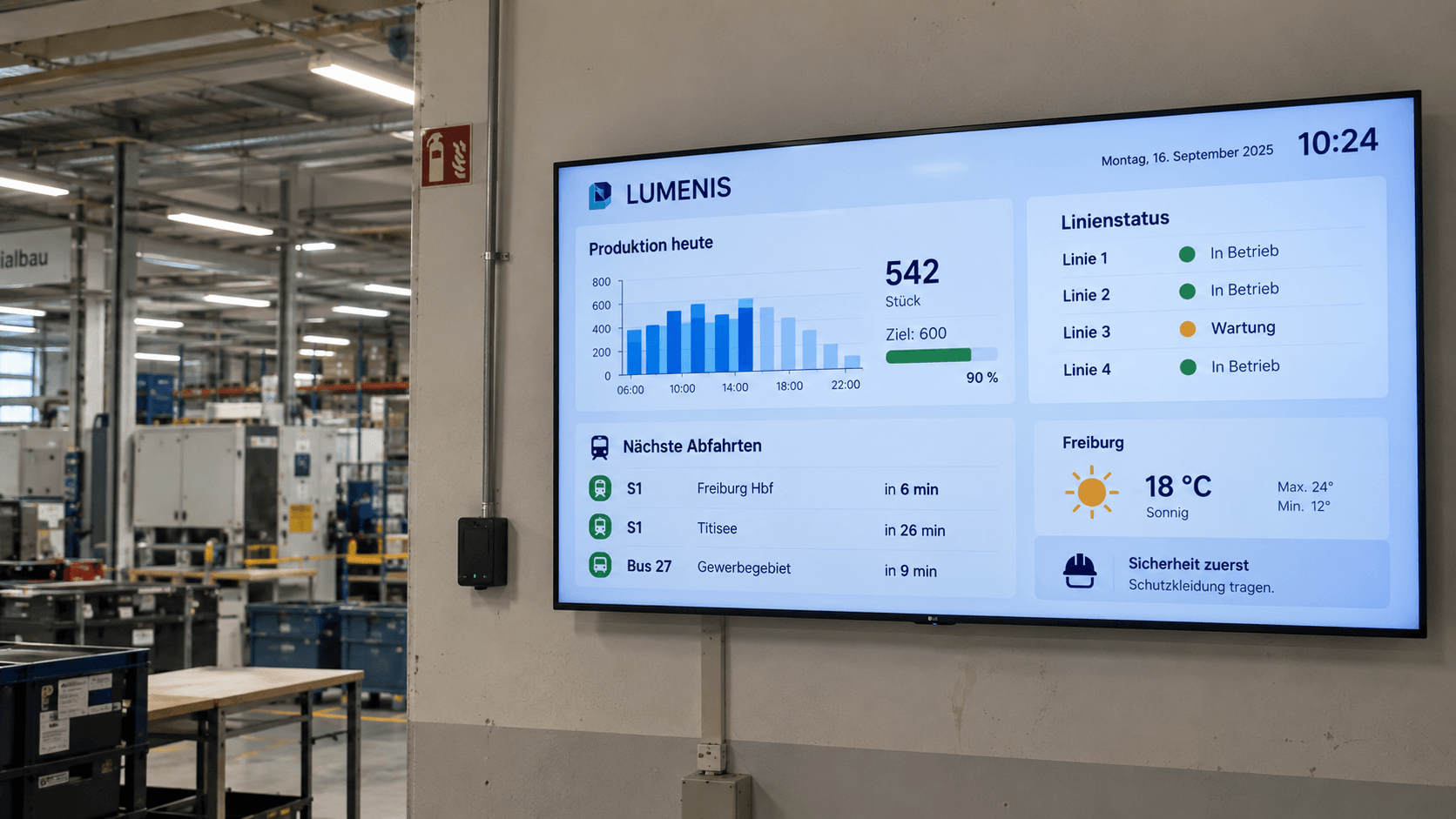
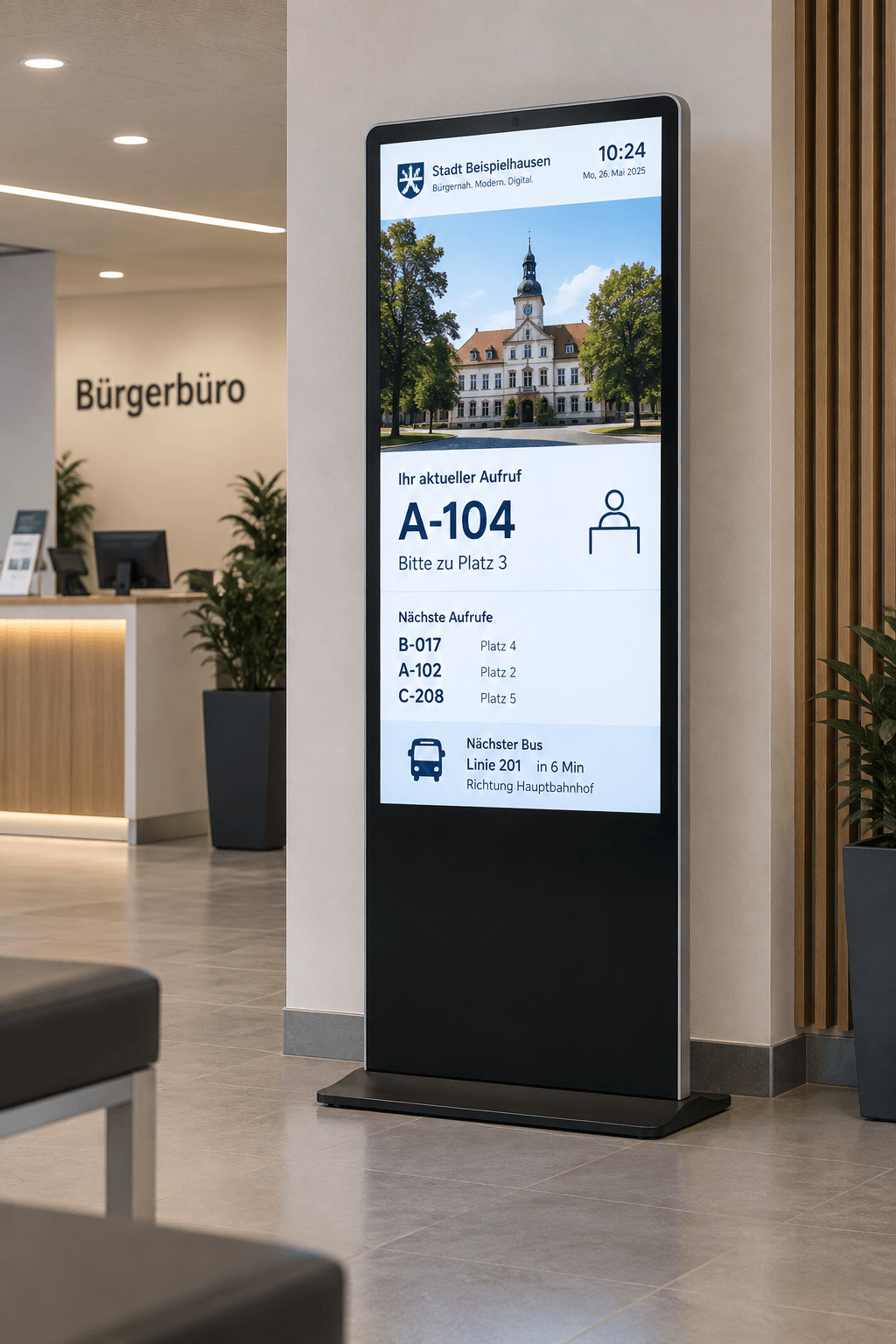
What is an info display and how does it work?
An info display is a digital screen that presents current information, key metrics, process data, notices, or dashboards in a clear and visible way. Information from various systems is made available exactly where employees, visitors, or customers need it.
In many companies, relevant information is already available digitally—for example, in Excel files, dashboards, calendars, databases, or specialized systems. In everyday work, however, this information often has to be actively searched for or manually transferred to notices and displays.
With connectSignage, info displays can be managed centrally and existing data sources can be integrated. Content can be updated automatically and targeted to specific locations, departments, displays, or audiences. This turns existing data into visible, up-to-date information.
Where are info displays used?
Info displays are suitable wherever current information needs to be quickly visible to employees, visitors, or customers.
Typical areas of use:
- Reception and entrance areas
- Waiting areas
- Production floors and shop floors
- Laboratories and research facilities
- Control rooms
- Clinics and medical practices
- Government offices and public service centers
- Schools and universities
- Service areas
- Logistics areas
- Cafeterias and break rooms
- Hallways and elevator areas
Information displays serve different purposes depending on where they are used. In production environments, the focus may be on key figures and process data, while waiting areas might display queue numbers and wait times, or reception areas might show appointments and visitor information.
What content can be displayed on an information screen?
Typical content includes:
- Key figures and KPIs
- Power BI dashboards
- Production and process data
- Status updates
- Wait times and queue numbers
- Appointments and events
- Visitor information
- Safety information
- Project and site information
- Weather and traffic updates
- Public transport departure times
- Images, videos, and other media
Existing information sources such as CSV files, Excel lists, databases, websites, SharePoint, Power BI, calendars, RSS feeds, or APIs can be integrated. This eliminates the need for duplicate data entry and ensures that information on the displays remains automatically up to date.
What are the benefits of an information display?
Information displays make data more visible, current, and accessible. Instead of having to search through various systems, relevant information is displayed exactly where it is needed.
At the same time, the automatic integration of existing data reduces manual maintenance. Changes can be made centrally and distributed to individual displays, specific areas, or multiple locations.
With connectSignage, information displays can be managed centrally, content can be scheduled, and various data sources can be integrated. This allows you to provide dashboards, process data, and current announcements via a single digital signage platform.
Which industries are information displays suitable for?
Information displays are particularly relevant for:
- Industry and manufacturing
- Healthcare
- Laboratories and research facilities
- Logistics
- Government agencies and public institutions
- Schools and universities
- Service providers
- Retail
- Hotels and hospitality
- Chain stores
The greatest benefit is found wherever information changes frequently, processes need to be made transparent, or current data needs to be visible directly in the work environment.
All features. One platform.
From custom design and the integration of existing data sources to automatic updates – connectSignage offers the right features for centralized digital information boards.

HTML 5 editor
Intuitive, PowerPoint-like designer for content creation.

OneDrive
Use OneDrive as a media source with automatic content synchronization.

ERP & WWS
Connecting external systems and data sources from ERP and inventory management systems.

Outlook / Exchange & iCal
Integration of calendar and booking systems to display and manage appointments directly on the display.
Scheduling
Content can be easily planned and played automatically at specified times.

Weather
Location-based weather data is automatically loaded and presented attractively on the display.

Media upload
Easy upload of your own content, such as images, videos, GIFs, PDFs, and more.

Touch
Create interactive touch applications with multiple levels and intuitive user guidance.

Active Directory
Automatic login for selected users via Active Directory.
Real-world success stories
%20(1).avif)
Eat Happy digitizes over 1,800 locations in Europe
Scalable digital signage solution for automated location integration and precise content delivery in retail
%20(1).png)
TotalEnergies digitized safety and employee communication
With connectSignage, TotalEnergies uses a centralized digital signage solution for safety communications, employee information, and automated key performance indicators at the Central Germany refinery. Digital kiosks and displays show accident-free days, safety rules, weather data, employee notices, and current information, all centrally managed and automatically updated.
%20(1).png)
Digital visitor information at the IHK Niederbayern
With connectSignage, the IHK Lower Bavaria uses a centralized digital signage solution for visitor information, event schedules, and digital wayfinding at its Passau location. Welcome screens and information displays clearly show current appointments, seminars, exams, and room details in the entrance area, helping visitors navigate the building.
%20(1).png)
Digital guest communication at the Family Wellness Hotel Seeklause
With connectSignage, the Familien Wellness Hotel Seeklause utilizes a centralized digital signage solution for modern guest communication, menu information, and promotional content. A video installation in the buffet area, additional information displays, and an outdoor kiosk ensure that guests receive up-to-date information about the hotel and their stay in a quick and engaging way.
Digital solutions for transparent information
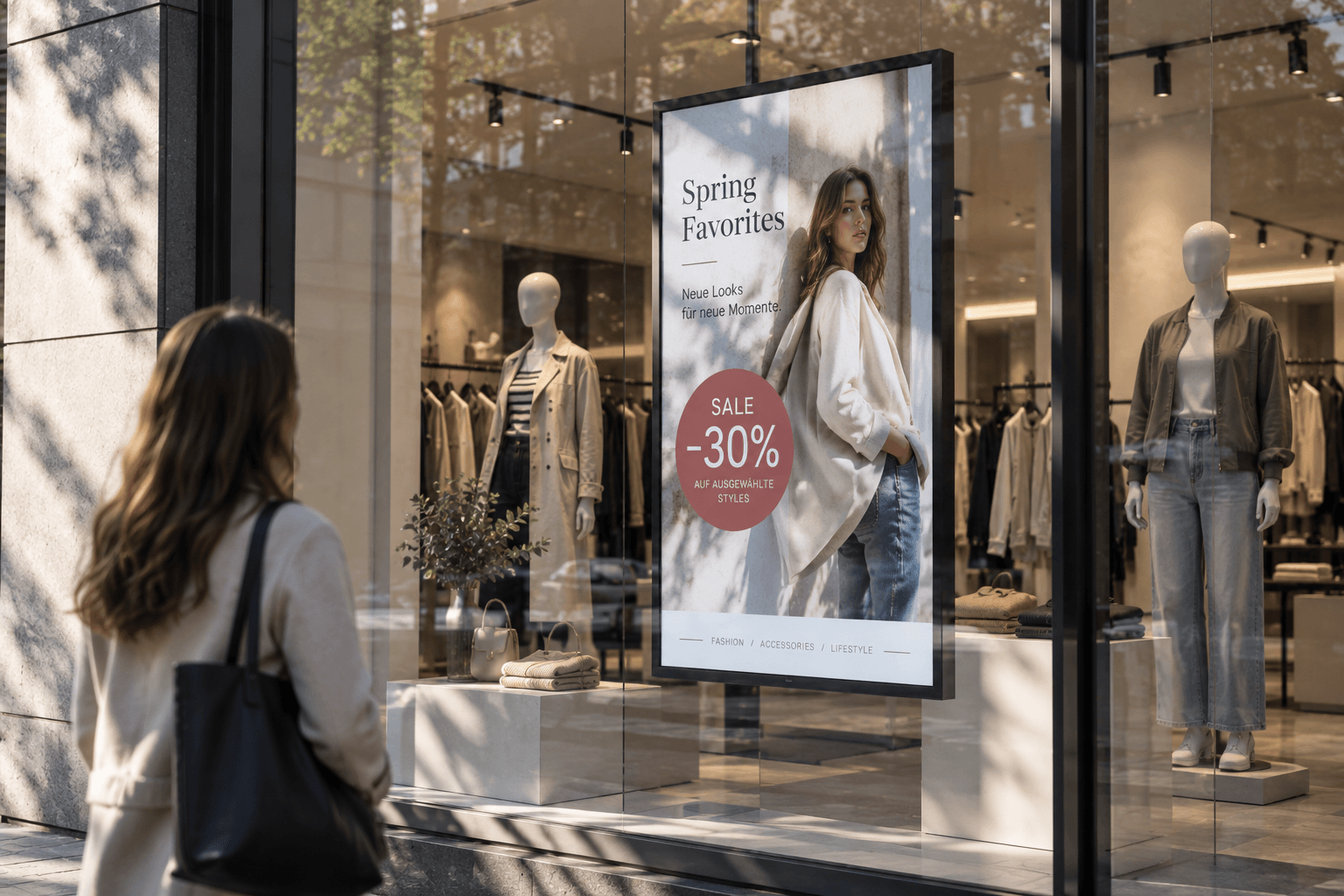
Advertising display
Advertising displays showcase campaigns, offers, and brand messages on digital screens in an eye-catching way. Content can be scheduled flexibly and managed centrally.
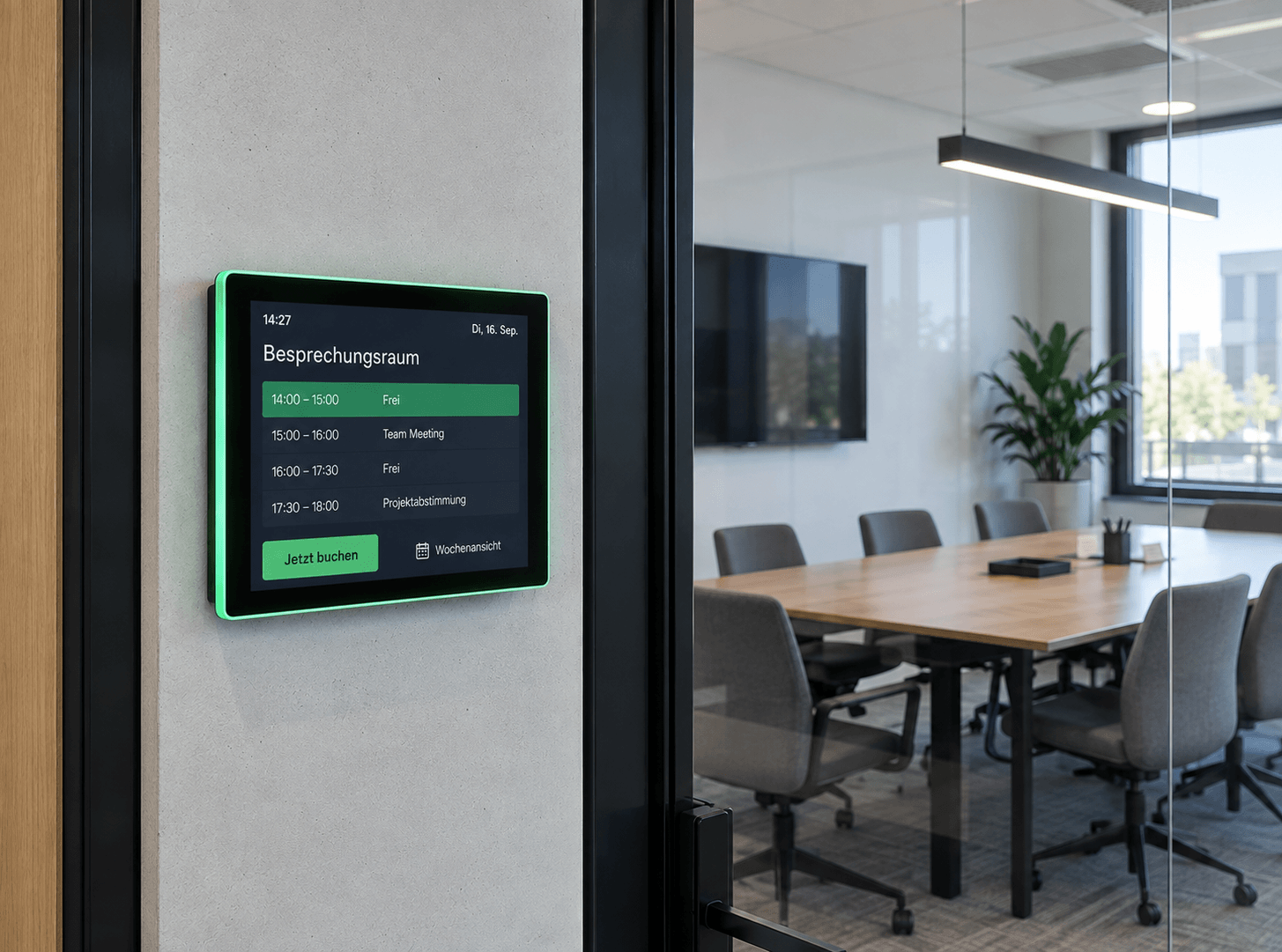
Room booking
Available rooms at a glance: Digital room booking makes availability visible right at the room – flexibly bookable, automatically synchronized, and always up to date.
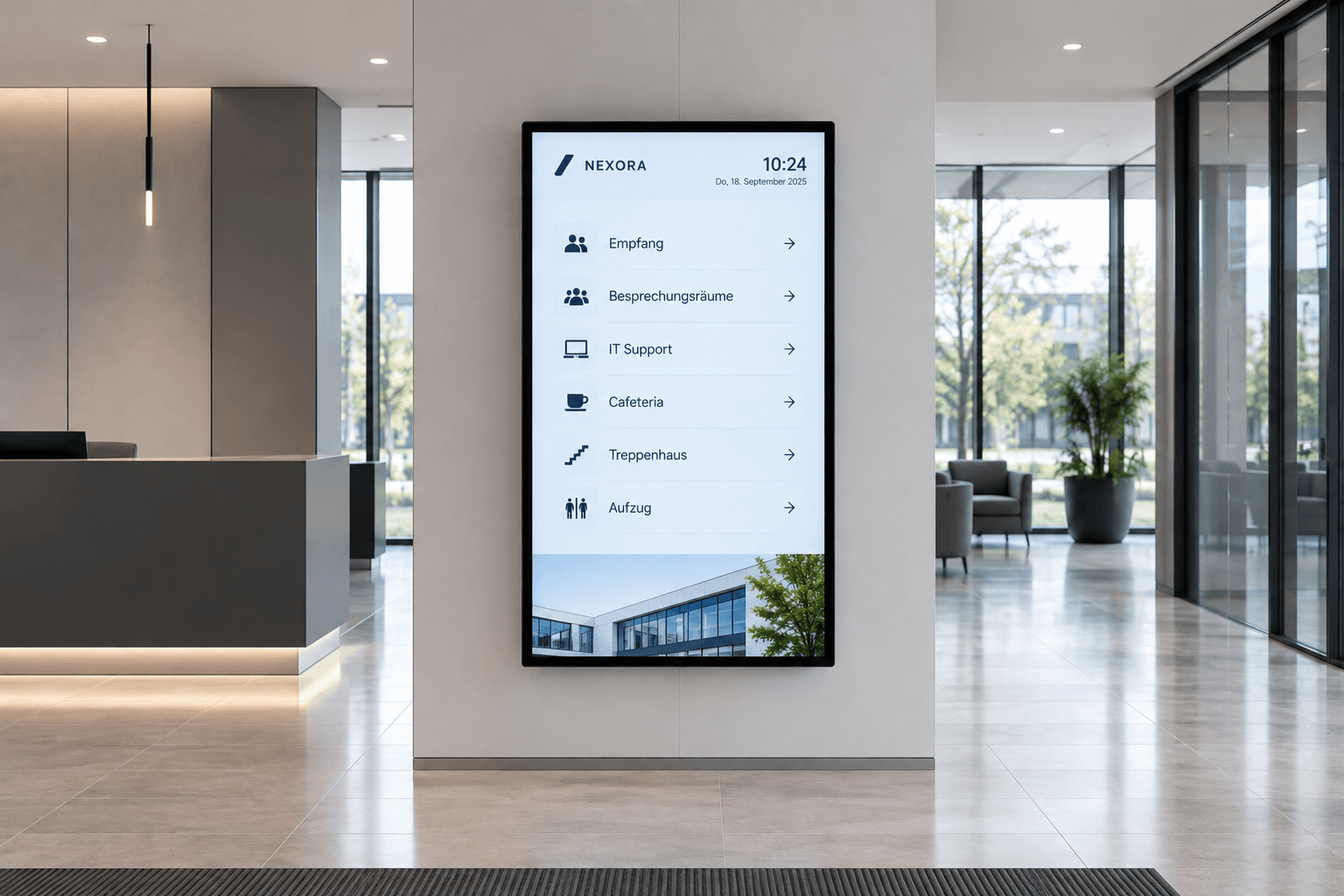
Digital wayfinding
Wayfinding that simply works: Digital wayfinding systems guide visitors, customers, and employees safely to their destinations—flexibly, centrally managed, and always up to date.
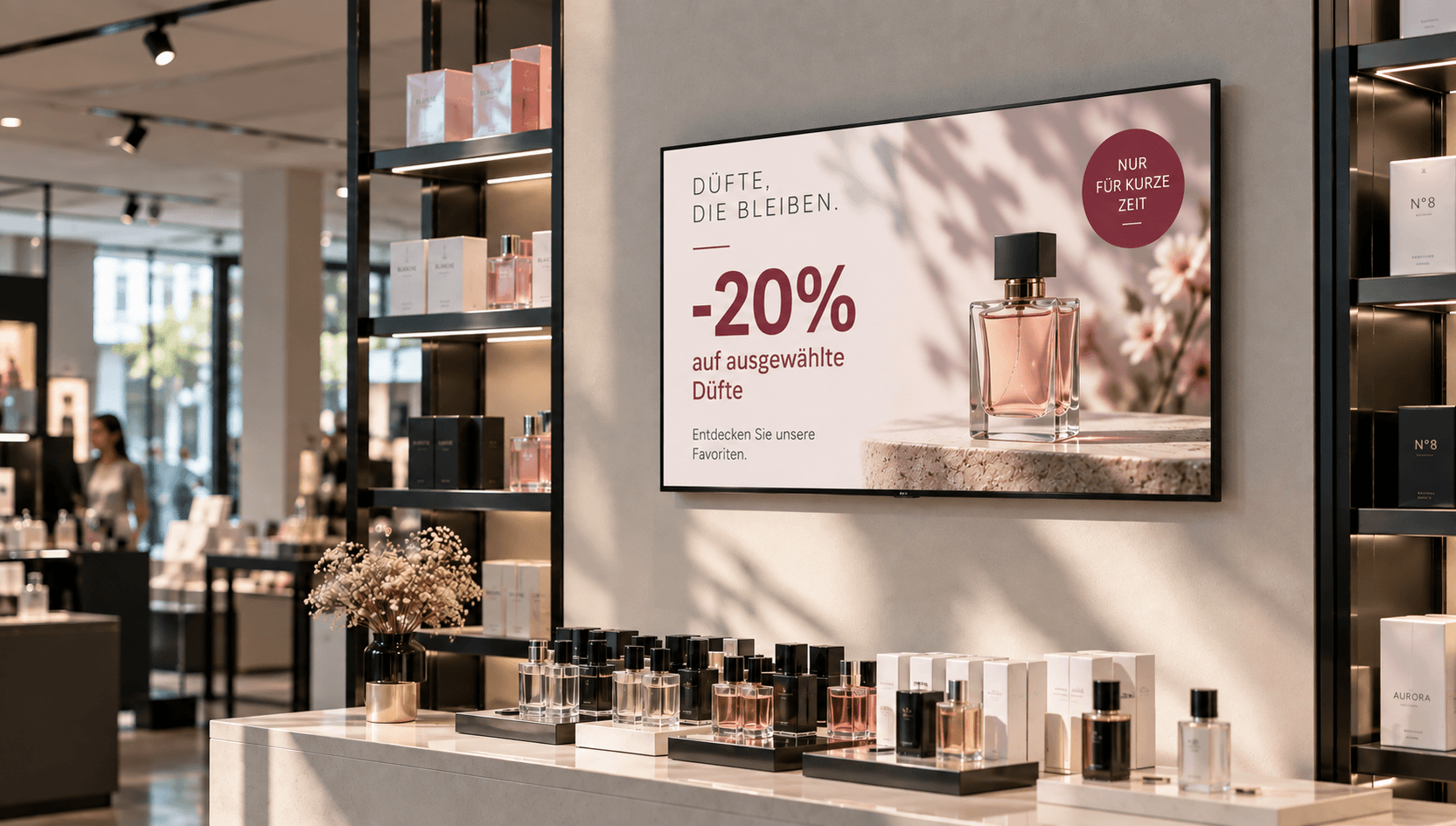
Price & promotional displays
Make offers visible at the right moment: present prices, discounts, and promotions directly at the point of sale—centrally managed, scheduled, and deployed with location-specific precision.
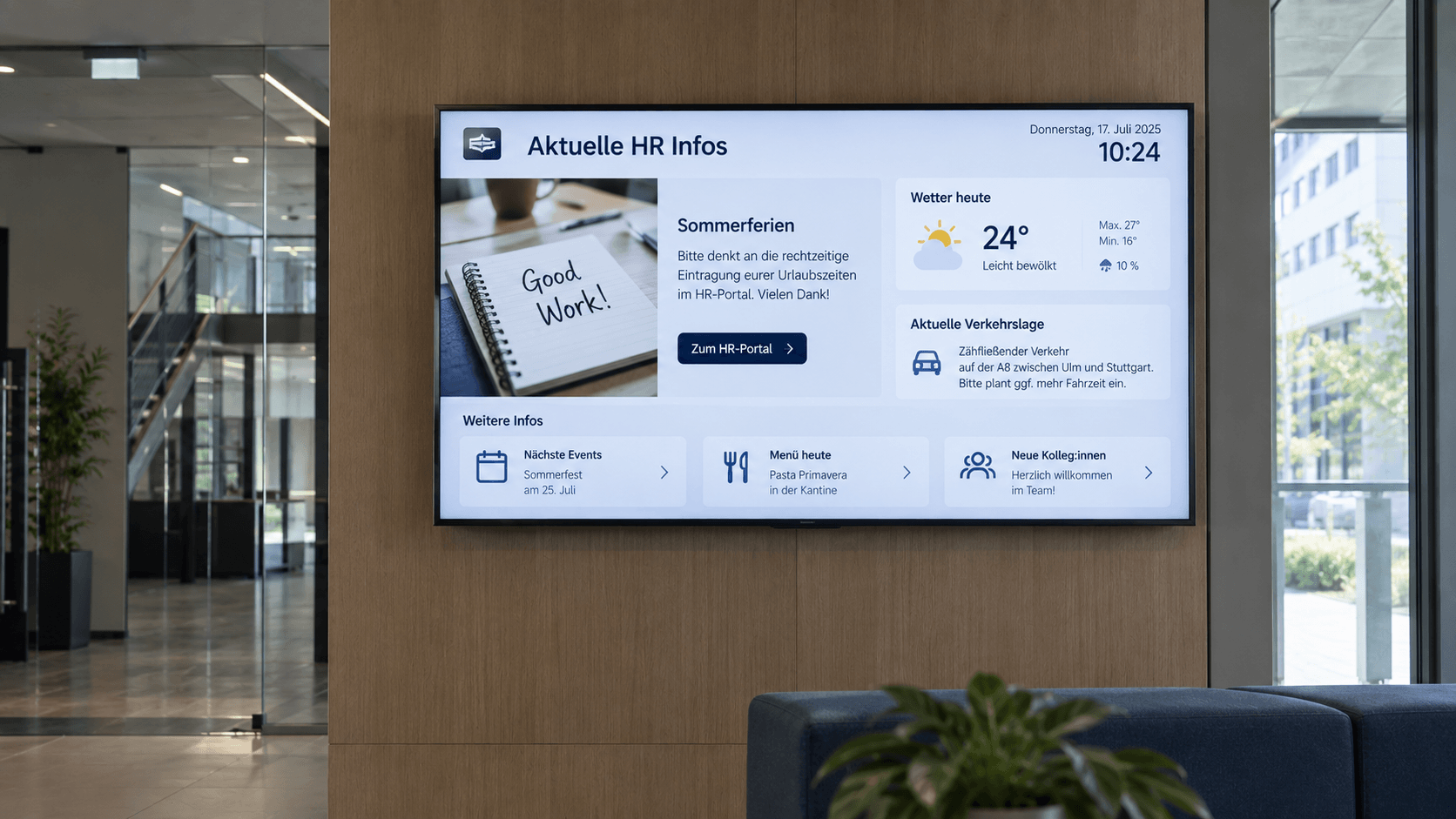
Digital bulletin board
Internal communication that hits the mark: Make news, notices, and important information visible directly on digital displays – centrally managed and always up to date.
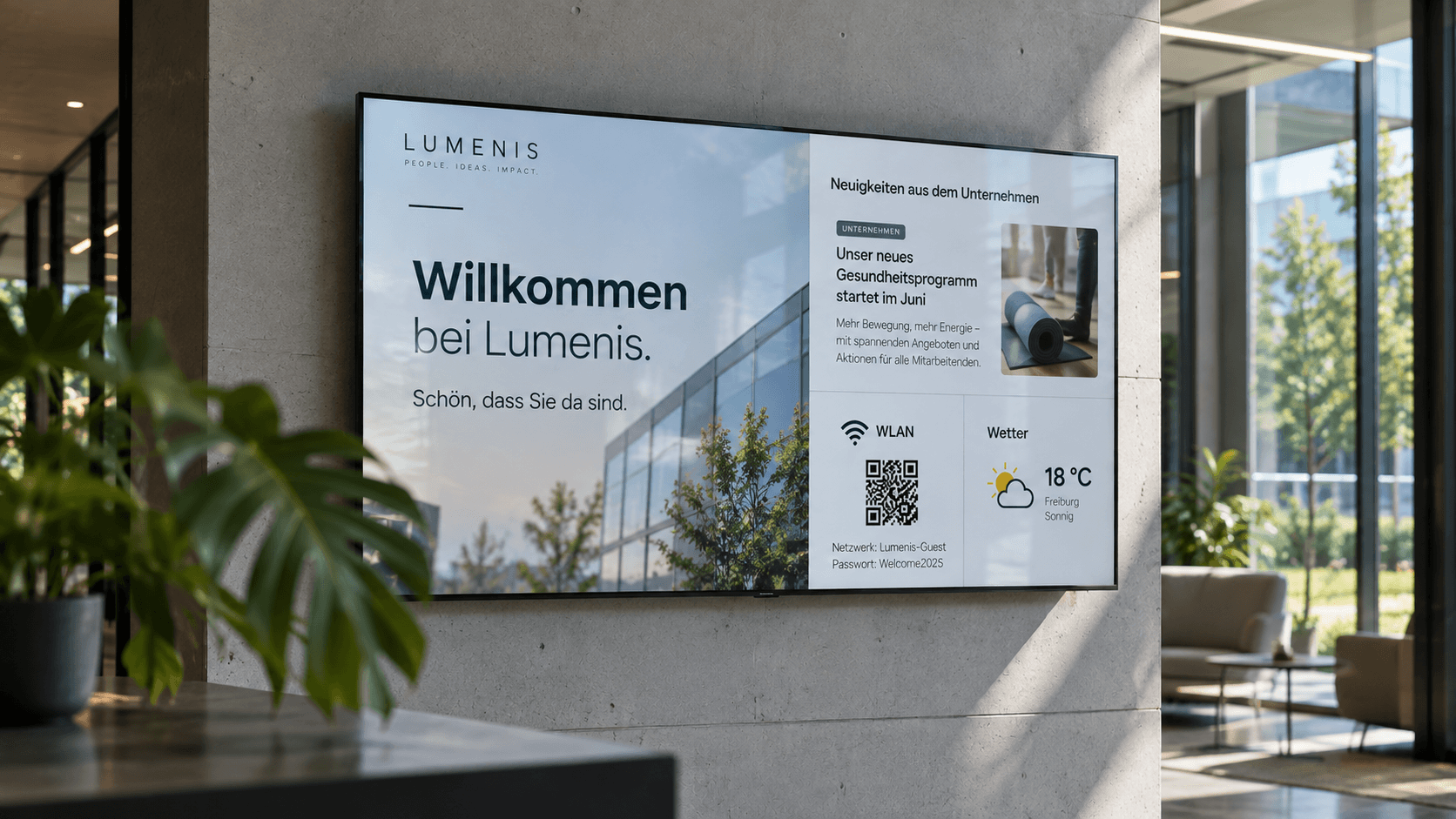
.png)
Emergency & safety communication
When every second counts: Make warnings, evacuation information, and safety alerts visible instantly—centrally managed, targeted, and easy to understand.
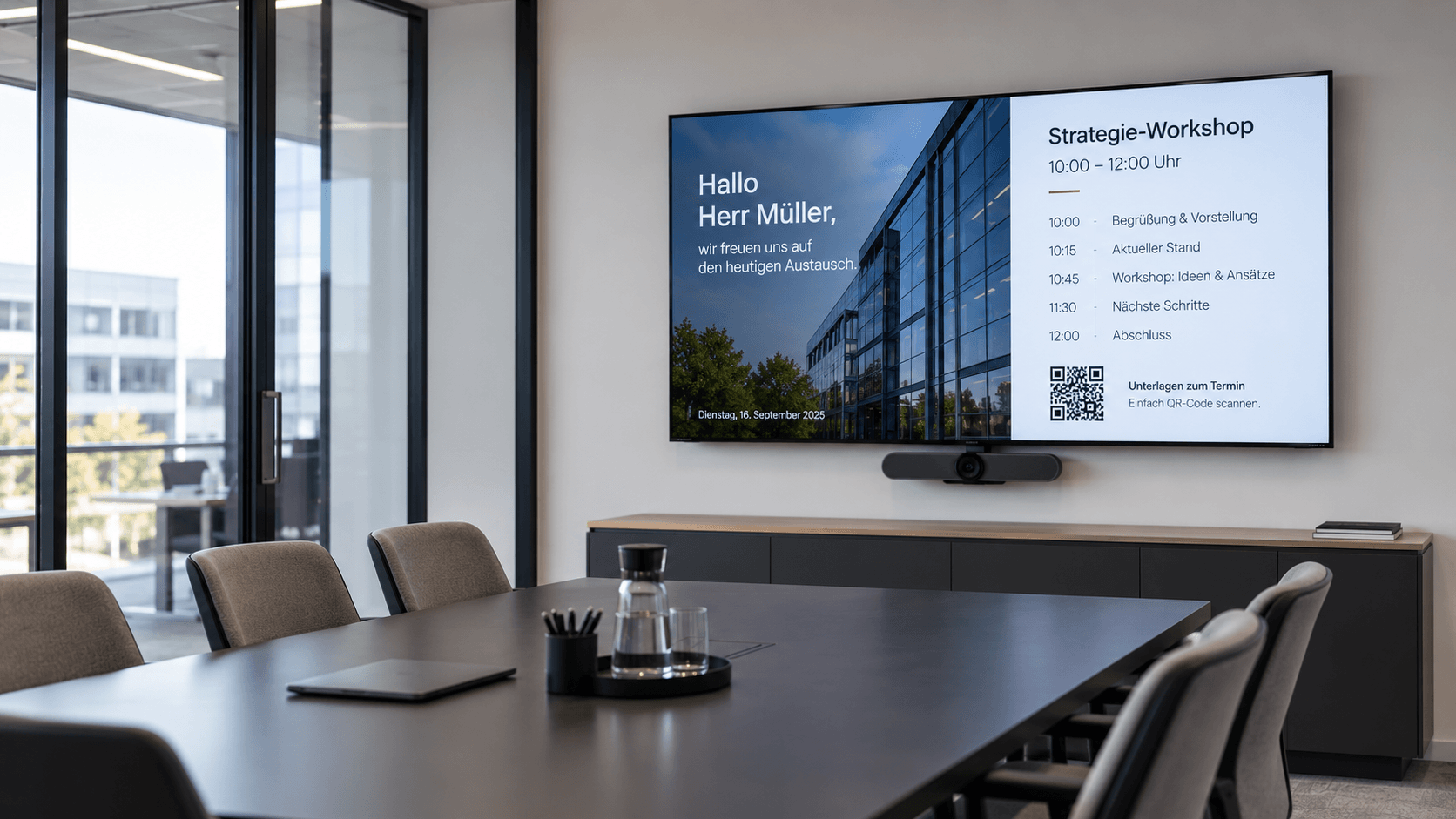
Meeting room display
Professional meeting management: Display agendas, room status, and relevant information directly in the meeting room—centrally managed and always up to date.
Frequently asked questions
Answers to common questions about information displays, digital signage, and centralized content management.
An info display is a screen used to present information digitally and in real time. Companies use info displays for things like news, schedules, key performance indicators, announcements, events, or live data. With connectSignage, this content can be managed centrally and broadcast to one or more displays.
Digital signage software is ideal for information displays, allowing you to manage information centrally and integrate existing data sources. With connectSignage, you can centrally control content and data and display it across individual or multiple screens and locations.
Information displays can be used to show company news, announcements, appointments, events, key performance indicators, weather updates, notices, images, videos, or real-time data. The content displayed can be customized based on the specific screen, target audience, or location.
The content for an information display is managed centrally via digital signage software and transmitted to the desired screens. With connectSignage, you can create, schedule, and automatically update content, as well as assign it to specific displays or locations.
Yes. With connectSignage, you can centrally manage multiple displays and locations. Content can be specifically assigned to individual displays, display groups, or locations and updated centrally.
Yes. Information displays can be used for employees as well as visitors, customers, or other target groups. Depending on the location, you can display internal company information, key performance indicators, visitor information, or public announcements.
Any Questions?
Our team is happy to help.