Digital Signage for Authorities — Managing Information, Creating Transparency, Informing Citizens.
Centrally manage notices, announcements, and information, and display them clearly for citizens and employees.
.png)
Government challenges
Authorities must reliably inform large numbers of people while ensuring clear, transparent communication.
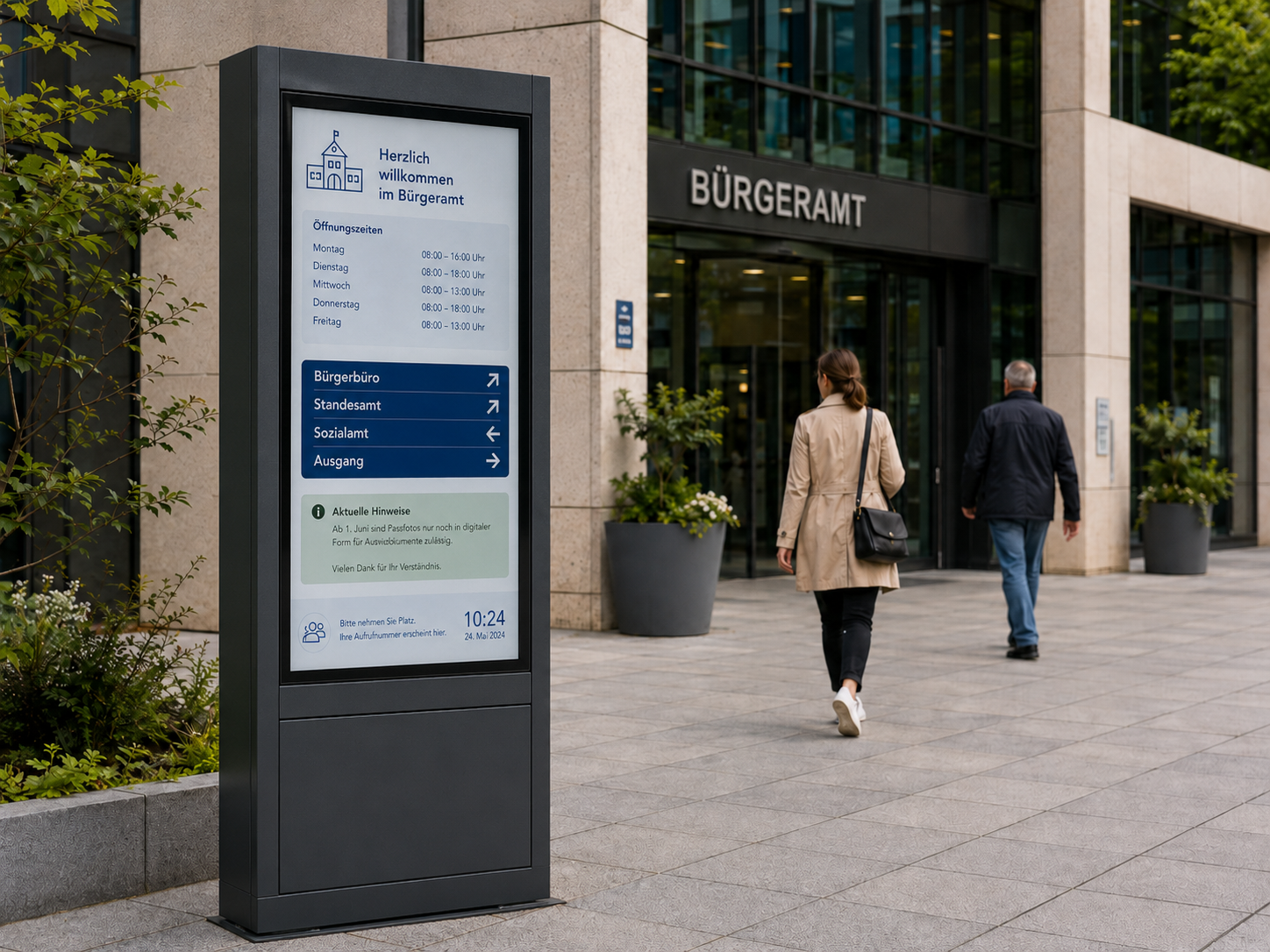
Current Citizen Information
Opening times, tips, and announcements must always be kept up to date and clearly visible.
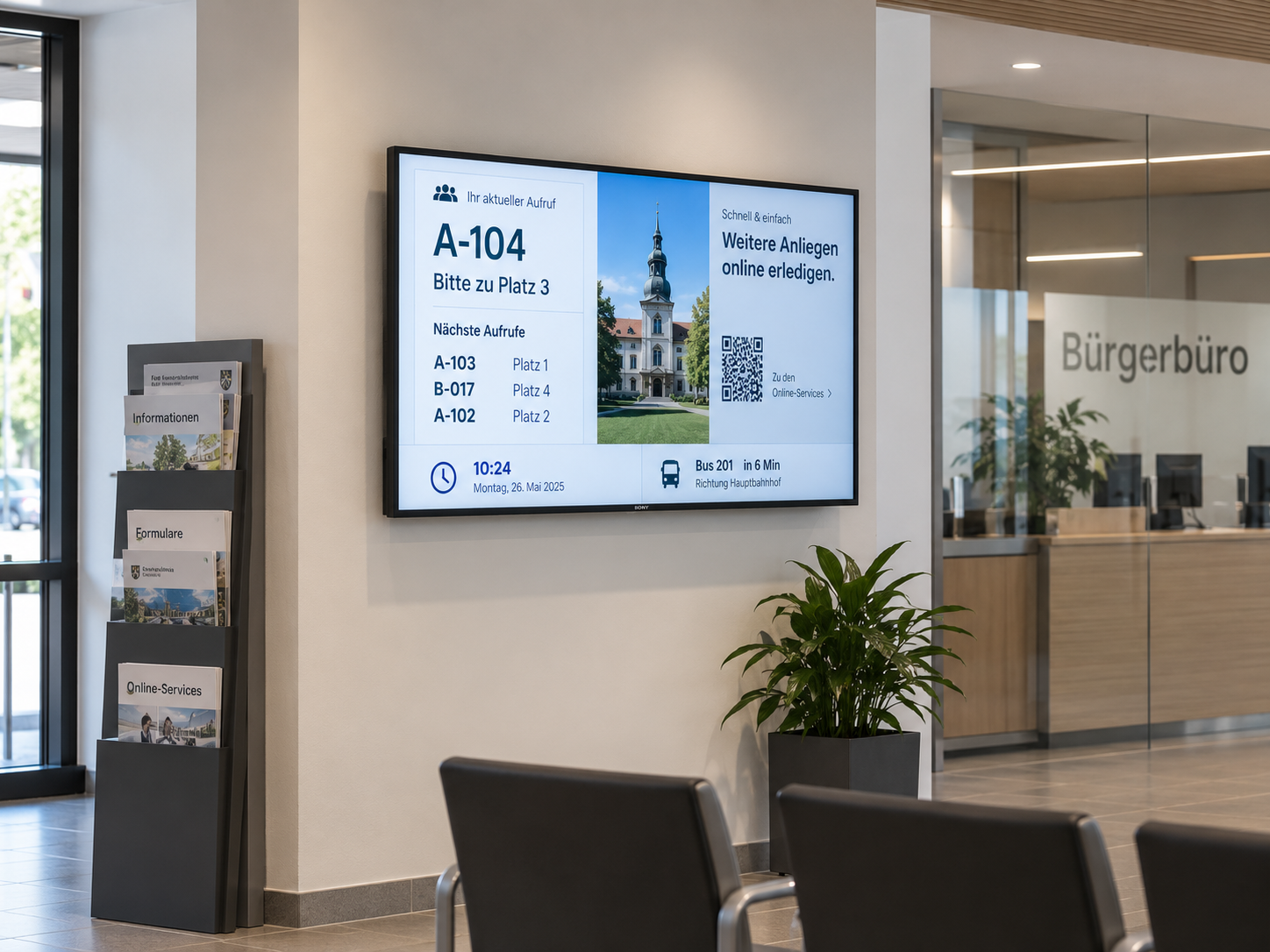
Orientation in public buildings
Administration buildings require clear directions and comprehensible orientation for visitors.
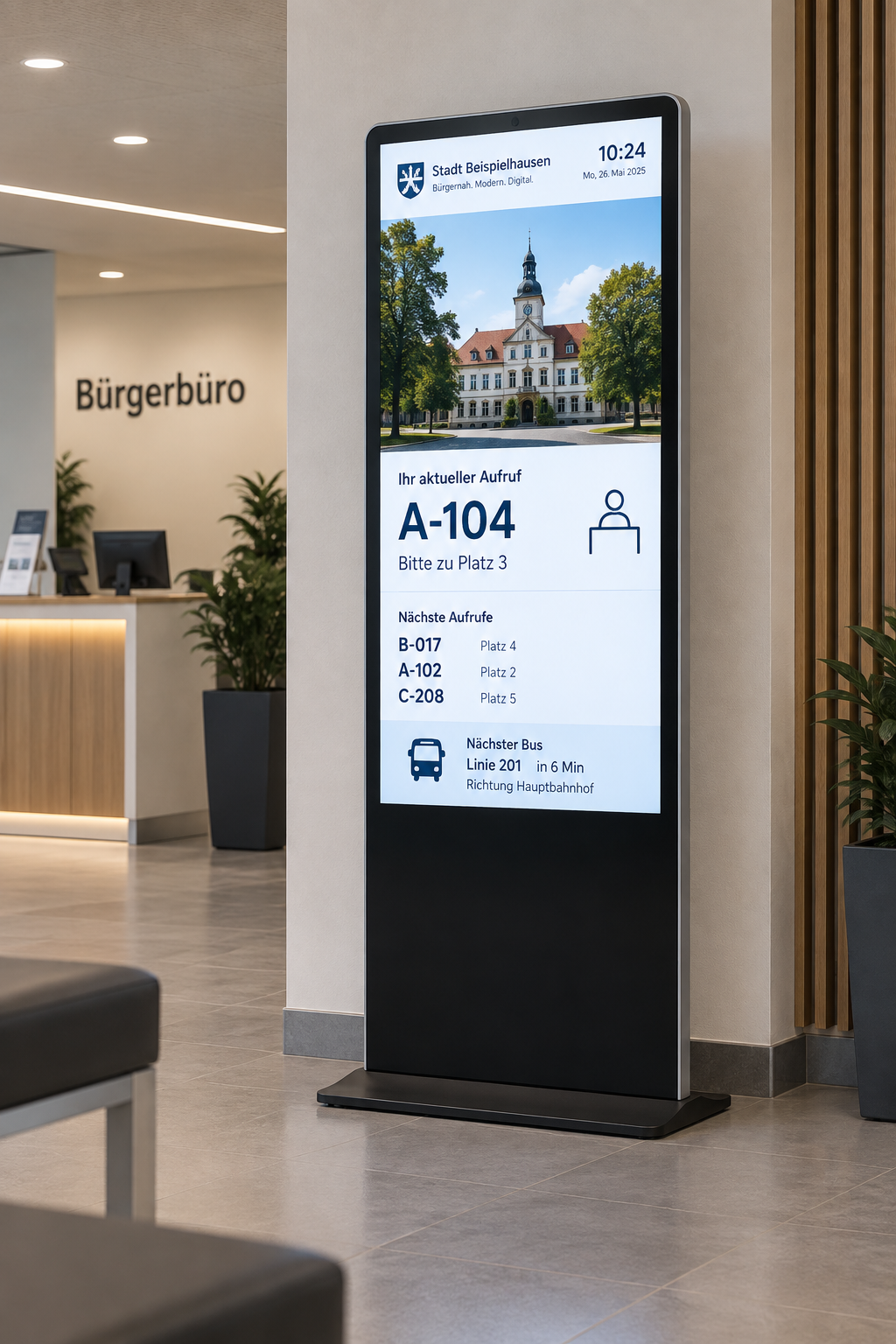
Central and Safe Control
Information must be managed centrally, processed reliably, and updated quickly.
Digital displays for transparent communication with authorities
With digital signage, notes, information, and orientation aids can be centrally controlled and clearly displayed in public areas.

HTML 5 editor
Intuitive, PowerPoint-like designer for content creation.

Databases
Automatic and scheduled synchronization of external databases for content that is always up to date.

Media upload
Easy upload of your own content, such as images, videos, GIFs, PDFs, and more.

Microsoft Teams
Integration of Microsoft Teams for video communication and display-based information presentation.

Outlook / Exchange & iCal
Integration of calendar and booking systems to display and manage appointments directly on the display.

Player Administration
Central management of players with on/off times, live view, screencast, alarm profiles, and preview.

Rights management
Individual user rights for secure and structured team collaboration.

Web pages
Integration of external websites with flexible display options for different screen formats.

Touch
Create interactive touch applications with multiple levels and intuitive user guidance.
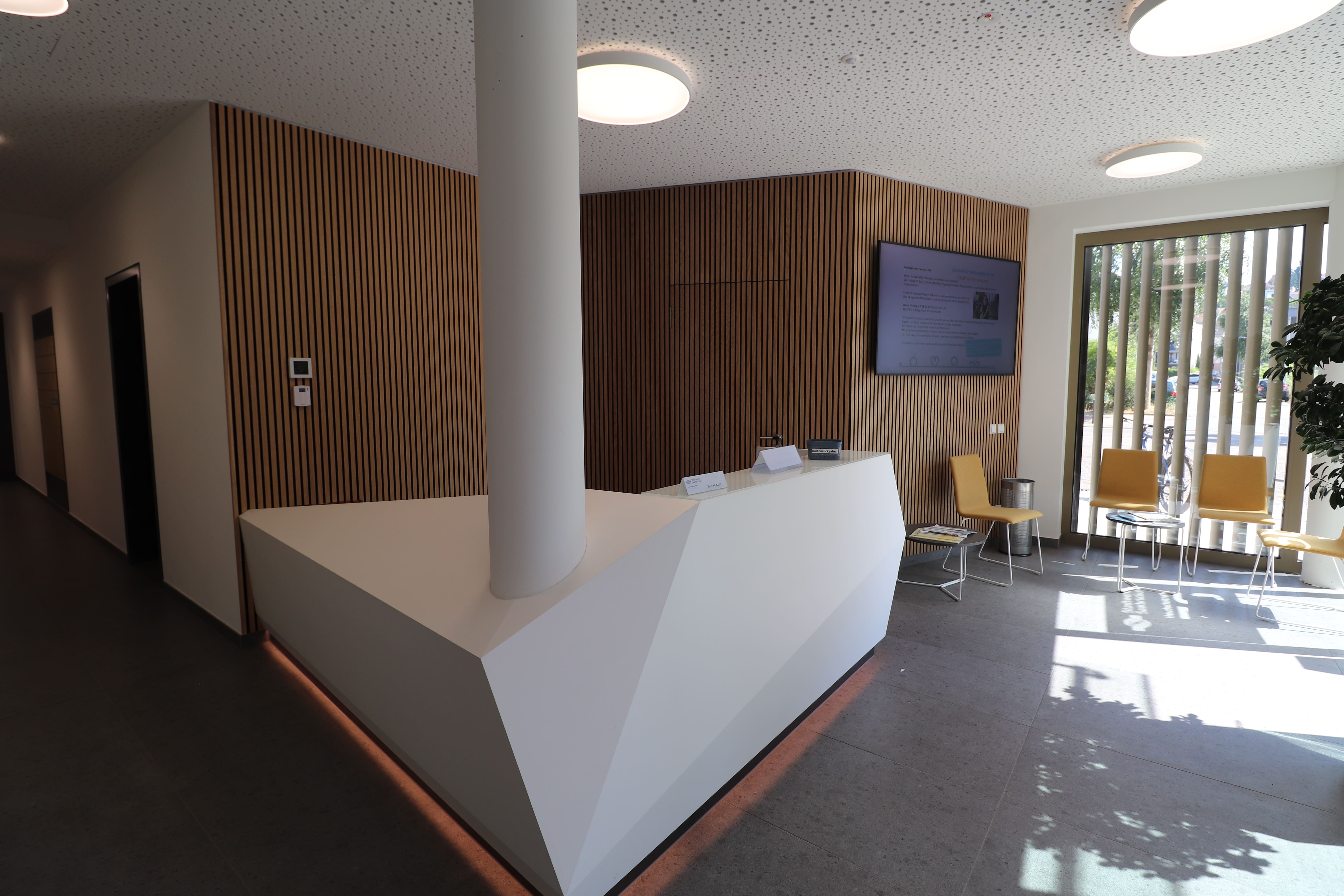
Modern Communication at Stadtwerke Saarbrücken
With connectSignage, Stadtwerke Saarbrücken is digitizing its room management and visitor communication systems—featuring room booking and a modern welcome screen in the reception area.
%20(1).png)
Digital visitor information at the IHK Niederbayern
With connectSignage, the IHK Lower Bavaria uses a centralized digital signage solution for visitor information, event schedules, and digital wayfinding at its Passau location. Welcome screens and information displays clearly show current appointments, seminars, exams, and room details in the entrance area, helping visitors navigate the building.
This industry often relies on the following solutions
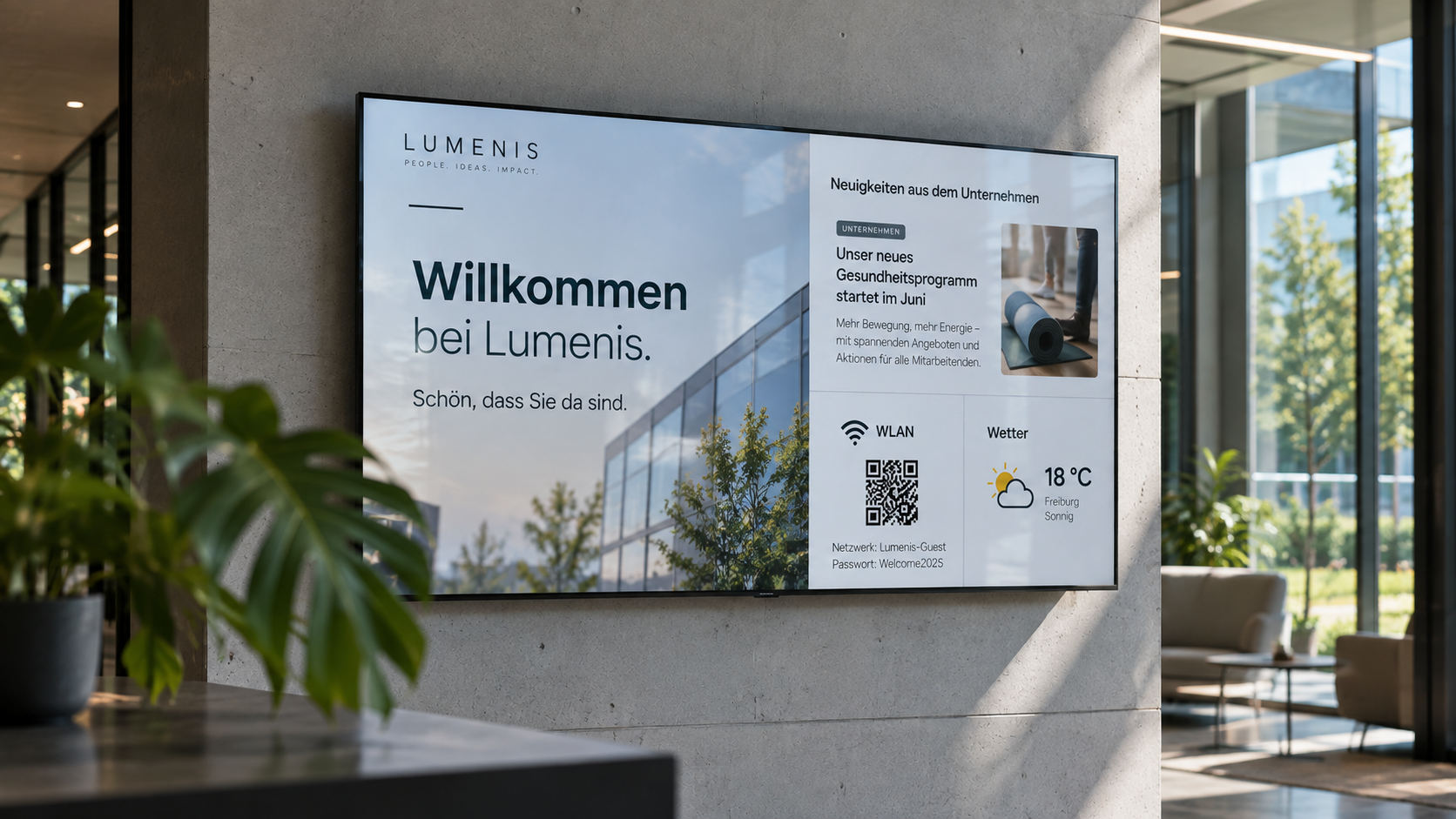
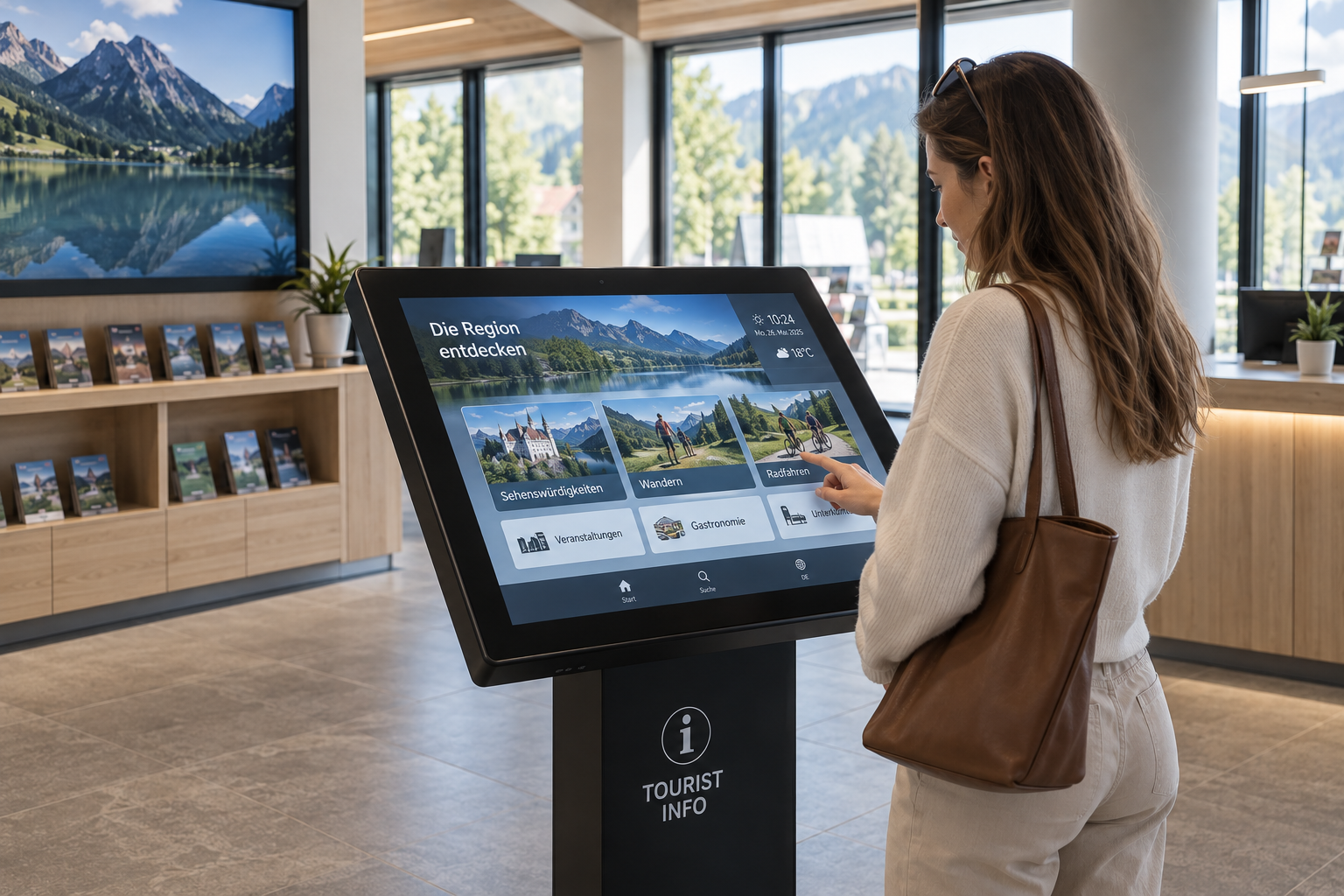
Information display
Information at a Glance: Display key metrics, process data, deadlines, and the latest information on digital displays—automatically updated and centrally provided.
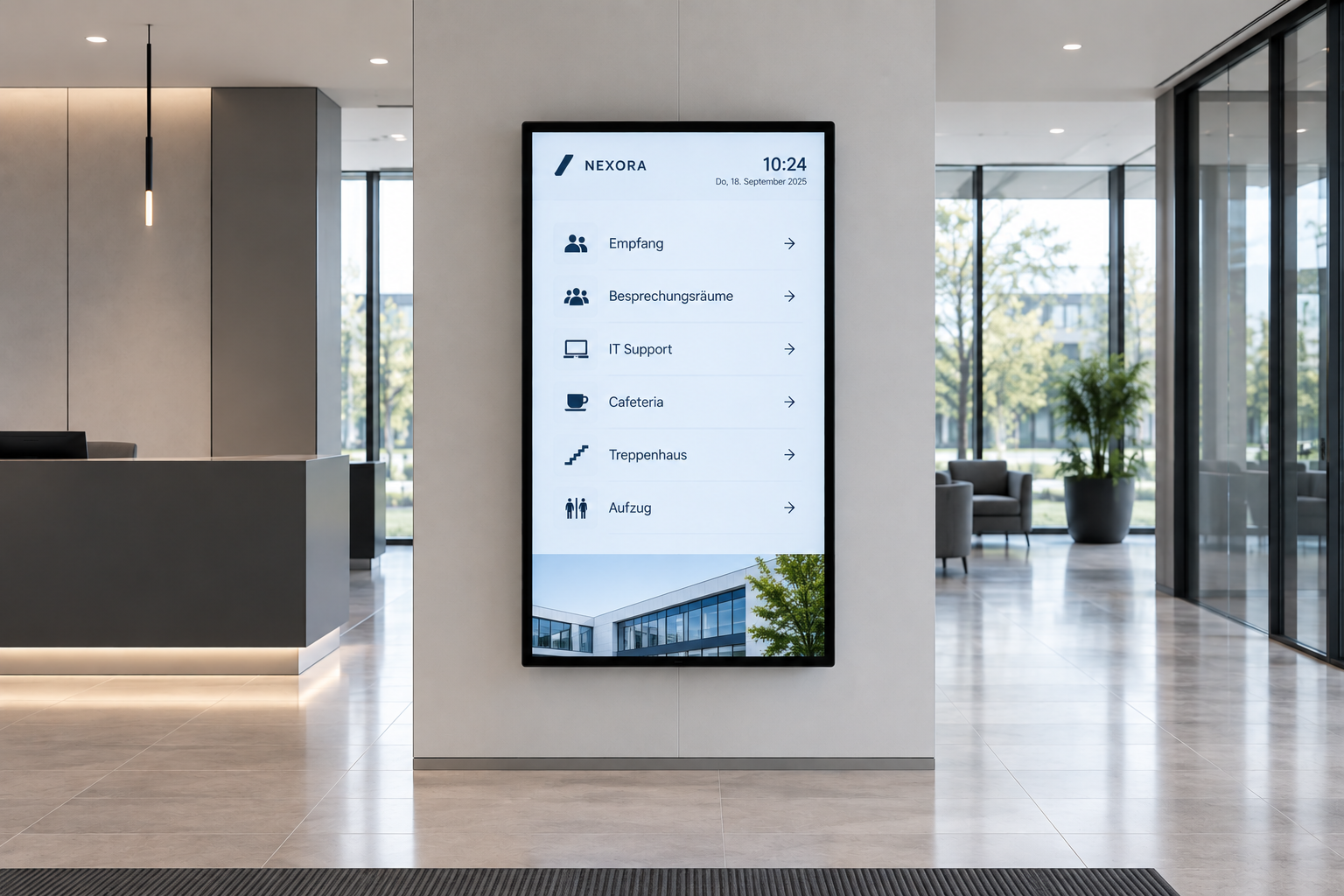
Digital wayfinding
Wayfinding that simply works: Digital wayfinding systems guide visitors, customers, and employees safely to their destinations—flexibly, centrally managed, and always up to date.
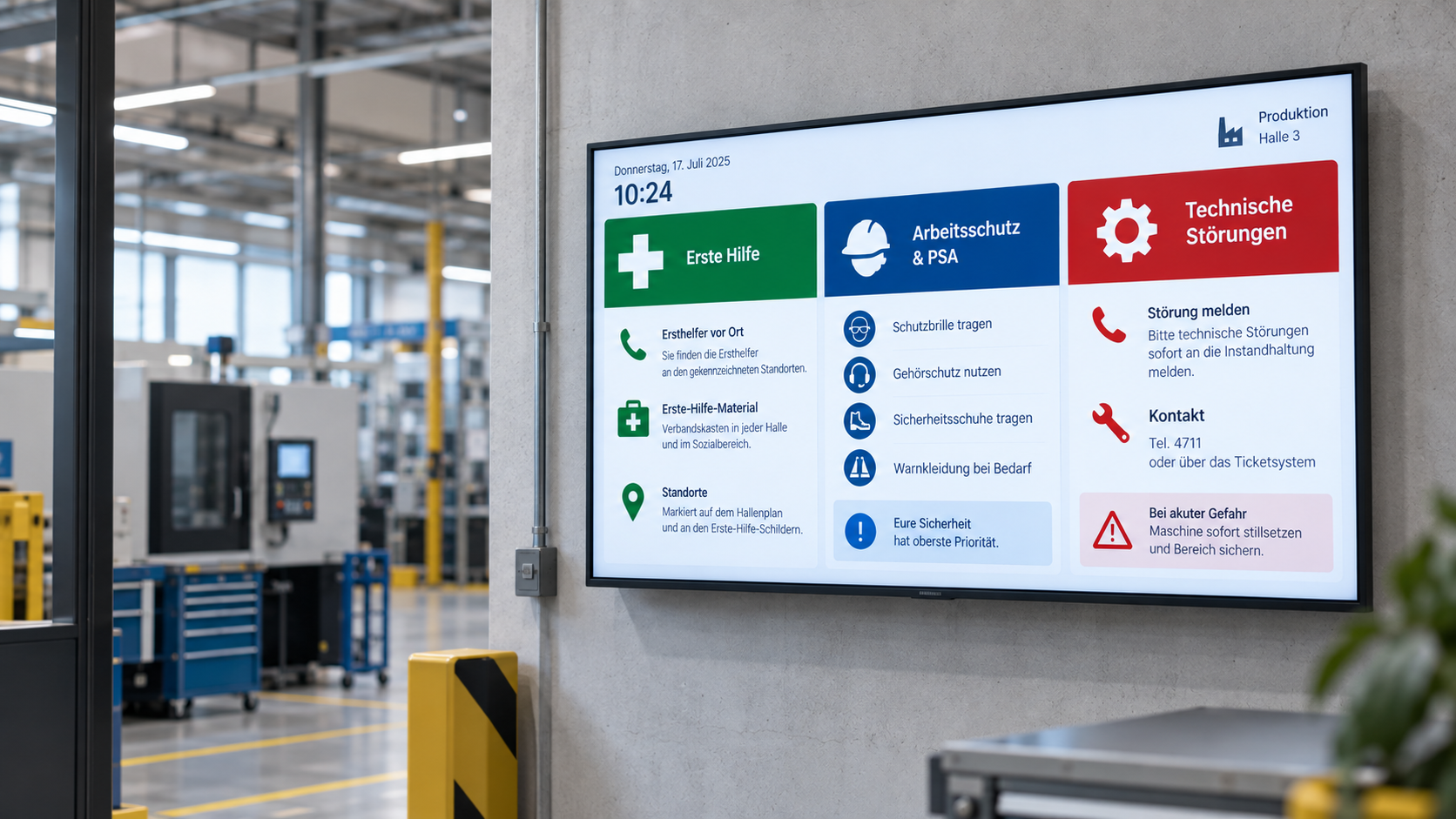
Emergency & safety communication
When every second counts: Make warnings, evacuation information, and safety alerts visible instantly—centrally managed, targeted, and easy to understand.
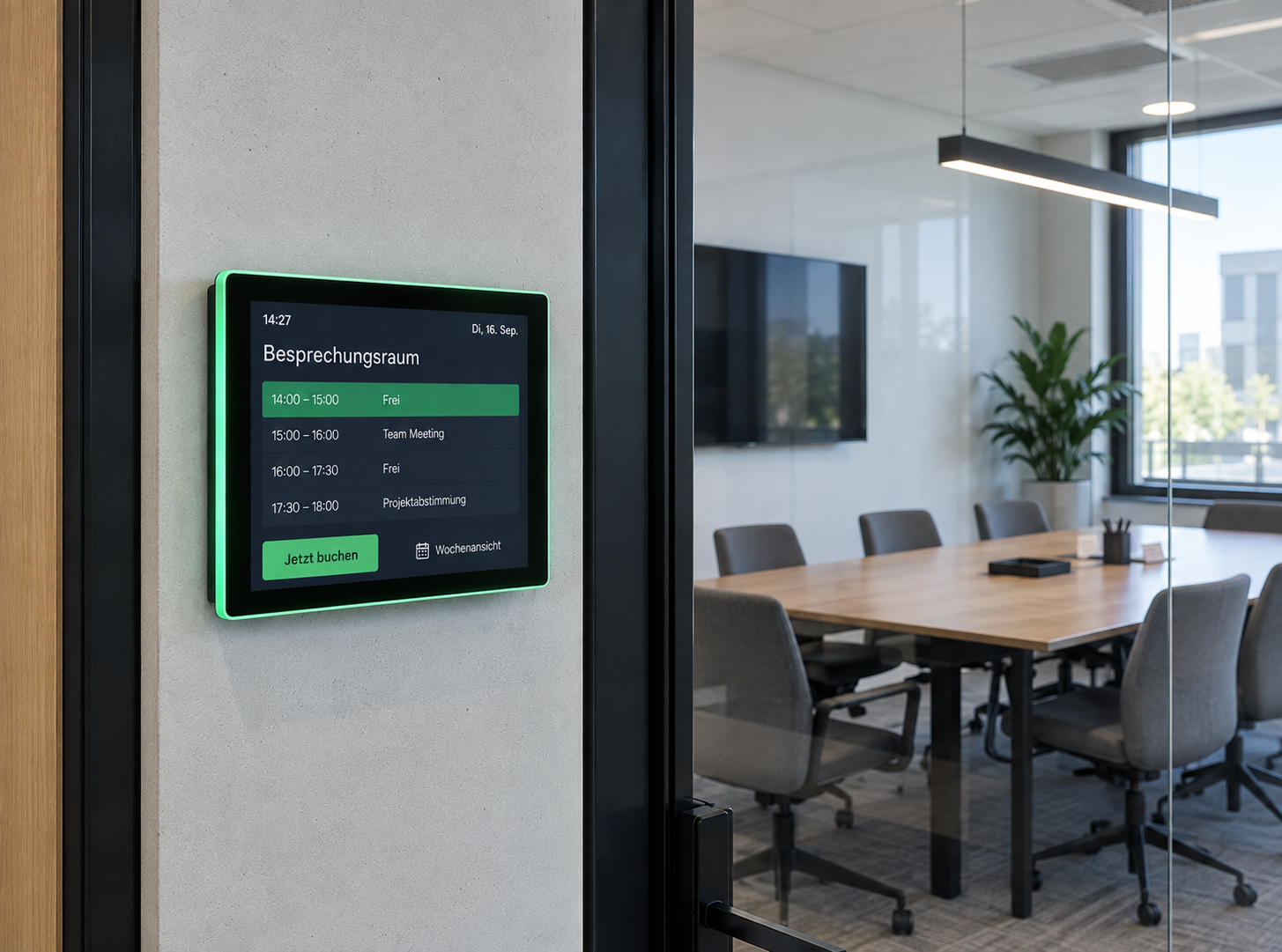
Room booking
Available rooms at a glance: Digital room booking makes availability visible right at the room – flexibly bookable, automatically synchronized, and always up to date.
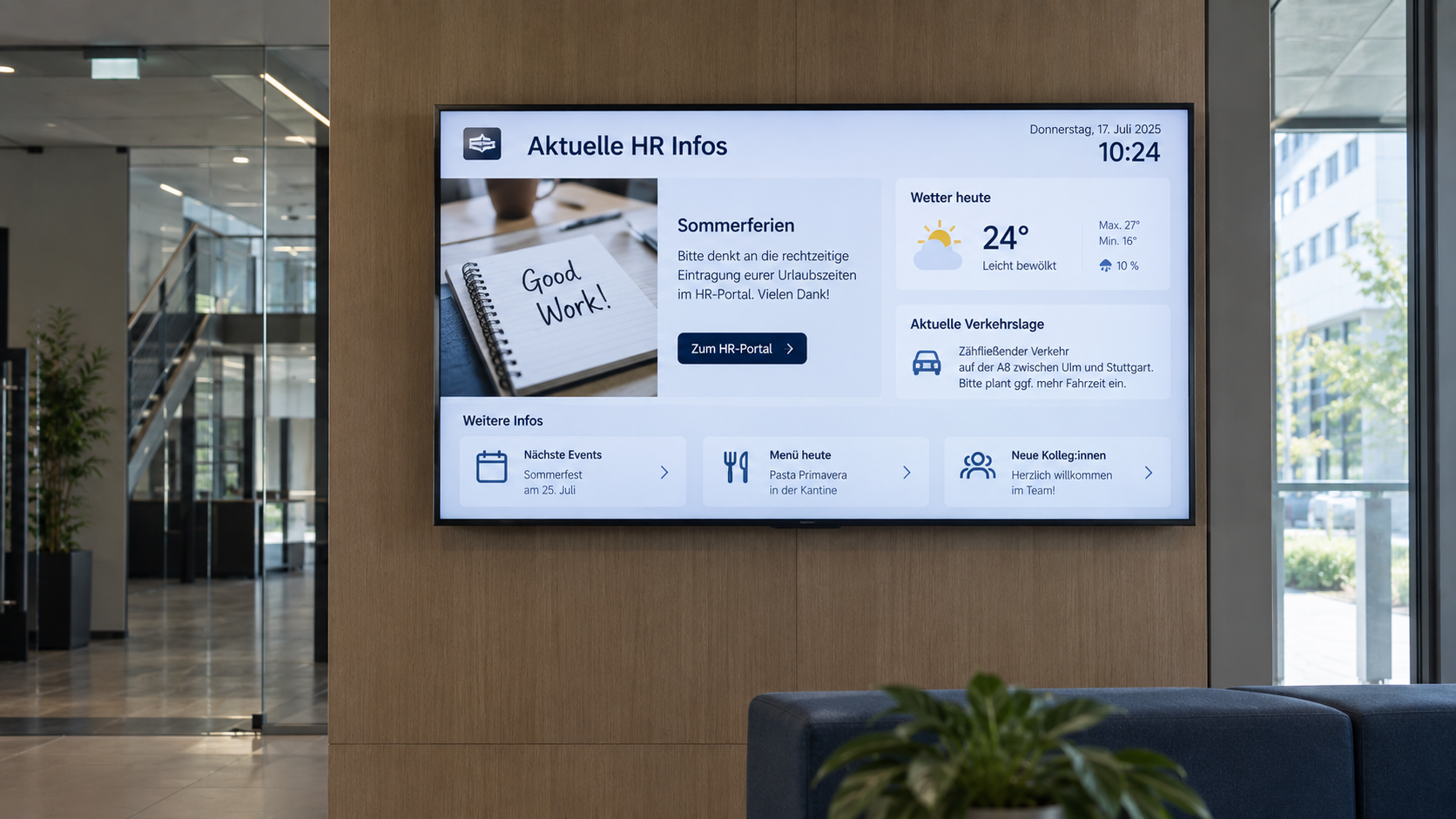
Digital bulletin board
Internal communication that hits the mark: Make news, notices, and important information visible directly on digital displays – centrally managed and always up to date.
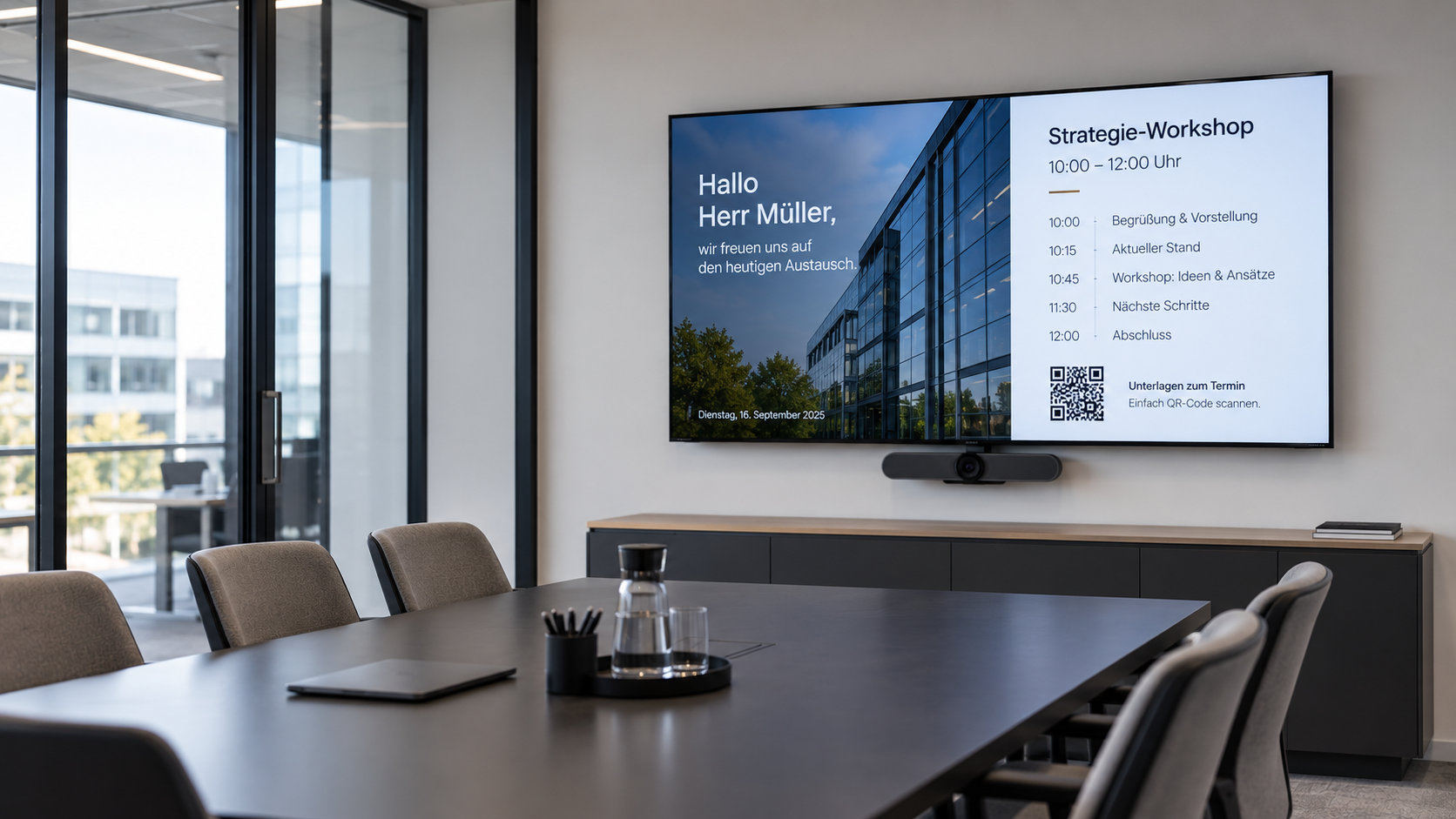
Meeting room display
Professional meeting management: Display agendas, room status, and relevant information directly in the meeting room—centrally managed and always up to date.
That's what our customers say
“The advantage is that we can now display information even faster and more reliably.

“We successfully operate connectSignage at more than 1,000 locations and continue to develop projects together in close, partnership-based cooperation. ”

“It was important to us to enter into a partnership in which we could rely on strong support for customer projects.”

"Our partnership with connectSignage creates a powerful combination of flexible software, integration expertise, and excellent personal support."

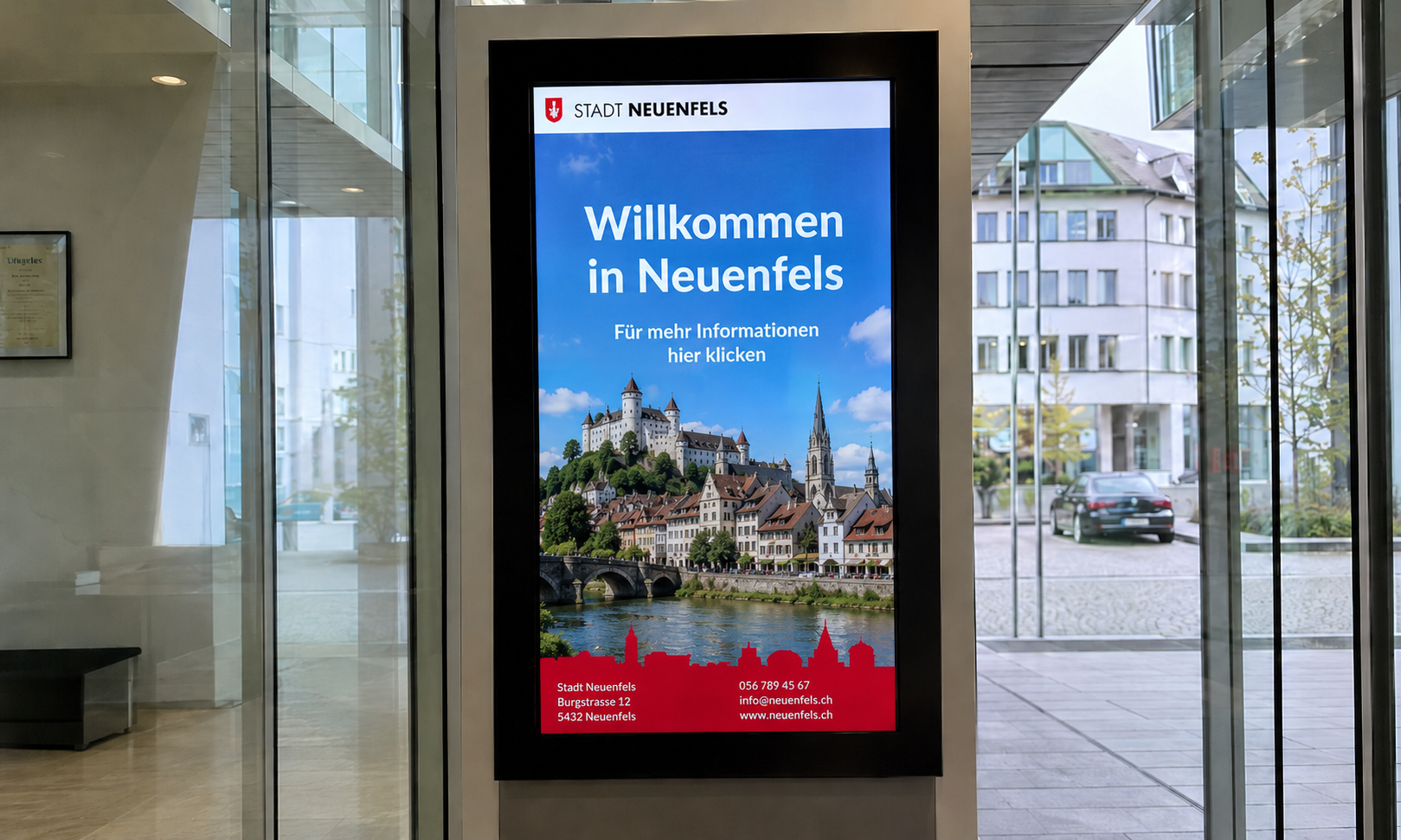
Digital solutions in public spaces
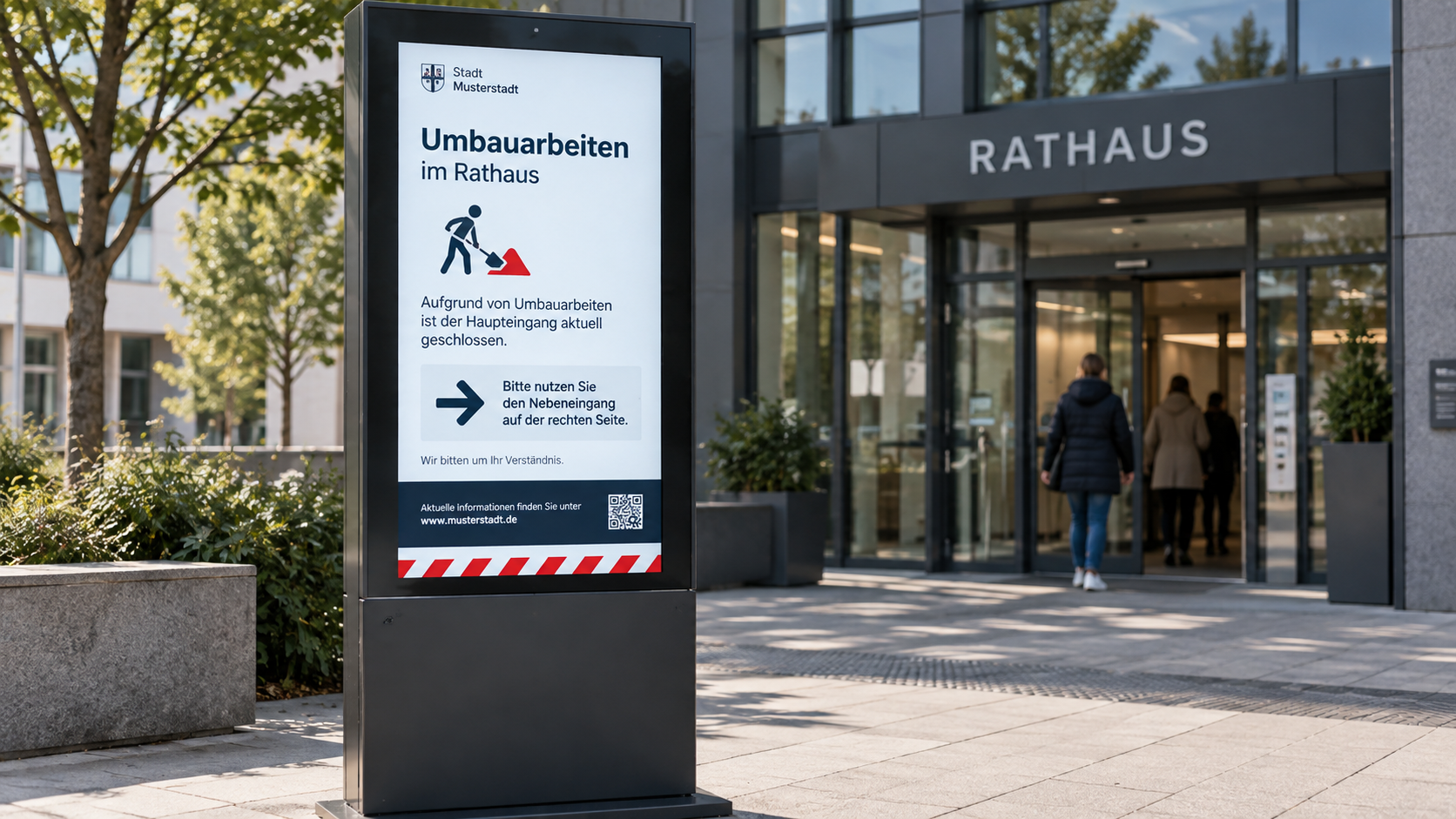
Examples of the use of digital signage in public authorities – from information and announcement systems to orientation and guidance for citizens.
.png)
Take your in-store communication to the next level
Simplify the maintenance of your branch displays, strengthen your brand and increase your sales figures — with connectSignage.
.avif)
Common questions
Answers to common questions about digital signage in government agencies.
Digital Signage for public authorities describes the use of digital displays to show citizen information, wayfinding, waiting instructions, queue numbers, room occupancy, safety announcements, official notices, and internal communications in public institutions.
Digital signage is useful in the public sector because authorities need to communicate a lot of current information clearly and visibly. Digital displays assist with wayfinding, citizen information, waiting area communication, security alerts, internal administrative communication, and official announcements.
Key use cases include digital citizen information, digital wayfinding, welcome screens, waiting area displays, queue management displays, emergency communication, digital bulletin boards, meeting room displays, and multilingual information displays.
With connectSignage, content can be created, updated, and scheduled using drag-and-drop. Roles and permissions allow you to define which teams are authorized to edit which content.
connectSignage helps public authorities centrally control digital displays and deliver content specifically by location, building, floor, room, or use case. This includes citizen information, digital wayfinding, waiting area displays, call systems, meeting room displays, official announcements, internal communications, and emergency communication.
Yes. Displays in waiting areas can be connected to existing ticketing or call systems. This allows call numbers, waiting information, opening hours, public information, and notices about online services to be displayed in combination.
We guarantee the highest security standards with encryption, two-factor authentication and GDPR-compliant processes.
Implementation is carried out in collaboration with our system integrators. Depending on the project, we provide support with selecting hardware and locations, connecting existing systems and interfaces, as well as with installation, commissioning, and training. For ongoing operations, our Customer Success Management team is also available to assist.
We offer a free 30-day trial period with full functionality and a personal introduction.
Any more questions?
Our team is happy to help.