Digital bulletin board
Internal communication that hits the mark: Make news, notices, and important information visible directly on digital displays – centrally managed and always up to date.
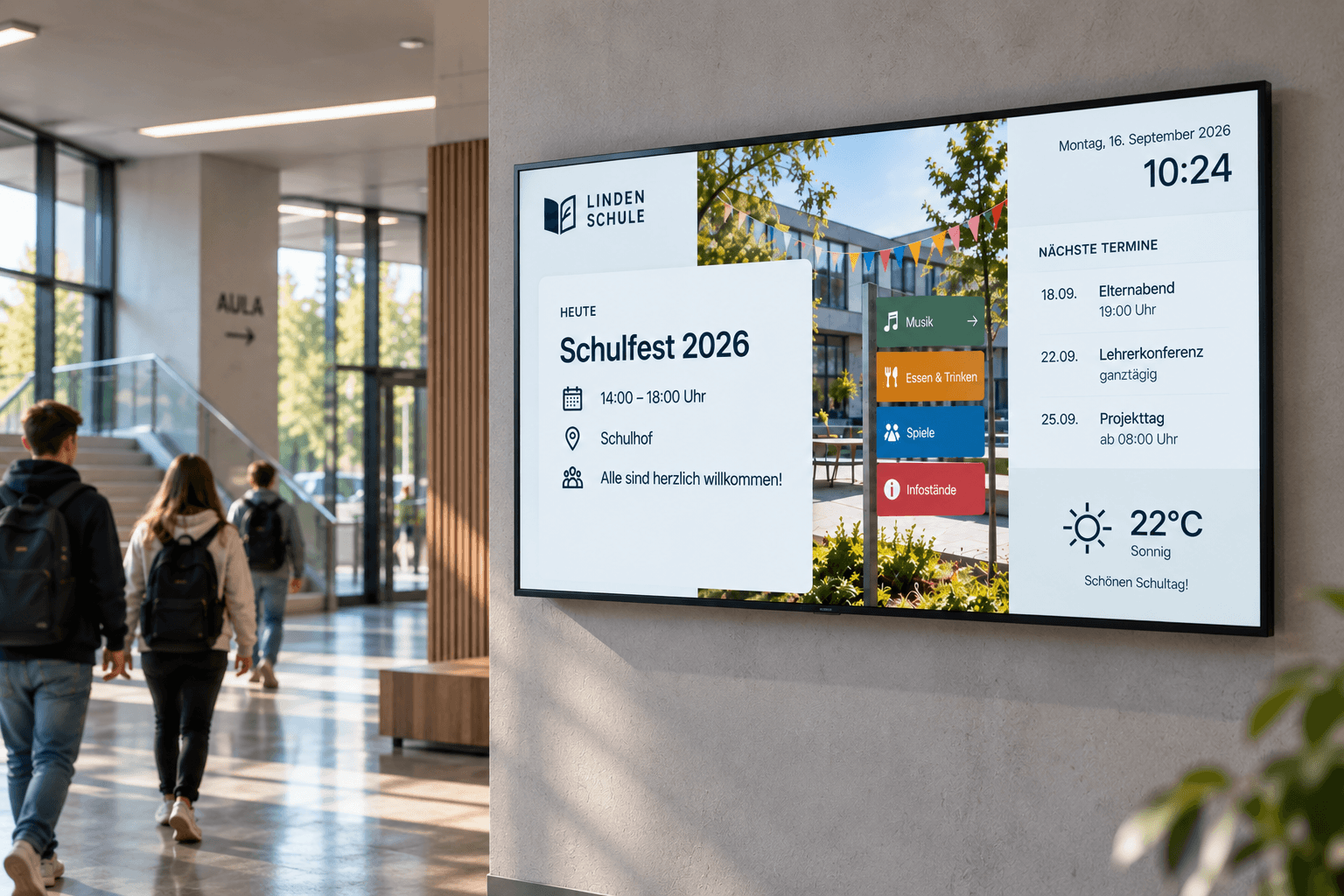
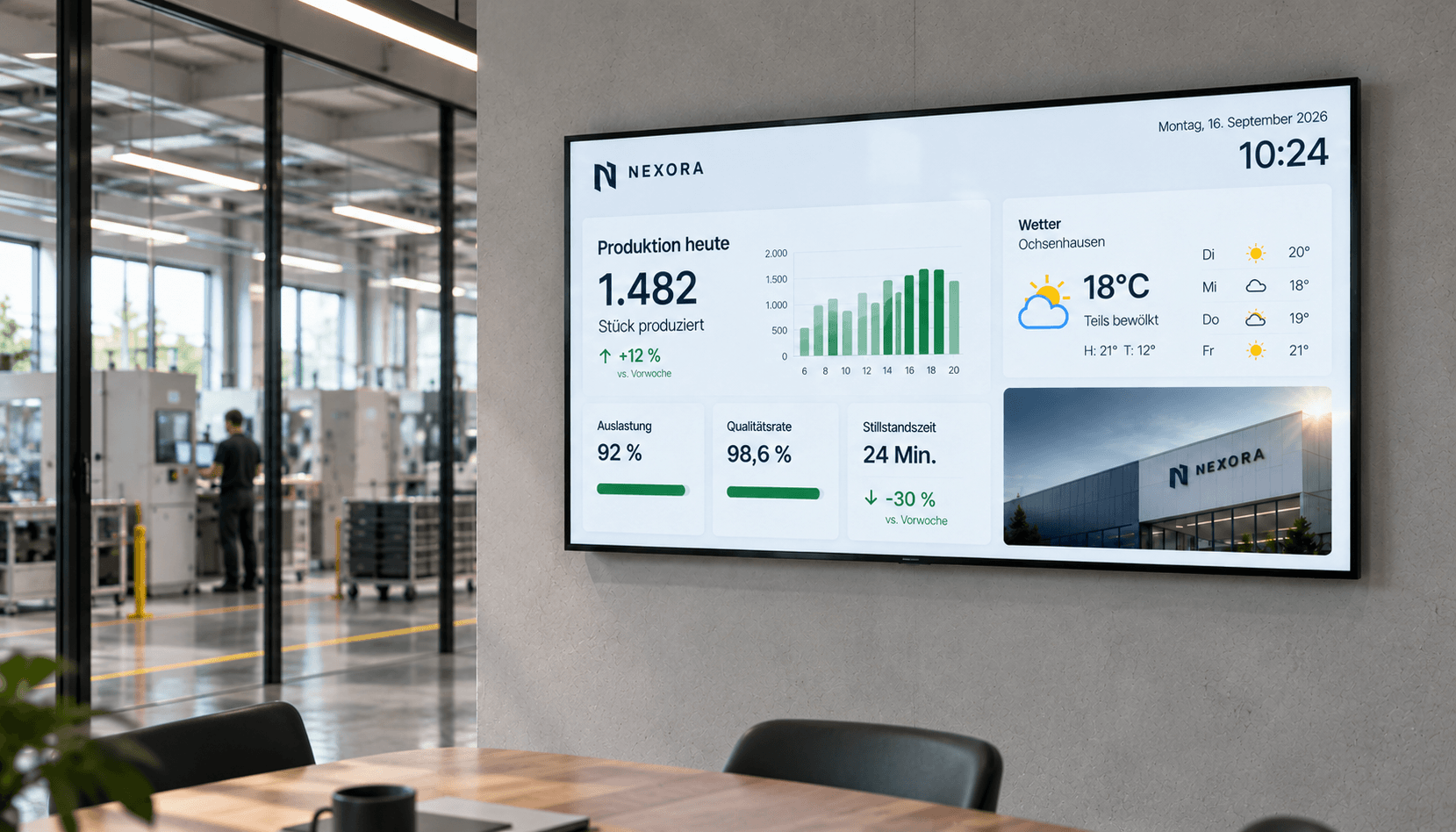
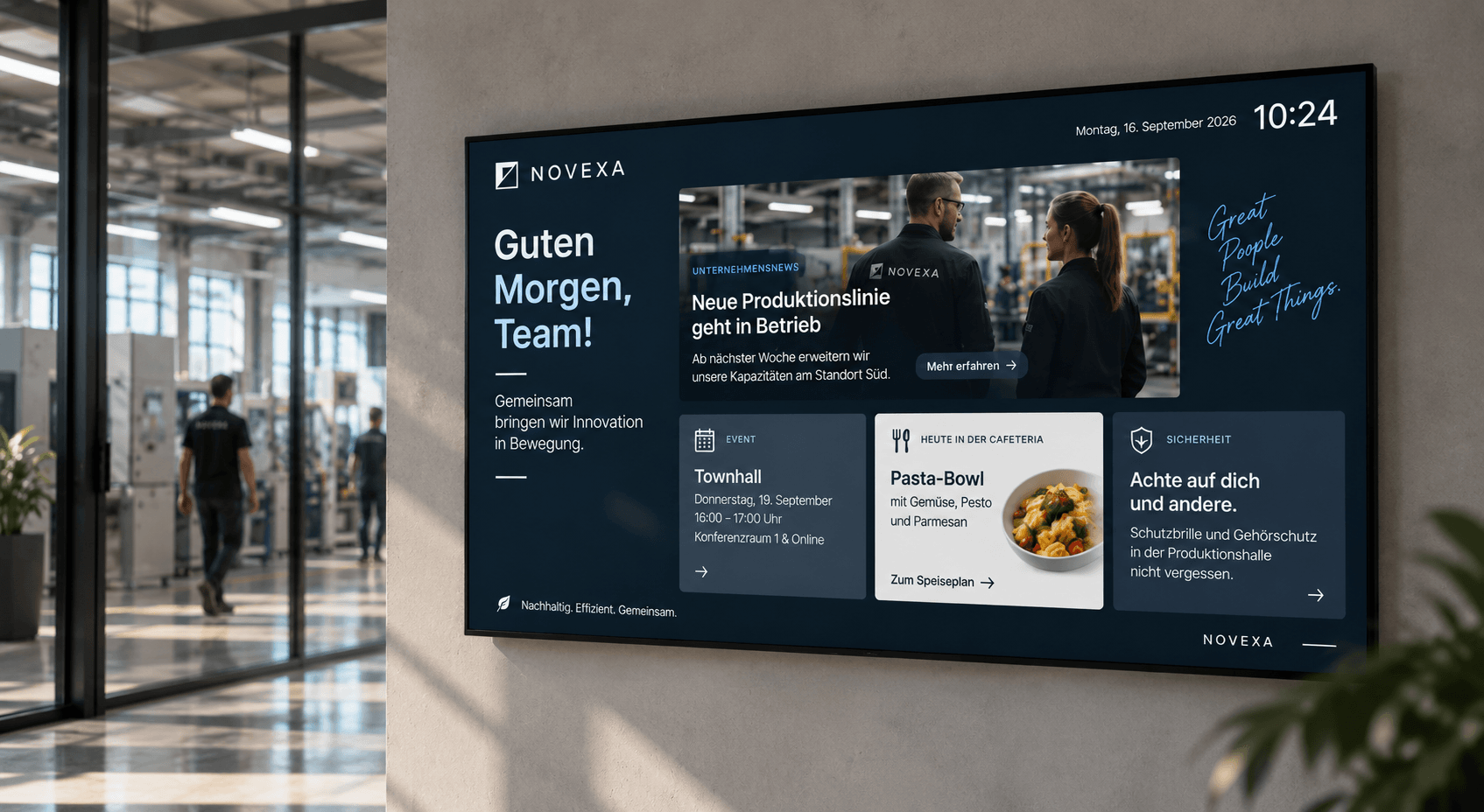
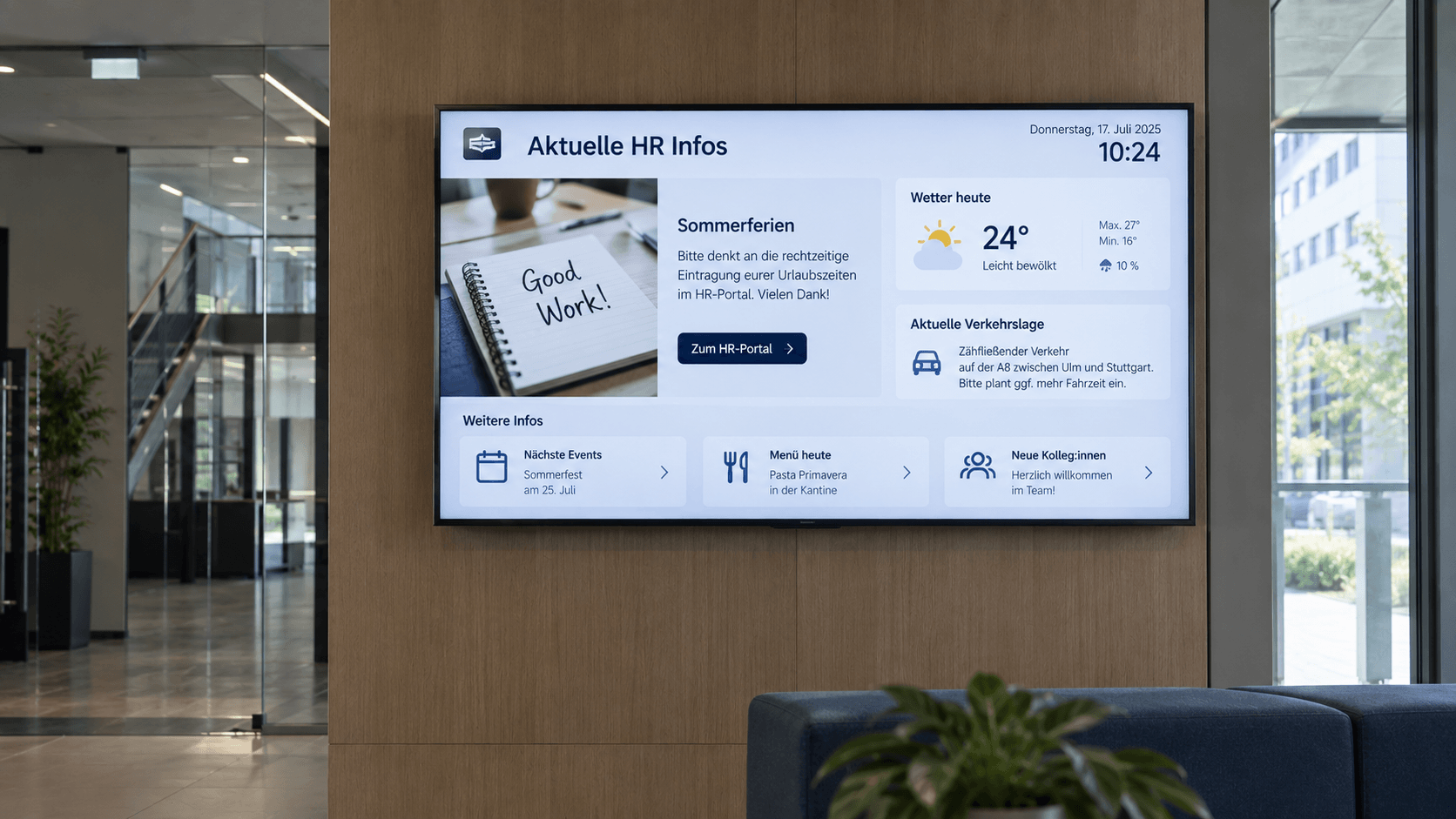
What is a digital bulletin board and how does it work?
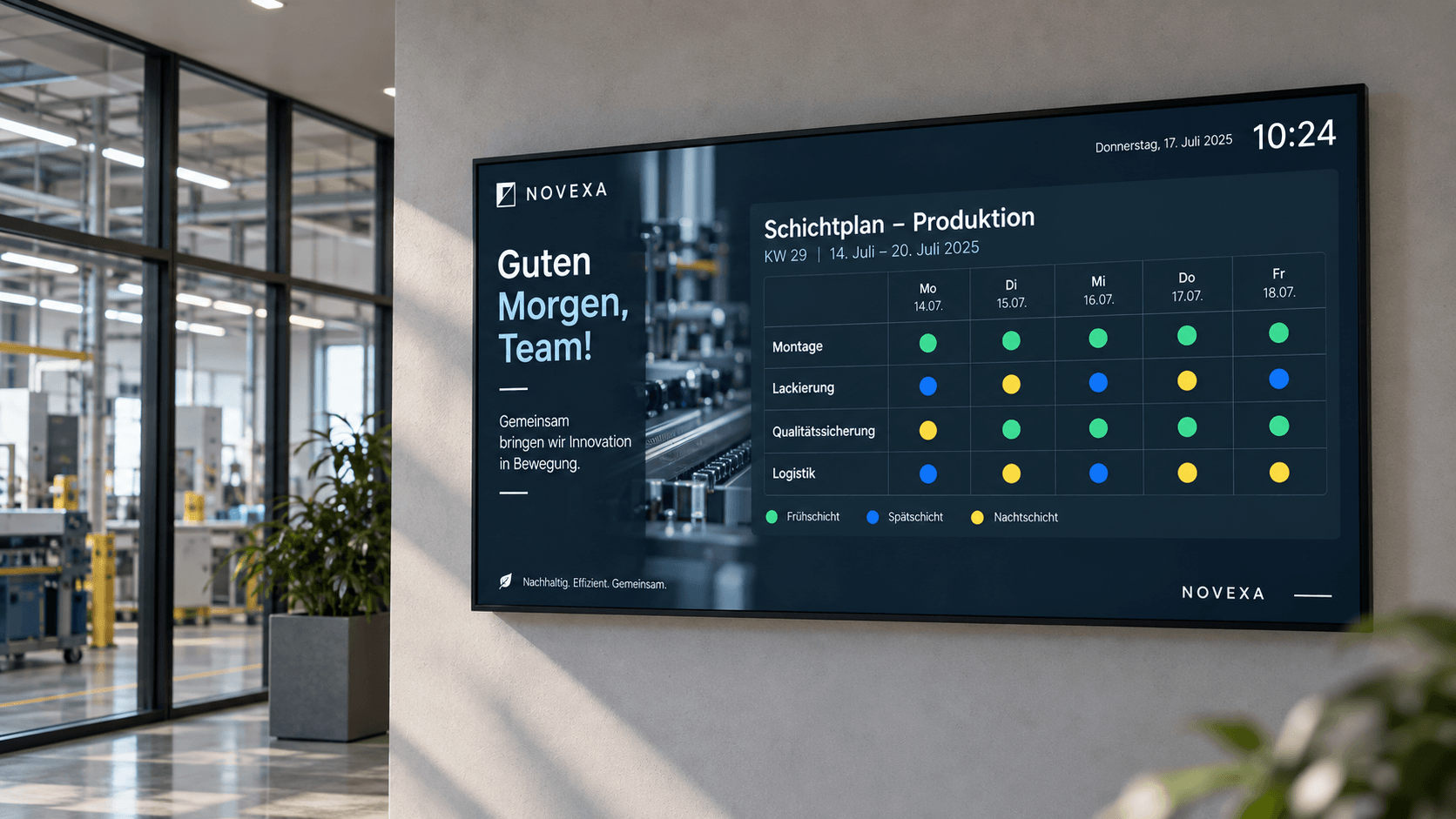
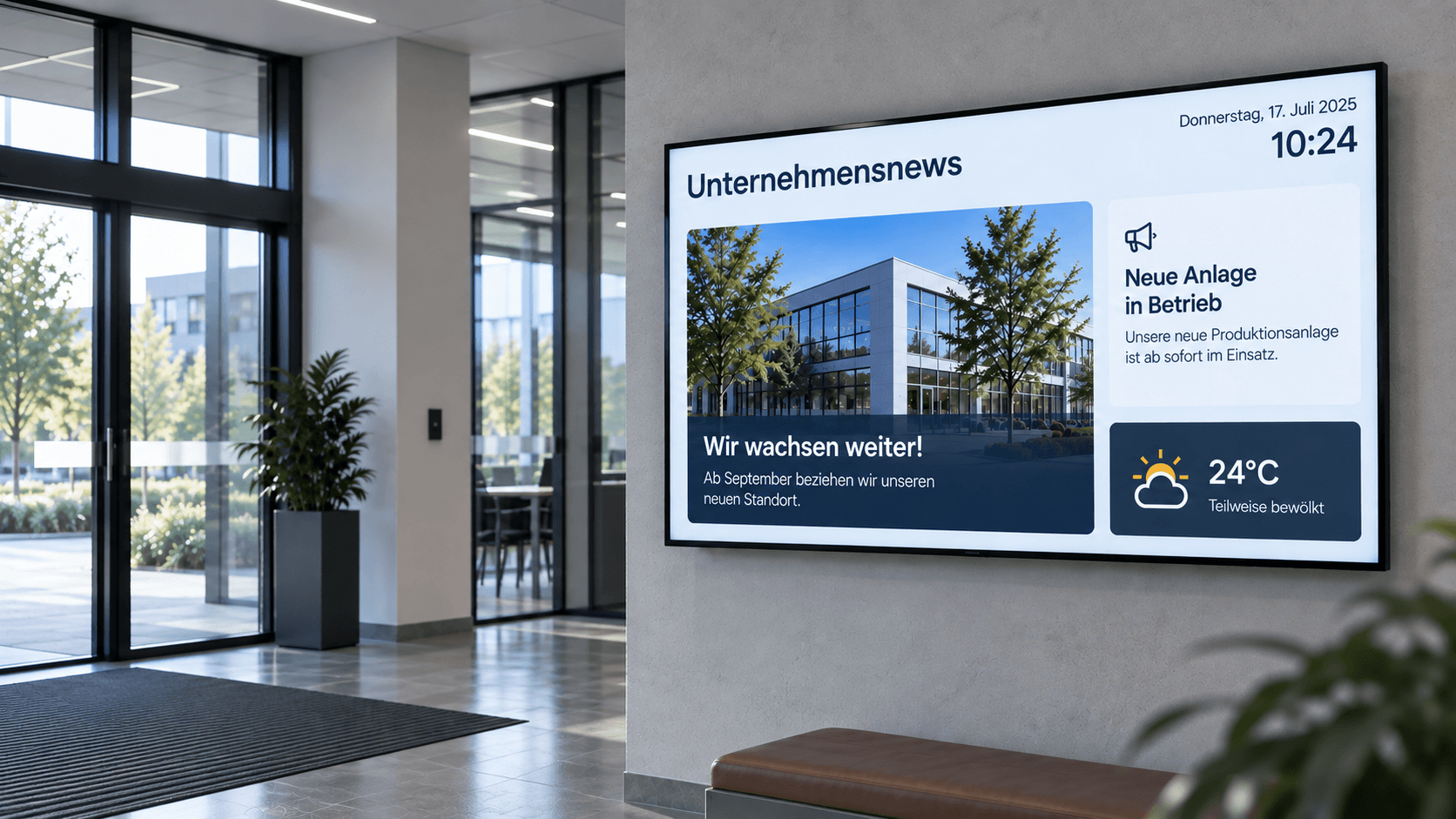
A digital bulletin board brings company news, HR announcements, shift schedules, safety information, or key performance indicators directly to displays in the workplace.
This solves a common internal communication problem: not all employees sit at a PC every day or regularly read emails and intranet posts. Especially in production, logistics, retail branches, or shift work, important information often fails to reach everyone.
With connectSignage, information becomes visible where employees pass by anyway – for example, at the factory entrance, in production areas, break rooms, or canteens. Content can be managed centrally and targeted by location, department, display, or audience.
Where are digital bulletin boards used?
Digital bulletin boards are particularly well-suited for areas where many employees need to be informed quickly and regularly.
Typical locations:
- Production halls and shop floors
- Employee entrances and factory gates
- Break rooms and lounges
- Canteens
- Logistics areas
- Hallways and elevator areas
- Retail branches and offices
- Administrative areas
- HR departments
For example, shift schedules and safety information can be displayed in production areas, while company news, HR topics, and events are shown in the canteen.
What content can be displayed on a digital bulletin board?
- Company News
- HR Announcements
- Shift and Duty Rosters
- New Hires and Anniversaries
- Job Openings
- Safety Information
- Dates and Events
- Menus
- Key Metrics and Power BI Dashboards
- Internal Campaigns
- Weather and Traffic
- Images and Videos
Existing content from sources such as SharePoint, Microsoft Teams, Power BI, calendars, or RSS feeds can be integrated. This eliminates the need to maintain information in multiple places.
What are the benefits of a digital notice board?
A digital notice board reaches employees without a dedicated desk and makes internal communication visible in the daily work routine.
Information can be updated faster than traditional notices, distributed centrally across multiple locations, and tailored to different target groups. Printing and manually replacing notices are no longer necessary.
With connectSignage, various departments such as HR, internal communications, or occupational safety can also be involved in content management. This creates a central digital communication channel for the entire organization.
Which industries are digital notice boards suitable for?
Particularly suitable for:
- Industry and Manufacturing
- Logistics
- Retail and chain stores
- Healthcare
- Public authorities
- Schools and universities
- Hotels & Hospitality
- Service providers
- Social institutions
The benefits are particularly significant for shift work, multiple locations, or large numbers of employees without their own dedicated PC workstation. This classification also aligns with your current solutions structure.
All features. One platform.
Easily manage news and announcements and display them centrally on digital displays.

SharePoint
Integration of SharePoint including automated synchronization of documents and content.

Microsoft Teams
Integration of Microsoft Teams for video communication and display-based information presentation.

PowerBI
Presentation and analysis of data in interactive reports and dashboards.

Scheduling
Content can be easily planned and played automatically at specified times.

HTML 5 editor
Intuitive, PowerPoint-like designer for content creation.

Media upload
Easy upload of your own content, such as images, videos, GIFs, PDFs, and more.

Rights management
Individual user rights for secure and structured team collaboration.

Player Administration
Central management of players with on/off times, live view, screencast, alarm profiles, and preview.

Social Media
Integration of Instagram, LinkedIn, YouTube & Co., including templates.

Web pages
Integration of external websites with flexible display options for different screen formats.

OneDrive
Use OneDrive as a media source with automatic content synchronization.

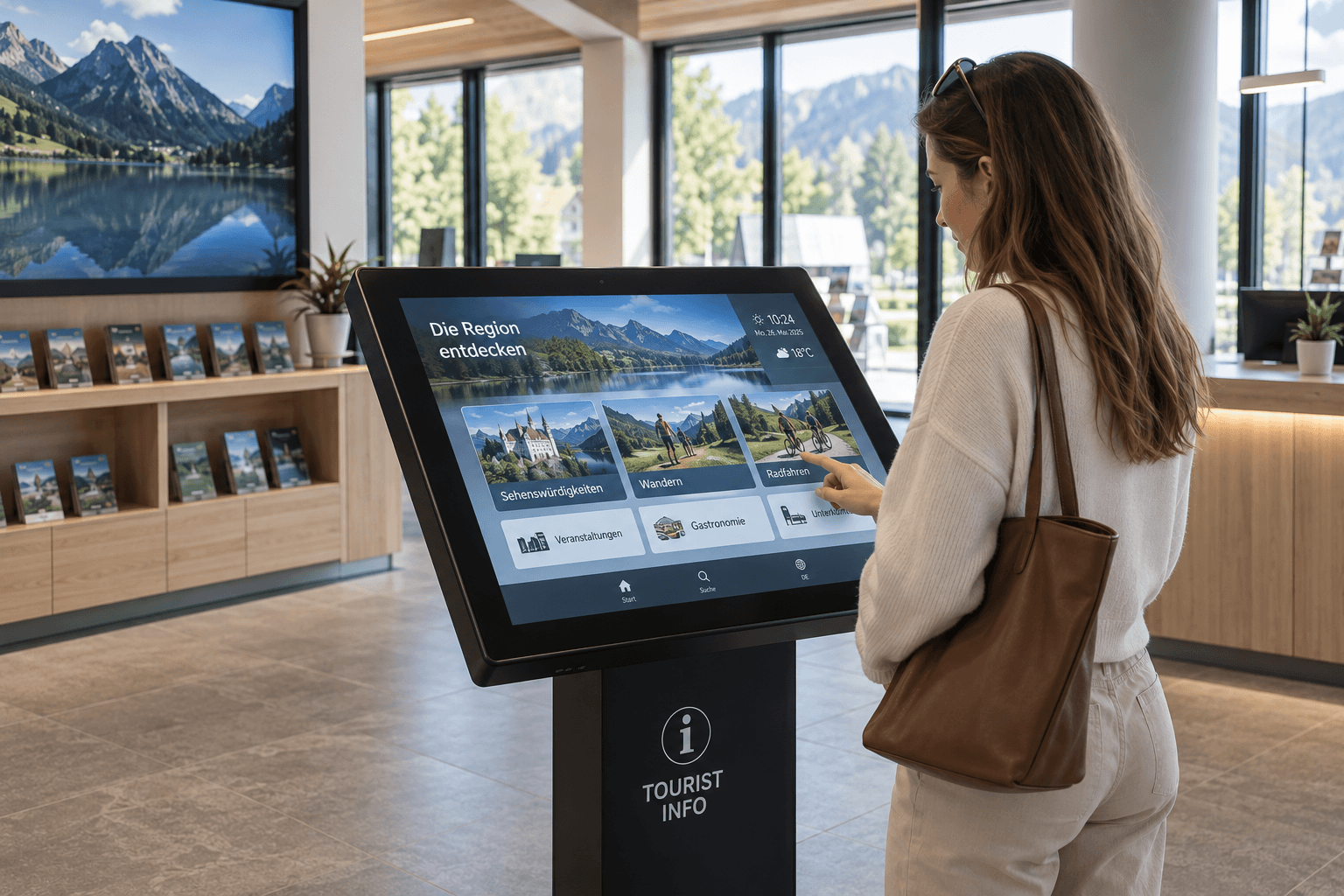
Touch
Create interactive touch applications with multiple levels and intuitive user guidance.
Real-world success stories

Digital employee communication at RAILONE
With connectSignage, RAILONE uses a central Digital Signage solution for internal communication in reception areas and production sites. Welcome screens and digital notice boards make shift schedules, announcements and current information centrally visible, improving employee communication in everyday operations.
%20(1).png)
Modern visitor and staff communication at Kastanienpark
With connectSignage, Kastanienpark uses a centralized digital signage solution for modern communication in the healthcare sector. A large screen at the main entrance and additional displays by the elevators provide visitors, residents, and staff with fast, clear, and up-to-date information.
%20(1).png)
Bacher AG Thun digitizes employee communication
With connectSignage, Bacher AG Thun is utilizing a centralized digital signage solution for modern employee communication within their construction company. Content such as weekly schedules, information screens, on-call rosters, and photo documentation is managed centrally, deployed flexibly, and displayed at relevant locations throughout the company.
%20(1).png)
TotalEnergies digitized safety and employee communication
With connectSignage, TotalEnergies uses a centralized digital signage solution for safety communications, employee information, and automated key performance indicators at the Central Germany refinery. Digital kiosks and displays show accident-free days, safety rules, weather data, employee notices, and current information, all centrally managed and automatically updated.
Real-world success stories
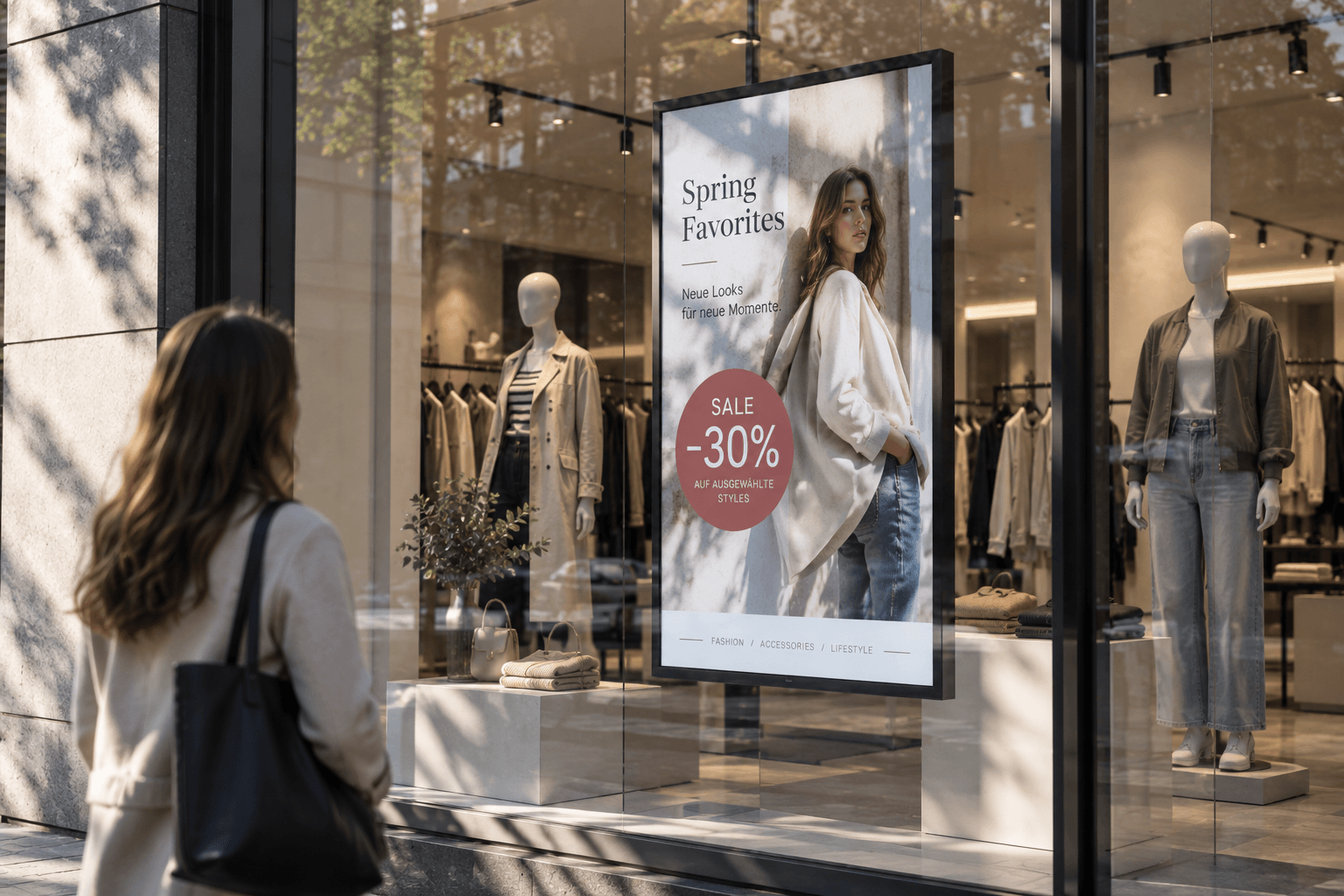
Advertising display
Advertising displays showcase campaigns, offers, and brand messages on digital screens in an eye-catching way. Content can be scheduled flexibly and managed centrally.
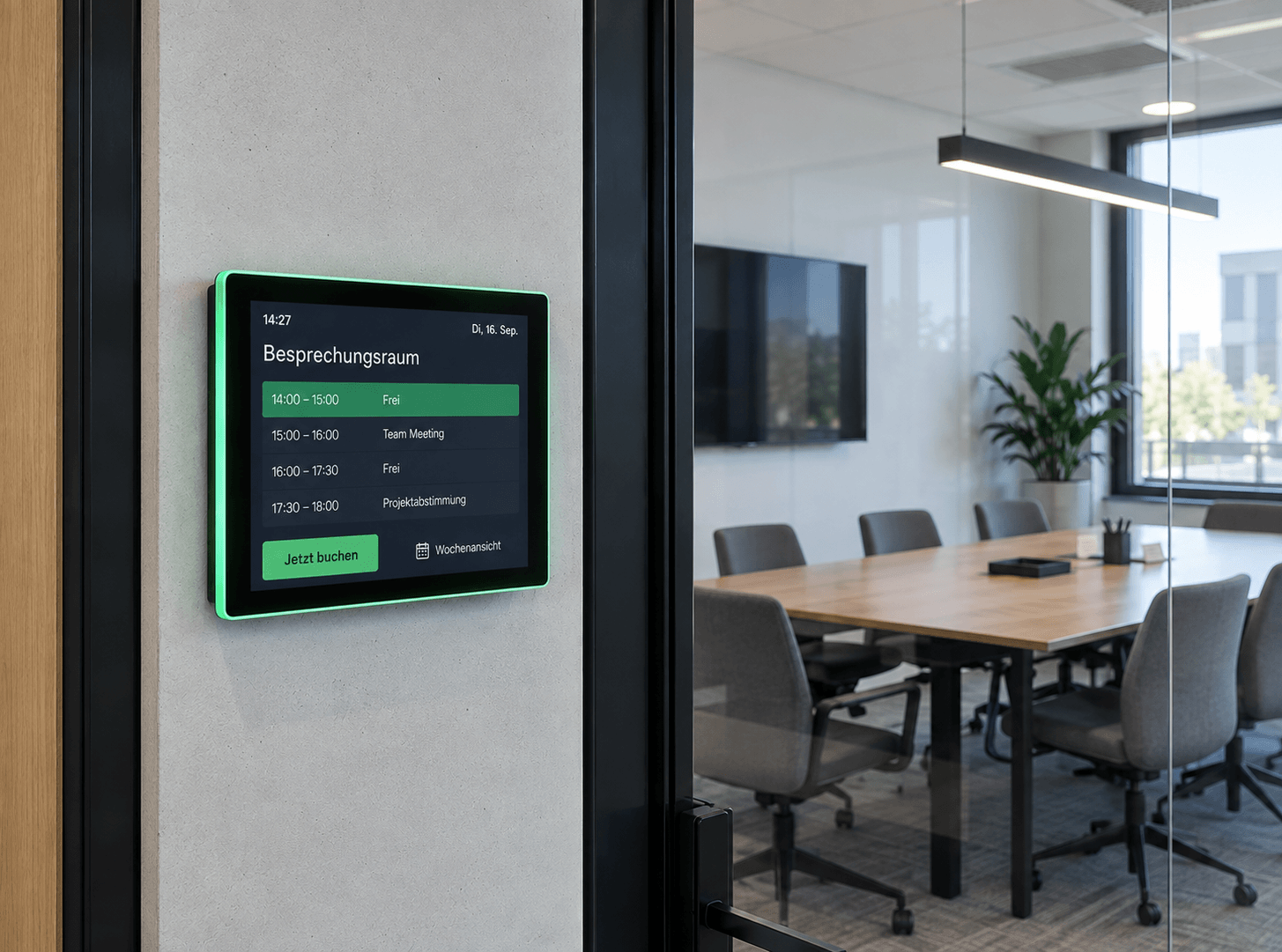
Room booking
Available rooms at a glance: Digital room booking makes availability visible right at the room – flexibly bookable, automatically synchronized, and always up to date.
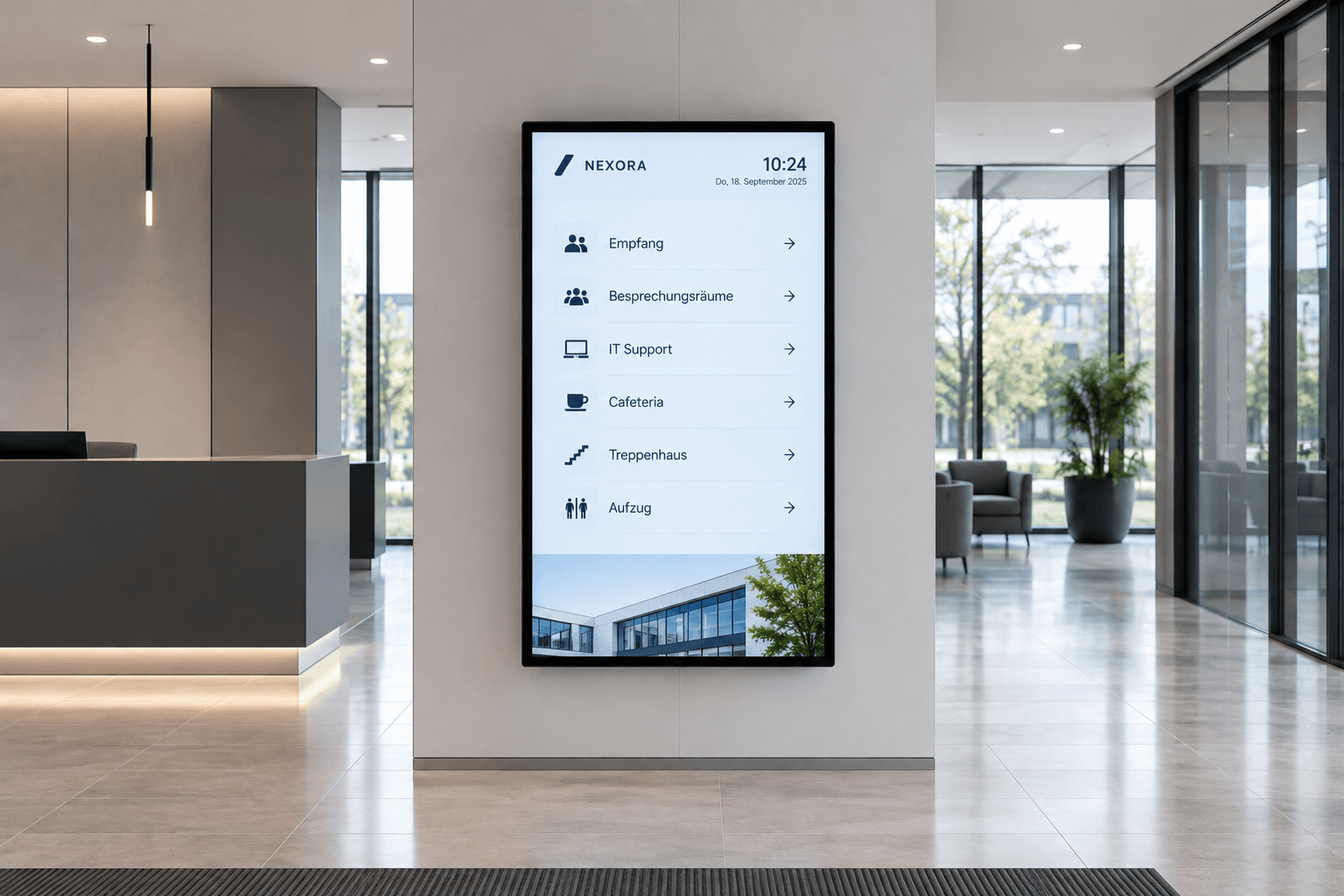
Digital wayfinding
Wayfinding that simply works: Digital wayfinding systems guide visitors, customers, and employees safely to their destinations—flexibly, centrally managed, and always up to date.
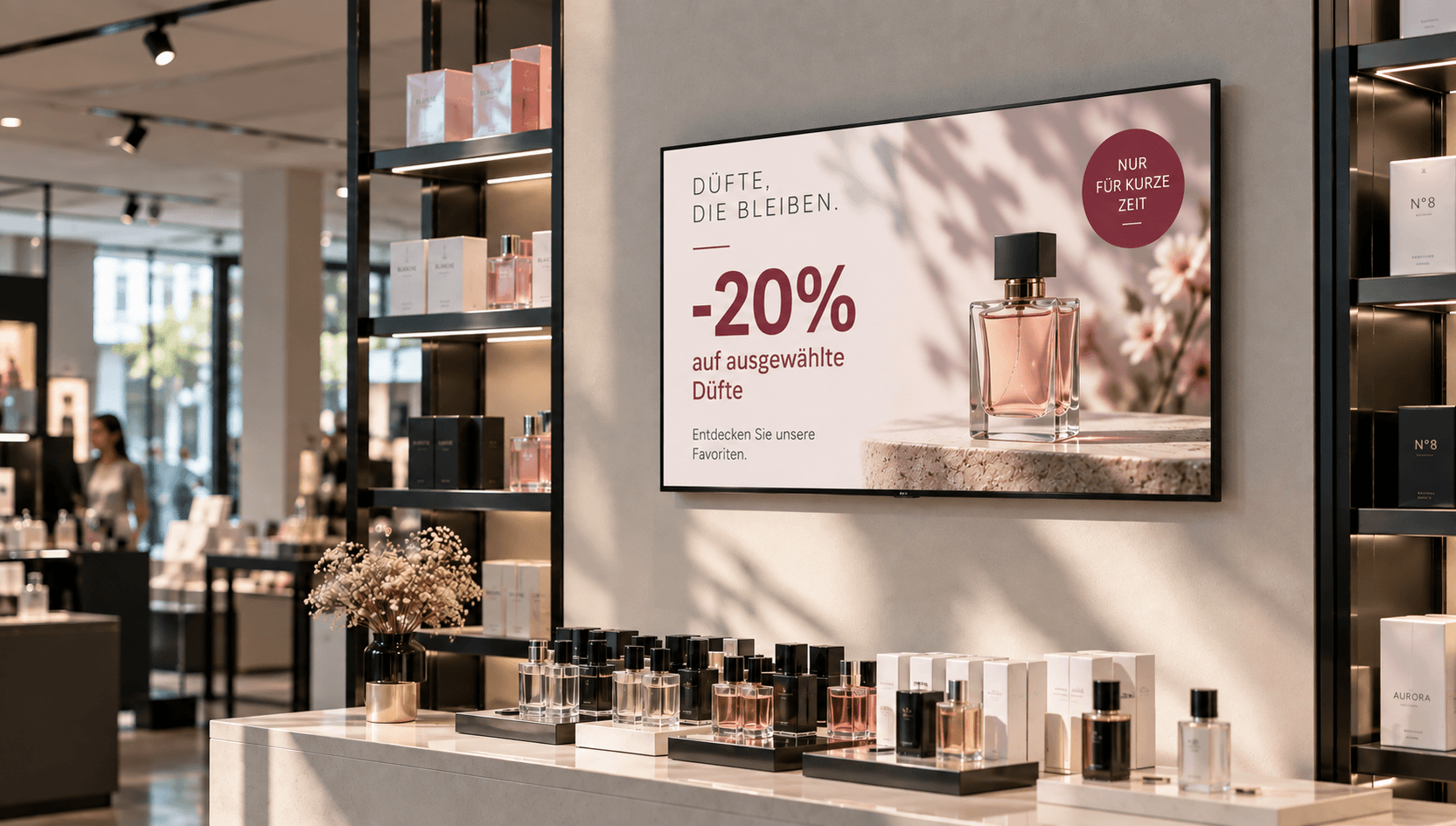
Price & promotional displays
Make offers visible at the right moment: present prices, discounts, and promotions directly at the point of sale—centrally managed, scheduled, and deployed with location-specific precision.
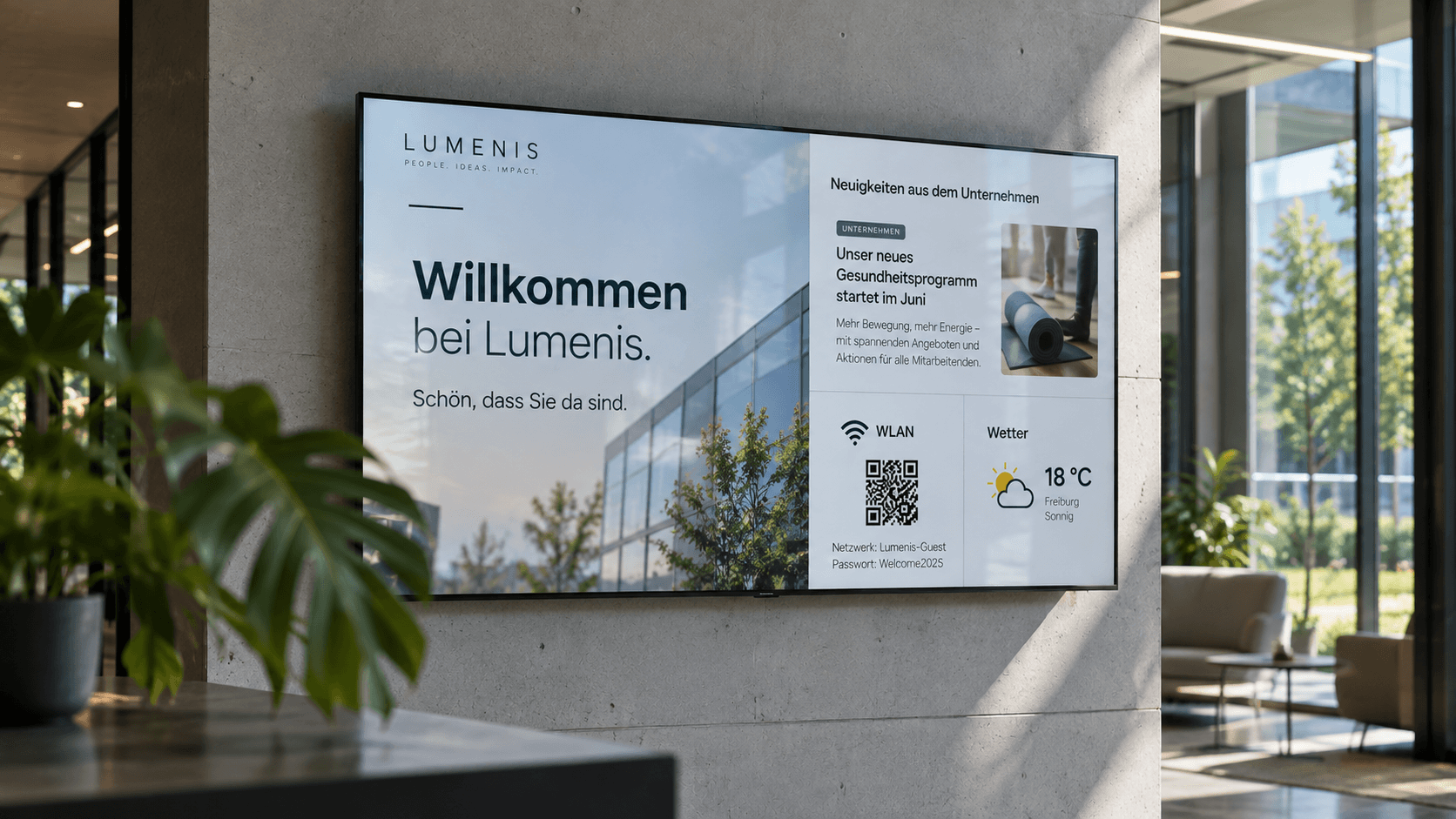
Information display
Information at a Glance: Display key metrics, process data, deadlines, and the latest information on digital displays—automatically updated and centrally provided.
.png)
Emergency & safety communication
When every second counts: Make warnings, evacuation information, and safety alerts visible instantly—centrally managed, targeted, and easy to understand.
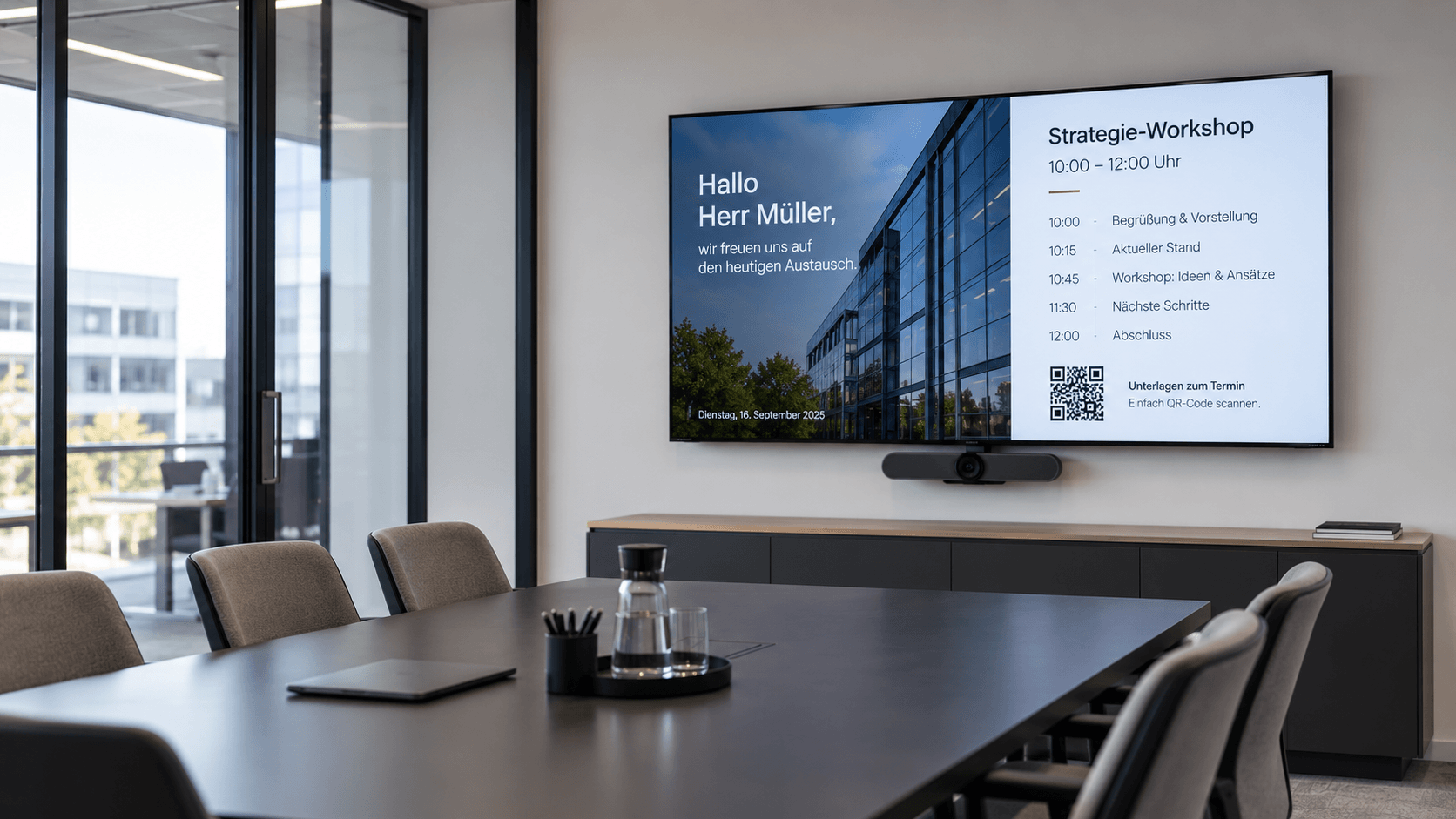
Meeting room display
Professional meeting management: Display agendas, room status, and relevant information directly in the meeting room—centrally managed and always up to date.
Frequently asked questions
Answers to common questions about digital bulletin boards and internal communication via displays.
A digital notice board is a display or network of displays used to centrally broadcast internal information. Companies use it for things like company news, shift schedules, safety information, appointments, or HR announcements. With connectSignage, this content can be managed centrally and distributed strategically across different displays and locations.
The content for a digital notice board is managed centrally via digital signage software and transmitted to the desired displays. With connectSignage, you can create and schedule content and assign it to specific displays, areas, or locations.
Yes. Digital notice boards can display shift schedules, HR announcements, appointments, safety information, and other employee updates. With connectSignage, this content can be managed centrally and assigned to specific teams, departments, or displays.
A digital bulletin board is suitable for shift schedules, safety instructions, internal announcements, HR information, key figures, and plant news. It makes internal communication visible to employees.
Yes. Digital signage can be connected to existing systems and data sources such as ERP, MES, Power BI, databases, or APIs via integrations and interfaces. This allows production data, order information, machine status, and KPI dashboards to be displayed automatically on shop floor screens.
Yes. With connectSignage, you can assign content to specific displays, display groups, or locations. This allows you to combine centralized safety information with location-specific notices and manage everything from a single platform.
Any Questions?
Our team is happy to help.