Welcome screen
Professional welcome and initial orientation for visitors and employees.
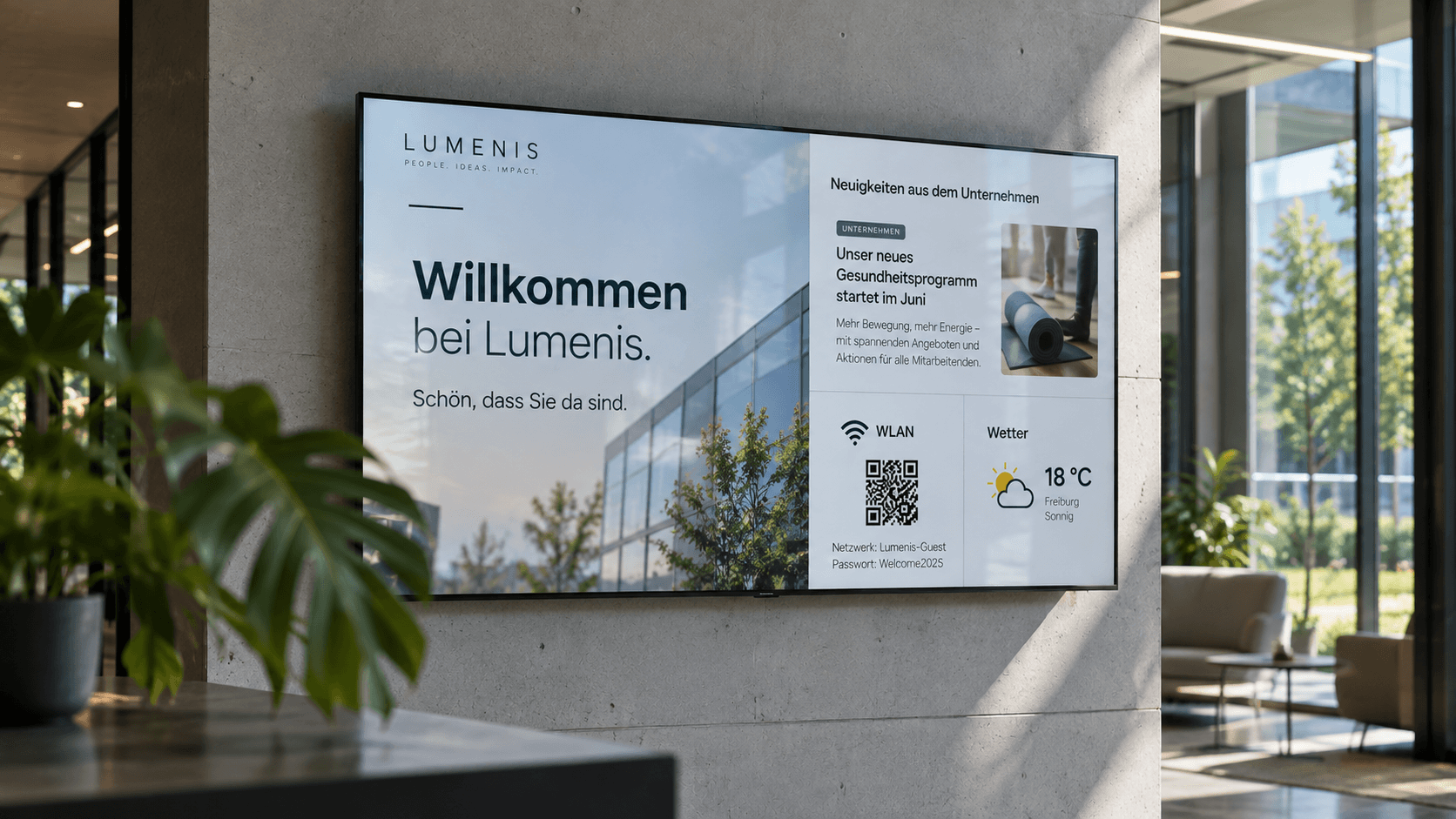
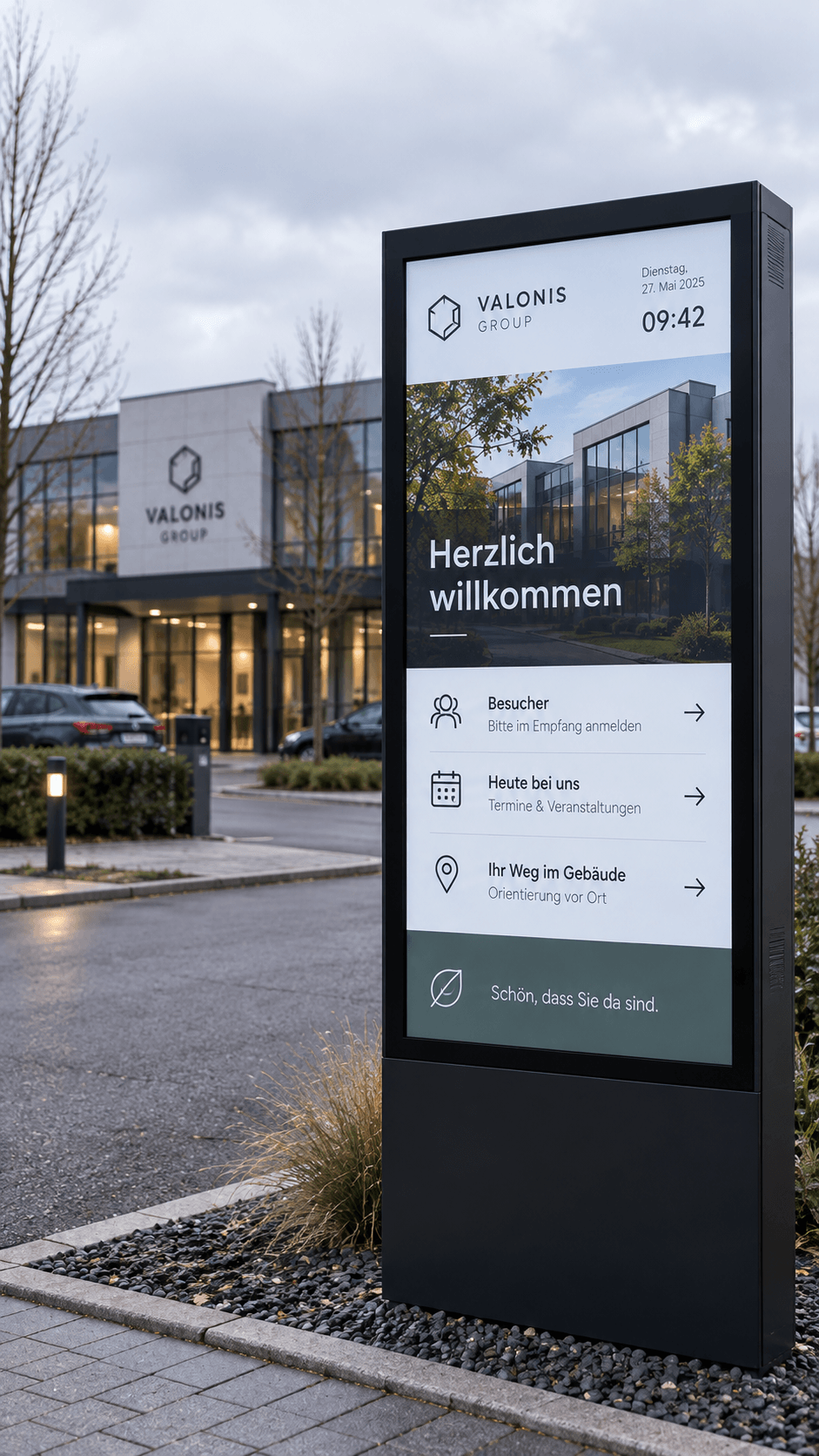
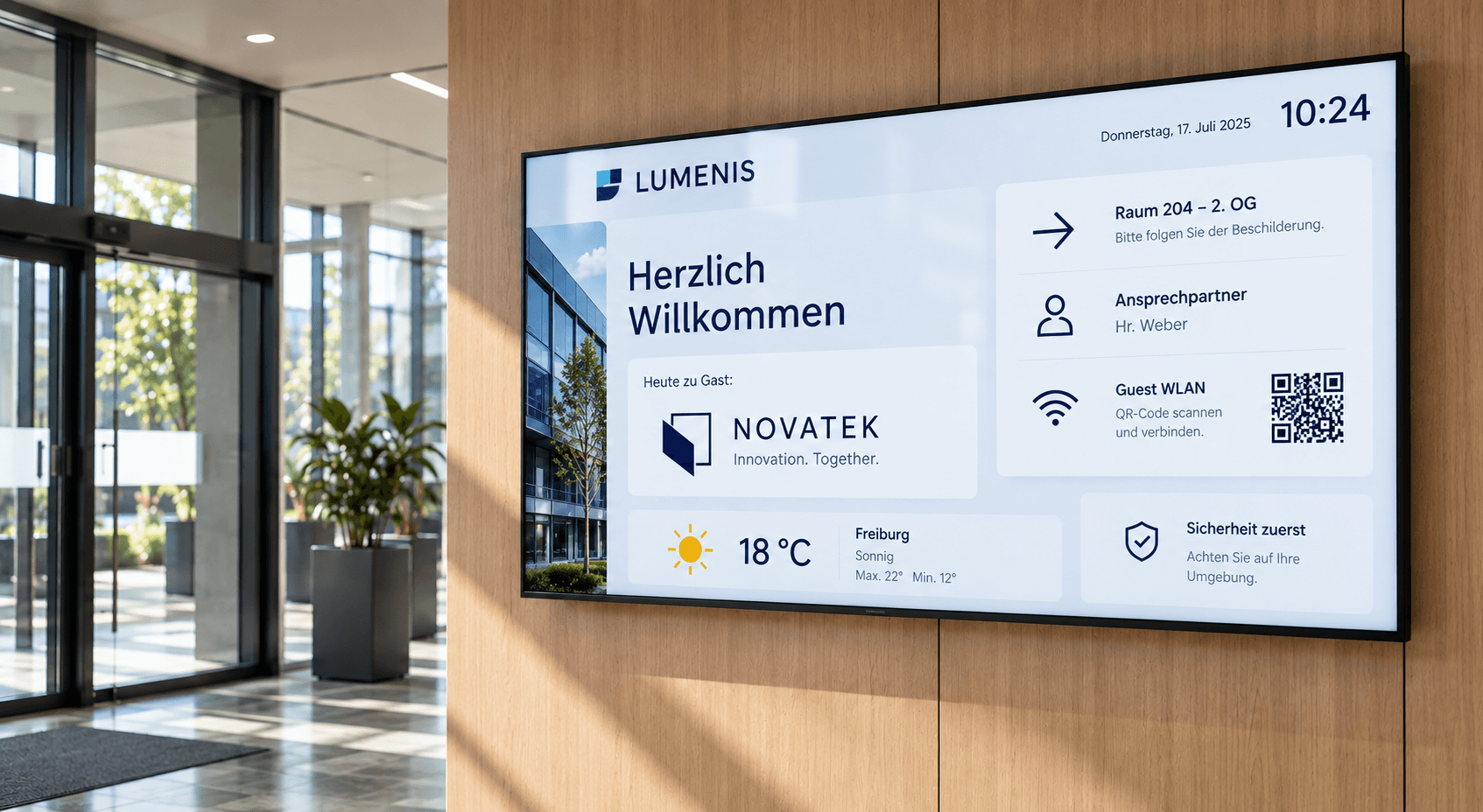
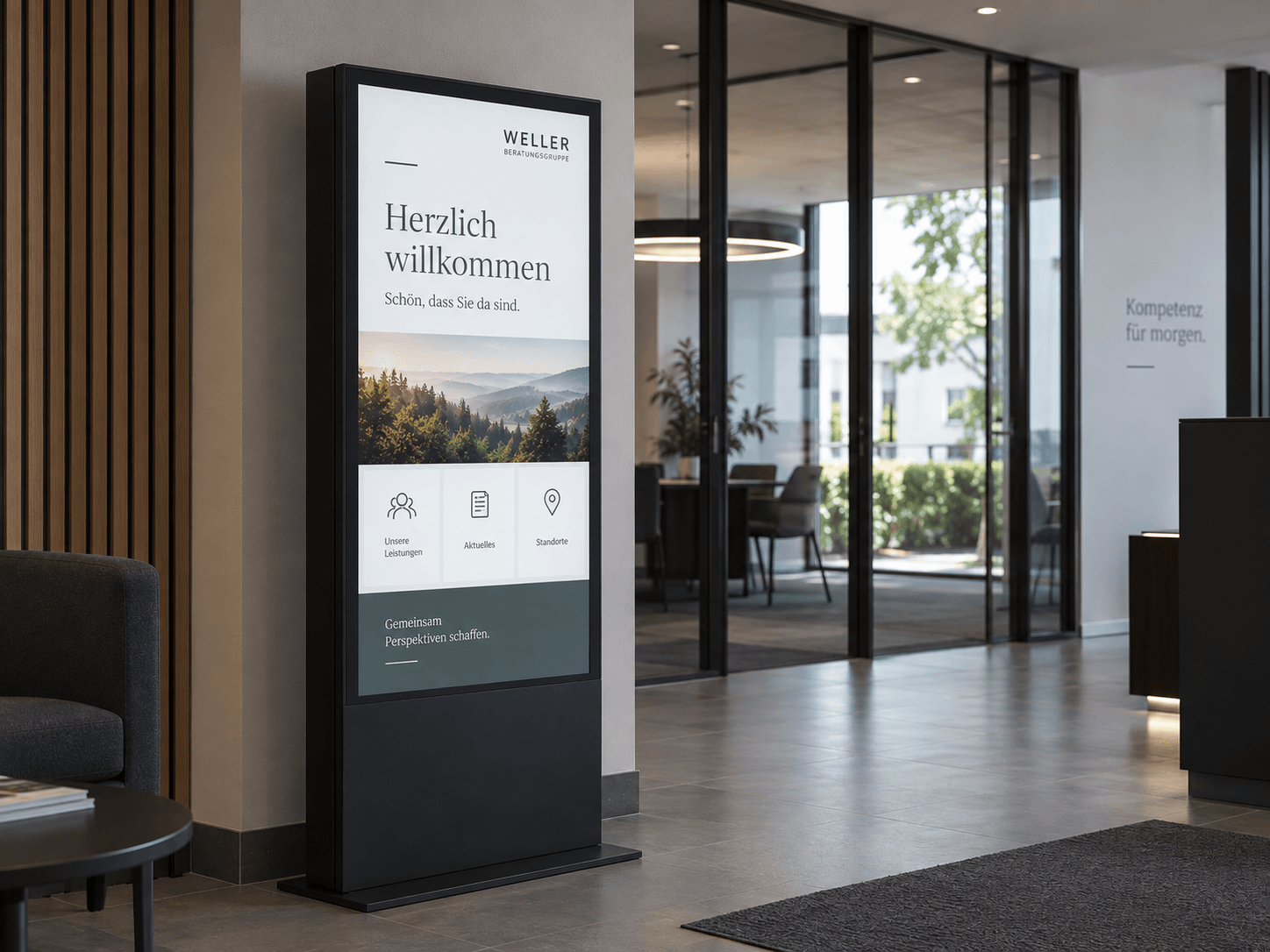
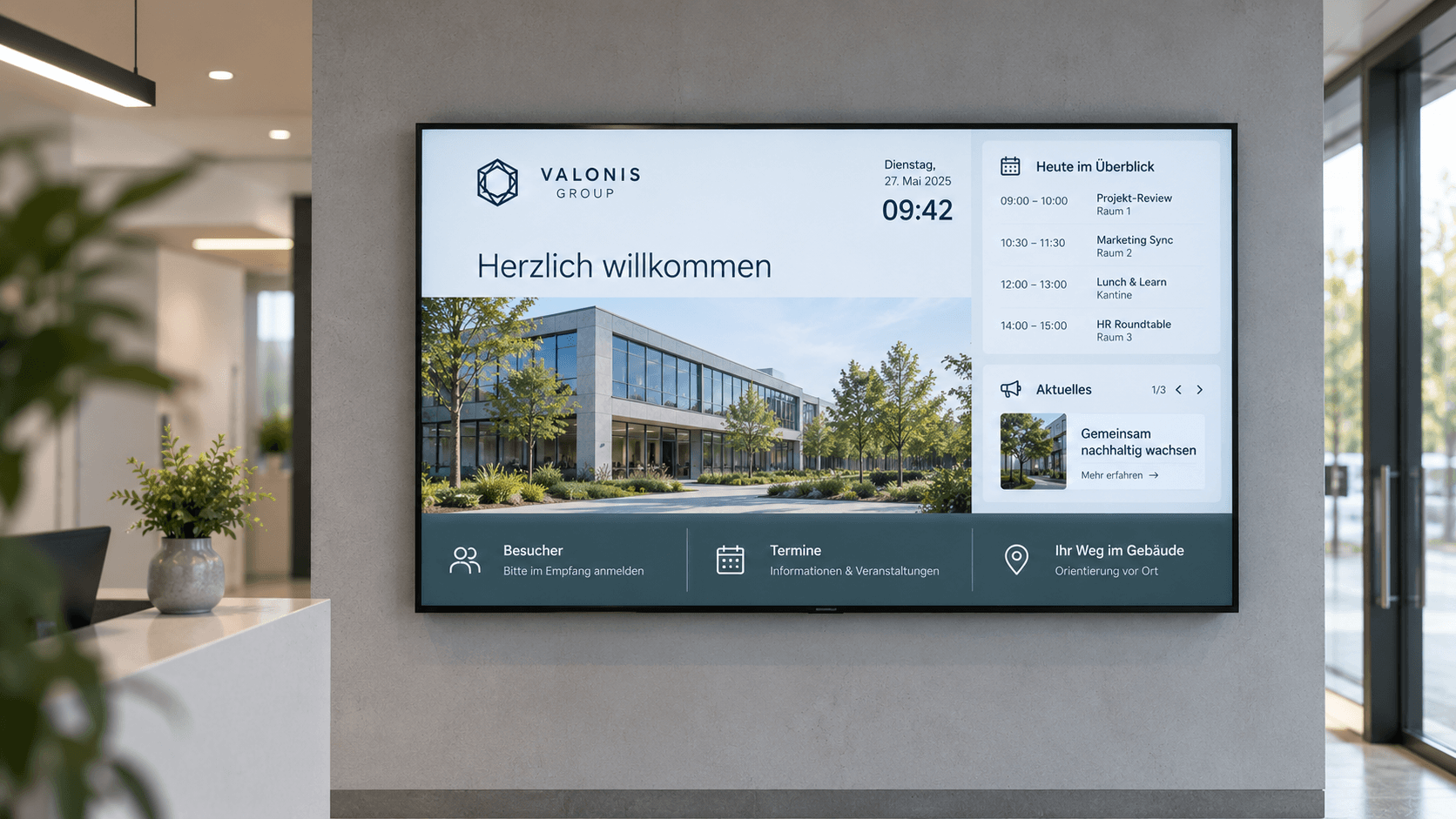
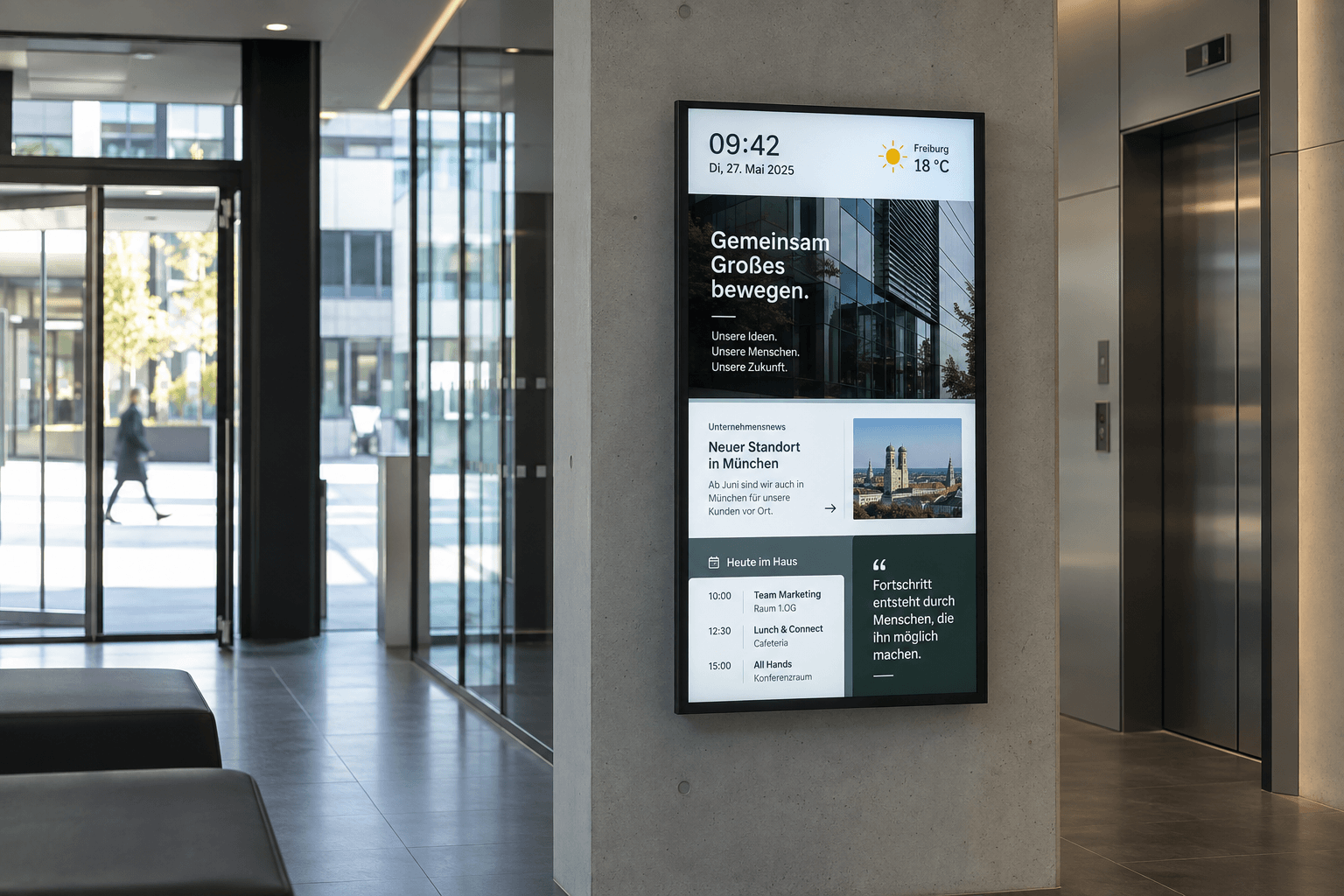
What is a welcome screen and how does it work?
A welcome screen is a digital display in a reception or entrance area that personally greets guests, customers, and visitors while providing relevant information. Appointments, contact persons, room directions, or orientation details are visible the moment they arrive.
Reception areas often generate unnecessary questions: Where is the meeting? Who is the contact person? Which room should the visitor go to? At the same time, companies want to present themselves professionally and in line with their corporate design from the very first moment.
With connectSignage, welcome screens can be created and managed centrally. Visitor greetings can be scheduled and displayed automatically using calendar or appointment data. This ensures that every visitor receives the right information at the right time – even across multiple reception areas and locations.
Where are welcome screens used?
Welcome screens are suitable wherever guests, customers, applicants, or business partners need to be welcomed professionally.
Typical locations:
- Reception areas and lobbies
- Corporate headquarters
- Visitor centers and showrooms
- Hotels
- Conference and training areas
- Clinics and healthcare facilities
- Government offices
- Schools and universities
- Trade fair and event spaces
From a personal "Welcome" to the next appointment and the correct meeting room, the entire initial contact can be supported digitally.
What content can be displayed on a welcome screen?
- Personalized greetings
- Guest or company names and logos
- Appointments and events
- Points of contact
- Room and floor directions
- Digital wayfinding
- Daily agendas
- Company news and brand videos
- Wi-Fi information and QR codes
- Weather and public transport
- Safety and visitor guidelines
Many of these details can be updated automatically via calendar and data integrations. This means the reception team doesn't have to manually create new content for every appointment.
What are the benefits of a welcome screen?
Welcome screens create a professional first impression and provide visitors with immediate orientation. At the same time, they reduce inquiries at the reception desk and the manual effort required for frequently changing visitor information.
Content can be designed in your corporate identity and managed centrally for individual displays, buildings, or multiple locations. Changes are visible instantly, with no need for printouts or manual on-site updates.
With connectSignage, welcome screens can also be combined with digital wayfinding, room booking, or meeting room displays – creating seamless digital visitor communication from the reception area to the meeting room.
Which industries are welcome screens suitable for?
Particularly suitable for:
- Service companies
- Industry and manufacturing
- Hotels & Hospitality
- Government and public institutions
- Healthcare
- Schools and universities
- Banking and insurance
- Consulting firms
- Real estate companies
- Event and training centers
Welcome screens are particularly useful wherever external visitors are regularly received and a professional, organized first impression is important.
All features. One platform.
From custom design and calendar integrations to automated visitor greetings – connectSignage offers the right features for professional welcome screens.

HTML 5 editor
Intuitive, PowerPoint-like designer for content creation.

Media upload
Easy upload of your own content, such as images, videos, GIFs, PDFs, and more.

Microsoft Teams
Integration of Microsoft Teams for video communication and display-based information presentation.

Outlook / Exchange & iCal
Integration of calendar and booking systems to display and manage appointments directly on the display.

Player Administration
Central management of players with on/off times, live view, screencast, alarm profiles, and preview.

Social Media
Integration of Instagram, LinkedIn, YouTube & Co., including templates.

Splitscreen
Flexible division of the screen into several areas to display different content at the same time.

Synchronized Network Folders
Automated exchange of content via central network folders.

Touch
Create interactive touch applications with multiple levels and intuitive user guidance.

TV & streaming
Integration of live TV and streaming formats such as IP-TV, HLS, or MPEG-DASH directly into the content.

Video walls
Synchronized playback across multiple displays — ideal for large video walls and special formats.

Weather
Location-based weather data is automatically loaded and presented attractively on the display.
Typical use cases

Digital employee communication at RAILONE
With connectSignage, RAILONE uses a central Digital Signage solution for internal communication in reception areas and production sites. Welcome screens and digital notice boards make shift schedules, announcements and current information centrally visible, improving employee communication in everyday operations.
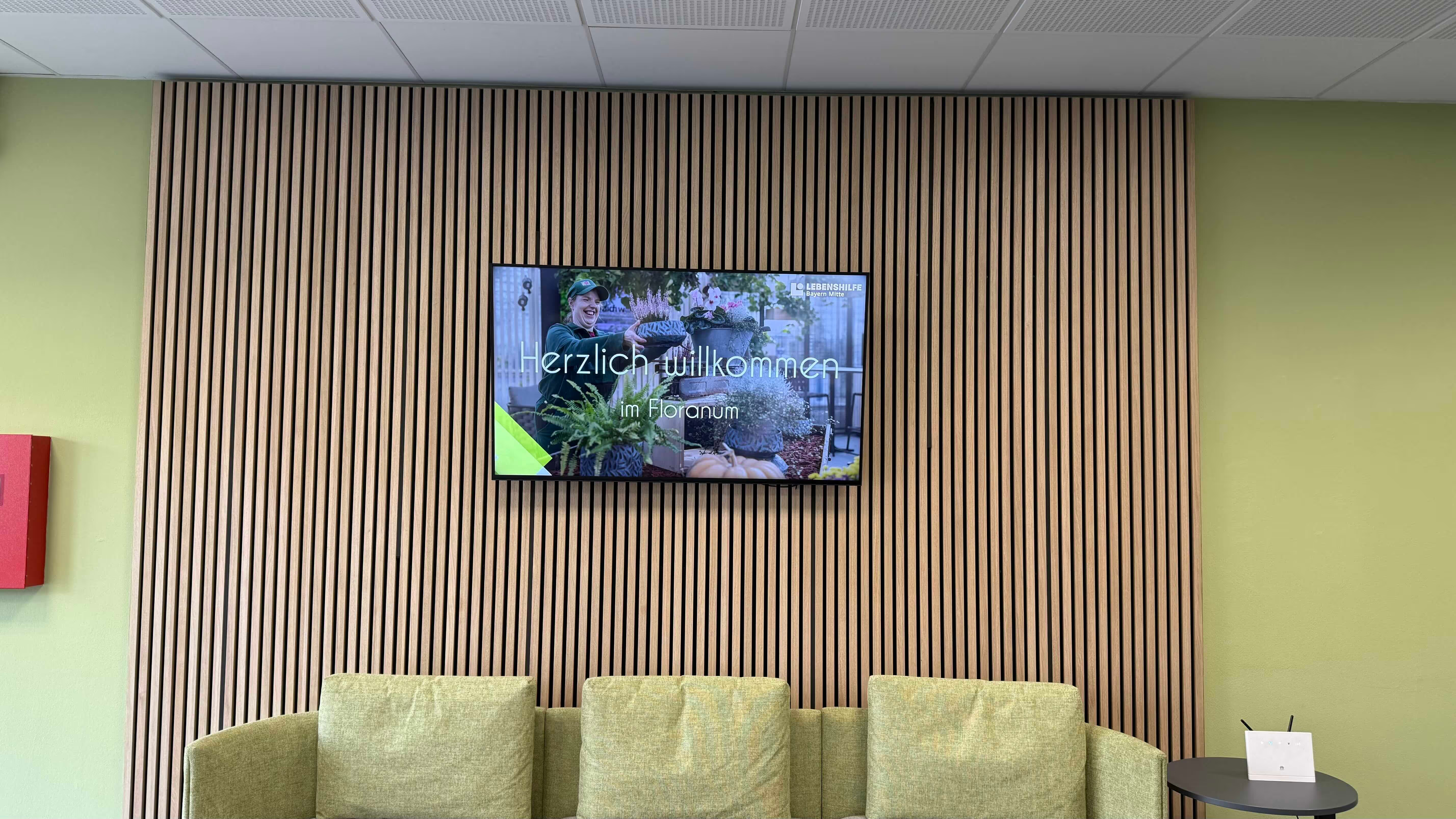
Lebenshilfe Bayern Mitte relies on digital communication
With connectSignage, Lebenshilfe Bayern Mitte digitizes its communication, reduces effort by up to 70% and makes information understandable, up-to-date and centrally available for all target groups.
%20(1).png)
SUND Group turns its reception into a digital highlight
With connectSignage, the SUND Group uses a centralized digital signage solution for a modern and professional reception area. A digital art wall displays current information, corporate values, and visual content directly in the foyer.
Digital solutions for a professional reception
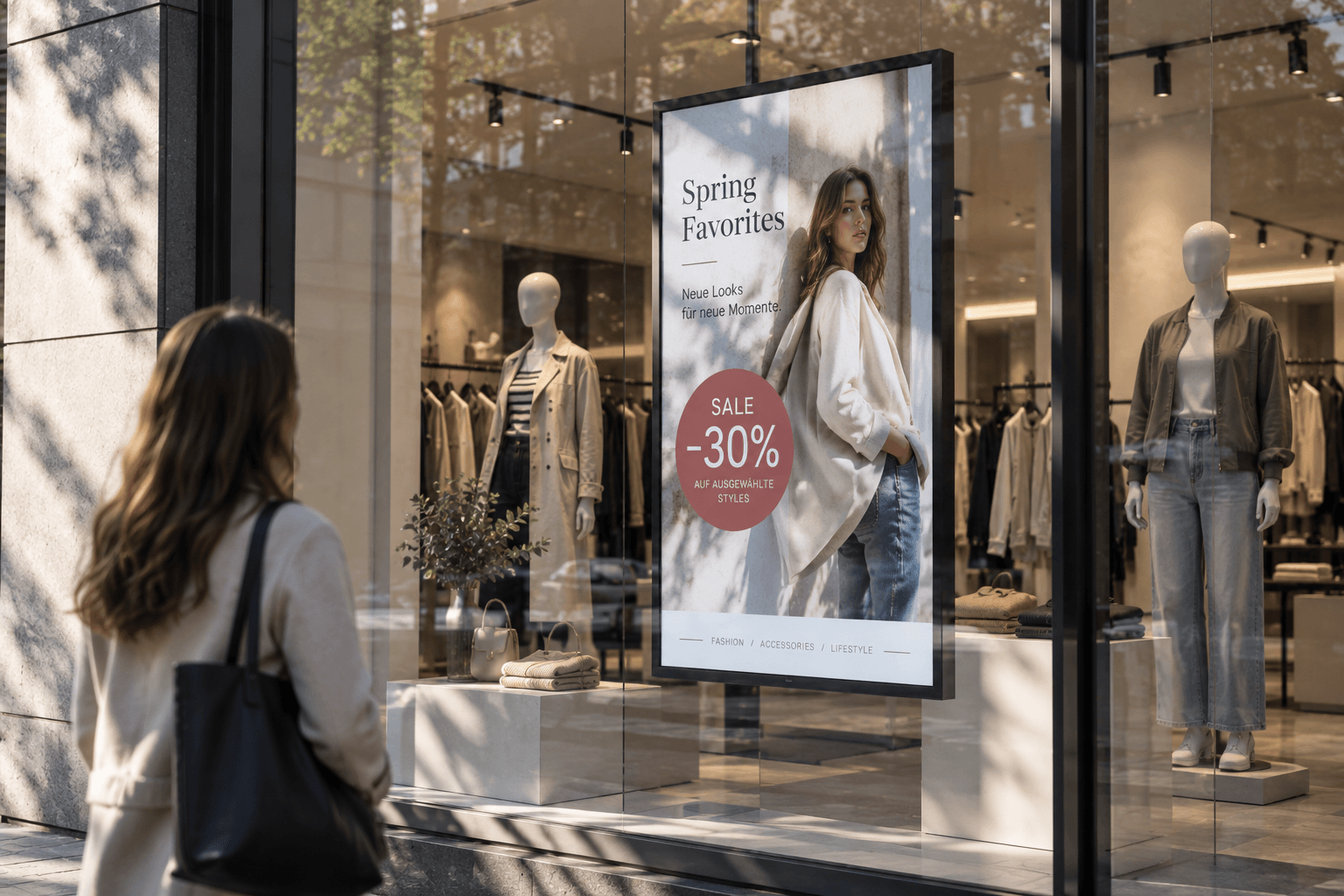
Advertising display
Advertising displays showcase campaigns, offers, and brand messages on digital screens in an eye-catching way. Content can be scheduled flexibly and managed centrally.
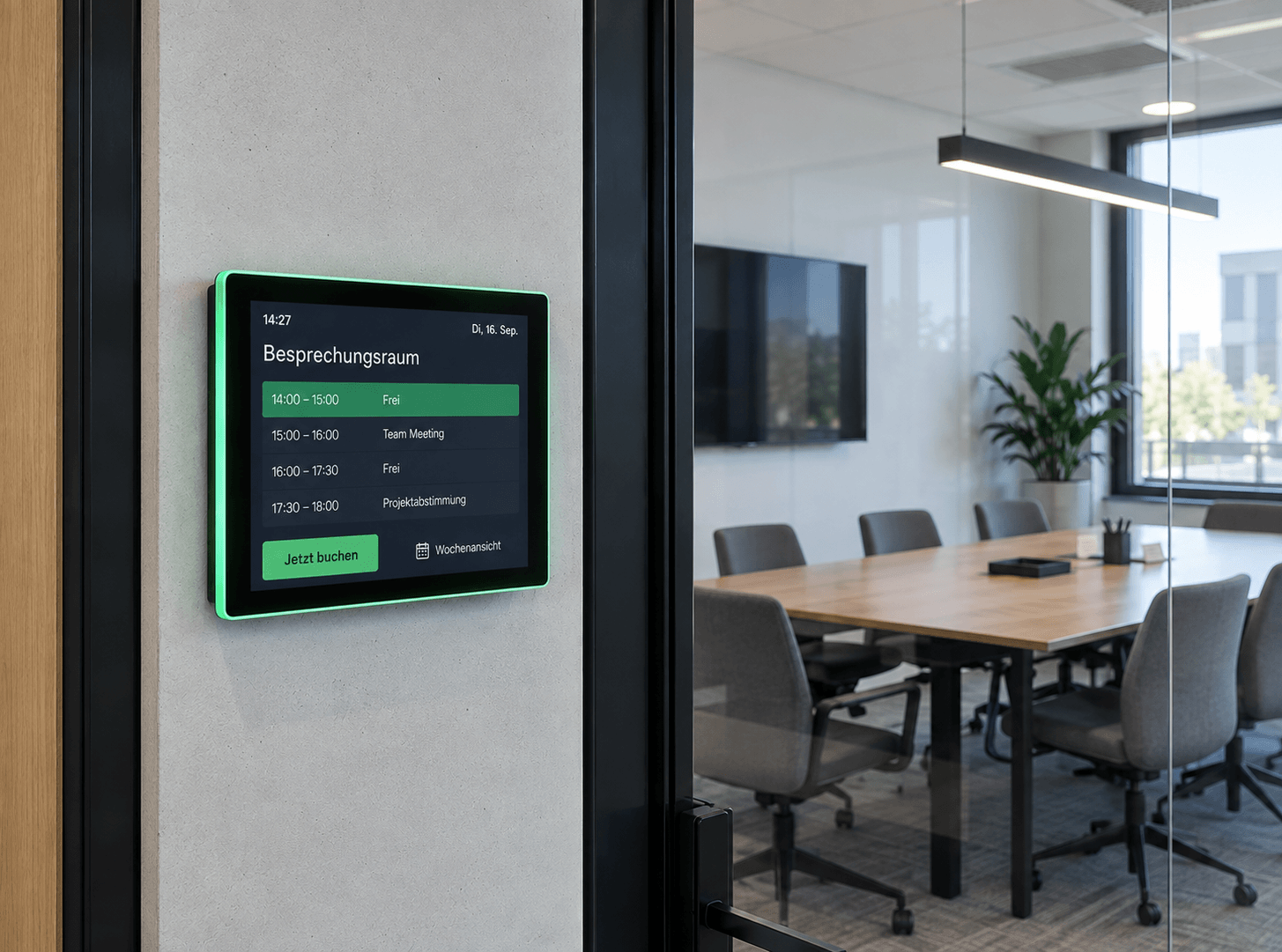
Room booking
Available rooms at a glance: Digital room booking makes availability visible right at the room – flexibly bookable, automatically synchronized, and always up to date.
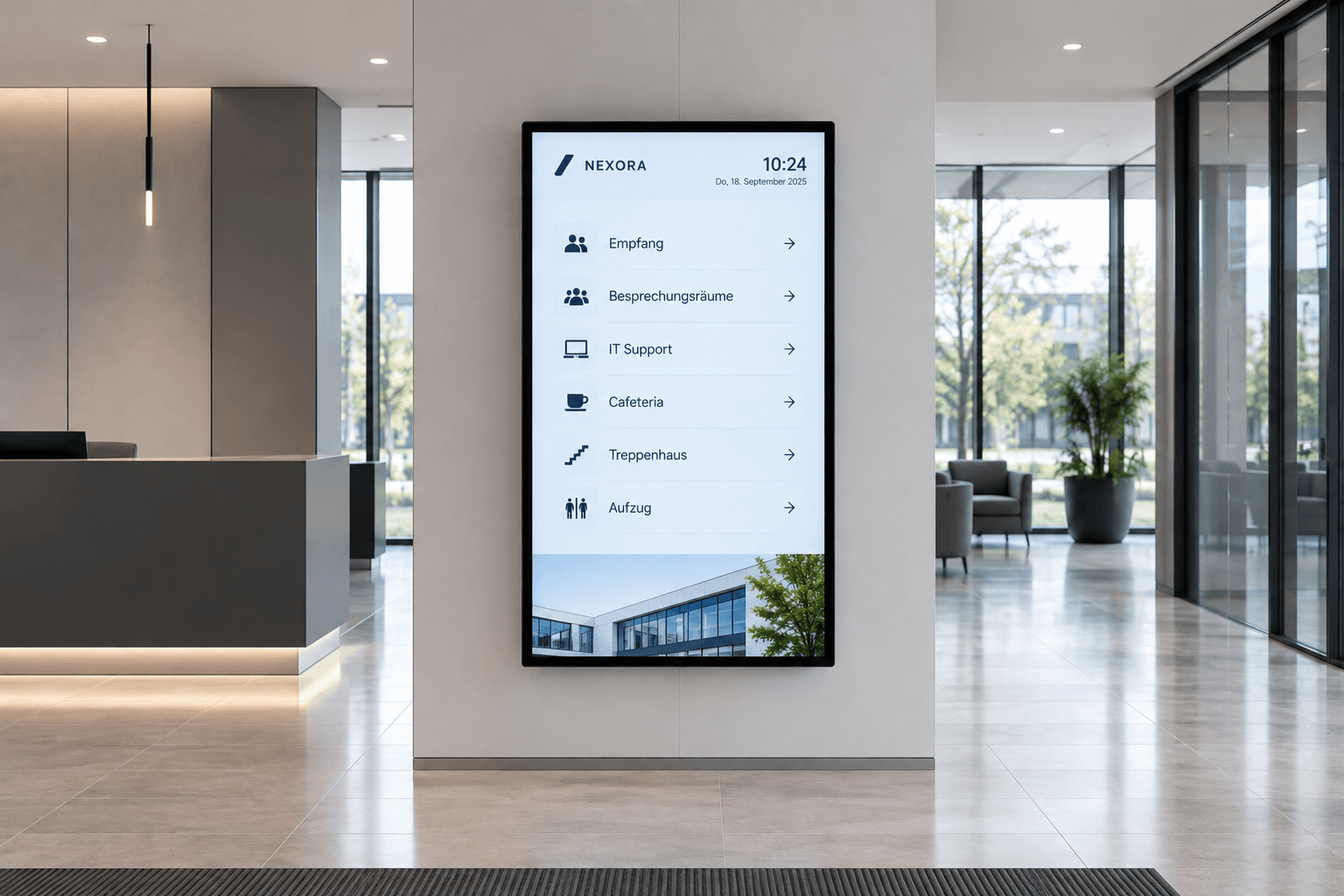
Digital wayfinding
Wayfinding that simply works: Digital wayfinding systems guide visitors, customers, and employees safely to their destinations—flexibly, centrally managed, and always up to date.
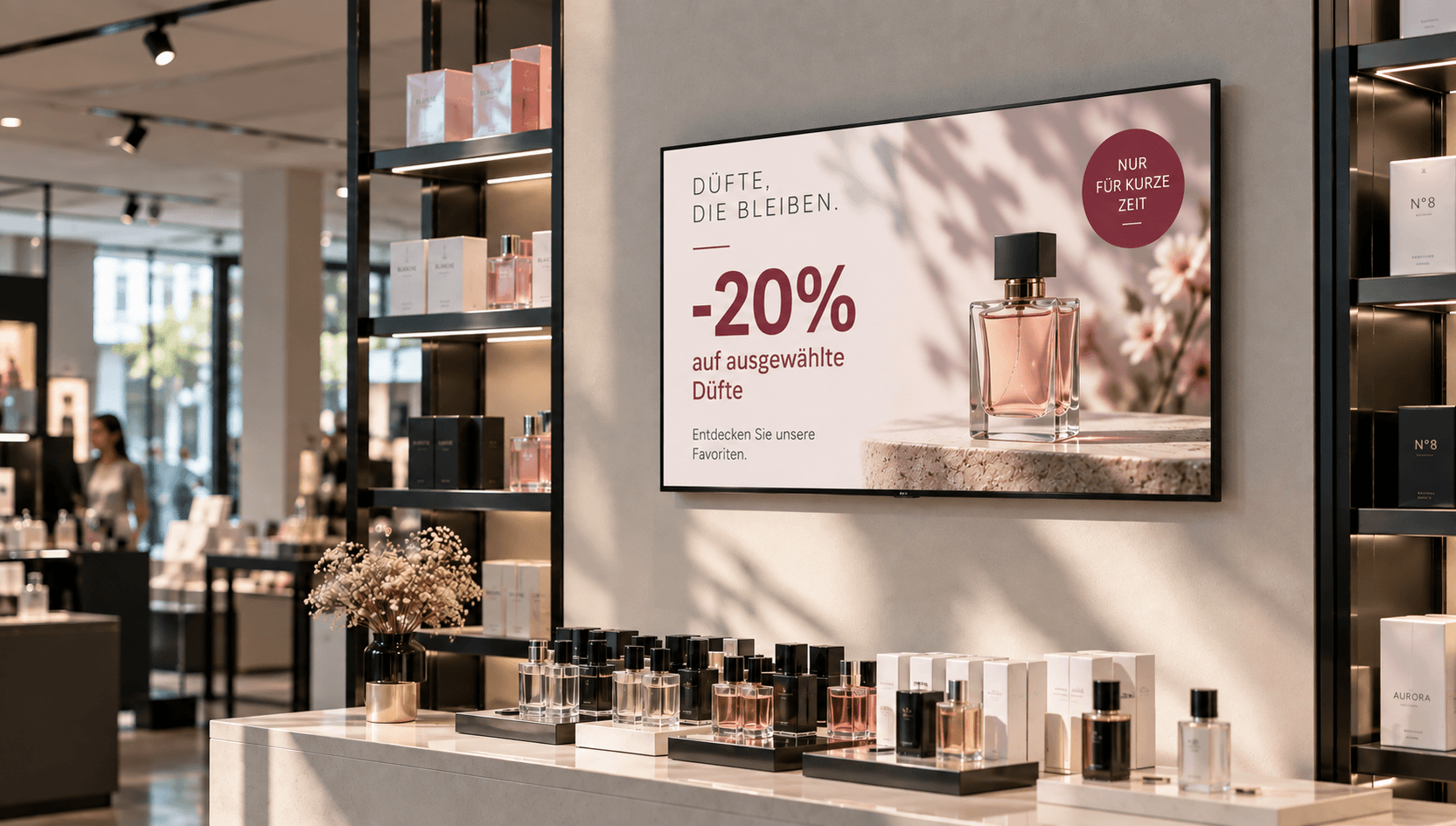
Price & promotional displays
Make offers visible at the right moment: present prices, discounts, and promotions directly at the point of sale—centrally managed, scheduled, and deployed with location-specific precision.
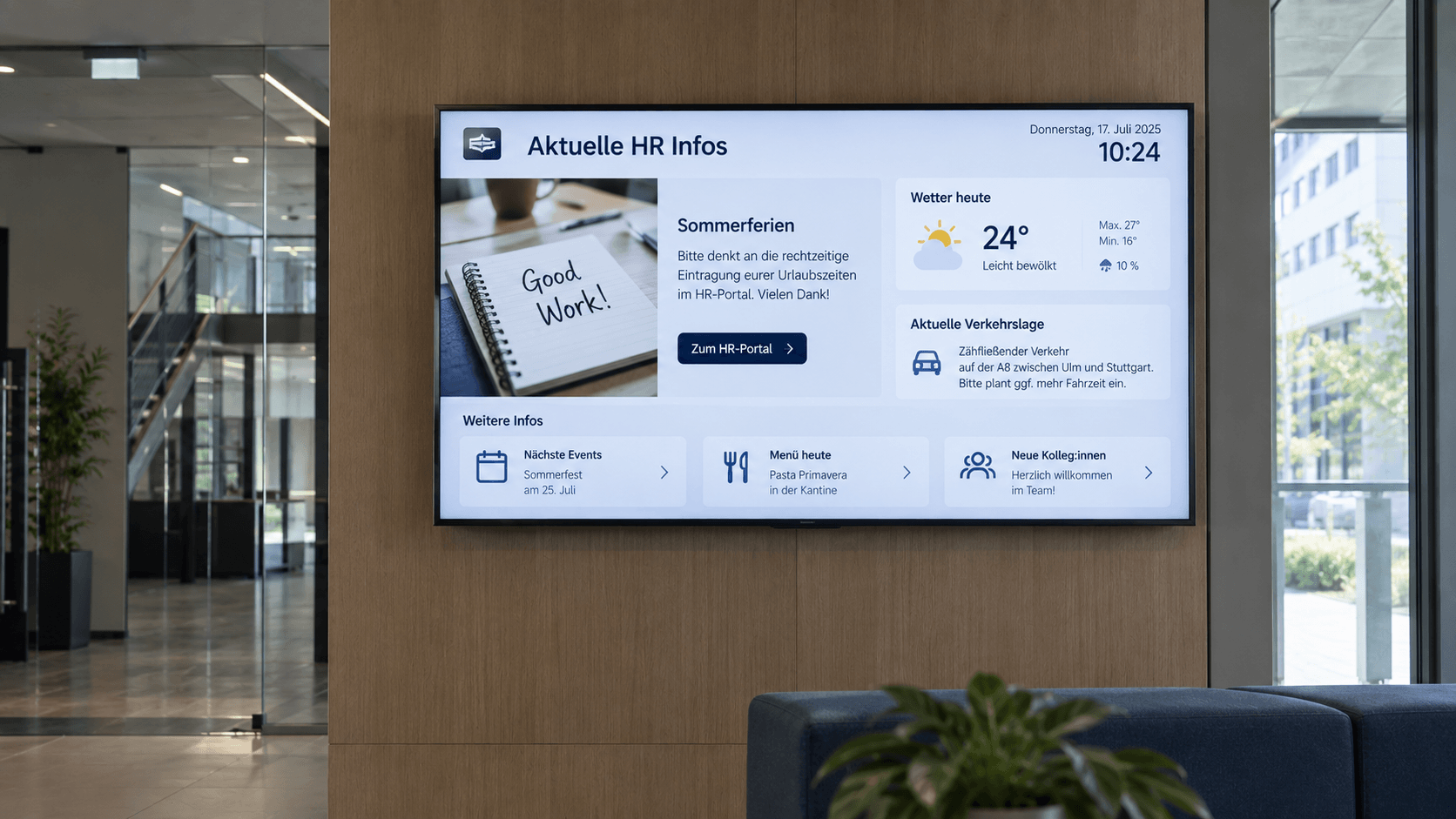
Digital bulletin board
Internal communication that hits the mark: Make news, notices, and important information visible directly on digital displays – centrally managed and always up to date.
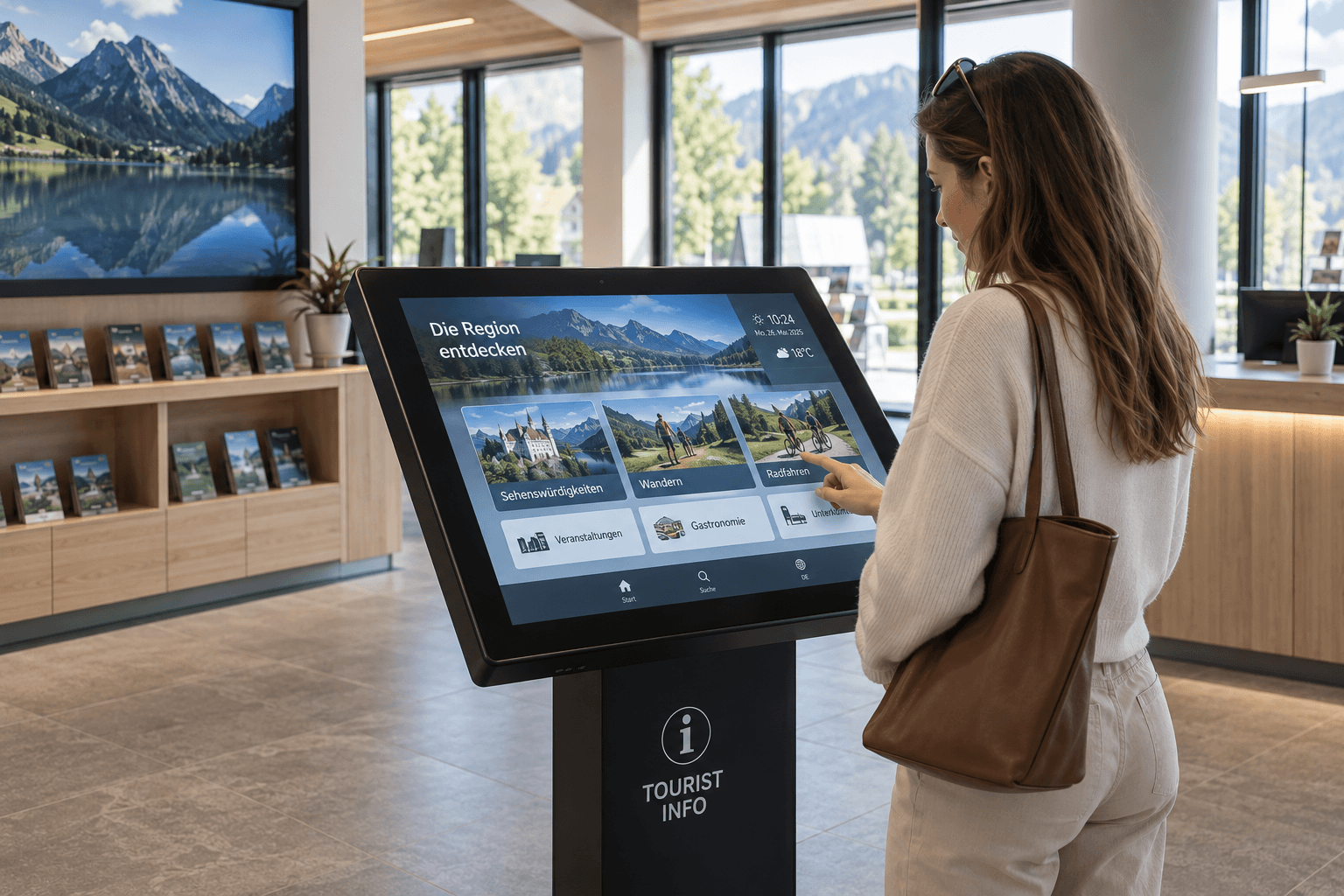
Information display
Information at a Glance: Display key metrics, process data, deadlines, and the latest information on digital displays—automatically updated and centrally provided.
.png)
Emergency & safety communication
When every second counts: Make warnings, evacuation information, and safety alerts visible instantly—centrally managed, targeted, and easy to understand.
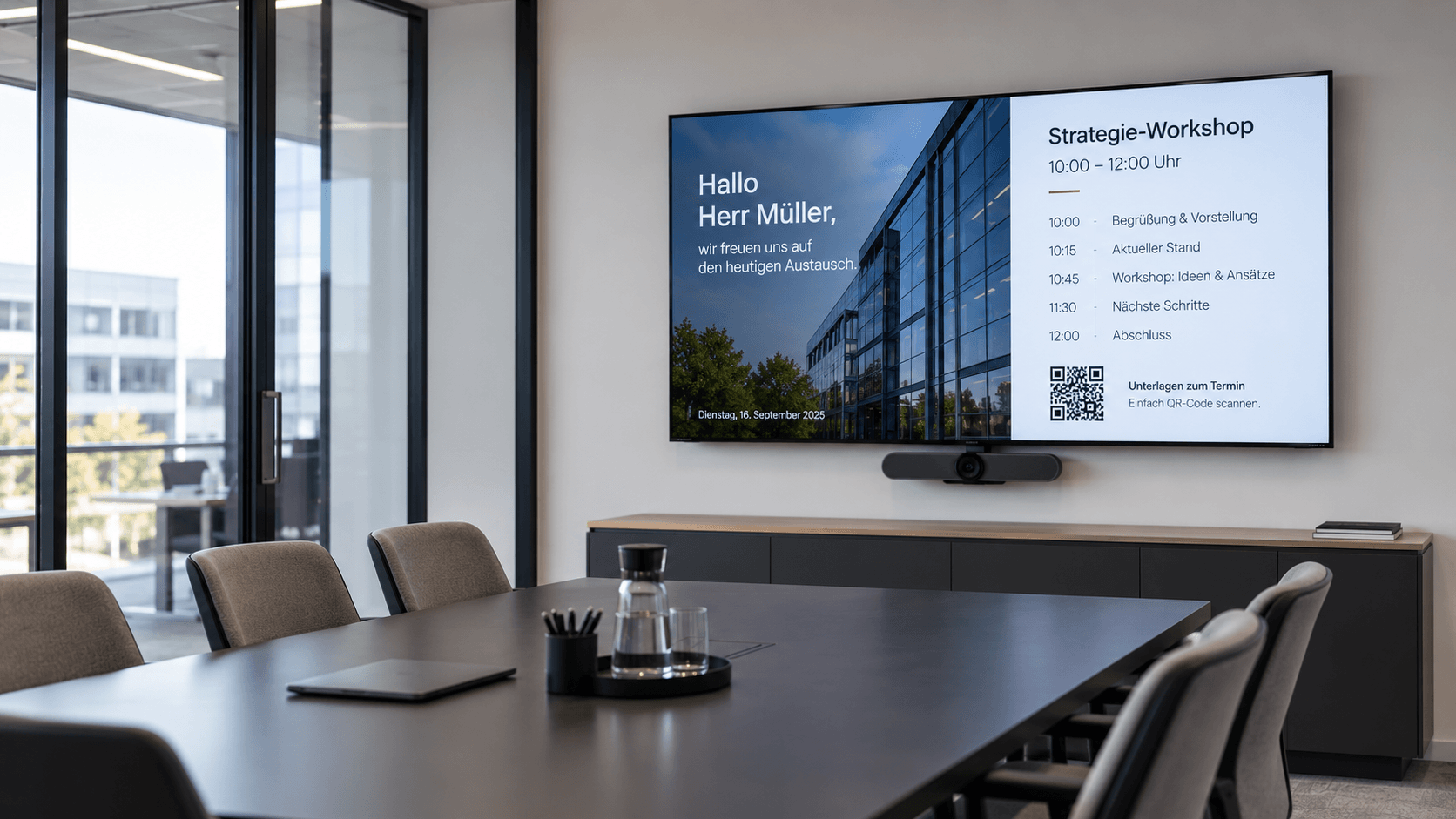
Meeting room display
Professional meeting management: Display agendas, room status, and relevant information directly in the meeting room—centrally managed and always up to date.
Frequently asked questions
Answers to frequently asked questions about welcome screens, digital visitor greetings, and communication in reception areas.
A welcome screen is a display located in a reception or entrance area that digitally greets visitors and shows relevant information. It can be used to display greetings, appointments, events, contact persons, or company information, for example. With connectSignage, you can manage content centrally and keep it up to date.
Typical areas of application include reception areas, corporate headquarters, hotels, visitor centers, showrooms, clinics, as well as conference and event spaces.
Welcome screens are ideal for companies and organizations with reception or visitor areas, such as offices, corporate headquarters, hotels, educational institutions, healthcare facilities, or public buildings. They are particularly useful in settings where visitors need to be greeted regularly and kept up to date with the latest information.
Welcome screens can display personal greetings, names and logos, appointments, contact persons, room directions, company news, weather information, QR codes, or other visitor information.
Visitors can be welcomed on the display with their name, company, or a personalized greeting. With connectSignage, you can prepare this content, schedule it, and display it right on time for each appointment.
Yes. Calendar integrations allow you to automatically import appointments and visitor information and display them on the welcome screen at the appropriate time.
Any Questions?
Our team is happy to help.