digital signage for Industry & Production — Control Information, Support Processes, Increase Safety.
Centrally manage production-relevant information, notes, and key figures and display them clearly in real time.
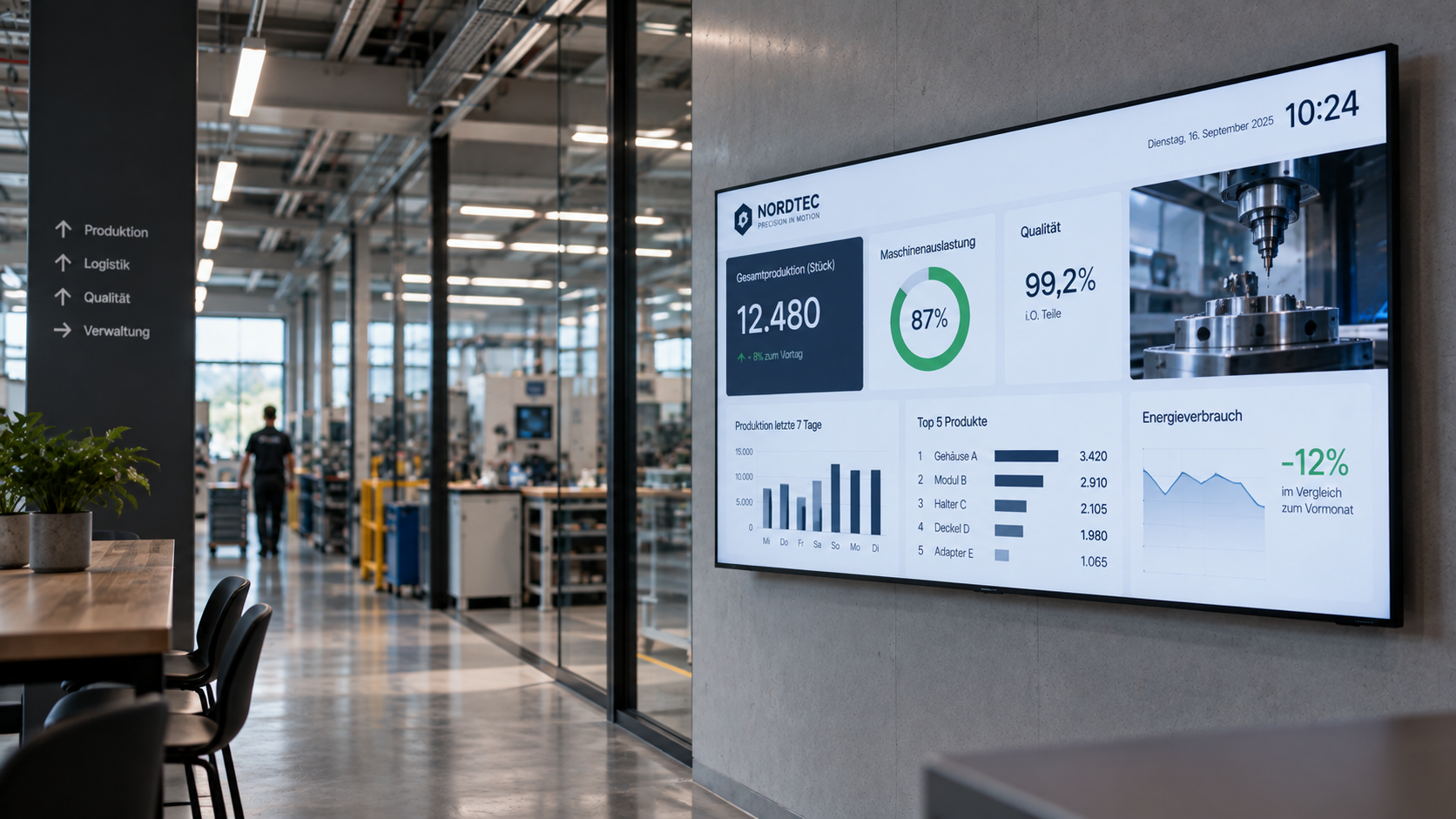
Challenges in Industry & Production
Production environments require a clear, up-to-date, and reliable provision of information for different areas and target groups.
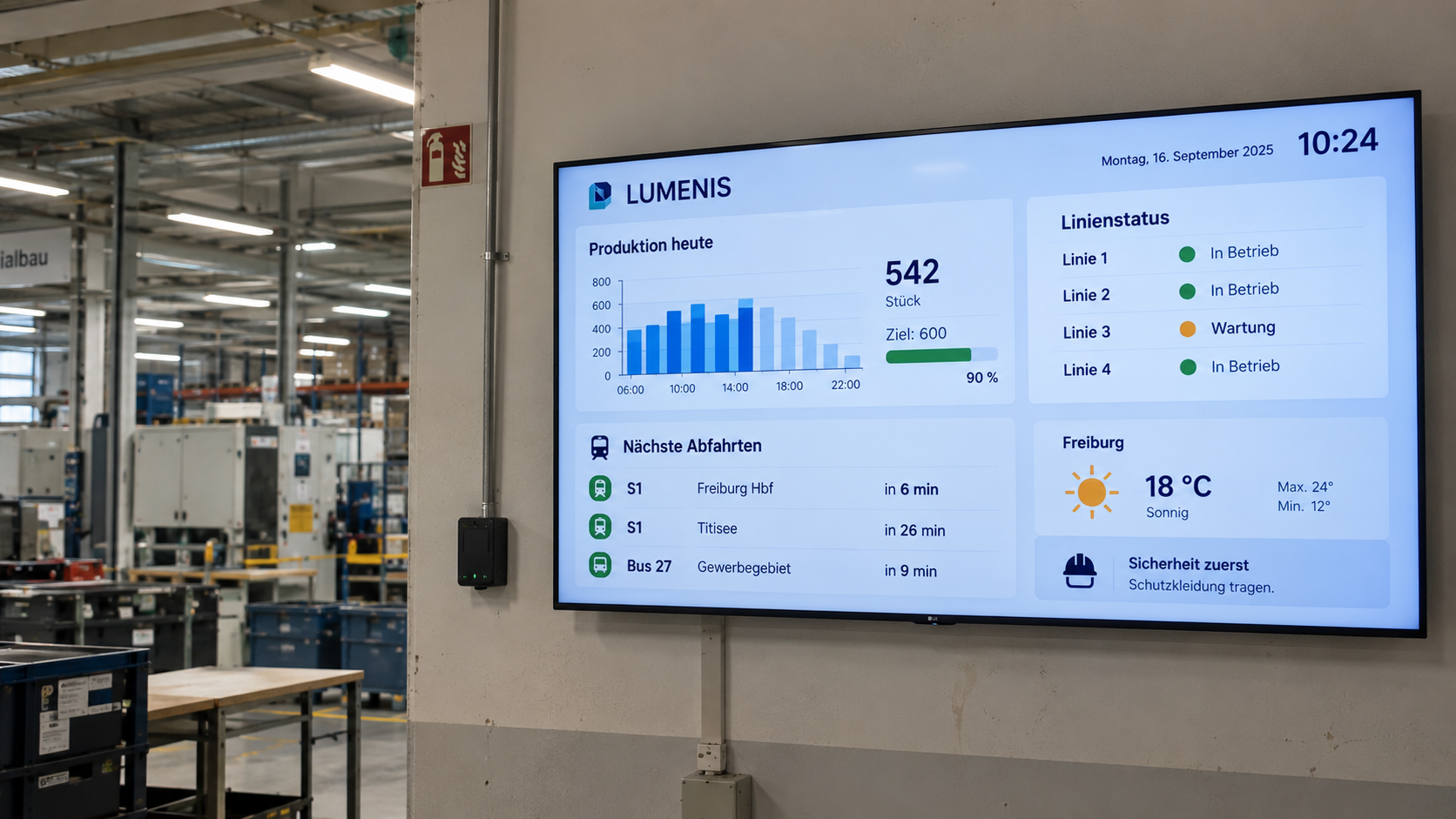
Latest production information
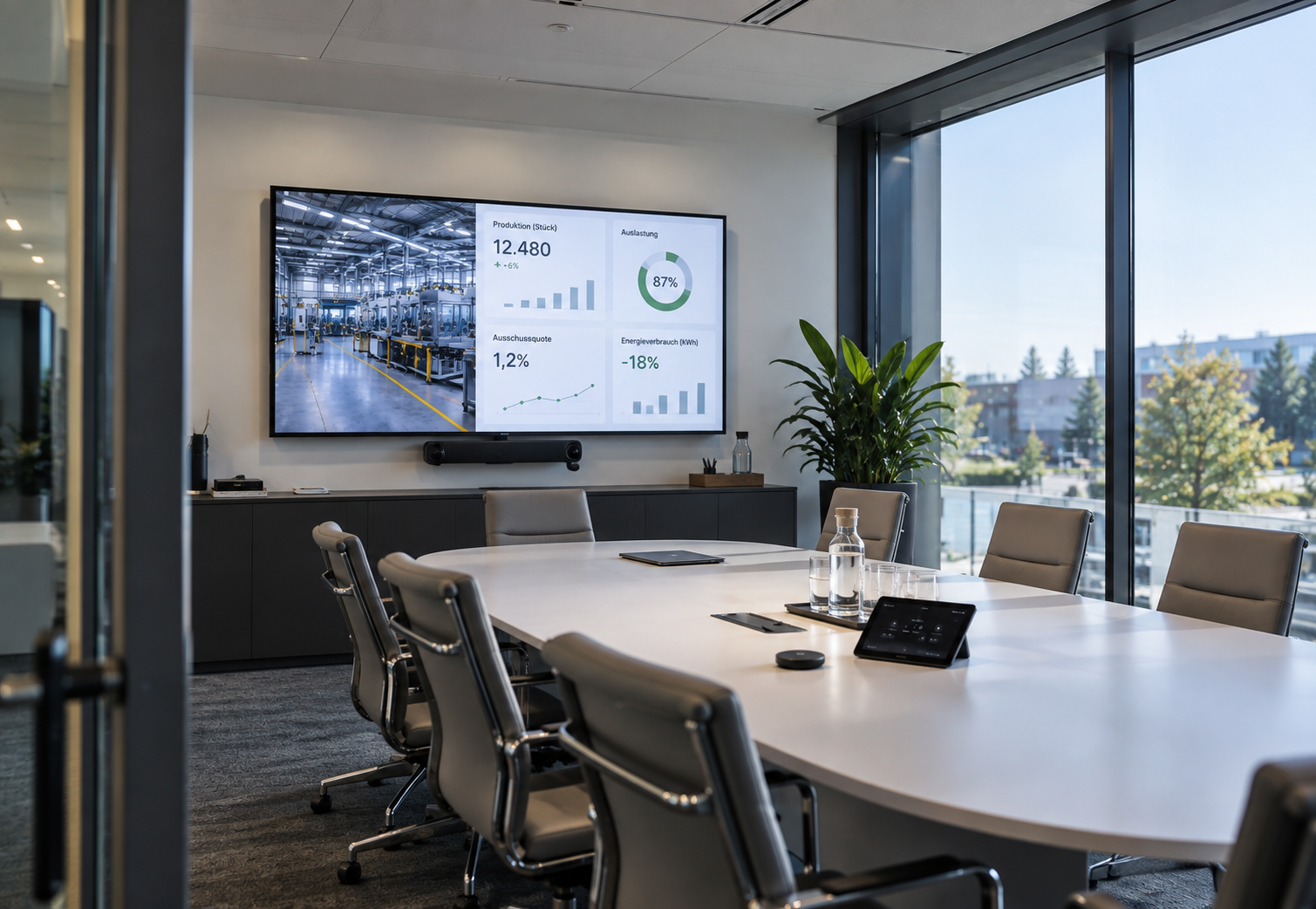
Key figures, status reports, and information must be available in real time in order to efficiently manage processes.
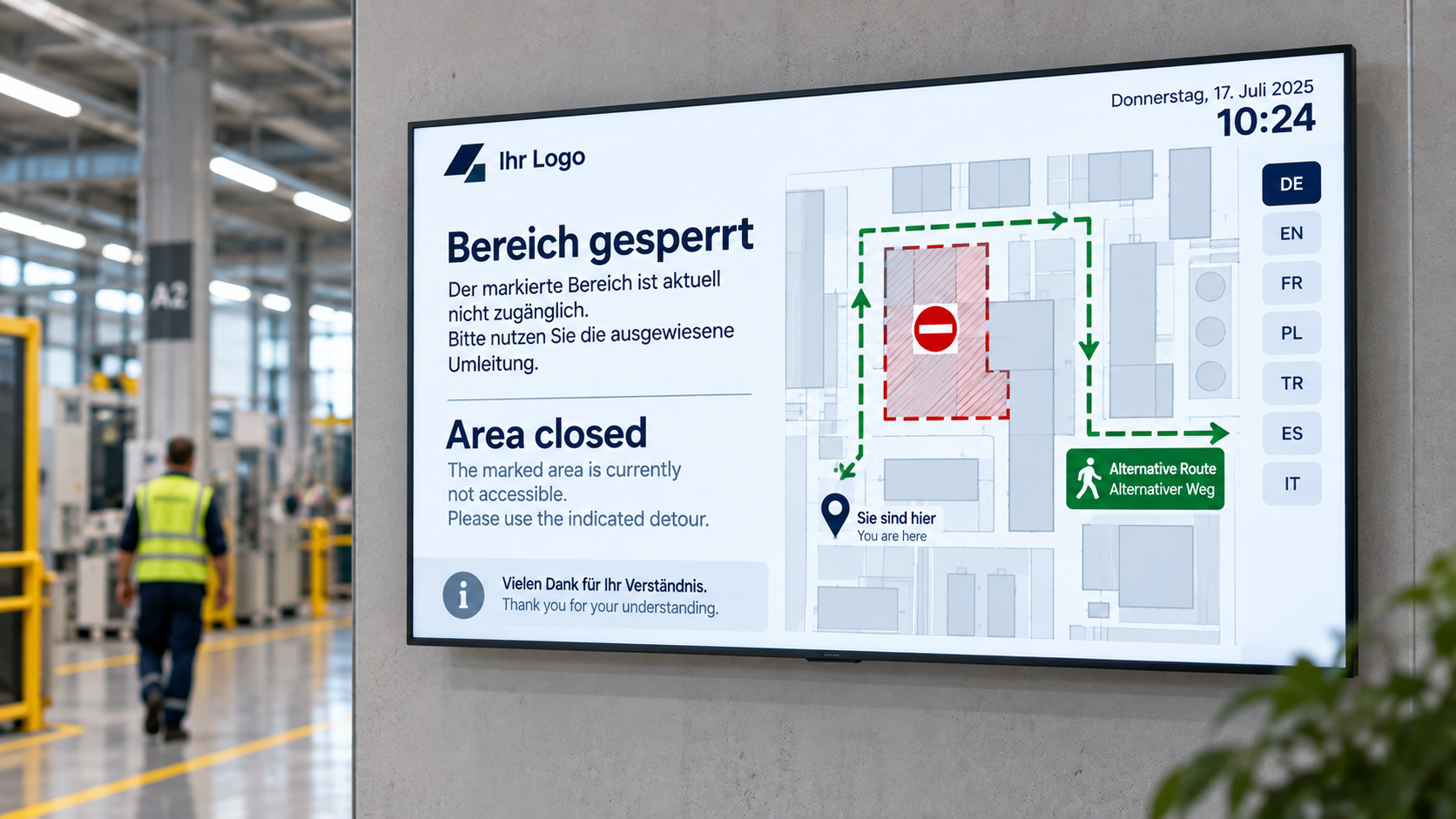
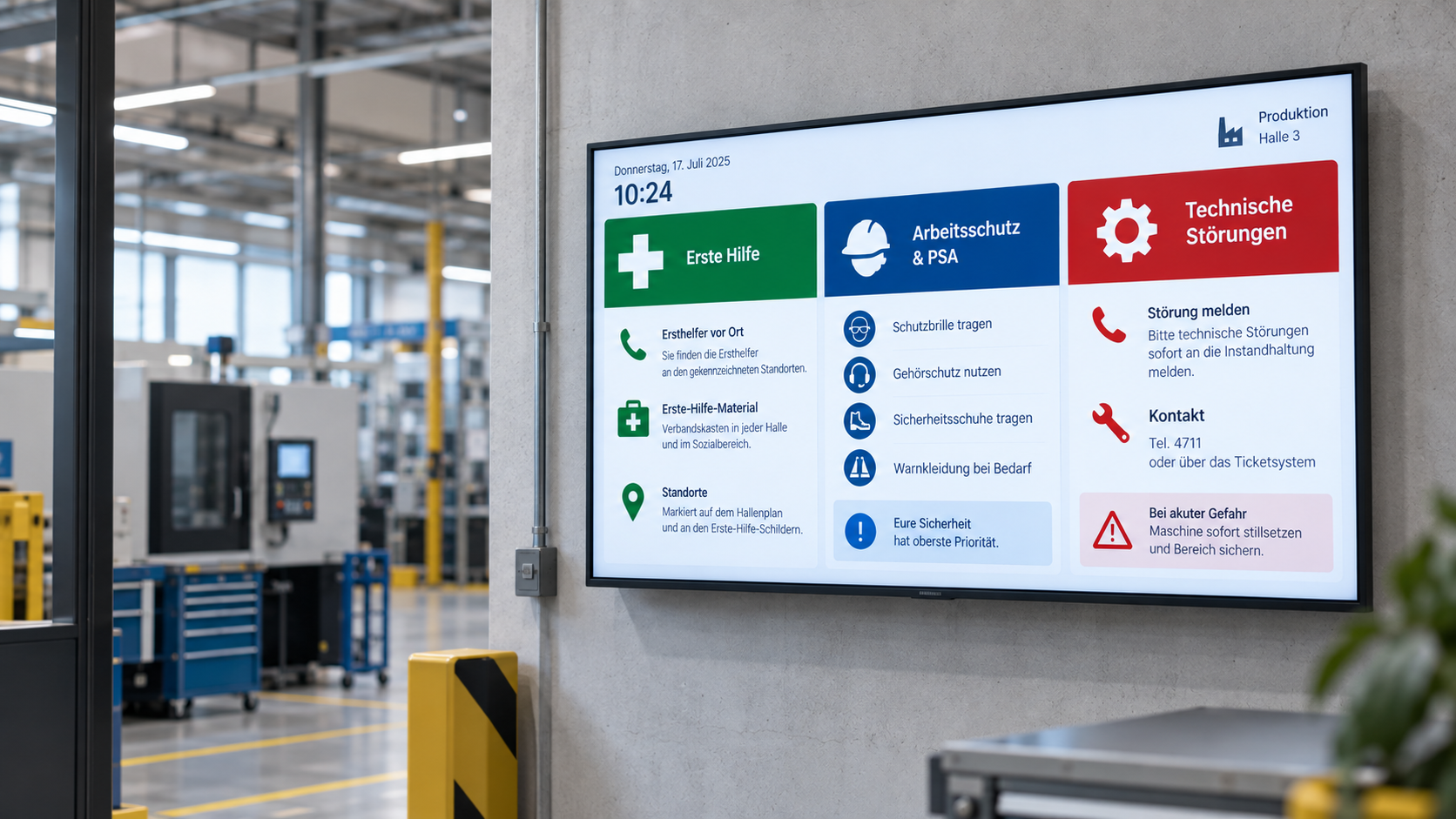
Safety and advice
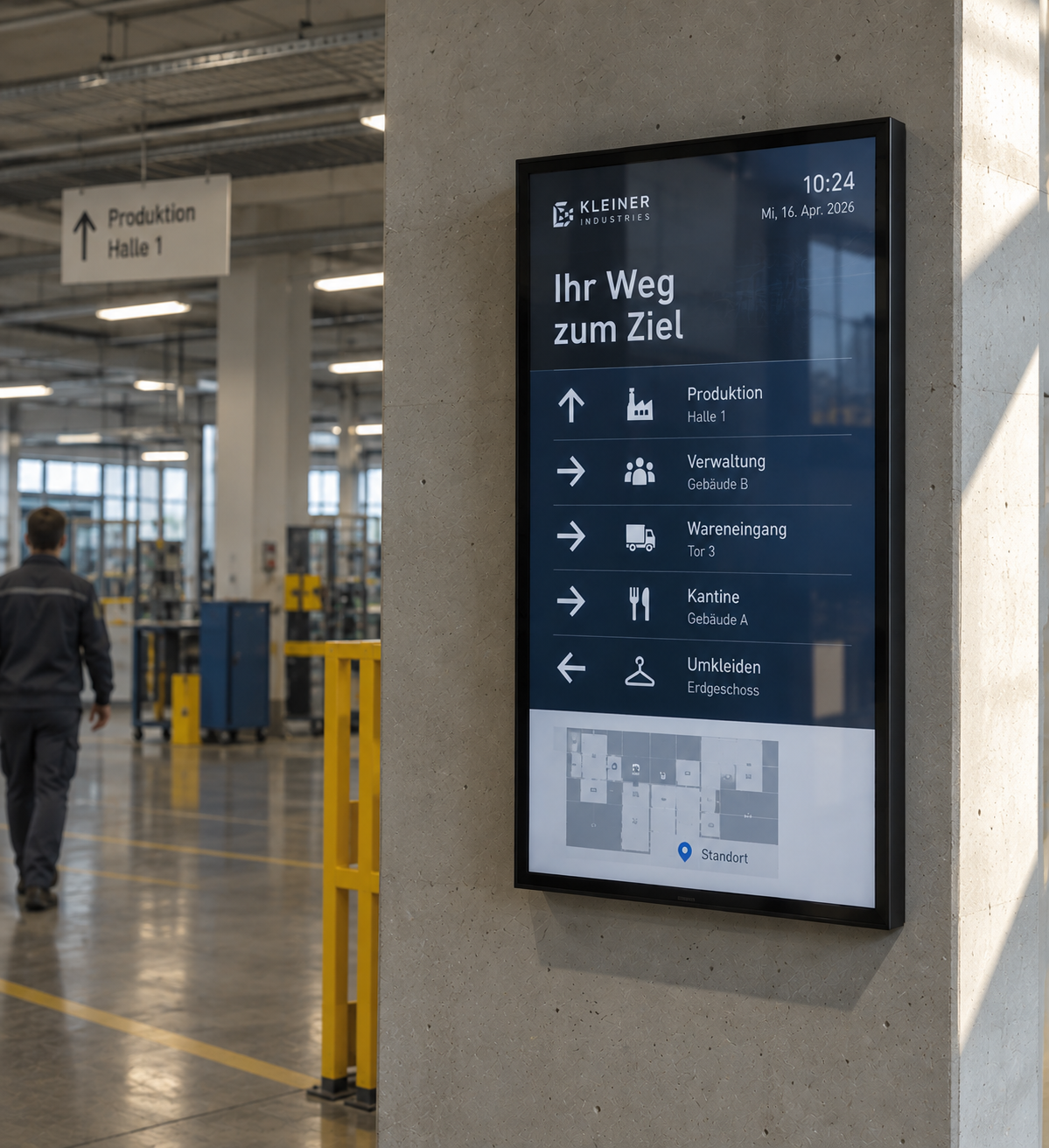
Safety-related information must be clearly visible and easily updated.
Centralized control across locations
Content should be maintained centrally and delivered uniformly across multiple production sites.
Digital displays for efficient production communication
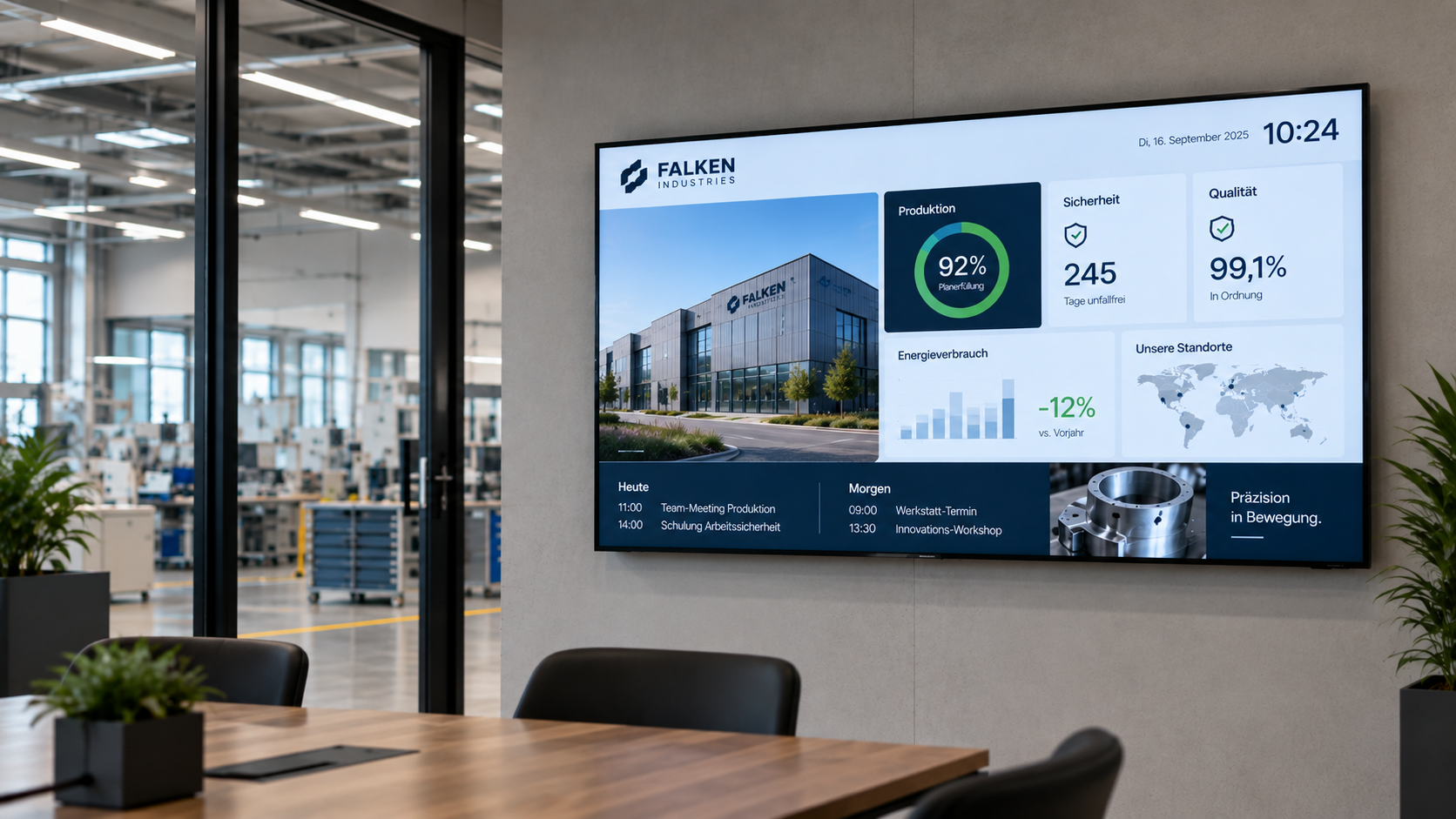
With digital signage, production information, safety information, and key figures can be centrally controlled and visualized in real time.

HTML 5 editor
Intuitive, PowerPoint-like designer for content creation.

Scheduling
Content can be easily planned and played automatically at specified times.

PowerBI
Presentation and analysis of data in interactive reports and dashboards.

Synchronized Network Folders
Automated exchange of content via central network folders.

Reporting
Detailed statistics on the frequency of content playback on each individual display.

Touch
Create interactive touch applications with multiple levels and intuitive user guidance.

Databases
Automatic and scheduled synchronization of external databases for content that is always up to date.

ERP & WWS
Connecting external systems and data sources from ERP and inventory management systems.

External connections
Integration and active control of external systems to expand functionality.

Digital employee communication at RAILONE
With connectSignage, RAILONE uses a central Digital Signage solution for internal communication in reception areas and production sites. Welcome screens and digital notice boards make shift schedules, announcements and current information centrally visible, improving employee communication in everyday operations.
%20(1).png)
TotalEnergies digitized safety and employee communication
With connectSignage, TotalEnergies uses a centralized digital signage solution for safety communications, employee information, and automated key performance indicators at the Central Germany refinery. Digital kiosks and displays show accident-free days, safety rules, weather data, employee notices, and current information, all centrally managed and automatically updated.
%20(1).png)
Bacher AG Thun digitizes employee communication
With connectSignage, Bacher AG Thun is utilizing a centralized digital signage solution for modern employee communication within their construction company. Content such as weekly schedules, information screens, on-call rosters, and photo documentation is managed centrally, deployed flexibly, and displayed at relevant locations throughout the company.
This industry often relies on the following solutions
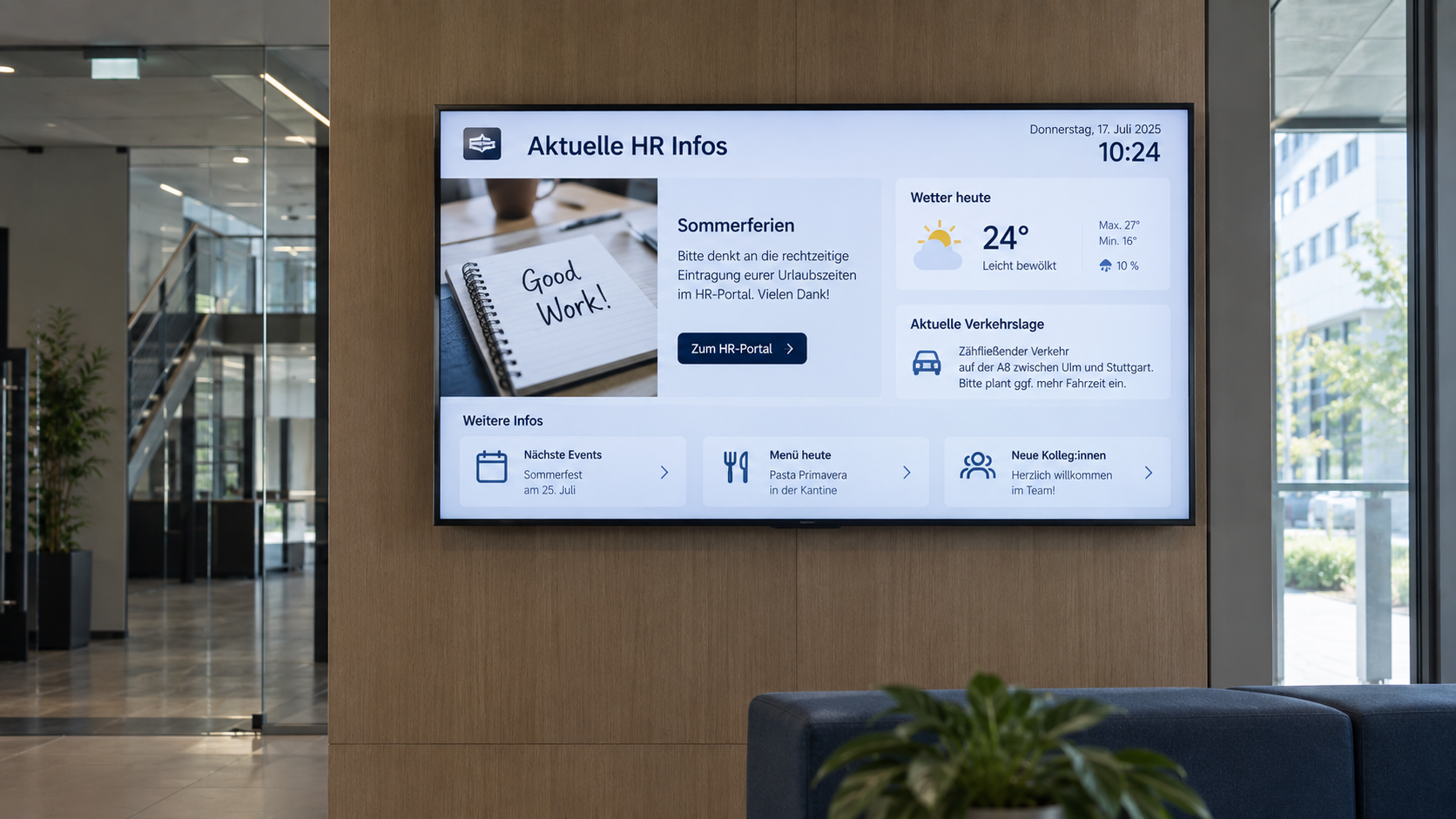
Digital bulletin board
Internal communication that hits the mark: Make news, notices, and important information visible directly on digital displays – centrally managed and always up to date.
Emergency & safety communication
When every second counts: Make warnings, evacuation information, and safety alerts visible instantly—centrally managed, targeted, and easy to understand.
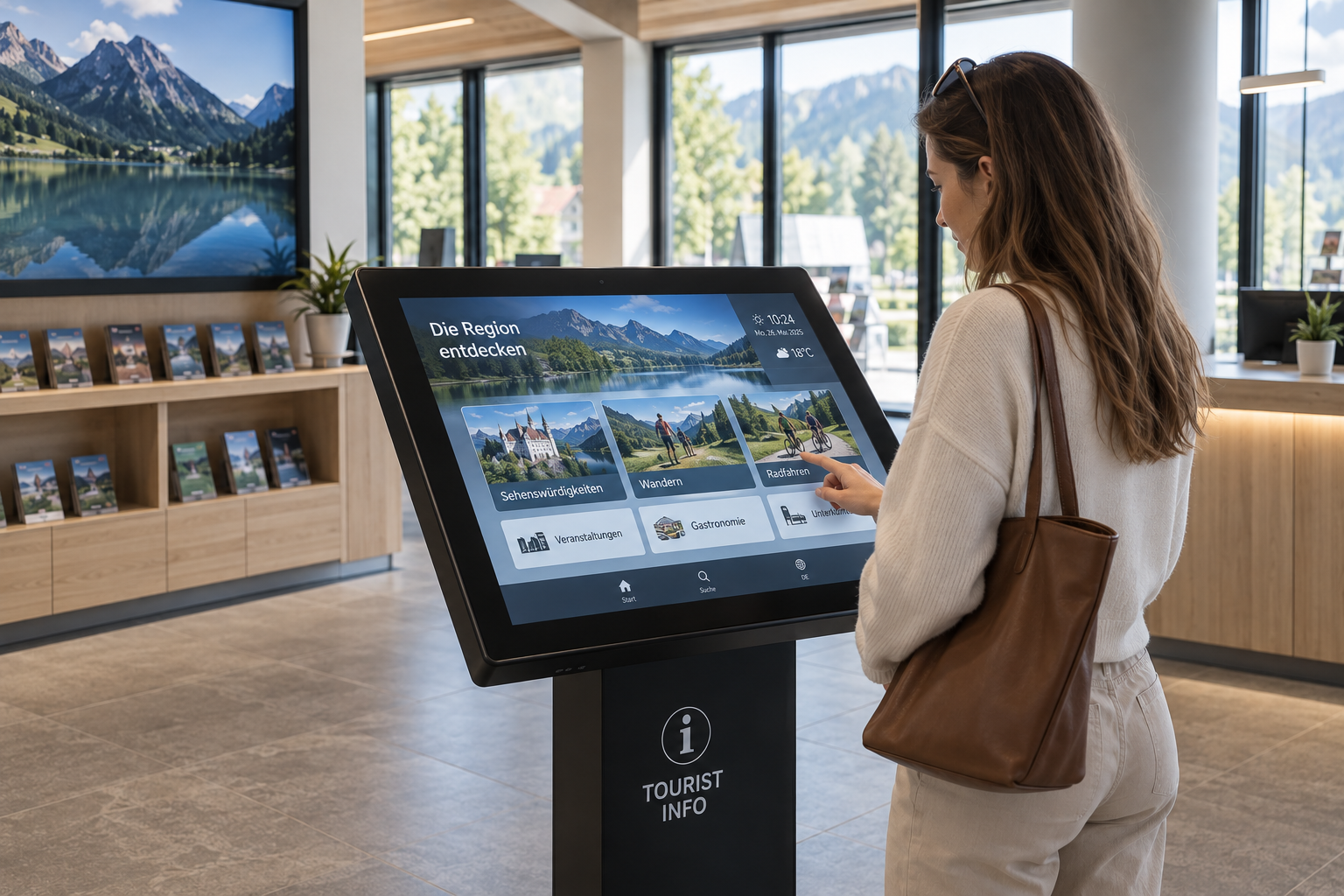
Information display
Information at a Glance: Display key metrics, process data, deadlines, and the latest information on digital displays—automatically updated and centrally provided.
What our customers say
“The advantage is that we can now display information even faster and more reliably.

“I was particularly impressed by the simple and intuitive operation of the software.”
.png)
“connectSignage makes it much easier to convey information at a large family resort. Even challenging requirements, such as specific pixel sizes, are handled with ease. Furthermore, the system’s stability is a major advantage.”
"Thanks to connectSignage, our displays are a real highlight in the new building"

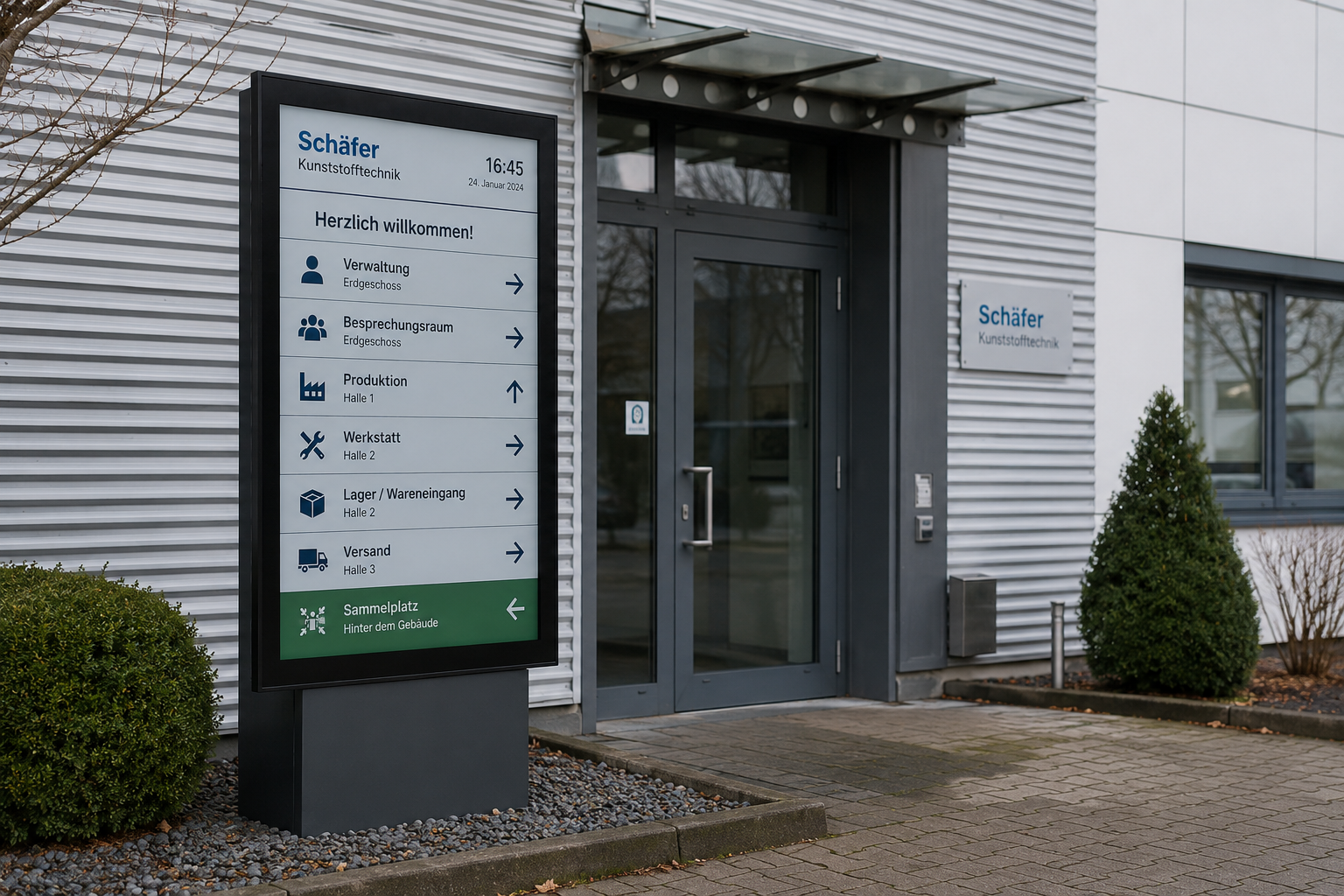
Digital solutions in the production environment
Examples of the use of digital displays in industrial and manufacturing companies.
Take your in-store communication to the next level
Simplify the maintenance of your branch displays, strengthen your brand and increase your sales figures — with connectSignage.
.avif)
Common questions
Answers to common questions about digital signage in industrial and production environments.
Implementation is carried out in collaboration with our system integrators. Depending on the project, we provide support with selecting hardware and locations, connecting existing systems and interfaces, as well as with installation, commissioning, and training. For ongoing operations, our Customer Success Management team is also available to assist.
We guarantee the highest security standards with encryption, two-factor authentication and GDPR-compliant processes.
We support a wide range of SoC and player operating platforms. Samsung, LG, Sony, Philips, iiyama, Sharp, ProDVX, BrightSign, Windows, Android, Chrome OS, Chrome OS flex, Microsoft Teams Rooms, Barco.
connectSignage offers over 500 integrations and interfaces. These include Microsoft SharePoint, Teams, Power BI, OneDrive, ERP and inventory management systems, databases, calendars, and APIs, among others. Additionally, custom integrations can be implemented for existing IT systems and workflows.
Yes. In an emergency, digital displays can show warnings, evacuation instructions, safety guidelines, or all-clear messages and be centrally broadcast to relevant areas. Additionally, safety briefings can be regularly integrated into content loops.
Yes. Digital signage can be connected to existing systems and data sources such as ERP, MES, Power BI, databases, or APIs via integrations and interfaces. This allows production data, order information, machine status, and KPI dashboards to be displayed automatically on shop floor screens.
Permission and role concepts ensure that departments only edit the content they are responsible for. For example, HR can manage news in break rooms, while shift leaders update KPIs on the production line, and IT maintains central oversight.
With connectSignage, content can be created, updated, and scheduled using drag-and-drop. Roles and permissions allow you to define which teams are authorized to edit which content.
A production display shows manufacturing information such as orders, cycle times, machine status, line performance, production targets, or deviations directly on the production line.
We offer a free 30-day trial period with full functionality and a personal introduction.
Any more questions?
Our team is happy to help.