The no-code platform for simple & powerful
digital signage.
Create, plan and automatically display content — without previous technical knowledge. Fully centrally controllable, highly available & GDPR-compliant.

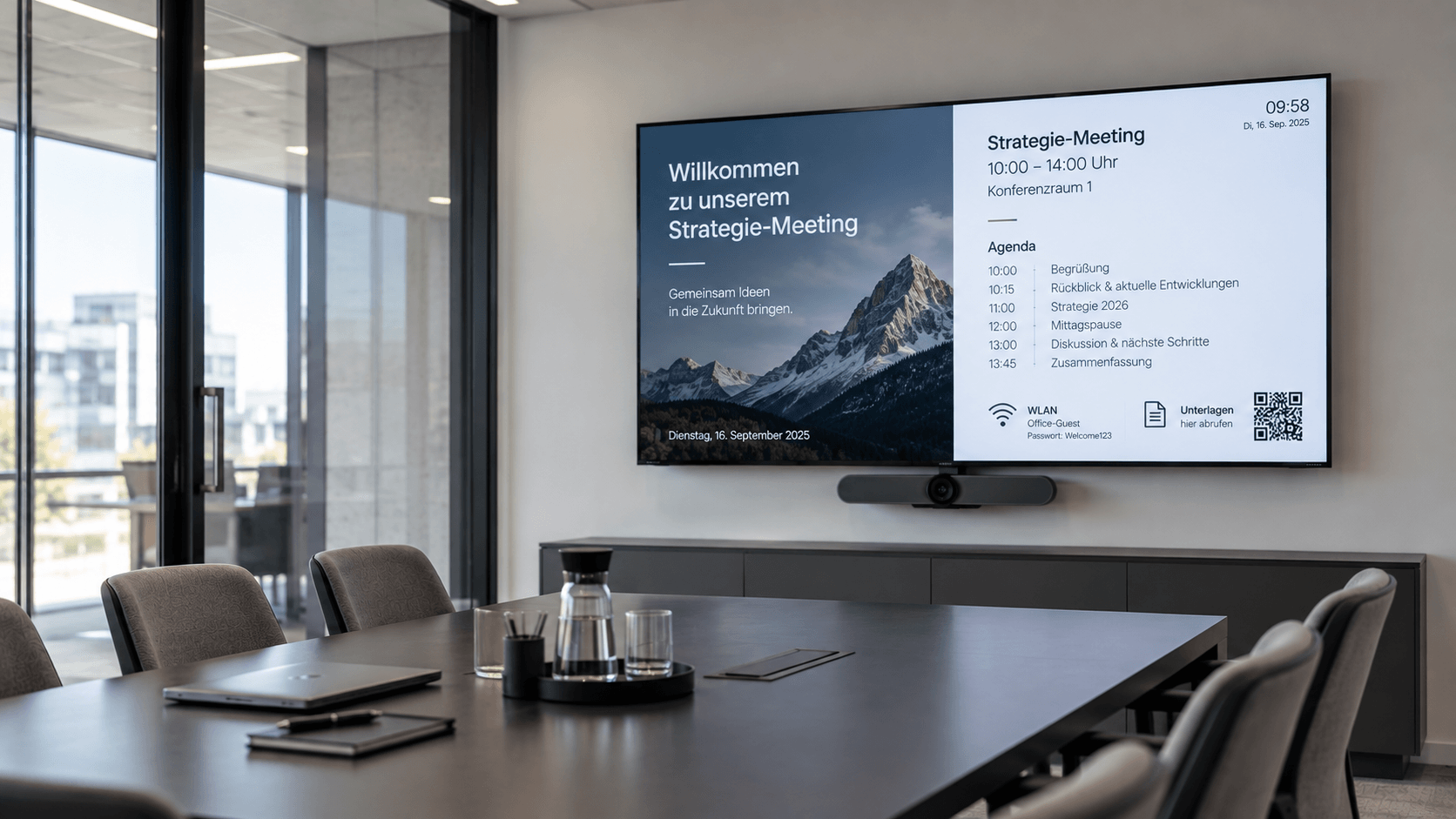
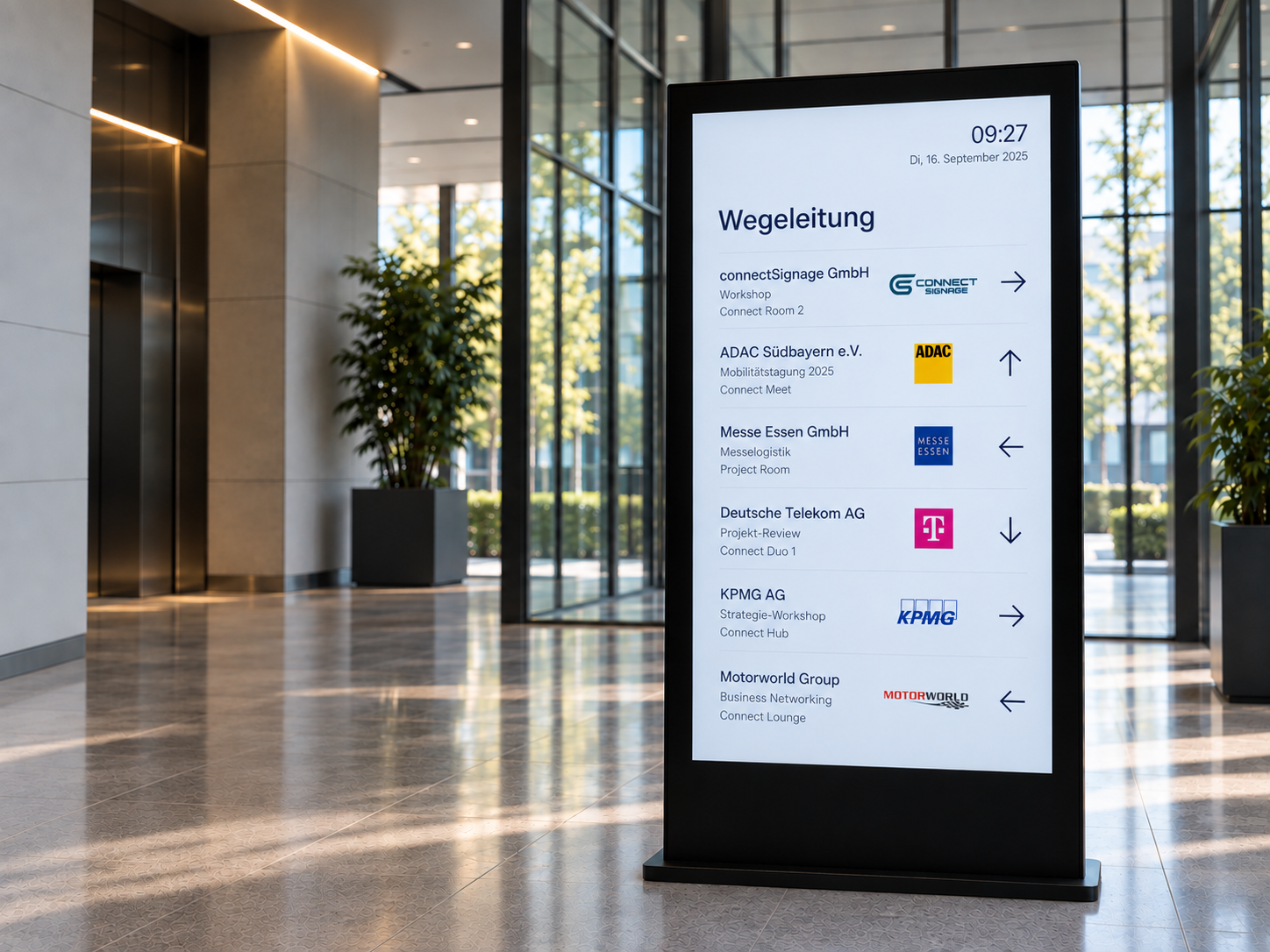
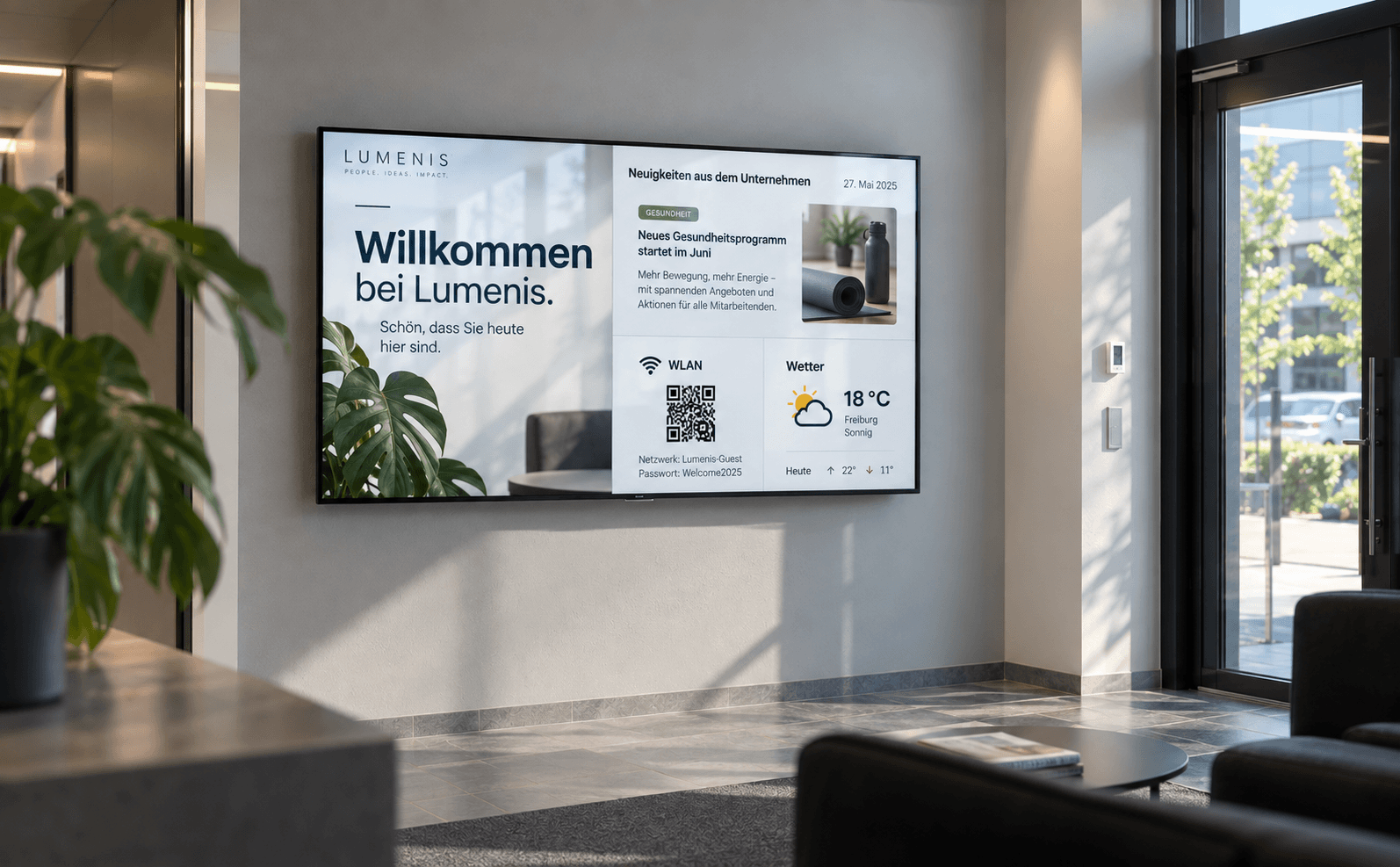
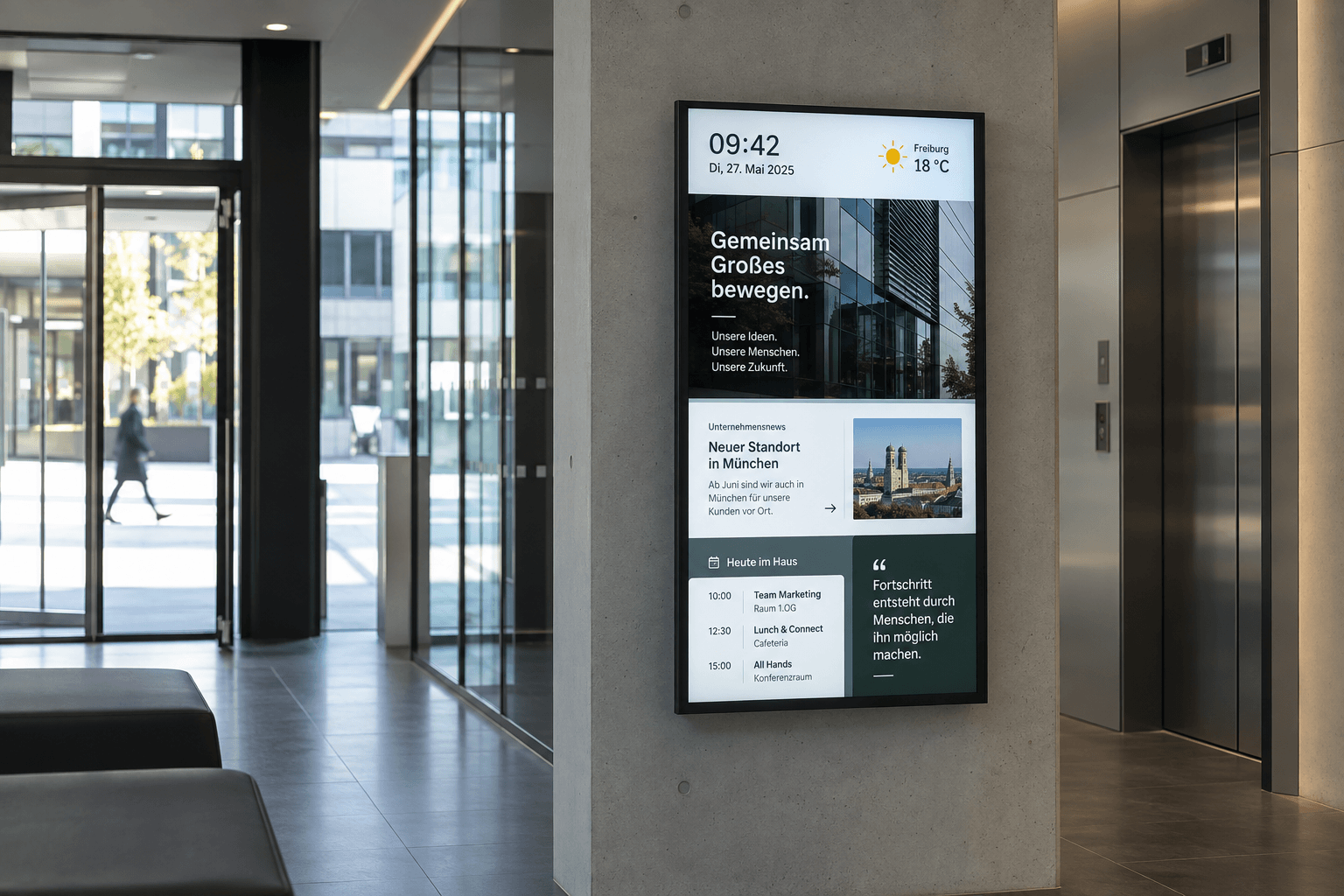
How connectSignage works — in 4 easy steps
With connectSignage, you control content, devices, and locations from a single intuitive dashboard. From preparation to evaluation: Everything comes together centrally.
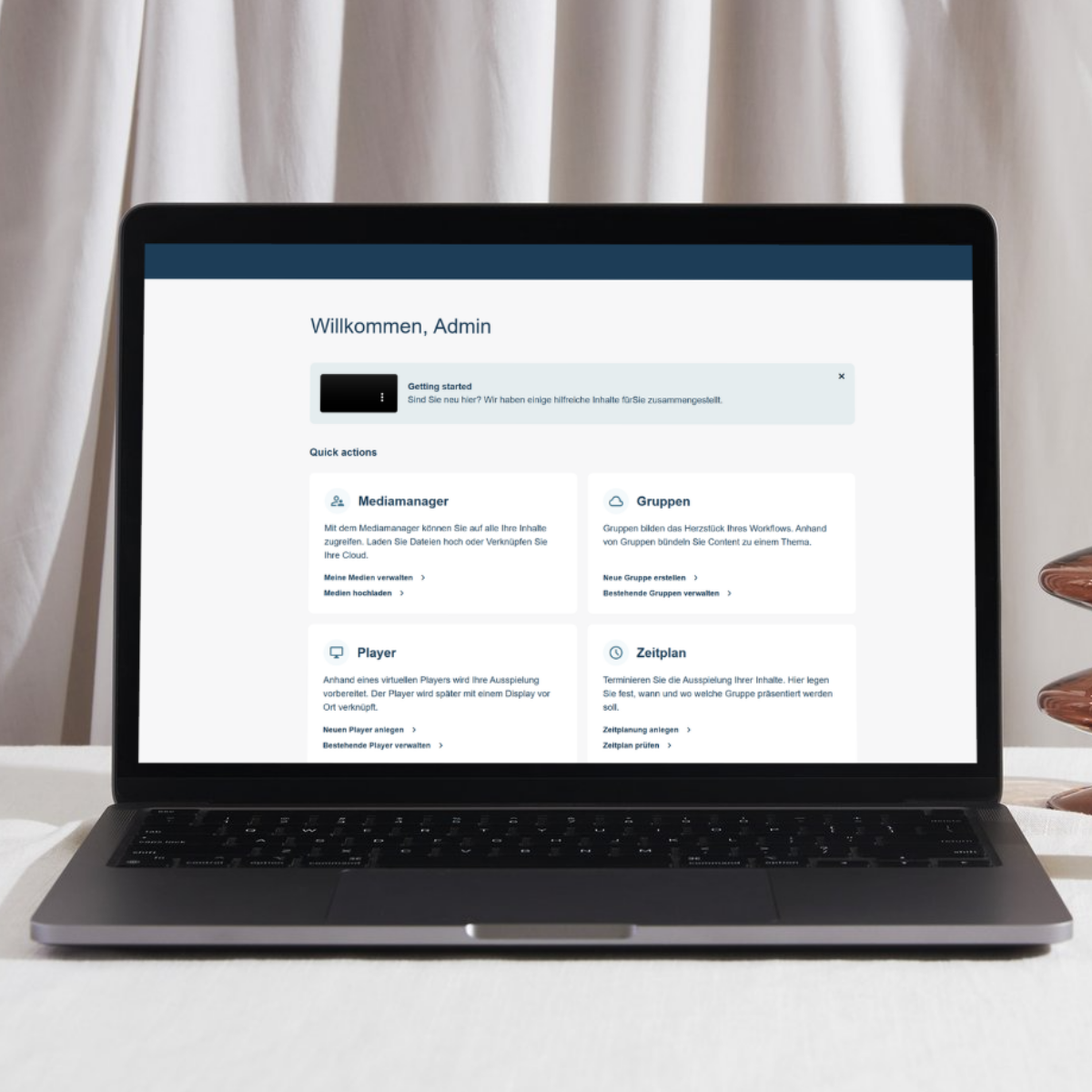
Setup
Installation and integration of all devices — quickly, securely and adapted to your infrastructure.
- Simply connect and activate devices
- Cloud or on-premise variant
- Support for popular players & operating systems
.avif)
Design
Create and design content easily — quickly, flexibly and without previous technical knowledge.
- Intuitive HTML5 editor
- 100+ customizable templates
- Media manager (upload & integration of external content)
.avif)
Centralized administration
Control content and locations centrally — clearly, efficiently and across locations.
- Central control of all screens
- Time and location-based playback
- User and role management
.avif)
Analysis
Evaluate results and system status — transparently, based on data and in real time.
- Content playback reporting
- Device and status overview
- Data-based optimization
One platform — endless possibilities.
connectSignage simplifies central control of digital touchpoints. From internal communication to global brand presence — all content, devices, and locations are managed via an intuitive platform.

HTML 5 editor
Intuitive, PowerPoint-like designer for content creation.

Scheduling
Content can be easily planned and played automatically at specified times.

Active Directory
Automatic login for selected users via Active Directory.

PowerBI
Presentation and analysis of data in interactive reports and dashboards.

ERP & WWS
Connecting external systems and data sources from ERP and inventory management systems.

Media upload
Easy upload of your own content, such as images, videos, GIFs, PDFs, and more.

Video walls
Synchronized playback across multiple displays — ideal for large video walls and special formats.

Synchronized Network Folders
Automated exchange of content via central network folders.

Google Workspace
Integration of Google Workspace with the option to book directly on the display.












Seamlessly connected with your most important applications
The platform can be seamlessly integrated into your existing system landscape.API-first, secure, and extensible.
Why connectSignage? — Key benefits
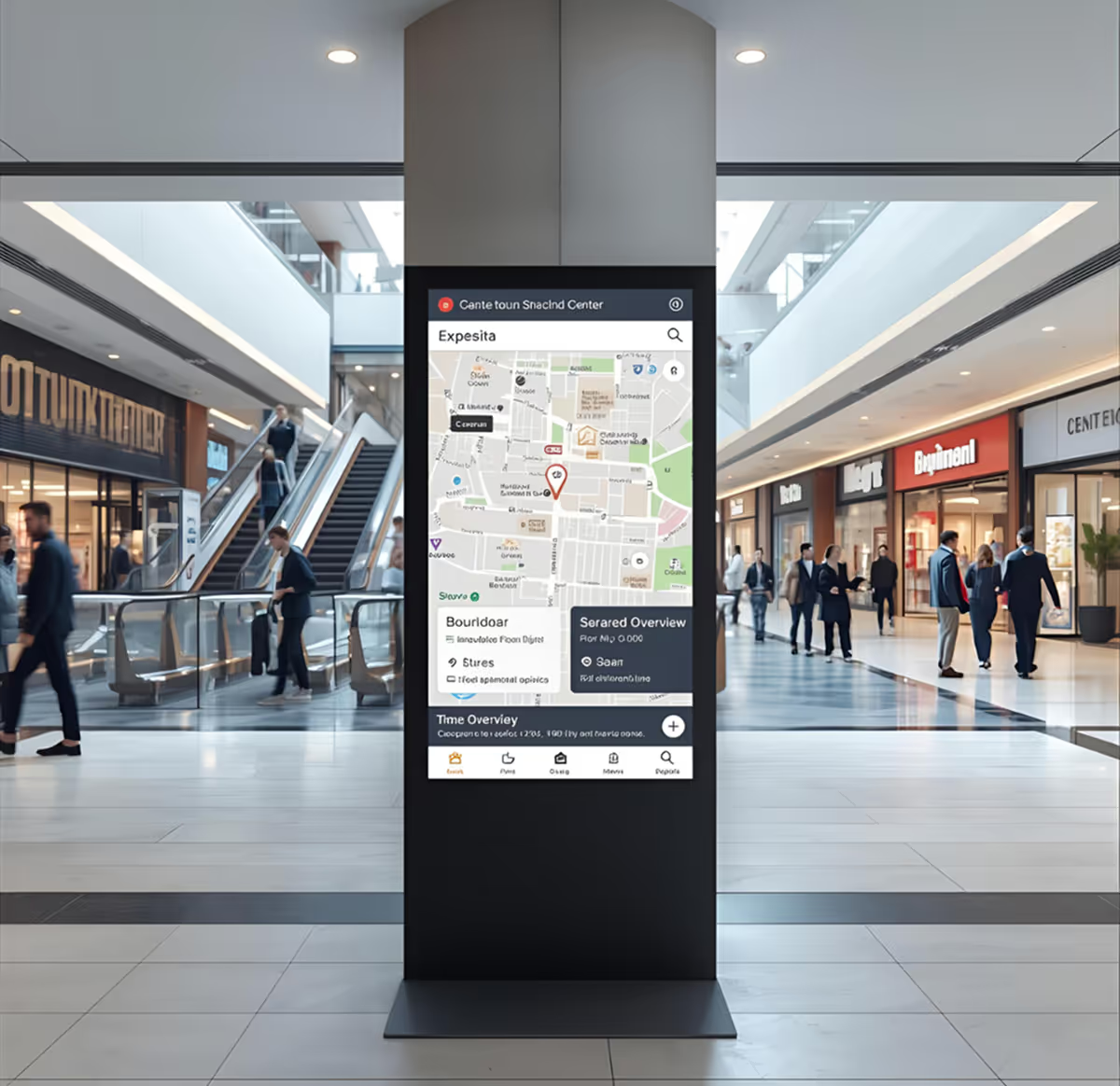
connectSignage is the intuitive digital signage platform that grows with your needs. Made in Germany, secure, and flexible - and so easy to use that your team can get started right away.

Intuitive operation
Create content without prior knowledge and roll it out across departments.

Made in Germany
Secure, climate-neutral hosting and full GDPR compliance.

Extensive features
Flexibly scalable—from a single display to a global network.

High reliability
Reliable operation thanks to monitoring, remote control, and offline mode.

Strong IT integration
Role models, APIs, interfaces, and enterprise security.

Quick rollouts
New locations, content, or users are ready to use in minutes.
Ready for simple and powerful digital signage?
Experience the connectSignage platform live and experience how easy central communication can be — for retail, corporate & more.
.avif)
Frequently asked questions
Frequently asked questions about our digital signage platform
connectSignage is a digital signage platform for the centralized creation, scheduling, management, and distribution of digital content across displays. Companies can use it to manage individual screens as well as multi-site display networks. Content, displays, users, and locations are all controlled from a single, central platform.
With connectSignage, displays are first connected to the platform and then managed centrally managed. Content can be created in the integrated HTML5 editor or imported from existing files and data sources. You can then determine which content is played, when, at which location, and on which display. Schedules and integrations also enable automated content delivery.
Yes. connectSignage is built as a no-code platform, allowing you to create digital content without any programming knowledge. It features an HTML5 editor, customizable templates, and centralized media management. You can create and schedule content, then deploy it to your chosen displays.
Yes. With connectSignage, you can centrally manage displays and content across multiple locations. Content can be targeted to specific displays, locations, or display groups and scheduled for playback. This makes the platform ideal for both individual displays and companies with multiple locations and large display networks.
Yes. connectSignage supports an offline mode, ensuring that previously deployed content continues to play even if your internet connection is temporarily interrupted. Additionally, you can centrally monitor your devices and their status.
connectSignage can integrate existing systems and data sources through various interfaces and connectors. These include Microsoft SharePoint, Microsoft Teams, OneDrive, Power BI, Google Workspace, RSS feeds, as well as ERP and inventory management systems. Furthermore, additional data sources can be connected via APIs and interfaces to automate the delivery of content to your displays.
Yes. Depending on your requirements, connectSignage can be operated as either a cloud or on-premise solution. This allows companies to choose the operating model that best fits their existing IT infrastructure and their specific needs regarding operations, security, and data storage.
Yes. connectSignage offers GDPR-compliant hosting in Germany. Role and permission concepts are also available for controlled user management. Depending on your requirements, other operating models such as on-premise can be used in addition to the cloud.
connectSignage verfügt über eine zentrale Benutzer- und Rollenverwaltung. Damit können Unternehmen festlegen, welche Nutzer Zugriff auf bestimmte Funktionen und Bereiche erhalten. Die Plattform unterstützt außerdem die Integration von Active Directory für die Benutzeranmeldung.
Ja. Du kannst connectSignage 30 Tage kostenlos testen. Der Demo-Zugang umfasst alle Funktionen und den vollen Funktionsumfang der Plattform, sodass du connectSignage unter realistischen Bedingungen testen und prüfen kannst, ob die Lösung zu deinen Anforderungen passt.
Any more questions?
Our team is happy to help you.