Digital Signage for Service Companies — Inform Customers, Connect Teams, Strengthen Your Brand.
Centrally manage visitor information, appointments and internal communication across reception areas, offices and locations and display it clearly on digital screens.
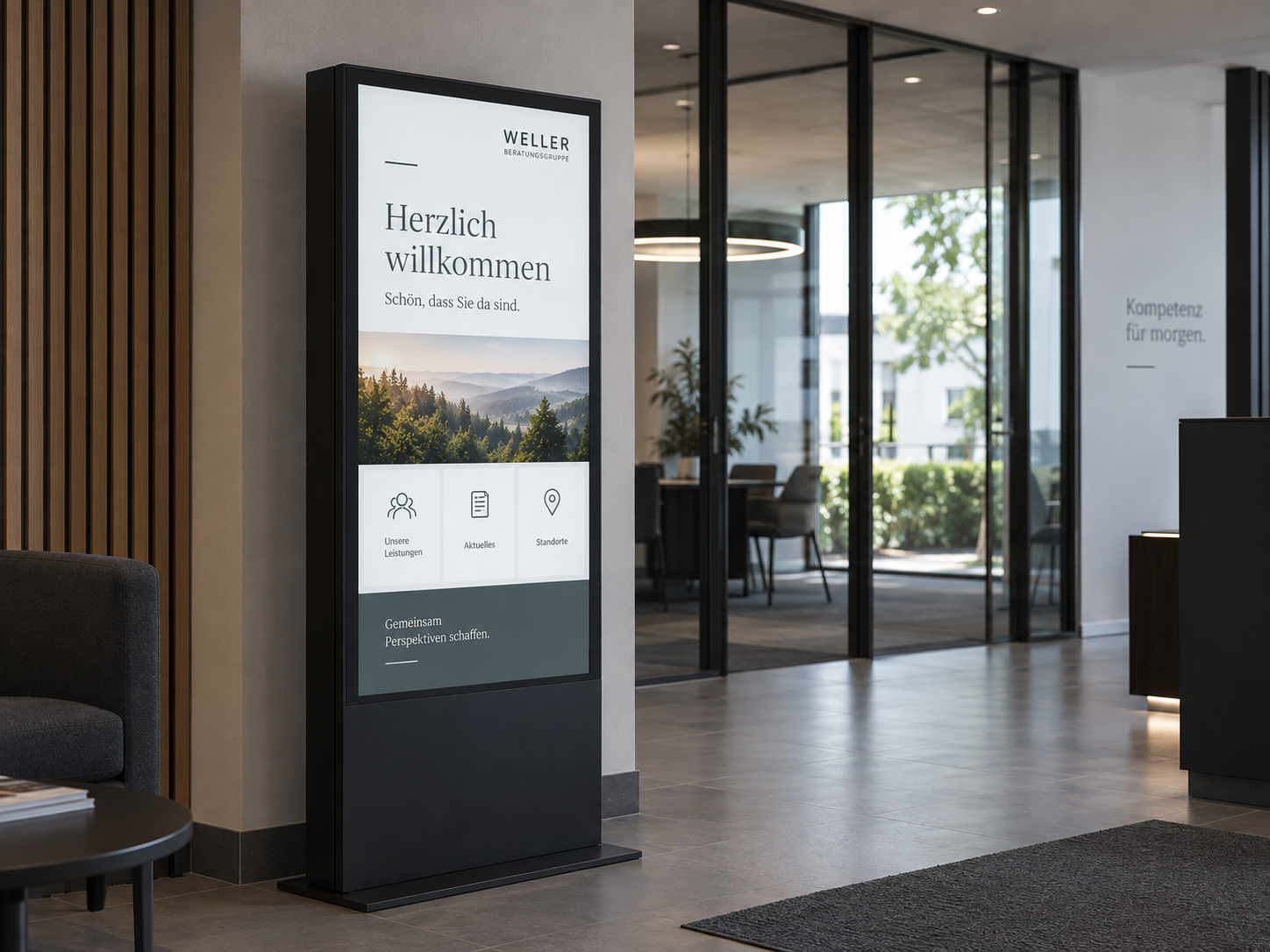
Why Digital Signage matters for service companies
higher employee engagement through visual internal communication
feel better informed through continuous visual updates
higher employee retention through continuous internal communication
Which challenges does Digital Signage solve for service companies?
Digital Signage helps service companies keep customers, visitors and employees informed across reception areas, offices and multiple locations. Visitor information, appointments, internal updates and wayfinding can be managed centrally and displayed where they are needed.
Welcoming and guiding visitors professionally
Customers, applicants and business partners need quick information about appointments, contacts, rooms and directions. Clear digital guidance improves reception and reduces questions.
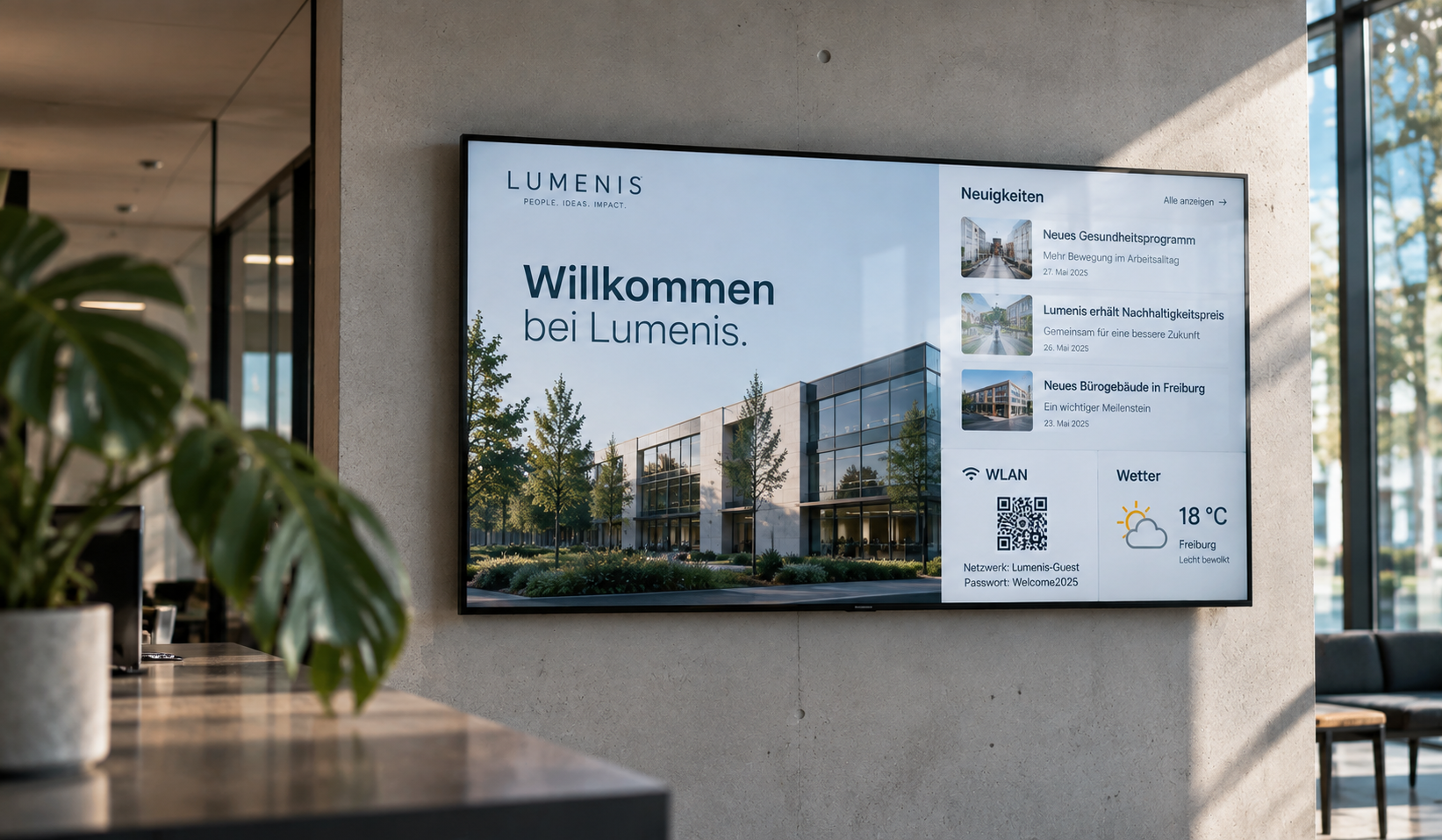
Reaching employees across different locations
Information often needs to be communicated across offices, departments and locations. Digital displays help keep communication current and consistent.
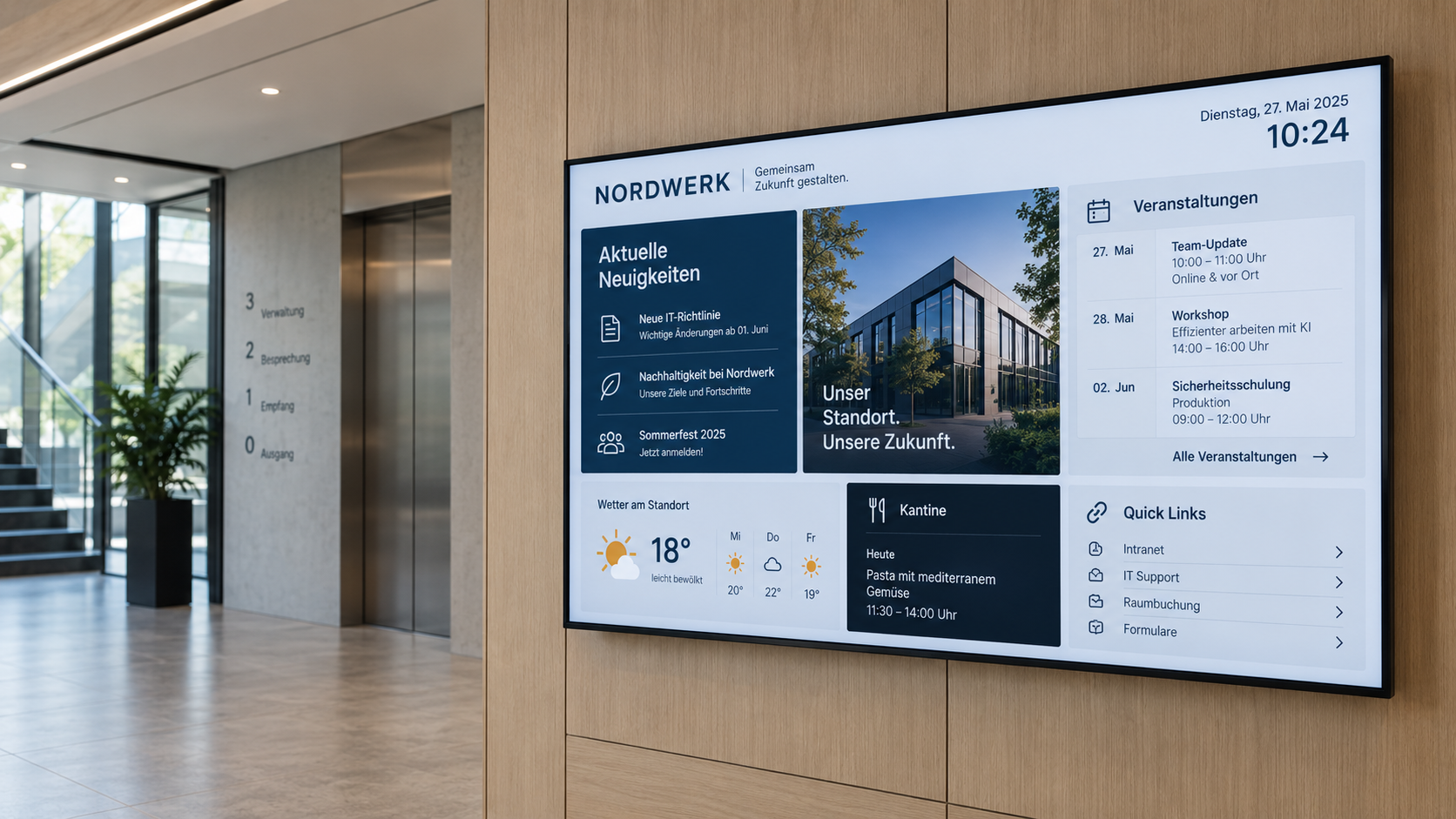
Keeping appointments, rooms and information current
Appointments, room occupancy, events and organisational updates change regularly. Central digital control reduces manual maintenance.
Typical Use Cases
Digital Signage solutions for service companies
From reception to internal communication: typical Digital Signage applications for offices, locations and customer areas.
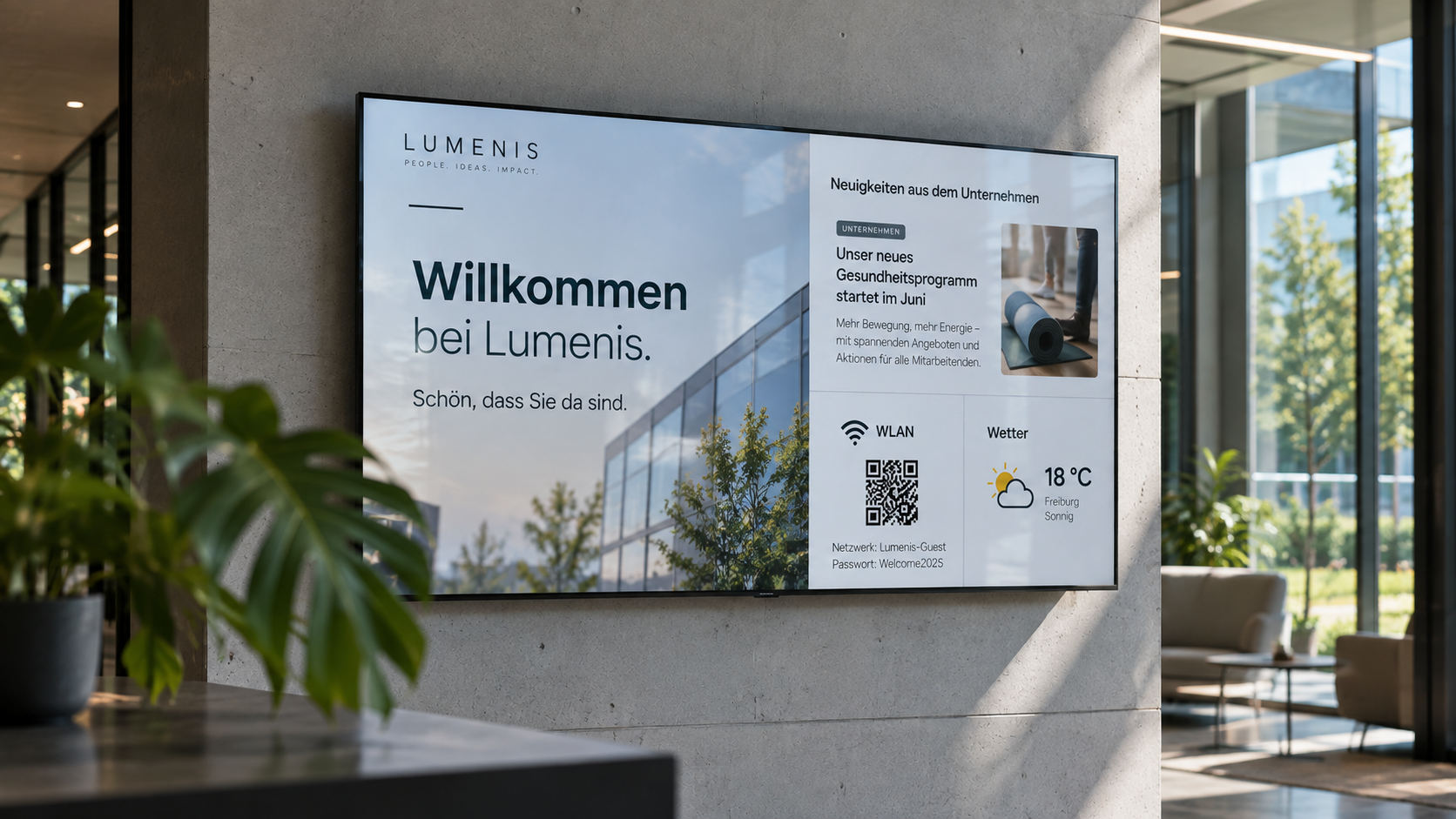
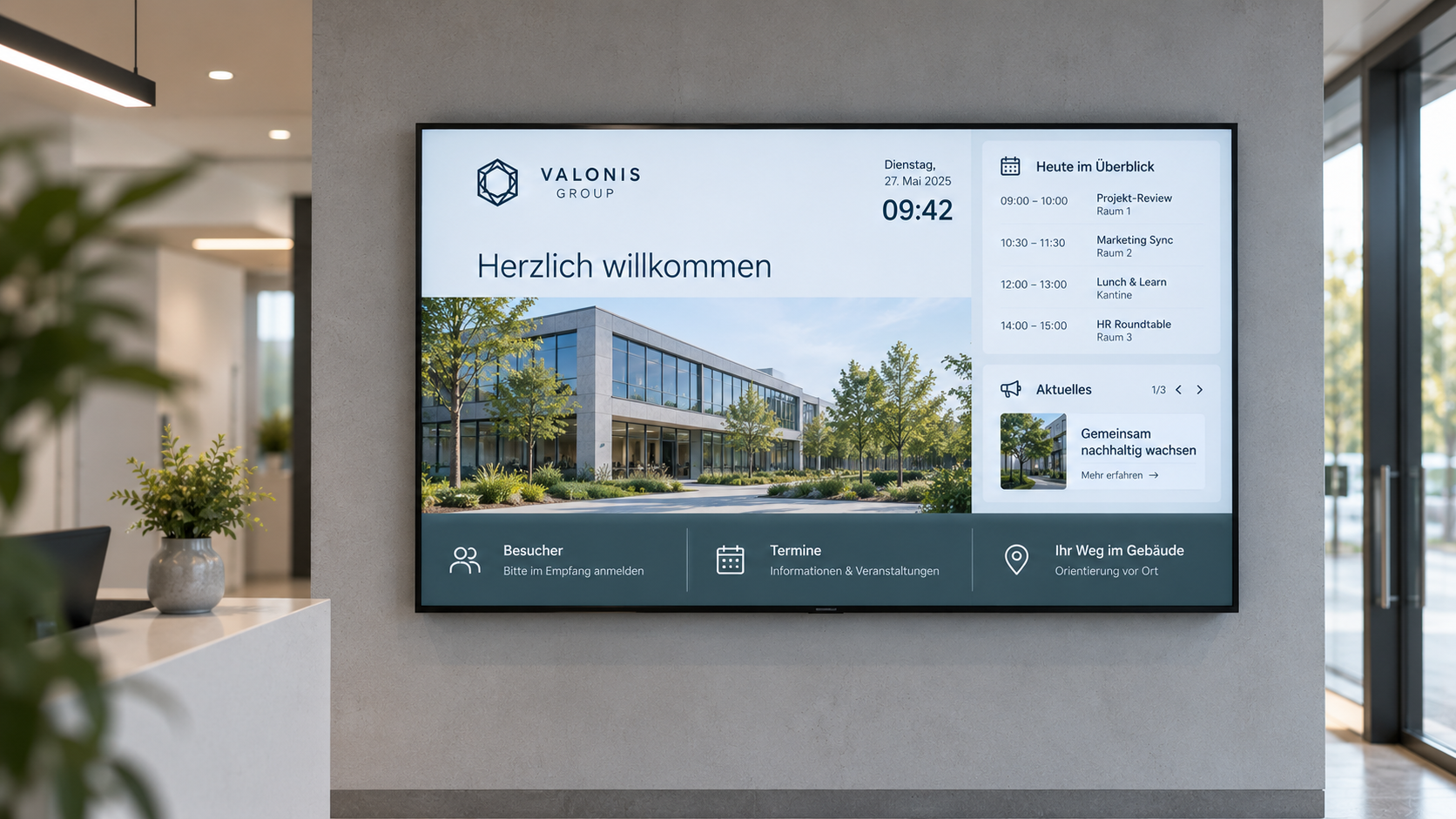
Welcome screen
Welcome customers, visitors, applicants and business partners professionally at reception.
✓ Show appointments and contacts
✓ Add brand content and notices
✓ Control content by location
Information display
Show services, opening hours, appointments and current information centrally.
✓ Reduce customer questions
✓ Integrate websites, CMS or RSS feeds
✓ Keep content centrally up to date
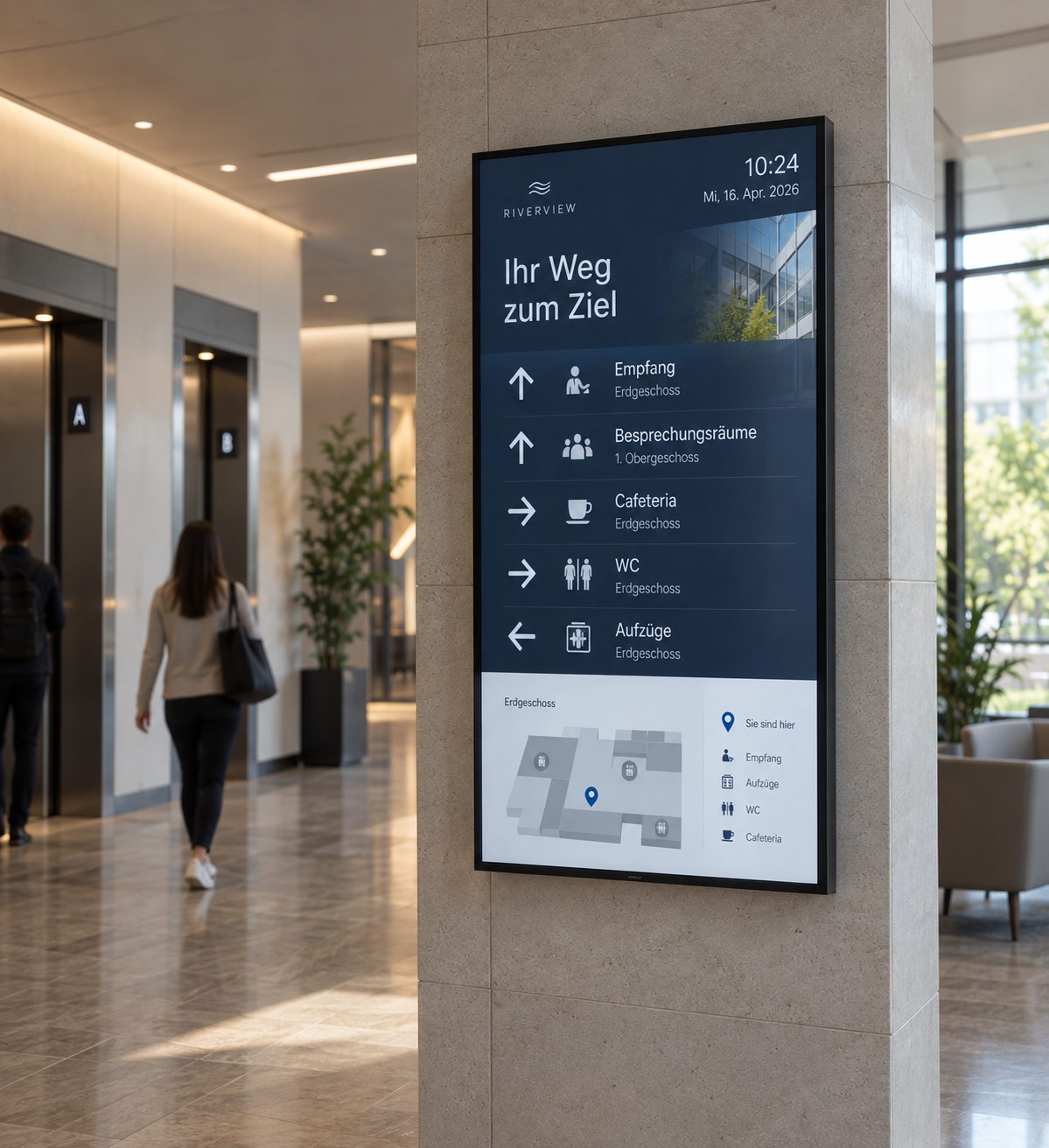
Digital wayfinding
Guide visitors quickly to offices, meeting rooms, services and contacts.
✓ Make navigation easier
✓ Display floor plans digitally
✓ Update routes immediately when needed
Digital notice board
Make internal news, appointments and company information visible to employees.
✓ Reach employees across multiple locations
✓ Integrate Teams, SharePoint or intranet content
✓ Control content by location or department
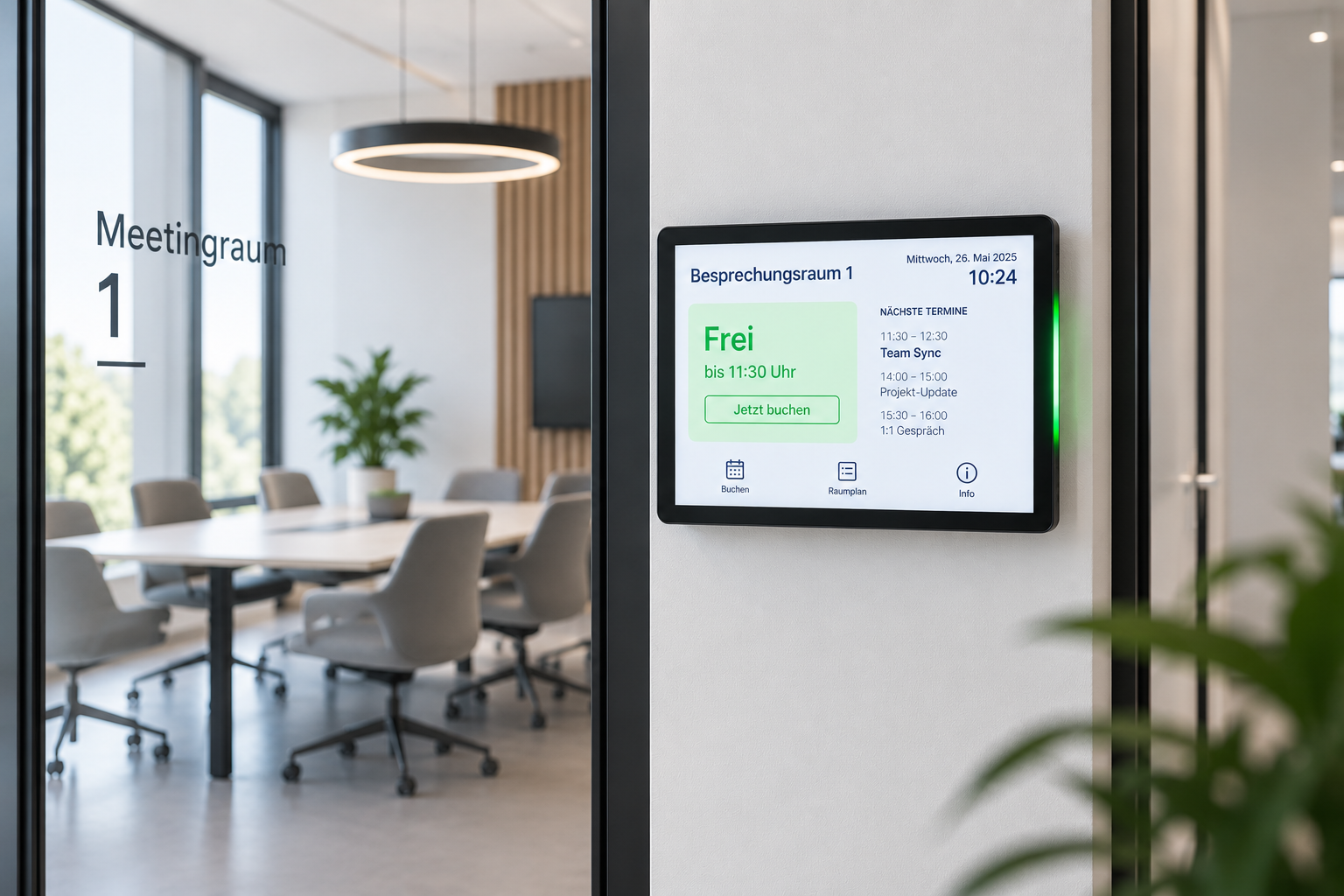
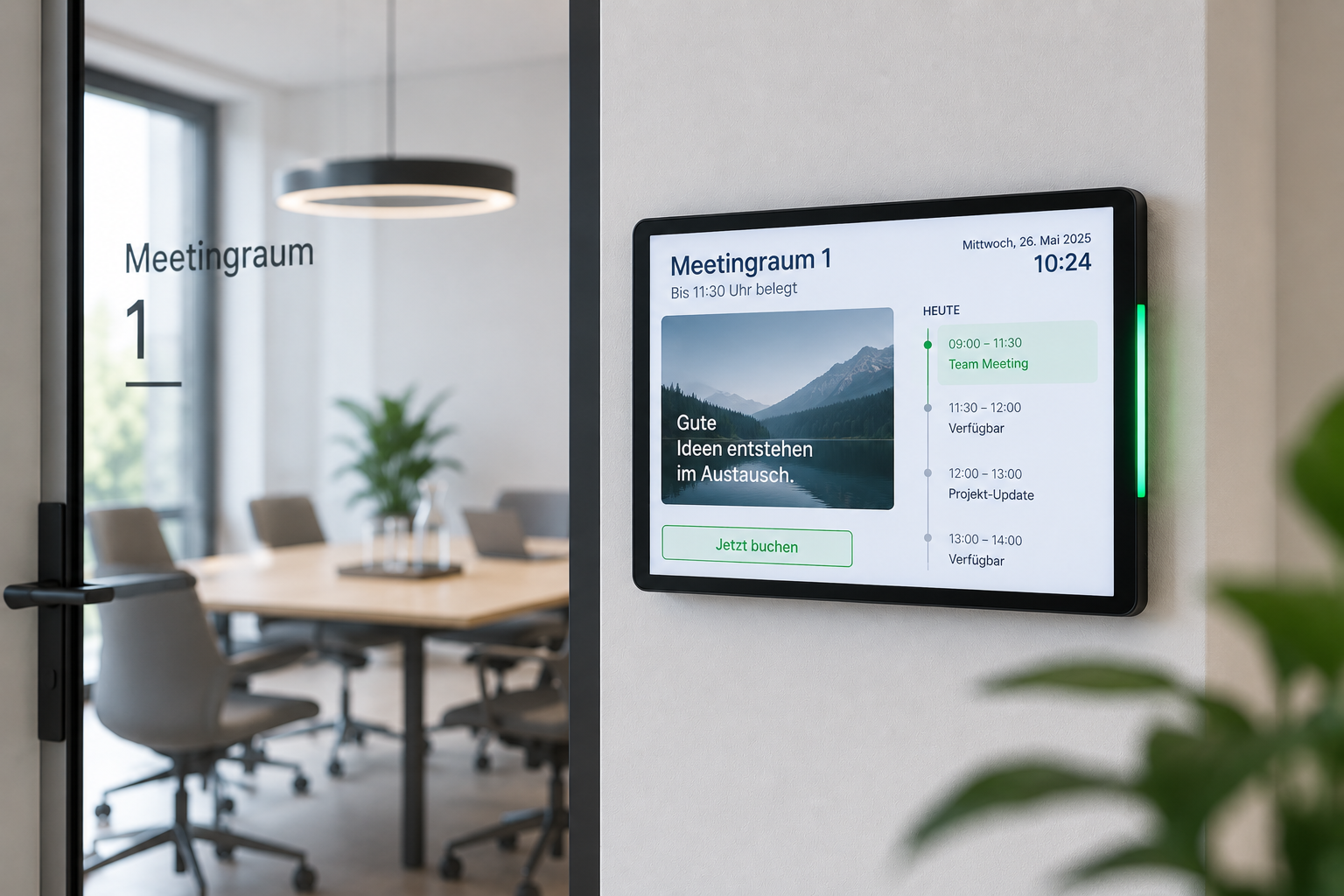
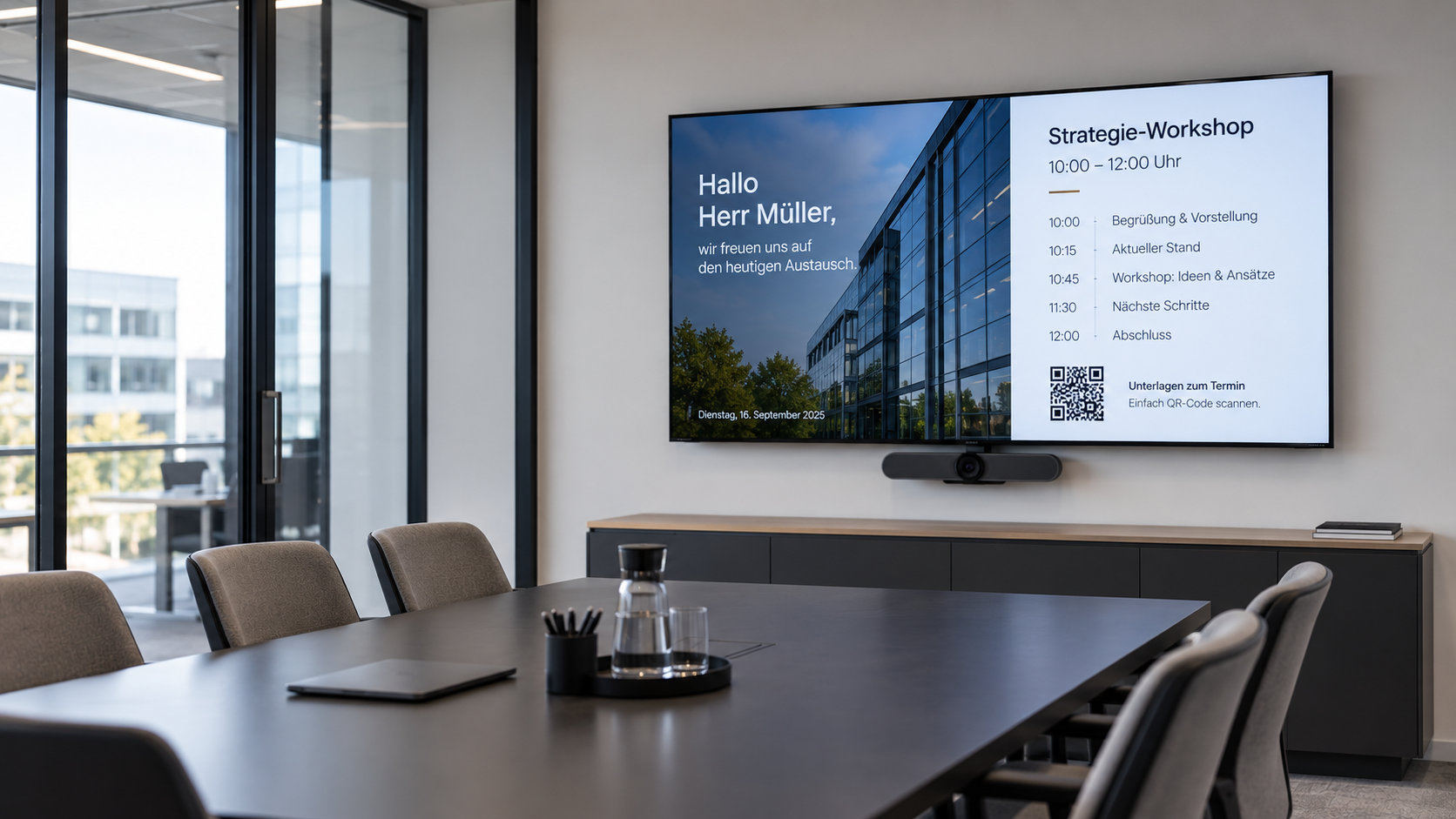
Meeting room display
Show appointments, agendas and visitor information directly in meeting rooms.
✓ Connect Microsoft 365 or Exchange
✓ Show appointments and agendas
✓ Update information automatically
Digital room booking
Show room status and bookings at the door and synchronise them with calendars.
✓ See free and occupied status
✓ Book rooms directly on site
✓ Avoid double bookings
Reception & visitor information
Communicate arrivals, waiting information and relevant guest information centrally.
✓ Reduce workload at reception
✓ Use waiting time for information
✓ Target content by visitor area
Company KPIs & dashboards
Make goals, achievements and current company KPIs visible on displays.
✓ Integrate Power BI or data sources
✓ Update KPIs automatically
✓ Keep teams informed transparently
Event & appointment display
Announce workshops, events, training sessions and internal appointments centrally.
✓ Show dates and rooms
✓ Schedule content automatically
✓ Update changes immediately
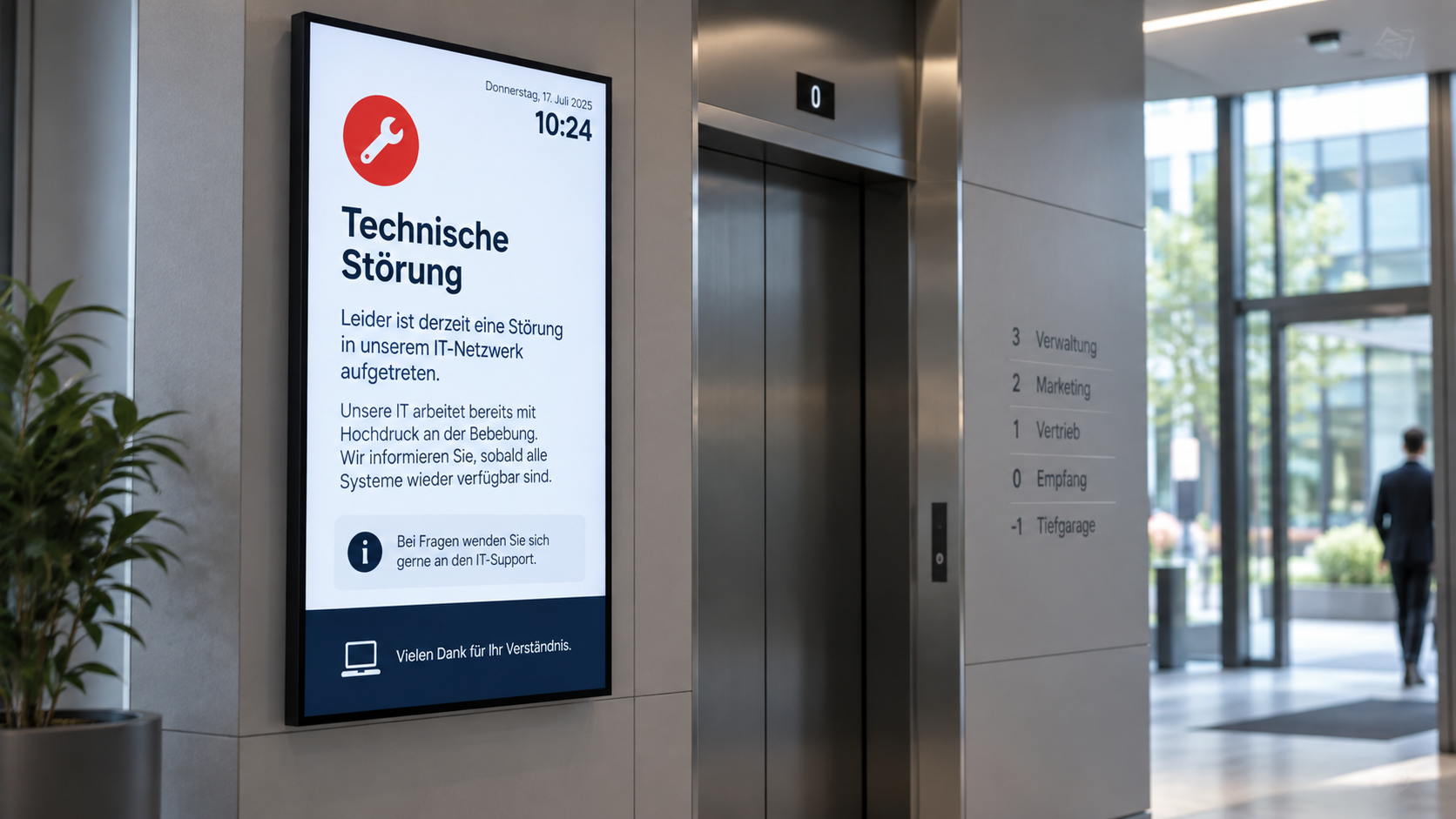
Emergency & safety communication
Make warnings, evacuation instructions and safety information quickly visible.
✓ Prioritise alerts centrally
✓ Display safety instructions
✓ Target content by location
How does Digital Signage work for service companies?
With connectSignage, visitor information, appointments, room occupancy and internal communication can be managed centrally across reception areas, offices and locations. Calendars, communication systems and data sources can be connected and content targeted by location, area, display or time.

Active Directory
Automatic login for selected users via Active Directory.

External connections
Integration and active control of external systems to expand functionality.

Databases
Automatic and scheduled synchronization of external databases for content that is always up to date.

ERP & WWS
Connecting external systems and data sources from ERP and inventory management systems.

Google Workspace
Integration of Google Workspace with the option to book directly on the display.

HTML 5 editor
Intuitive, PowerPoint-like designer for content creation.
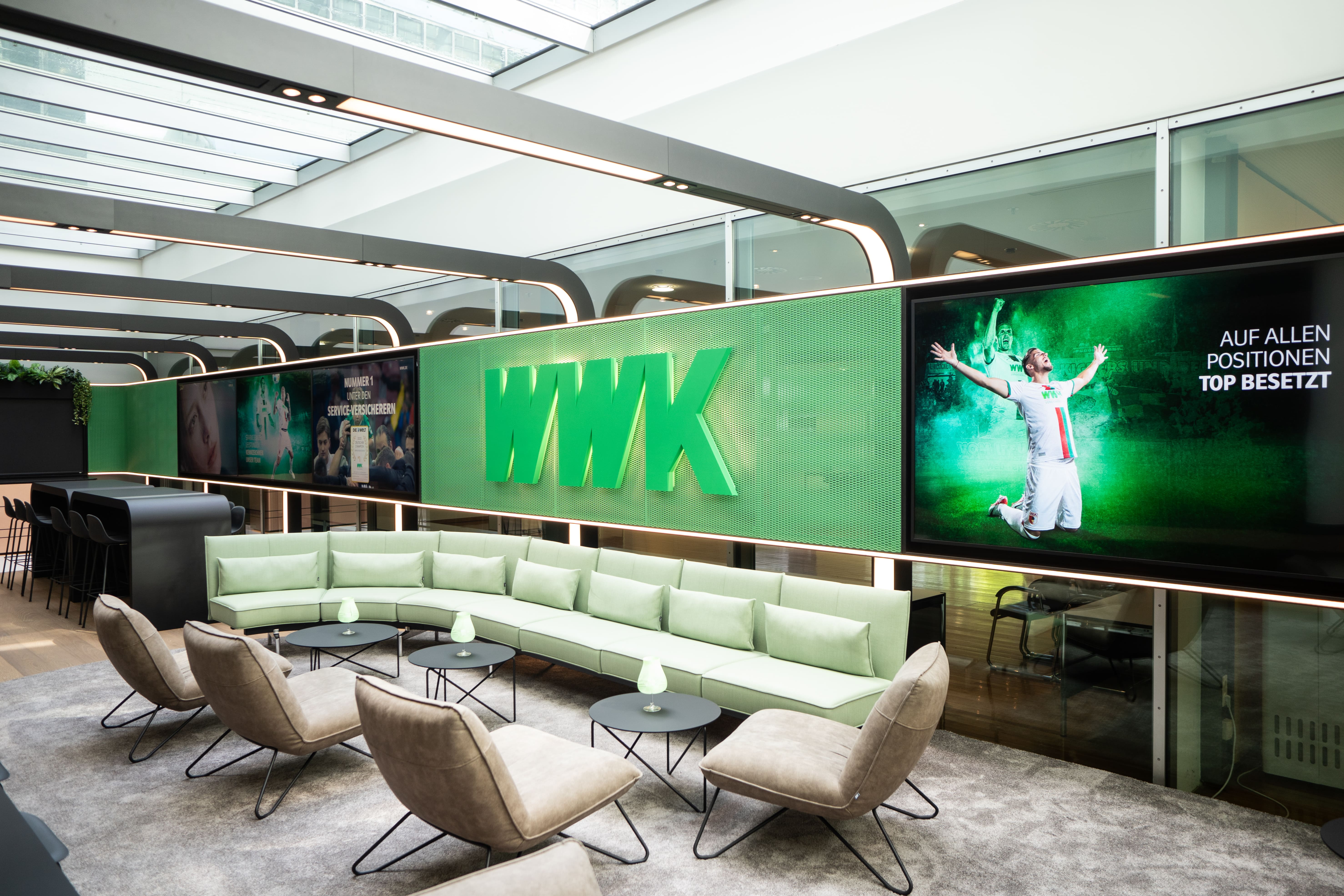
WWK creates multifunctional space for exchange and communication
At the Munich headquarters of the WWK Insurance Group, connectSignage ensures dynamic and efficient communication of information.

Digital employee communication at RAILONE
With connectSignage, RAILONE uses a central Digital Signage solution for internal communication in reception areas and production sites. Welcome screens and digital notice boards make shift schedules, announcements and current information centrally visible, improving employee communication in everyday operations.
This industry often relies on the following solutions

Advertising display
Advertising displays showcase campaigns, offers, and brand messages on digital screens in an eye-catching way. Content can be scheduled flexibly and managed centrally.
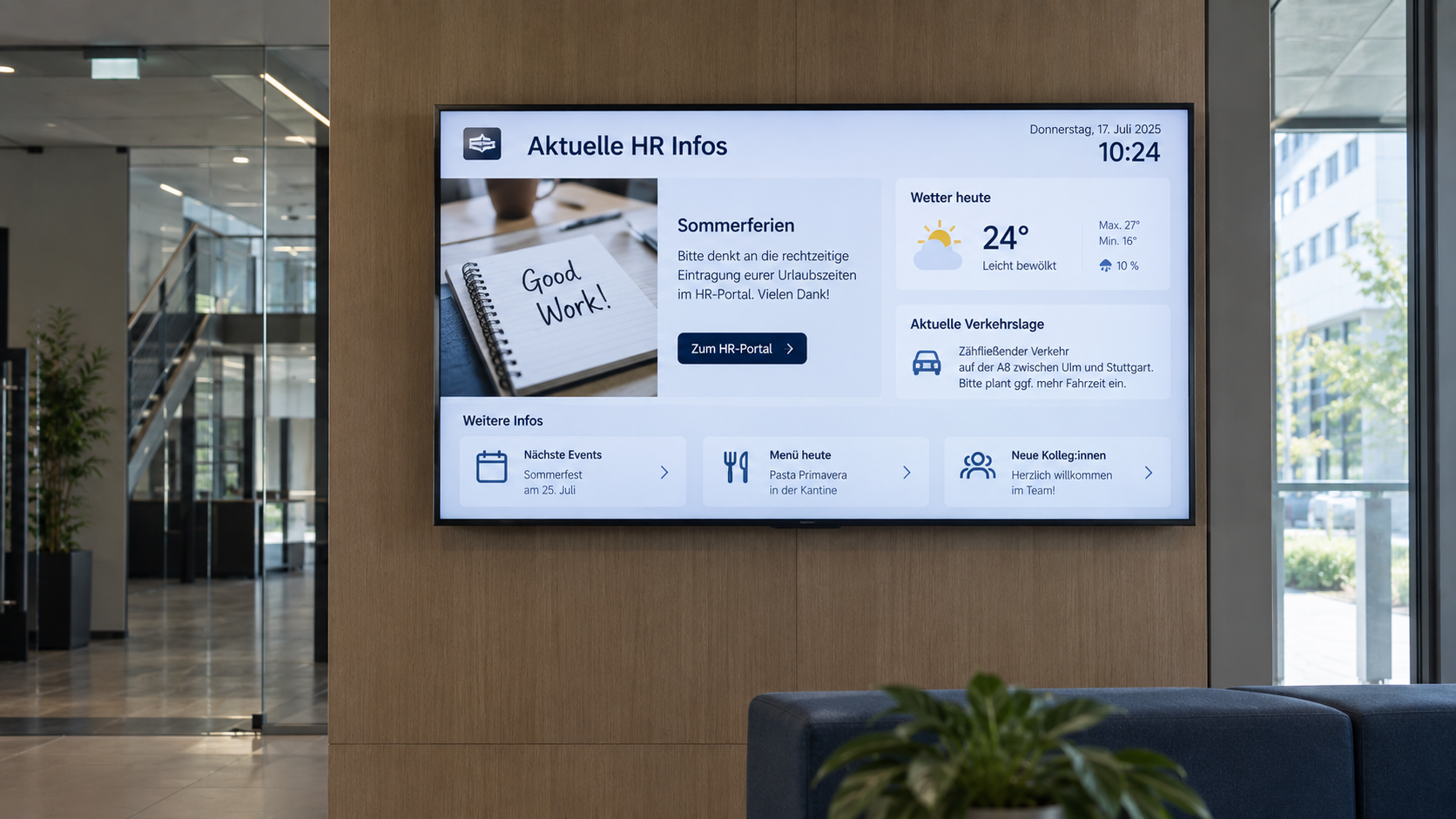
Digital bulletin board
Internal communication that hits the mark: Make news, notices, and important information visible directly on digital displays – centrally managed and always up to date.
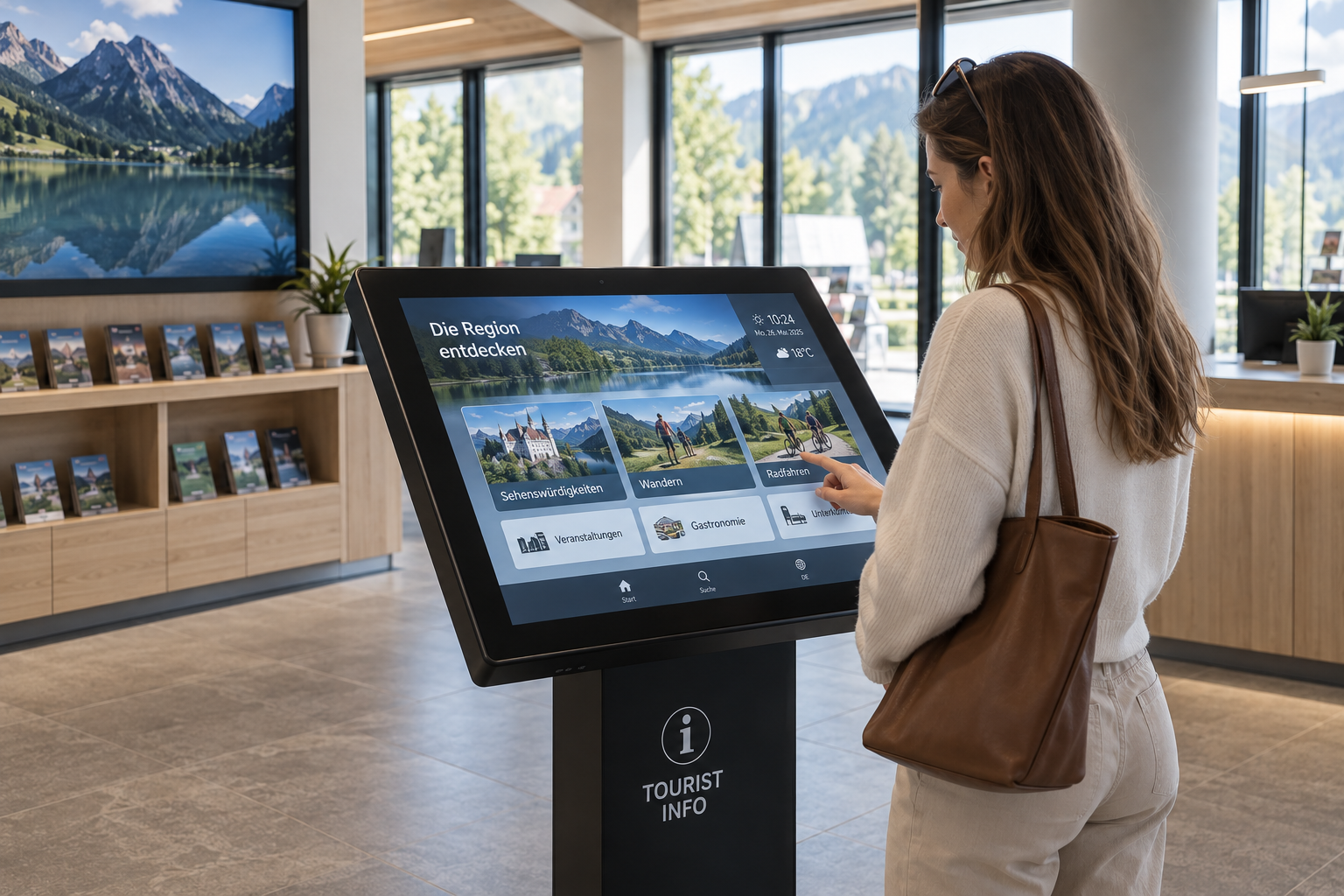
Information display
Information at a Glance: Display key metrics, process data, deadlines, and the latest information on digital displays—automatically updated and centrally provided.
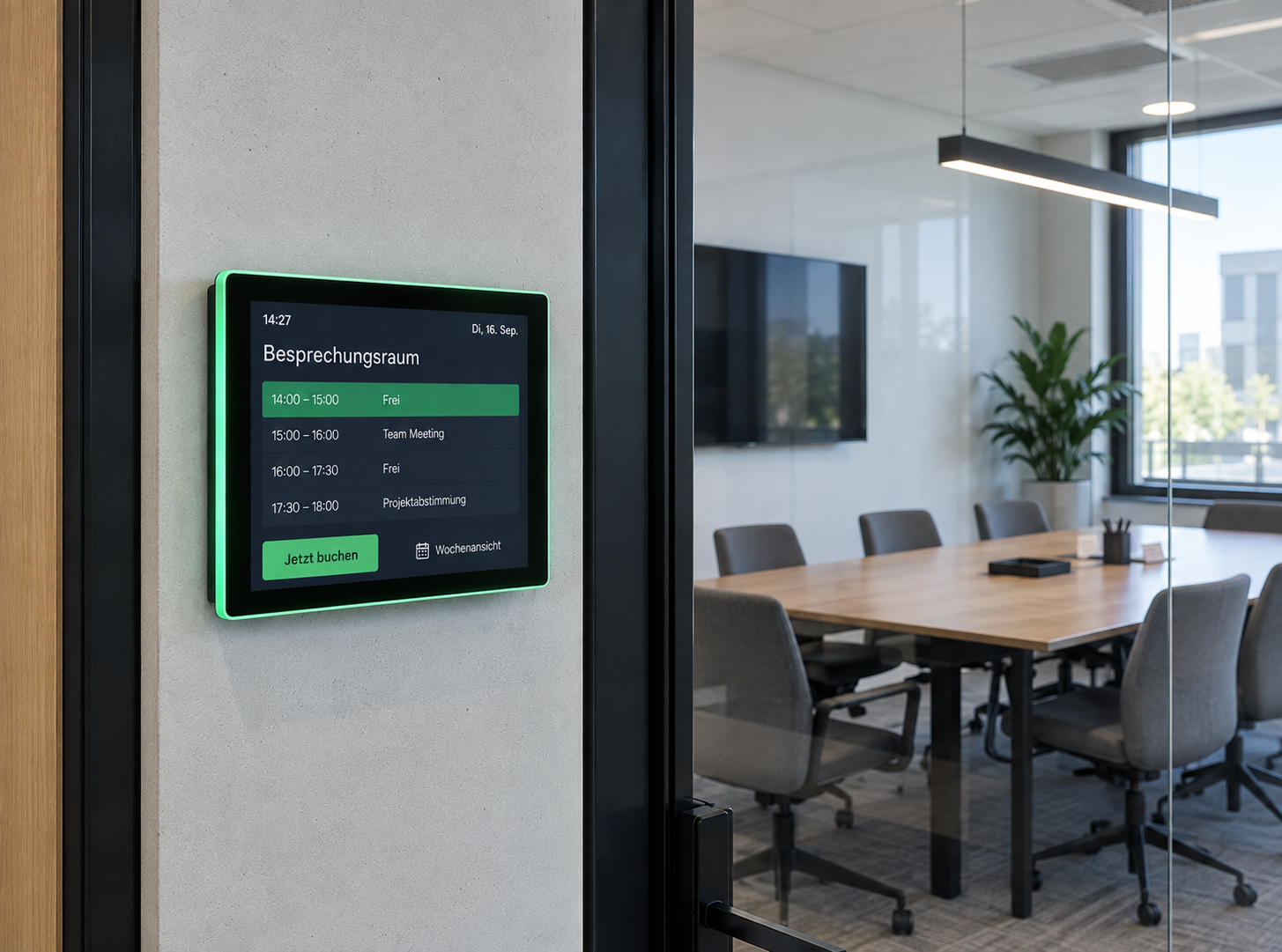
Room booking
Available rooms at a glance: Digital room booking makes availability visible right at the room – flexibly bookable, automatically synchronized, and always up to date.
What our customers say
“It was important to us to enter into a partnership in which we could rely on strong support for customer projects.”

“We deliberately chose connectSignage so that we always have the flexibility to implement new ideas in the area of digital signage.”

“The advantage is that we can now display information even faster and more reliably.

“We use connectSignage for touch tables, information kiosks, outdoor screens, and digital information displays. This allows us to provide guests with information much more quickly and in a more engaging way, manage visitor flow in a more modern way, and take some of the pressure off our tourist information office on a day-to-day basis.”

Digital Signage solutions for service companies
Examples of Digital Signage in service environments — from visitor information and wayfinding to meeting room displays and internal communication.
Take your in-store communication to the next level
Simplify the maintenance of your branch displays, strengthen your brand and increase your sales figures — with connectSignage.
.avif)
Frequently asked questions
Frequently asked questions about Digital Signage for service companies.
Any more questions?
Our team is happy to help.