Room booking
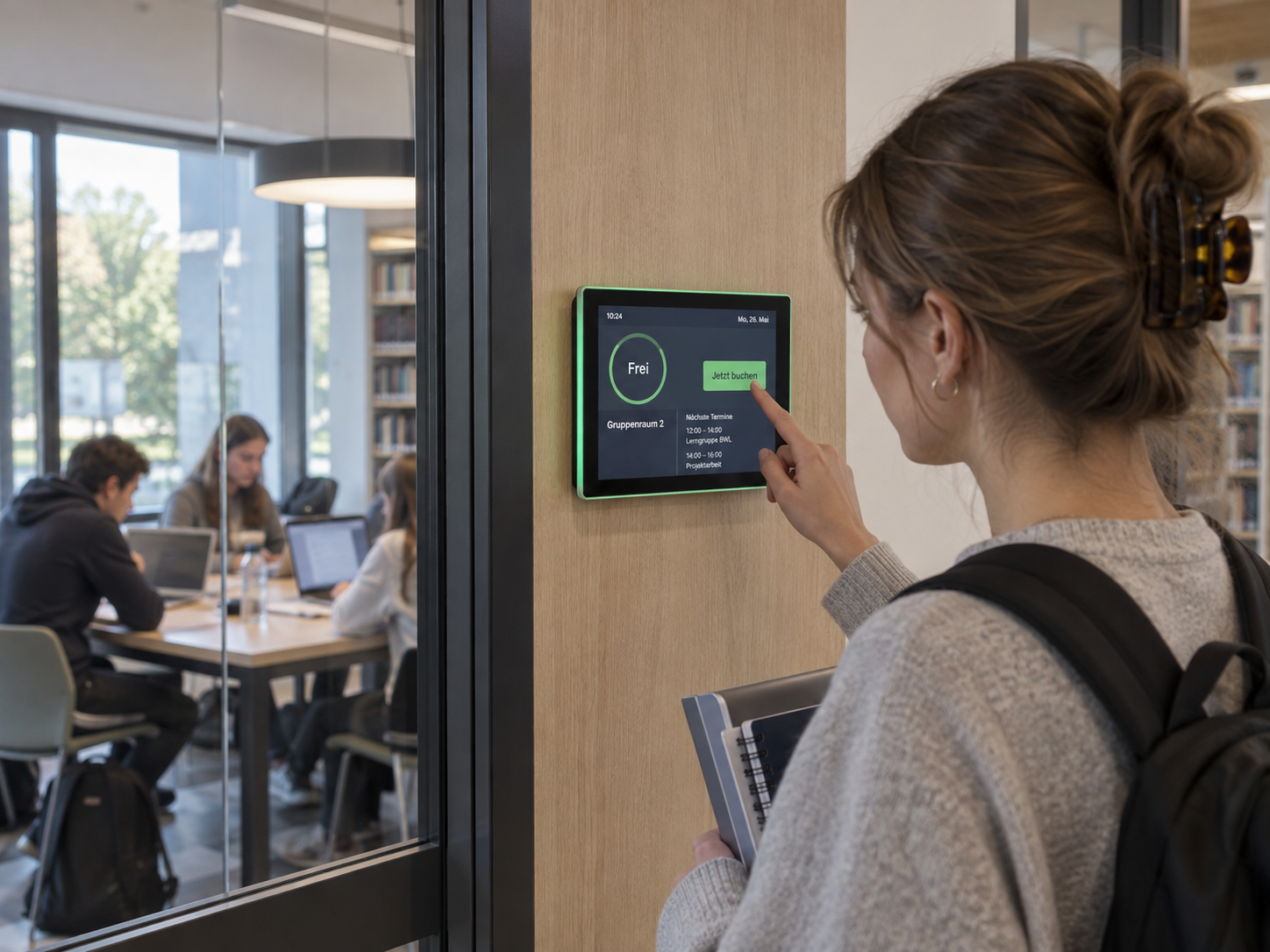
Available rooms at a glance: Digital room booking makes availability visible right at the room – flexibly bookable, automatically synchronized, and always up to date.
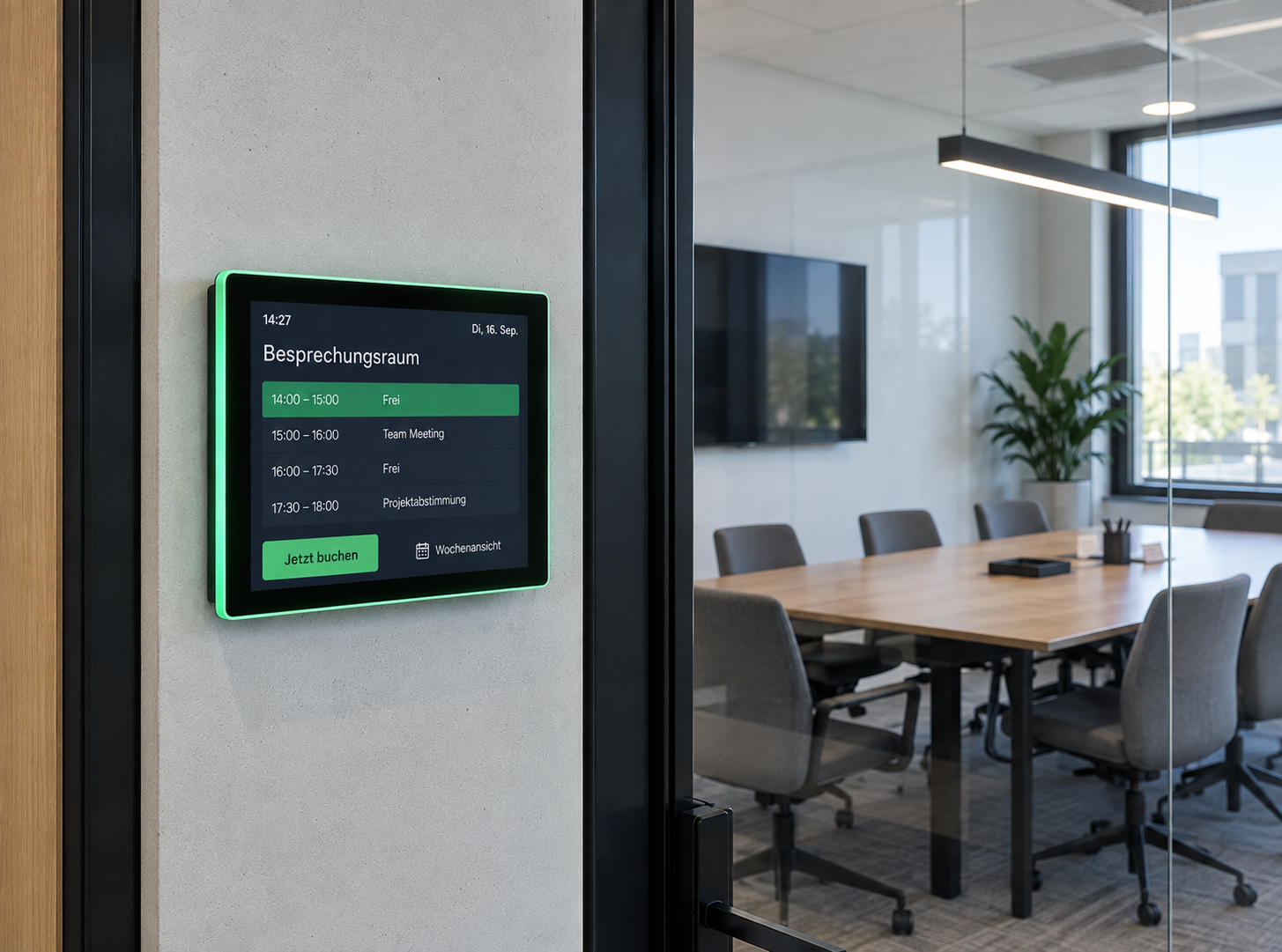
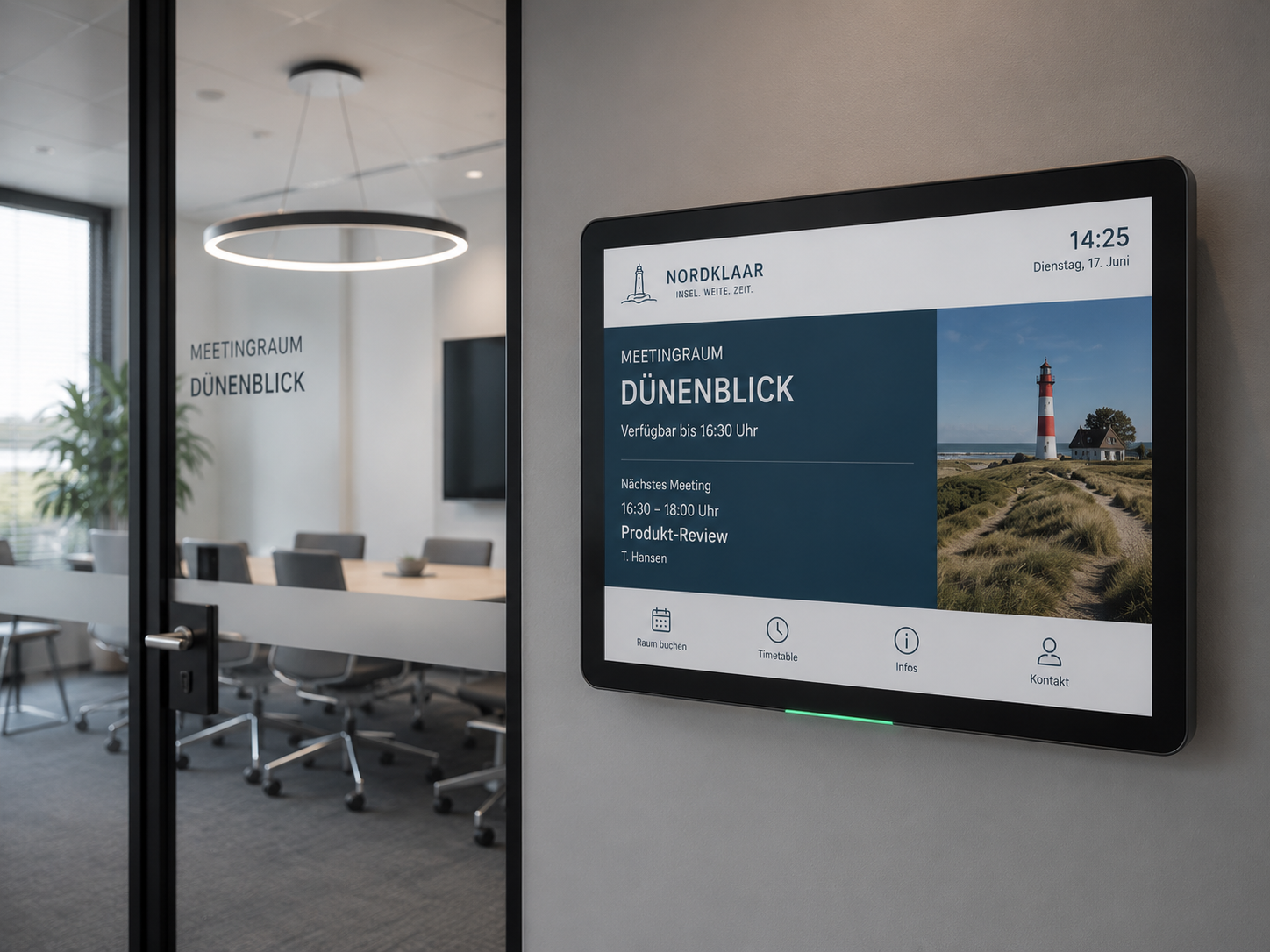
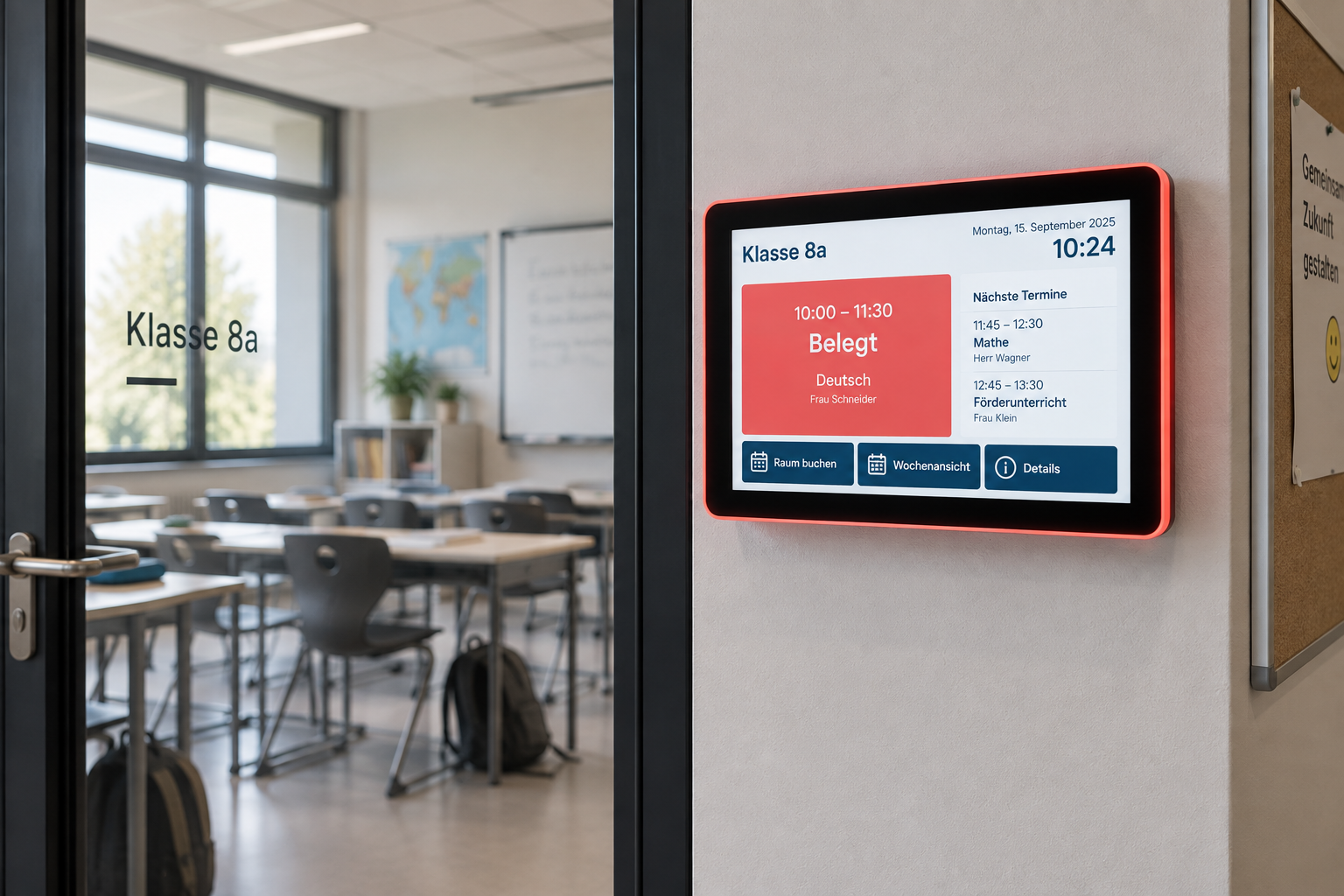
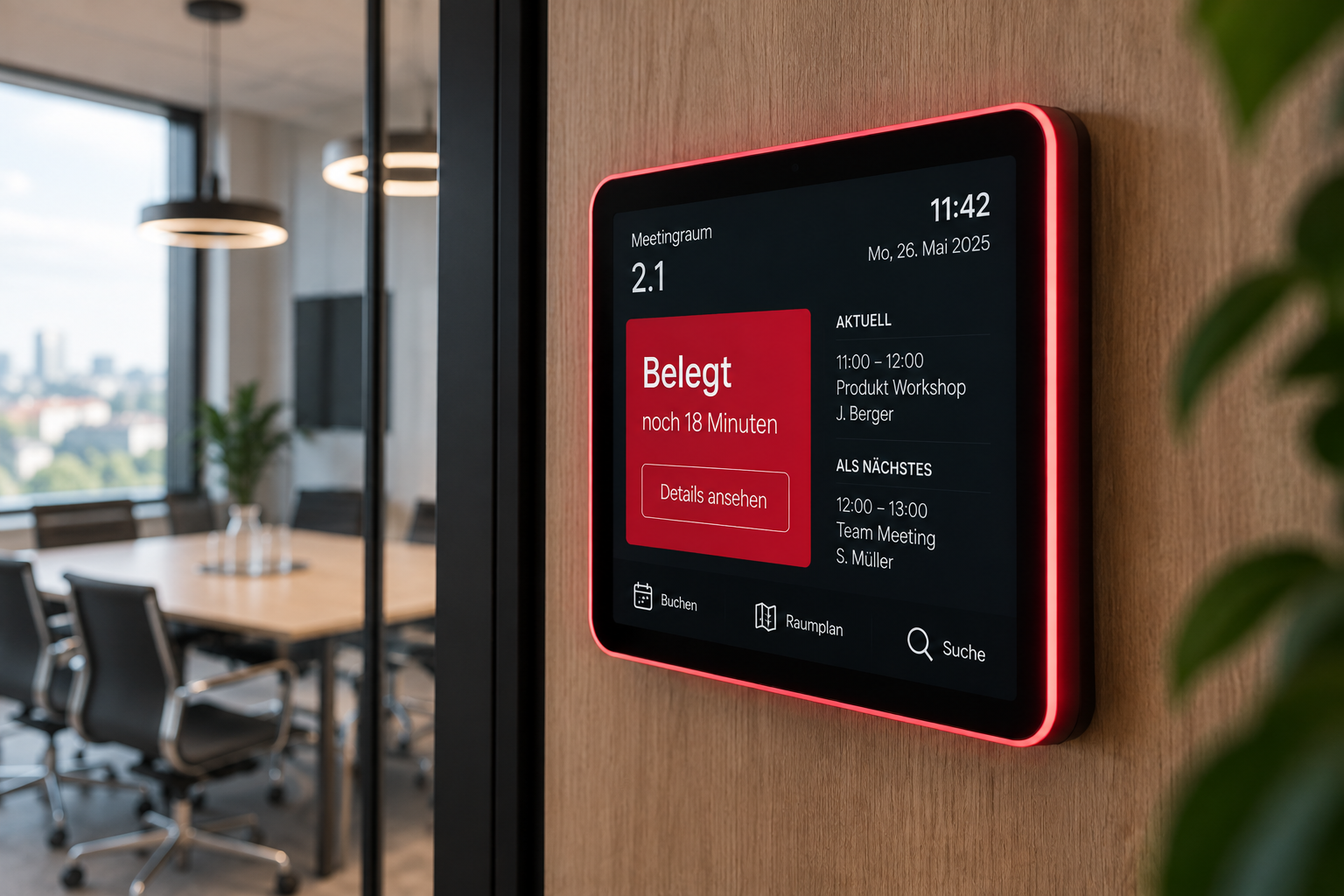
What is digital room booking and how does it work?
Digital room booking connects existing calendars with digital door signs and displays located directly at the room. Employees continue to book meeting and conference rooms as usual via Outlook, Exchange, Google Workspace, or iCal. The current room occupancy is then automatically shown on the respective room booking display.
Especially in companies with many meeting rooms, flexible workspaces, or hybrid teams, there is often a lack of transparency regarding which rooms are actually available. Rooms are booked in the calendar but go unused, meetings end early, or employees find themselves searching spontaneously for an available meeting space.
With connectSignage, the current room status is visible right on the spot. Available rooms can be booked spontaneously via touch displays and released again if a meeting ends early. Changes are synchronized with the connected calendar, ensuring that room occupancy remains up to date at all times.
Where is digital room booking used?
Digital room booking is suitable wherever rooms are regularly scheduled, reserved, or used spontaneously.
Typical areas of application:
- Meeting and conference rooms
- Conference rooms
- Training and seminar rooms
- Workshop and project rooms
- Phone booths and focus rooms
- Consultation rooms
- Boardrooms
- Coworking areas
- Convention and event rooms
- Multifunctional rooms
Different requirements can be met depending on the room type. While booking and availability are the primary focus for classic meeting rooms, spontaneous bookings and a quick overview of available spaces are particularly relevant in flexible work environments.
What information does a room booking display show?
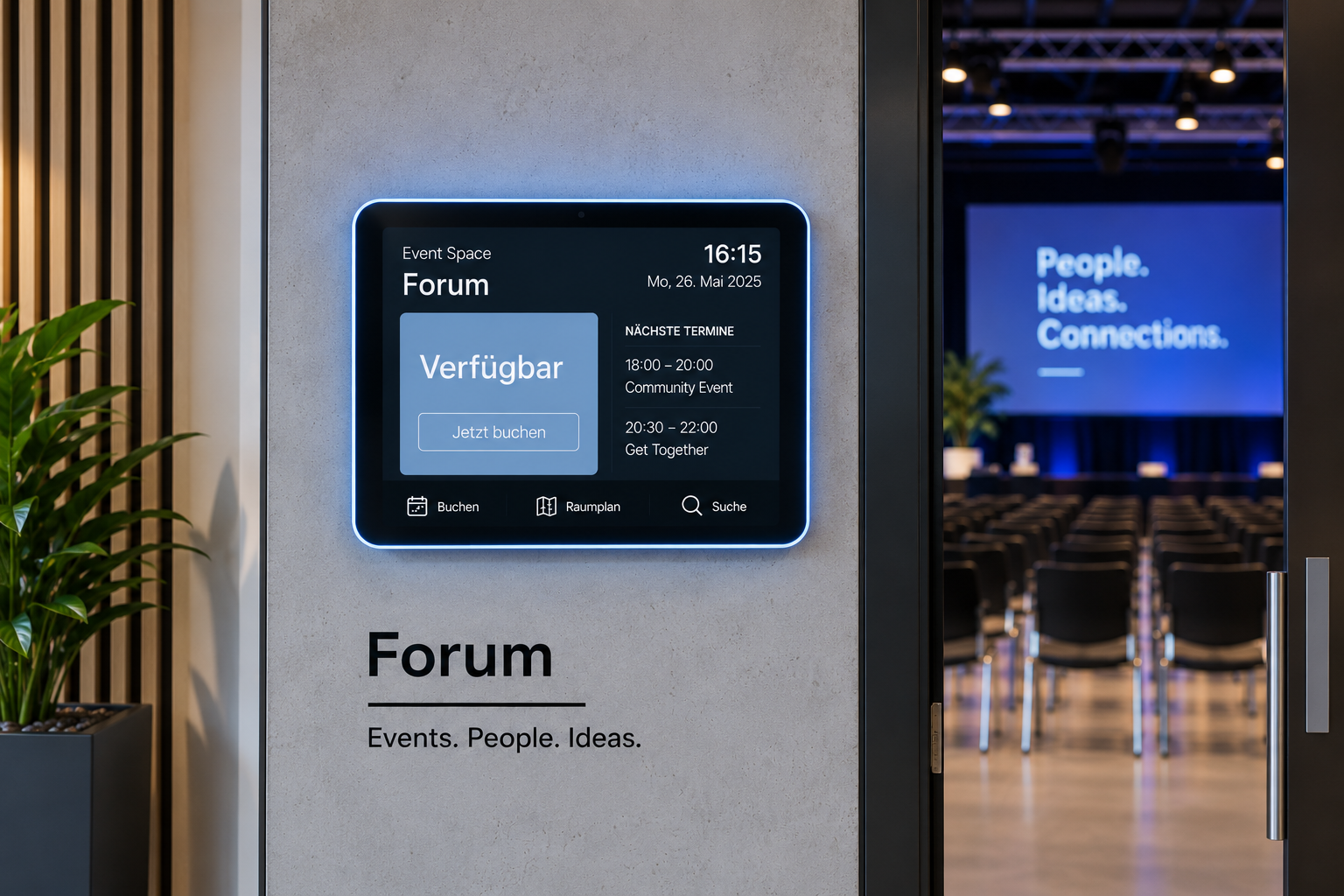
Digital room booking displays show at a glance how a room is currently being used and when it will be available again.
Typical information:
- Room name
- Current room status
- free, occupied, or reserved
- Meeting name
- Start and end time
- Next booking
- Meeting duration
- Contact person
- Room capacity
- Equipment details
- QR codes and further information
Room booking displays with LED status indicators can also make it visible from a distance whether a room is free or occupied. Using touch functions, free rooms can be booked directly on the display, or existing bookings can be ended early.
What are the benefits of digital room booking?
Digital room booking makes room occupancy more transparent and helps companies use existing meeting rooms more efficiently. Employees can see which rooms are available on-site and can organize spontaneous meetings more easily.
At the same time, existing processes remain in place: rooms are still booked via Outlook, Exchange, Google Workspace, or iCal. connectSignage automatically adopts the calendar information and makes it visible on the corresponding room booking displays. As a result, employees do not need to learn an additional booking system.
With connectSignage, multiple room booking displays can be managed centrally and combined with welcome screens, digital directory boards, or digital wayfinding. The same calendar data can therefore be used in various locations throughout the building – from the reception to the meeting room.
Which industries is digital room booking suitable for?
Digital room booking is particularly well-suited for organizations with frequently used meeting, conference, or breakout rooms.
It is especially relevant for:
- Industry and manufacturing
- Service providers
- Banks and insurance companies
- Public authorities and administration
- Schools and universities
- Healthcare
- Hotels and conference centers
- Consultancies and agencies
- Coworking spaces
- Companies with hybrid work models
The greatest benefit is realized where many rooms are booked regularly and employees or visitors need to see at a glance which rooms are currently free, occupied, or reserved.
All features. One platform.
From calendar integrations and ad-hoc bookings to automatic room status displays – connectSignage offers the right features for efficient digital room booking.

Google Workspace
Integration of Google Workspace with the option to book directly on the display.

Media upload
Easy upload of your own content, such as images, videos, GIFs, PDFs, and more.

HTML 5 editor
Intuitive, PowerPoint-like designer for content creation.

Outlook / Exchange & iCal
Integration of calendar and booking systems to display and manage appointments directly on the display.

Touch
Create interactive touch applications with multiple levels and intuitive user guidance.
Scheduling
Content can be easily planned and played automatically at specified times.
Trigger
Automatische Wiedergabe bestimmter Inhalte auf der Grundlage von Echtzeitdaten, beispielsweise von Sensoren oder externen Systemen.

External connections
Integration and active control of external systems to expand functionality.

Microsoft Teams
Integration of Microsoft Teams for video communication and display-based information presentation.

Player Administration
Central management of players with on/off times, live view, screencast, alarm profiles, and preview.
Real-world success stories
%20(1).png)
Digital room booking at GGM Gastro
With connectSignage and ProDVX, GGM Gastro relies on a centralized digital signage solution for digital room booking, live availability, and better navigation at their corporate site. Touch displays outside meeting rooms and in the showroom show at a glance whether rooms or sales consultants are available, occupied, or currently in a consultation.
Efficient visitor communication at Messe Essen
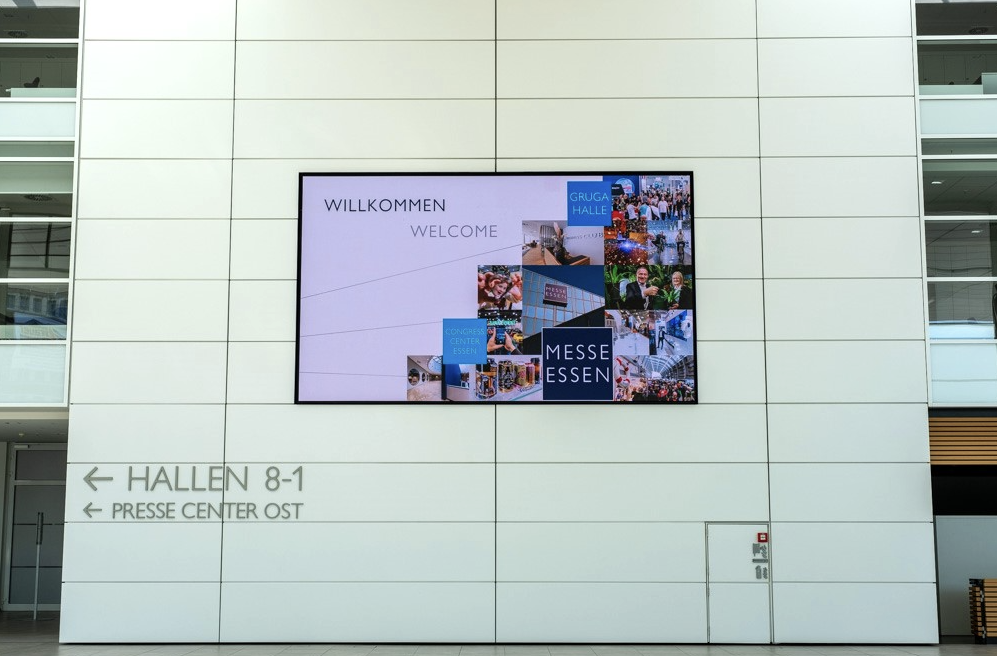
Welcome screens, digital wayfinding, and room booking provide orientation, information, and a modern visitor experience.
%20(1).png)
Digital room booking and orientation for everyday school life
With connectSignage, a secondary school uses a central Digital Signage solution for visitor information and digital room booking. Welcome screens in the entrance area and digital room schedules provide clear orientation, up-to-date information and more efficient management of specialist and meeting rooms.
More digital signage solutions
Advertising display
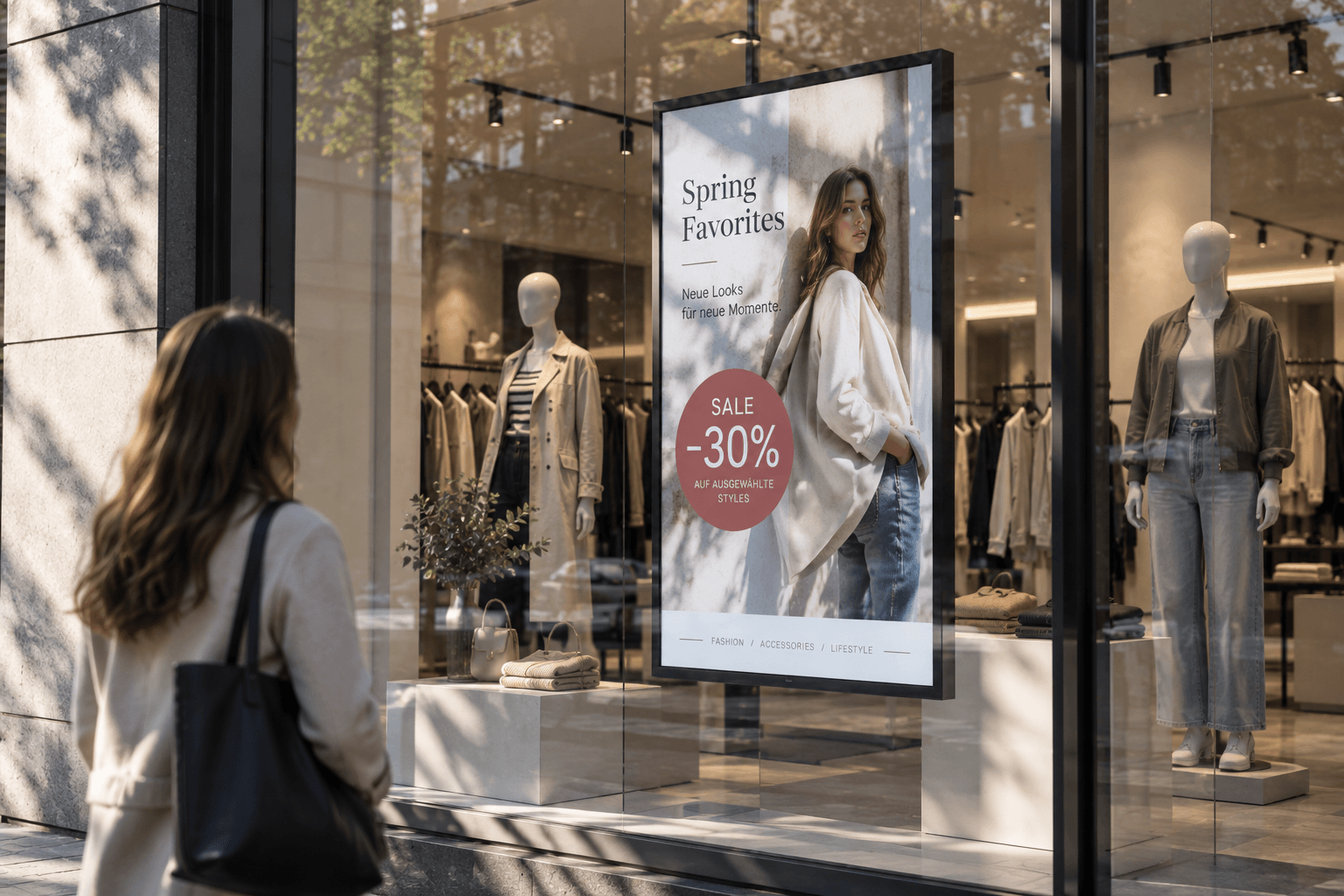
Advertising displays showcase campaigns, offers, and brand messages on digital screens in an eye-catching way. Content can be scheduled flexibly and managed centrally.
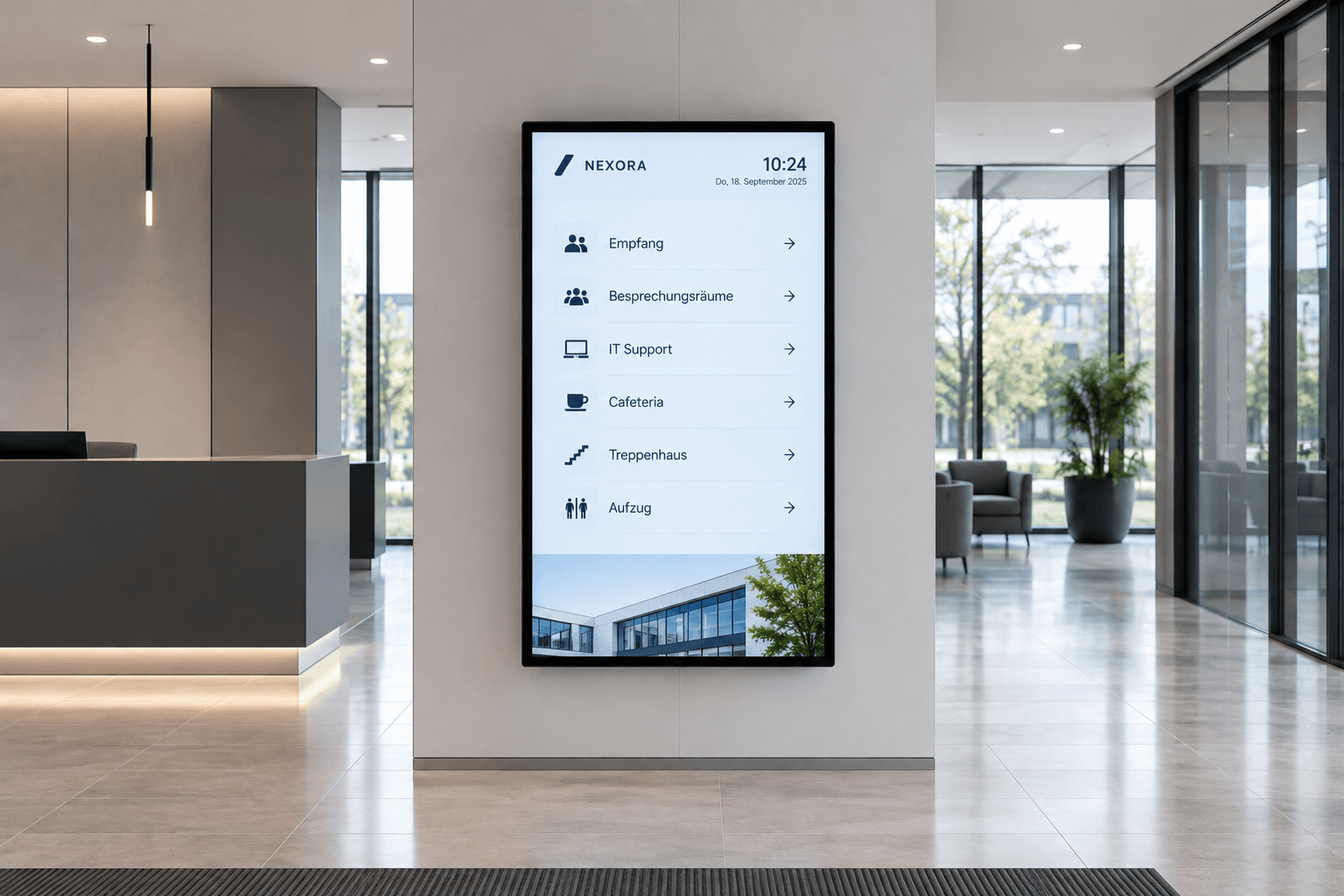
Digital wayfinding
Wayfinding that simply works: Digital wayfinding systems guide visitors, customers, and employees safely to their destinations—flexibly, centrally managed, and always up to date.
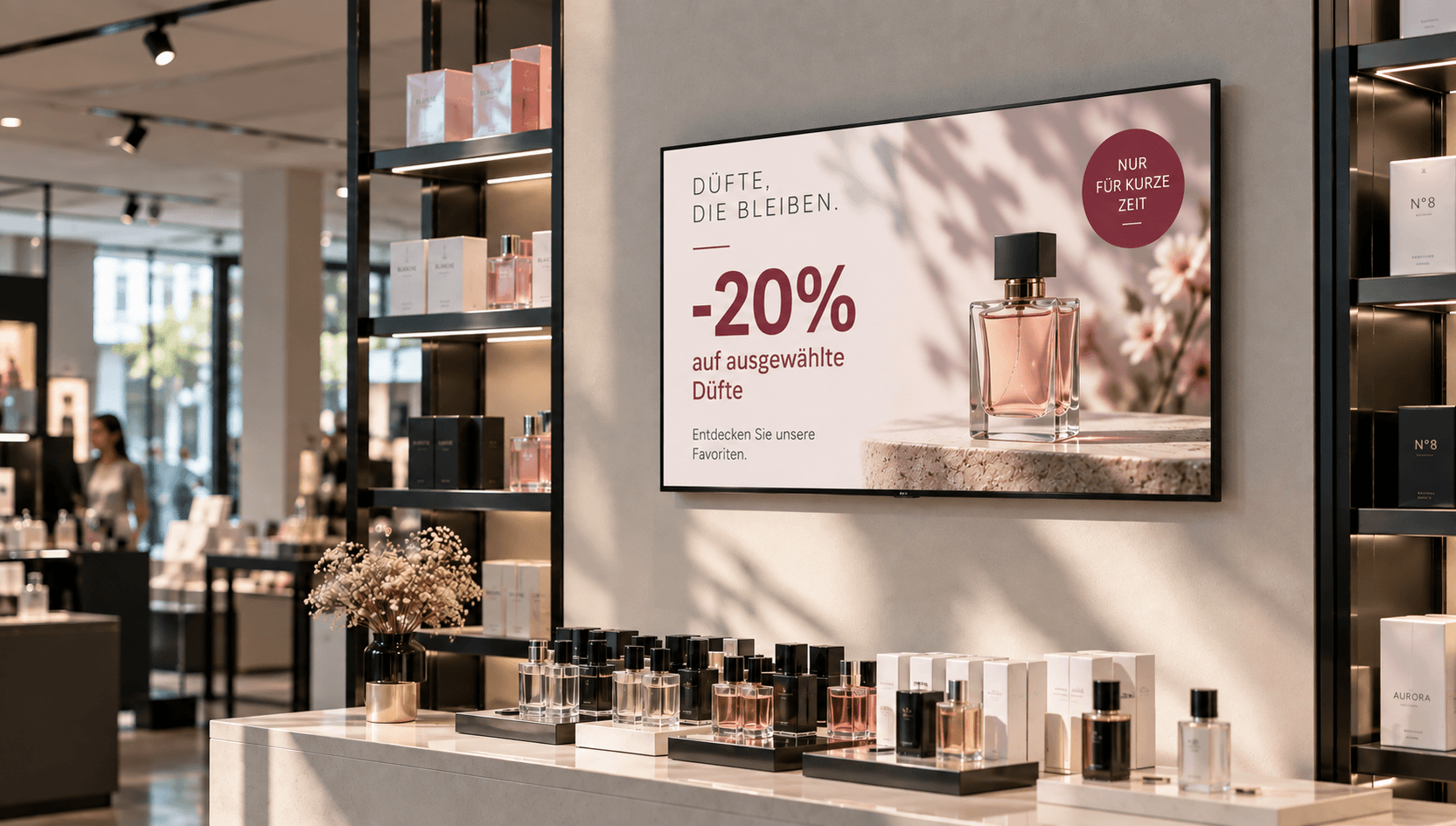
Price & promotional displays
Make offers visible at the right moment: present prices, discounts, and promotions directly at the point of sale—centrally managed, scheduled, and deployed with location-specific precision.
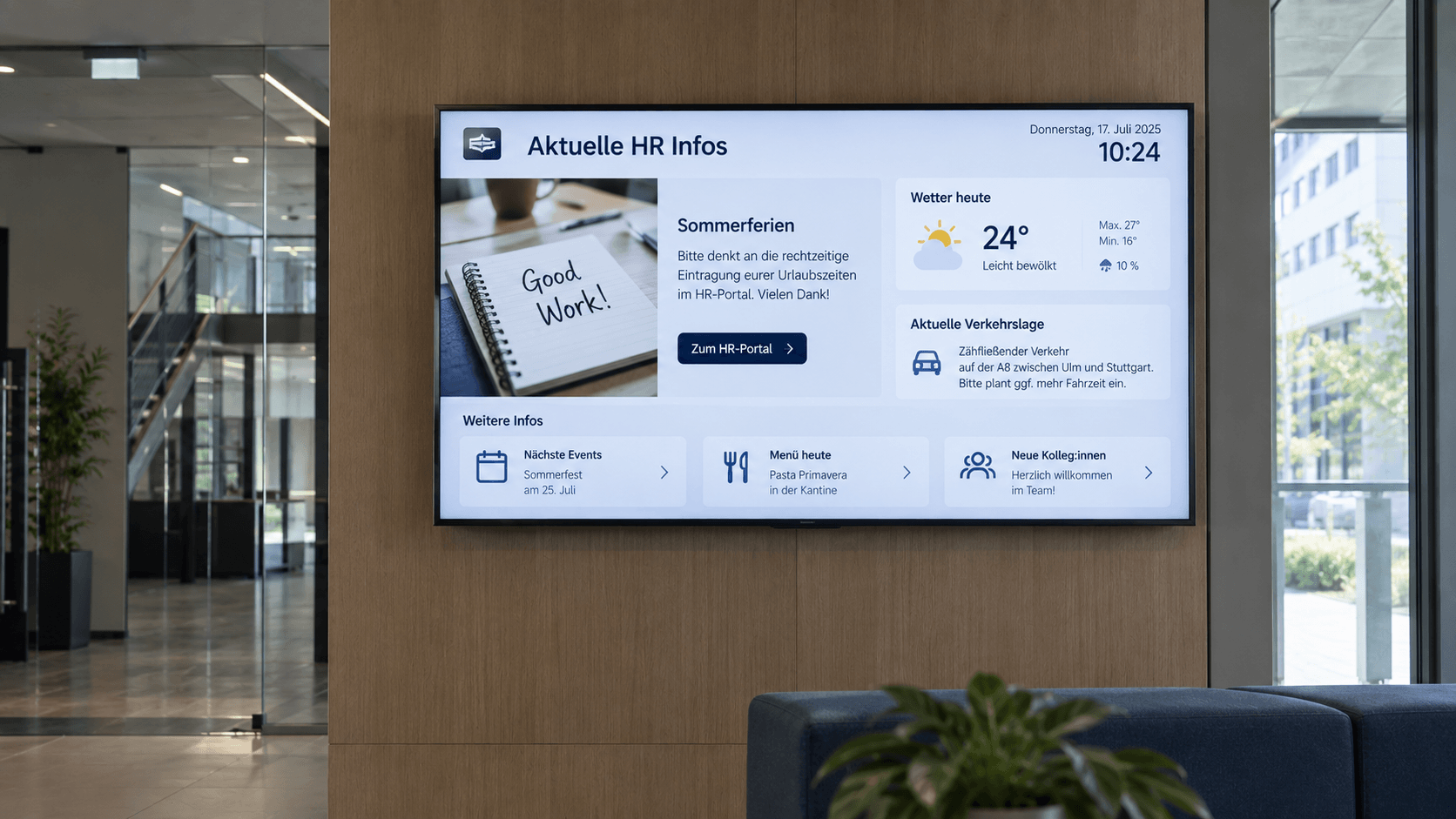
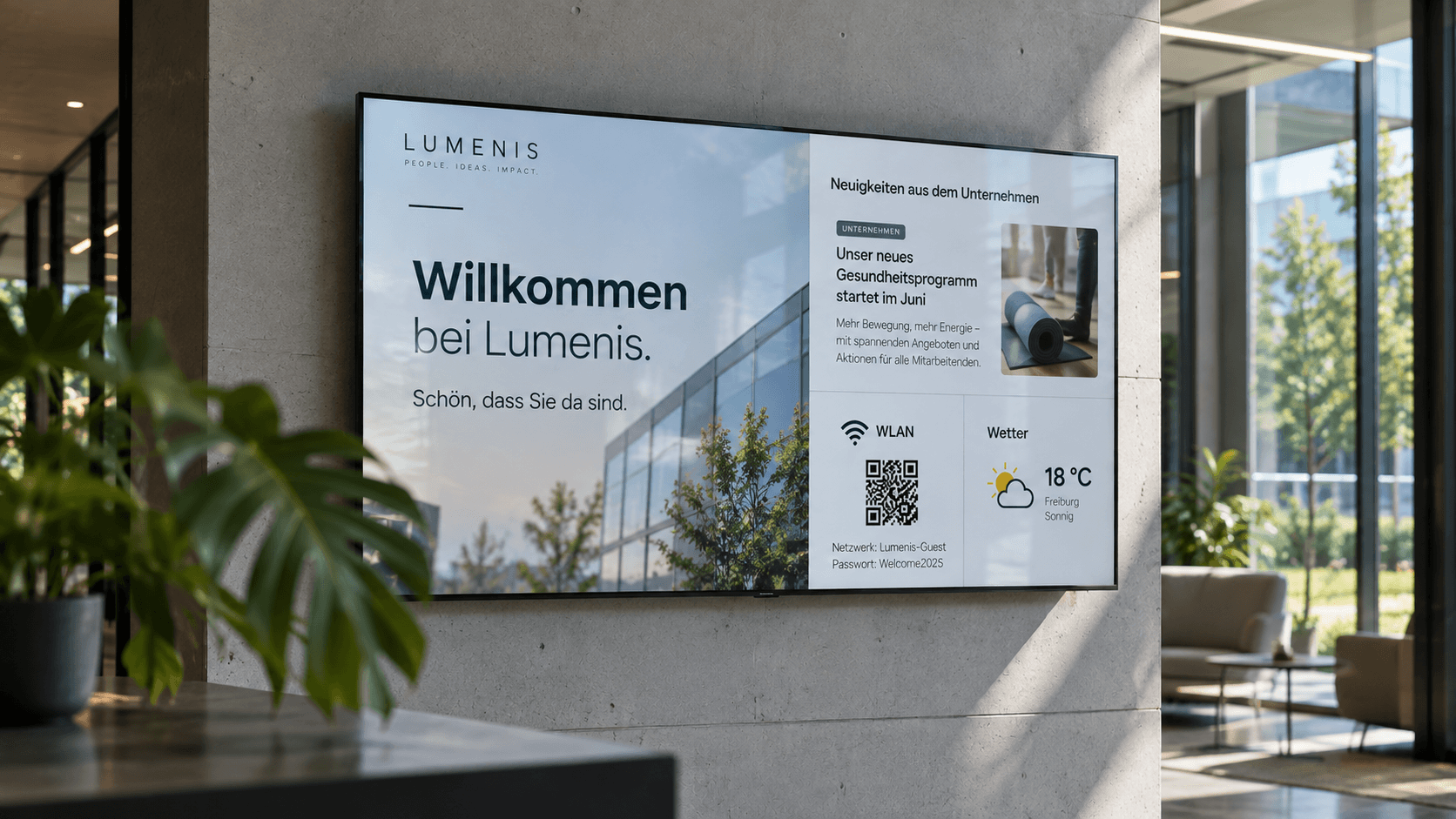
Digital bulletin board
Internal communication that hits the mark: Make news, notices, and important information visible directly on digital displays – centrally managed and always up to date.
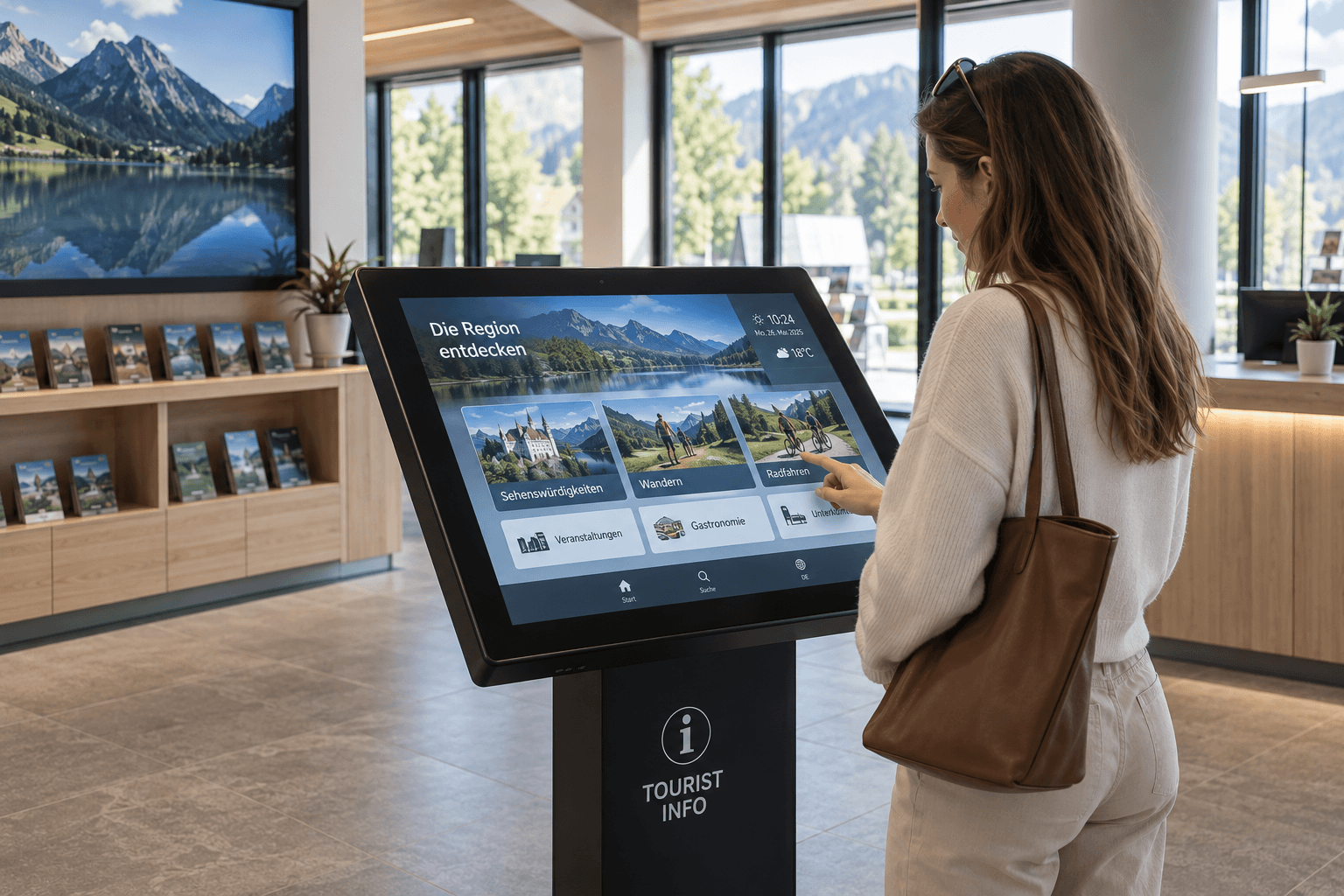
Information display
Information at a Glance: Display key metrics, process data, deadlines, and the latest information on digital displays—automatically updated and centrally provided.
.png)
Emergency & safety communication
When every second counts: Make warnings, evacuation information, and safety alerts visible instantly—centrally managed, targeted, and easy to understand.
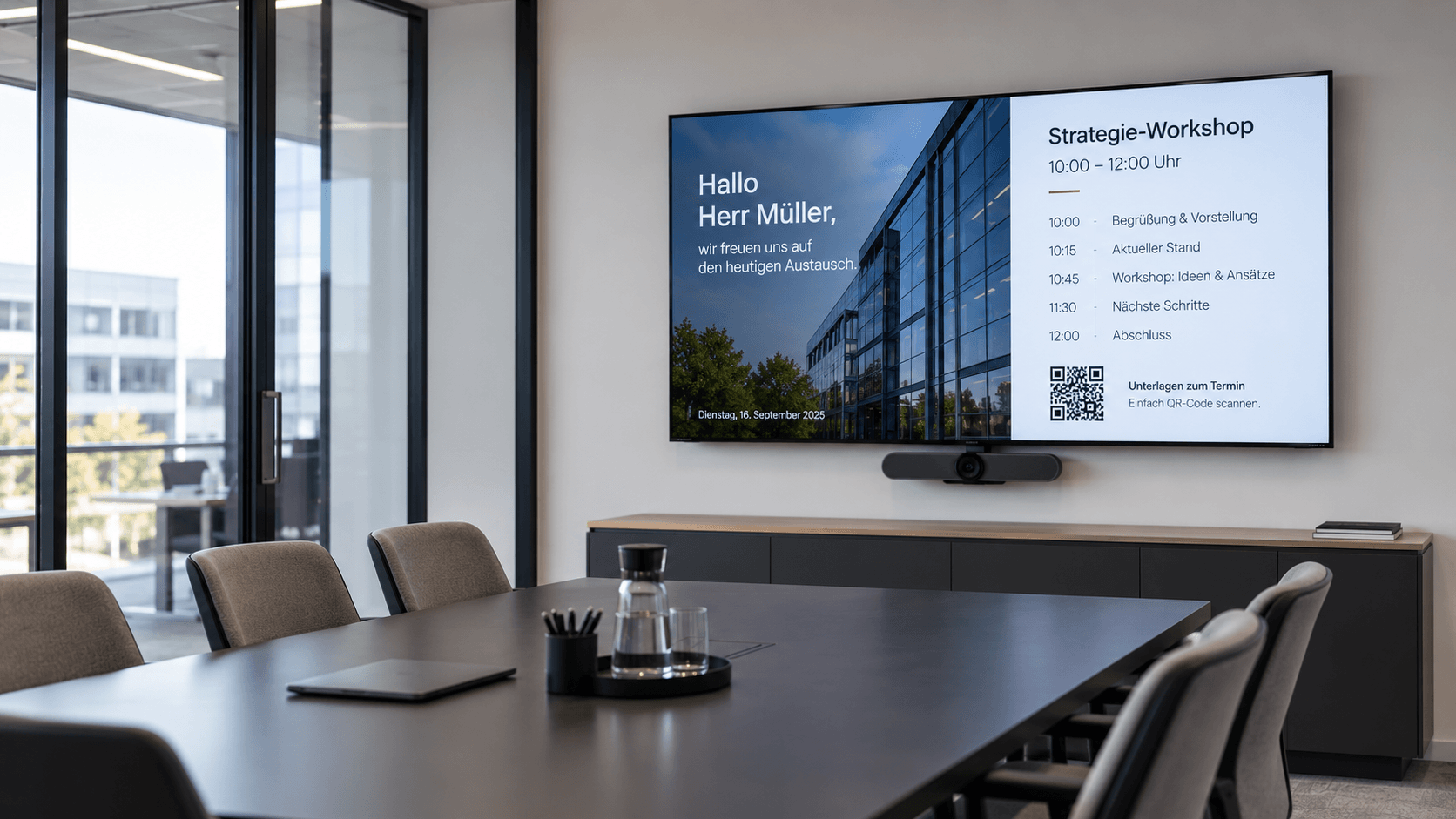
Meeting room display
Professional meeting management: Display agendas, room status, and relevant information directly in the meeting room—centrally managed and always up to date.
Frequently asked questions
Answers to common questions about digital room booking, room occupancy, and booking displays.
Digital room booking is a solution for displaying and managing meeting rooms and their availability. Digital room displays show directly outside the room whether it is free, occupied, or reserved. With connectSignage, room and calendar information can be displayed on screens and managed centrally.
Digital room booking connects room displays with an existing calendar or booking system. This ensures that bookings and changes are automatically visible on the display outside each room. With connectSignage, you can display and centrally manage room status, appointments, and availability on digital screens.
Yes. connectSignage can integrate calendar information from the Microsoft environment and use it to display room status and appointments on digital displays. Employees can continue to organize rooms using their familiar calendar environment, while current availability is visible directly at the room.
A digital room booking display can, for example, show whether a room is free or occupied, which meeting is currently taking place, and which bookings are scheduled next. Depending on the implementation, the room name, booking period, and other relevant room information can also be displayed.
Digital room booking makes available and occupied spaces visible at a glance, simplifying the search for open meeting rooms. By syncing with existing calendar data, room status and appointments stay up to date, while digital displays on-site provide greater transparency regarding room usage.
Digital room booking is primarily used for organizing and managing room occupancy. A room display outside the door, for example, shows whether a room is available, occupied, or reserved. A meeting room display, on the other hand, is more focused on in-room communication and can display agendas, visitor welcomes, meeting details, or presentation notes. Both solutions can be combined.
Any Questions?
Our team is happy to help.