Meeting room display
Professional meeting management: Display agendas, room status, and relevant information directly in the meeting room—centrally managed and always up to date.
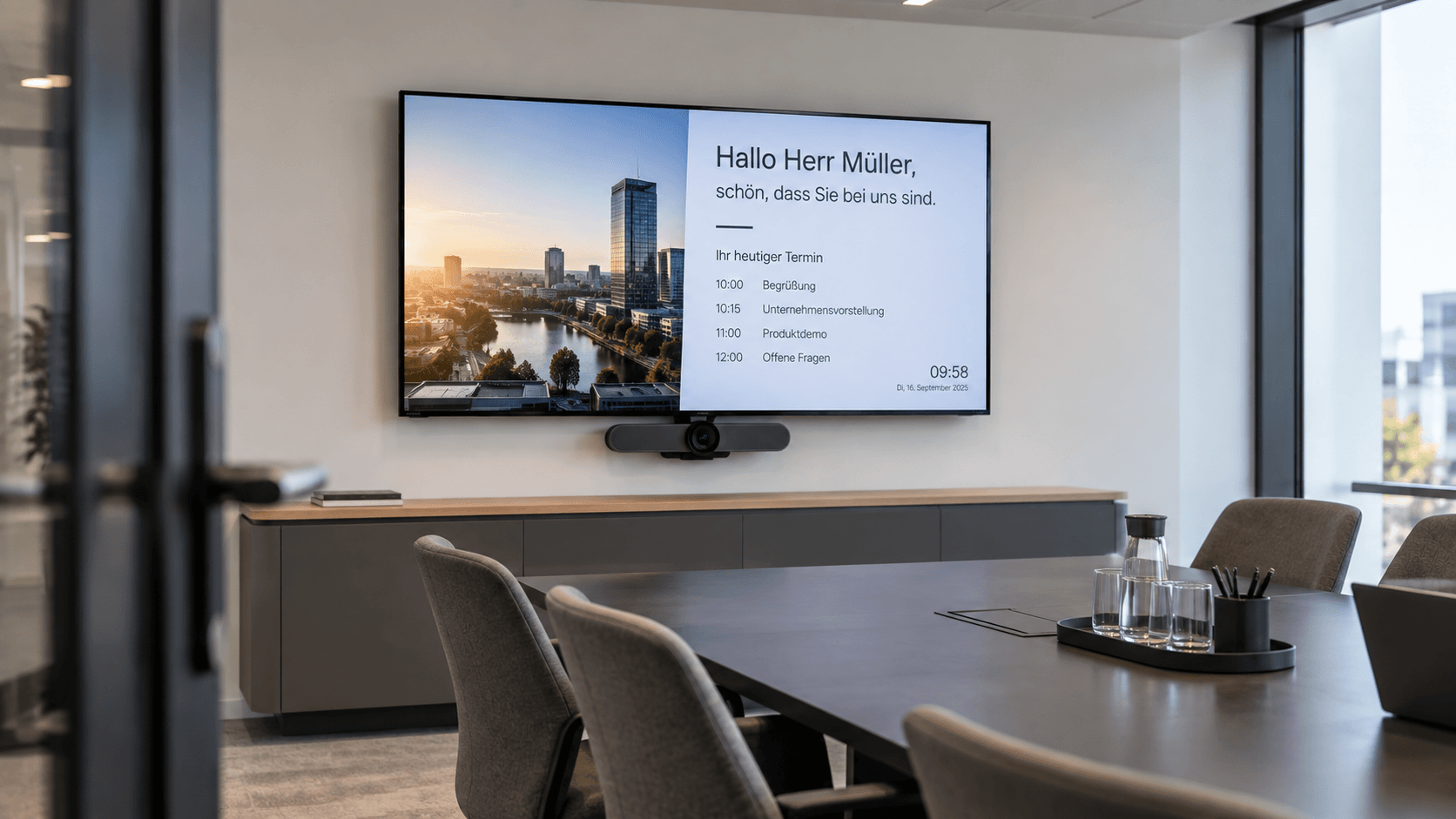
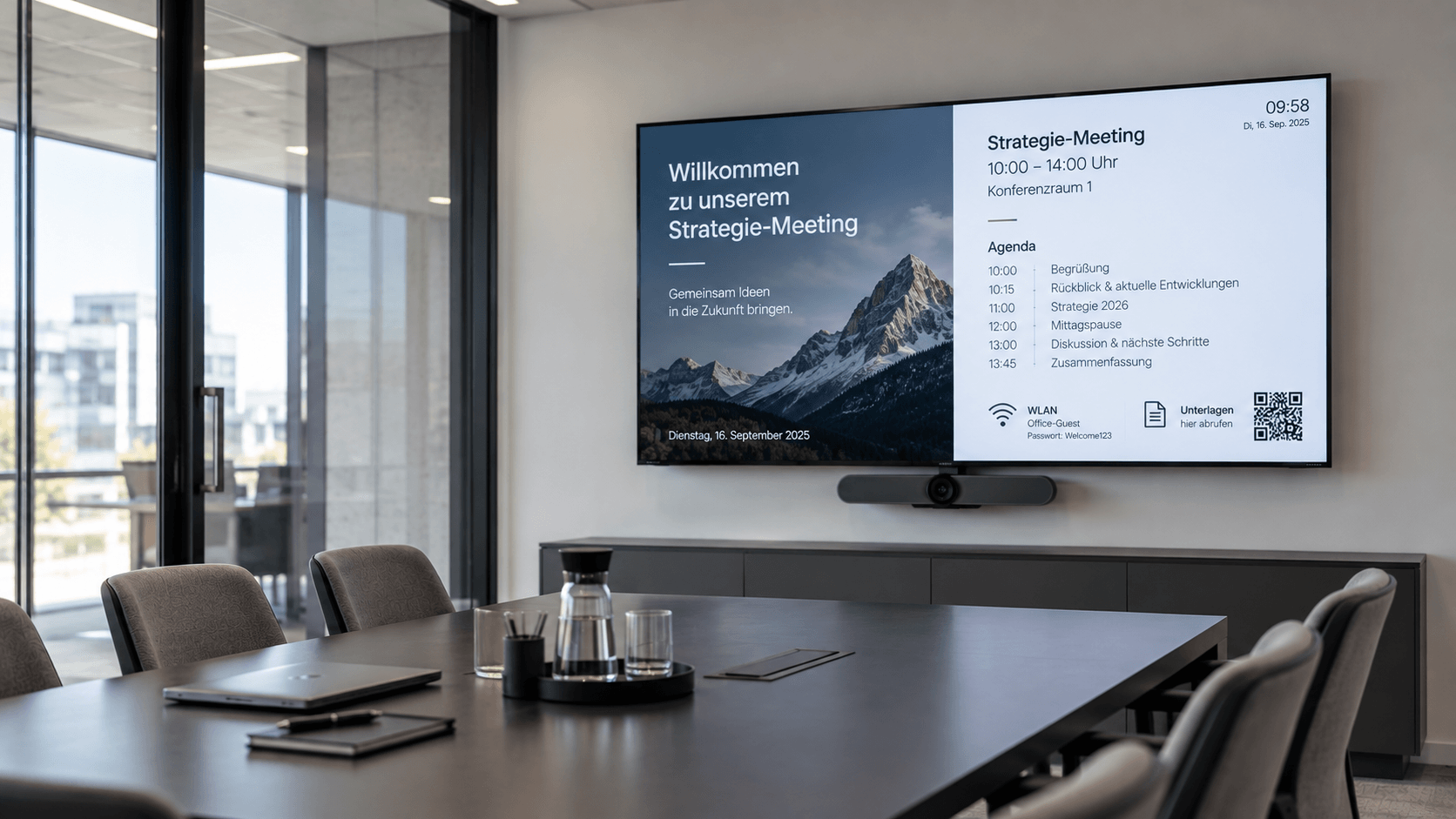
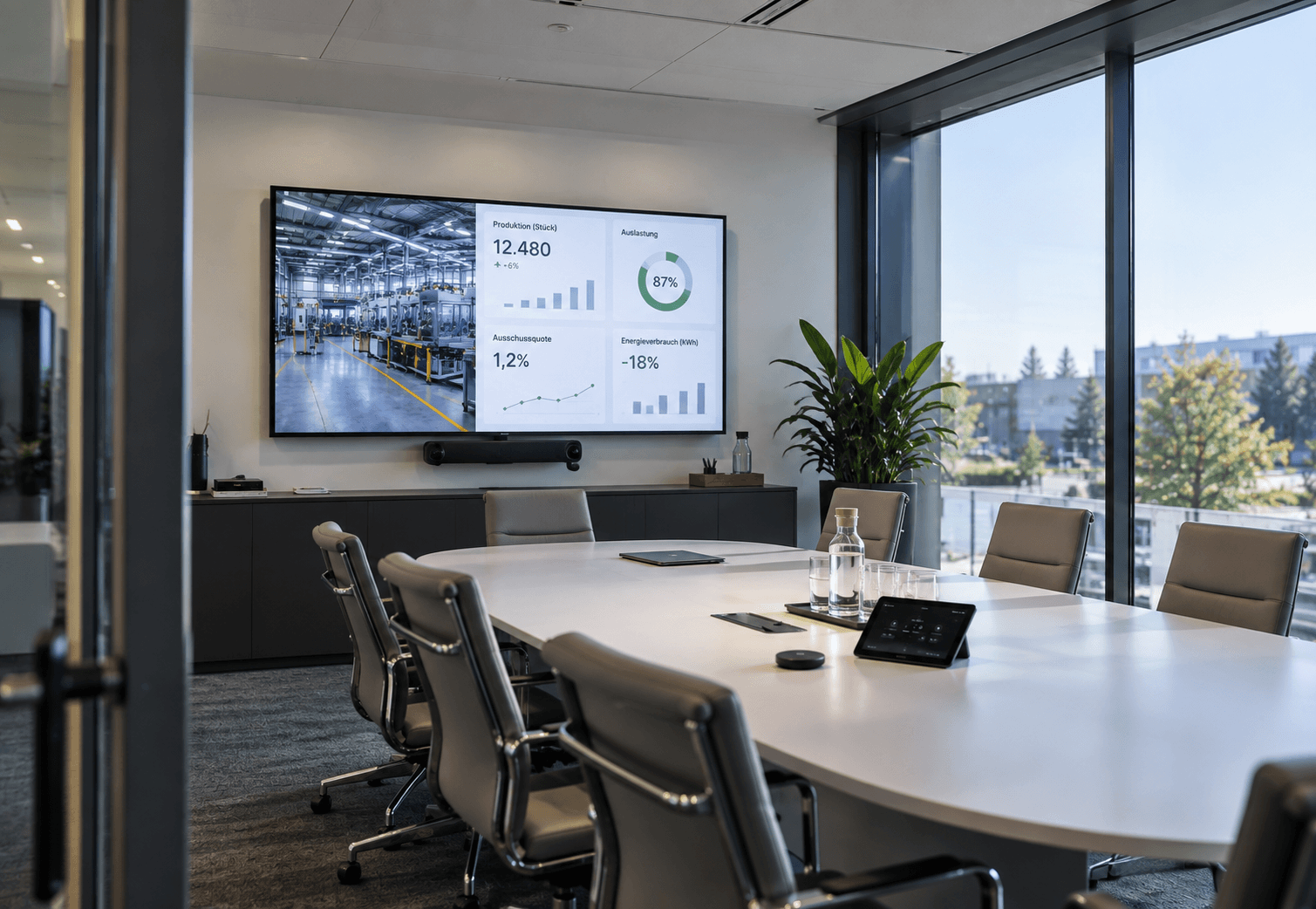
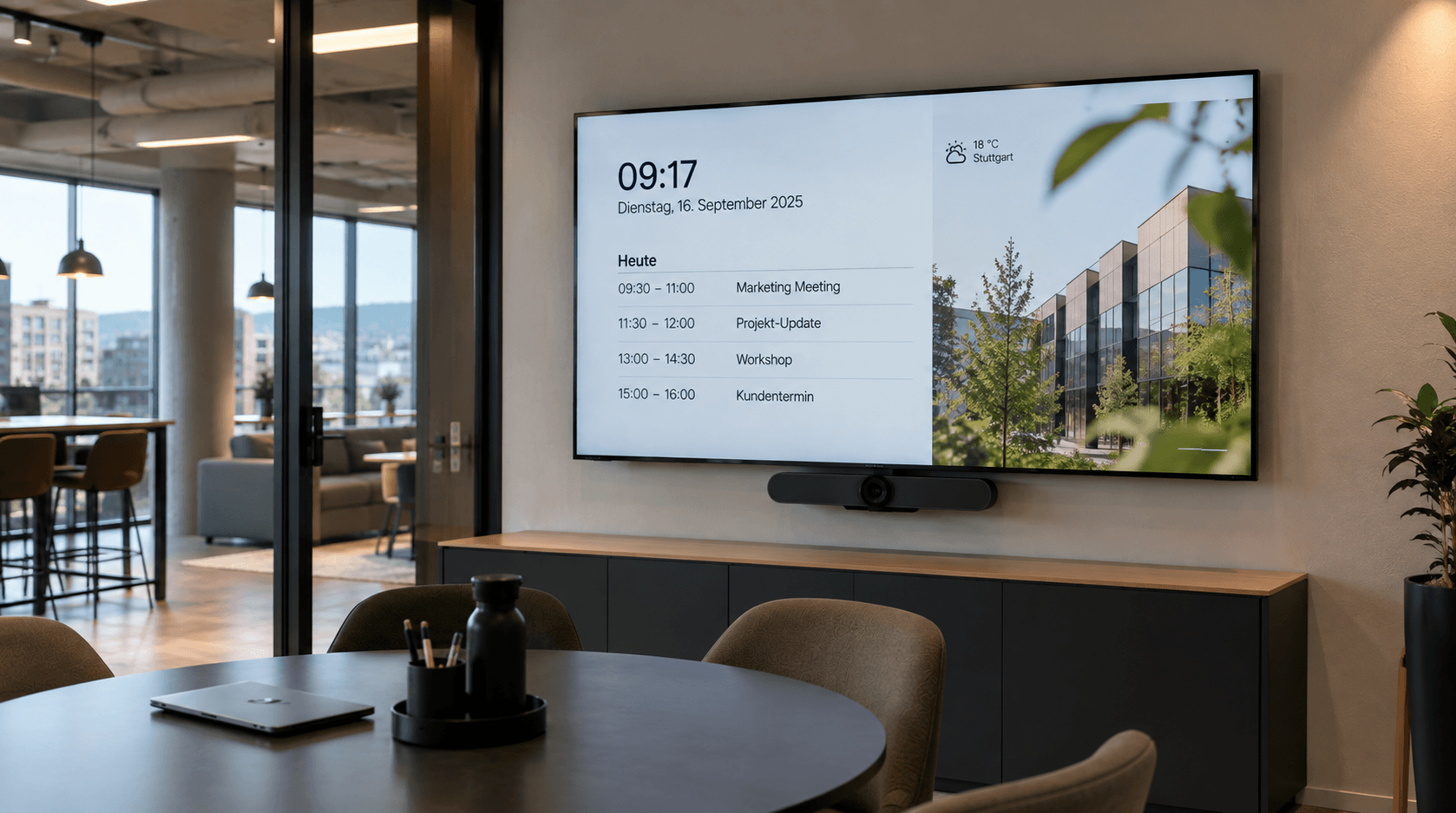
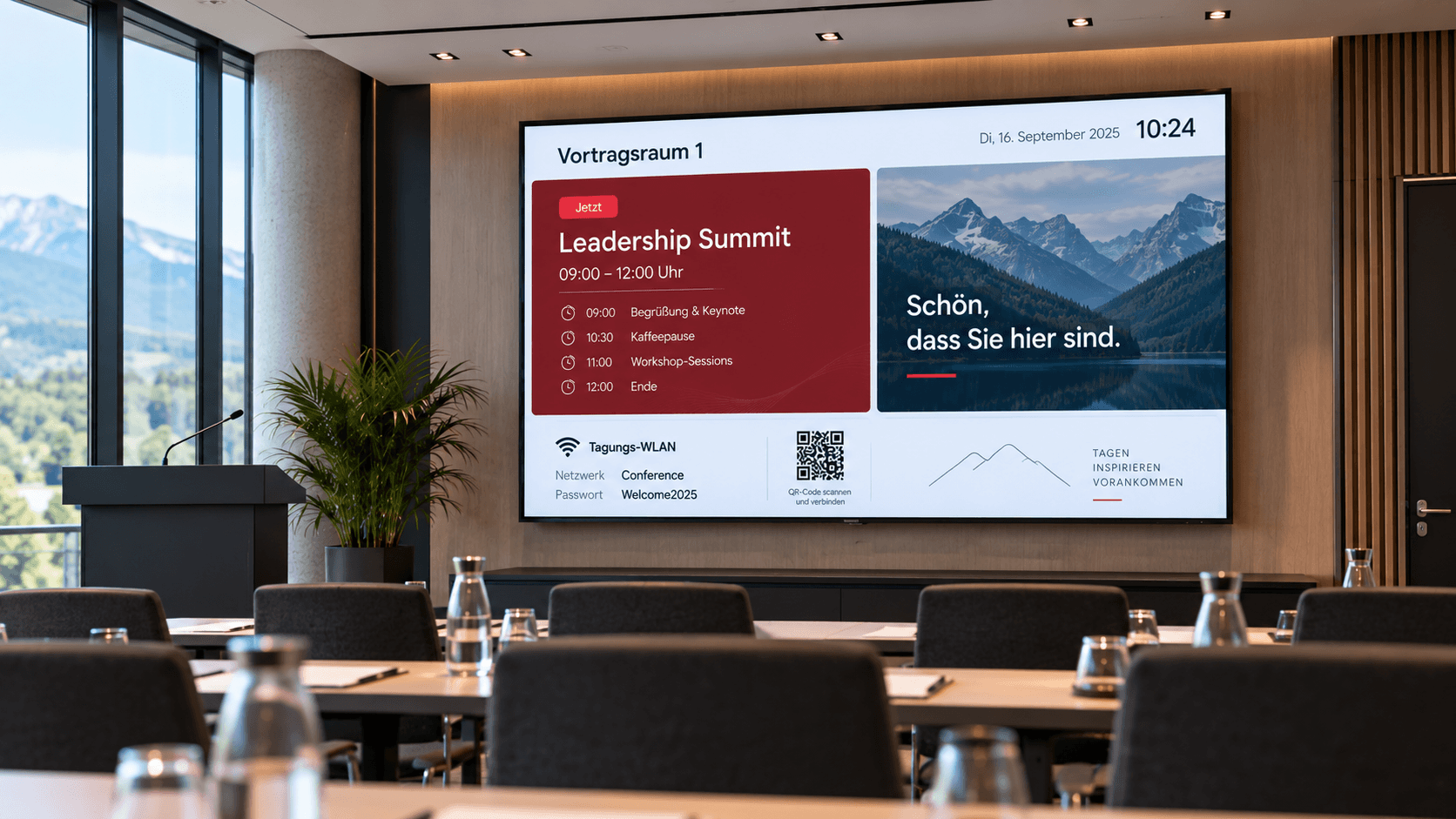
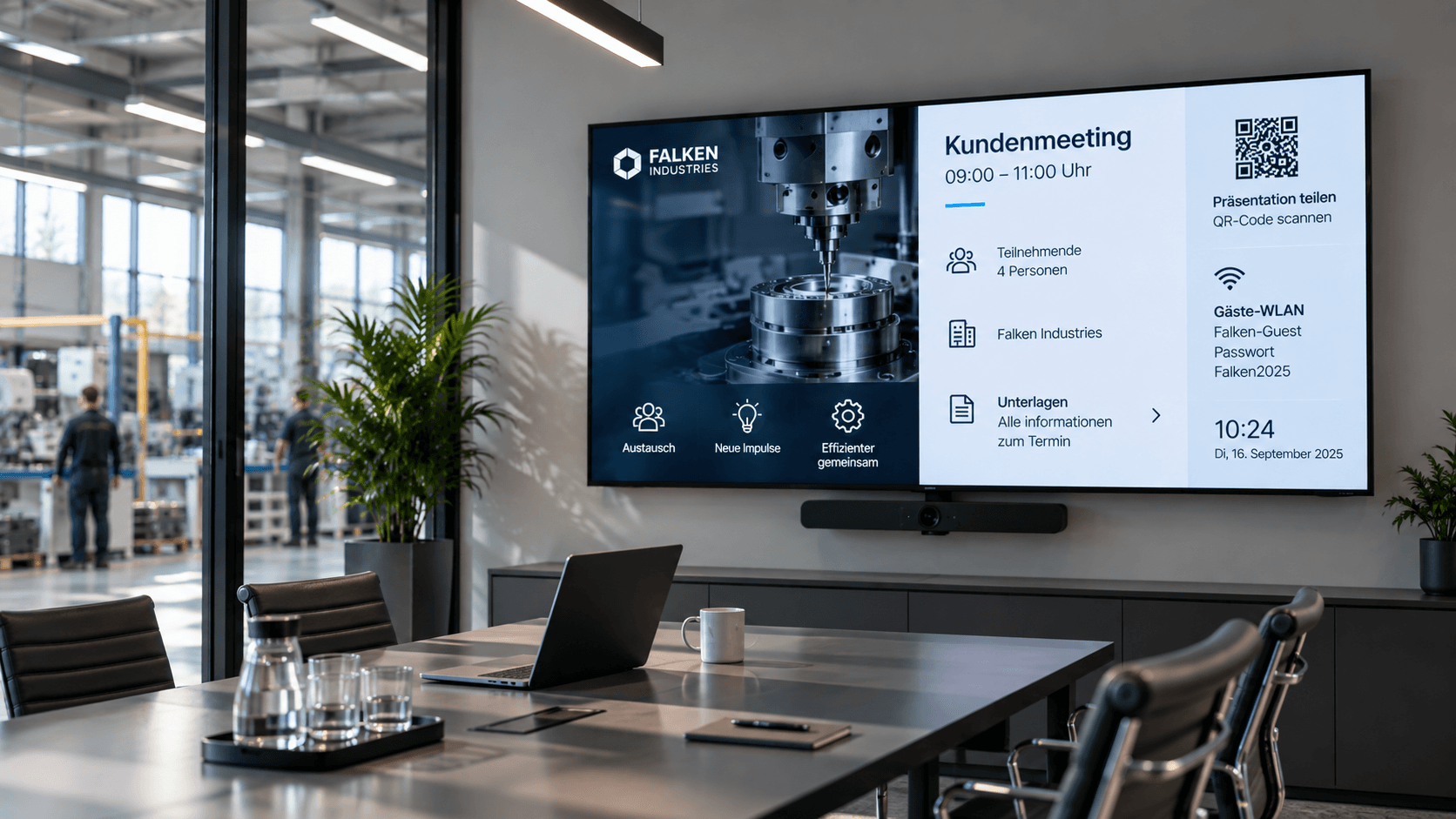
What is a meeting room display and how does it work?
A meeting room display is a digital screen located in or near a meeting room that shows relevant information about meetings and room usage. This includes, for example, the agenda, room status, appointments, visitor information, presentation notes, or internal company updates.
Modern meeting rooms are used today for client meetings, workshops, hybrid meetings, training sessions, and internal discussions. At the same time, existing displays often remain unused outside of meetings. Meeting room displays turn these into an active communication channel, providing information exactly where meetings take place.
With connectSignage, meeting room displays can be centrally managed and connected to calendar data. Information from Outlook, Exchange, Google Workspace, or iCal can be integrated automatically, ensuring that details such as current appointments, meeting times, or room status are displayed without the need for manual updates.
Where are meeting room displays used?
Meeting room displays are suitable for any environment where meeting rooms are regularly used for meetings, presentations, workshops, or client appointments.
Typical locations:
- Meeting and conference rooms
- Conference rooms
- Boardrooms
- Training and seminar rooms
- Workshop and project rooms
- Customer centers and consultation rooms
- Lounges and multi-purpose rooms
- Coworking spaces
- hybrid meeting rooms
Depending on the usage, different information can be prioritized. For client meetings, personalized greetings and branding ensure a professional impression, while for workshops, agendas, QR codes, and organizational notes are more relevant.
What content can be displayed on a meeting room display?
Meeting room displays can show information before, during, and after an appointment.
Typical content:
- Meeting titles and schedules
- Agendas and schedules
- Room status and next booking
- Personalized visitor greetings
- Points of contact
- Wi-Fi information
- QR codes and links to documents
- Presentation and video conferencing instructions
- Internal news and company updates
- Key metrics and dashboards
- Branding and image content
- Safety and emergency information
Even outside of meetings, the displays can be used for internal communication, company news, key metrics, or event information. This ensures that available screen space does not go to waste.
What are the benefits of a meeting room display?
Meeting room displays combine room organization, visitor communication, and internal communication on a centrally managed screen. Employees and guests can see at a glance which meeting is taking place, what the agenda is, and what information is relevant to the meeting.
By integrating calendar data, information can be updated automatically. At the same time, content can be designed in your corporate identity and managed centrally for different rooms, locations, or usage scenarios.
With connectSignage, meeting room displays can also be combined with digital room booking, welcome screens, and digital wayfinding. This creates a seamless digital communication experience from the reception area to navigation and into the meeting room itself.
Which industries are meeting room displays suitable for?
Meeting room displays are particularly suitable for organizations with frequently used meeting, conference, or training rooms.
Of particular relevance are:
- Industry and manufacturing
- Service providers
- Banks and insurance companies
- Public authorities and administration
- Schools and universities
- Healthcare
- Hotels and conference centers
- Consultancies and agencies
- Research and training centers
- Companies with hybrid work models
The greatest benefit is realized where spaces are used flexibly and information regarding meetings, visitors, or room occupancy needs to be visible in real time.
All features. One platform.
From calendar integrations and automated meeting information to centralized content management – connectSignage offers the right features for professional meeting room displays.

Google Workspace
Integration of Google Workspace with the option to book directly on the display.

PowerBI
Presentation and analysis of data in interactive reports and dashboards.

Media upload
Easy upload of your own content, such as images, videos, GIFs, PDFs, and more.

Scheduling
Content can be easily planned and played automatically at specified times.
Outlook / Exchange & iCal
Integration of calendar and booking systems to display and manage appointments directly on the display.

Player Administration
Central management of players with on/off times, live view, screencast, alarm profiles, and preview.

Web pages
Integration of external websites with flexible display options for different screen formats.

OneDrive
Use OneDrive as a media source with automatic content synchronization.

HTML 5 editor
Intuitive, PowerPoint-like designer for content creation.

Touch
Create interactive touch applications with multiple levels and intuitive user guidance.

TV & streaming
Integration of live TV and streaming formats such as IP-TV, HLS, or MPEG-DASH directly into the content.

Video walls
Synchronized playback across multiple displays — ideal for large video walls and special formats.
Real-world success stories
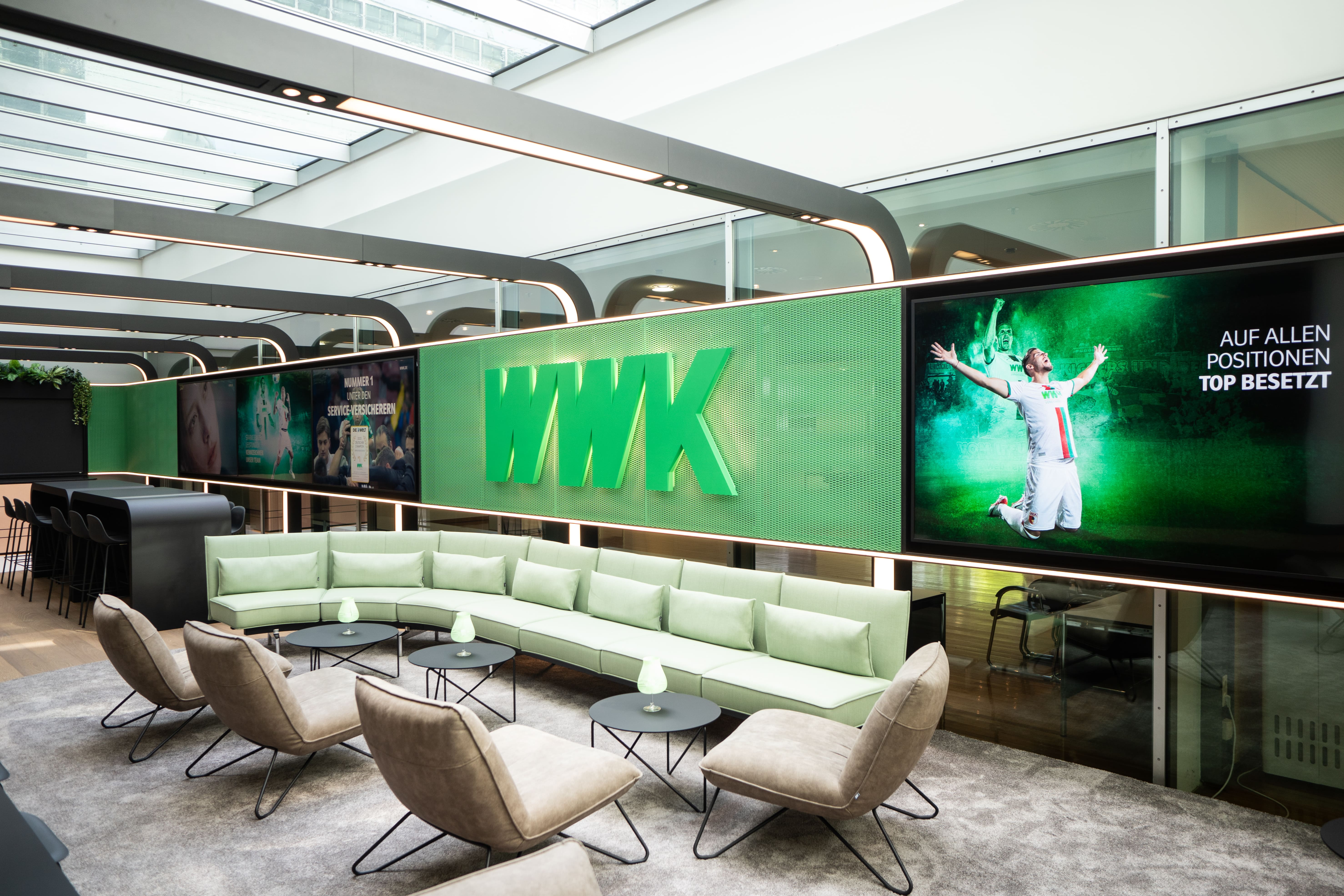
WWK creates multifunctional space for exchange and communication
At the Munich headquarters of the WWK Insurance Group, connectSignage ensures dynamic and efficient communication of information.
%20(1).png)
Digital room booking at GGM Gastro
With connectSignage and ProDVX, GGM Gastro relies on a centralized digital signage solution for digital room booking, live availability, and better navigation at their corporate site. Touch displays outside meeting rooms and in the showroom show at a glance whether rooms or sales consultants are available, occupied, or currently in a consultation.
More digital signage solutions
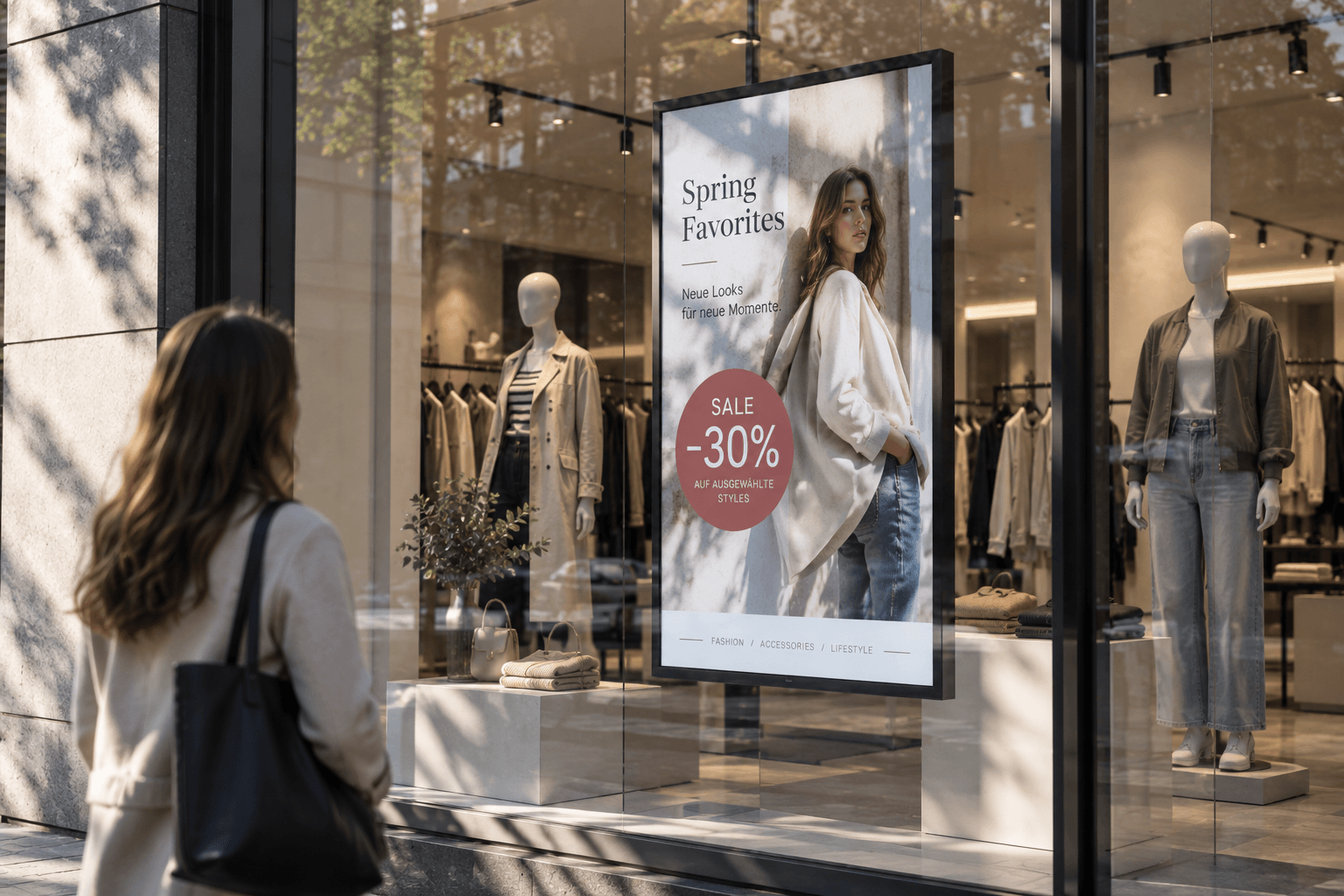
Advertising display
Advertising displays showcase campaigns, offers, and brand messages on digital screens in an eye-catching way. Content can be scheduled flexibly and managed centrally.
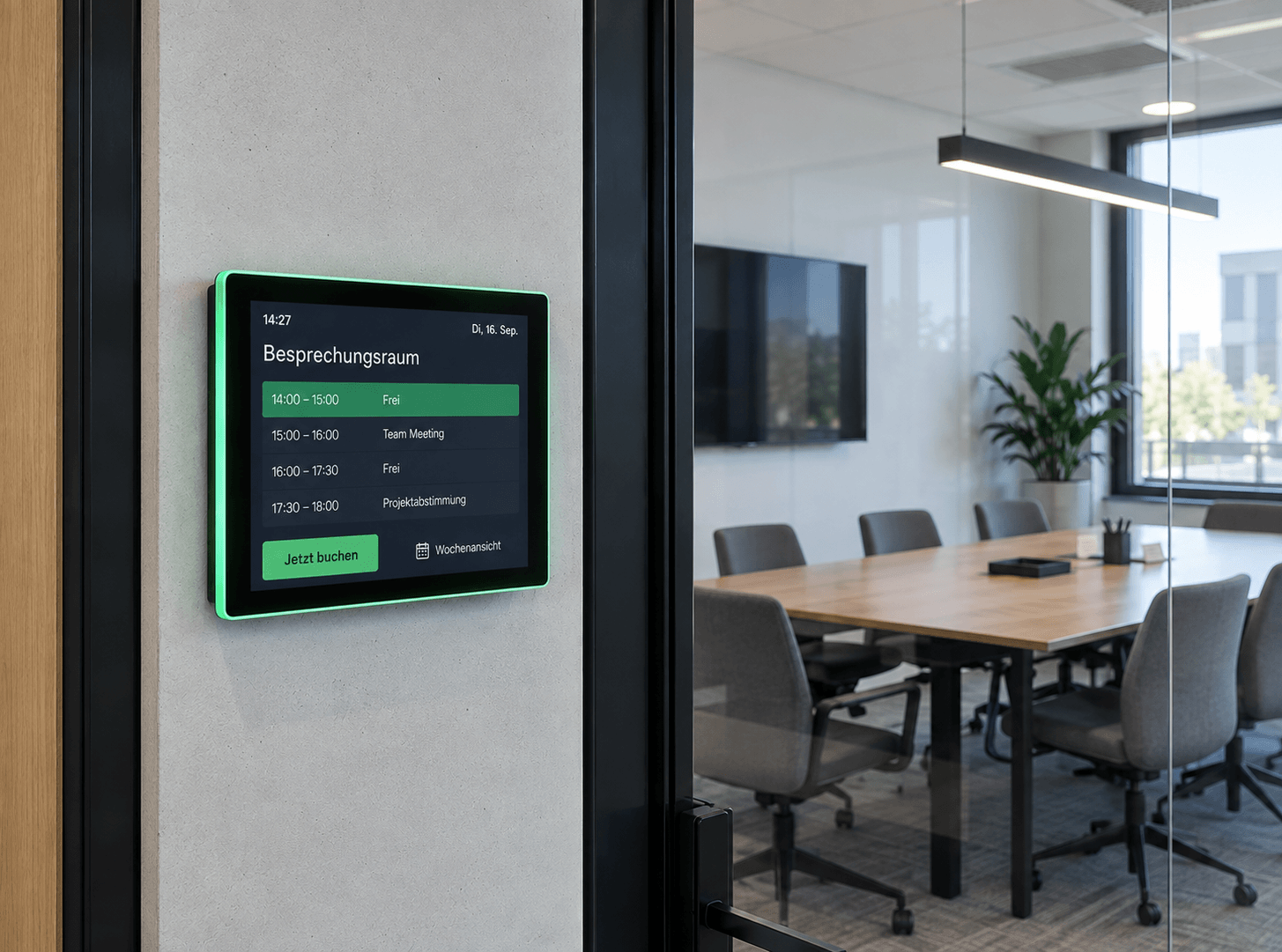
Room booking
Available rooms at a glance: Digital room booking makes availability visible right at the room – flexibly bookable, automatically synchronized, and always up to date.
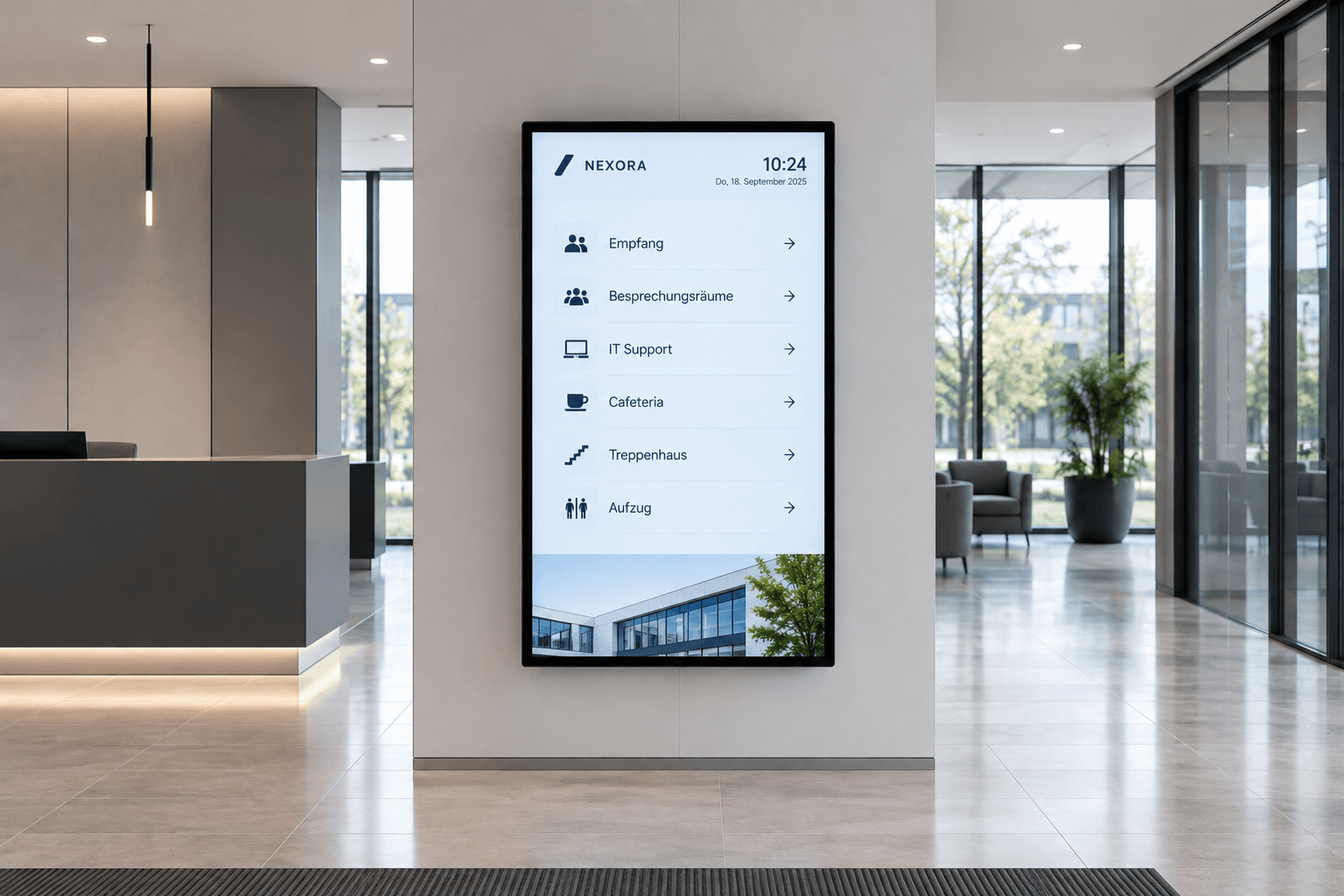
Digital wayfinding
Wayfinding that simply works: Digital wayfinding systems guide visitors, customers, and employees safely to their destinations—flexibly, centrally managed, and always up to date.
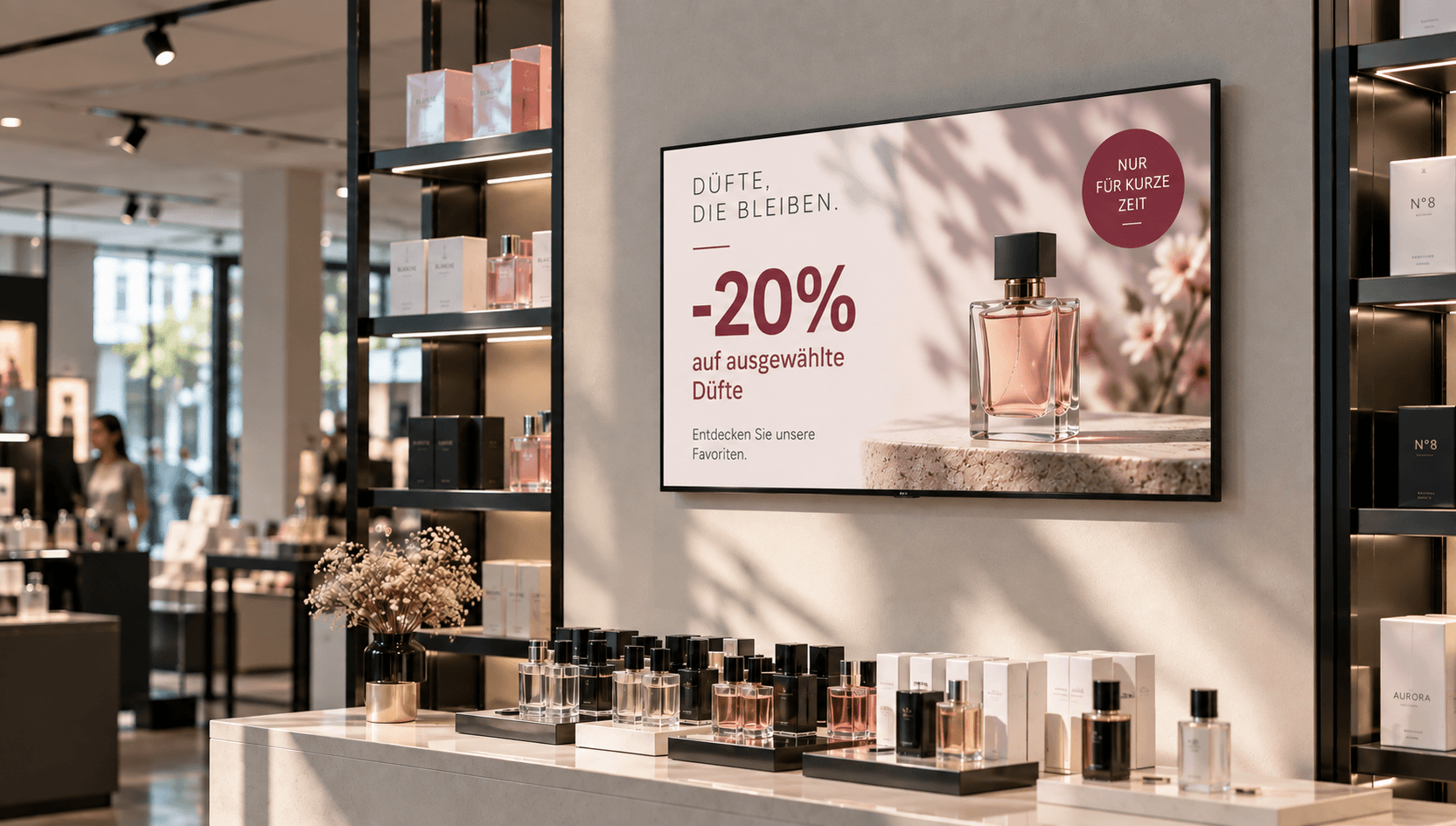
Price & promotional displays
Make offers visible at the right moment: present prices, discounts, and promotions directly at the point of sale—centrally managed, scheduled, and deployed with location-specific precision.
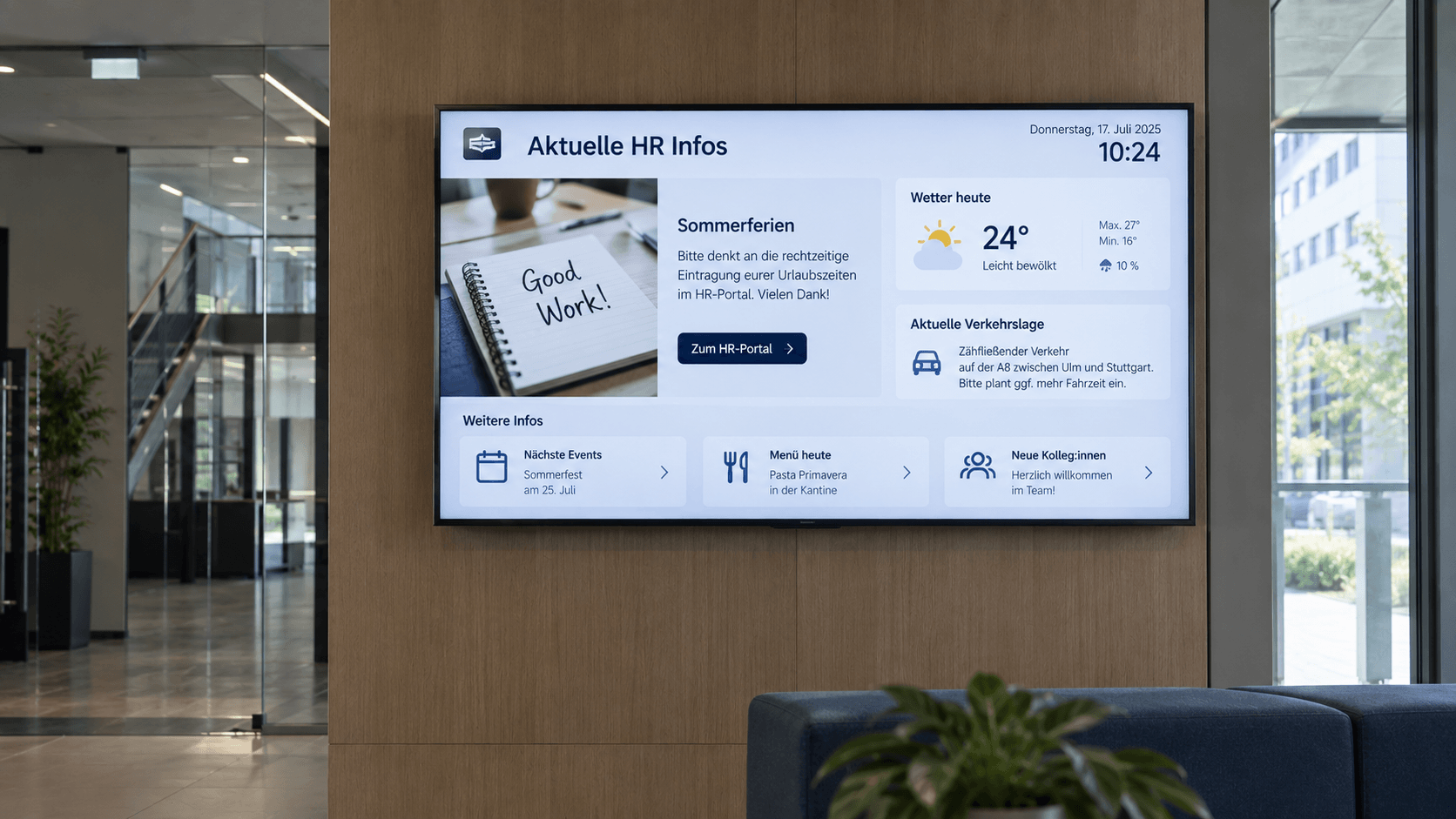
Digital bulletin board
Internal communication that hits the mark: Make news, notices, and important information visible directly on digital displays – centrally managed and always up to date.
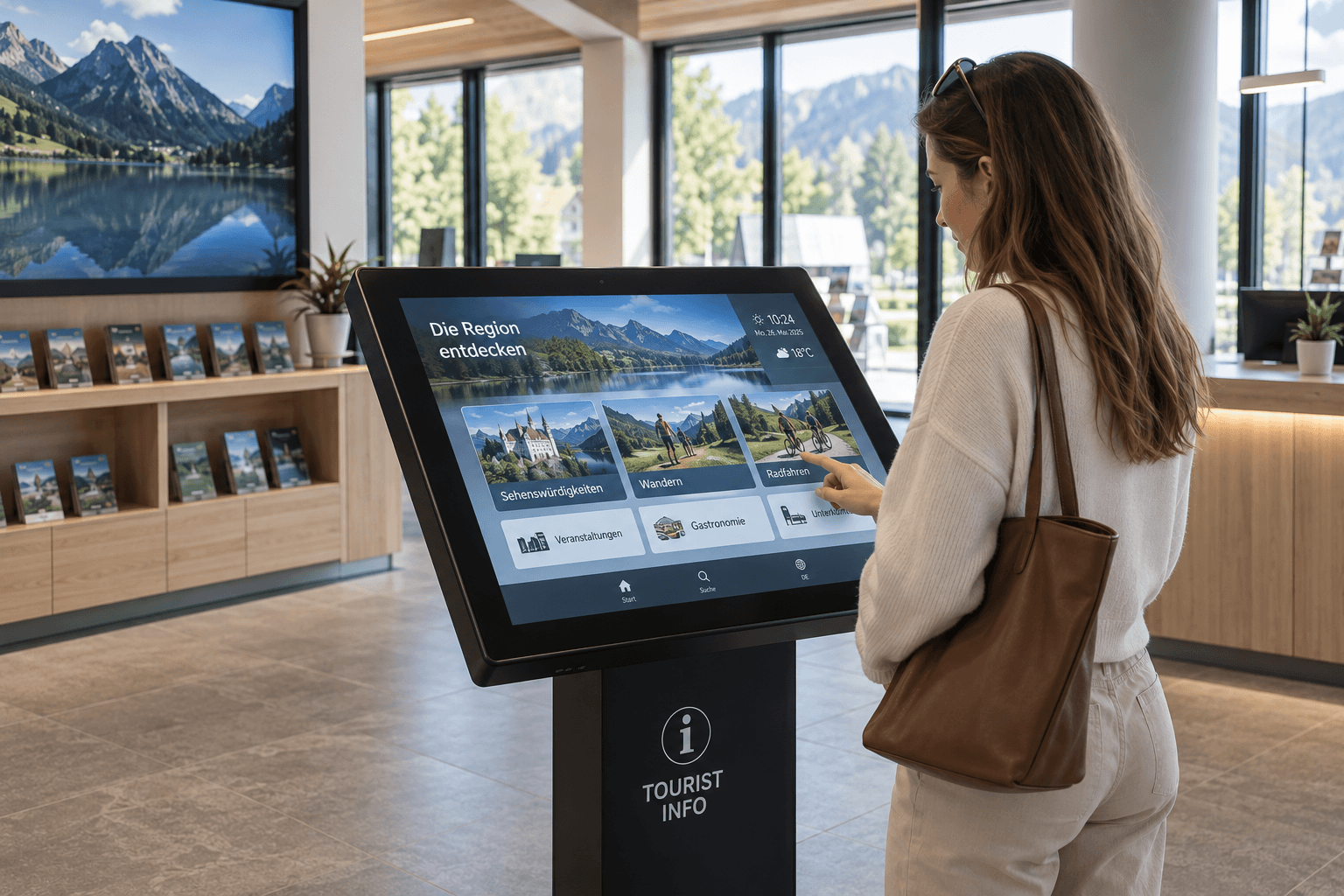
Information display
Information at a Glance: Display key metrics, process data, deadlines, and the latest information on digital displays—automatically updated and centrally provided.
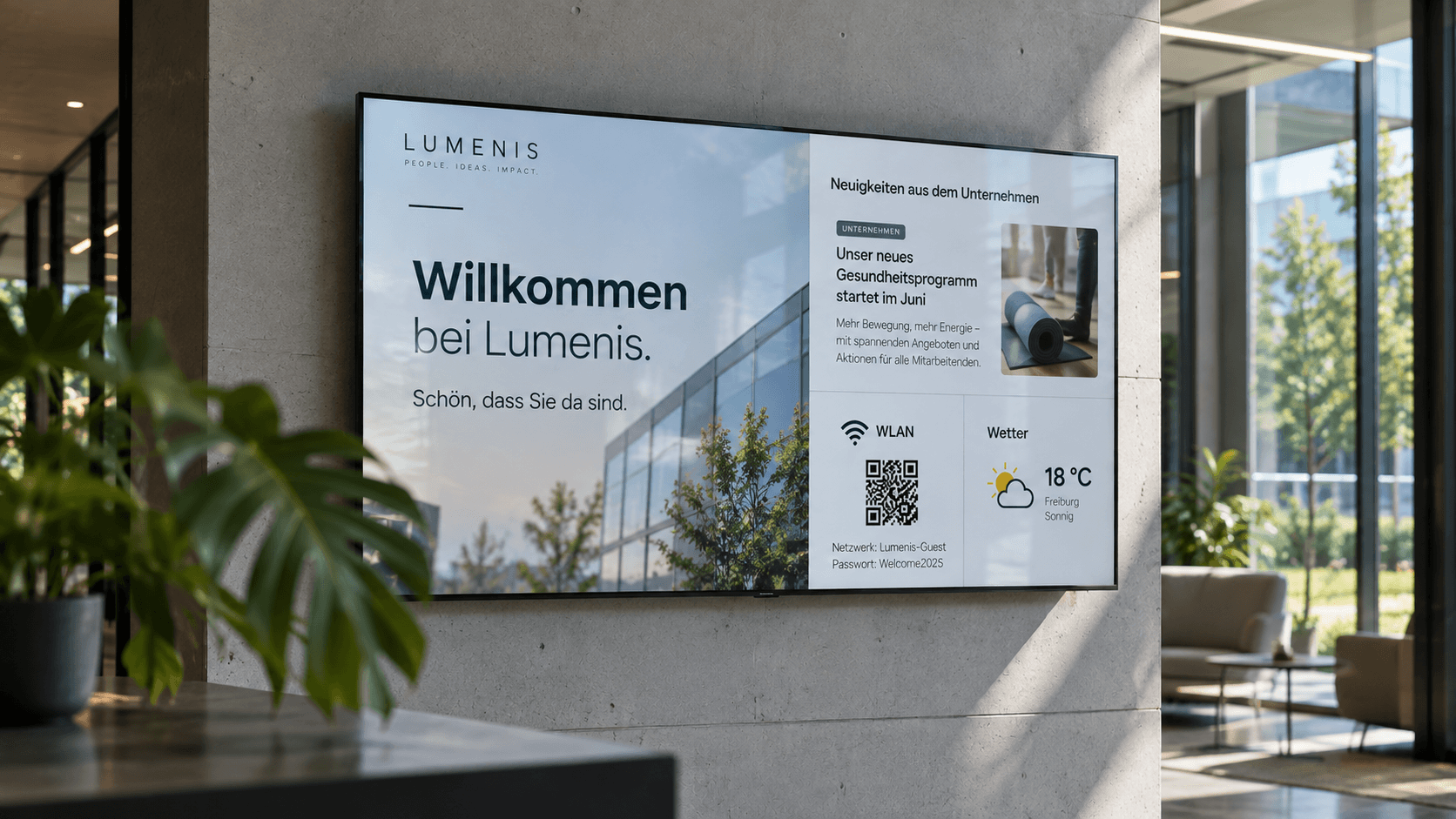
.png)
Emergency & safety communication
When every second counts: Make warnings, evacuation information, and safety alerts visible instantly—centrally managed, targeted, and easy to understand.
Frequently asked questions
Answers to frequently asked questions about meeting room displays and digital communication in meeting rooms.
A meeting room display is a digital screen located at the entrance of a conference room that shows information about current and upcoming room occupancy. Typically, it displays the room name, availability, scheduled meetings, and booking times. Depending on the application, the display can also be used for direct room booking.
Meeting room displays can show the room name, current availability, ongoing meetings, upcoming appointments, and booking times, among other things. Additionally, further company information or custom-designed content can be displayed.
Yes. Calendar and appointment data from the Microsoft environment can be integrated into digital signage applications. With connectSignage, you can use existing Microsoft services and calendar data to display current and upcoming room availability on meeting room screens.
Yes. With connectSignage, displays for multiple meeting rooms and locations can be managed centrally. Room and calendar information can be assigned to the respective displays, allowing companies to centrally map even larger room structures.
A meeting room display is primarily used for communication within the room, showing items such as agendas, greetings, meeting details, or presentation notes. Digital room booking, on the other hand, is used for room management and displays information like availability, current occupancy, and reservations. Both solutions can be combined.
Yes. Outside of meetings, the displays can show internal news, company updates, key performance indicators, event notices, branding, or safety information. With connectSignage, you can schedule content so that the displays can also be used as a communication tool between meetings.
Any Questions?
Our team is happy to help.