
Digital Wayfinding: Guidance exactly where it's needed
In large buildings, corporate headquarters, administrations, clinics, hotels, schools, universities, or event venues, clear guidance is essential. Visitors want to quickly know where they need to go. Employees look for available meeting rooms. Guests need to find the right conference room. Patients need clear directions. Customers expect a professional welcome.
If guidance is unclear, it leads to inquiries, waiting times, and uncertainty.
Printed signs, paper maps, or static notices are only of limited help. Rooms change, events are rescheduled, meeting rooms are booked at short notice, and building areas are restructured.
This is precisely where digital wayfinding comes in.
In brief: Digital wayfinding refers to the use of digital displays, directory boards, door signs, or touch kiosks to guide visitors, customers, guests, and employees within buildings or across premises. With connectSignage, room occupancy, directional arrows, floor plans, meeting rooms, events, welcome screens, and room booking information can be centrally displayed and dynamically updated.
Digital wayfinding is therefore more than just a screen with an arrow. It combines orientation, room booking, visitor communication, and digital signage in one centrally controllable system.
Why traditional signage falls short
Traditional wayfinding often consists of fixed signs, printed room lists, door signs, or temporary notices. This works as long as rooms, appointments, and routes remain unchanged.
In modern buildings, this is rarely the case.
Meeting rooms are booked spontaneously. Events change rooms. Departments relocate. Conference areas are used for events. In clinics, public authorities, or educational institutions, procedures change regularly. In hotels and conference centers, new events take place daily.
Typical challenges of traditional signage include:
- Room occupancy is not up-to-date.
- Visitors have to inquire at the reception.
- Paper maps are not replaced in time when changes occur.
- Meeting rooms are double-booked.
- Directions to events are unclear.
- Employees look for available rooms.
- Reception and office teams are burdened by inquiries.
- Large buildings can be confusing.
- Temporary events require short-term signage.
- Printed signs don't always match the corporate design.
Digital wayfinding solves these problems because information can be centrally managed, automatically updated, and displayed directly at the relevant location.
Who is digital wayfinding suitable for?
Digital wayfinding is suitable for all organizations where people regularly need to find rooms, departments, events, or contact persons.
It is particularly useful for:
- Corporate headquarters
- Industrial companies
- Office buildings
- Government agencies and public institutions
- Hospitals and healthcare facilities
- Schools and universities
- Hotels and conference centers
- Event venues
- Exhibition and convention centers
- Coworking spaces
- Banks and insurance companies
- Service companies
- Research institutions
- Campuses
- Shopping centers
- Showrooms
- Administrative buildings
The greatest benefit is realized wherever appointments, rooms, routes, or target groups change regularly.
What are the benefits of digital wayfinding?
Digital wayfinding improves orientation, visitor guidance, room booking, reception communication, and building organization.
The main advantages are:
- Visitors find the right room faster.
- Reception teams are relieved.
- Room occupancy becomes more transparent.
- Events can be signposted flexibly.
- Directional arrows can be dynamically adjusted.
- Meeting rooms can be displayed live.
- Touch kiosks enable interactive search.
- Content remains in the corporate design.
- Changes can be updated centrally.
- Displays can also be used for welcome screens, weather, or news.
Digital wayfinding is therefore not just a navigation system. It is a practical tool for better visitor communication and more efficient space utilization.
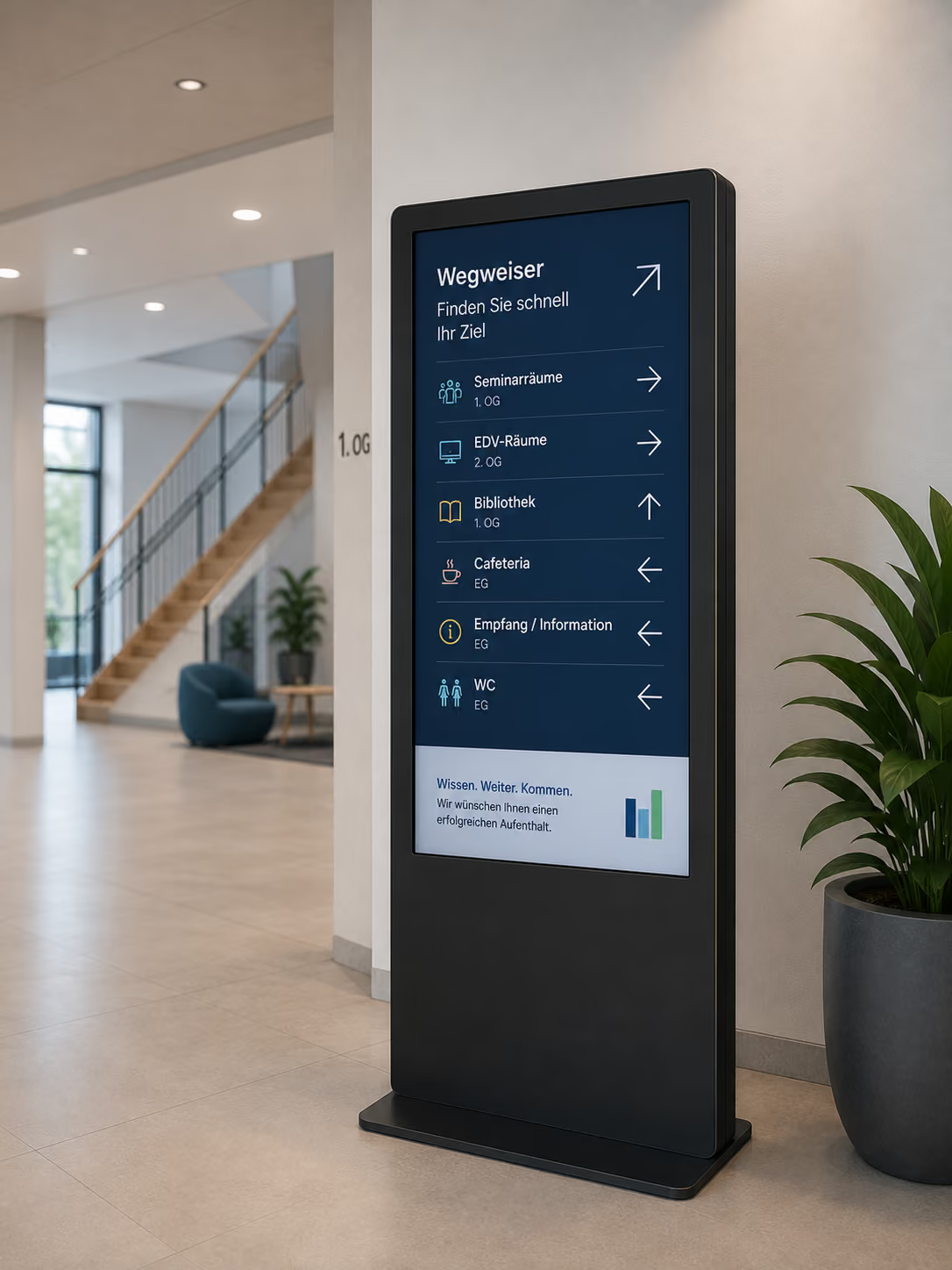
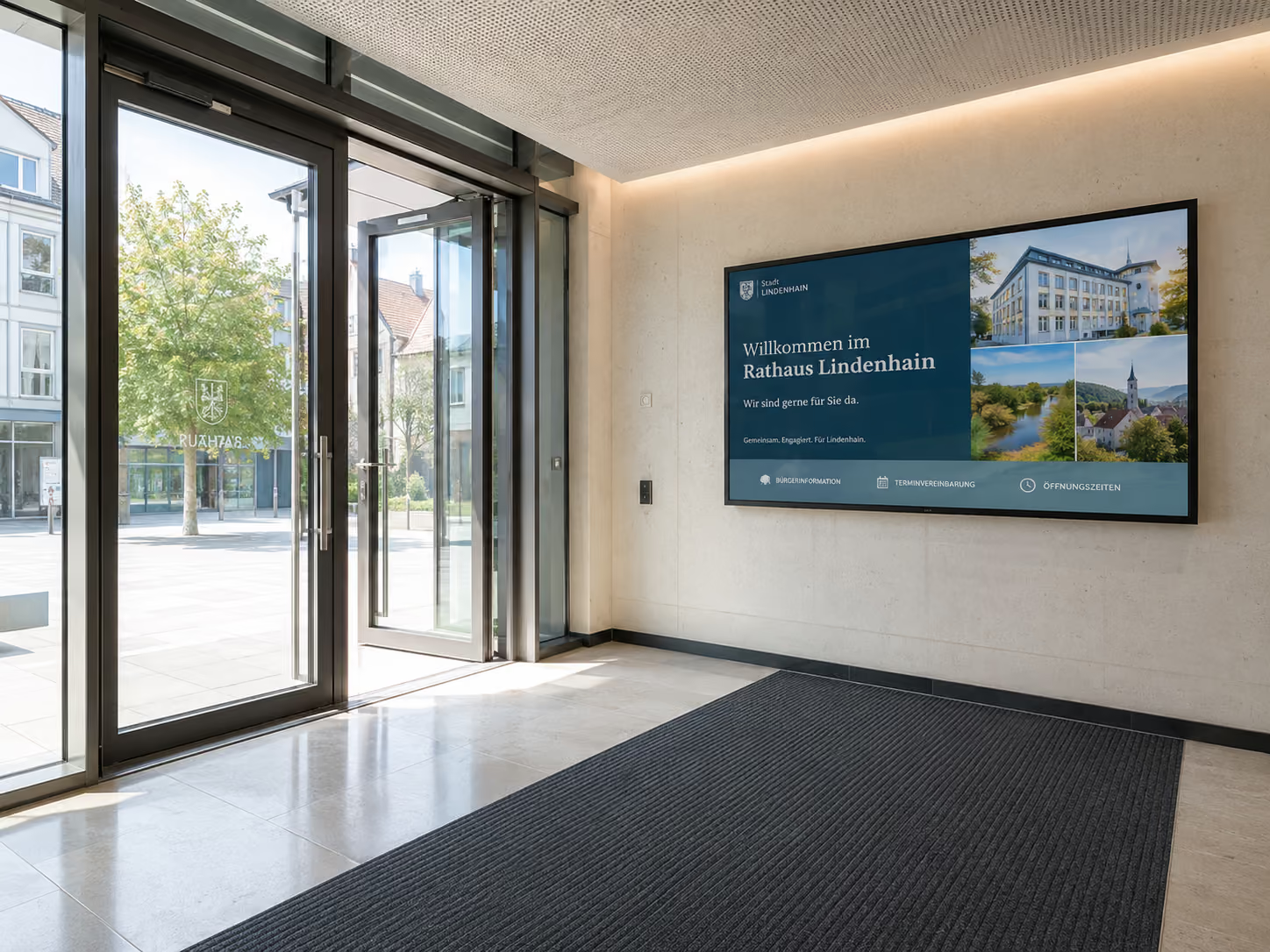
The central overview board in the foyer
The most important entry point for digital wayfinding is often the foyer or reception area. This is where visitors, guests, customers, applicants, or employees first arrive.
A central overview board directly shows which appointments, rooms, or events are currently relevant.
Typical content for a digital overview board includes:
- Current room occupancy
- Event overview
- Directional arrows
- Floor information
- Site plan
- Contact persons
- Meeting room information
- Conference program
- Visitor information
- QR code for the digital map
- Welcome screen
- Weather
- News ticker
- Public transport departures
An example:
„Meeting Project X → Berlin Room, 2nd floor“
Or:
„Sales Workshop → Hamburg Room, please follow directions to the elevator“
With connectSignage, such content can be centrally controlled and automatically updated. This way, guests at the entrance immediately know where to go.
Display Real-time Room Occupancy
One of the most important functions of digital wayfinding is the display of current room occupancy.
Instead of static room lists, displays can show live which meeting rooms, conference rooms, or event spaces are currently occupied and what appointments are next.
Examples:
- „Berlin Room: Project Meeting, 09:00–10:30“
- „Munich Room: free until 12:00“
- „Hall 1: Customer Event, 10:00–16:00“
- „Meeting Room 3: next booking at 14:00“
Via interfaces to Outlook, Exchange, Google Workspace, or other calendar sources, room occupancies can be automatically synchronized.
This reduces manual maintenance and ensures that the display in the building matches the current calendar status.
Dynamic Directional Arrows for Flexible Visitor Guidance
A major advantage of digital wayfinding is dynamic directional arrows.
With printed signs, the path is fixed. With digital displays, the direction can be adjusted depending on the event, room, or time of day.
Example:
In the morning, the screen points to the training room on the 1st floor. At midday, it directs to the conference area. In the afternoon, it guides guests to the showroom.
Possible applications include:
- Directions to the meeting room
- Directions to the conference hall
- Directions to the event
- Directions to reception
- Directions to the cafeteria
- Directions to the training room
- Directions to the hotel spa
- Directions to the ward in a clinic
- Directions to the citizen service center in an administration office
- Directions to the lecture hall on campus
With connectSignage, such notices can be centrally planned and displayed according to schedule or area.
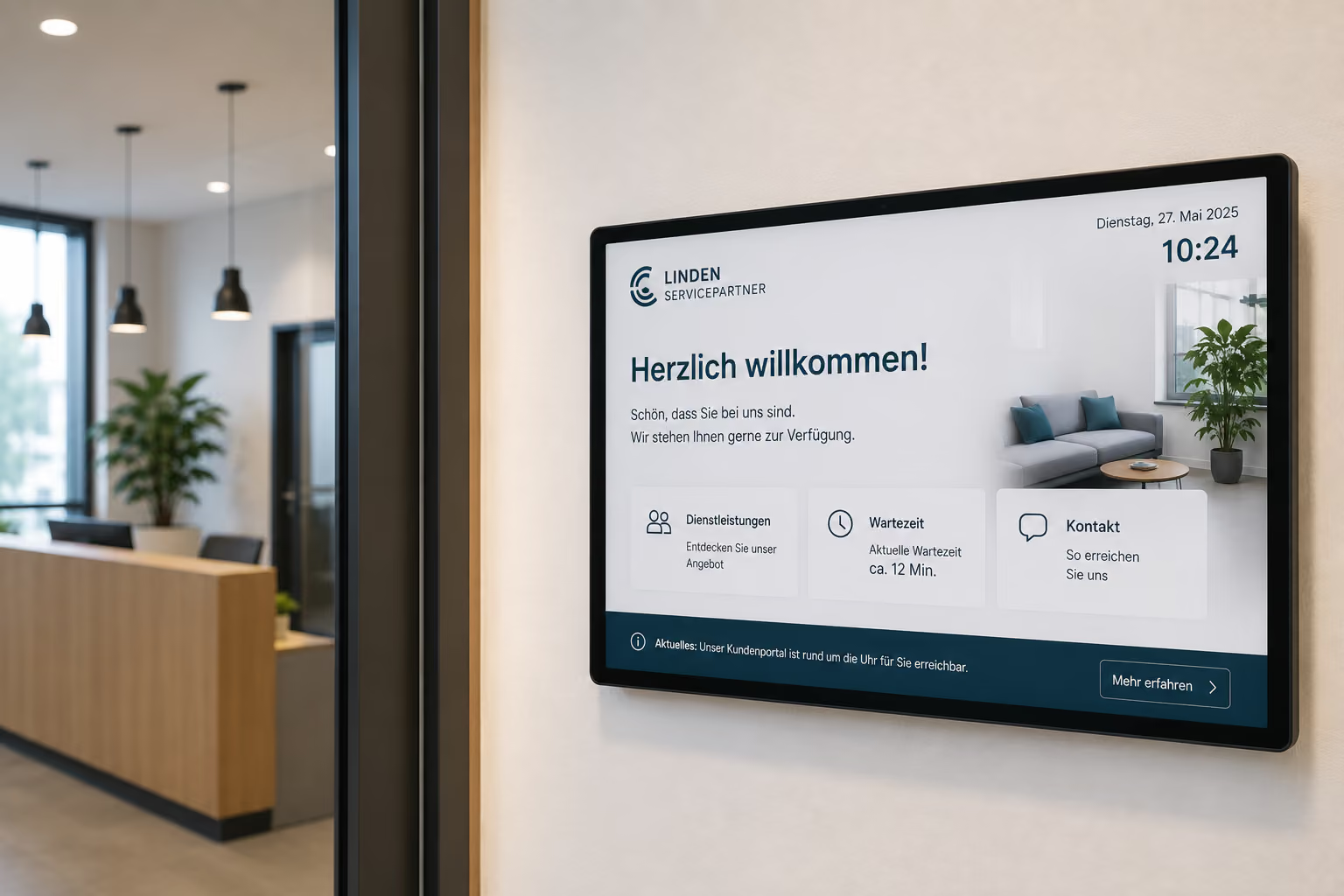
Splitscreen: Combine wayfinding with a welcome screen, weather, or news
A display in the entrance area doesn't have to show just one piece of information. With a splitscreen, multiple pieces of content can be made visible simultaneously.
This is particularly useful in the foyer, as different information needs converge there.
A possible splitscreen layout:
- Main area: digital wayfinding
- Side area: Welcome screen
- Lower area: News ticker
- Small area: Weather
- QR code: digital map or visitor page
- Additional Section: Public Transport Departures
This way, a screen can welcome visitors, provide directions, and simultaneously offer useful additional information.
Example:
On the left it says: "Welcome, Müller GmbH."
On the right, an arrow points: "Meeting Room Berlin, 2nd Floor."
At the bottom, a ticker displays current company news or public transport departures.
This transforms a simple directional sign into a modern digital reception area.
Digital Door Signs: Wayfinding Doesn't End at the Room
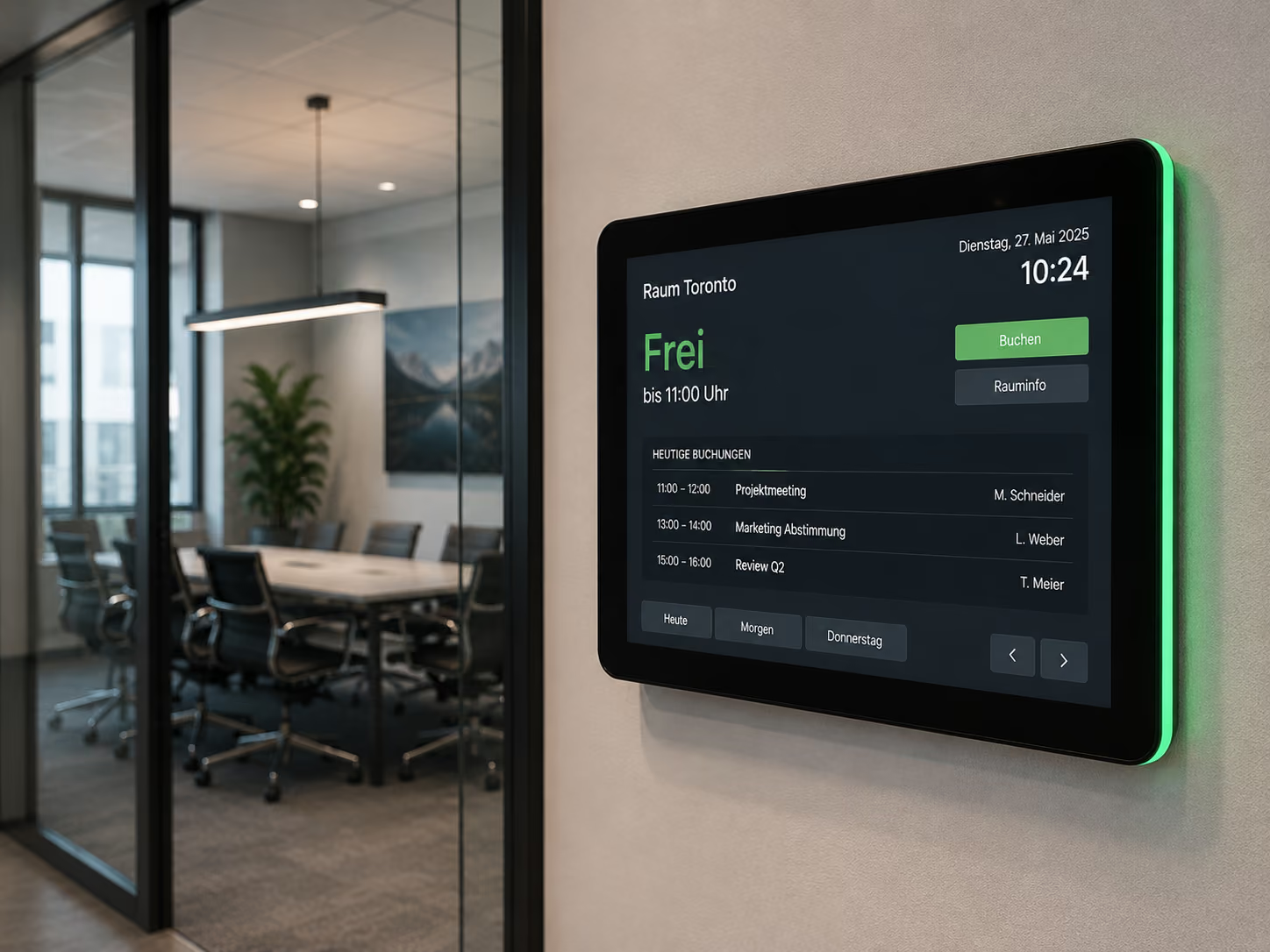
Digital wayfinding doesn't stop in the foyer. Digital door signs are particularly helpful, especially in front of meeting rooms, training rooms, conference rooms, or treatment rooms.
A digital door sign directly at the room shows whether the room is free, occupied, or reserved.
Typical information on a digital door sign includes:
- Room name
- Current status
- Current meeting
- Time
- Next booking
- Contact person
- Event name
- Company logo
- QR code
- Equipment Information
This way, employees and visitors immediately know if they are at the correct room.
Especially in large office buildings, administrative facilities, conference hotels, or educational institutions, this provides significantly more transparency.
Room Booking with Outlook, Exchange, and Google Workspace
Digital door signs become particularly valuable when connected to existing calendars.
Through interfaces to Microsoft Outlook, Exchange, or Google Workspace, connectSignage can automatically synchronize room bookings. As soon as an employee books a room in their usual calendar, the booking appears on the corresponding door sign.
This offers several advantages:
- Employees book rooms in their calendar as usual.
- The display at the room updates automatically.
- The current status is visible directly on site.
- The next booking is displayed.
- Reception and office teams have less manual maintenance.
- Double bookings are reduced.
- Available rooms are more quickly identifiable.
This way, digital wayfinding connects the central calendar logic with visible on-site signage.
On-site Status Display: Available, Occupied, or Reserved
An important component of digital room signage is the status display.
Small displays, such as 7- or 10-inch tablets, can be mounted directly next to the door. They show at a glance whether a room is available or occupied.
Example Status Displays:
- Available
- Occupied
- Reserved
- Next booking
- Meeting in progress
- Cleaning scheduled
- Room blocked
- Event in progress
Depending on the design, the status can be visually highlighted, for example, through colors, icons, or clear text displays.
This immediately shows employees and visitors whether they can enter the room or if a meeting is in progress.
Ad-hoc bookings directly at the door display
Room bookings don't always have to be made in advance. Employees often spontaneously need an available room for a quick meeting.
Since connectSignage supports touch systems, available rooms can be booked directly at the door display.
An employee sees on the display that the room is available, taps "Book Now," and reserves the room directly on the spot.
This is particularly useful for:
- spontaneous project meetings
- quick alignments
- phone calls
- job interviews
- internal meetings
- workshops
- confidential discussions
Ad-hoc bookings make room utilization more flexible and reduce the search for available meeting rooms.
Interactive wayfinding with touch kiosks
For larger buildings, clinics, campus areas, administrative offices, or event venues, a static overview is often insufficient.
This is where interactive wayfinding using touch kiosks or kiosk systems is ideal.
Visitors can actively search for destinations on a touchscreen:
- Departments
- People
- Rooms
- Event venues
- Stations
- Contacts
- Service areas
- Entrances
- Elevators
- Restrooms
- Parking areas
The screen then displays a graphical hall or floor plan and guides from the current location to the destination.
This is particularly helpful when many visitors have different destinations and not every inquiry needs to be answered at reception.
Digital wayfinding for various industries
Digital wayfinding is a use case that works across many industries. The specific content varies depending on the environment.
Industry
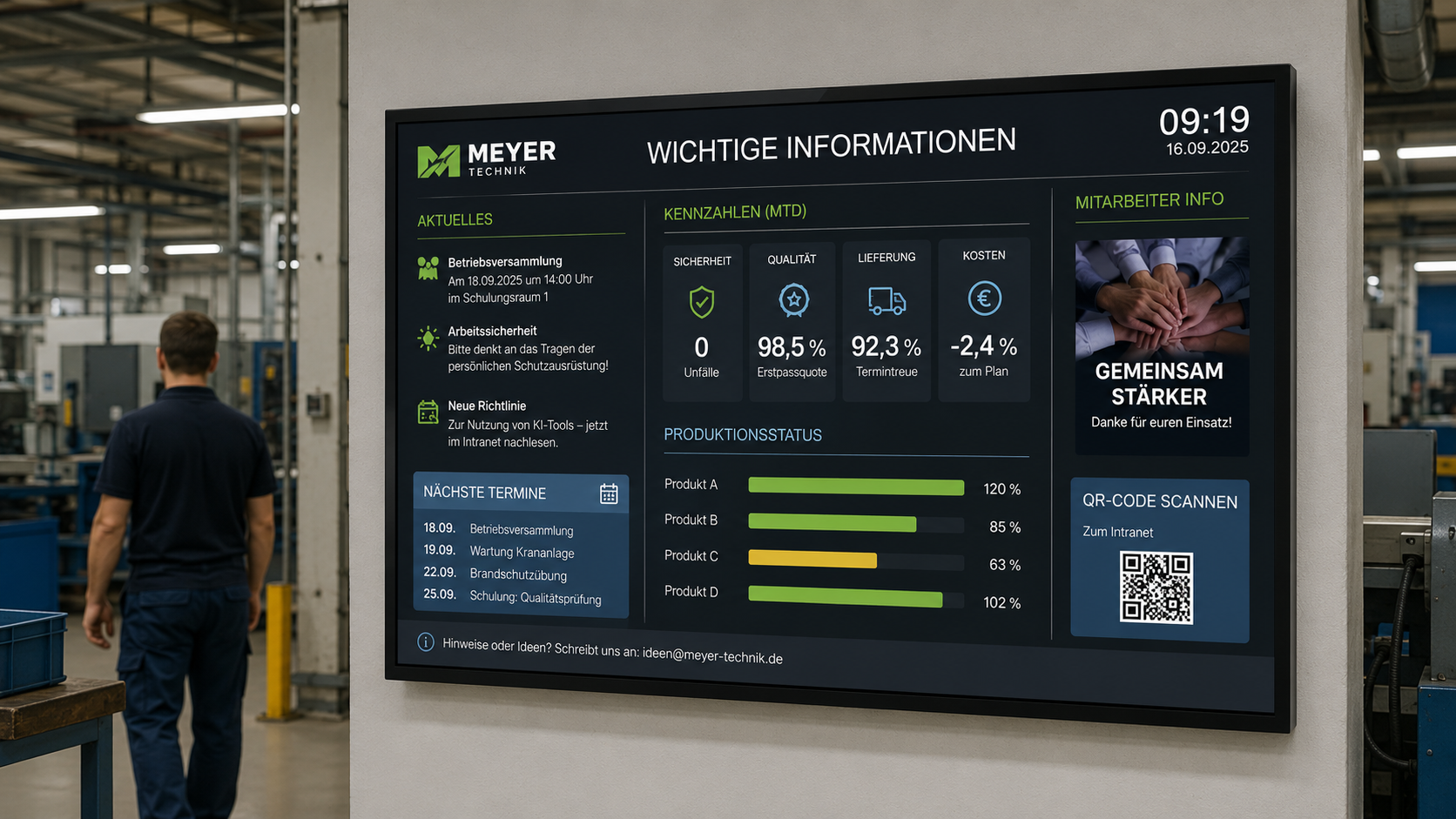
In industrial companies, digital wayfinding assists with visitor guidance, factory tours, training sessions, security areas, and meeting rooms. Visitors, suppliers, and auditors can find the right area more quickly.
Government and Public Institutions
In government agencies, digital wayfinding helps citizens navigate to departments, citizen service centers, waiting areas, meeting rooms, or service points.
Education
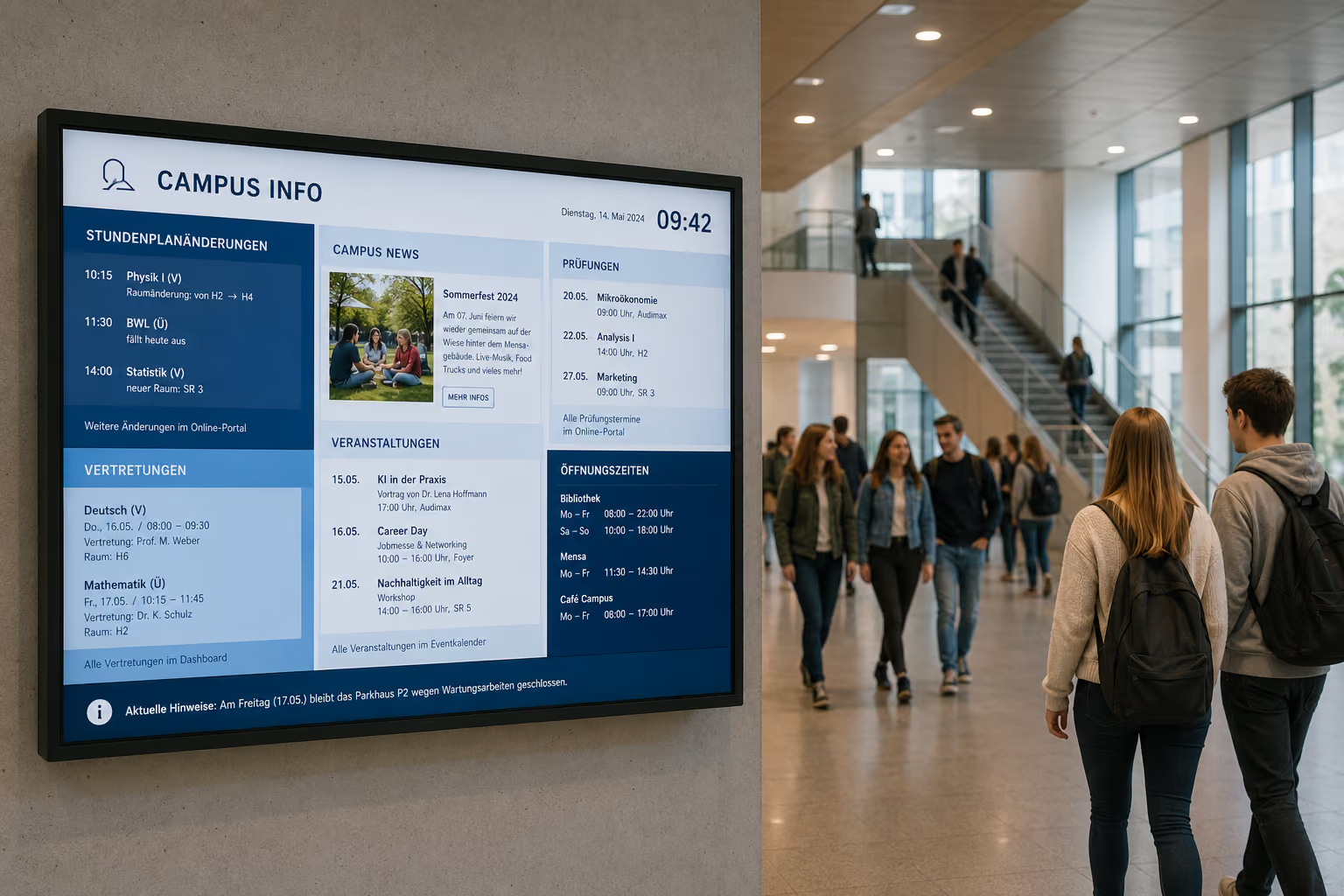
In schools, universities, and campus areas, digital wayfinding assists with room changes, events, lecture halls, secretariats, examination rooms, or cafeteria information.
Healthcare
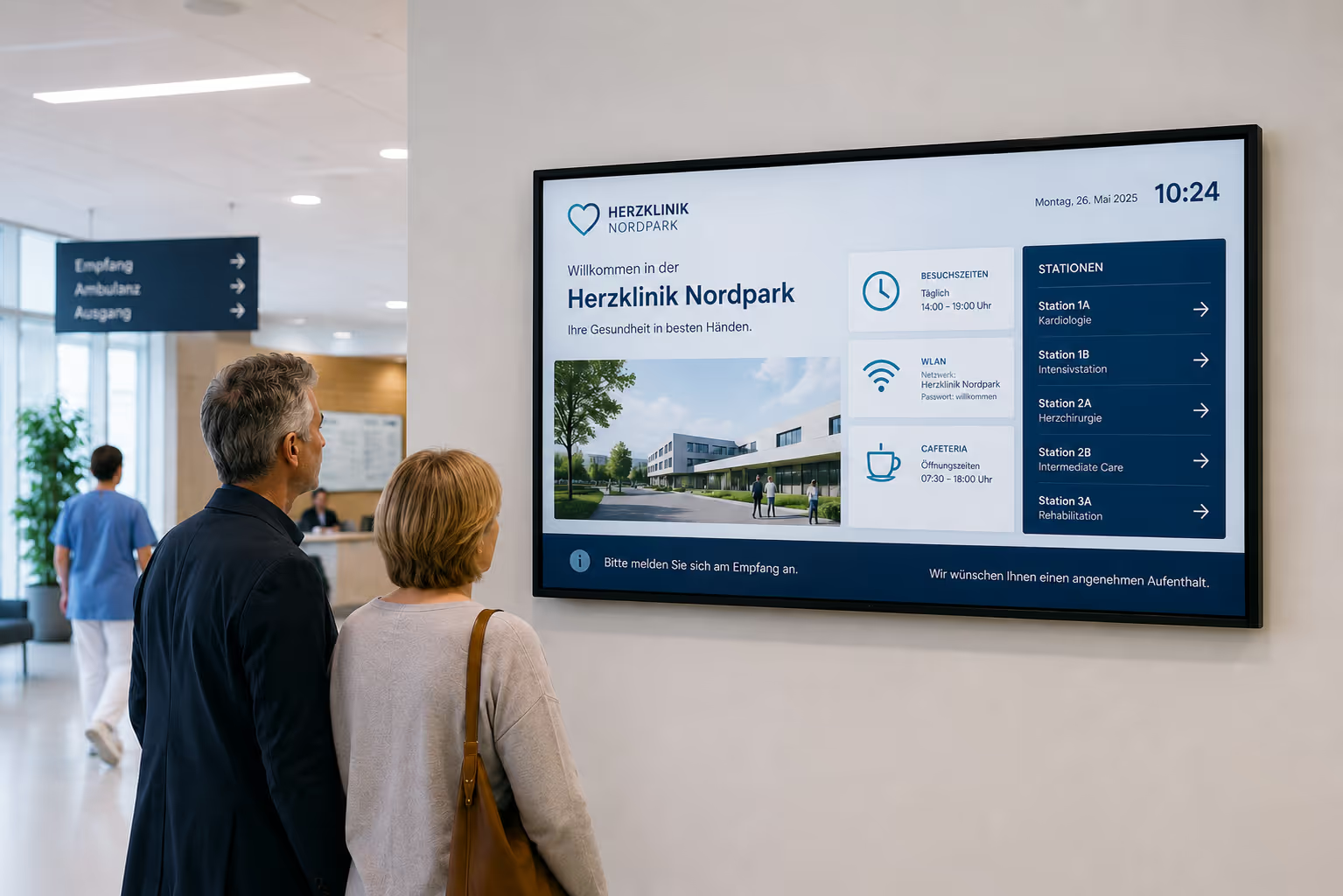
In clinics, practices, and health centers, digital wayfinding supports patients on their way to wards, outpatient clinics, waiting areas, treatment rooms, or diagnostic areas.
Hospitality
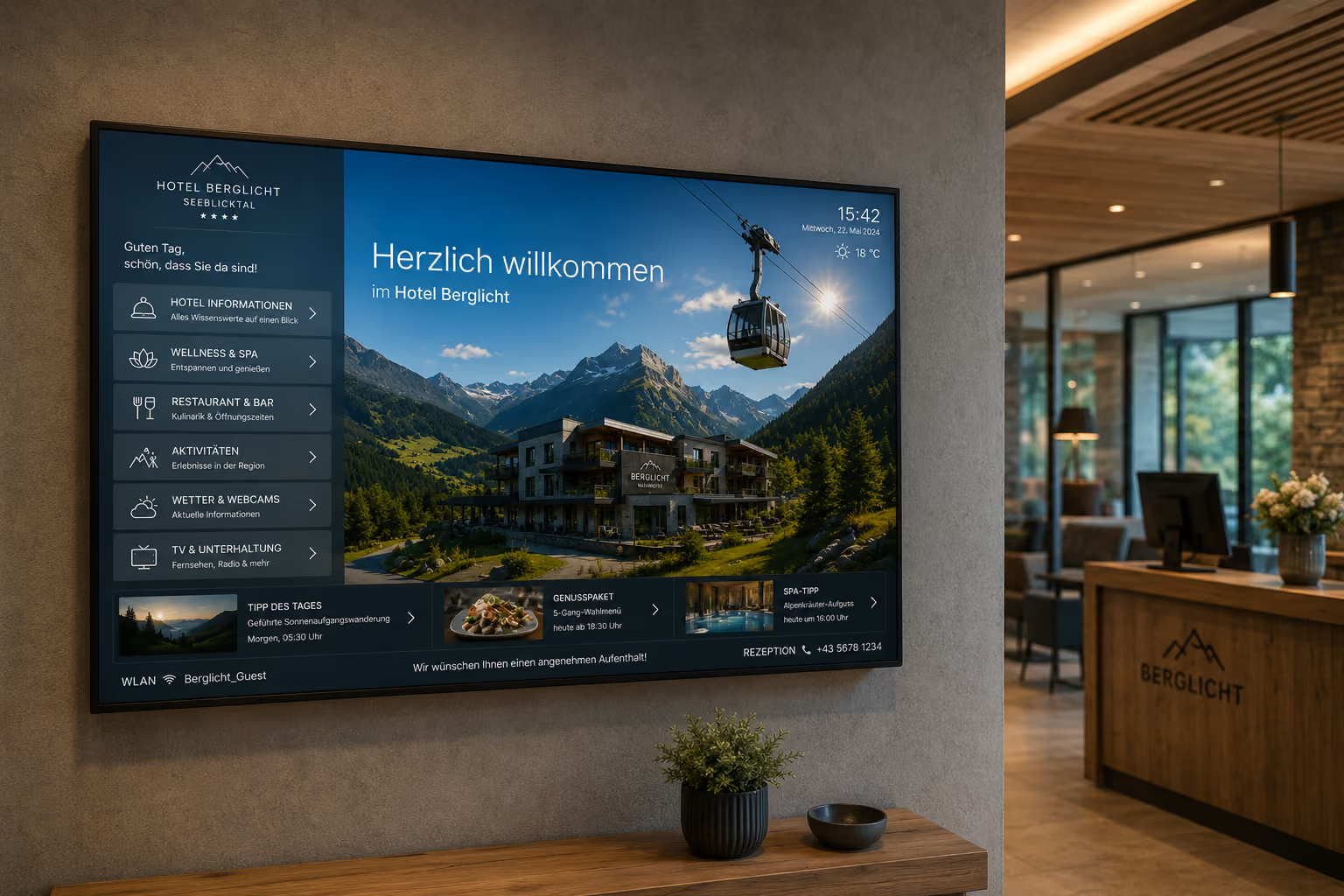
In hotels, digital wayfinding guides guests to conference rooms, restaurants, bars, spas, elevators, or event spaces. This is particularly helpful for conferences and events.
Services
In service companies, digital wayfinding assists visitors at reception, guides them to meeting rooms, and integrates welcome screens with room booking.
Case Study: Messe Essen Improves Visitor Guidance and Orientation
The example of Messe Essen demonstrates how digital wayfinding works in a large event environment. A trade fair ground daily sees diverse target groups, changing events, and high visitor traffic. This is precisely why orientation, visitor information, and room communication must function clearly, up-to-date, and uniformly.
The challenge was to professionally welcome visitors upon entering the premises, reliably guide them to the correct halls, conference rooms, or event areas, and simultaneously create a modern, consistent external impression.
A comprehensive digital signage concept was implemented with connectSignage. Welcome screens in the entrance areas greet visitors and provide information about events, programs, and directions. Digital wayfinding supports orientation throughout the entire premises. In front of conference and meeting rooms, room booking displays show the current occupancy status and upcoming appointments.
Additionally, displays are used for branding, sponsor communication, and trade fair content. This creates a flexible communication surface that can be adapted depending on the event, target group, or area.
The result: Visitors find their way more easily, inquiries are reduced, and events run more smoothly. At the same time, Messe Essen strengthens its brand presence and can centrally manage content for various trade fair and event formats.
For reference: Messe Essen: Digital Visitor Guidance and Wayfinding
What Companies Technically Need
For digital wayfinding to function reliably in everyday use, a central software is required to connect content, displays, and data sources.
Key technical requirements include:
- central control of all displays
- Overview boards for foyer and reception
- digital door signs
- Room booking module
- Interfaces to Outlook, Exchange, and Google Workspace
- dynamic directional arrows
- Floor and building plans
- Touch support for kiosk systems
- Ad-hoc booking at the door sign
- Splitscreen layouts
- Event scheduling
- Permissions and roles for teams
- Monitoring for displays and players
- reliable playback
- flexible hardware support
With connectSignage, companies can manage these requirements centrally. Content is maintained in the browser, data sources are connected, and displayed on the appropriate screens.
Why connectSignage is suitable for digital wayfinding
connectSignage is a digital signage software for the central control of digital displays. connectSignage is particularly suitable for digital wayfinding because it allows for the combination of orientation, room booking, welcome screens, and additional information.
The key benefits are:
- central overview boards for reception and foyer
- Real-time room occupancy
- Dynamic directional arrows
- Digital door signs
- Integrated workspace and room booking functions
- Integrations with Outlook, Exchange, and Google Workspace
- Ad-hoc bookings via touch
- Interactive touch kiosks and kiosk systems
- Splitscreens with welcome screen, weather, or news
- Corporate design layouts
- Easy maintenance in the browser
- Roles and permissions for reception, office management, and IT
- Monitoring for reliable operation
This way, digital wayfinding becomes not just signage, but a central component of modern visitor communication.
Typical locations for digital wayfinding
Digital wayfinding can be used in various locations within the building.
Typical locations include:
- Foyer
- Reception
- Lobby
- Elevator areas
- Hallways
- Conference areas
- Meeting rooms
- Training rooms
- Lecture halls
- Waiting areas
- Clinic hallways
- Government building entrances
- Campus areas
- Event spaces
- Hotel lobbies
- Exhibition areas
- Showrooms
Content varies depending on the location. In the foyer, the focus is on central orientation. Outside meeting rooms, it's about booking status and room occupancy. Interactive kiosks are used for active search and individual routes.
Conclusion: Digital wayfinding makes buildings more intuitive
Digital wayfinding helps people reach their destination faster and more safely.
It reduces inquiries at reception, makes room occupancy more transparent, supports events, and improves the first impression of the building.
Digital wayfinding becomes particularly powerful when overview boards, welcome screens, digital door signs, and touch kiosks are combined. This creates a seamless orientation system: from the entrance, through the hallway, to the room.
With connectSignage, companies can centrally control digital wayfinding, automatically display room occupancy, dynamically adjust directional arrows, synchronize door signs, and set up interactive kiosk systems.
This transforms traditional signage into a flexible digital guidance system — up-to-date, brand-compliant, and easy to manage.
FAQ
What is digital wayfinding?
Digital wayfinding describes the use of digital displays, overview boards, door signs, or touch kiosks to guide visitors, guests, and employees to the correct destination within buildings or on premises.
Where is digital wayfinding used?
Digital wayfinding is used in corporate headquarters, government agencies, clinics, schools, universities, hotels, conference centers, industrial companies, exhibition areas, campus grounds, and large office buildings.
What does a digital overview board display?
A digital overview board displays room occupancy, events, directional arrows, floor information, floor plans, contact persons, welcome screens, weather, news, or public transport departures.
Can digital wayfinding display room occupancy in real time?
Yes. Via interfaces to Outlook, Exchange, Google Workspace, or other calendar sources, room occupancy can be automatically synchronized and displayed on screens.
What are digital door signs?
Digital door signs are small displays next to meeting rooms, conference rooms, or training rooms. They indicate whether a room is free, occupied, or reserved and which booking is current or next.
Can rooms be booked directly at the door sign?
Yes. If touch systems are used, free rooms can be booked directly at the door sign with a tap for spontaneous meetings.
Can Outlook or Google Workspace be connected?
Yes. connectSignage can display room occupancy via interfaces to Microsoft Outlook, Exchange, or Google Workspace. Employees continue to book in their familiar calendar, while the displays are automatically updated.
What is interactive wayfinding?
Interactive wayfinding uses touch kiosks or kiosk systems. Visitors can search for rooms, departments, or people and then receive a graphical route from their current location to their destination.
Can digital wayfinding be combined with a welcome screen?
Yes. A display in the reception area can simultaneously greet guests, show room information, display directional arrows, and provide additional information such as weather, news, or public transport departure times.
Which industries is digital wayfinding suitable for?
Digital wayfinding is suitable for industry, public authorities, education, healthcare, hospitality, services, office buildings, event venues, clinics, campus areas, and public institutions.
How does connectSignage support digital wayfinding?
connectSignage helps companies centrally manage digital wayfinding. Overview boards, directional arrows, room occupancy, digital door signs, touch kiosks, welcome screens, and additional information can all be managed via one platform.
What is the advantage over traditional signage?
Digital wayfinding is more current, flexible, and centrally controllable. Changes to rooms, events, or routes can be adjusted immediately without replacing printed signs or notices.
Bereit deine Kommunikation zu transformieren?
Entdecken, wie connectSignage deine Botschaften sichtbar und wirksam macht.
Weitere Insights zur digitalen Kommunikation
Lese mehr zu Trends, Strategien und Technologien, die Unternehmen verändern.
.png)

.png)
.png)
Digital Signage Insights Delivered Straight to Your Inbox
Trends, best practices, and tips—concise, relevant, and practical.