
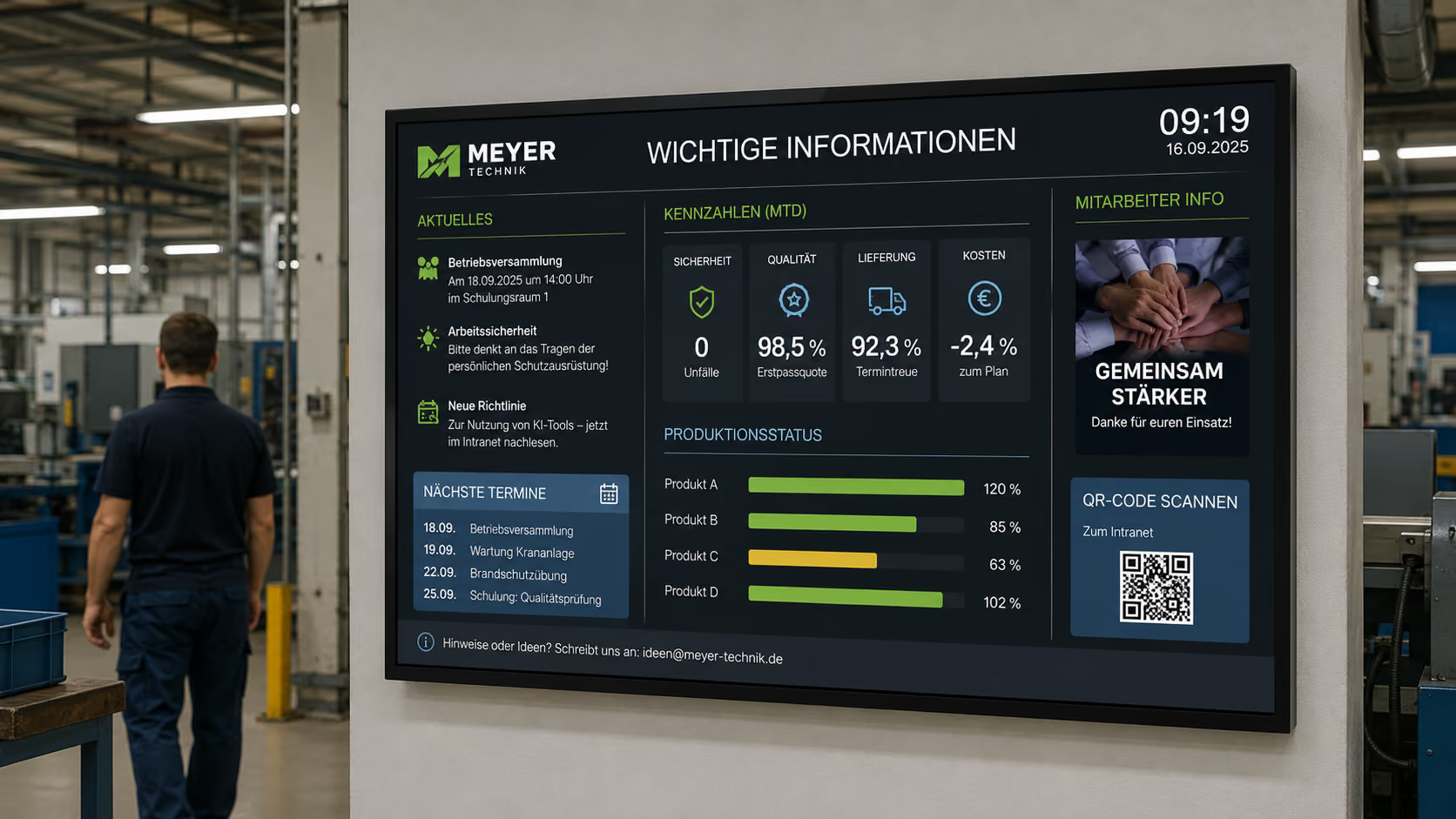
Info Display: Making information visible exactly where it's needed
In companies, laboratories, clinics, administrations, schools, production areas, or public institutions, a wealth of information is generated daily. Some of this is organizationally important. Others concern processes, appointments, key figures, safety, visitor communication, or current notices.
The problem: Information is often available but not visible.
It resides in emails, Excel files, dashboards, intranet pages, specialized systems, calendars, or PDF documents. Anyone who needs it has to actively search for it. This precisely leads to queries, delays, misunderstandings, and additional manual effort.
This is precisely where the info display comes in.
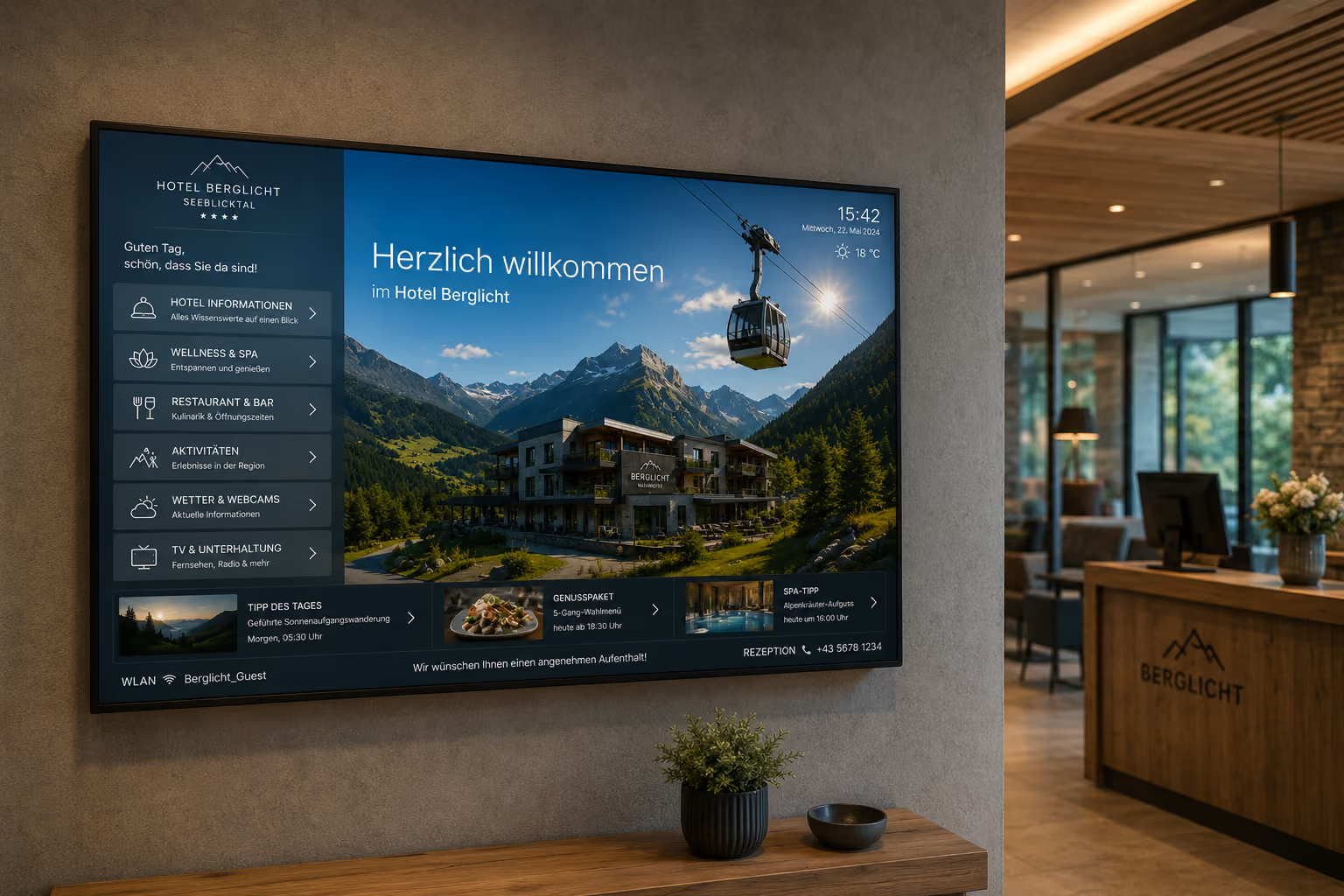
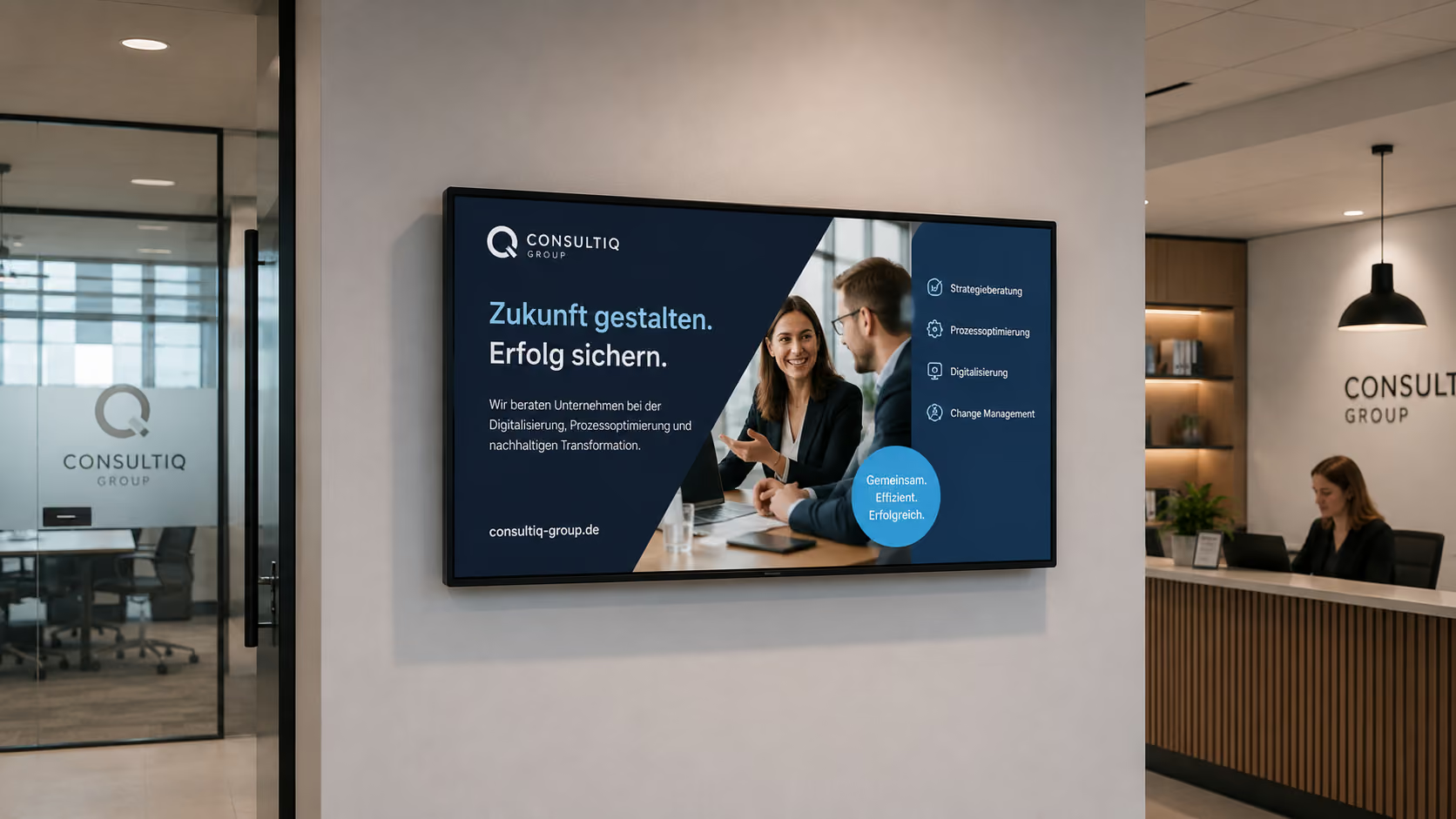
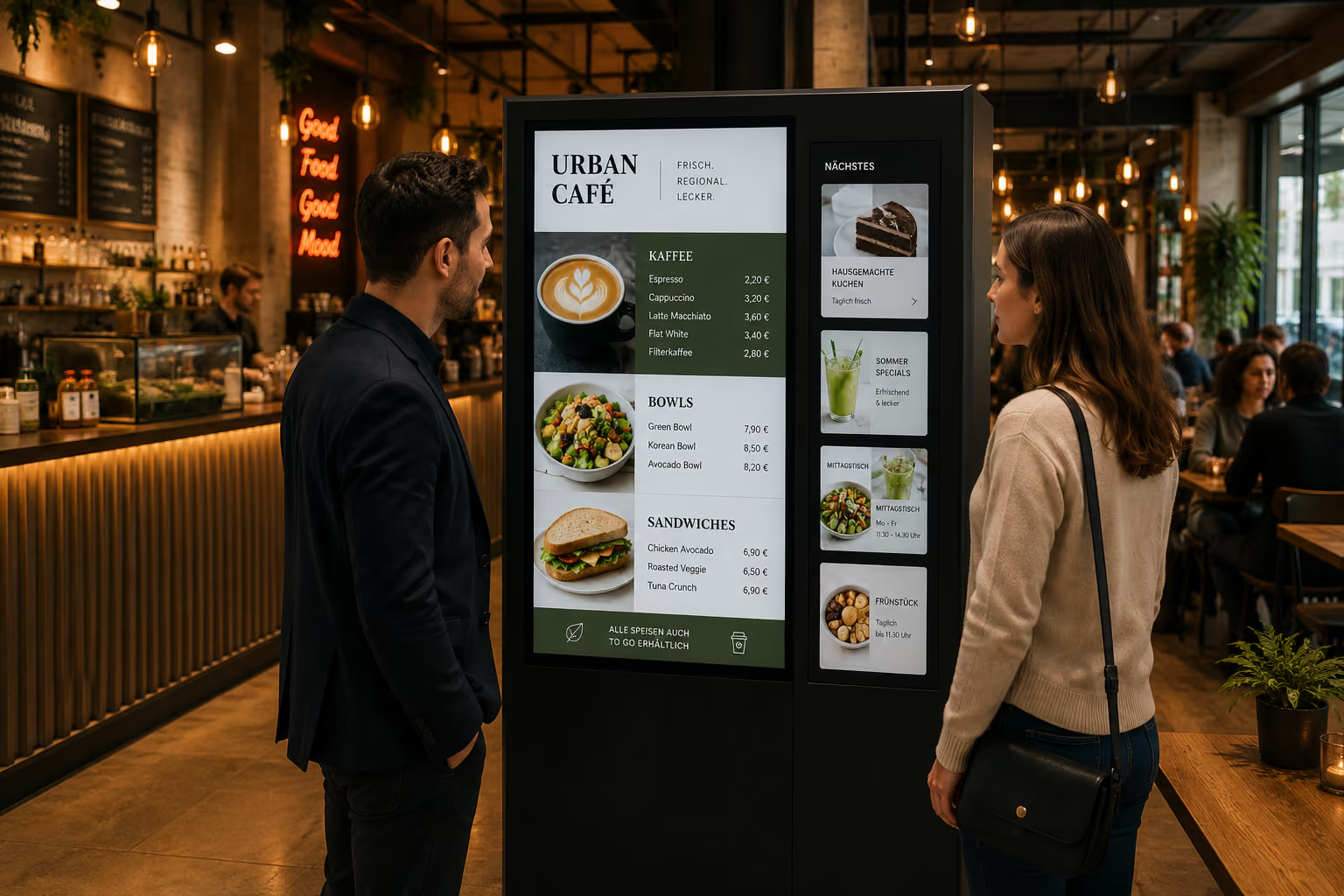
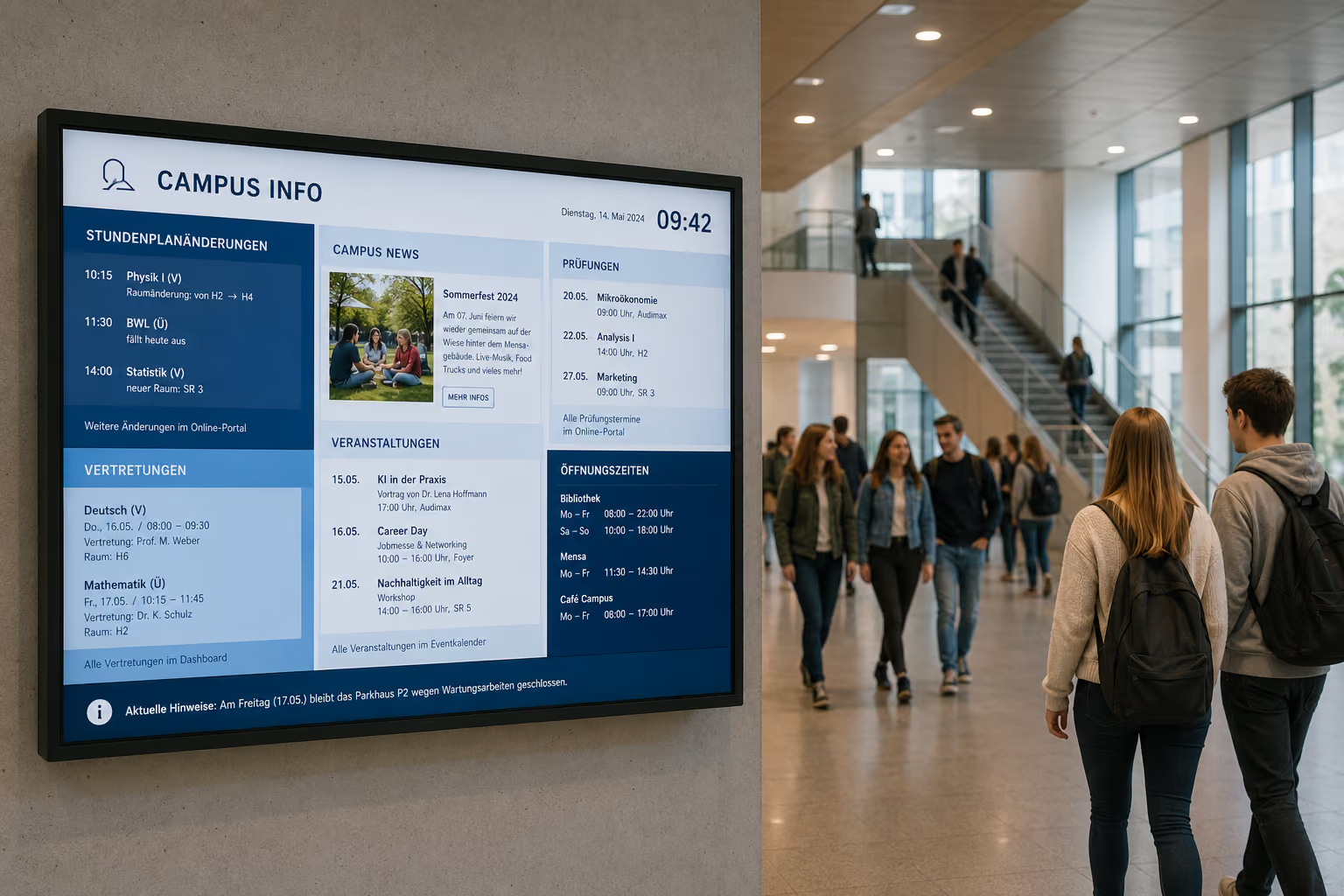
In brief: An info display is a digital screen that centrally visualizes current information, key figures, process data, notices, dashboards, or messages. With connectSignage, companies can centrally control info displays, automatically update content, connect data sources, and deliver information exactly where it's needed in daily operations.
An info display thus doesn't just replace a bulletin board. It brings relevant information from digital systems into the physical space — up-to-date, understandable, and centrally controllable.
Why traditional information displays reach their limits
Many organizations still use traditional bulletin boards, whiteboards, printouts, Excel lists, or manually maintained monitors to make information visible. This works as long as content rarely changes.
In practice, however, information changes constantly.
Process figures are updated. Appointments shift. Waiting areas need new notices. Dashboards show new values. Departments require current key figures. Laboratories work with changing sample numbers. Reception areas need visitor information. Production areas require status updates.
Typical challenges of traditional information displays are:
- Bulletin boards quickly become outdated.
- Information must be manually printed or transferred.
- Excel lists are not automatically visible.
- Employees have to actively search for information.
- Dashboards remain hidden within individual systems.
- Process data is not accessible to all teams.
- Information is not presented uniformly.
- Multiple locations are difficult to inform centrally.
- Errors result from duplicate data entry.
- Current information doesn't always reach the right place.
An info display solves these problems because information can be centrally managed, automatically updated, and made directly visible.
Why Info Displays Are Becoming Increasingly Important
Info displays are becoming increasingly important because organizations today work with ever-increasing amounts of digital information. While data, status messages, key figures, and notices are often available, they are not automatically visible in daily operations.
This very fact creates a paradoxical problem: companies have more information than before, but not automatically more clarity.
Studies on information overload show that too much information, too many channels, and frequent interruptions can hinder processing. When employees have to search for important information in emails, intranets, dashboards, chat tools, or specialized systems, the effort increases. Information may be digitally available, but it's not visible where decisions or actions are taking place.
An info display addresses this very point.
It makes relevant information visible without employees having to actively search for it. A lab sees current sample numbers. A production team sees key performance indicators. An administration displays public information. A waiting area shows queue numbers and notices. A reception desk shows appointments. A school displays substitute teacher schedules. A clinic shows directions, waiting times, or area-specific information.
Visibility is also crucial for waiting areas. Studies and industry analyses on waiting situations show that digital displays with clear queue or status information can significantly reduce perceived waiting times. A reduction in perceived waiting time of up to 35 percent is often cited when people receive transparent information about the process.
This shows: An info display doesn't always shorten the actual process. But it improves perception because people understand what's happening, where they stand, and what information is currently relevant.
The benefit is also clear in the area of real-time dashboards: When key figures are not just stored in a tool but are visibly displayed in the work environment, teams can react more quickly. Studies on dashboard usage show that regular dashboard users make decisions faster and that dashboards can support cross-departmental coordination.
For companies, this means: An info display is not just a screen with information. It is a tool to improve transparency, orientation, and responsiveness.
Who is an Info Display suitable for?
Info displays are suitable for all organizations that want to make information regularly visible.
They are particularly useful for:
- Companies
- Laboratories
- Clinics and healthcare facilities
- Industrial companies
- Production facilities
- Administrations
- Public authorities
- Schools and universities
- Service companies
- Reception areas
- Waiting areas
- Logistics companies
- Call centers
- Research institutions
- Canteens and cafeterias
- Public institutions
- Event venues
- Hotels
- Chain stores
The greatest benefit arises wherever information changes frequently, is needed by multiple people, or must be visible directly in the work environment.
What are the benefits of an info display?
An information display improves the visibility, timeliness, and clarity of information.
The main advantages are:
- Information becomes visible directly in the room.
- Content can be managed centrally.
- Current data can be displayed automatically.
- Manual postings are reduced.
- Errors due to duplicate maintenance are minimized.
- Employees need to actively search less for information.
- Dashboards and key figures become visible for teams.
- Waiting areas become more transparent.
- Visitors get better orientation.
- Processes become more comprehensible.
- Multiple locations can be informed consistently.
- Information remains consistent with the corporate design.
An information display is therefore not just a digital display board. It is a visible information channel for operational communication, process visualization, and orientation.
What does an information display achieve compared to a static notice?
A static notice can provide information, but it is always limited to fixed content. As soon as dates, figures, notes, or processes change, the notice must be manually updated.
An information display is significantly more flexible.
The difference is particularly evident in five areas:
1. Timeliness
A notice board remains unchanged until someone replaces it. An info display can automatically update content — for example, from calendars, CSV files, dashboards, databases, websites, or other data sources.
2. Visibility
Information in tools, folders, or intranet pages must be actively sought out. An info display makes this information visible in the room. People see it where they work, wait, or pass by.
3. Clarity
Complex information can be visually prepared: with numbers, diagrams, status colors, progress indicators, symbols, or clear layouts. This makes information quicker to grasp.
4. Less manual effort
Manual notices, Excel transfers, or whiteboard updates take time and are prone to errors. An info display can automatically take over data, thereby reducing maintenance effort.
5. Improved control
A static notice board hangs in one place. An info display can be centrally controlled for multiple locations, departments, or target groups. This way, each area sees exactly the information that is relevant there.
An info display therefore doesn't just replace traditional notice boards visually. It changes the way information is provided: making it more current, more visible, more automated, and more controllable.
Info displays for key figures and dashboards
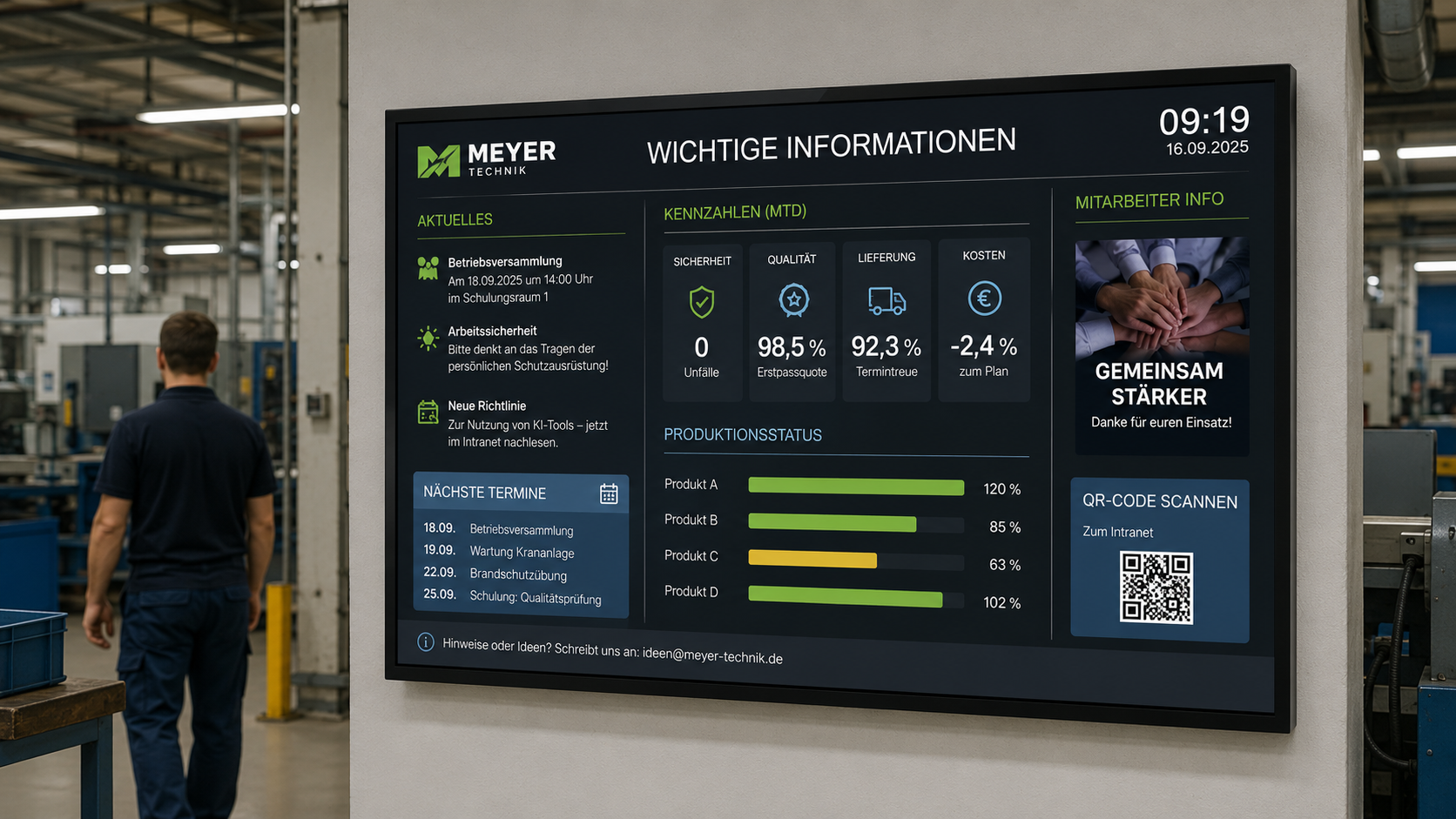
A common application area for info displays is key figures and dashboards. Many companies already work with data in Power BI, Excel, databases, web tools, or internal systems. However, this data often remains hidden in individual applications.
An info display makes such data visible.
Typical dashboard content includes:
- Production key figures
- Lab values
- Sample counts
- Quality data
- Utilization
- Support tickets
- Service Level
- Wait Times
- Project Status
- Sales Targets
- Visitor Numbers
- Energy Consumption
- Sustainability Metrics
- Safety Metrics
- Recruitment Figures
- Customer Satisfaction
The benefit: Teams don't have to actively open dashboards. The most important metrics are visible in the work environment and can be regularly monitored.
This is particularly valuable for areas where a quick response is crucial — for example, production, laboratories, logistics, support, service, clinic operations, or administration.
Make real-time information visible
Much information is only helpful when it is current. An info display can automatically update content, thereby ensuring real-time relevance.
Typical examples include:
- current sample numbers in the lab
- Live production metrics
- current wait times
- Calling numbers
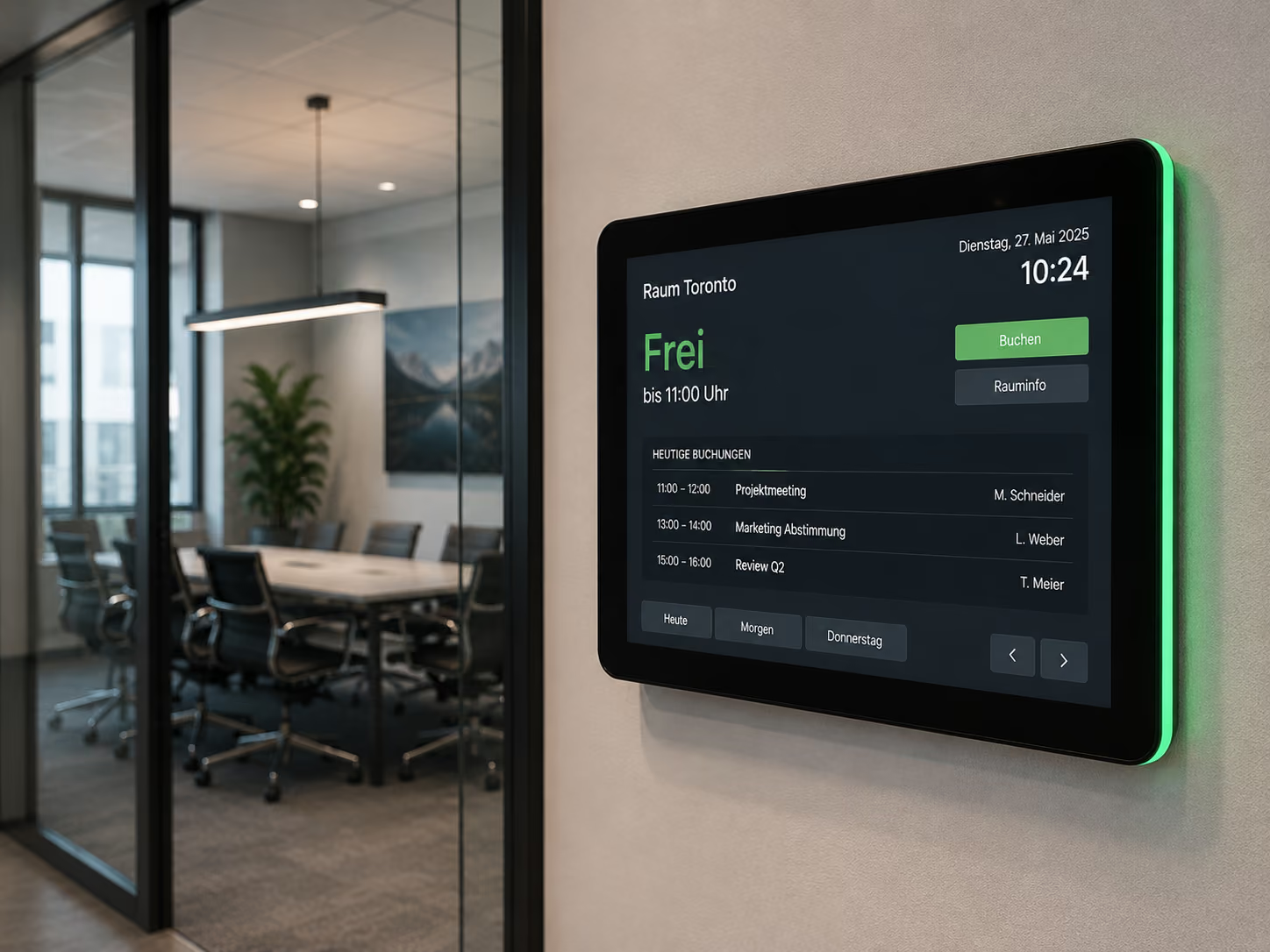
- Room occupancy
- Today's appointments
- Current support tickets
- System status
- Delivery status
- Visitor information
- Schedules or public transport departure times
- Weather or warning alerts
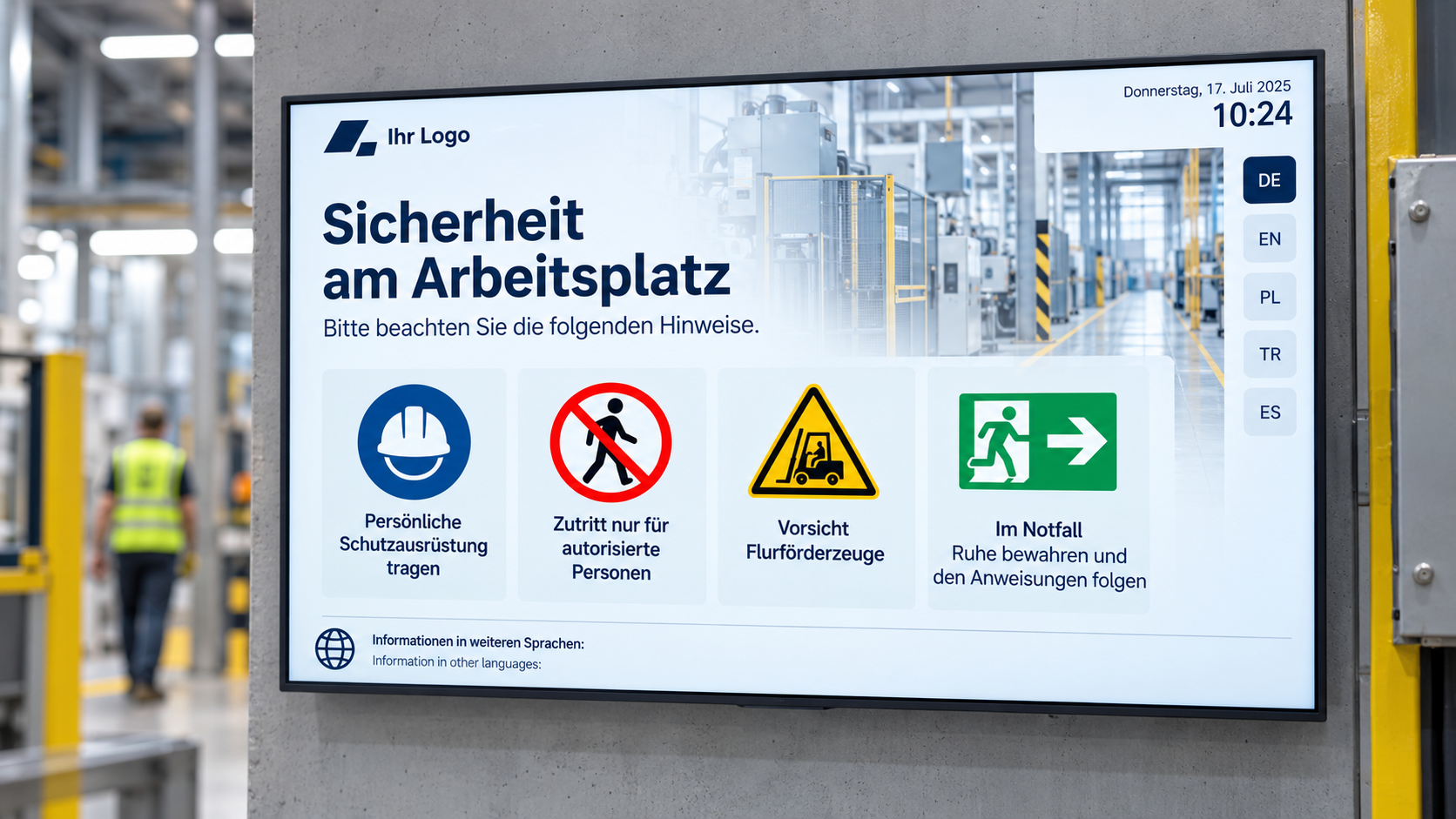
- Current security information
This is particularly crucial in dynamic environments. When information constantly changes, static notices or manual lists quickly become outdated.
An info display makes current information immediately visible, thus reducing inquiries.
Info displays in waiting areas
In waiting areas, it's not just about shortening the actual waiting time. How people perceive the waiting time is also crucial.
When visitors, patients, or customers don't know what's happening, the waiting time often feels longer. Transparent information can help reduce uncertainty.
Info displays in waiting areas can show:
- Queue numbers
- Current waiting areas
- Estimated waiting times
- Order of calls
- Information on the process
- Service information
- Wayfinding
- important documents or records
- general information
- News
- Weather
- Public transport departures
This provides better guidance. People know they are waiting in the right area, when they are likely to be called, or what steps will follow next.
This also reduces the burden on service, reception, or practice teams, as fewer questions arise.
Info displays for internal communication
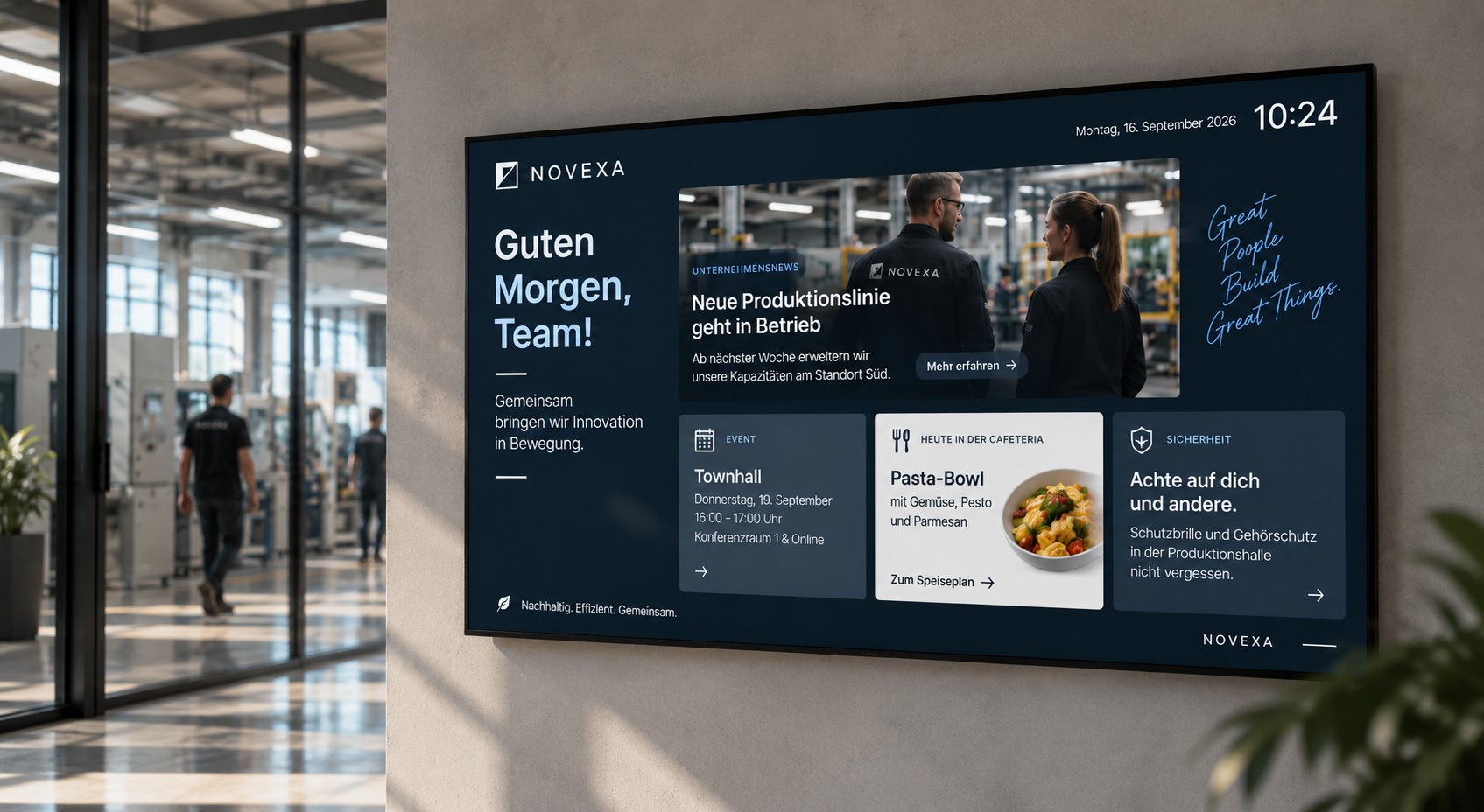
Info displays can also be used as an internal communication channel. They show important information where employees regularly pass by or work.
Typical content includes:
- Company news
- Location information
- HR notices
- Appointments
- Security alerts
- Process information
- Key figures
- Dashboards
- Shift information
- Project Updates
- Change Communication
- Emergency Information
This is particularly useful in areas where employees are not constantly at their desks. Information from email, intranet, or SharePoint becomes directly visible in the work environment.
An info display can thus complement internal communication and make important information from digital systems visible in the environment.
Info Displays for Public Institutions and Authorities
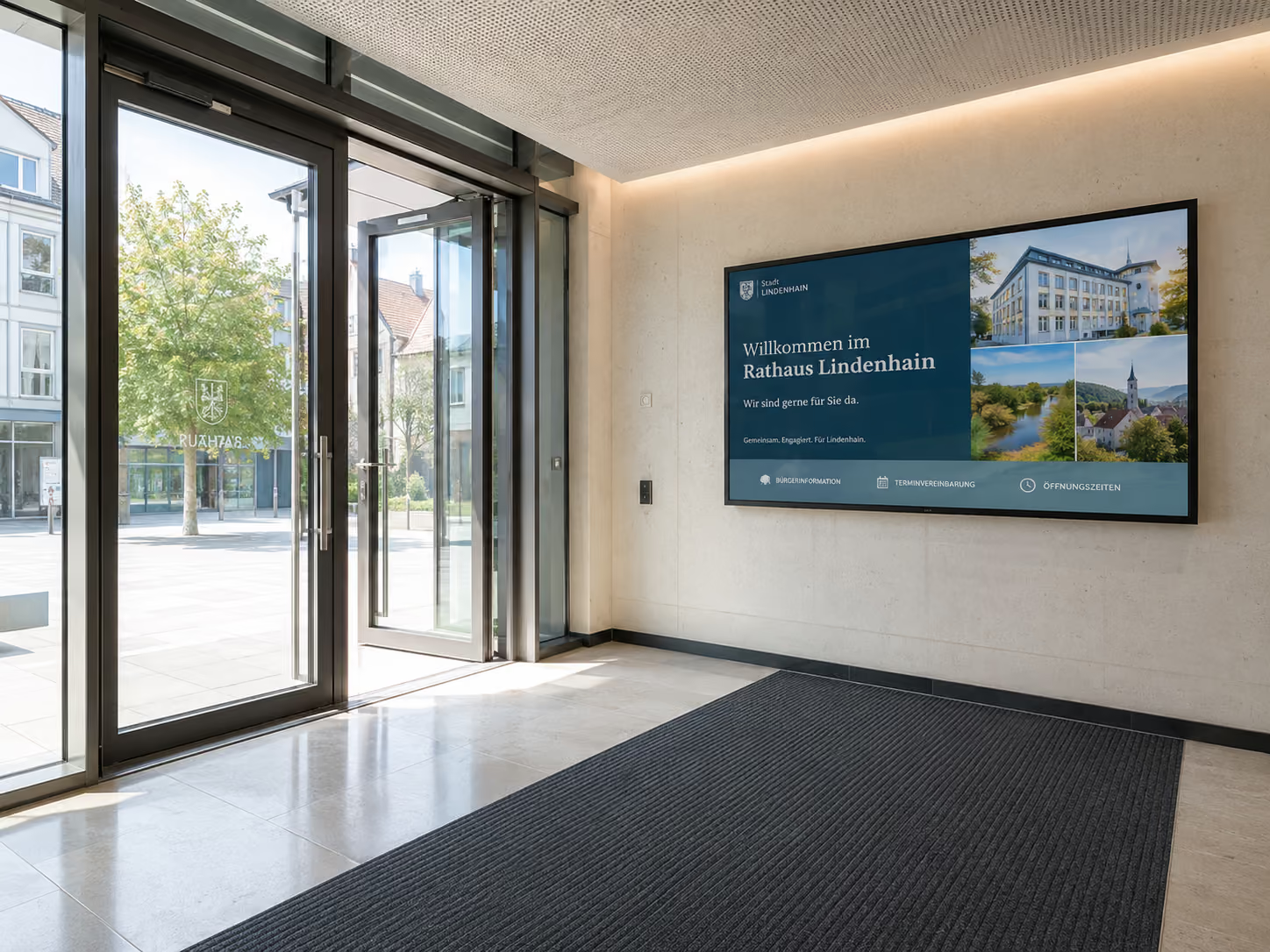
In authorities and public institutions, info displays help to provide citizen information visibly and understandably.
Possible content includes:
- Opening Hours
- Waiting Areas
- Queue Numbers
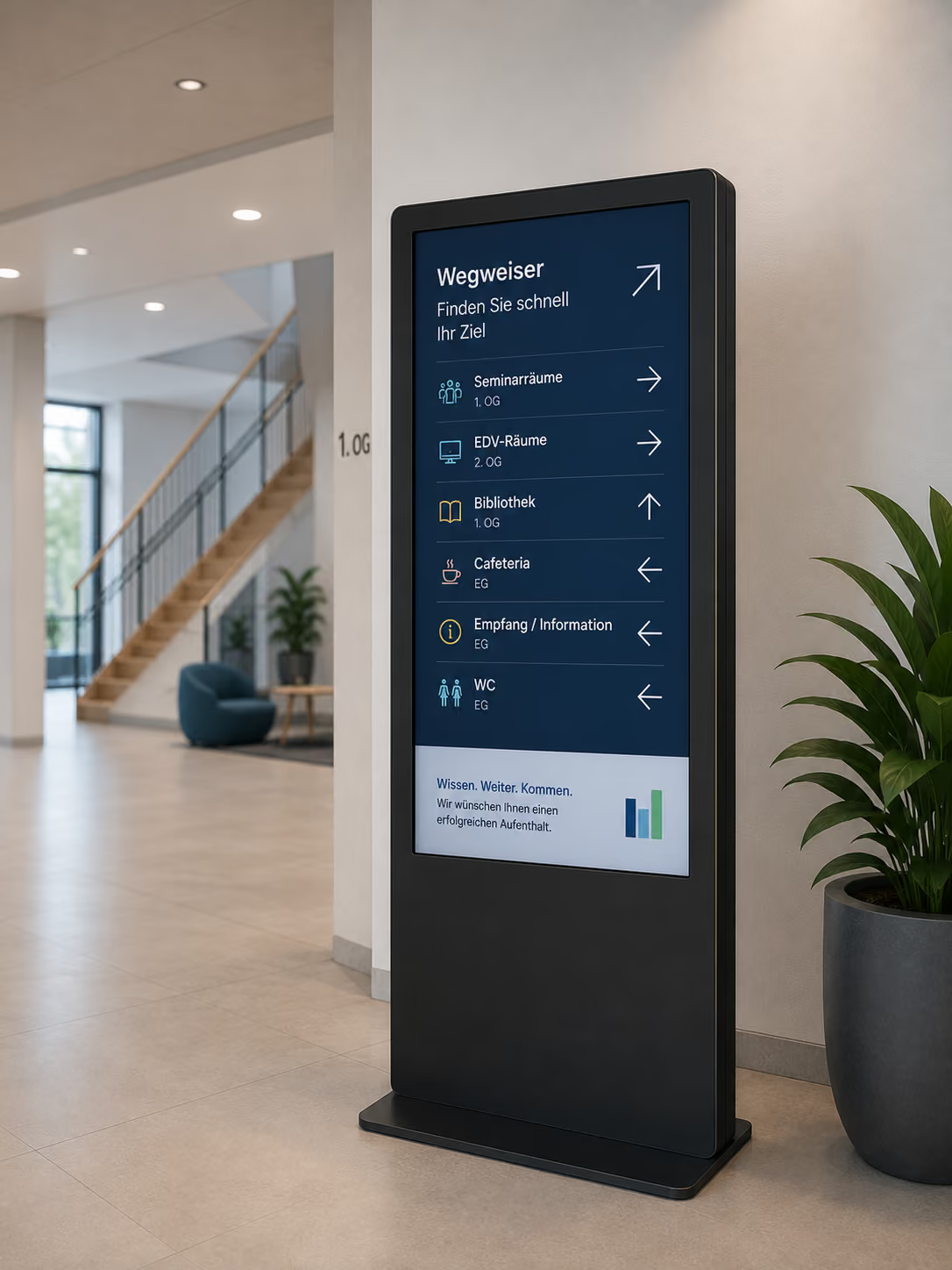
- Wayfinding
- Document Information
- Latest News
- Appointments
- Events
- Safety Information
- Multilingual Information
- Accessible Information
- Emergency Messages
Especially in citizen service centers, town halls, administrative offices, or public buildings, information displays can reduce inquiries and improve wayfinding.
A clear presentation is crucial: large font, simple language, easily readable contrasts, and clear symbols.
Information Displays in Healthcare
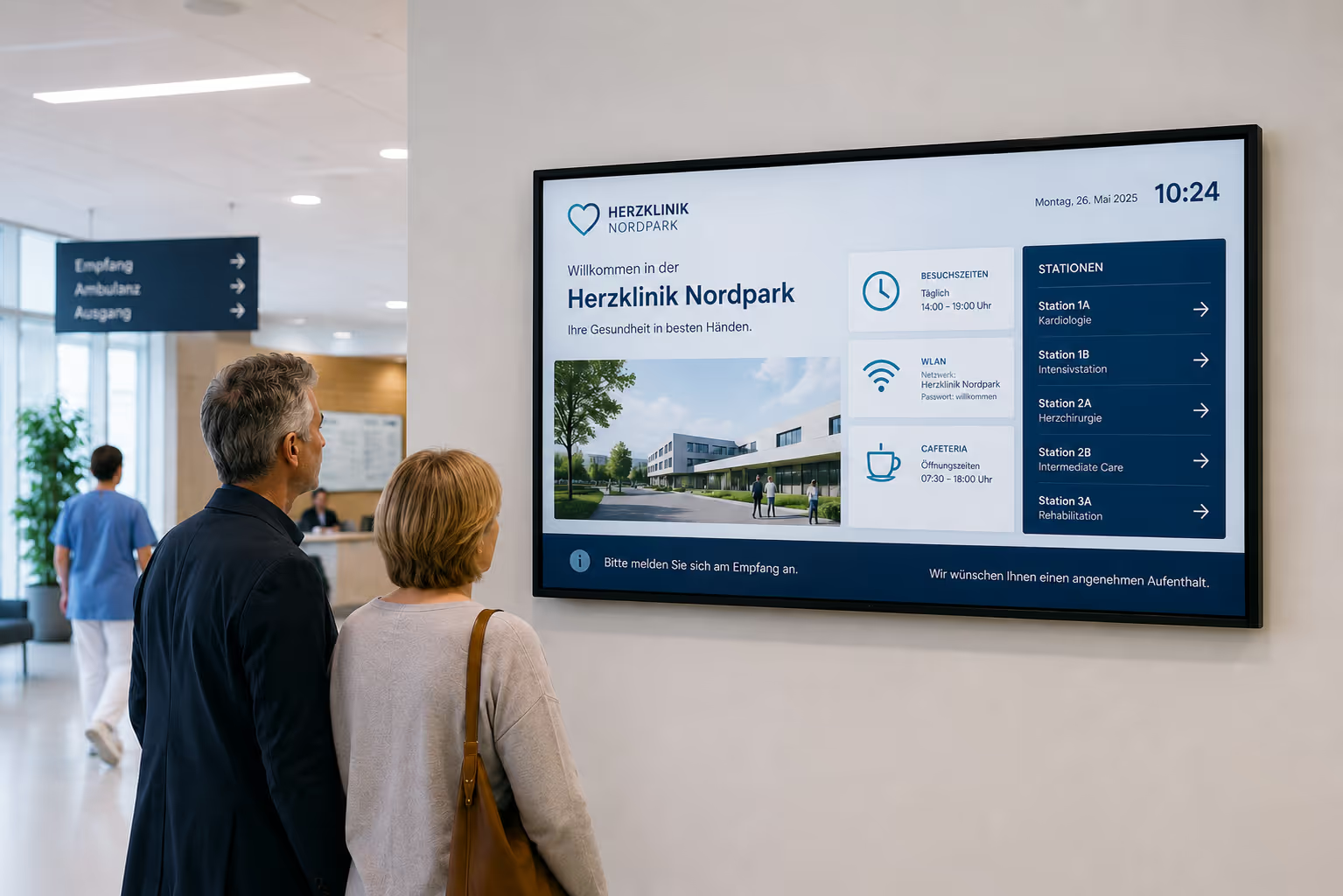
In healthcare, up-to-date and understandable information is particularly important. Clinics, medical practices, laboratories, and therapy facilities work with many dynamic data and processes.
Information displays can perform various functions here:
- Display waiting times
- Guide patients
- Display call numbers
- Visualize laboratory information
- Display process status
- Provide visitor information
- Display hygiene instructions
- Display emergency information
- Provide staff with current key figures
- Present information in multiple languages or in an accessible format
Especially where processes are complex, information displays create more transparency.
Practical example: Munich Leukemia Laboratory visualizes blood samples in real time
The example of the Munich Leukemia Laboratory demonstrates how an information display works in a data-driven work environment.
Laboratories are faced daily with the task of reliably collecting, evaluating, and transparently presenting large quantities of blood samples. The number of samples changes continuously, while staff must maintain an overview at all times. Manual processes are time-consuming, error-prone, and hinder an up-to-date overview of ongoing operations.
Therefore, at the Munich Leukemia Laboratory, sample numbers needed to be visualized in real time. The existing systems were not flexible enough, offered only limited visualization options, and no longer met the requirements for a modern, clear information display.
connectSignage introduced a digital solution for the automated visualization of lab information. The number of blood samples processed is now displayed in real-time on screens and clearly presented. The data is synchronized and automatically updated via CSV files using the CS Uploader.
This eliminates manual data entry, and the information remains accurate and consistent across all locations at all times. Employees get an up-to-date overview of sample numbers, without additional manual effort.
The result: more transparency in lab operations, less manual maintenance, reduced sources of error, and a modern information display that supports daily lab work and highlights the lab's innovative strength.
For reference: Digital Visualization of Blood Samples in the Munich Leukemia Lab
Information Displays for Process Visualization
Information displays are particularly suitable for processes where current figures or status information need to be visible.
This includes, for example:
- Laboratory processes
- Production processes
- Logistics processes
- Support processes
- Waiting processes
- Service processes
- Quality control
- Visitor management
- Patient management
- Room and building management
Instead of storing status information only in specialized systems or lists, it becomes visible on displays. Teams can see at a glance what is happening, where bottlenecks are occurring, and what information is currently important.
This not only supports transparency but also inter-departmental collaboration.
Utilize content from existing systems
Many organizations already store their information in existing systems. An info display shouldn't replace this content, but rather make it visible.
With connectSignage, content from various sources can be integrated or automatically updated, for example:
- CSV files
- Excel spreadsheets
- Databases
- Websites
- SharePoint
- Power BI
- Calendars
- RSS feeds
- APIs
- Internal web applications
- Dashboards
- Weather or traffic data
- Public transport data
This is particularly important because information should not be maintained redundantly. If data already exists in one system, it can be used for display on the info screen.
This turns the info display into a visible interface for existing data sources.
Control info displays by location and target audience
Not all information is relevant for every area. A reception needs different content than a lab. Production needs different key figures than administration. A waiting area needs different information than a break room.
With connectSignage, content can be displayed specifically:
- by location
- by area
- by display
- by target audience
- by time of day
- by day of the week
- by language
- by data source
- by event
This allows an organization to provide central information while simultaneously displaying locally relevant content.
Example:
- The lab sees current sample numbers.
- The reception sees visitor information.
- The waiting area sees call numbers.
- Administration sees public notices.
- Production sees key figures.
- The canteen sees the menu and internal news.
- The hallway shows directions and schedules.
This makes information more relevant and easier to understand.
What businesses need technically
For info displays to function reliably in everyday use, a central software is needed to connect content, data sources, and displays. [SEG 4] Key technical requirements include:
Central control of all info displays
- Simple creation of information layouts
- Automatic content updates
- Integration of CSV, Excel, databases, or APIs
- Integration of websites, dashboards, or Power BI
- Scheduling and playlists
- Location-based content delivery
- Multilingual content
- Roles and rights
- Monitoring for displays and players
- Reliable playback
- Flexible hardware support
- Data privacy and IT security
- Cloud or on-premise operation
- With connectSignage, companies can centrally address these requirements. Content is managed in the browser, data sources are integrated, and content is delivered to the appropriate displays.
Why connectSignage is ideal for info displays
connectSignage is a digital signage software for centrally controlling digital displays. It is particularly well-suited for information displays, as it allows information from various sources to be visualized and managed from a central location.
Key benefits include:
- Central control of all displays
- Automatic information updates
- Integration of CSV files, databases, websites, and dashboards
- Visualization of key figures and process data
- Integration of Power BI, SharePoint, calendars, RSS, and web content
- Easy browser-based management
- Flexible layouts in corporate design
- Scheduling for notices and information campaigns
- Location-specific content delivery
- Roles and permissions for different teams
- Monitoring for reliable operation
- Cloud or on-premise operation
- GDPR-compliant usage
This transforms the information display into a central communication channel — for employees, visitors, patients, citizens, or operational teams.
Typical locations for information displays
Information displays can be used in many places. The key is where information needs to be visible.
Typical locations include:
- Reception
- Lobby
- Waiting Areas
- Corridors
- Lab Areas
- Production Areas
- Shop Floor
- Control Rooms
- Break Rooms
- Cafeterias
- Citizen Service Centers
- Clinics
- Practices
- Schools
- Universities
- Conference Areas
- Elevator Areas
- Entrance Areas
- Service Areas
- Logistics Areas
The content varies depending on the location. In the lab, the focus is on process data. In waiting areas, it's about orientation and transparency. At reception, it's about visitor information. In production, key figures and status messages are central.
Conclusion: Info displays make information visible and usable
Info displays help organizations make information visible where it's truly needed.
They reduce manual maintenance, improve transparency, make data more understandable, and bring information from digital systems into the physical space.
Info displays are particularly valuable wherever information changes frequently, processes need to be visualized, or people shouldn't have to actively search for information.
With connectSignage, companies can centrally control info displays, connect data sources, automatically update content, and display information by location, target audience, or department.
This transforms a screen into a central information channel — current, understandable, and reliable.
FAQ
What is an info display?
An info display is a digital display that visibly shows current information, notices, key figures, process data, dashboards, or messages. It is used to provide information centrally and understandably.
What is an info display suitable for?
An info display is suitable for key figures, dashboards, waiting times, call numbers, process data, visitor information, internal communication, public information, lab information, production data, and notices.
Where are info displays used?
Info displays are used in reception areas, waiting areas, labs, clinics, public authorities, schools, production areas, break rooms, hallways, canteens, control rooms, and public facilities.
What is the advantage over a traditional notice board?
An info display is more current, flexible, and centrally controllable. Content does not need to be printed or manually replaced. Data can be automatically updated and displayed on multiple screens.
Can info displays show real-time data?
Yes. Info displays can show real-time data or regularly updated data, for example, from CSV files, databases, dashboards, calendars, websites, or other systems.
Can dashboards be shown on info displays?
Yes. Dashboards from tools like Power BI, web applications, or internal systems can be made visible on info displays. This makes key figures directly perceptible in the work environment.
Can info displays reduce waiting times?
Information displays cannot always shorten actual waiting times, but they can improve perceived waiting times. When people know what is happening and what the process looks like, the waiting time feels more transparent and less uncertain.
Can information displays be used in laboratories?
Yes. Information displays are very well suited for laboratories because they can show current sample numbers, process data, status information, or key figures. For example, the Munich Leukemia Laboratory uses connectSignage for real-time visualization of blood sample counts.
Can information displays be connected to CSV files or Excel?
Yes. Data from CSV files, Excel spreadsheets, or other data sources can be used for information displays and automatically updated.
Can information displays be used for internal communication?
Yes. Information displays can show company news, HR notices, safety announcements, key figures, appointments, or location information, thereby making internal communication visible.
Can information displays be controlled based on location?
Yes. With connectSignage, content can be delivered based on location, area, target audience, display, time, or language.
How does connectSignage support information displays?
connectSignage helps companies centrally control information displays, connect data sources, automatically update content, and make information visible on displays.
Is a GDPR-compliant information display possible?
Yes. An information display can be operated in a GDPR-compliant manner if hosting, rights management, data protection, and content processes are implemented accordingly. connectSignage is designed for secure and data protection-compliant use.
Bereit deine Kommunikation zu transformieren?
Entdecken, wie connectSignage deine Botschaften sichtbar und wirksam macht.
Weitere Insights zur digitalen Kommunikation
Lese mehr zu Trends, Strategien und Technologien, die Unternehmen verändern.
.png)

.png)
.png)
Digital Signage Insights Delivered Straight to Your Inbox
Trends, best practices, and tips—concise, relevant, and practical.