
Room Booking: Make rooms visible before they are searched for
In many companies, meeting rooms are in daily use. Teams plan workshops, client appointments, internal alignments, presentations, job interviews, or spontaneous meetings.
The problem: Rooms are often booked, but not always actually used. Employees search for available rooms, even though the calendar seemingly shows everything as occupied. On-site, it's not immediately visible whether a room is free, reserved, or currently occupied. At the same time, queries arise at reception, in office management, or among colleagues.
This is exactly where digital room booking comes in.
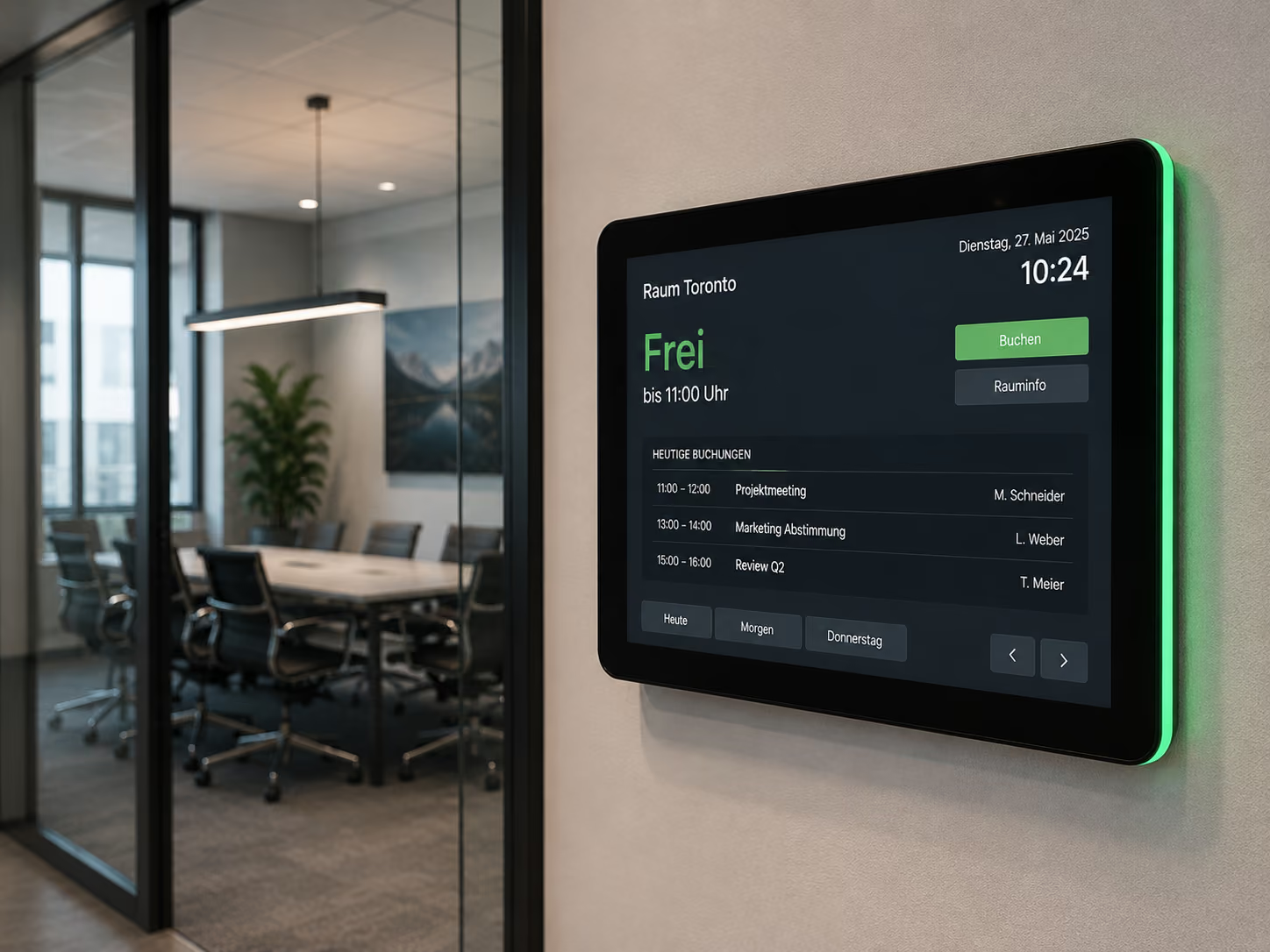
Briefly explained: Digital room booking connects existing calendars like Microsoft Outlook, Exchange, Google Workspace, or iCal with digital door displays and screens. Employees book rooms as usual in their calendar. connectSignage automatically retrieves the room data and displays directly at the room whether it is free, occupied, or reserved. Additionally, rooms can be spontaneously booked or released early via touch displays.
Digital room booking does not replace the calendar. It makes calendar information visible within the building — right where rooms are used.
Why traditional room booking reaches its limits
In many companies, room booking already happens digitally via Outlook, Exchange, or Google Calendar. Nevertheless, problems arise in daily operations because while the booking is in the calendar, it's not visible on-site.
A room appears empty but is booked. A room is booked but not used. Meetings end early but remain blocked in the calendar. Employees walk through the building looking for available rooms. Visitors don't know which room is designated for their appointment.
Typical challenges of traditional room booking include:
- Room occupancy is not visible on-site.
- Employees don't know if a room is actually available.
- Booked rooms remain unused and blocked.
- Spontaneous meetings are difficult to organize.
- Meetings are not released when they end early.
- Reception and office teams have to answer queries.
- Visitors don't find meeting rooms immediately.
- Room data remains hidden in the calendar.
- multiple locations or floors are difficult to manage.
- Room booking operates in isolation from welcome screens and wayfinding.
Digital room booking solves these problems by making calendar information visible and directly accessible at the room.
Why Digital Room Booking is Becoming Increasingly Important
Digital room booking is gaining importance as work environments become more flexible. Companies are adopting hybrid models, office spaces are being utilized more dynamically, and meeting rooms need to be optimized for better occupancy.
Simultaneously, many organizations experience "ghost bookings": rooms are reserved in the calendar but are not actually used. Workplace analyses reveal that in many companies, there can be a 20 to 30 percent gap between booked and actual room usage time. Other studies suggest that approximately 30 percent of booked meeting rooms may remain unused.
For companies, this means the problem isn't always a lack of space; often, it's a lack of transparency.
When employees can't see if a room is actually available, it leads to wasted search time, unnecessary inquiries, and blocked spaces. Simultaneously, valuable office areas remain unused, despite appearing occupied in the calendar.
Digital room booking addresses precisely this issue.
It makes current occupancy visible, connects calendar data with the physical space, and empowers employees to book or release rooms directly on-site. This transforms a simple calendar booking into visible room management.
This is particularly relevant for companies with numerous meeting rooms, multiple floors, hybrid teams, high visitor traffic, or flexible workspaces.
Who Can Benefit from Digital Room Booking?
Digital room booking is suitable for all organizations looking to more efficiently manage meeting rooms, conference rooms, conference areas, or flexible spaces.
It is especially beneficial for:
- Corporate headquarters
- Office buildings
- Insurance companies and banks
- Consultancies and agencies
- Industrial companies
- Government Agencies and Administrations
- Schools and Universities
- Clinics and Healthcare Facilities
- Hotels and Conference Centers
- Coworking Spaces
- Event Venues
- Conference Areas
- Campus Areas
- Research and Training Centers
- Companies with Hybrid Work Models
- Organizations with frequent visitor appointments
The greatest benefit is realized wherever rooms are regularly booked, but it's not transparently clear on-site whether they are free, occupied, or available.
What are the benefits of digital room booking?
Digital room booking improves transparency, space utilization, and navigation within the building.
The main advantages are:
- Room occupancy is visible directly at the room.
- Employees find available rooms faster.
- spontaneous meetings can be booked more easily.
- Rooms can be released if a meeting ends early.
- Outlook, Exchange, Google Workspace, or iCal remain the central source.
- digital door signs show status, time, and meeting information.
- LED status displays make free and occupied rooms visible from a distance.
- Reception and office management are relieved.
- Visitors find the right room more easily.
- Welcome screens and wayfinding can use the same calendar data.
- Rooms are used more efficiently.
- Ghost bookings become more visible.
Digital room booking is therefore not just a door sign. It is a system that connects calendars, room status, orientation, and building communication.
What does digital room booking achieve compared to a traditional room calendar?
A traditional room calendar shows when a room is booked. However, this information often remains hidden within the calendar. It's not immediately clear at the room door whether the booking is still current or if the room can be used spontaneously.
Digital room booking makes this information visible and interactive.
The difference is particularly evident in five areas:
1. Visibility
A calendar must be actively opened. A digital door sign shows directly at the room whether it is free, occupied, or reserved.
2. Timeliness
Calendar bookings are automatically synchronized. If an appointment is rescheduled, extended, or canceled, the display at the room updates automatically.
3. Spontaneous Use
A room can be booked directly at the door sign if it is free. This is particularly helpful for quick discussions or spontaneous meetings.
4. Better Utilization
If meetings end early, the room can be released directly on the display. This makes it available to others more quickly.
5. Orientation
Room booking can be linked with welcome screens, foyer displays, and digital wayfinding. Visitors not only see that an appointment is taking place, but also where they need to go.
Digital room booking transforms a calendar entry into visible and usable information within the building.
Seamless calendar integration without additional software
A key advantage of digital room booking is that employees don't have to learn new software. Bookings continue to be made within the systems they already use.
connectSignage can be directly connected to existing calendar and room resources, for example:
- Microsoft Exchange
- Microsoft Outlook
- Google Workspace
- Google Calendar
- iCal interfaces
In daily operations, it's simple: An employee books a meeting as usual in Outlook or Google Calendar and adds the appropriate room as a resource, for example, "Meeting Room 1".
connectSignage automatically retrieves this data. The meeting name, time, duration, and current status appear on the digital door sign directly in front of the room.
This reduces training effort and ensures that room booking is not perceived as an additional process. The calendar remains the central source. The display makes the information visible.
Smart door signs with status display
Digital door signs show directly in front of the room what is currently happening. They make it visible whether a room is free, occupied, or reserved.
Typical information on a door sign includes:
- Room name
- Current status
- Meeting name
- Start and End Time
- next booking
- Meeting Duration
- Contact Person
- Room Capacity
- Equipment Notes
- QR Code or More Information
Room booking displays with LED status frames are particularly practical. Professional hardware like ProDVX displays can use side LED strips to make the room status visible from a distance.
A green frame indicates: The room is available.
A red frame indicates: The room is occupied.
Another status can indicate: The room is reserved or will soon be occupied.
This means employees don't have to stand directly in front of the display. They can see from the hallway whether a room is available.
Ad-hoc bookings directly at the door display
Not every meeting is planned in advance. Often, the need for a quick discussion, a phone call, or a confidential conversation arises spontaneously.
Digital door displays with touch functionality enable ad-hoc bookings directly on-site.
If a room is available, an employee can tap 'Book Now' on the display and block the room for a defined period, for example, for the next 30 minutes.
The booking is automatically synchronized back to the connected Outlook, Exchange, or Google calendar. This way, other employees immediately see that the room is now occupied.
This is particularly helpful for:
- spontaneous project meetings
- quick discussions
- confidential discussions
- job interviews
- phone calls
- video calls
- quick team huddles
- workshops
This makes room booking more flexible and closer to actual daily work.
End meetings early and release rooms
A common office problem: meetings are booked for an hour but end after 30 minutes. The room remains blocked in the calendar nonetheless.
Digital door signs can reduce this problem.
If a meeting ends early, the room can be released directly on the touch display. The change is synchronized back to the calendar, and the room becomes visibly available again for other employees.
This improves actual room utilization. Especially in buildings with a high meeting frequency, this can make a noticeable difference because rooms are not unnecessarily blocked.
Single Source: One Calendar, Multiple Displays
The biggest advantage of digital room booking arises when room data is not only used on the door sign but integrated into the entire digital signage infrastructure.
The calendar becomes the central data source. connectSignage can make this information visible at various locations throughout the building.
Examples:
- Door sign in front of the meeting room
- Overview board in the foyer
- Welcome screen at reception
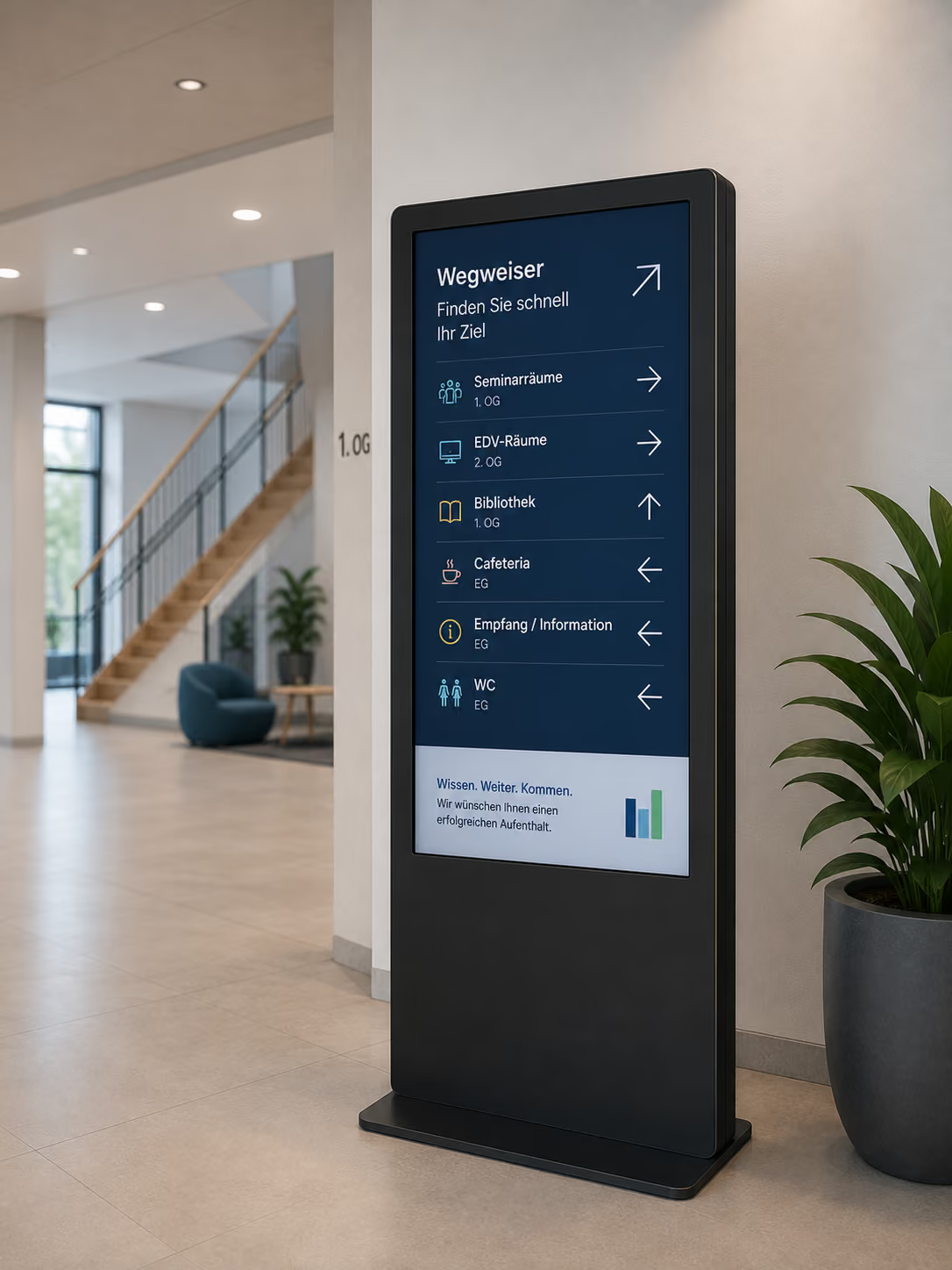
- Digital wayfinding in the building
- Conference area with room overview
- Floor display
- internal info display
This creates a seamless process: The room is booked in the calendar, the door sign shows its occupancy, the welcome screen can greet guests, and a foyer display can show the way to the room.
This reduces duplicate maintenance. The same information doesn't have to be entered manually in multiple places.
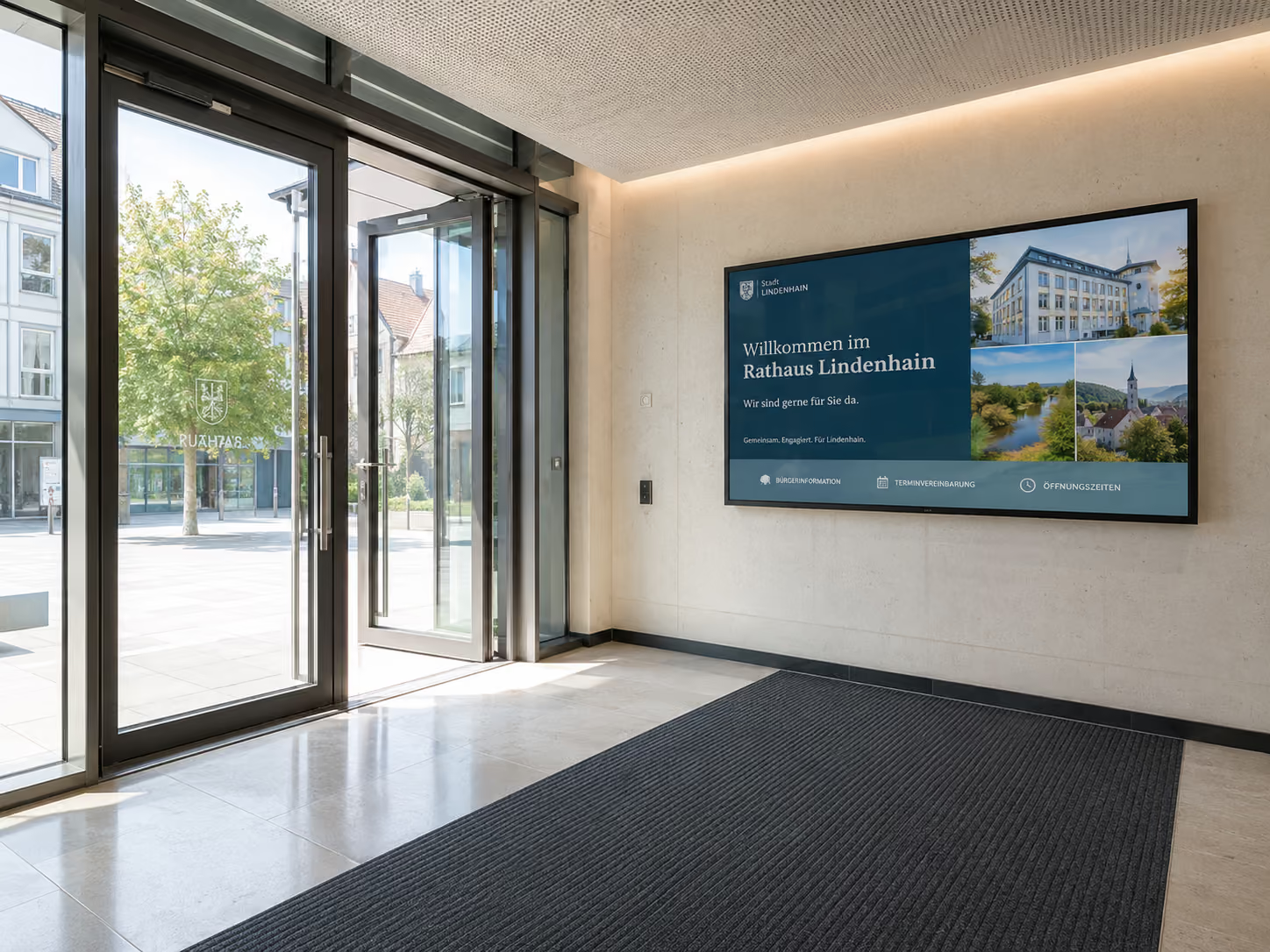
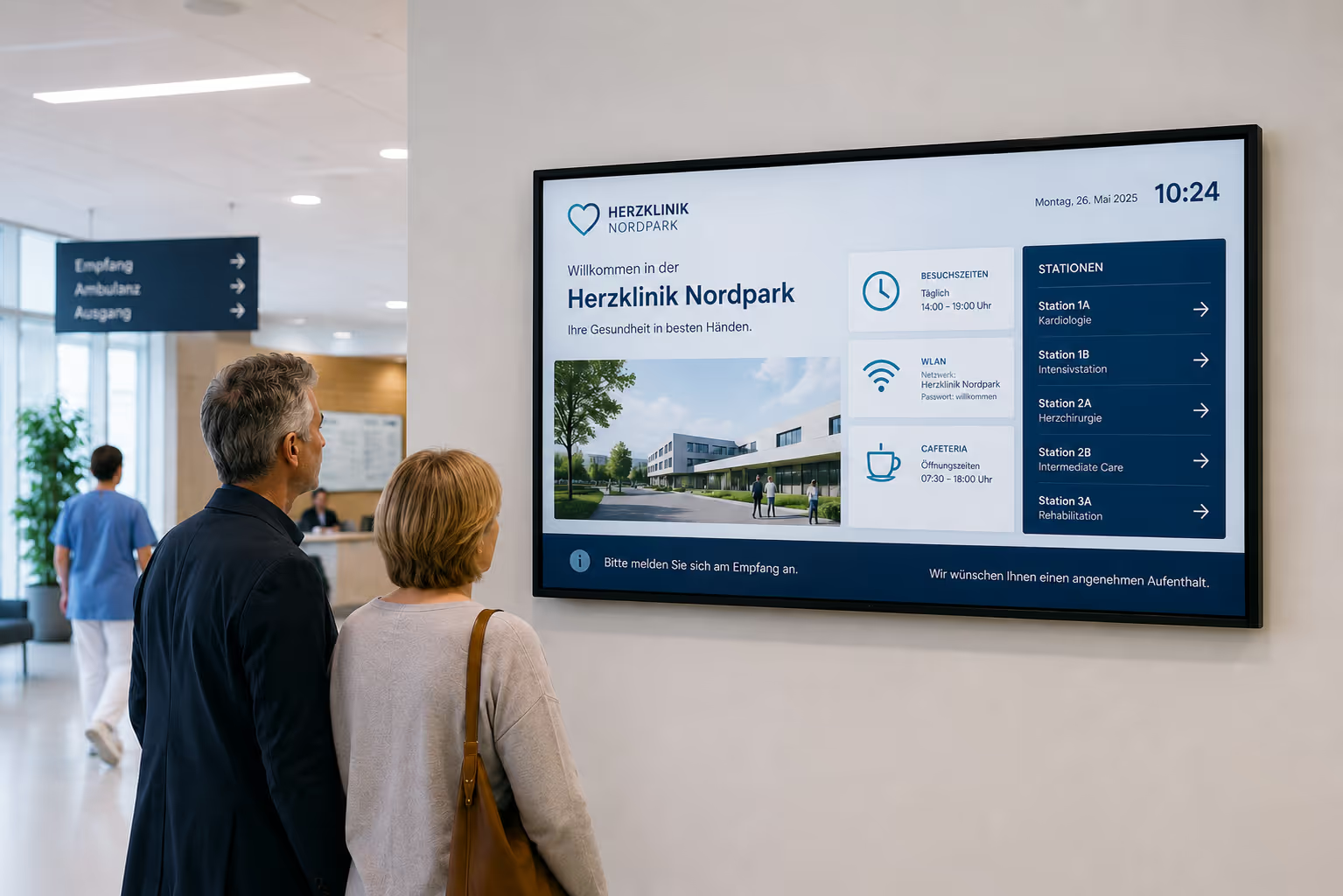
Foyer greeting and wayfinding with room booking data
Room booking doesn't end at the door. Especially for visitor appointments, it's important that guests are not only expected but also know where they need to go.
When a meeting room is booked, the same calendar data can also be used for other displays.
An example:
A customer has an appointment at 10:00 AM in the "Munich" room. The room was booked as a resource in Outlook.
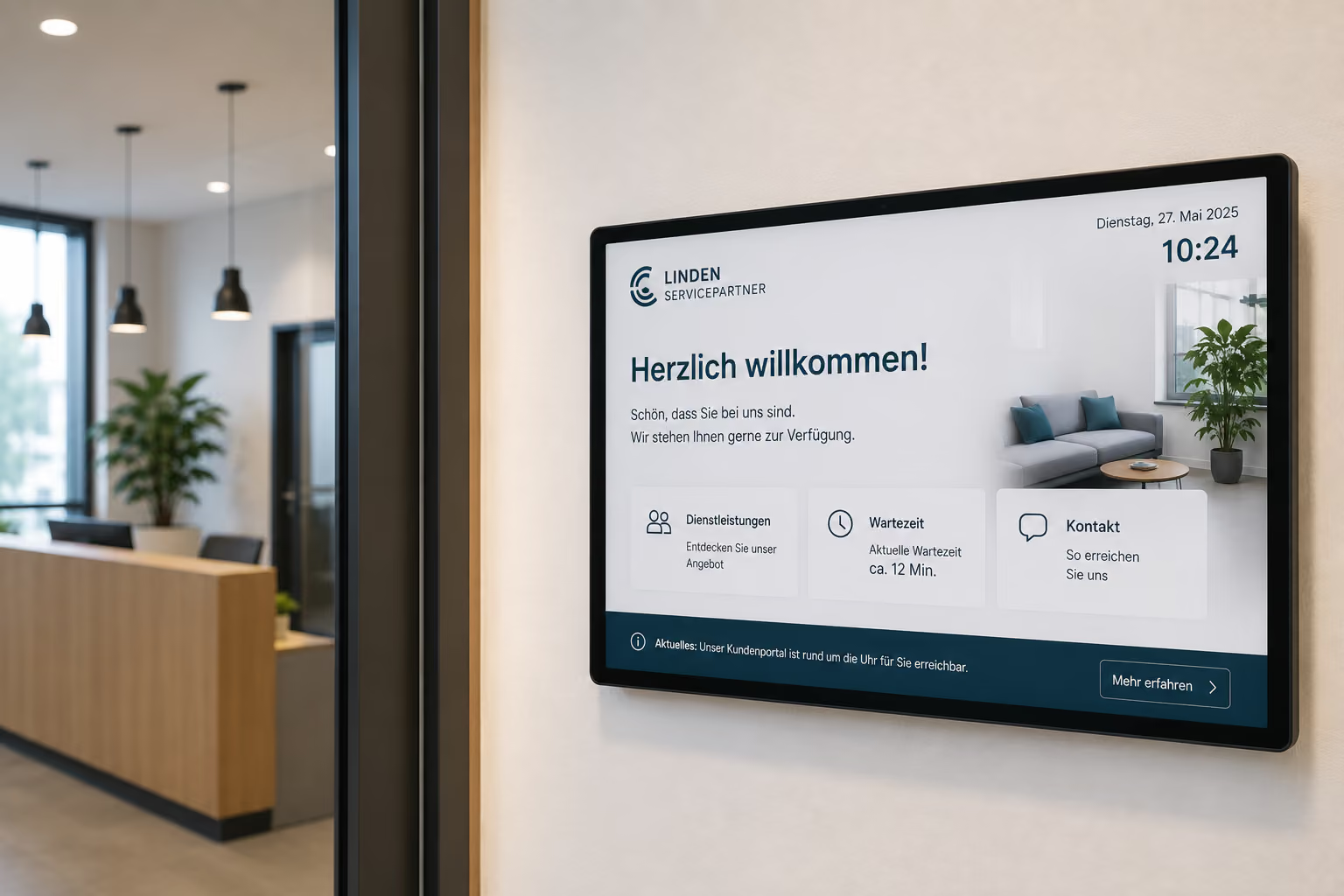
connectSignage can use this information to display a welcome screen at reception:
“Welcome, Müller GmbH. Your appointment is in the Munich room.”
At the same time, a foyer display or digital wayfinding can show the way to the room.
This turns a room booking into seamless visitor communication — from reception to the meeting room.
Multifunctional door signs and displays
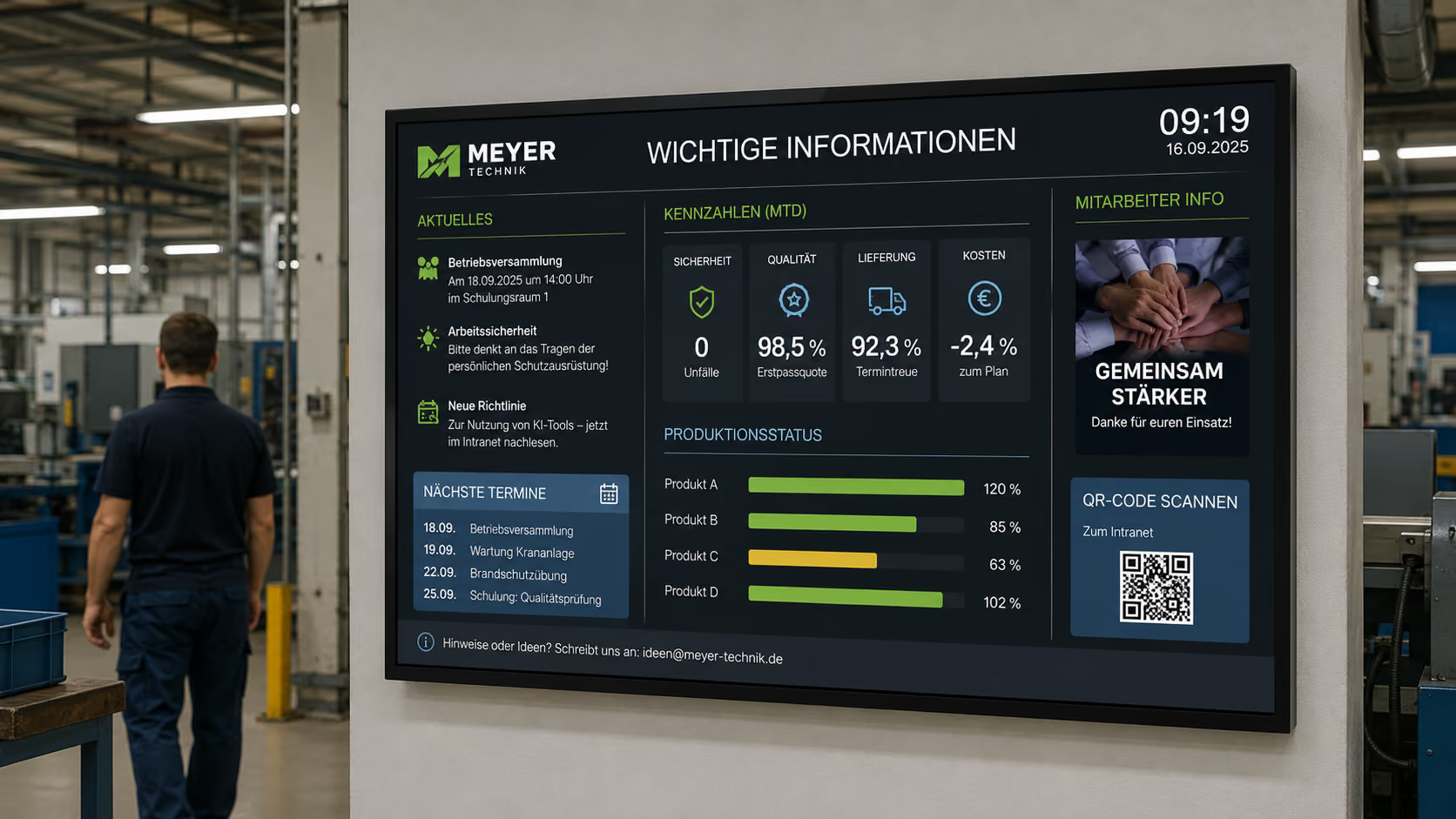
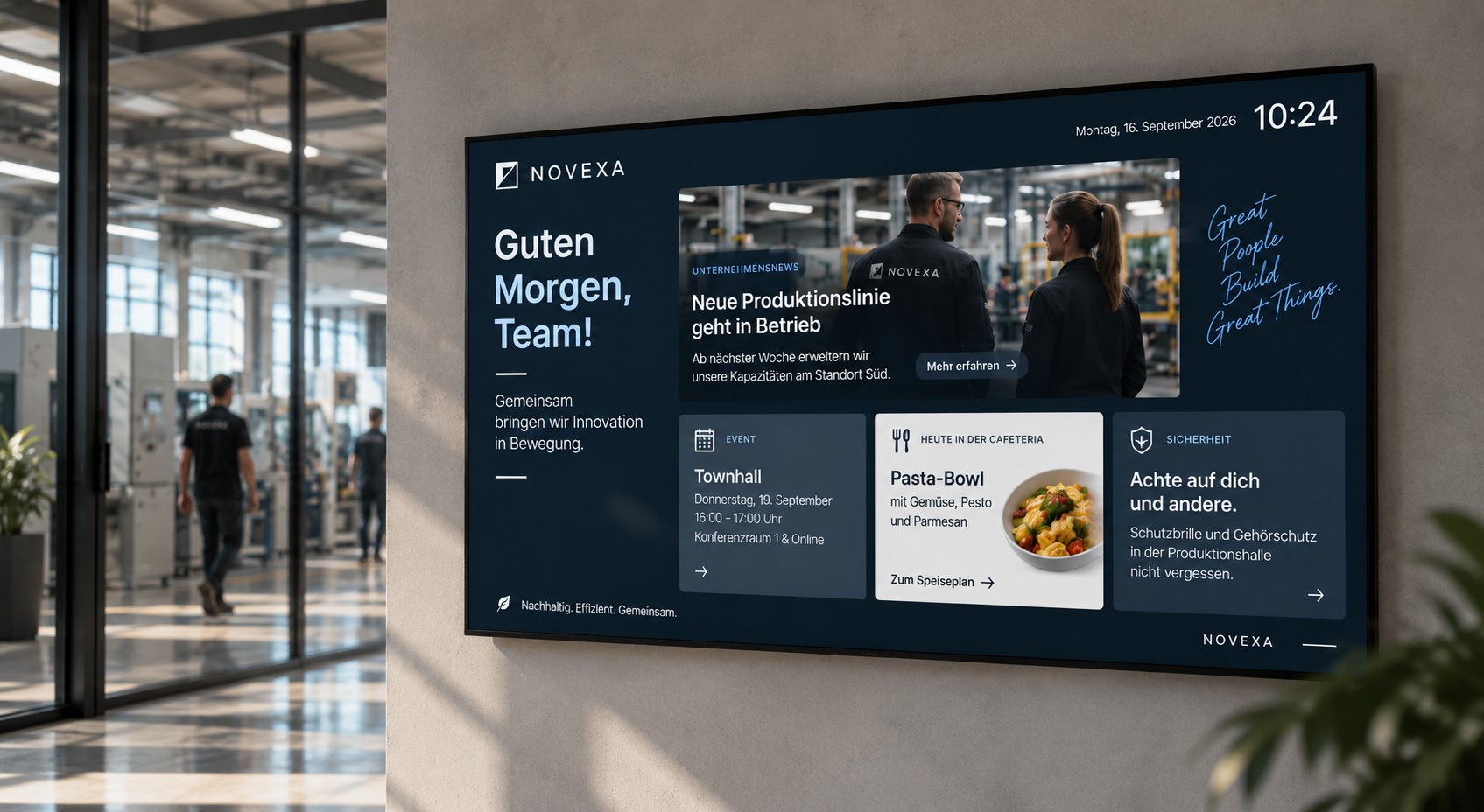
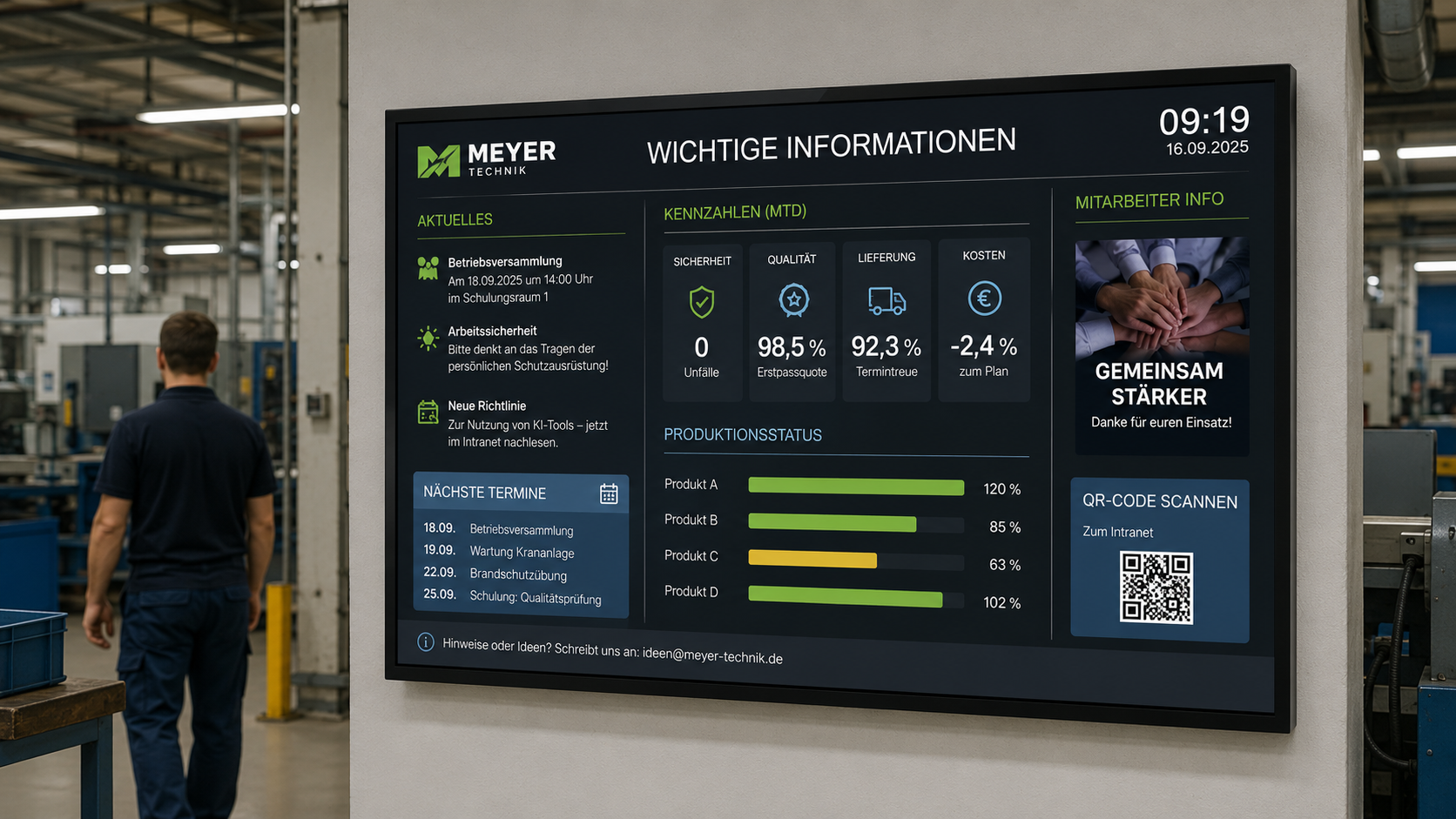
Digital door signs don't have to display only calendar information. They can become part of the overall corporate communication.
Depending on the layout, additional information can be integrated, for example:
- internal news
- Canteen menu
- short notices
- Room Rules
- QR Codes
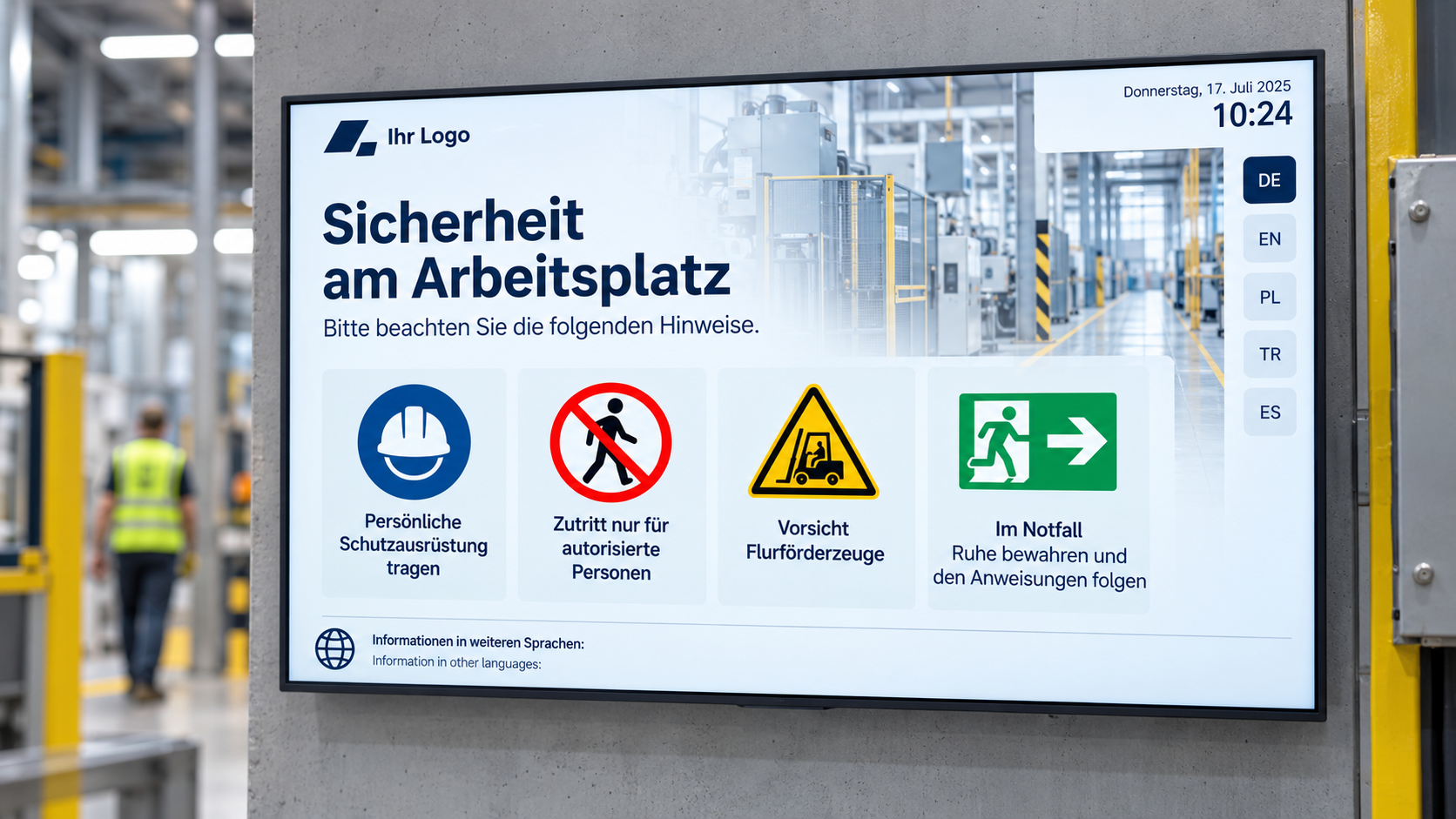
- Safety Information
- Visitor Information
- Maintenance Messages
- Equipment Information
It's important that the primary function remains clear: the room status must be visible at a glance.
In normal operation, a door sign can therefore also display small information sections. In an emergency, pre-configured emergency notices or escape route information can override other content.
This way, the door sign is not viewed in isolation, but as part of a larger digital signage infrastructure.
Emergency override also on room booking displays
Digital room booking displays can show room status and meeting information during normal operation. In an emergency, however, they can also be used as a visual information display.
If emergency content is prioritized for display, room booking tablets can also show relevant notices, for example:
- Evacuate Building
- Do not use elevators
- Proceed to assembly point
- Area closed
- Follow escape route
- All clear
This is particularly useful because door signs are visible in many places throughout the building. They are often located in hallways, meeting areas, and circulation areas.
Crucially: Here too, digital signage does not replace mandated alarm or security systems. It complements existing security concepts with additional visual cues.
Case Study: WWK Creates a Multifunctional Space for Collaboration and Communication
The WWK Insurance Group demonstrates how digital room booking, modern media technology, and digital signage can work together at its Munich headquarters.
WWK wanted to create a space that meets various requirements: informal meetings, formal presentations, and open exchange among employees. Simultaneously, the lounge was intended to serve as a meeting point, strengthen the corporate culture, and make WWK's brand image visible.
With connectSignage, the WWK lounge was transformed into a multifunctional communication space. In combination with modern media technology, content can be flexibly controlled — suitable for meetings, presentations, or informal formats. The displays are centrally managed and can be adjusted at any time.
The result is a versatile space that combines information, collaboration, and brand communication. Employees use the lounge for meetings, presentations, and informal exchange in a motivating environment. At the same time, digital content ensures a modern work atmosphere, efficient information delivery, and consistent brand presence within the corporate environment.
This case study shows that room booking is not just a technical function. It is part of modern room communication: rooms can be used more flexibly, content can be adapted to various usage scenarios, and meeting areas become prominent communication areas.
View the case study: WWK Creates a Multifunctional Space for Collaboration and Communication
Digital Room Booking for Diverse Applications
Digital room booking works in many environments. The specific requirements differ depending on the organization.
Office Buildings and Corporate Headquarters
In office buildings, digital room booking helps to make meeting rooms visible, enable spontaneous bookings, and better organize visitor appointments.
Insurance Companies, Banks, and Consulting Firms
In advisory-intensive environments, client appointments, confidential discussions, and presentations are particularly important. Digital room booking provides clarity and professionalism.
Schools and Universities
In educational institutions, rooms for classes, exams, workshops, parent-teacher evenings, or events can be visibly booked and displayed.
Hotels and Conference Centers
Hotels and conference centers use digital room booking for conference rooms, seminar rooms, events, workshops, and visitor groups.
Government Agencies and Public Institutions
In administrative offices, meeting rooms, conference rooms, or consultation rooms can be organized more efficiently and made visible to employees and visitors.
Coworking and flexible work environments
In coworking spaces or hybrid office environments, spontaneous room usage is particularly important. Digital door signs immediately show which rooms are available.
What companies need technically
For digital room booking to work reliably, a central software is needed that connects calendars, rooms, displays, and permissions.
Important technical requirements are:
- Integration with Microsoft Exchange and Outlook
- Integration with Google Workspace and Google Calendar
- iCal interfaces
- Digital door signs with touch function
- LED status display for available and occupied rooms
- Ad-hoc booking directly at the display
- Releasing rooms when a meeting ends early
- Automatic synchronization back to the calendar
- Central control of all room booking displays
- Overview boards for foyers and floors
- Combination with Welcome Screens
- Combination with digital wayfinding
- Roles and permissions
- Location-based content display
- Monitoring for displays and players
- reliable playback
- Power-over-Ethernet-enabled hardware
- Cloud or on-premise operation
- Data privacy and IT security
With connectSignage, companies can centrally manage these requirements and integrate digital room booking into their existing digital signage infrastructure.
Why connectSignage is suitable for digital room booking
connectSignage is digital signage software for central control of digital displays. connectSignage is particularly suitable for digital room booking because calendar data, door signs, welcome screens, wayfinding, and information displays can be interconnected.
The key benefits are:
- Integration with Outlook, Exchange, Google Workspace, and iCal
- Leveraging existing calendar processes
- No additional software required for staff
- Digital door signs with room status
- LED status frames for quick orientation
- Ad-hoc booking via touch
- End meeting early and release room
- Automatic synchronization with the calendar
- Central control of all room displays
- Combination with welcome screens and wayfinding
- Multifunctional use of door signs
- Emergency override for safety information
- Monitoring for reliable operation
- flexible hardware support, for example professional room booking displays
- Cloud or on-premise operation
- GDPR-compliant use
This makes digital room booking a visible component of modern building and employee communication.
Typical locations for digital room booking
Digital room booking can be used wherever rooms are planned, displayed, or used spontaneously.
Typical locations include:
- Meeting rooms
- Discussion rooms
- Conference rooms
- Training rooms
- Workshop rooms
- Creative rooms
- Phone booths
- Focus rooms
- Consultation booths
- Boardrooms
- Project rooms
- Coworking Spaces
- Event Rooms
- Seminar Rooms
- Conference Rooms
- Lounges
- Multi-functional Rooms
Requirements vary depending on the room type. For traditional meeting rooms, booking is the primary focus. For multi-functional rooms, presentation, brand communication, and internal communication also come into play. For visitor appointments, welcome screens and wayfinding are particularly relevant.
Conclusion: Digital room booking makes rooms more visible and enables more efficient use
Digital room booking helps companies organize meeting rooms more transparently, flexibly, and efficiently.
Employees continue to book rooms in Outlook, Exchange, Google Workspace, or via iCal. connectSignage displays this information directly at the room. Digital door signs show the current status, enable ad-hoc bookings, and help release rooms when meetings end early.
Digital room booking becomes particularly powerful when connected to the rest of the digital signage infrastructure. Then, the same calendar data can also be used for welcome screens, foyer overviews, digital wayfinding, or safety information.
With connectSignage, a standard tablet or professional room booking display transforms into an interactive system for modern room communication — centrally controllable, calendar-based, and easy to use daily.
FAQ
What is digital room booking?
Digital room booking connects calendar data with digital door signs and displays. Rooms are booked as usual in Outlook, Exchange, Google Workspace, or iCal and automatically shown at the room.
How does digital room booking work with Outlook?
An employee books a meeting in Outlook and adds the room as a resource. connectSignage retrieves the calendar data and automatically displays it on the room's door sign.
Does connectSignage support Google Workspace?
Yes. connectSignage can use room data from Google Workspace or Google Calendar and display it on digital room booking displays.
Can iCal calendars be integrated?
Yes. Calendar information can be integrated via iCal interfaces and used for room booking displays.
Do employees need to learn new software?
No. Employees continue to book rooms in their familiar calendars. connectSignage merely makes the booking visible and interactively usable on displays.
What does a digital door sign show?
A digital door sign shows the room name, current status, meeting name, start and end times, next booking, and depending on the layout, additional information such as room capacity or equipment.
What does an LED status frame mean?
An LED status frame visually indicates the room status. Green can mean a room is free. Red indicates the room is occupied. This allows employees to see from a distance whether a room is available.
Can rooms be booked directly at the door sign?
Yes. Free rooms can be booked directly on-site via touch displays, for example, for spontaneous meetings or quick discussions.
Can a meeting be ended early?
Yes. If a meeting ends early, the room can be released directly at the door sign. The information is synchronized back to the calendar, making the room available again.
What are ghost bookings?
Ghost bookings are room reservations that exist in the calendar even though the room is not actually being used. Digital room booking can help make such blocked rooms more visible and better utilized.
Can room booking data be used for welcome screens?
Yes. Calendar data can also be used for welcome screens, foyer overviews, or digital wayfinding. This allows guests to be greeted and guided to the correct room.
Can door signs also display other content?
Yes. In addition to room status and calendar data, door signs can also display short news, notices, QR codes, canteen information, or safety information, depending on the layout.
Can room booking displays be overridden in an emergency?
Yes. In an emergency, room booking displays can be overridden with prioritized safety information, such as evacuation instructions or escape route information.
What hardware is suitable for digital room booking?
For digital room booking, professional touch displays or tablets are suitable, ideally with a reliable power and network supply such as Power over Ethernet. Specialized room booking displays with LED status frames are often used.
How does connectSignage support digital room booking?
connectSignage connects calendar data with digital door signs, welcome screens, wayfinding, and other displays. Rooms can be made visible, booked spontaneously, and controlled centrally.
Bereit deine Kommunikation zu transformieren?
Entdecken, wie connectSignage deine Botschaften sichtbar und wirksam macht.
Weitere Insights zur digitalen Kommunikation
Lese mehr zu Trends, Strategien und Technologien, die Unternehmen verändern.
.png)

.png)
.png)
Digital Signage Insights Delivered Straight to Your Inbox
Trends, best practices, and tips—concise, relevant, and practical.