
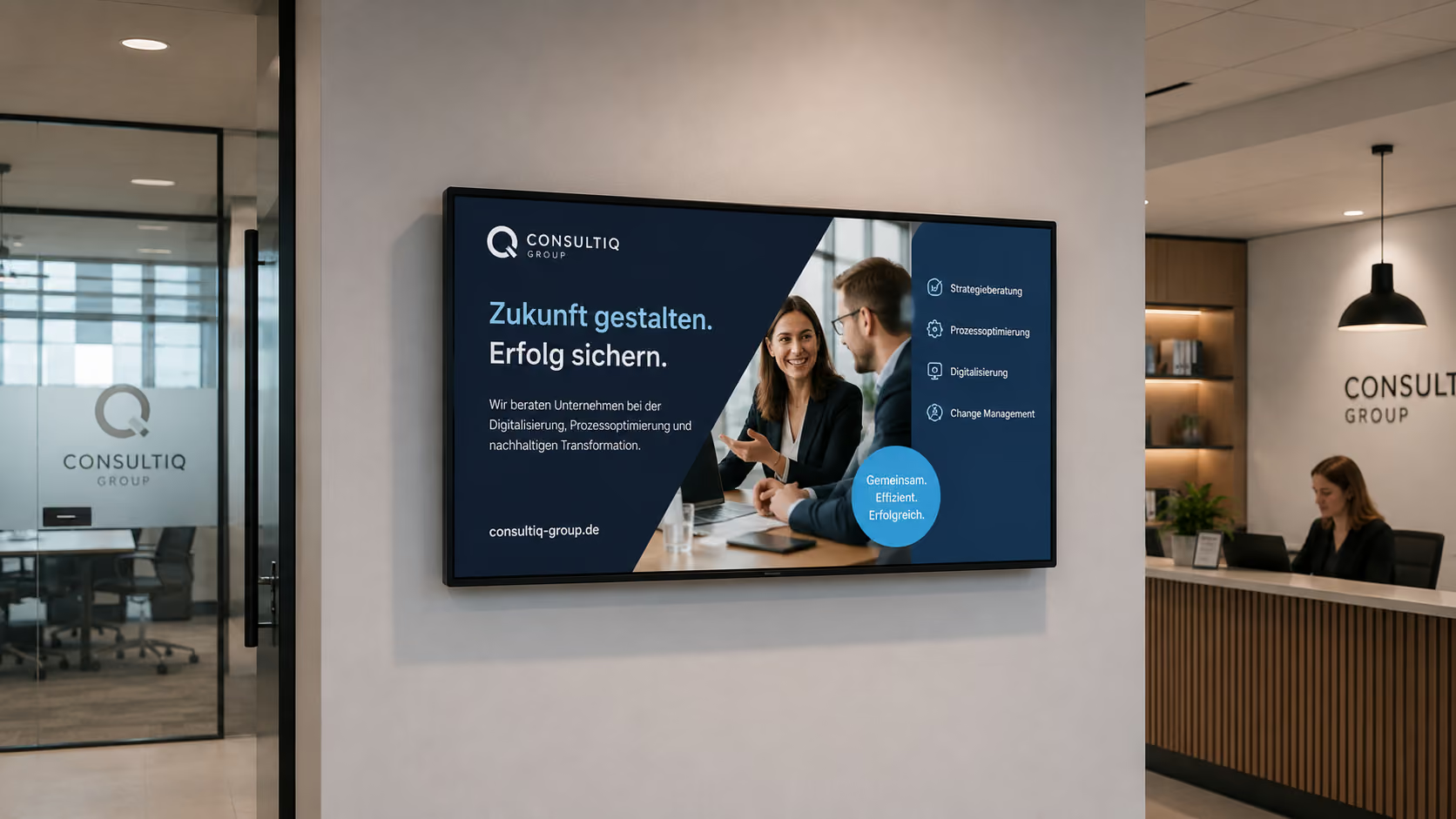
The digital first impression for service providers
For service companies, trust often develops even before the first conversation. The reception area, waiting area, meeting room, or shop window show how professionally, organized, and attentively a company communicates.
At the same time, service providers face a unique challenge: they usually don't sell physical products that can simply be displayed. Expertise, references, customer testimonials, processes, consulting competence, and corporate culture must be made visible.
This is precisely where Digital Signage comes in for service providers.
Briefly explained: Digital Signage for service providers refers to the use of digital displays to centrally present reception information, greetings, references, meeting room occupancy, company news, social proof, shop window content, and internal communication. With connectSignage, law firms, consultancies, agencies, real estate offices, financial service providers, insurance companies, practices, studios, and service businesses can centrally manage content for reception, waiting areas, meeting rooms, shop windows, hallways, and employee areas.
Digital displays not only replace notices or printed information materials. They help service providers make their expertise more visible, improve the first impression, and inform customers, partners, and employees more effectively.
Why Communication is Particularly Important for Service Providers
Services often require explanation. Customers buy trust, experience, advice, process reliability, and expertise. Therefore, it is important to present information clearly, professionally, and credibly.
The first impression is often formed in the reception or waiting area. It is there that a company's image as organized, modern, and attentive is established.
Typical challenges for service companies include:
- Visitors should be greeted professionally.
- Waiting times should be utilized effectively.
- References, case studies, and successes are not directly visible.
- Meeting rooms need to be clearly organized.
- Employees need up-to-date internal information.
- Customer testimonials and social proof are underutilized.
- Shop window spaces remain static or unused.
- Content must adhere to the corporate design.
- Data protection and IT security are particularly important to clients and partners.
Digital signage creates a central visual communication platform specifically for these requirements. Content can be prepared, scheduled, and strategically displayed on reception screens, meeting room displays, shop windows, hallways, or internal screens.
Why digital communication is becoming more important for service providers
Service companies are increasingly operating digitally. Consulting, sales, project management, support, recruiting, and internal communication all run through digital systems, dashboards, and platforms. At the same time, customers and partners expect a professional, modern appearance.
Market data shows that digital signage is growing across all industries. The global digital signage market was estimated at approximately 22 billion US dollars in 2024 and is projected to grow to around 49.4 billion US dollars by 2034.
Digitalization is also continuing to increase in office and administrative environments. The Bitkom Digital Office Index 2024 shows that companies are increasingly investing in digital business and administrative processes, and automation plays a growing role in daily office operations.
For service providers, this means: Digital communication doesn't stop at websites, CRM, or project software. Information should also be visible within the physical space — at reception, in waiting areas, outside meeting rooms, in shop windows, in hallways, or in the coffee kitchen.
Who can benefit from digital signage in the service sector?
Digital signage is suitable for companies that want to professionally inform customers, visitors, partners, or employees.
These include:
- Management consultancies
- Agencies
- Law firms
- Tax consulting firms
- Auditing firms
- Real estate agents
- Financial advisors
- Insurance companies
- Banks and financial service providers
- IT Service Providers
- Software Companies
- Recruitment Agencies
- Architectural Firms
- Engineering Firms
- Coworking Spaces
- Fitness and Health Service Providers
- Service Centers
- Training Providers with Consulting Services
Digital signage is particularly useful wherever reception, consultation, waiting areas, meeting rooms, internal communication, or shop window displays play an important role.
What are the benefits of digital signage for service providers?
Digital signage improves the first impression, showcases expertise, supports consultations, organizes spaces, and strengthens internal communication. Digital displays show greetings, appointments, references, customer testimonials, social media feeds, dashboards, company news, room occupancy, and shop window content.
The most important use cases for service providers are:
- Welcome screens in reception areas
- Personalized greetings for clients and partners
- Waiting area displays
- Meeting room displays and digital door signs
- References and case studies
- Customer testimonials
- Social media and LinkedIn feeds
- internal digital bulletin board
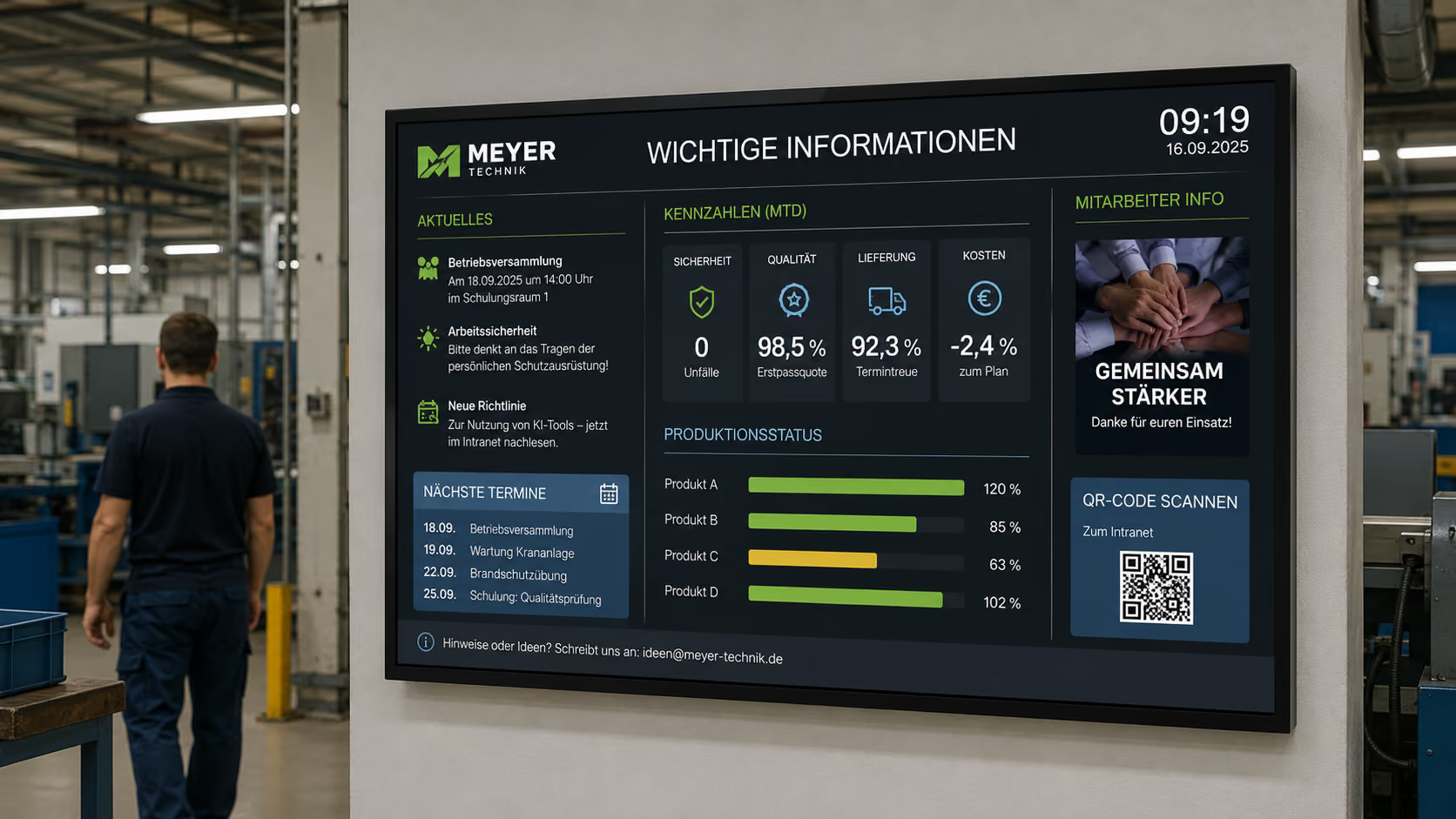
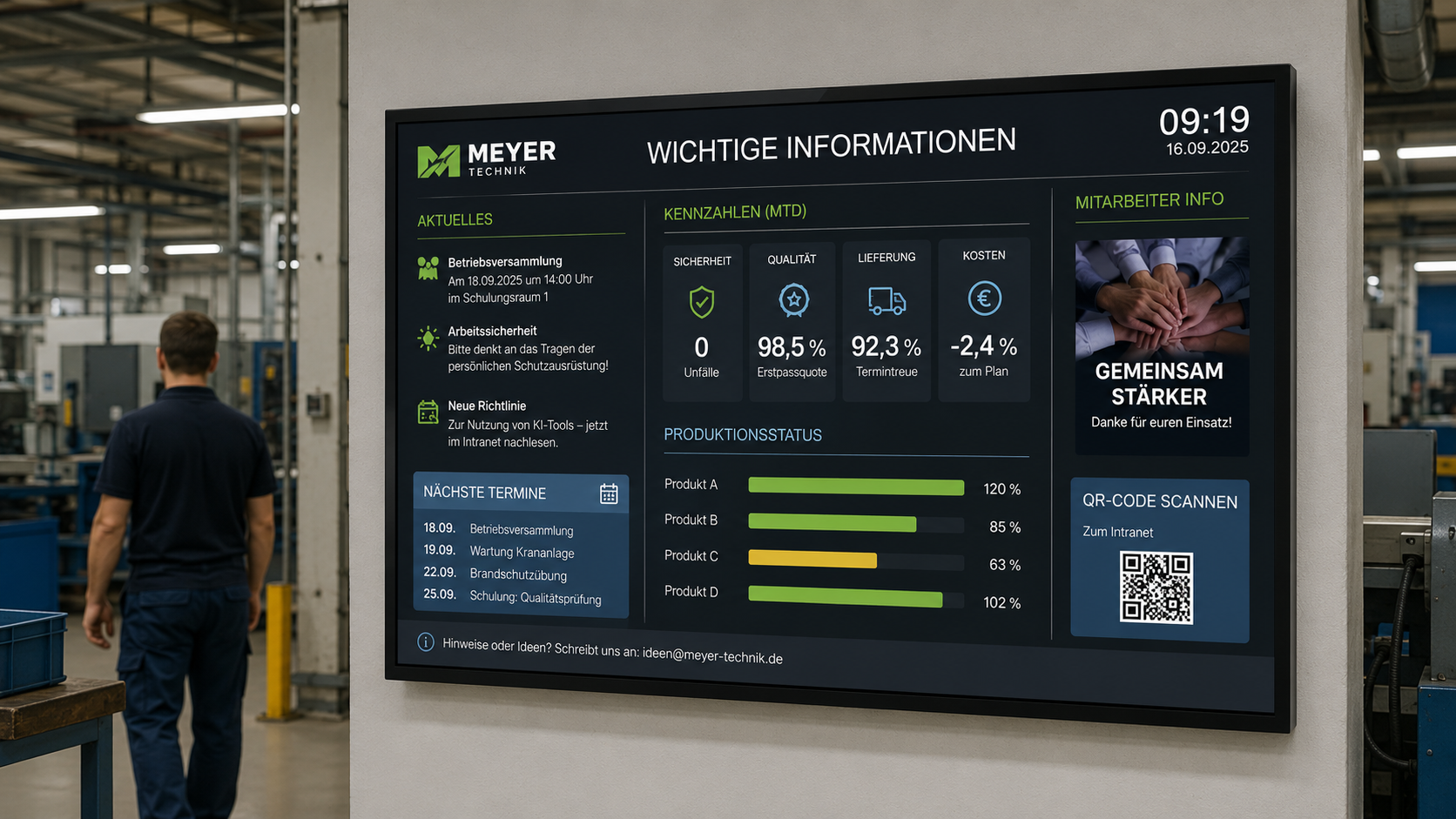
- KPI and employee dashboards
- Window display marketing
- digital wayfinding
- Corporate design templates
Each of these use cases serves a different purpose. Together, they help service companies communicate more professionally, visibly, and consistently.
Welcome Screens: The perfect first impression in the reception area
The reception area is the calling card for any service provider. It's where customers, applicants, business partners, or suppliers first come into contact with the company.
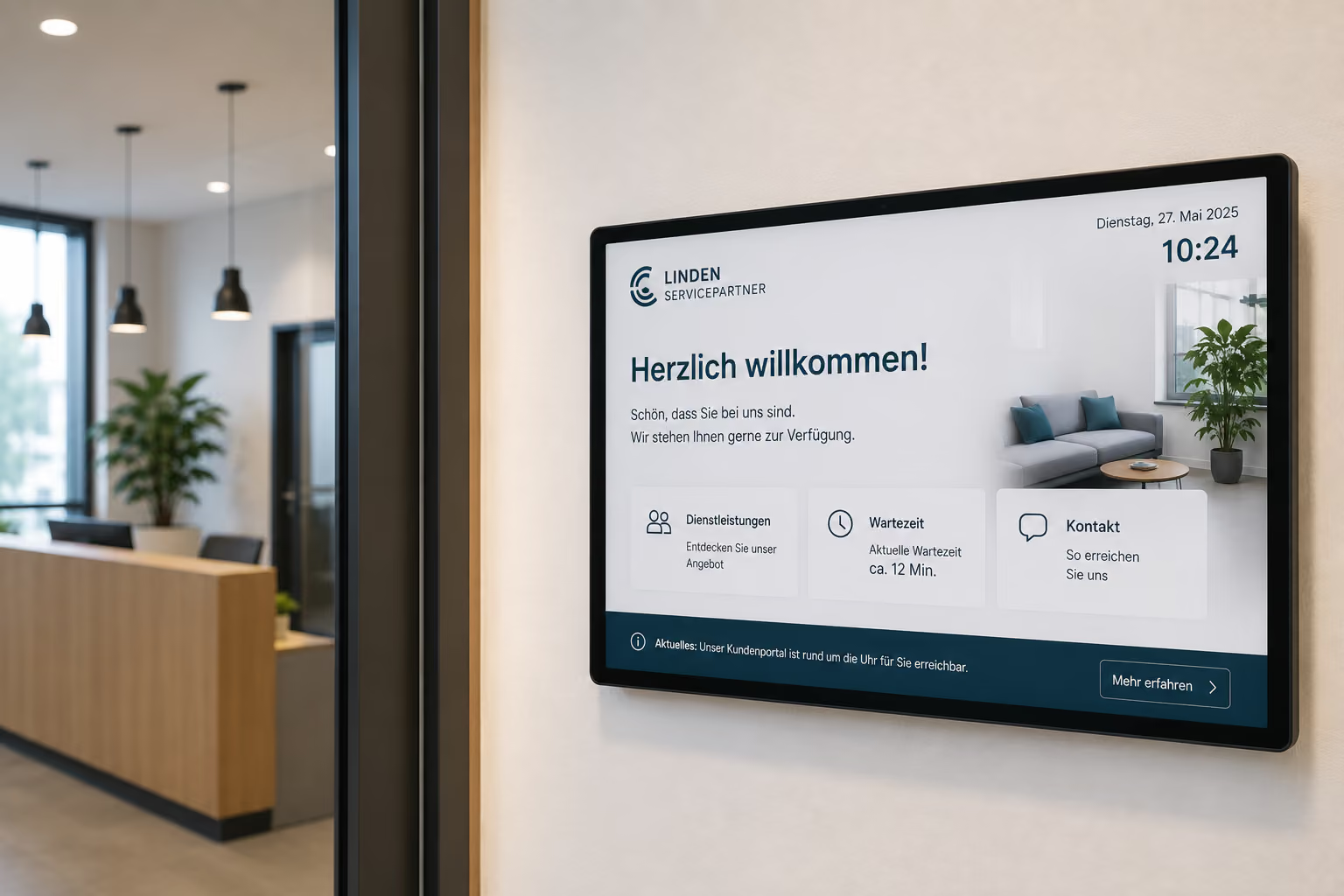
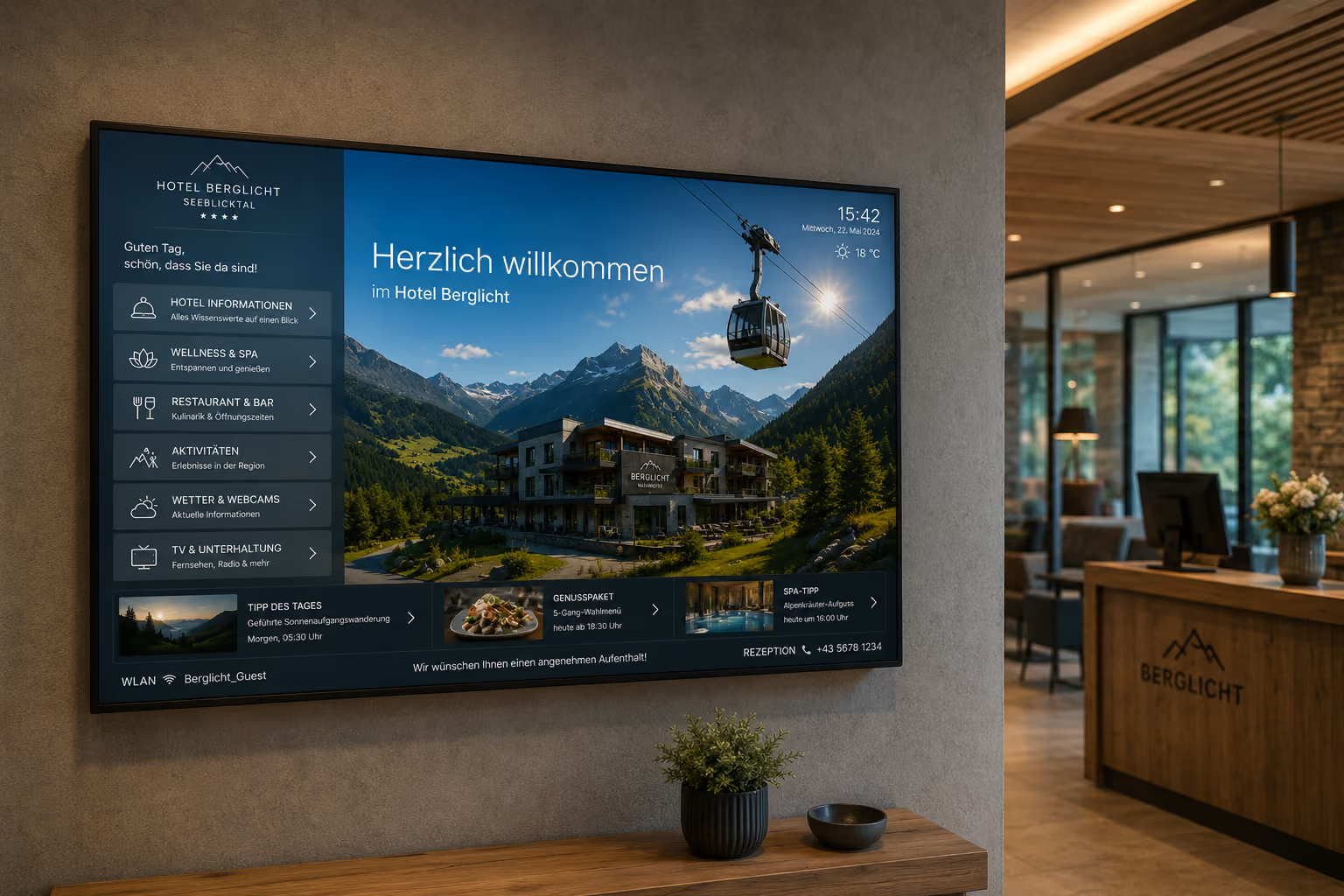
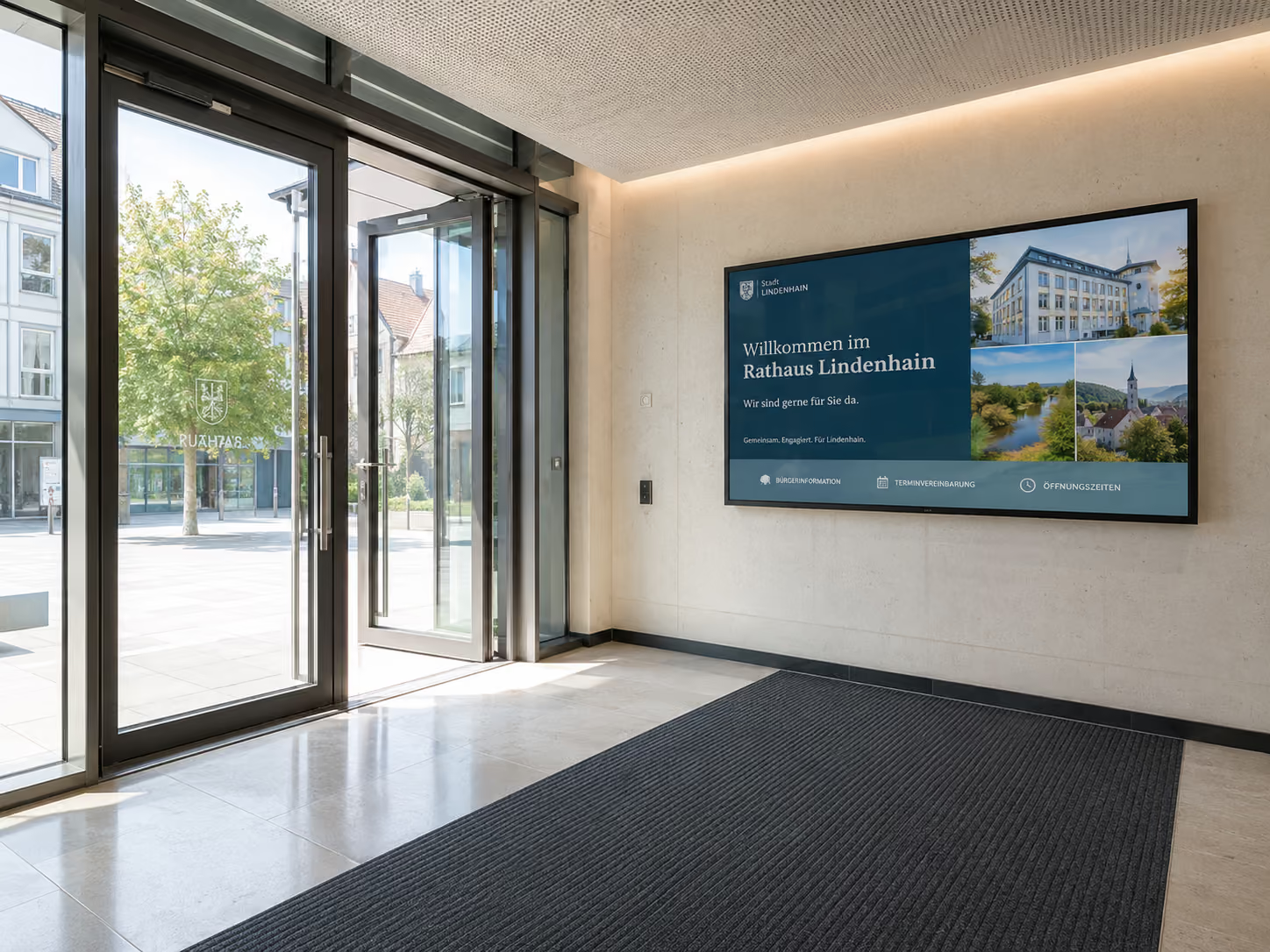
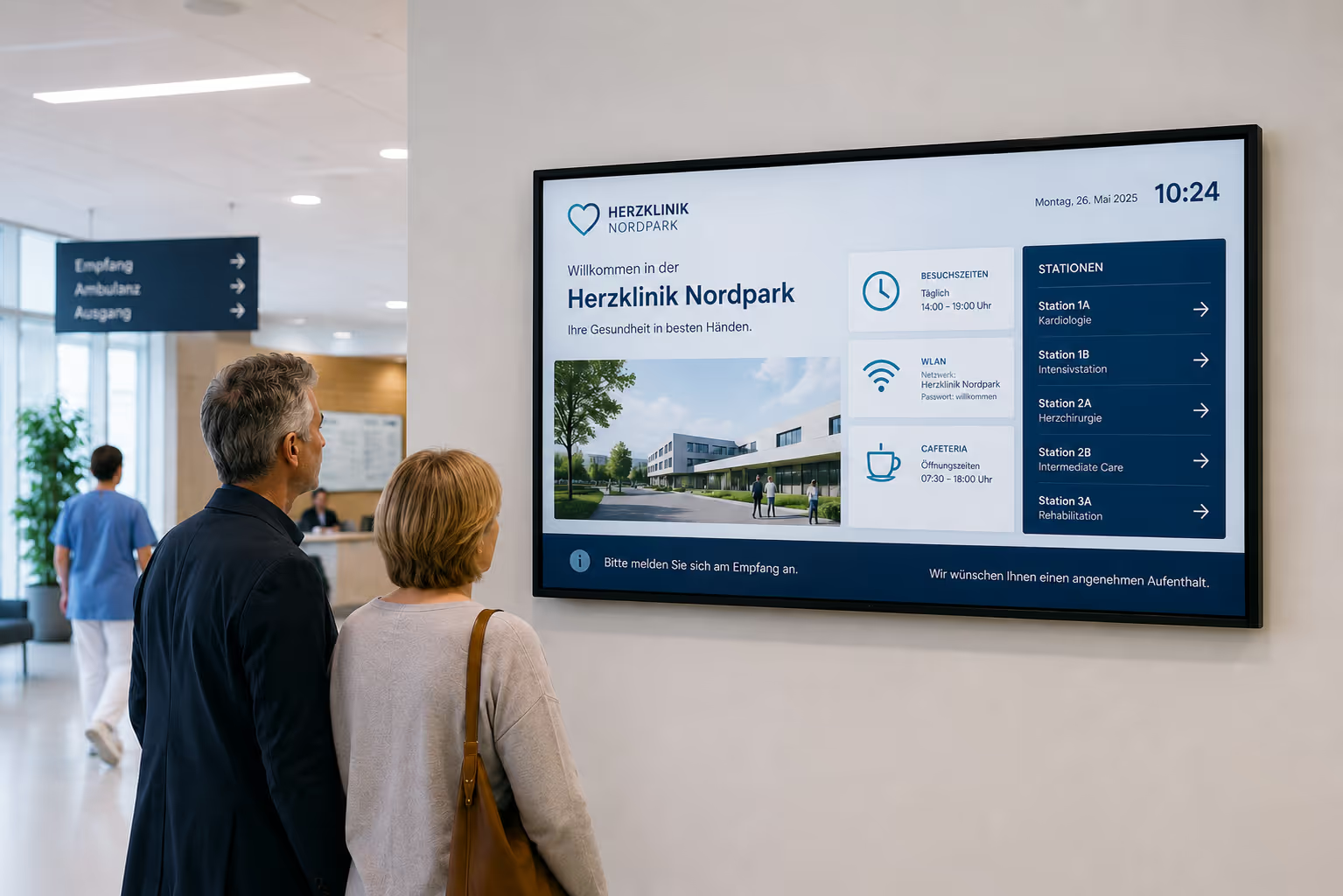
A welcome screen ensures this first contact feels professional and welcoming. Instead of an empty waiting area or a static sign, a digital display shows current and relevant information.
Typical content for welcome screens includes:
- personal greetings
- company logo and brand message
- daily agenda
- appointment details
- visitor information
- directions to meeting rooms
- latest company news
- customer testimonials
- references
- event information
- QR codes for digital forms or Wi-Fi access
A personalized greeting makes a particularly strong impression. For example, a display can show: “Welcome to your consultation, Müller family” or feature the logo of a key client visiting today.
This shows appreciation and indicates that the appointment is well-prepared.
Waiting Area Displays: Making Good Use of Waiting Time
Even short waiting times can be used for communication. Displays in the waiting area inform visitors, strengthen the brand, and make content visible that might otherwise be overlooked.
Here, service providers can showcase what they stand for, what services they offer, and the successes they have already achieved.
Possible content in the waiting area includes:
- Service overviews
- Consultation processes
- Customer testimonials
- Case Studies
- Team introductions
- Certificates
- Awards
- Latest news
- Events
- Social media posts
- Frequently asked questions
- Information about the appointment process
Thus, waiting time is not merely bridged, but strategically utilized for building trust, providing guidance, and brand communication.
Digital Room Booking and Meeting Room Displays
Many service providers work with consultations, project meetings, workshops, client appointments, or internal coordination. Meeting rooms therefore need to be well organized.
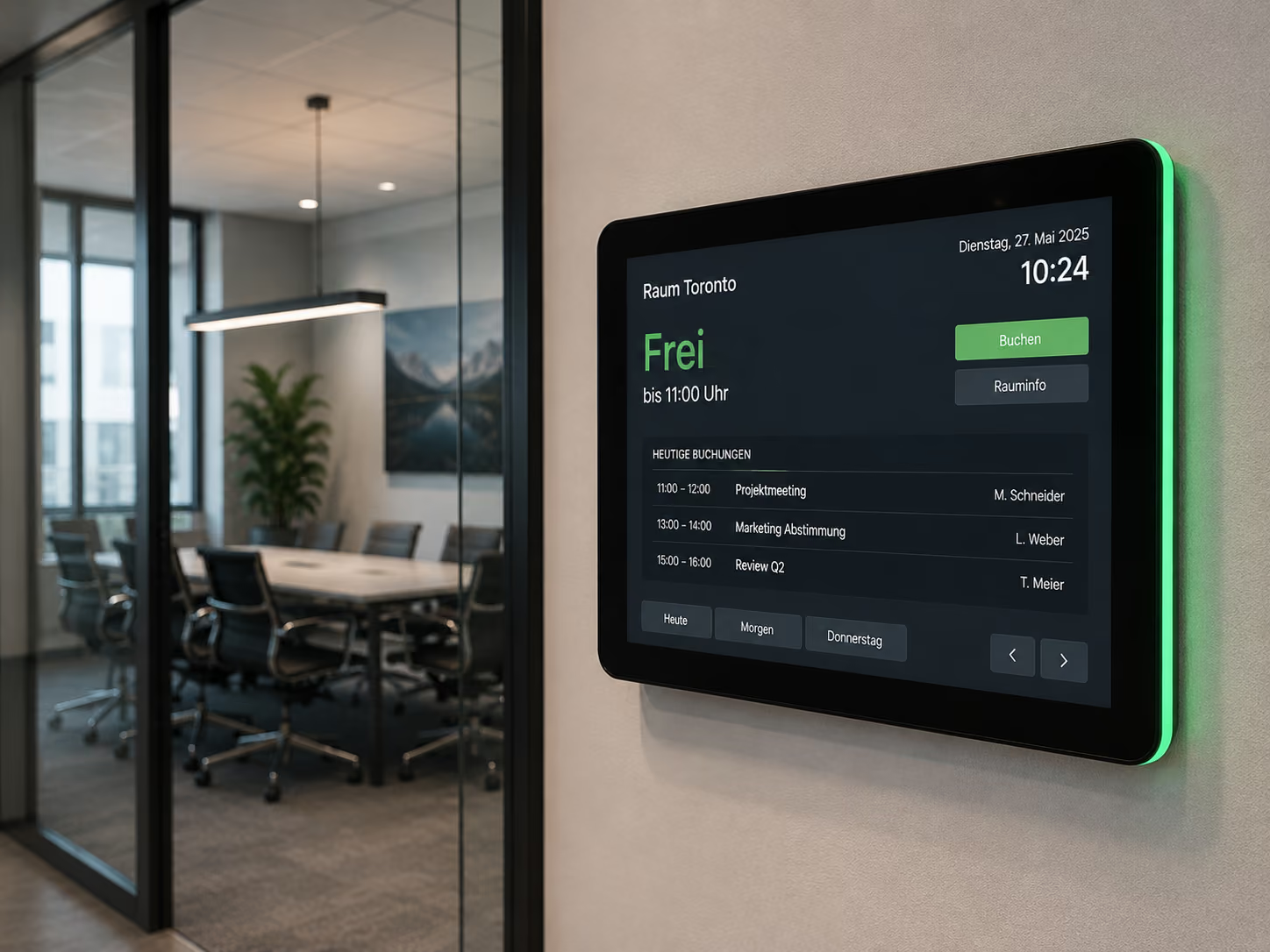
Digital door sign displays outside meeting rooms show live whether a room is free, occupied, or reserved. Via interfaces to calendars like Microsoft Outlook or Google Calendar, the current room occupancy can be displayed automatically.
For example, a meeting room display can show:
- Room name
- Current meeting
- Next booking
- Available times
- Meeting name
- Organizational notes
- Ad-hoc booking options
- Extension or release of the room
This reduces inquiries, avoids double bookings, and ensures more transparency in daily office life.
This is particularly relevant for consultancies, agencies, law firms, IT service providers, banks, coworking spaces, and companies with many client appointments.
Digital Wayfinding: Guide visitors to the right room more quickly
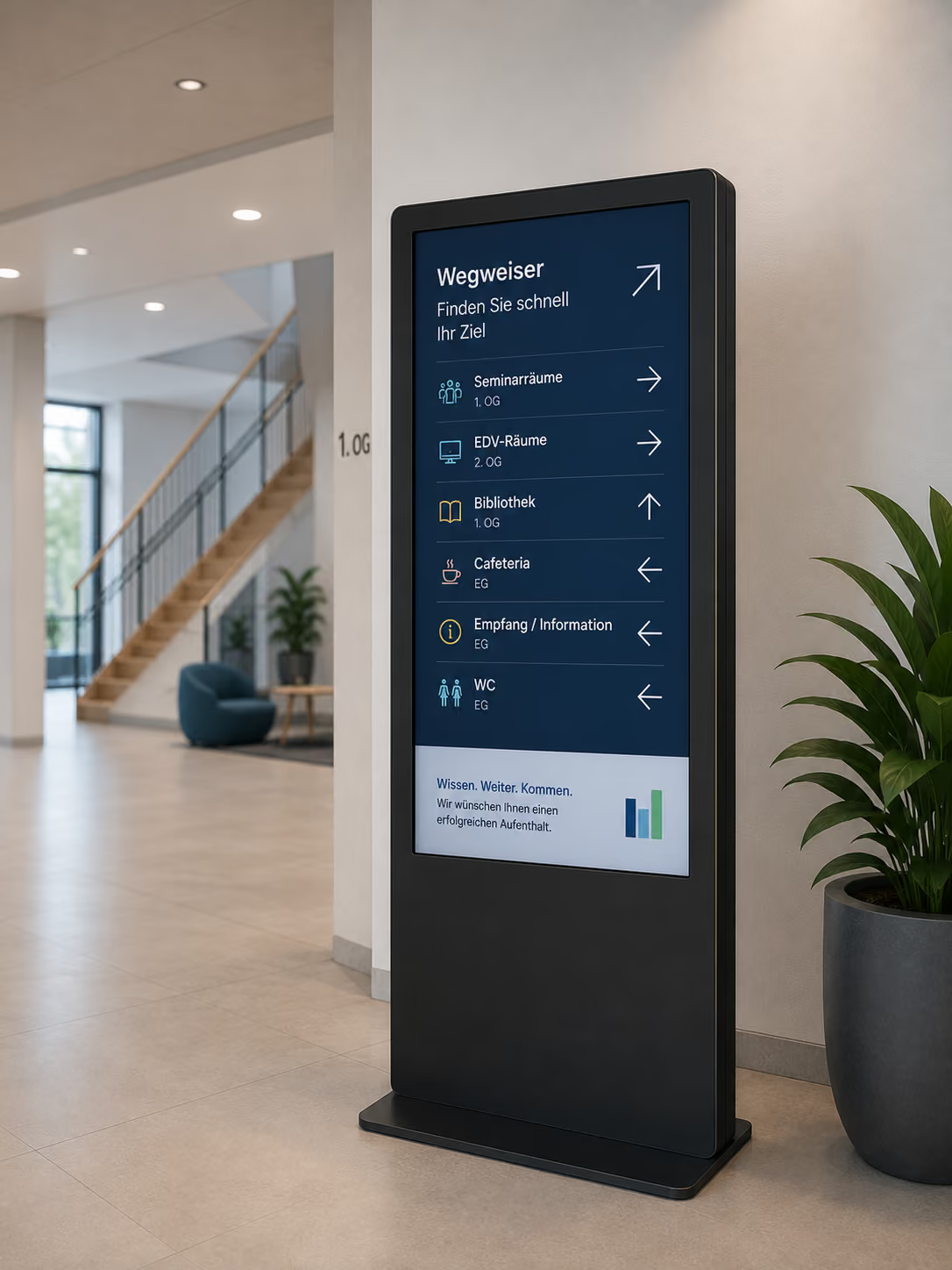
In larger offices, law firms, consulting centers, or coworking spaces, visitors need orientation. Digital wayfinding helps them find rooms, reception, waiting areas, consultation areas, or event rooms more quickly.
Displays can show directions, floor plans, room lists, or information about appointments.
Typical locations include:
- Reception areas
- Hallways
- Elevator areas
- Conference areas
- Event spaces
- Consultation areas
- Coworking spaces
- Training rooms
If a room is changed or an appointment takes place in a different area, information can be updated centrally. This eliminates the need for printed signs or temporary notices.
Showcasing Expertise: References, Case Studies, and Customer Testimonials
Service providers don't have products to display on shelves. That's why they need to showcase their expertise differently.
Digital signage is ideal for presenting references, completed projects, customer testimonials, certifications, or before-and-after comparisons.
Possible content includes:
- successful projects
- Case studies
- Client logos
- Testimonials
- Reviews
- Before-and-after examples
- Certificates
- Awards
- Industry expertise
- Project Metrics
- Media Coverage
- Team Competencies
A real estate agent can showcase current marketing successes. A law firm can present its consulting specializations or current industry topics. An agency can highlight campaigns, case studies, or client testimonials. An IT consultancy can display completed projects, certifications, or client logos.
This creates social proof directly in the reception or waiting area.
Live Social Media Feeds and Company News
Many service providers regularly publish content on LinkedIn, Instagram, their website, or in their newsroom. Digital signage can bring this content into your own premises.
Live social media feeds or news feeds automatically display current posts, new certifications, team events, press reports, specialist articles, or company announcements on screens.
Typical content includes:
- LinkedIn Posts
- Instagram Posts
- Website News
- Blog Posts
- Press Releases
- New Certifications
- Event Recaps
- Team News
- Recruiting Content
- Client Projects
- Awards
This keeps reception areas, waiting zones, and internal spaces up-to-date without content needing to be updated twice.
Internal Communication: The digital bulletin board for service providers
In service companies, employees often work focused on their PCs, in calls, on projects, or with clients. Information often gets lost in emails, chat tools, or individual teams.
A digital bulletin board in hallways, break rooms, or the coffee kitchen makes internal information more visible.
Typical content includes:
- Company news
- New hires
- Birthdays
- Internal training
- All-hands agenda
- Team events
- Project news
- HR information
- IT notices
- Internal campaigns
- Location information
- Office notices
This breaks down information silos. Employees see important content even outside of email, intranet, or chat.
KPI and Employee Dashboards: Making goals visible
Many service providers work with metrics. Sales, support, project management, recruiting, and customer success use dashboards, ticketing systems, or project tools.
Digital signage can make this information visible. Dashboards can be displayed on screens via web links, iFrames, or database connections.
Possible content includes:
- Sales targets
- Pipeline status
- Open support tickets
- SLA status
- Project progress
- Utilization
- Recruiting metrics
- Customer satisfaction
- NPS scores
- Team goals
- Internal OKRs
- Monthly targets
Displays in hallways, team areas, or coffee kitchens help visualize shared goals. This creates transparency without employees having to actively open a dashboard.
Window Display Marketing for Real Estate Agents, Law Firms, and Consultancies
Service providers with a storefront, street-facing premises, or an office in a highly visible location can directly address passers-by.
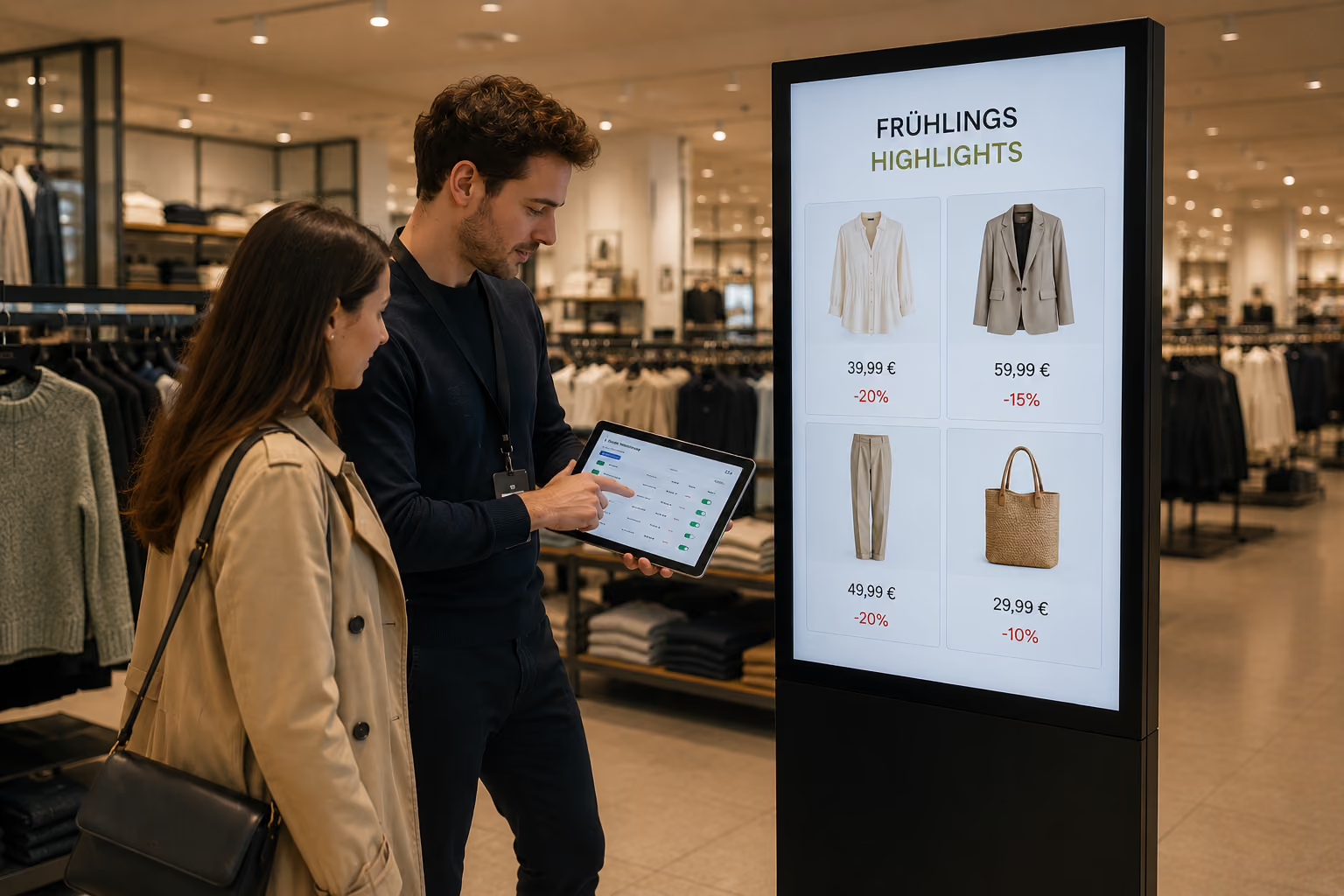
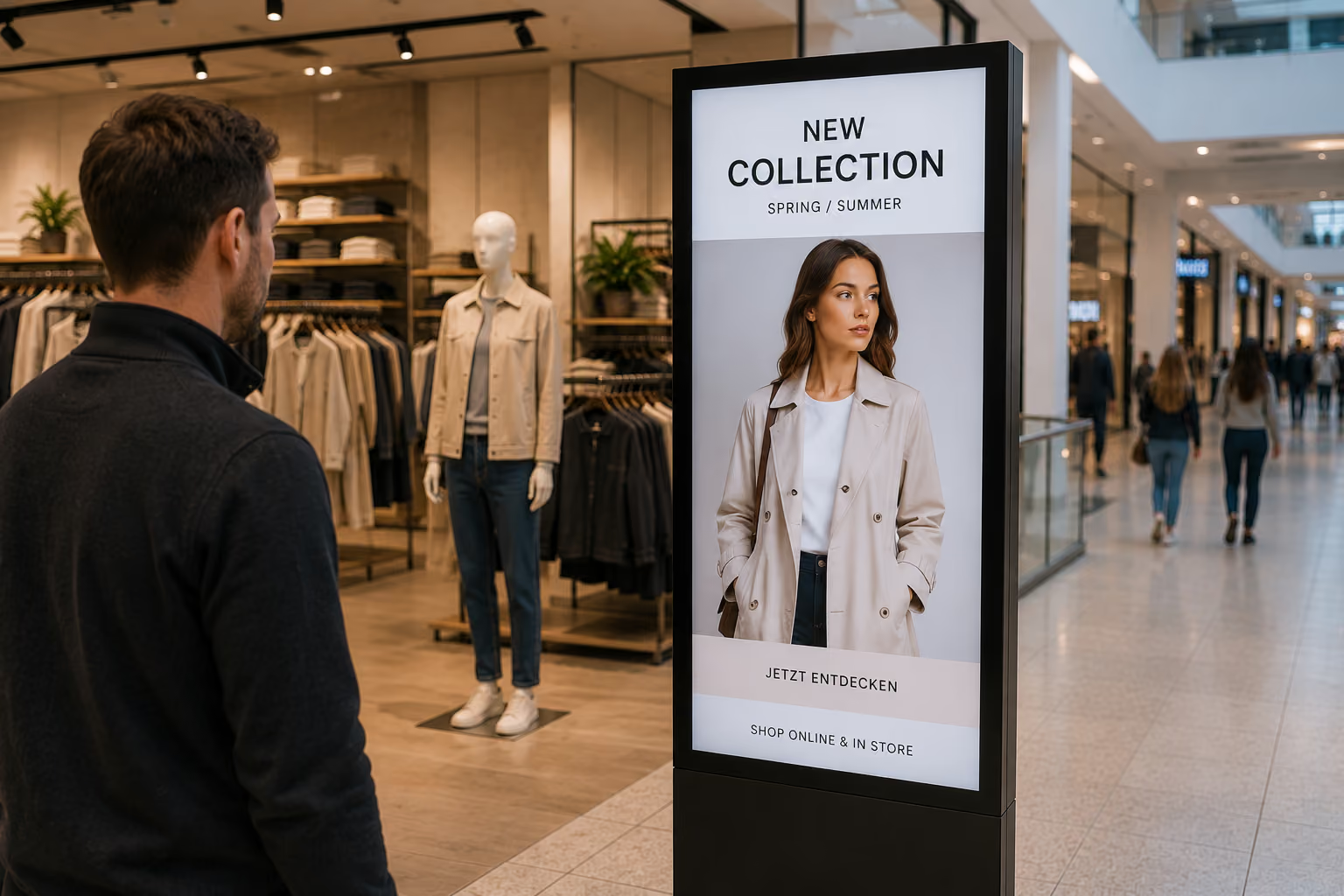
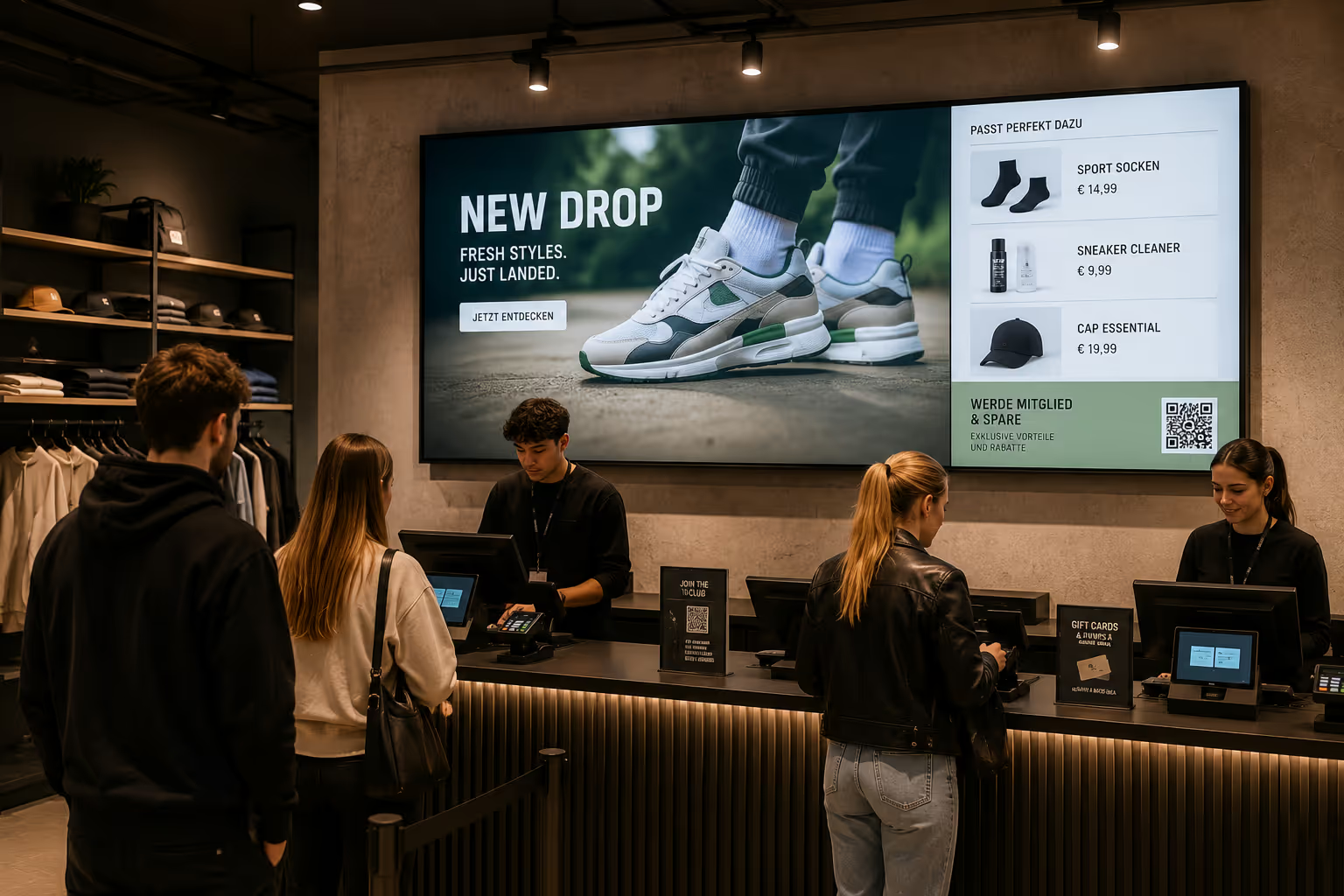
Digital window displays make offers, expertise, and current topics visible even outside opening hours. Compared to printed posters, content can be regularly updated and displayed dynamically.
Typical applications include:
- Real estate listings
- current properties for rent or sale
- tax or legal tips
- insurance information
- financial topics
- consulting services
- recent legislative changes
- infographics
- recruiting tips
- event invitations
- QR codes for appointment booking
For real estate agents, property listings can be displayed dynamically. Law firms or financial advisors can present current legal changes, deadlines, or tax tips as infographics, thereby demonstrating expertise to passersby.
High-brightness displays are suitable for shop windows with a lot of daylight, so that content remains clearly visible even in bright environments.
Corporate Design: Design content to match your brand
For service providers, brand perception is crucial. Colors, fonts, imagery, and tone must appear professional and consistent.
With connectSignage, templates can be created in your corporate design. The integrated HTML5 editor allows templates to be set up so that content precisely matches the brand.
This is particularly helpful when multiple people manage content. Instead of redesigning every time, teams use ready-made layouts for greetings, references, news, appointments, dashboards, or shop window content.
Benefits of corporate design templates:
- consistent brand presence
- reduced design effort
- reduced error risk
- Faster content creation
- Professional presentation on all displays
- Clear visual structure for visitors and employees
This ensures Digital Signage remains brand-compliant, even when content is managed by different teams.
Data protection and security for clients and partners
Service providers often work with sensitive information. Law firms, financial advisors, insurance companies, management consultants, IT service providers, and agencies serve clients who have high demands regarding data protection and IT security.
It is therefore important that Digital Signage systems are operated securely and compliantly.
connectSignage is hosted in Germany and designed for GDPR-compliant operation. For service providers with clients from regulated industries such as banking, insurance, healthcare, or enterprise environments, this is an important trust factor.
Additionally, connectSignage is OWASP certified. This supports service providers during audits, security checks, and discussions with demanding corporate clients.
For companies with specific IT requirements, operating within their own infrastructure can also be beneficial. The key is: Digital Signage must not only look good, but also be operated securely, transparently, and in a controlled manner.
What service providers need technically: simple control, integrations, and management
For Digital Signage to work for service providers in their daily operations, more than just individual screens are needed. Crucial is central software that allows content to be easily managed, scheduled, and securely displayed.
Important technical requirements are:
- Central control of multiple displays and locations
- Personalized welcome screens
- Calendar integration for meeting room displays
- Social media and news feed integration
- Weblinks and iFrames for dashboards
- Database connections for KPIs
- Corporate design templates
- Rights and Role Concepts
- GDPR-compliant operation
- Hosting in Germany
- Easy drag-and-drop operation
- Monitoring for displays and players
- Reliable playback during ongoing operation
With connectSignage, content can be centrally managed and specifically displayed in reception areas, waiting rooms, meeting rooms, shop windows, hallways, or internal areas.
Easy operation for marketing, reception, and office teams
Not everyone who manages content is an IT or design expert. That's why digital signage in service companies must be easy to use.
connectSignage relies on intuitive drag-and-drop operation. Content can be created, updated, and scheduled without requiring deep technical knowledge.
This is particularly important for teams that need to react quickly in their daily operations.
Examples:
- Reception updates a personal greeting.
- Marketing manages references and customer testimonials.
- HR publishes internal news or new employees.
- Office Management updates room notices.
- Sales displays current success metrics.
- IT keeps an eye on user rights, players, and monitoring.
Roles and rights allow you to define who can edit which content. This keeps the system easy to use while remaining under controlled management.
Typical deployment locations for service providers
Digital signage can be deployed in many areas within a service company. The key is to determine which information is relevant in which location.
Reception and Lobby
In the reception area, displays are suitable for personalized greetings, company news, client logos, testimonials, agenda updates, and visitor information.
Waiting Area
In the waiting area, displays can show case studies, client testimonials, service overviews, team introductions, social media feeds, or current industry topics.
Meeting Rooms
Outside meeting rooms, door sign displays show room occupancy, schedules, available times, and organizational notices. Inside the room, displays can be used for agendas, presentations, or workshops.
Hallways and Breakrooms
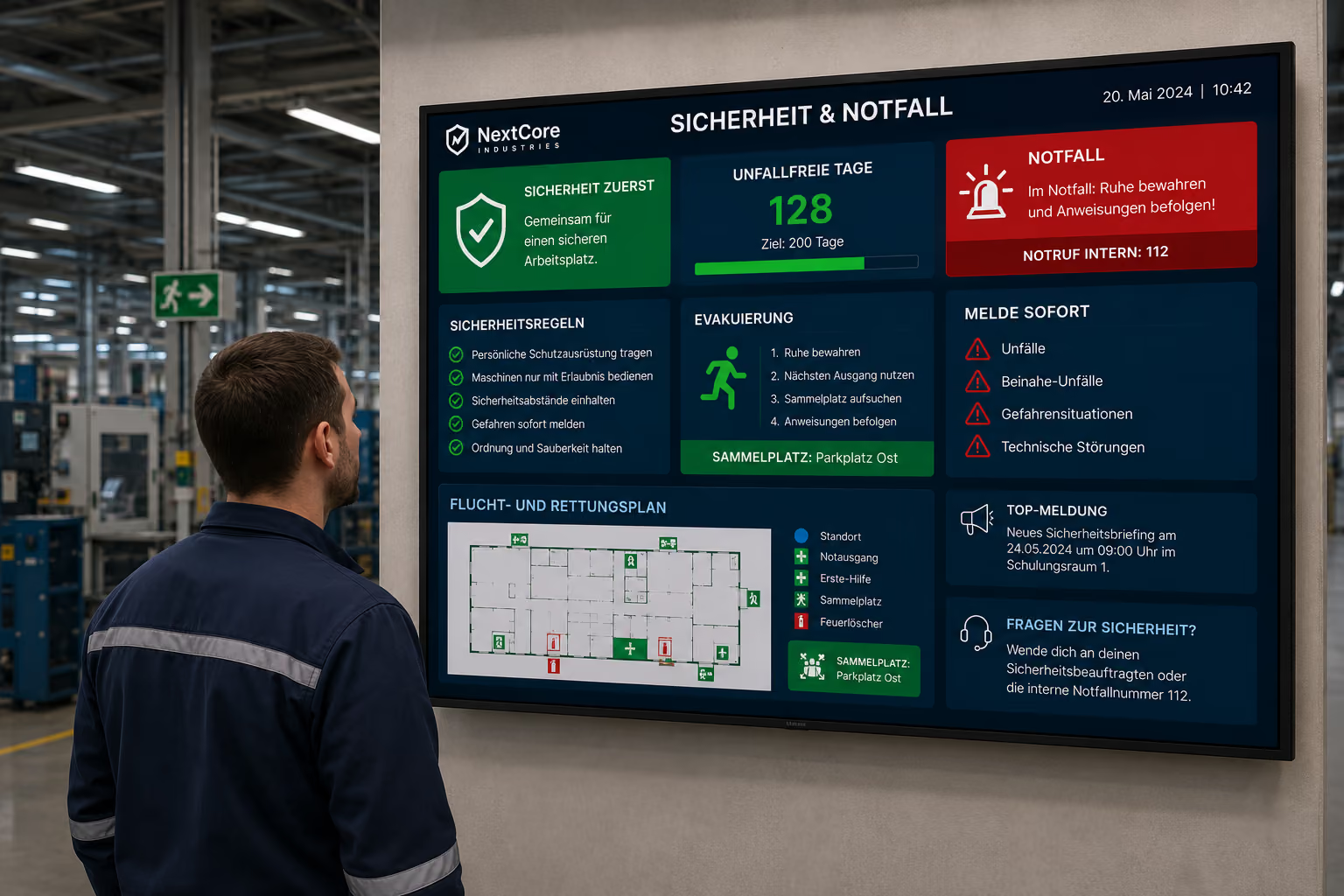
In hallways and break areas, displays are suitable for internal communication, dashboards, HR news, team events, all-hands information, or project updates.
Shop Windows and Storefronts
In shop windows, displays show real estate listings, consulting services, specialized information, infographics, current notices, or QR codes for appointment booking.
Conference and Training Areas
In conference areas, displays can show programs, room information, speaker details, wayfinding, or event branding.
Why connectSignage is ideal for service providers
connectSignage is a digital signage software for the central control of digital displays in service companies. Content can be managed, scheduled, and deployed via a single interface to individual screens, reception areas, meeting rooms, shop windows, hallways, or locations.
connectSignage is particularly suitable for service providers when reception communication, client testimonials, meeting room displays, storefront marketing, internal communication, or dashboards need professional visibility.
The key benefits for service providers are:
- personalized welcome screens
- digital room booking with calendar integration
- meeting room displays and door signs
- References, Case Studies, and Testimonials
- Social Media and News Feed Integration
- KPI and Employee Dashboards
- Digital bulletin board for internal communication
- Window display marketing for storefronts
- Corporate design templates via HTML5 editor
- GDPR-compliant operation with hosting in Germany
- OWASP-certified security
- Permission and role management
- Easy drag-and-drop operation
- Monitoring for IT and office management
This allows service providers to project professionalism, strengthen their brand identity, and effortlessly keep employees informed.
Conclusion: Digital Signage makes services visible
Digital signage helps service companies make trust, expertise, and professionalism visible.
In the reception area, a personalized welcome screen shows appreciation. In waiting areas, displays show references, customer testimonials, and case studies. Meeting room displays improve organization. Internal screens make company news and dashboards visible. Window displays attract passersby with current offers or specialized information.
For service providers, digital signage is particularly valuable because it connects brand impact, customer communication, and internal communication. Content can be centrally managed, displayed in corporate design, and adapted according to space, target audience, or location.
connectSignage supports key requirements of modern service communication: personalized greetings, room booking, social proof, internal dashboards, window display marketing, data protection, security, and ease of use.
This makes digital signage an uncomplicated tool for professional service providers: visible to customers, helpful for employees, and securely manageable for IT and management.
FAQ
What is digital signage for service providers?
Digital Signage für Dienstleister beschreibt den Einsatz digitaler Displays zur Anzeige von Begrüßungen, Kundeninformationen, Referenzen, Case Studies, Meetingraum-Belegung, internen News, Dashboards und Schaufensterinhalten in Dienstleistungsunternehmen.
Warum ist Digital Signage für Dienstleister sinnvoll?
Digital Signage ist für Dienstleister sinnvoll, weil Expertise, Vertrauen und Professionalität sichtbar gemacht werden können. Displays unterstützen Empfang, Wartebereich, Beratung, interne Kommunikation, Raumbuchung und Schaufenster-Marketing.
Welche Digital-Signage-Use-Cases eignen sich für Dienstleister?
Wichtige Use Cases sind Welcome-Screens, personalisierte Begrüßungen, Wartebereichs-Displays, Meetingraum-Displays, digitale Türschilder, Referenz-Displays, Social-Media-Feeds, interne Dashboards, digitales schwarzes Brett und Schaufensterdisplays.
Wie verbessert Digital Signage den Empfangsbereich?
Digital Signage verbessert den Empfangsbereich, indem Besucher persönlich begrüßt, Termine sichtbar gemacht und Unternehmensinformationen professionell angezeigt werden. Ein Welcome-Screen kann Kunden, Partner oder Bewerber direkt beim Ankommen ansprechen.
Können Besucher personalisiert begrüßt werden?
Ja. Displays können personalisierte Begrüßungen anzeigen, zum Beispiel für Beratungstermine, Großkunden, Bewerber oder Veranstaltungen. Das schafft Wertschätzung und wirkt professionell.
Können Meetingraum-Displays mit Outlook oder Google Calendar verbunden werden?
Ja. Meetingraum-Displays können über Schnittstellen mit Kalendern wie Microsoft Outlook oder Google Calendar verbunden werden. So wird live angezeigt, ob ein Raum frei, belegt oder reserviert ist.
Wie können Dienstleister Referenzen und Case Studies sichtbar machen?
Dienstleister können Referenzen, Kundenstimmen, abgeschlossene Projekte, Vorher-Nachher-Vergleiche, Zertifikate oder Auszeichnungen auf Displays im Empfangs- oder Wartebereich präsentieren. So entsteht Social Proof direkt vor dem Beratungsgespräch.
Kann Digital Signage Social Media oder LinkedIn anzeigen?
Ja. Social-Media-Feeds, LinkedIn-Beiträge, Instagram-Posts, Website-News oder Blogartikel können auf Displays eingebunden werden. Dadurch bleiben Empfangsbereiche, Wartezonen und interne Flächen automatisch aktuell.
Wie unterstützt Digital Signage die interne Kommunikation?
Digital Signage unterstützt interne Kommunikation, indem Unternehmensnews, HR-Informationen, neue Mitarbeitende, Geburtstage, Schulungen, All-Hands-Agenden oder Projektupdates auf Displays in Fluren, Pausenräumen oder der Kaffeeküche sichtbar werden.
Können KPIs und Dashboards auf Displays angezeigt werden?
Ja. Über Weblinks, iFrames oder Datenbank-Anbindungen können Vertriebsziele, Support-Tickets, Projekt-Pipelines, OKRs oder andere Dashboards auf Displays angezeigt werden.
Eignet sich Digital Signage für Schaufenster-Marketing?
Ja. Dienstleister mit Ladenlokal oder Straßenfront können Schaufensterdisplays nutzen, um Immobilienangebote, Beratungsthemen, Fachinformationen, Infografiken oder QR-Codes zur Terminbuchung sichtbar zu machen.
Ist Digital Signage für Dienstleister DSGVO-konform?
Digital Signage kann DSGVO-konform betrieben werden, wenn Hosting, Rechteverwaltung, Datenverarbeitung und IT-Sicherheit entsprechend umgesetzt sind. connectSignage wird in Deutschland gehostet und ist auf einen DSGVO-konformen Betrieb ausgelegt.
Warum ist Sicherheit bei Digital Signage für Dienstleister wichtig?
Dienstleister arbeiten häufig mit sensiblen Kunden- und Unternehmensinformationen. Deshalb sind Datenschutz, Benutzerrechte, kontrollierte Inhalte und sichere Systeme wichtig — besonders bei Kunden aus regulierten Branchen wie Banken, Versicherungen oder Enterprise-Unternehmen.
Wie einfach können Mitarbeitende Inhalte pflegen?
Mit connectSignage können Inhalte per Drag-and-Drop erstellt, aktualisiert und geplant werden. Über Rollen und Rechte lässt sich festlegen, welche Teams welche Inhalte bearbeiten dürfen.
Wie unterstützt connectSignage Dienstleistungsunternehmen?
connectSignage unterstützt Dienstleister dabei, digitale Displays zentral zu steuern und Inhalte gezielt nach Raum, Standort, Zielgruppe oder Anwendungsfall auszuspielen. Dazu gehören Welcome-Screens, Meetingraum-Displays, Referenzen, Social-Media-Feeds, Dashboards, interne Kommunikation und Schaufenster-Marketing.
Bereit deine Kommunikation zu transformieren?
Entdecken, wie connectSignage deine Botschaften sichtbar und wirksam macht.
Weitere Insights zur digitalen Kommunikation
Lese mehr zu Trends, Strategien und Technologien, die Unternehmen verändern.
.png)

.png)
.png)
.png)
Digital Signage Insights Delivered Straight to Your Inbox
Trends, best practices, and tips—concise, relevant, and practical.