.png)
connectSignage is hardware-independent digital signage software: you can use different supported player and display platforms without being tied exclusively to one display manufacturer. These include Windows, Android, Samsung Tizen, LG webOS, Sony BRAVIA and BrightSign. Whether a device suits your project depends on the specific model, operating system and required features.
This is useful, for example, when you want to integrate existing screens, equip new sites or manage different locations through a shared CMS. When choosing hardware, consider the complete combination of software, player and display.
What does hardware-independent digital signage software mean?
Hardware independence means that software can run on multiple supported hardware platforms. A business does not have to choose devices from a single display manufacturer for every location.
Content is created and scheduled centrally in the CMS and assigned to the intended players. The device that plays it back depends on the technical setup at each location.
Hardware independence does not mean universal compatibility. Support for an operating system does not mean that every device or feature is supported. Software versions and specifications can also make a difference within a model range.
Which platforms does connectSignage support?
The player matrix helps you choose the right combination of device and features:
Windows and Android players
Windows systems and Android devices can be used as playback devices. The specific hardware, operating system version and content requirements are decisive. Individual features may be limited on untested devices.
Samsung Tizen and LG webOS
connectSignage supports the integrated Tizen and webOS platforms on selected professional Samsung and LG devices. The matrix specifies models and operating system versions. Support therefore cannot be assumed for all Samsung or LG screens.
Sony BRAVIA
Selected Sony BRAVIA devices can also use their integrated system. The matrix lists the BRAVIA BZ series and model-specific information. Before deployment, the required resolution, interaction and other features are checked against the specific device.
BrightSign
BrightSign offers different player series. These vary in resolution, device generation and output options, among other factors. The right choice depends on your content and the entries for the relevant model.
→ Compare supported models and features in the player matrix
Integrated player or external media player?
A player processes content from the CMS and plays it back on the screen. It can be built into the display or connected as a separate device.
Integrated player: Use the display's built-in system
An integrated player uses the display's computing hardware and operating system. This is often referred to as a system-on-chip, or SoC. No additional player box is needed. Suitability depends on support for the display model and required features.
External player: Choose the playback device and screen separately
An external media player connects to the display through a suitable video input. This lets you select the screen and playback device separately, or replace them individually when needed. The additional device requires space, power and the appropriate connections.
The use case determines which option makes sense. An information display with a small amount of media content may have different requirements from an interactive kiosk with protected web applications. An external solution is not automatically necessary for every task; equally, an integrated system does not cover every requirement.
What are the benefits of flexible hardware selection?
Choose devices to suit each location
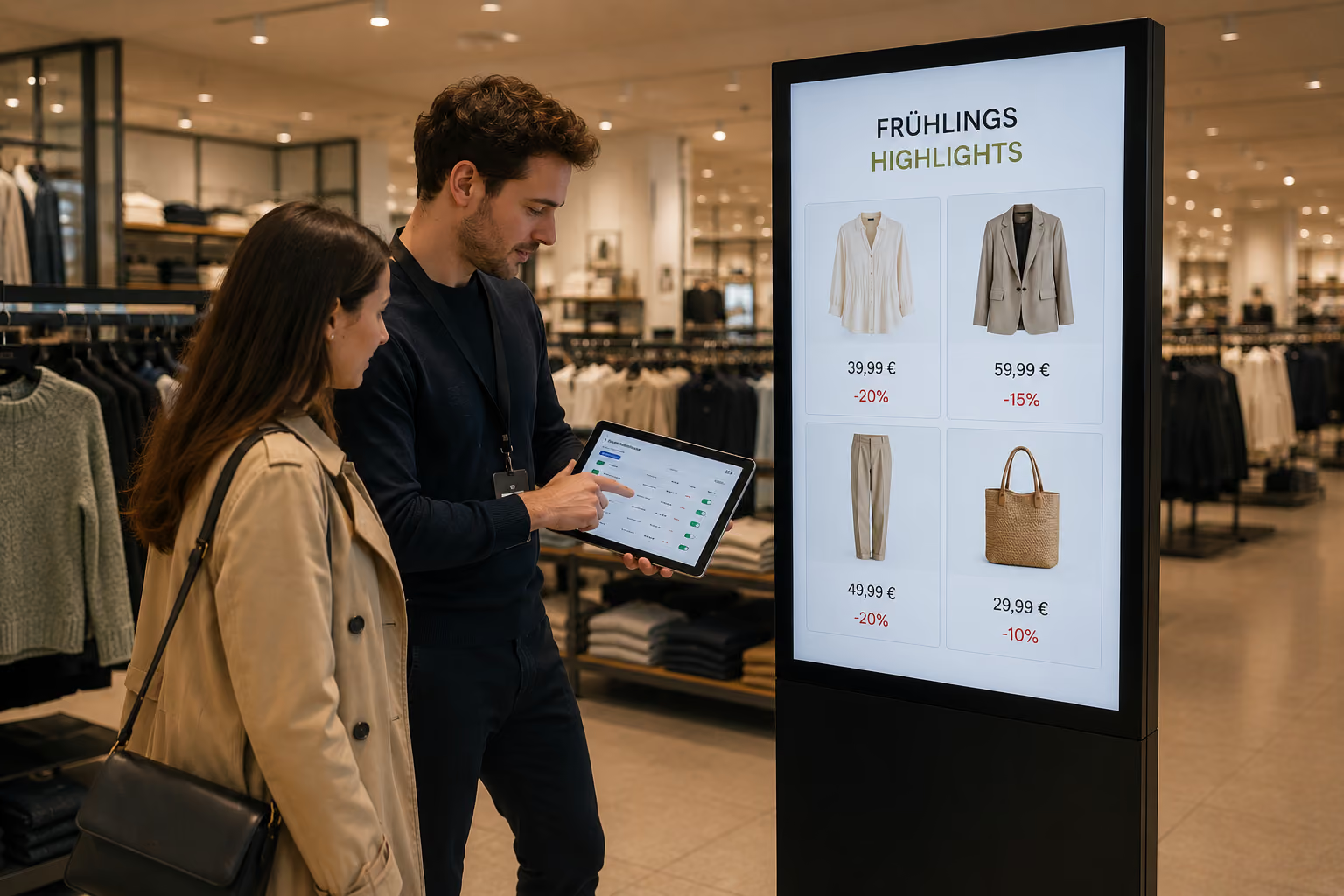
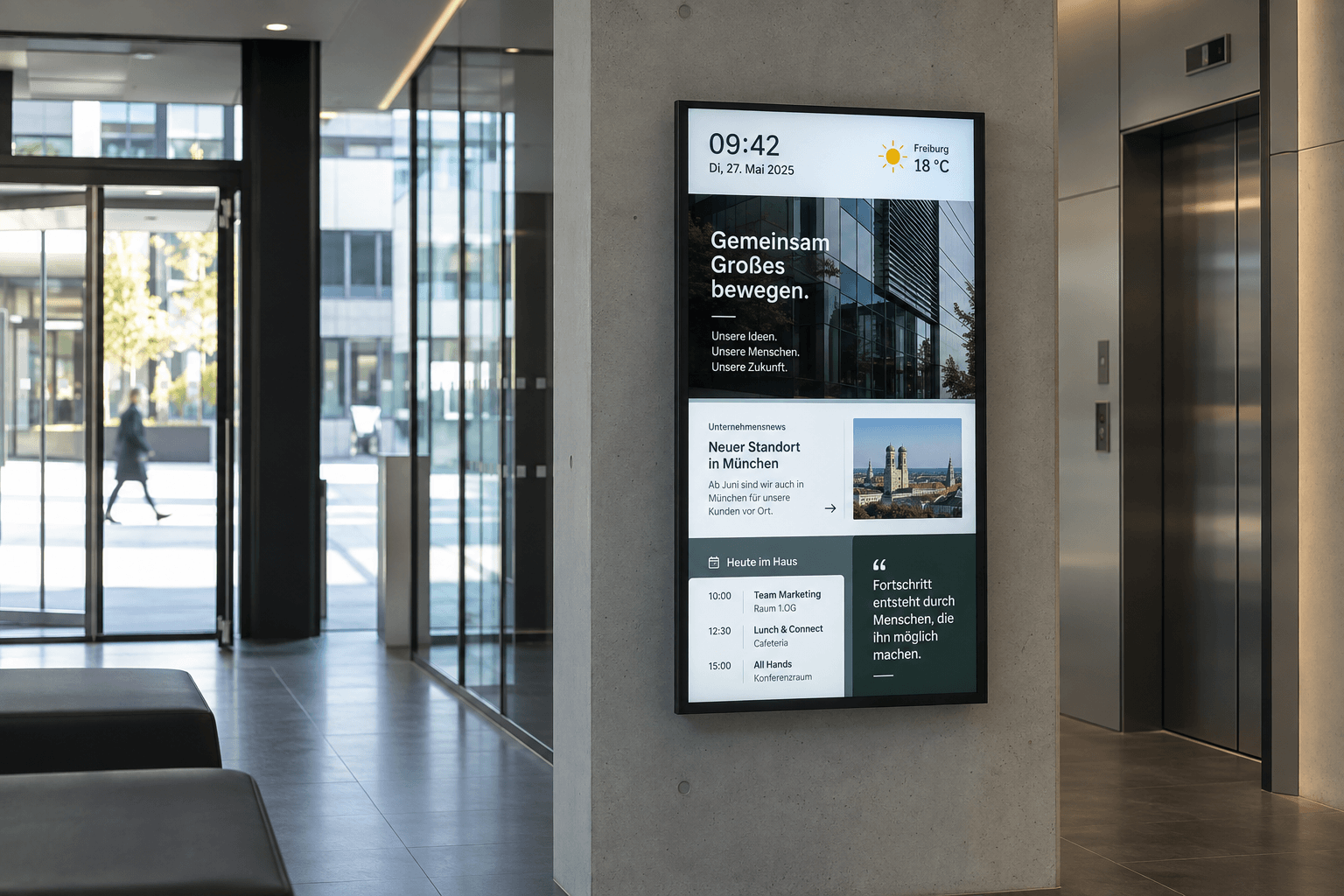
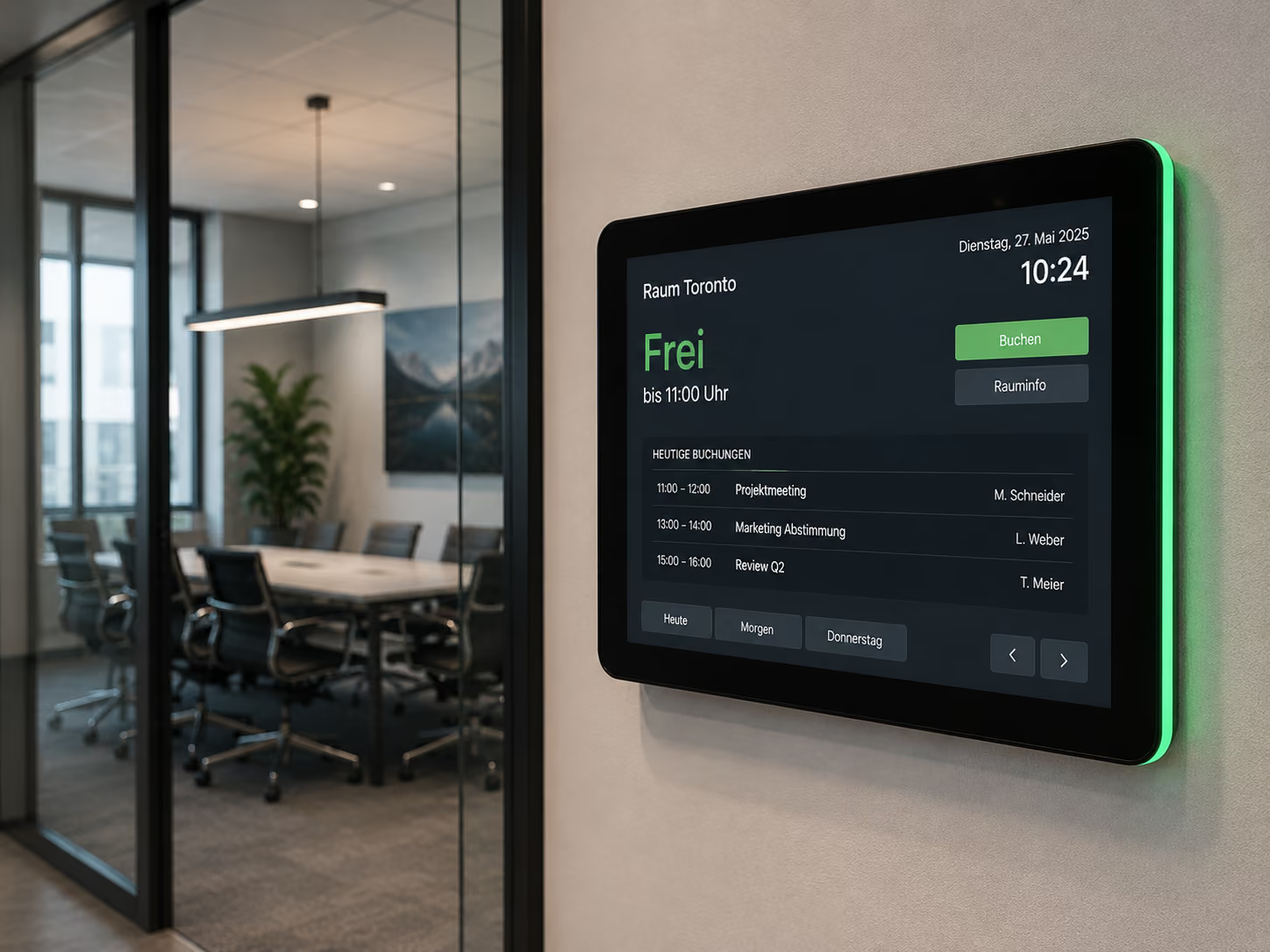
A reception display, a production-area screen and a touch terminal serve different purposes. With cross-platform software, you can choose devices to meet each location's requirements and manage them through a shared CMS.
Take existing equipment into account
Compatible displays and players may be reusable. This can reduce the amount of equipment that needs replacing. Continued suitability is assessed against connections, operating system and planned use.
Plan expansions more flexibly
If more sites or new applications are added later, you can consider additional supported hardware options. Software selection and replacement of individual devices can then be assessed separately. New hardware must still support the required features.
One possible scenario is a business using a compatible SoC display in reception and an external player for a more demanding application in production. Both locations are managed in connectSignage. Which devices are suitable depends on the content at each location.
Can existing displays be reused?
This is possible if the display's integrated platform is supported or a suitable external player can be connected. A display without a compatible internal system therefore does not necessarily need to be replaced.
Check the model number, operating system and available inputs. With an external playback device, the player, connection and screen must support the required resolution. Touch applications also require an appropriate connection for input. The display's condition and suitability for everyday operation matter too.
An existing HDMI input, for example, can provide a way to connect an external player. It does not by itself confirm that the complete application, including interaction and device control, will work as intended.
Why do features vary between players?
Players differ in computing power, operating system, browser and device interfaces. Shared management in the CMS can therefore come with different playback and remote-control capabilities.
The player matrix distinguishes between touch support, screen resolution, native web display, remote configuration and software updates, for example. Specific models are certified for selected devices, while only parts of other platform ranges have been tested. Approval should therefore relate to the specific device and required features.
Media playback is different from Microsoft sign-in
A player being able to show images or videos does not automatically mean it can open a protected SharePoint page or Power BI report. It also needs a suitable browser environment, the appropriate Microsoft sign-in method and the required permissions. Conditional Access and any MFA prompts remain in effect.
Suitable Windows, Android and BrightSign players can be used for protected SharePoint pages and Power BI reports. On appropriately configured Windows devices, single sign-on can handle authentication. Alternatively, a connectSignage login macro can be used if your Microsoft policies allow this sign-in method.
→ Display Power BI on screens: Requirements and integration
How do you choose the right player?
Start with the application, then compare your requirements against the current player matrix. These six points will help you choose:
1. Display model and operating system
Record the full model number, operating system and software version. Check the entry for this device and its certification status.
2. Required content
Define whether the display will show images, videos, web pages or data from business systems. Consider multiple content areas shown simultaneously and the required refresh behaviour.
3. Required interaction
For touch navigation, the display, input technology, player and application must work together. Test interaction using the actual content.
4. Resolution and performance
Check the output resolution, number of displays and performance demands of your media. A resolution stated for the display does not replace checking the player.
5. Network and security
Confirm network access, required target systems, certificates and the sign-in method for protected content. Also test how your application behaves when the connection is interrupted.
6. Required connectSignage features
Compare the required playback, touch, screenshot, remote-configuration and update features against the relevant matrix entry. Testing the planned combination helps identify limitations before rollout.
→ Read the full guide: Which player do I need?
Frequently asked questions about hardware-independent digital signage software
Am I tied to one display manufacturer with connectSignage?
connectSignage supports multiple hardware platforms, so you can choose different suitable devices. The specific model, operating system version and required features are decisive.
Can I reuse all existing screens?
This cannot be guaranteed for every screen. You need a compatible integrated platform or a suitable connection to an external player. Resolution, connections and any touch requirements must match the application.
Do I need an additional player box with an integrated player?
If the integrated platform meets all requirements, no additional external player box is needed for playback. Compare your display against the player matrix to confirm this.
Can an external player be used with an older display?
This can work if the screen has a suitable input and supports the required presentation. The specific connection, resolution and other features must be checked together.
Can different operating systems be used in one project?
Different supported player platforms can be managed through connectSignage. Available features may vary between devices, so plan content and interaction to suit each platform.
Does connectSignage work on every Samsung, LG or Android device?
A manufacturer or operating system name is not enough to make that guarantee. Always check the model, software version, certification status and required features against the current player matrix.
Combine the right software and hardware
Hardware-independent digital signage software gives you more choice when planning devices. The benefit comes from matching the hardware to the content and ensuring the required feature is supported on each player. With connectSignage, you can centrally manage different suitable devices and add new locations according to their requirements.
→ Explore the connectSignage platform
Further information
→ Current player decision matrix
→ Microsoft web applications: Sign-in and platform limitations
Bereit für einfaches und leistungsstarkes Digital Signage?
Erlebe connectSignage live und entdecke, wie du digitale Displays, Inhalte und Standorte zentral steuerst und Digital Signage für deine Unternehmenskommunikation einsetzt.
Weitere Insights rund um Digital Signage
Entdecke weitere Artikel zu Digital Signage, interner Kommunikation, Integrationen und konkreten Anwendungsfällen.
.png)

.png)
.png)
.png)
.png)
.png)
.png)