.png)
Which player do I need for digital signage?
The screen has been selected, the content is planned, and the digital signage CMS is ready. However, one technical question often remains: which player ensures that the content appears reliably on the display?
The selection ranges from external Windows or BrightSign players and Android devices to professional displays with an already integrated system-on-chip. At first glance, they all perform the same task. In practice, however, they differ significantly in terms of performance, resolution, number of connected screens, touch support, and remote control.
The most important takeaway first: there is no single best digital signage player. The deciding factor is which player fits the requirements of the specific project.
Key takeaways
- Every digital signage system requires a player. This can be external or already integrated into the display.
- For simple content on a single screen, a system-on-chip can be perfectly sufficient.
- For multiple displays, high-resolution videos, or demanding applications, an external player usually offers more performance headroom.
- Offline operation, touch, remote control, and software updates should be considered before selecting hardware.
- Certified devices reduce the risk of future limitations.
- The connectSignage player decision matrix helps to compare manufacturers, models, and features in a targeted manner.
What is a digital signage player?
A digital signage player is the link between the content management system and the screen. It loads the content scheduled in the CMS, stores it locally if necessary, and plays it back on the display at the scheduled time.
Depending on the project, the player displays, for example, images, videos, websites, menus, production metrics, Power BI dashboards, or interactive touch content. At the same time, it transmits status information to the CMS. This allows you to check remotely whether a player is reachable and playing the intended content.
The player does not always have to be mounted as a separate box next to or behind the display. With a system-on-chip, or SoC for short, the necessary computing unit is already integrated into the professional display.
External player or system-on-chip?
Whether an external media player or an SoC display is more suitable depends primarily on the planned application.
External digital signage player
An external player is a separate device connected to the display. This includes, for example, connectSignage players like the cos200, cos300, and cos400, Windows systems, and various BrightSign models.
External players are particularly suitable when more power or flexibility is required. Depending on the model, you can operate multiple screens or player instances, output high-resolution content, or implement more complex applications.
Typical areas of application include:
- multiple displays with different content
- extensive video and multimedia applications
- high-resolution content in 4K or 8K
- demanding websites and data integrations
- touch applications
- projects with increased requirements for remote maintenance and configuration
An external player requires additional space and a connection to the display. In return, the hardware can be selected independently of the screen and can be replaced or upgraded if requirements change.
Display with integrated System-on-Chip
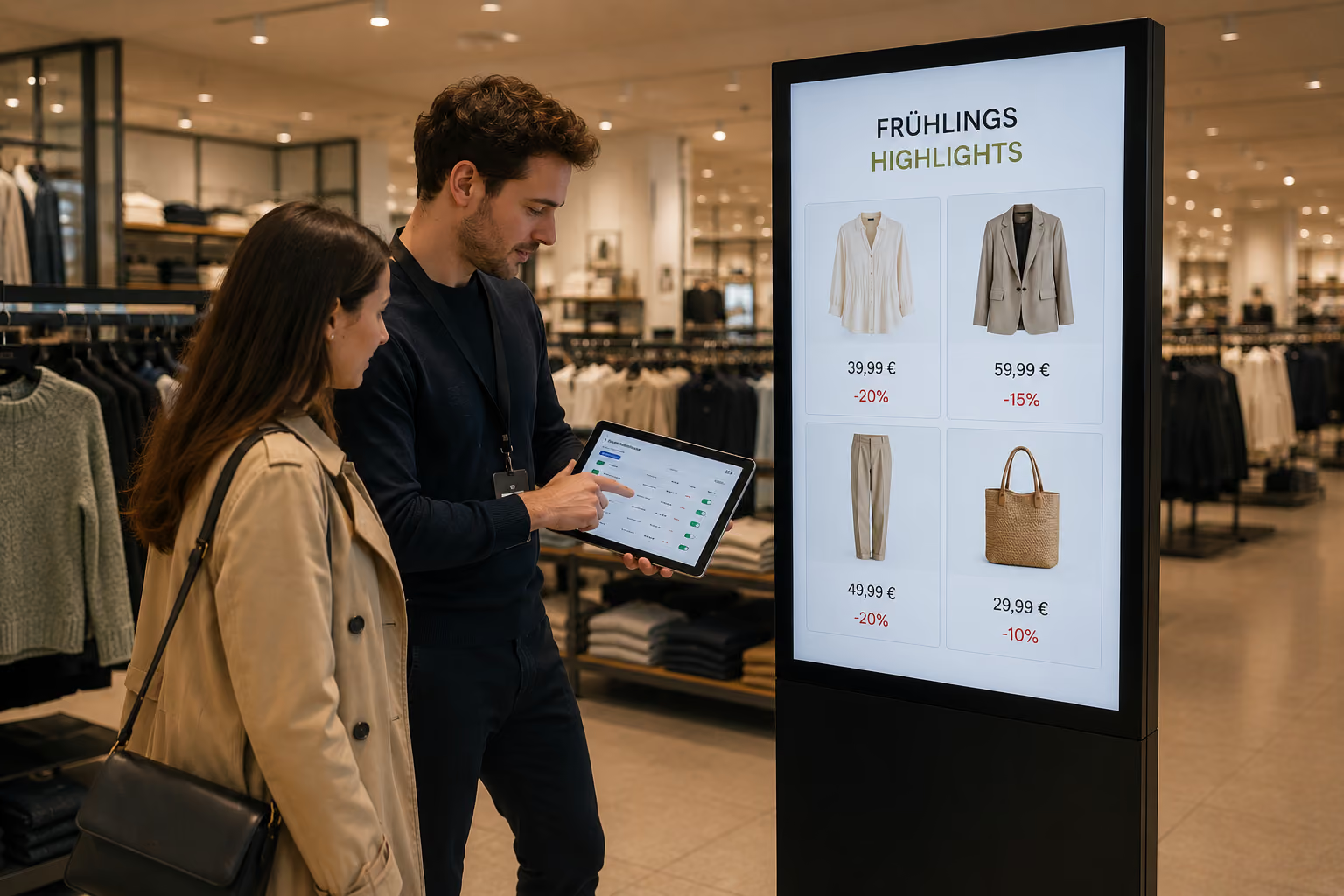
With a SoC display, the player is already built into the screen. There is no need for additional hardware behind the display, which can simplify installation, cabling, and maintenance.
Such solutions are often suitable for standardized applications on a single display, for example:
- welcome screens in entrance areas
- digital notice boards
- menu and offer displays
- information displays in offices or branches
- simple video, image, and news content
However, which functions are actually available depends heavily on the manufacturer, operating system, and specific model. Samsung Tizen, LG webOS, and Sony BRAVIA with Android, for instance, differ in terms of resolution, touch support, remote configuration, and software updates. Therefore, an integrated player is not automatically suitable for every application.
These criteria determine the right player
Hardware should not be selected based solely on the content planned for the project launch. Future expansions must also be taken into account. The following questions will help you make your decision.
1. What content will be displayed?
Individual images and simple slides place fewer demands on hardware than multiple simultaneous videos, live dashboards, or interactive websites.
The more complex the layout and the more dynamic content displayed simultaneously, the more important the player's processor, RAM, and graphics performance become. Especially with high-resolution videos or multiple content areas, sufficient performance headroom should be planned.
2. What resolution is required?
Full HD is sufficient for many classic information displays. 4K may be useful for large screens, detailed dashboards, or high-quality brand content. 8K is only needed for specialized applications.
Not every platform supports every resolution in every configuration. For individual SoC devices, for example, 4K is only possible to a limited extent or in combination with an external player. The planned resolution should therefore be checked against both the display and the player.
3. How many screens need to be controlled?
Many SoC and compact player solutions are designed for a single screen. More powerful external players can support multiple displays or player instances, depending on the model.
This is relevant, for example, if multiple displays in a reception area show different content or if an installation is to be expanded later. The connectSignage players cos200, cos300, and cos400 differ, among other things, in the number of screens and instances they can support. The specific choice should therefore match the planned display structure.
4. Must content run without an internet connection?
A brief internet outage should not automatically lead to a black screen. If the player supports offline operation, content that has already been transmitted and stored locally can continue to play.
However, new content, live data, or external websites may not be able to update during an interruption. For critical applications, it should therefore be clarified which content is kept locally and whether an alternative display is needed in the event of a failure.
Many of the platforms compared in the connectSignage decision matrix support offline operation. Nevertheless, the specific behavior of dynamic data sources should be tested before rollout.
5. Is a touch function required?
For interactive applications, it is not enough to simply select a touchscreen. The player and the operating system used must also reliably support touch input.
This applies, for example, to:
- interactive wayfinding
- digital product consulting
- information kiosks
- Self-service applications
- interactive bulletin boards
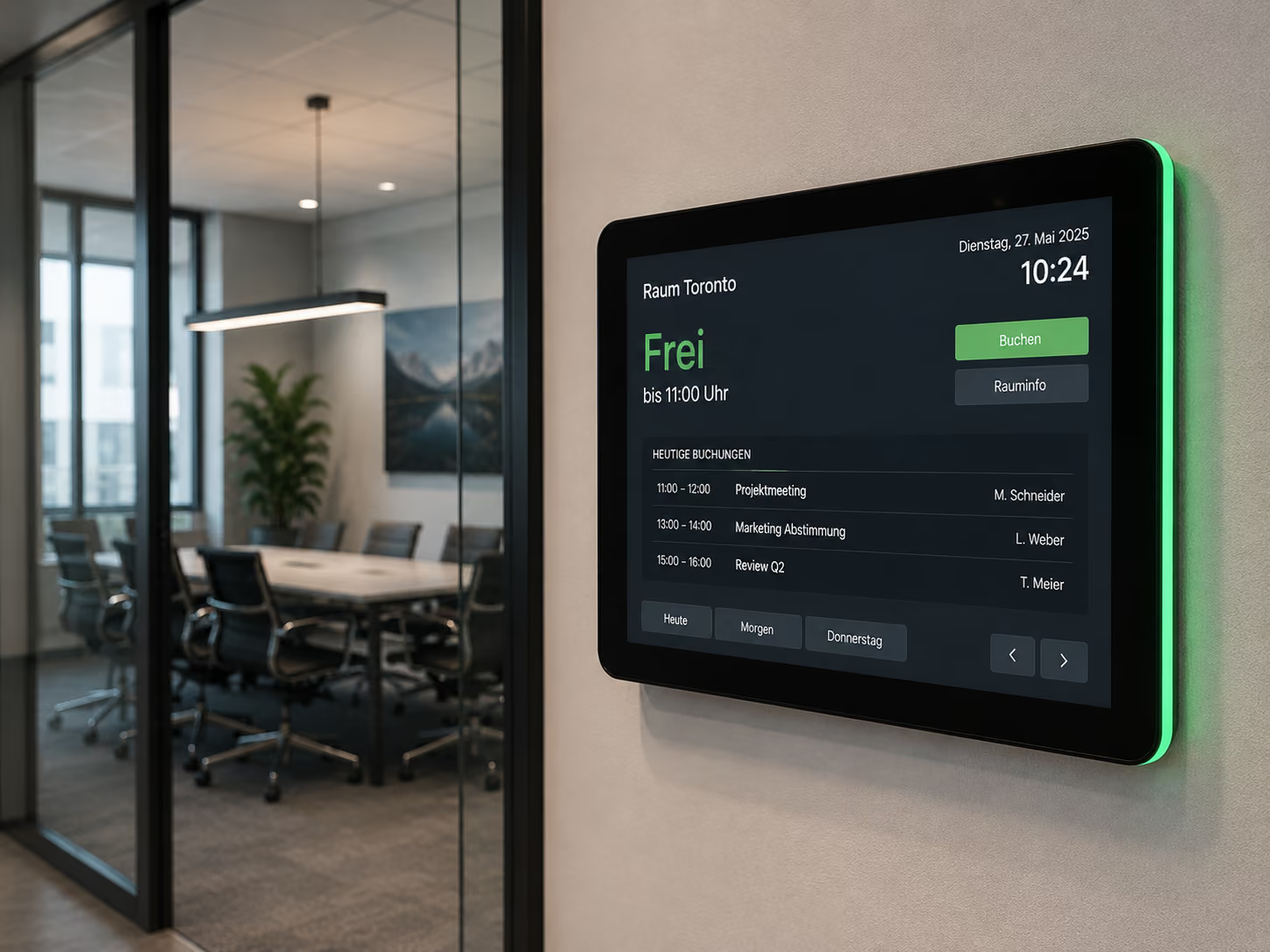
- Door signs and room displays
Some platforms support touch directly, while others only do so under specific technical conditions. Furthermore, performance must be matched to the application. Simple navigation requires fewer resources than extensive interactive content featuring videos, animations, and data integrations.
6. What level of remote control is required?
For a single display, manual on-site control might still be manageable. With multiple locations, however, it quickly becomes labor-intensive.
Important features for ongoing operations therefore include:
- Checking player status and connectivity
- Taking screenshots of currently displayed content
- Scheduling screen power on/off times
- Adjusting settings remotely
- Performing remote software updates
- Detecting malfunctions before they are reported on-site
The exact range of functions varies by platform. Especially with non-certified devices, there may be limitations regarding hardware actions, LED controls, or remote configuration.
7. Is the hardware certified for connectSignage?
A compatible operating system alone does not guarantee that all features will be reliably available in daily operation.
For certified devices, the interaction with connectSignage has been tested for specific models and functions. For partially certified platforms, only some models have been tested, meaning model-specific differences may occur. For unverified devices, operation is often possible under the stated minimum requirements, but individual functions may be limited.
The certification status is particularly important for larger rollouts. Early verification prevents limitations from being discovered only after the hardware has been installed.
Which player is right for which project?
The following examples serve as an initial guide.
A single welcome screen in the reception area
If you are primarily displaying greetings, appointments, images, and company information, a professional display with an integrated SoC may be sufficient. The key factors are support for the specific display model and the required resolution.
Multiple displays in a branch or foyer
If multiple displays need to show different content or synchronized presentations, an external player often offers more flexibility. Depending on the number of outputs required, the connectSignage players cos200, cos300, or cos400 can be used.
Key performance indicators and information in production
For production metrics, safety information, and live data, reliable playback is just as important as performance. If data from existing systems is being integrated, you should also consider how the system handles network outages and remote monitoring.
Interactive kiosk or digital door sign
In this case, the display, player, operating system, and touch technology must be perfectly matched. Certified touch devices or players specifically designed for such applications reduce integration effort.
High-resolution videos and demanding websites
For multiple videos, complex websites, or particularly high resolutions, a powerful external solution is recommended. Even within a single player family, models can differ significantly. Therefore, exact requirements should be determined before placing an order.
Compare players and features directly
Since features vary not only between manufacturers but also between model series, a general recommendation is often not enough.
The connectSignage player decision matrix allows for a targeted comparison of, among other things:
- connectSignage cos200, cos300, and cos400
- Windows players
- various BrightSign series
- Android devices
- Samsung Signage displays
- LG webOS displays
- Sony BRAVIA displays
- iiyama and ProDVX devices
- other supported platforms
The matrix can be filtered by manufacturer, features, and specifications. This allows you to check immediately, for example, which solutions support 4K, touch, offline operation, screenshots, or remote configuration.
Go to the player decision matrix
Since the matrix is updated regularly, you should verify the current status before making a final hardware decision.
Conclusion: The requirements determine the player
The choice of player is a key factor in how reliably and flexibly a digital signage project can be operated in the long term. An integrated System-on-Chip can be the right, space-saving solution for simple applications. As soon as multiple displays, complex content, touch functionality, or specific performance and remote maintenance requirements come into play, an external player often offers more possibilities.
It is important not to base your decision solely on the manufacturer or price. Content, resolution, number of displays, offline operation, touch, remote control, and certification status should all be considered together.
Clarifying these points before the rollout prevents future limitations and creates a hardware foundation that can grow with your future requirements.
FAQ
Does every digital signage display need a player?
Yes. The player processes and transmits content from the CMS to the screen. It can be connected as a separate device or already integrated into the display as a System-on-Chip.
What is the difference between a media player and an SoC display?
A media player is a separate device connected to the display. With an SoC display, the necessary computing unit is already integrated into the screen. External players often offer more power and flexibility, while SoC solutions require less additional hardware.
Can one digital signage player power multiple screens?
Yes, if the chosen model supports multiple screen outputs or player instances. The number of displays possible varies depending on the hardware. The player decision matrix shows the respective differences.
Does digital signage work without an internet connection?
Content already stored on the player can continue to run if offline operation is supported. New content, live data, and external websites may not be able to update during an outage.
Is an external player always more powerful?
Not necessarily. Performance depends on the specific model. However, external players usually offer a wider range of performance classes and connection options. For simple applications, an integrated SoC player can be perfectly sufficient.
Can I use any Windows or Android player?
Many devices may work in principle if they meet the minimum technical requirements. However, limitations may occur with untested models. For a reliable rollout, you should therefore prioritize certified devices or those listed in the decision matrix.
Which player is suitable for touch applications?
That depends on the touch technology, operating system, and application being used. Various external players as well as selected SoC and Android devices support touch. The combination should be checked in advance using the player decision matrix.
Bereit für einfaches und leistungsstarkes Digital Signage?
Erlebe connectSignage live und entdecke, wie du digitale Displays, Inhalte und Standorte zentral steuerst und Digital Signage für deine Unternehmenskommunikation einsetzt.
Weitere Insights rund um Digital Signage
Entdecke weitere Artikel zu Digital Signage, interner Kommunikation, Integrationen und konkreten Anwendungsfällen.
.png)

.png)
.png)
.png)
.png)
.png)
.png)