
MICROSOFT 365 INTEGRATION
Use Microsoft 365 on digital signage displays
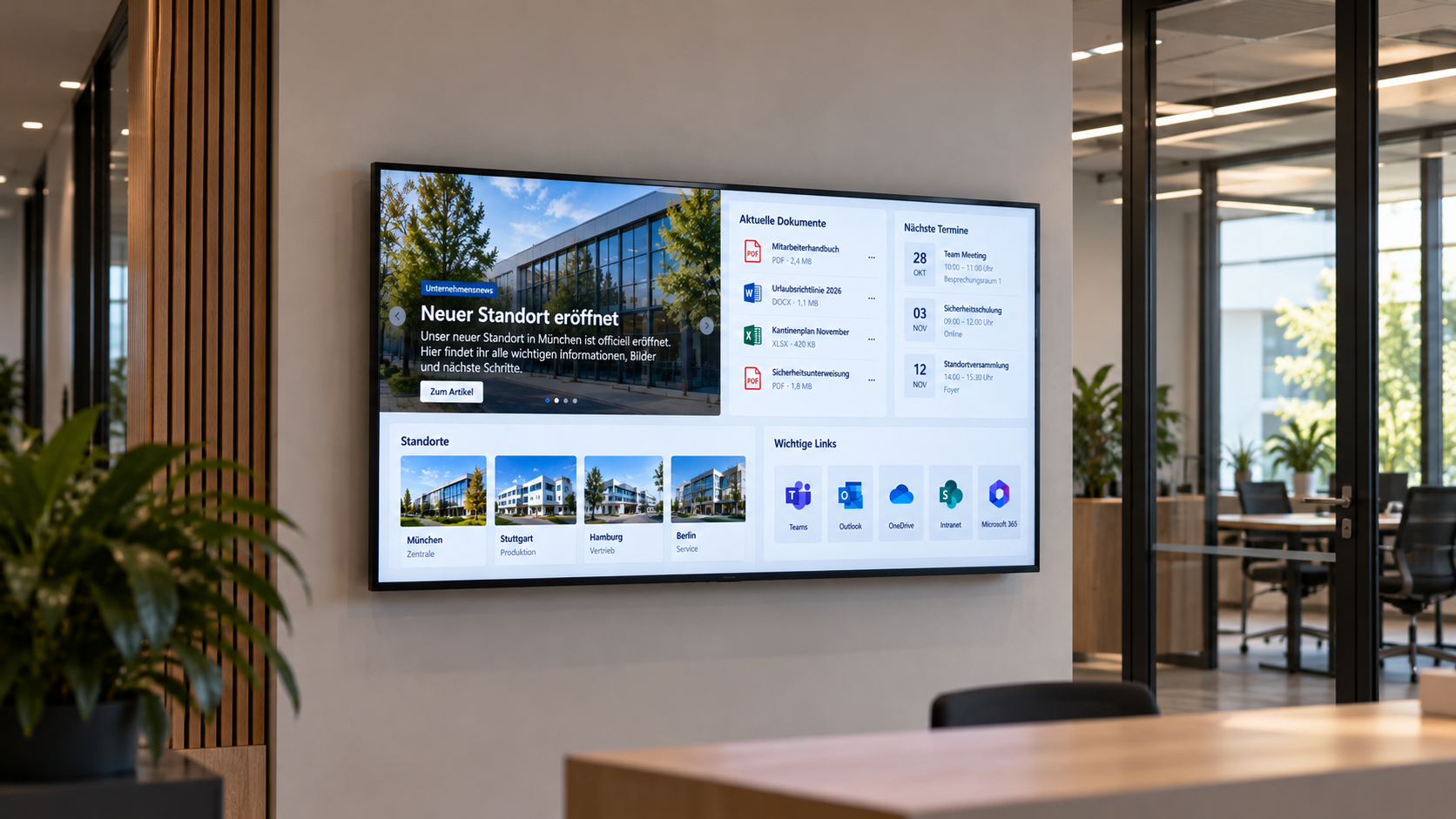
Bring relevant content from SharePoint, Power BI, OneDrive and other Microsoft 365 services to your screens with connectSignage. Reuse existing information for workplace communication.
BENEFITS
Bring existing Microsoft 365 content to your screens
Use SharePoint news, Power BI metrics and OneDrive files for digital communication without recreating them.
Keep using existing systems
Reuse SharePoint, Power BI and other Microsoft 365 content instead of recreating it for screens.
Keep information up to date centrally
Maintain changes in your existing Microsoft systems and make updated information available for digital communication.
Deliver relevant content
Choose Microsoft 365 content for individual locations, screens and use cases.
USE CASES
Use Microsoft 365 for internal communication
From company news to key metrics: share relevant Microsoft information with employees at work and in shared spaces.
Internal communication
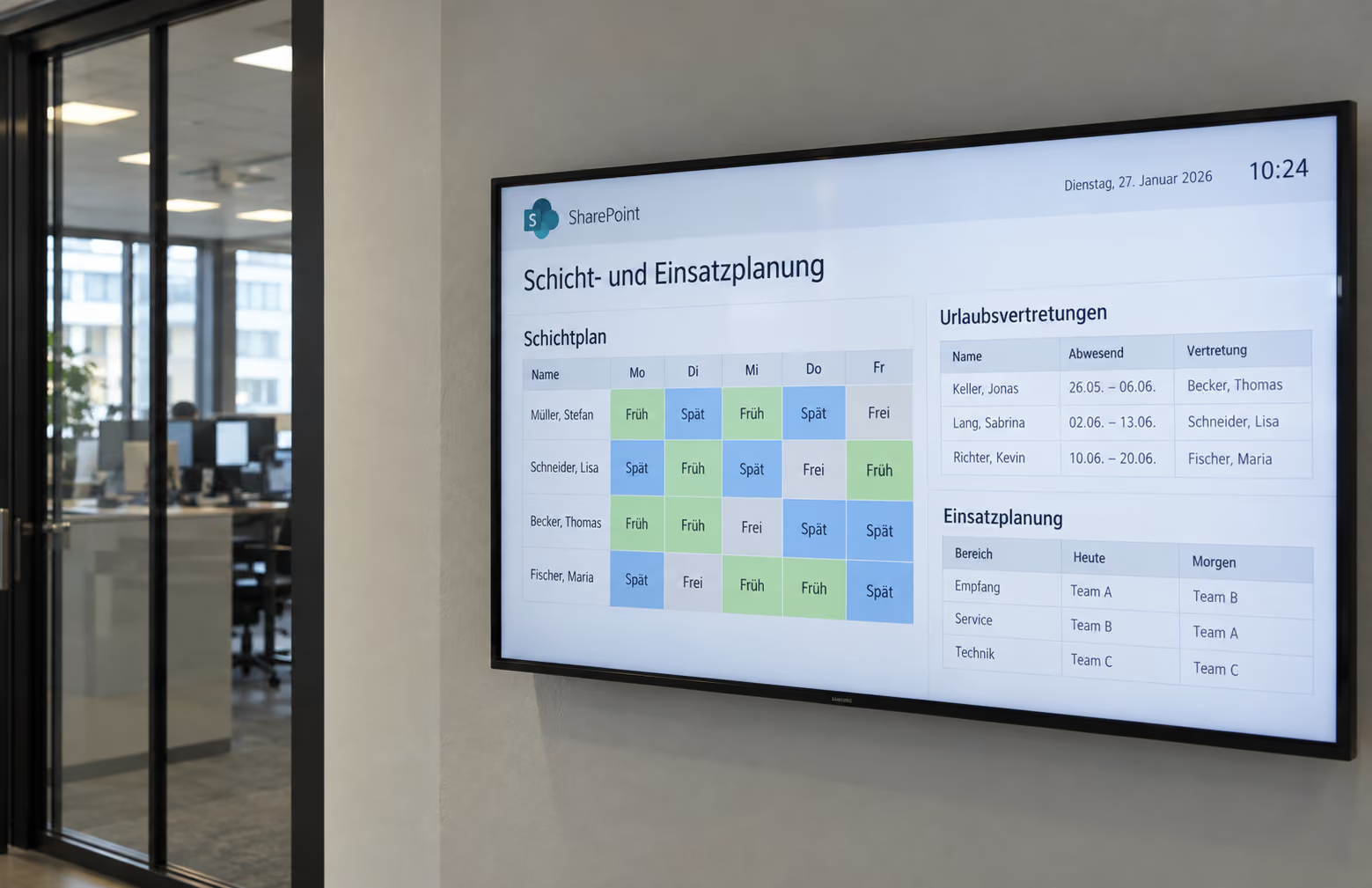
Show SharePoint news and internal information on digital notice boards and information displays.
Explore SharePoint →Dashboards and KPIs
Show Power BI metrics for production, control rooms, offices and management communication.
Explore Power BI →Documents and media
Use images, PDFs and presentations from OneDrive for digital signage.
Explore OneDrive →Collaboration and information
Display suitable Microsoft Teams information on screens.
Explore Microsoft Teams →.png)
HOW IT WORKS
Connect Microsoft 365 with connectSignage
connectSignage extends Microsoft 365 to digital displays. Reuse content from connected Microsoft services and distribute it centrally.
TECHNOLOGY AND SECURITY
The right integration for each Microsoft service
SharePoint, Power BI and other Microsoft services have different authentication and permission requirements. The setup depends on your environment.
Web applications
Depending on the environment, protected Microsoft web applications can be displayed using Windows SSO, browser sessions or login macros.
Files and content
Existing files and content can be synchronized or used directly as a source, depending on the Microsoft service.
APIs and structured data
Microsoft APIs and project-specific connections can provide structured content.
Related integrations and use cases


Frequently asked questions
Quick answers about Microsoft 365 and digital signage.
Can connectSignage display Microsoft 365 content?↓
Yes. Depending on your use case, SharePoint content, Power BI dashboards and other Microsoft content can be integrated into digital signage.
Do I need to maintain Microsoft 365 content separately for displays?↓
Not necessarily. The aim is to reuse existing content and data sources. The implementation depends on the Microsoft service.
Which Microsoft 365 services can connect to digital signage?↓
Typical integrations include SharePoint, Power BI, Teams, OneDrive and Exchange. Available content depends on your use case and setup.
How is protected Microsoft content authenticated?↓
Authentication depends on the service, player and security setup. Options can include Windows SSO, browser sessions and login macros.
What is Microsoft 365 digital signage used for?↓
Typical applications include internal communication, SharePoint news, Power BI KPIs, documents, room schedules and company information.
Bereit für intuitives Digital Signage?
Teste die Plattform und erlebe live, wie einfach digitale Kommunikation sein kann.
.avif)