.svg.webp)
MICROSOFT TEAMS INTEGRATION
Display Microsoft Teams content on digital signage screens
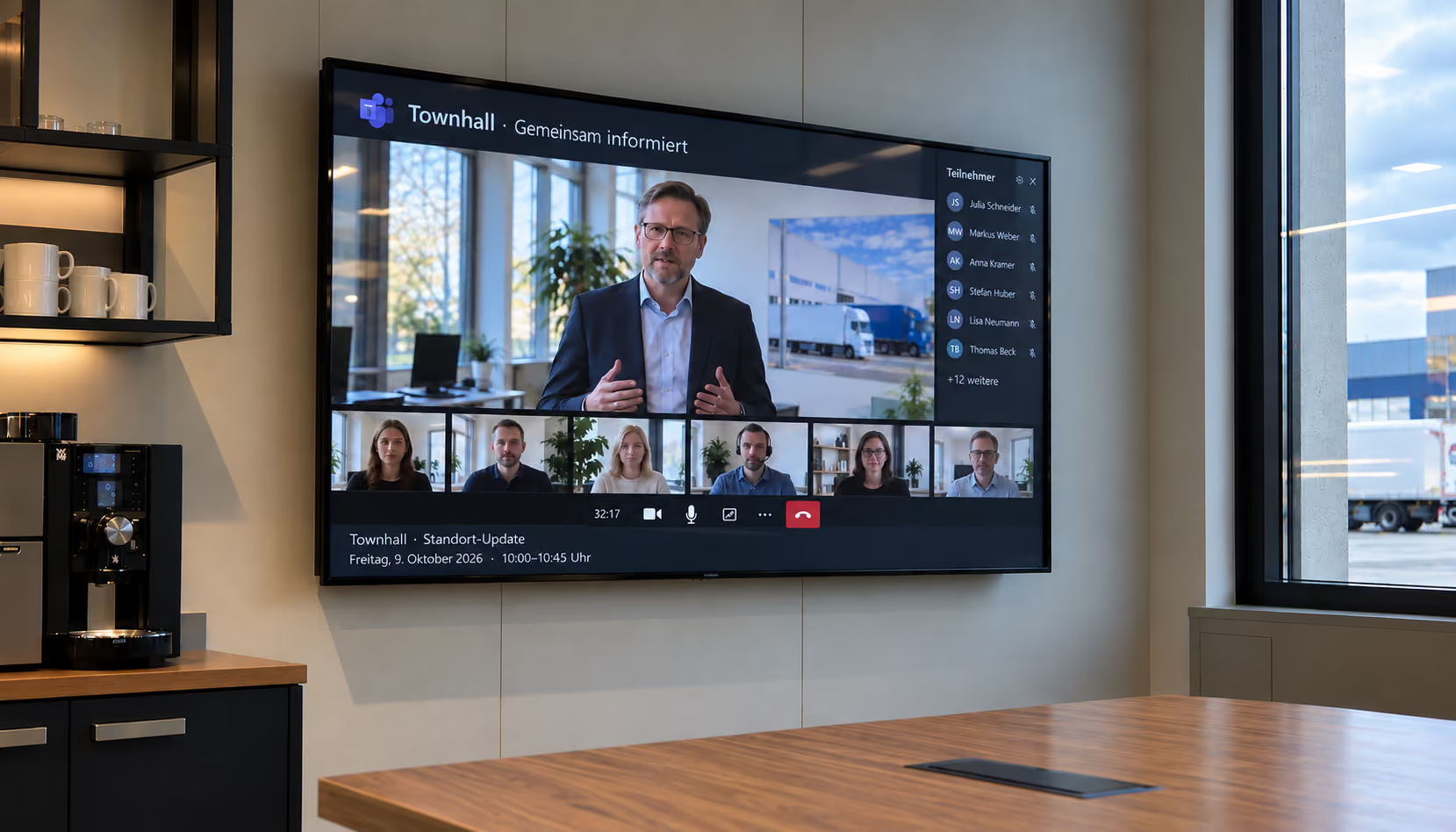
connectSignage can display suitable Microsoft Teams web content on digital signage screens. Existing content can be used as a web application and, if required, opened with an automated guest login via macro.
BENEFITS
Use Microsoft Teams for internal communication on displays
Existing Teams content can become visible where employees need it in their daily work without rebuilding content specifically for digital signage.
Reuse Teams content
Display existing Microsoft Teams web content as a web application on suitable digital signage players.
Automate login
If required by the use case, guest login can be automated using a configured macro.
Combine with other content
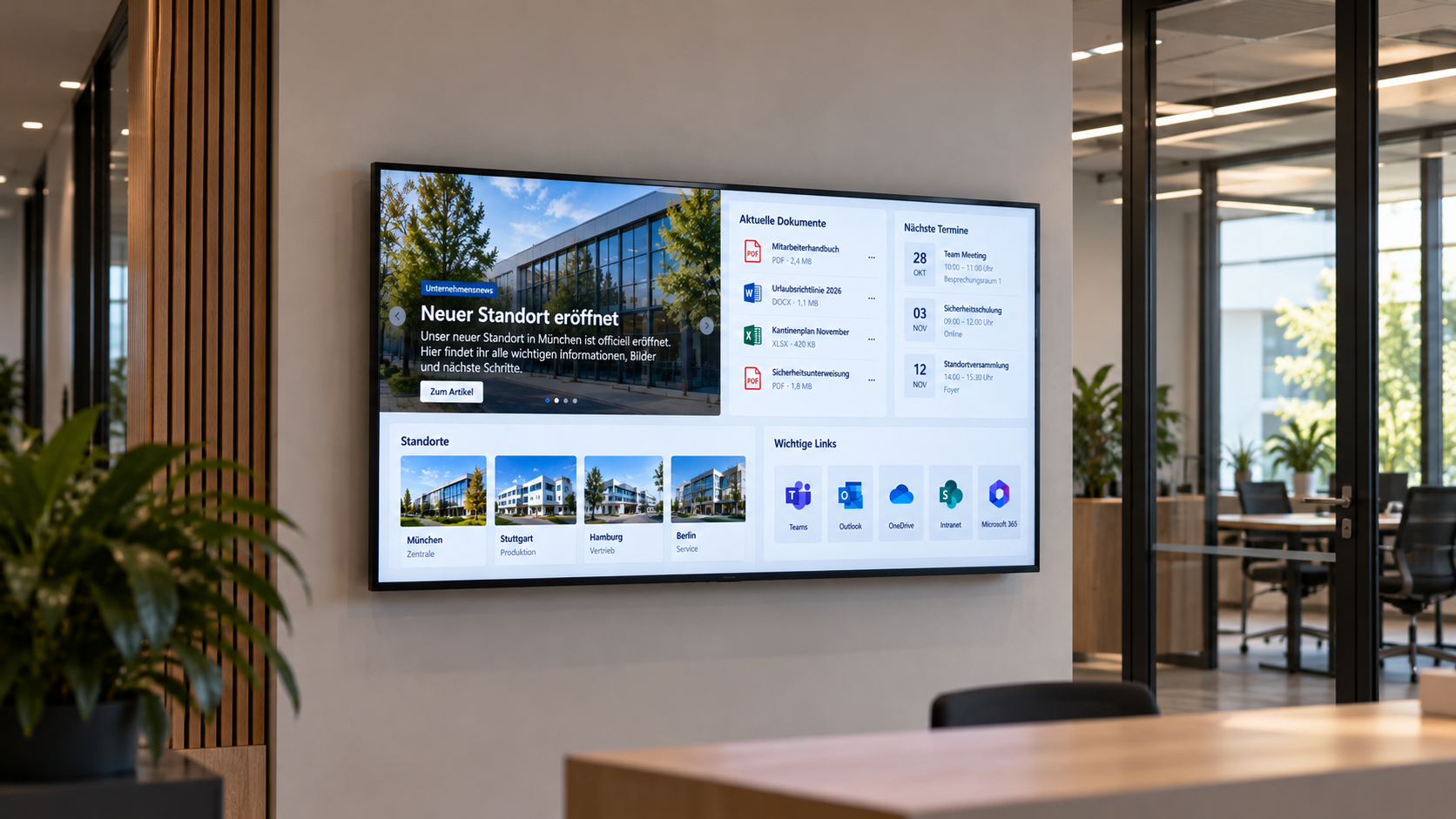
Combine Teams content with news, KPIs, images and other information sources in digital signage presentations.
USE CASES
Make Microsoft Teams visible where information is needed
Teams content is particularly useful for internal communication and information displays away from traditional workstations.
Internal information displays
Make Teams-based information visible on central displays in office and corporate areas.
More about information displays →Digital notice boards
Combine Teams content with news, events and other internal information on a digital notice board.
More about digital notice boards →Welcome & information displays
Integrate selected Teams web content into existing information and welcome screens.
Department & team communication
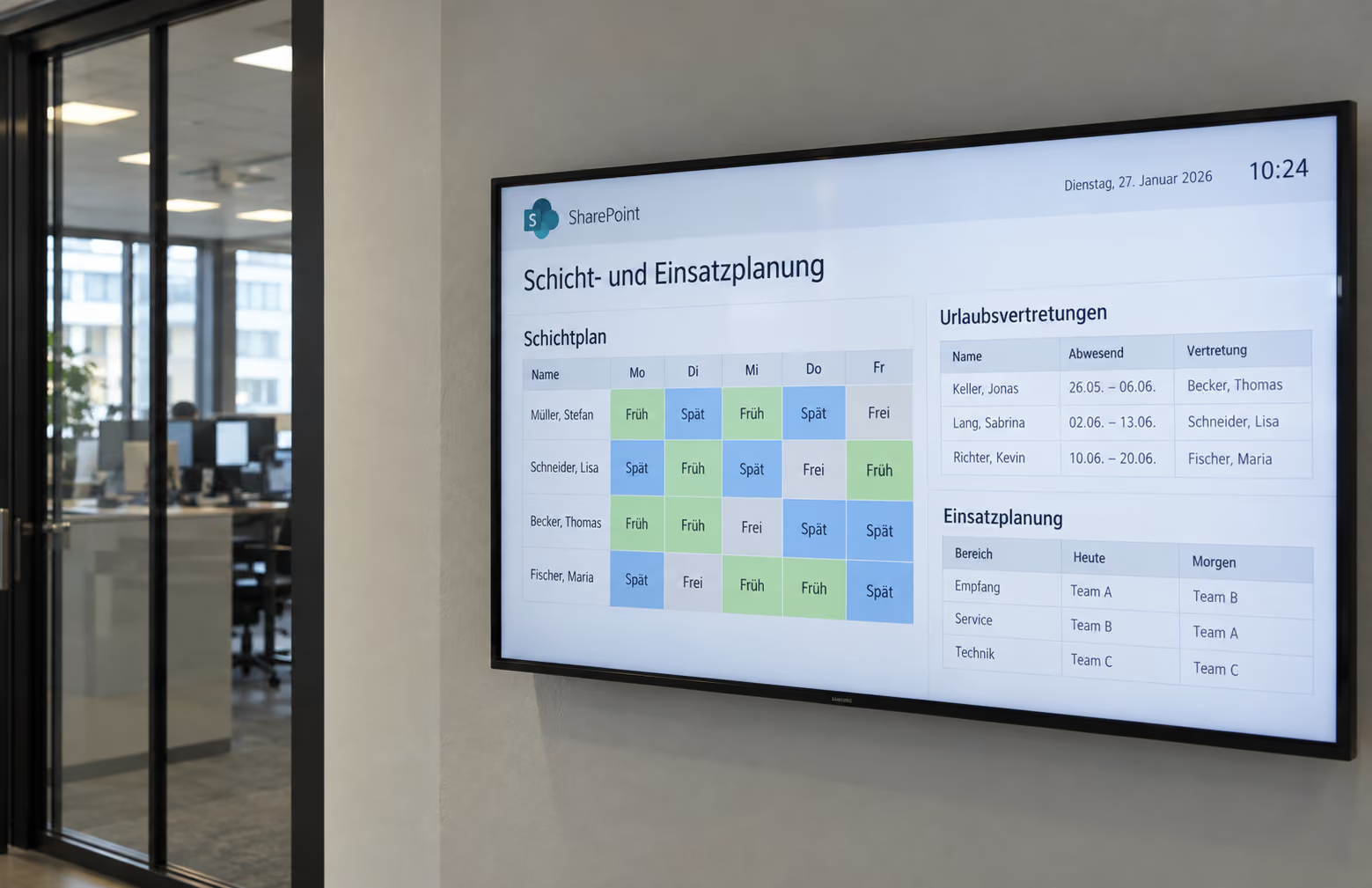
Provide relevant Teams content for individual locations, departments or teams on displays.
.png)
ABOUT THE INTEGRATION
Connect Microsoft Teams with digital signage
The Teams integration is based on displaying suitable Teams web content as a web application. Authentication and the player are selected to match the respective Microsoft and IT environment.
TECHNOLOGY & SECURITY
Integrate Teams web content securely into connectSignage
Because Microsoft Teams content can be protected, authentication depends on the existing Microsoft and IT environment.
Web application
Teams content is displayed on the player through a suitable web view.
Authentication
Depending on the environment, an existing Microsoft login can be used or automated authentication can be configured via macro.
Suitable player
Protected web applications require a player with suitable browser and authentication support.
Related integrations and use cases
.png)
Frequently asked questions
Short answers to common questions about Microsoft Teams and digital signage.
Can connectSignage display Microsoft Teams content on screens?↓
Yes. Suitable Microsoft Teams web content can be embedded as a web application in connectSignage and displayed on digital signage screens.
Does Teams content also need to be maintained in connectSignage?↓
No. Existing Teams web content can continue to be used. connectSignage handles its display within the digital signage presentation.
How does authentication work for protected Teams content?↓
It depends on the Microsoft and IT environment. Depending on the use case, an existing session can be used or an automated guest or login process can be configured via macro.
Can I combine Teams content with other digital signage content?↓
Yes. Teams web content can be combined with news, images, KPIs, calendars and other information sources in one presentation.
Which applications is the Teams integration suitable for?↓
Typical applications include internal information displays, digital notice boards, welcome screens, and department and team communication.
Ready for intuitive digital signage?
Test the platform and see how easy digital communication can be.
.avif)