
MICROSOFT POWER BI INTEGRATION
Display Power BI dashboards on digital signage screens
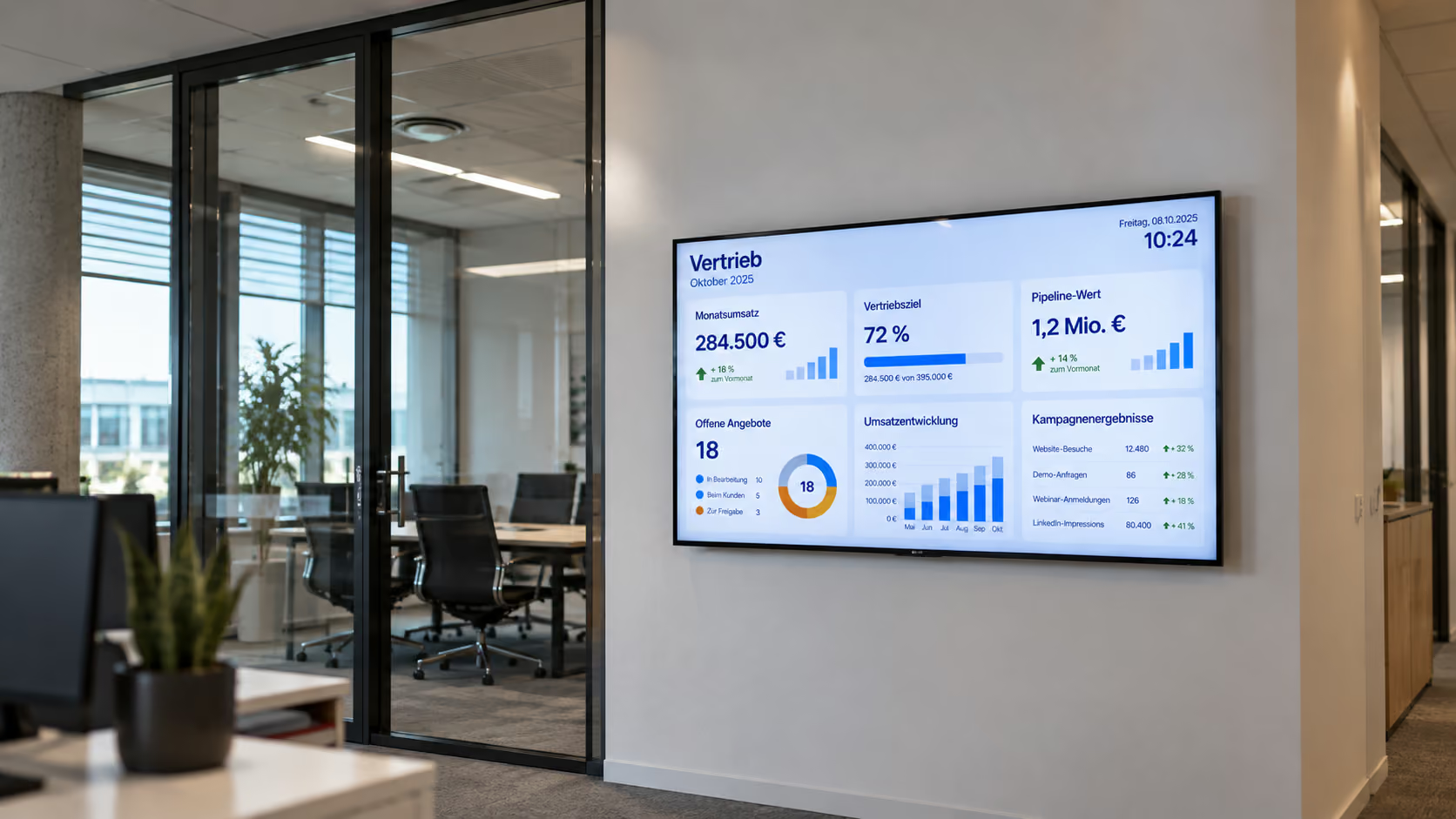
With connectSignage, Power BI dashboards and reports can be displayed on digital signage screens. Existing visualizations can be reused to make current KPIs, production metrics and business data visible where teams need them.

BENEFITS
Make Power BI data visible without rebuilding dashboards
Existing Power BI reports become a visual data channel for digital signage. Teams see relevant metrics where they are needed in day-to-day work.
Reuse existing dashboards
Use existing Power BI reports and visualizations on digital signage displays.
Make KPIs visible centrally
Show current KPIs and business data on displays without having to open Power BI manually each time.
Display protected reports
Protected Power BI content can also be displayed using suitable authentication methods depending on the IT environment.
USE CASES
Show Power BI metrics where decisions are made
From production data to management KPIs, Power BI makes current metrics available for different digital signage use cases.
Production & manufacturing
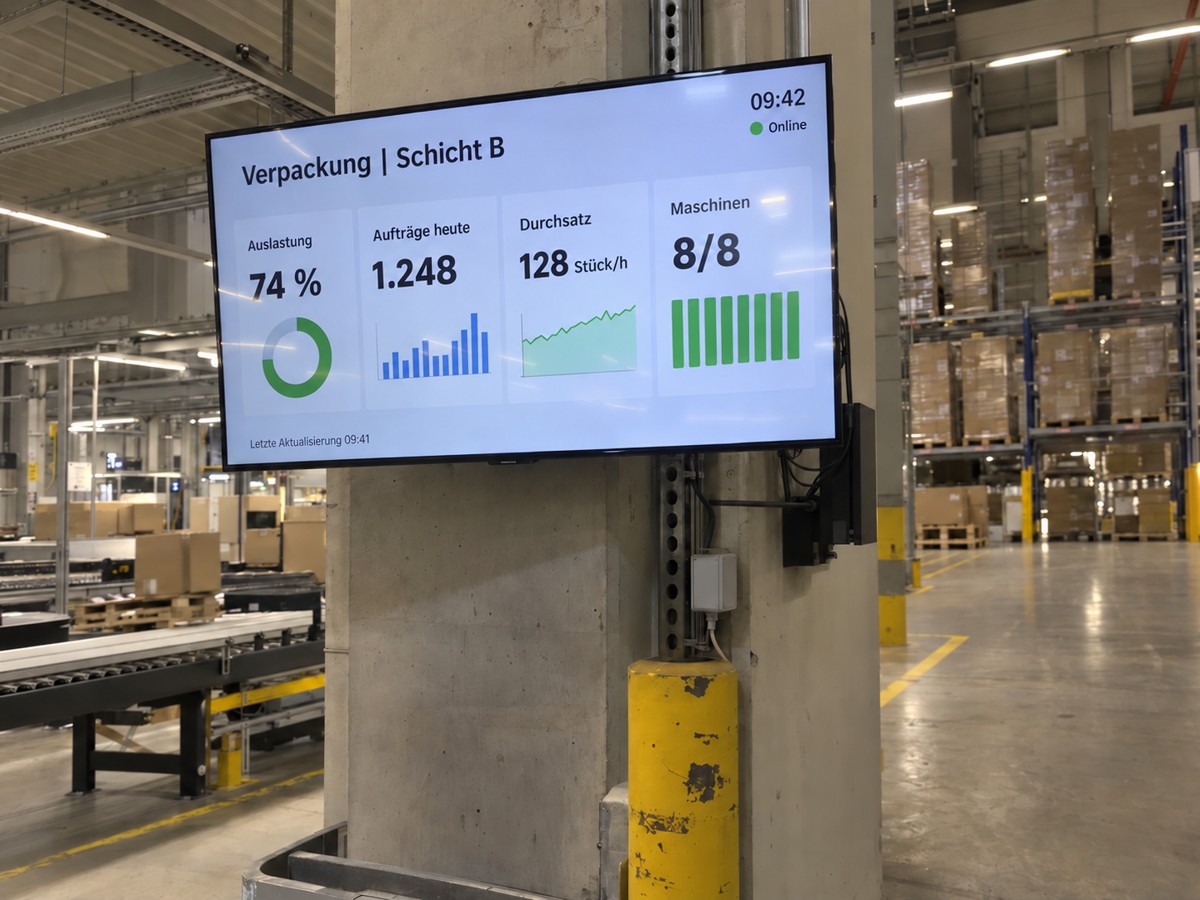
Make production KPIs, utilization or quality data visible on displays in manufacturing and on the shop floor.
Control rooms & operations
Display operational dashboards and current status information for teams and control rooms.
Business KPIs
Provide sales, service or company KPIs on central displays for teams.
Internal communication
Combine Power BI visualizations with other internal information on digital signage displays.
ABOUT THE INTEGRATION
Connect Power BI with digital signage
Existing Power BI reports can be displayed on digital signage screens with connectSignage. Depending on the IT environment, reports are shown directly as a web application and authenticated through the existing Microsoft environment.
TECHNOLOGY & SECURITY
Display protected Power BI reports securely
For protected reports, authentication and the player depend on the existing Microsoft and IT environment. connectSignage supports different authentication approaches for this.
Windows SSO
In suitable Windows environments, the existing sign-in can be used for protected Microsoft web applications.
Browser session
Depending on the environment, an already authenticated browser session can be used to display the report.
Login macro
Alternatively, sign-in for suitable web applications can be automated using a connectSignage login macro.
Customer success stories
Digitale Mitarbeiterinformation im Logistikzentrum
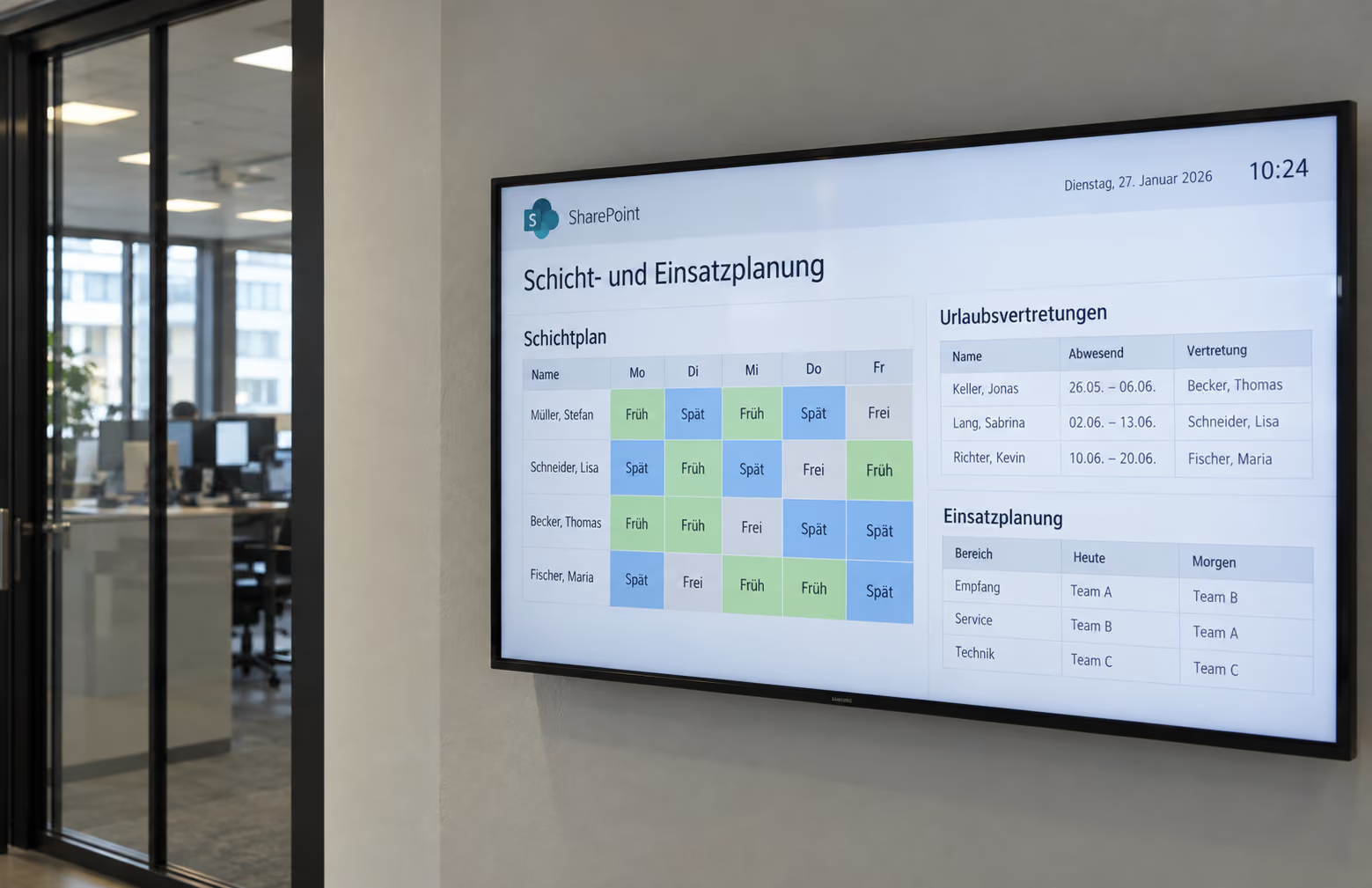
Ein großes Logistikunternehmen aus Deutschland setzt an mehreren Standorten auf connectSignage. Über Displays erhalten Mitarbeitende ohne eigenen PC Zugang zu Schichtplänen, Unternehmensnews und aktuellen Logistikdaten.
Related integrations and use cases
.png)
Frequently asked questions
Short answers to common questions about Power BI and digital signage.
Can connectSignage display Power BI dashboards on screens?↓
Yes. Power BI reports and dashboards can be displayed on suitable digital signage players with connectSignage.
Can protected Power BI reports also be displayed?↓
Yes. Depending on the environment, authentication can be handled through Windows SSO, an existing browser session or a connectSignage login macro.
Which players are suitable for Power BI?↓
Power BI dashboards can be displayed on suitable Windows, Android and BrightSign players. The best player configuration depends in particular on the required authentication and the respective IT environment.
Do Power BI dashboards need to be rebuilt for digital signage?↓
No. Existing Power BI reports can be reused. The most suitable view for the display depends on the dashboard and the specific use case.
What is Power BI on digital signage displays suitable for?↓
Power BI on digital signage displays is particularly useful for production KPIs, operational control rooms, business KPIs and internal communication. This makes current metrics visible where employees need them in their daily work.
Ready for intuitive digital signage?
Test the platform and see how easy digital communication can be.
.avif)