.svg.webp)
MICROSOFT SHAREPOINT INTEGRATION
Display SharePoint content on digital signage screens
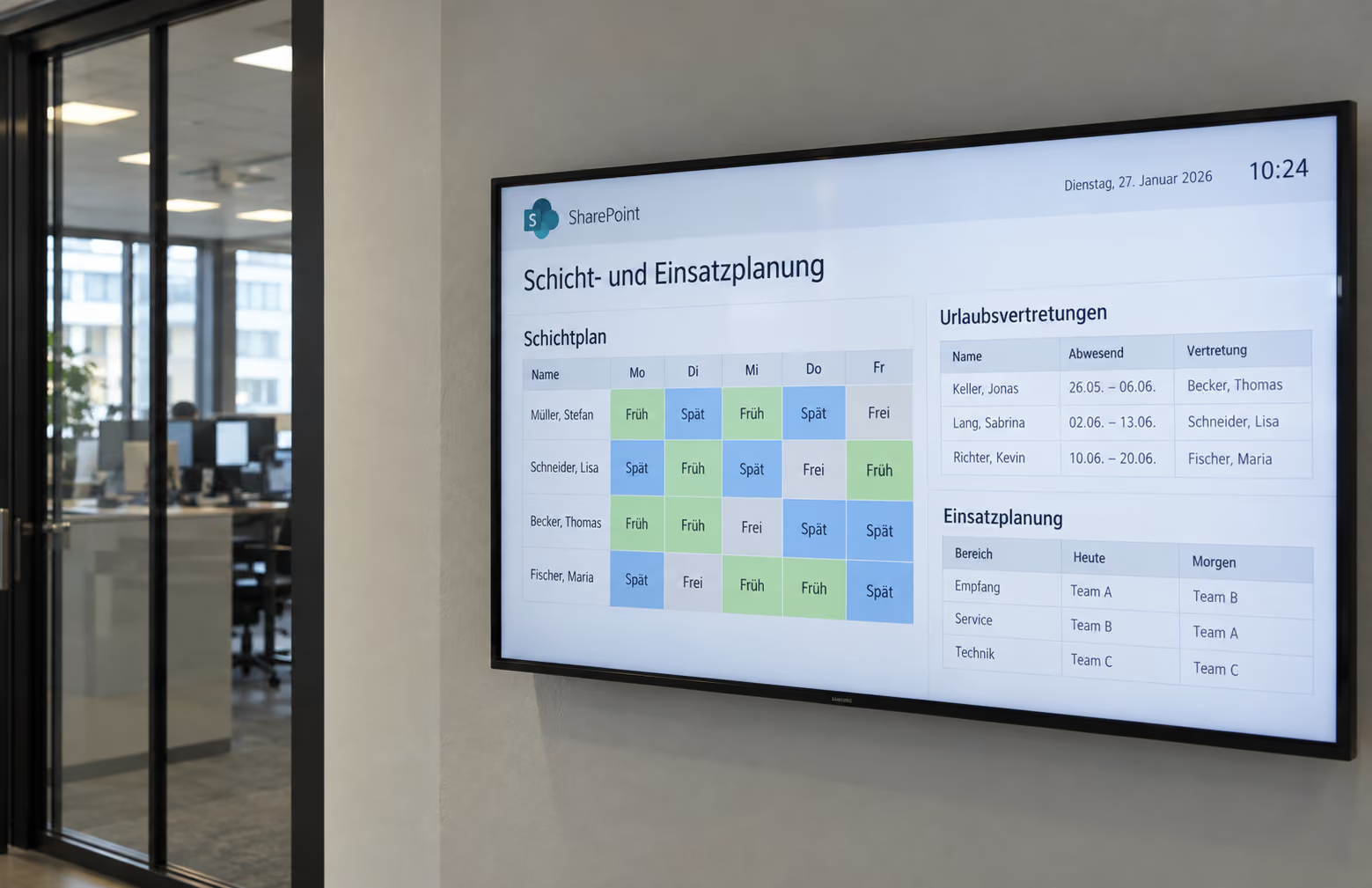
Use existing Microsoft SharePoint content for digital signage. With connectSignage, SharePoint pages, files and structured data from lists, news and metadata can be displayed on screens.

BENEFITS
Use SharePoint content without maintaining it twice
Existing SharePoint content becomes a source for digital signage. Depending on the requirement, you can use the original Microsoft interface, existing files or individual data fields.
Reuse existing content
Use SharePoint pages, files and existing company information on displays.
Apply changes automatically
When synchronized files change, they are automatically transferred to connectSignage and updated on the displays.
Present content in your own design
Display news, list values and metadata as structured data in custom connectSignage layouts.
USE CASES
Make SharePoint content visible where employees need it
From company news to regularly updated documents, SharePoint can serve as an existing content source for a wide range of digital signage applications.
Company news & digital notice board
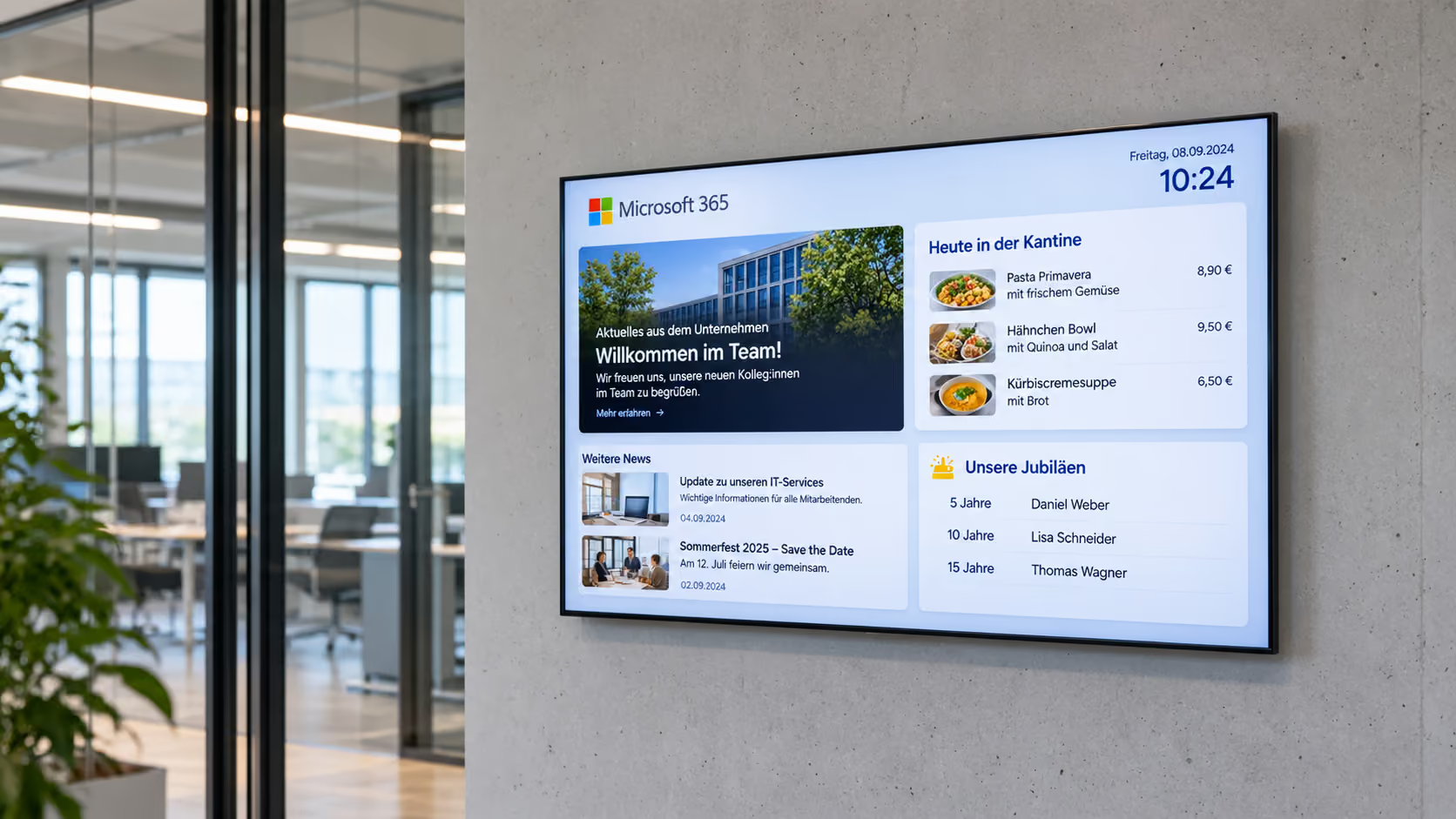
Provide news, events and internal information from SharePoint in a display-friendly layout for employees.
More about the digital notice board →Documents & media
Automatically display images, videos, PDFs, Office files or HTML content from synchronized SharePoint areas.
Lists & structured information
Retrieve selected list values, metadata or news fields, filter them and display them in your own corporate design.
More about information displays →SharePoint hubs & web applications
Display the original SharePoint interface, including navigation and web parts, as a web application on suitable players.
ABOUT THE INTEGRATION
Connect SharePoint with digital signage
Many company information assets are already maintained in SharePoint. Instead of recreating content for displays, SharePoint can be used as the existing source. Depending on the use case, options range from the full web view and synchronized files to structured data for custom display layouts.
TECHNOLOGY & SECURITY
The right SharePoint integration depends on the desired result
Web interfaces, files and API data are technically different integration paths. Authentication, permissions and players are therefore selected to match the specific use case.
Web application
Protected SharePoint pages are opened directly on suitable players. Depending on the environment, Windows SSO or a login macro can be used for authentication.
File synchronization
cosUploader monitors defined files or folders. New or changed content is automatically transferred to connectSignage and cached locally on the players.
Microsoft Graph / API
For structured data, only the required sites, lists or fields are enabled. App-only permissions with admin consent can be used for unattended synchronization.
Related integrations and use cases
.png)

Frequently asked questions
Short answers to common questions about SharePoint and digital signage.
Can I display SharePoint content and SharePoint News on screens?↓
Yes. SharePoint content can be used on displays as a web application, via synchronized files or as structured data. Depending on the use case, SharePoint News, lists and metadata can also be integrated into digital signage layouts.
Do SharePoint contents also have to be maintained in connectSignage?↓
No. Existing content can be retrieved or synchronized from SharePoint. Changes to connected files and data therefore do not have to be maintained separately for the displays.
How is SharePoint content integrated into digital signage displays?↓
There are different options depending on the desired result: complete SharePoint pages as a web application, files via synchronization, or structured data such as news, lists and metadata via Microsoft Graph or a project-specific connection.
Can protected SharePoint content also be displayed?↓
Yes. Protected SharePoint pages can be displayed on suitable players. Authentication depends on the Microsoft and IT environment and can, for example, use Windows SSO or a login macro.
Which SharePoint content is particularly suitable for digital signage?↓
Typical content includes company news, internal announcements, documents, media, lists, events and other structured information that is already maintained in SharePoint.
Ready for intuitive digital signage?
Test the platform and see how easy digital communication can be.
.avif)