.svg.webp)
ONEDRIVE INTEGRATION
Automatically update OneDrive files on digital signage displays
Microsoft OneDrive connects existing files with digital signage. Content from synchronized folders can be kept automatically up to date on displays.
.png)
BENEFITS
Use OneDrive files without maintaining content twice
Documents and media remain in the familiar storage location. connectSignage automatically transfers updated files for playback on displays.
Reuse existing folders
Use synchronized OneDrive folders as a source for images, documents and other files.
Apply changes automatically
cosUploader monitors defined files or folders and automatically transfers new or changed content.
Reduce manual uploads
Frequently updated files do not have to be replaced manually in the digital signage CMS every time.
USE CASES
Automatically provide OneDrive content on displays
The integration is particularly useful for content that is already maintained in OneDrive and updated regularly.
PDFs and documents
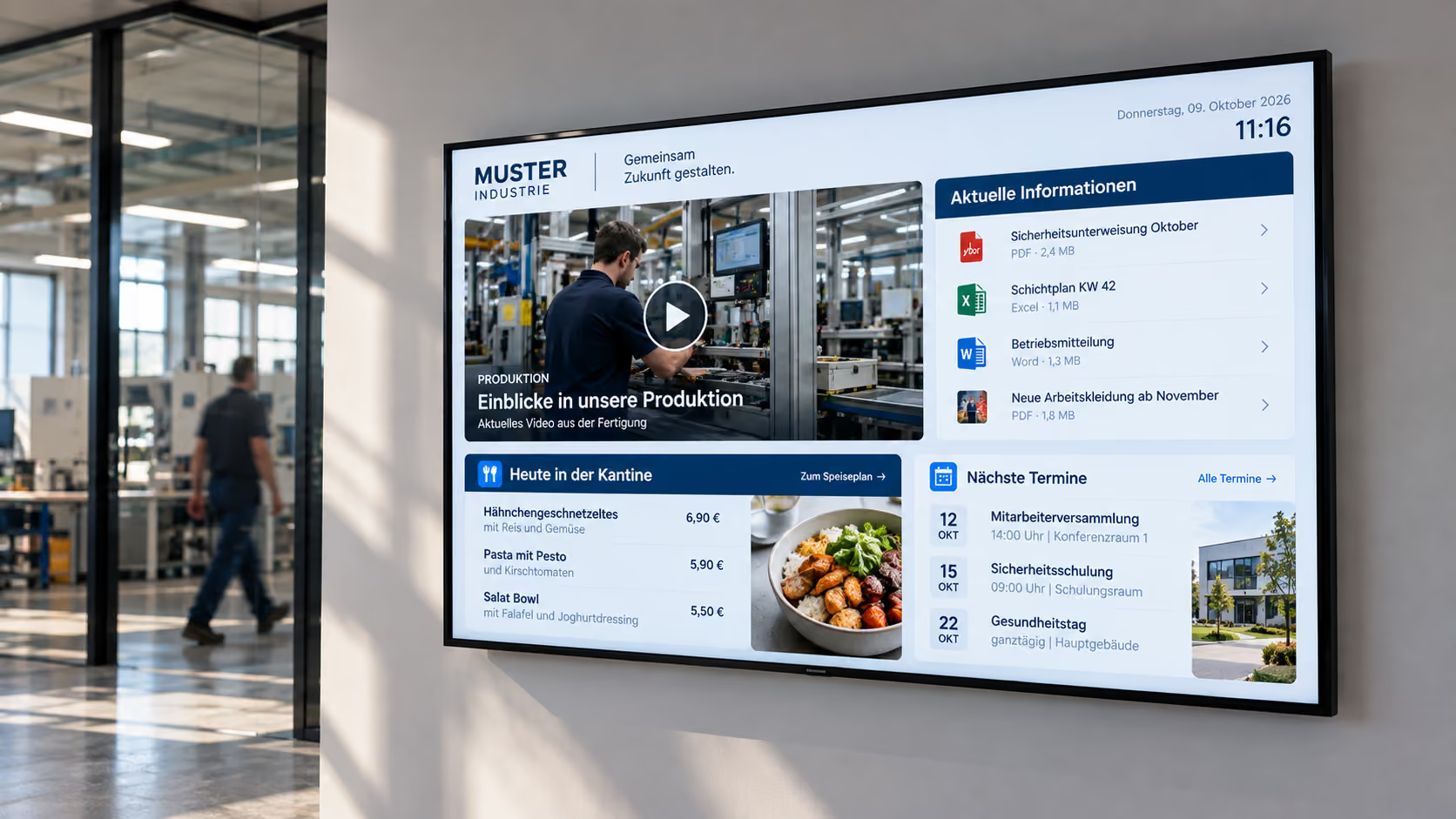
Automatically provide regularly updated PDF and Office documents on information displays.
More about information displays →Images and media
Synchronize graphics and other media from defined OneDrive folders for digital signage.
Digital notice boards
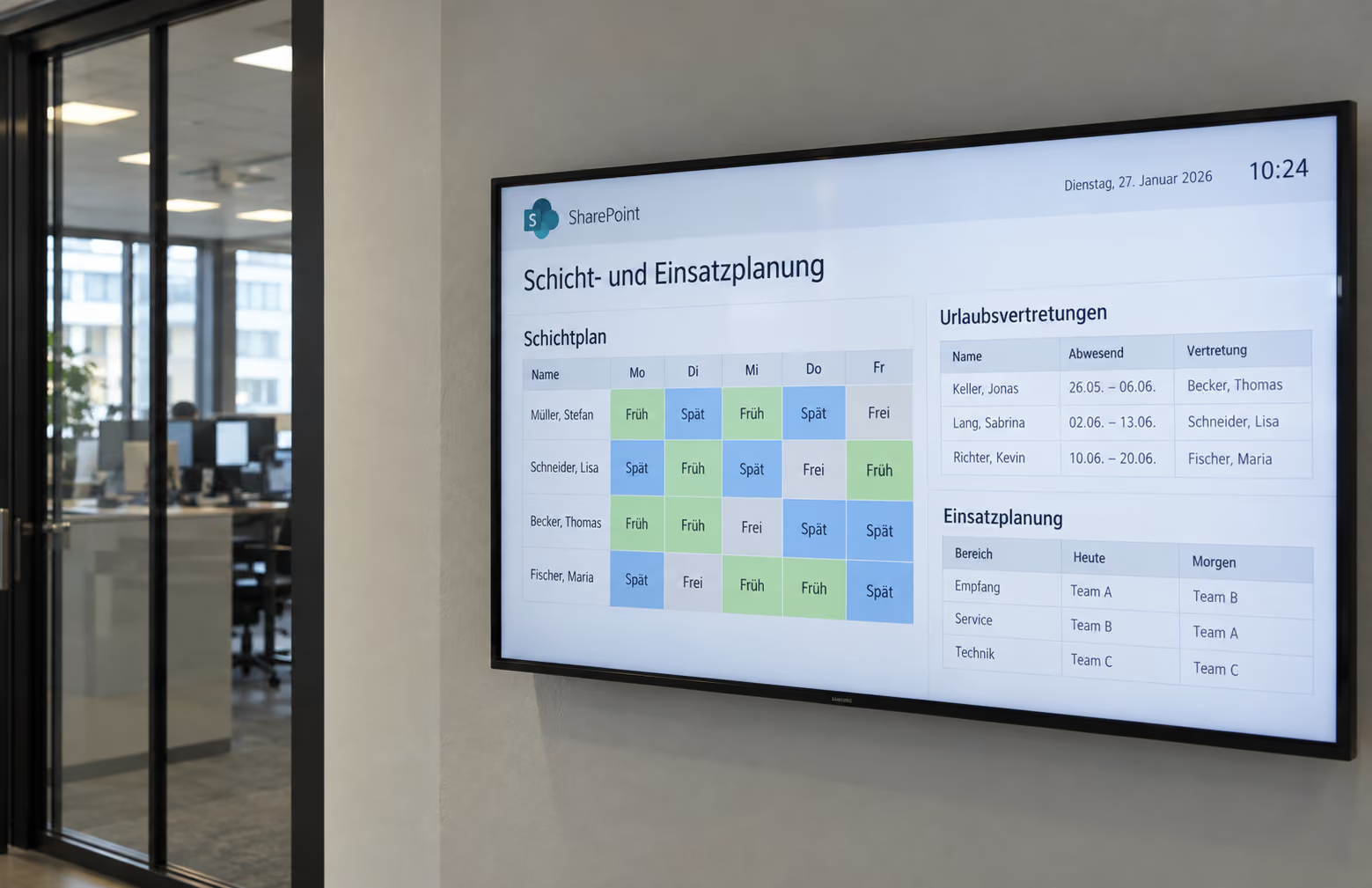
Automatically update notices, schedules and internal documents from OneDrive on digital notice boards.
More about digital notice boards →Location information
Maintain file-based information centrally in OneDrive and distribute it to displays at individual locations or areas.
.png)
ABOUT THE INTEGRATION
Connect OneDrive with digital signage
OneDrive is connected through a locally synchronized folder and the Windows-based cosUploader. The uploader monitors selected files and synchronizes changes with connectSignage.
TECHNOLOGY & SECURITY
Synchronize OneDrive files reliably with cosUploader
cosUploader is a Windows-based program that monitors files and folders and automatically transfers changes to connectSignage.
Windows-based service
cosUploader runs in a Windows environment with access to the synchronized OneDrive folder.
File and folder permissions
For protected folders, cosUploader requires the appropriate access rights to the locally available files.
Automatic synchronization
New or changed content is transferred automatically without requiring a user to take action in connectSignage.
Related integrations and use cases
.png)
Frequently asked questions
Short answers to common questions about OneDrive, cosUploader and digital signage.
Can connectSignage automatically display files from OneDrive?↓
Yes. A locally synchronized OneDrive folder can be monitored with cosUploader. New or changed files are automatically transferred to connectSignage.
Do OneDrive files have to be uploaded manually to connectSignage?↓
No. With cosUploader synchronization configured, changes can be transferred automatically.
Can cosUploader monitor complete folders?↓
Yes. cosUploader can monitor individual files as well as folders and automatically synchronize their content.
What is required for the OneDrive integration?↓
The required OneDrive folder must be accessible on a Windows system where cosUploader can access the files and communicate with connectSignage.
Which content is OneDrive particularly suitable for?↓
Typical content includes regularly updated documents, PDFs, images, Office files and file-based information for internal communication and digital notice boards.
Ready for intuitive digital signage?
Test the platform and see how easy digital communication can be.
.avif)