GOOGLE WORKSPACE INTEGRATION
Use Google Workspace for room booking and meeting room displays
connectSignage can be connected with Google Workspace and Google Calendar. Existing room resources, appointments and bookings can be used directly for digital room booking and meeting room displays.
.avif)
BENEFITS
Use Google Calendar and room resources directly for digital signage
Existing calendar and room data from Google Workspace becomes the data source for meeting room displays. Bookings and availability remain centrally maintained in Google.
Use existing Google calendars
Use existing calendars and room resources from Google Workspace for digital room booking and meeting room displays.
Show current room availability
Keep appointments, availability and room occupancy from Google Calendar up to date on displays.
Manage centrally
Calendar and resource permissions are granted centrally through Google Workspace administration.
USE CASES
Use Google Workspace room data for different meeting room scenarios
From displays directly outside meeting rooms to room overviews, Google Calendar provides the existing appointment and availability data.
Meeting room display
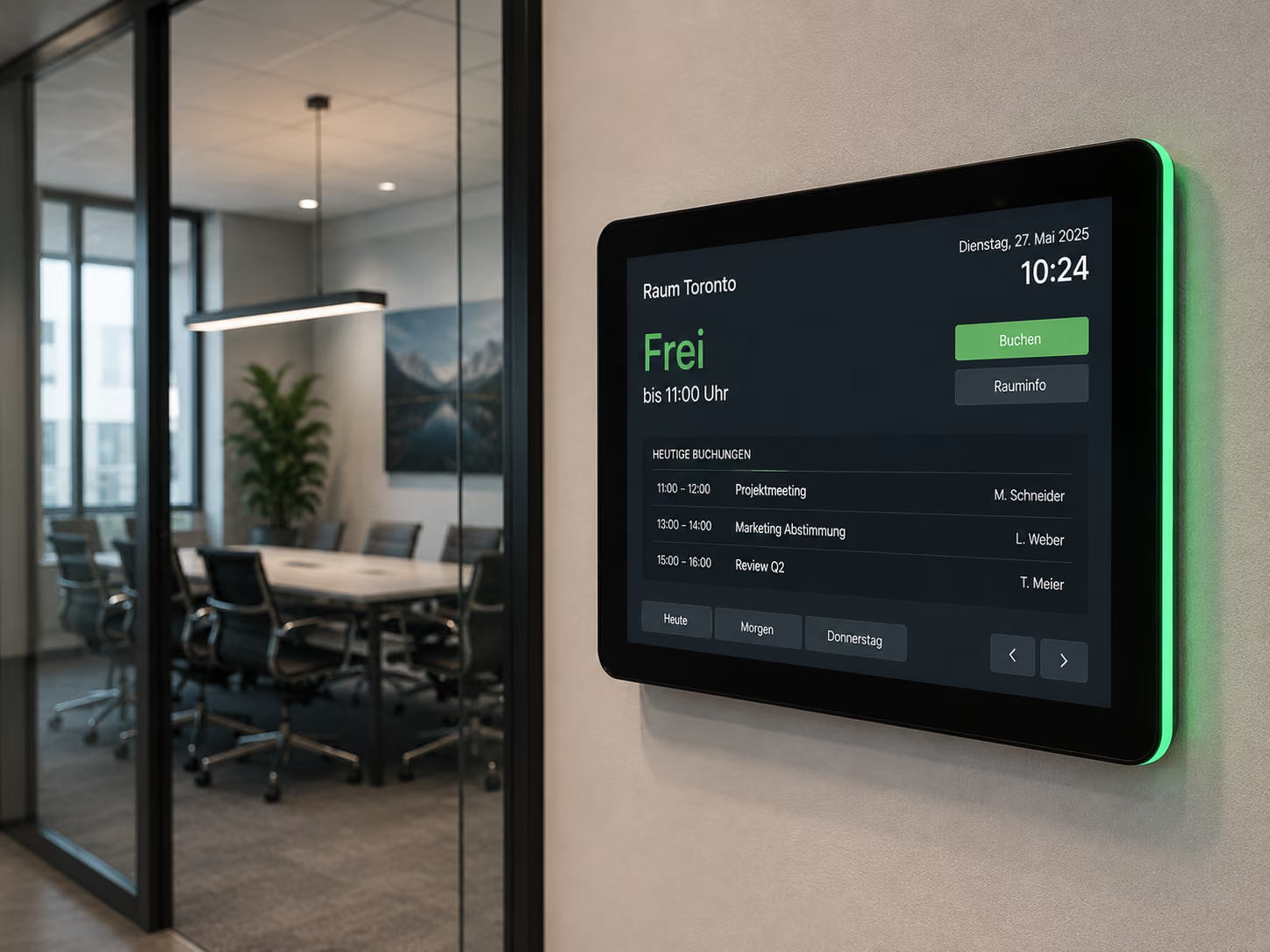
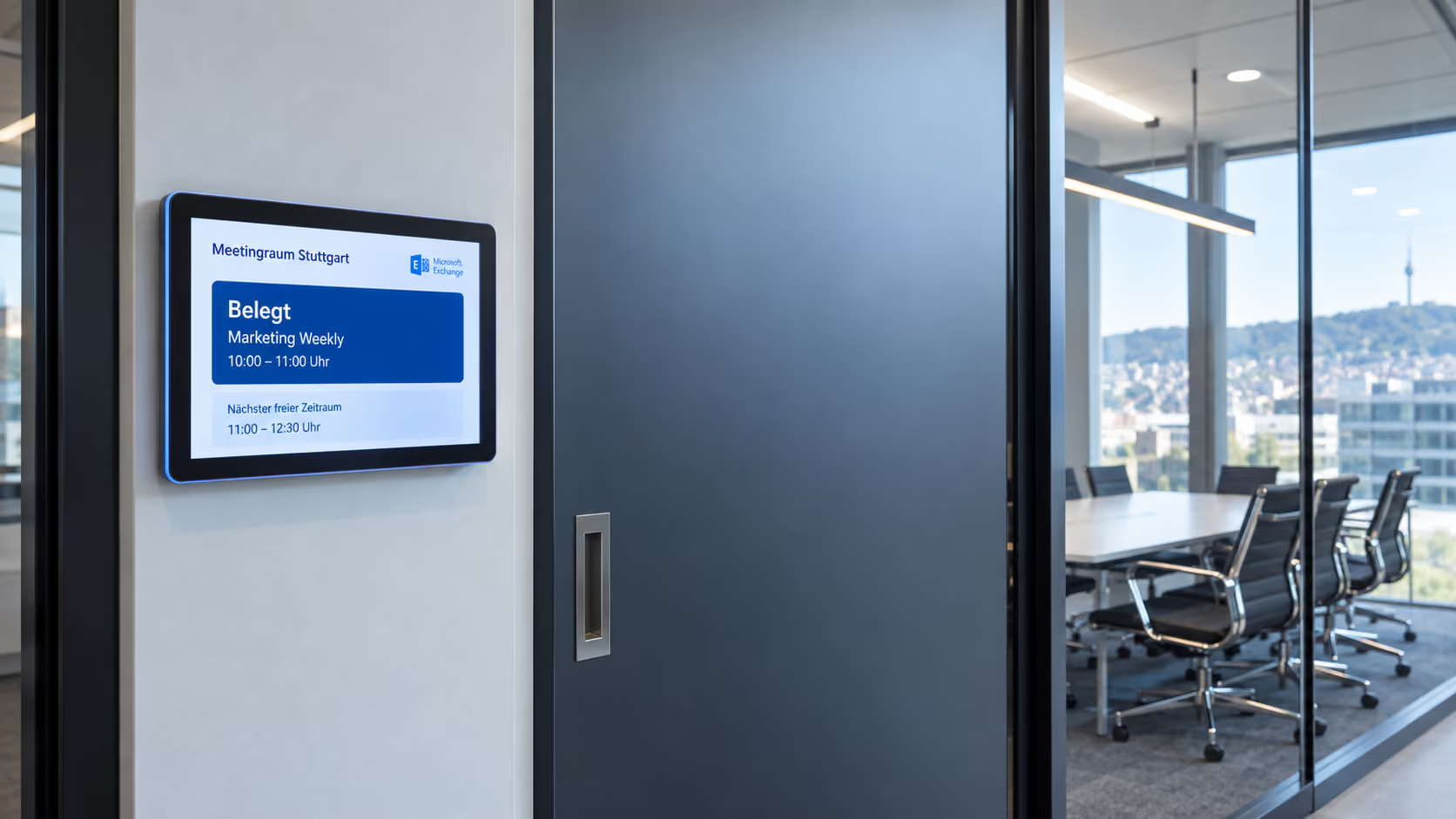
Show current room availability, ongoing meetings and upcoming bookings from Google Calendar directly outside the meeting room.
More about meeting room displays →Digital room booking
Use existing Google Workspace room resources as the basis for digital booking and occupancy processes.
More about digital room booking →Room overviews
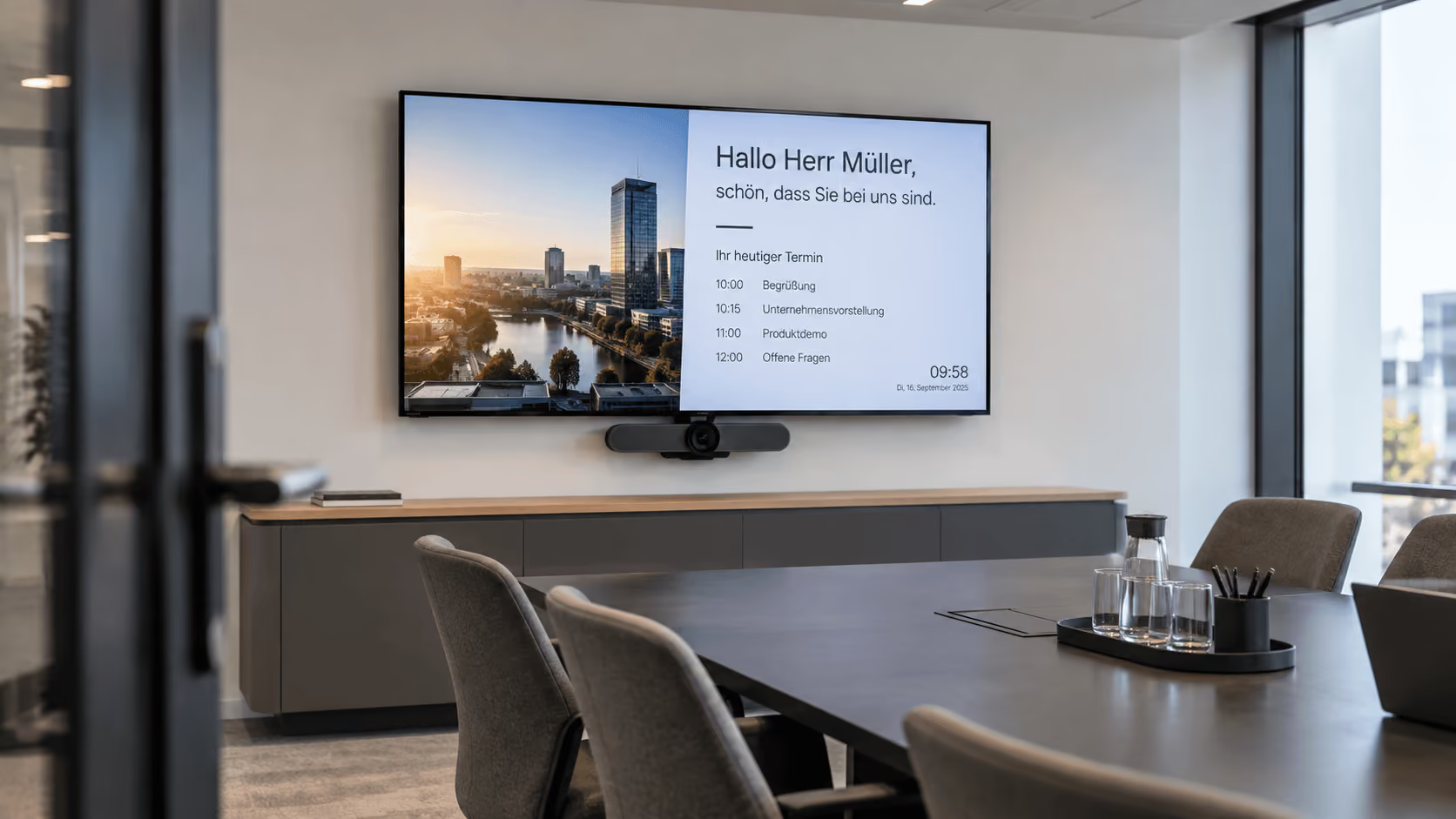
Show availability and appointments for multiple rooms centrally on displays for employees.
Meeting & conference areas
Keep room information automatically up to date across office, conference and meeting areas.
.png)
ABOUT THE INTEGRATION
Connect Google Workspace with digital signage
connectSignage is authorized once in Google Workspace. The Workspace ID and a user for calendar access are then configured so calendars and room resources can be used on displays.
TECHNOLOGY & SECURITY
Connect Google Workspace securely with connectSignage
The integration is authorized centrally in Google Workspace. Only the access rights required for calendars and room resources are configured.
Google Workspace administration
A Super Admin configures authorization for the connectSignage service account in Google Workspace administration.
Calendar access
The required permissions for Google Calendar and calendar resources are granted for the integration.
Central configuration
The Workspace ID and user for calendar access are configured centrally in connectSignage.
Related integrations and use cases
Frequently asked questions
Short answers to common questions about Google Workspace, Google Calendar, room booking and meeting room displays.
Can connectSignage connect Google Workspace with meeting room displays?↓
Yes. Google Calendar and existing room resources from Google Workspace can be used for digital room booking and meeting room displays.
Which Google Workspace data is used for room booking?↓
Calendar data and existing room resources from Google Workspace are used for the display, including current appointments, upcoming bookings and availability.
How is Google Workspace connected with connectSignage?↓
The integration is authorized by a Google Workspace Super Admin. The Workspace ID and the email address designated for calendar access are then configured in connectSignage.
Can existing Google calendars and rooms continue to be used?↓
Yes. Existing calendars and room resources from Google Workspace can continue to be used, so room and appointment data does not have to be maintained separately for the displays.
Which use cases is the Google Workspace integration suitable for?↓
Typical applications include meeting room displays, digital room booking, room overviews, and meeting and conference areas.
Ready for intuitive digital signage?
Test the platform and see how easy digital communication can be.
.avif)