
MICROSOFT EXCHANGE ONLINE INTEGRATION
Use Exchange for room booking and meeting room displays
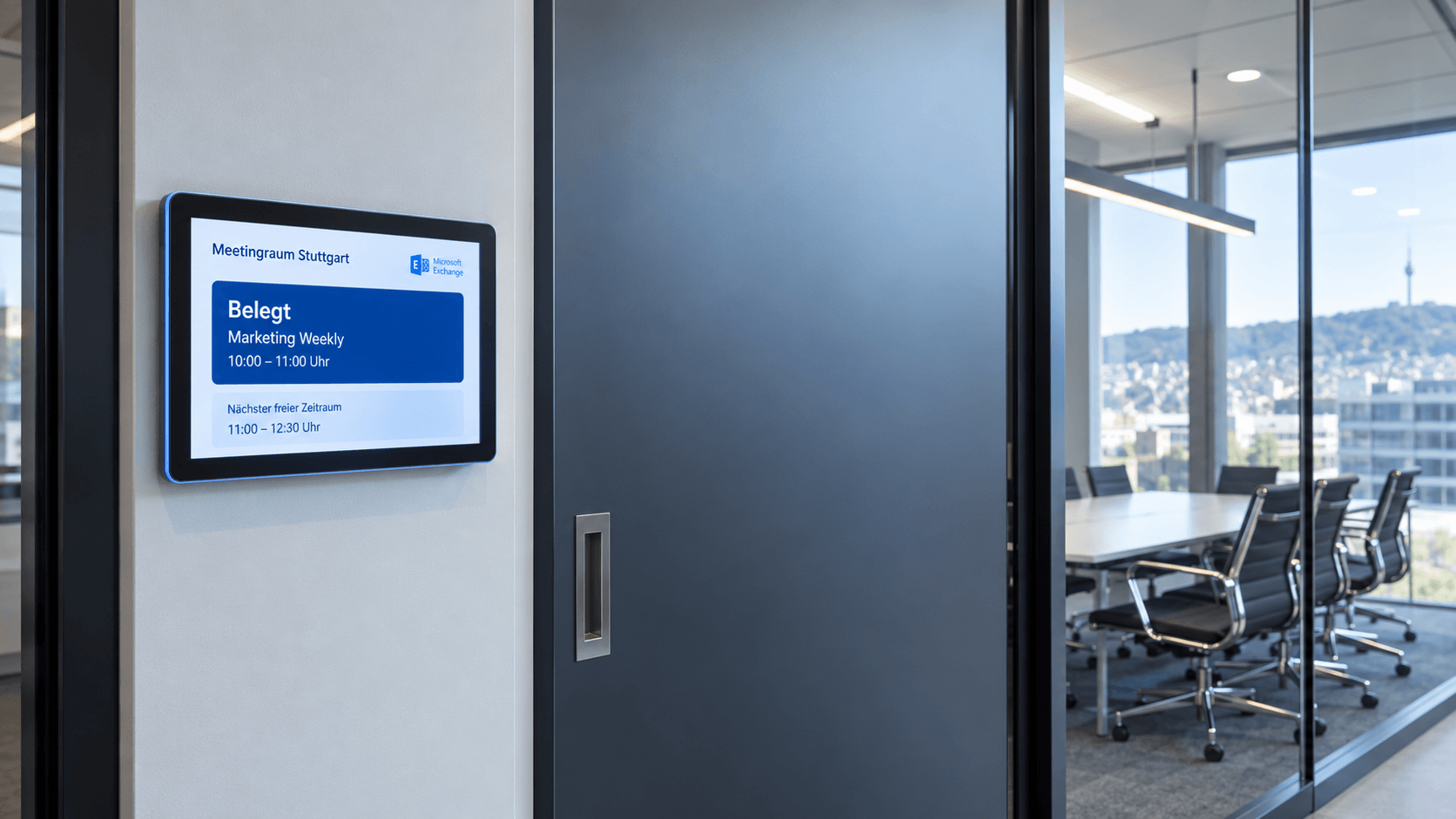
Connect Microsoft Exchange with connectSignage and use existing room resources for digital room booking and meeting room displays. Room availability, current meetings and upcoming bookings are automatically retrieved from Exchange. Exchange Online and Exchange On-Premise are supported.
BENEFITS
Use room and calendar data from Exchange directly on displays
Existing Exchange resources become the data source for meeting room displays. Availability and appointments stay up to date automatically without maintaining information twice.
Display room availability automatically
Show current meetings, upcoming bookings and room availability from Exchange directly on meeting room displays.
Use existing room resources
Connect existing rooms and calendars from the Microsoft environment and keep them regularly updated.
Update without storing user passwords
After setup, room and event data is read regularly without storing user passwords in connectSignage.
USE CASES
Use Exchange room data for different meeting room scenarios
From displays directly outside meeting rooms to overviews of multiple rooms, Exchange provides the existing calendar and availability data.
Meeting room display
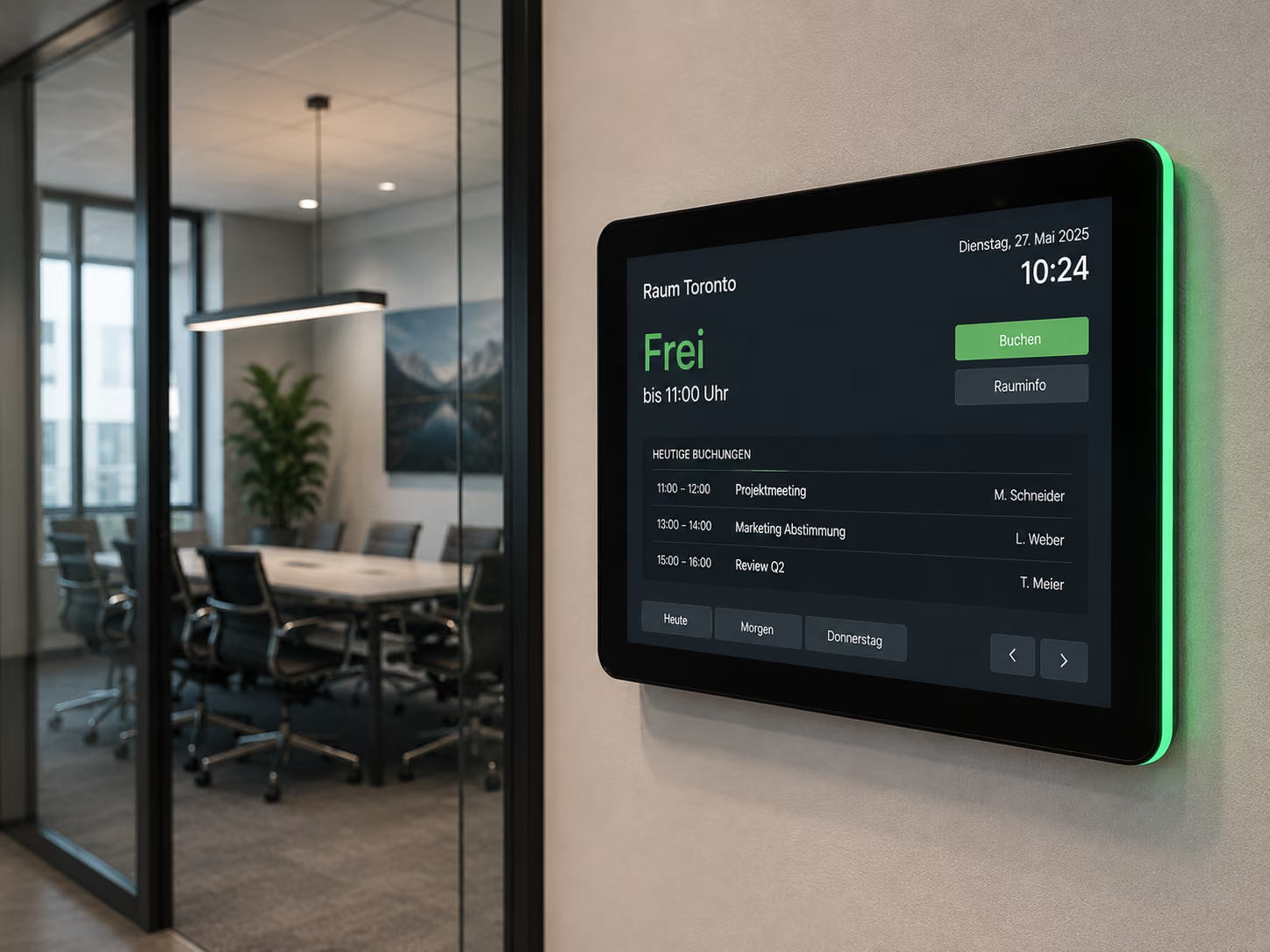
Show current room availability, ongoing meetings and upcoming bookings directly outside the meeting room.
Book spontaneously & release rooms
With suitable touch displays, available rooms can be booked or released directly on site, preventing rooms from remaining unnecessarily blocked.
Room overviews
Show availability and appointments for multiple rooms in a central overview for employees.
Meeting & conference areas
Keep room information automatically up to date across office, conference and meeting areas.
.png)
ABOUT THE INTEGRATION
Connect Exchange Online with digital signage
connectSignage is authorized once through Microsoft. The required rooms are then selected and their room and event data is regularly updated for display on screens.
TECHNOLOGY & SECURITY
Connect Exchange securely and control permissions precisely
Access is authorized once through Microsoft. The required permissions depend on whether room and appointment data is only read or bookings can also be changed on the display.
Microsoft consent
An authorized Exchange or AD account grants connectSignage the required Microsoft consent once.
Microsoft Graph
Microsoft Graph interfaces are used for guided room selection and access to room and event information.
Data protection & ongoing operation
No user passwords are required or stored for regularly reading room data. The required access rights are managed in the Microsoft environment.
Successful customer references
%20(1).png)
Digital room booking at GGM Gastro
With connectSignage and ProDVX, GGM Gastro relies on a centralized digital signage solution for digital room booking, live availability, and better navigation at their corporate site. Touch displays outside meeting rooms and in the showroom show at a glance whether rooms or sales consultants are available, occupied, or currently in a consultation.

Efficient visitor communication at Messe Essen
Welcome screens, digital wayfinding, and room booking provide orientation, information, and a modern visitor experience.
Related integrations and use cases

Frequently asked questions
Short answers to common questions about Exchange Online, room booking and meeting room displays.
Can connectSignage connect Exchange Online with meeting room displays?↓
Yes. Room and event data from Exchange Online can be read regularly and displayed on meeting room displays.
Does a user need to stay signed in for the Exchange integration?↓
No. An authorized account is required for Microsoft consent and, if applicable, guided room selection. No user login is required afterwards for regularly reading room and event data.
Are Exchange user passwords stored in connectSignage?↓
No. No user passwords are required or stored for regularly reading and updating room and event data.
How are rooms selected in connectSignage?↓
Rooms can be connected through a guided selection process or entered manually using the required room data.
Does connectSignage support Exchange Online and Exchange On-Premise?↓
Yes. connectSignage supports both Exchange Online and Exchange On-Premise for connecting room and calendar data.
Ready for intuitive digital signage?
Test the platform and see how easy digital communication can be.
.avif)