
SOCIAL MEDIA INTEGRATION
Automatically display social media feeds on digital signage screens
Social media content from LinkedIn, Instagram, Facebook and TikTok can be displayed automatically on digital signage screens and kept up to date.

BENEFITS
Use social media without rebuilding posts for displays
Existing social media content becomes a source for digital signage. Feed templates automatically pull in new posts and display them in a screen-friendly layout.
Connect existing channels
Use LinkedIn, Instagram, Facebook and TikTok as well as other publicly accessible social feeds as sources.
Update feeds automatically
New content from connected feeds is automatically added to the selected templates.
Choose flexible designs
Feed content can be displayed using different templates and layouts to suit each digital signage area.
USE CASES
Use social media content for different digital signage scenarios
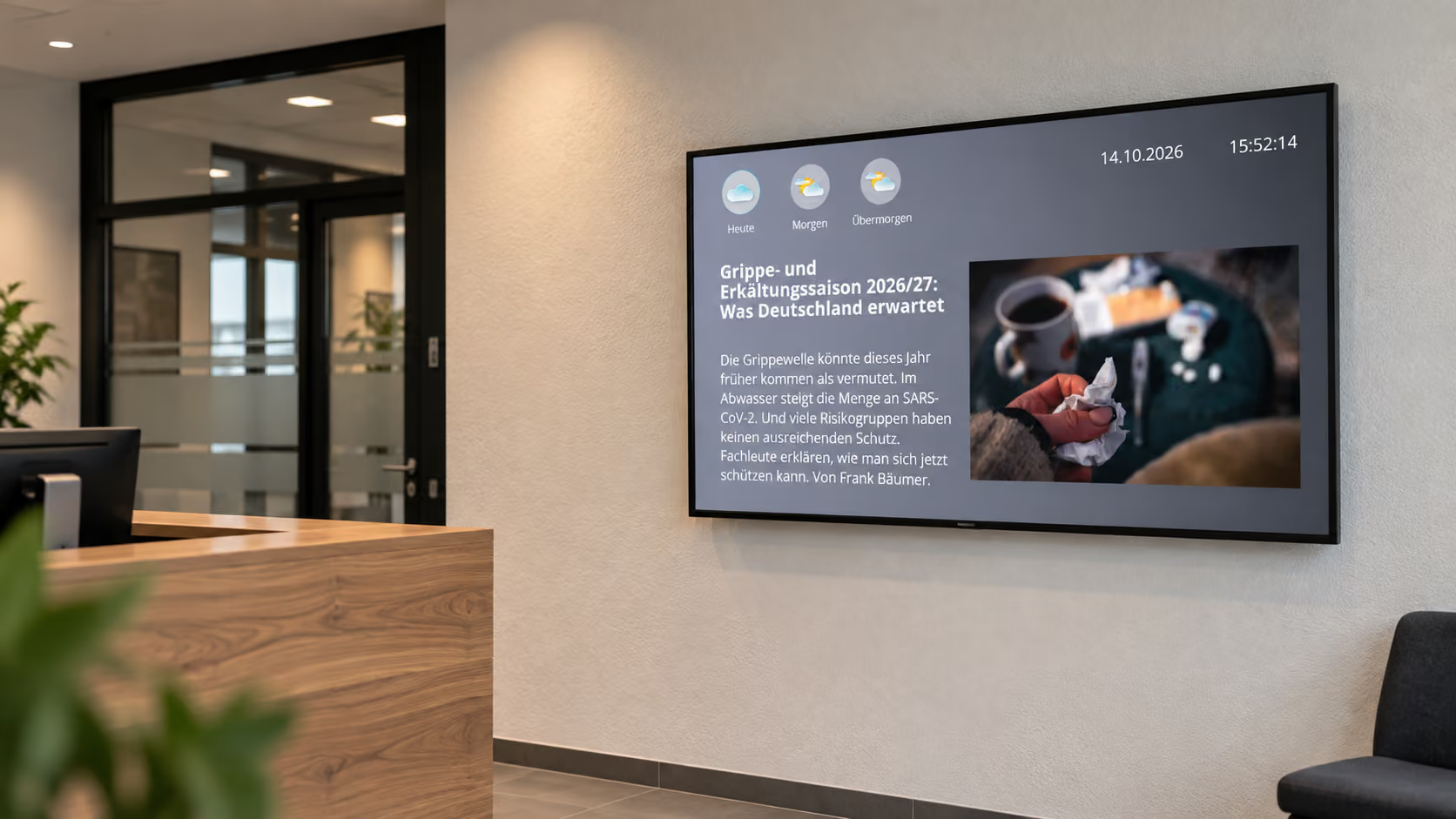
Social feeds are especially useful when current external content should appear on displays without additional editorial work.
Employer branding
Use LinkedIn or Instagram content for employer branding and employee communication on displays.
Social wall
Display posts from multiple social media channels as a dynamic social wall on event or corporate displays.
Brand and product communication
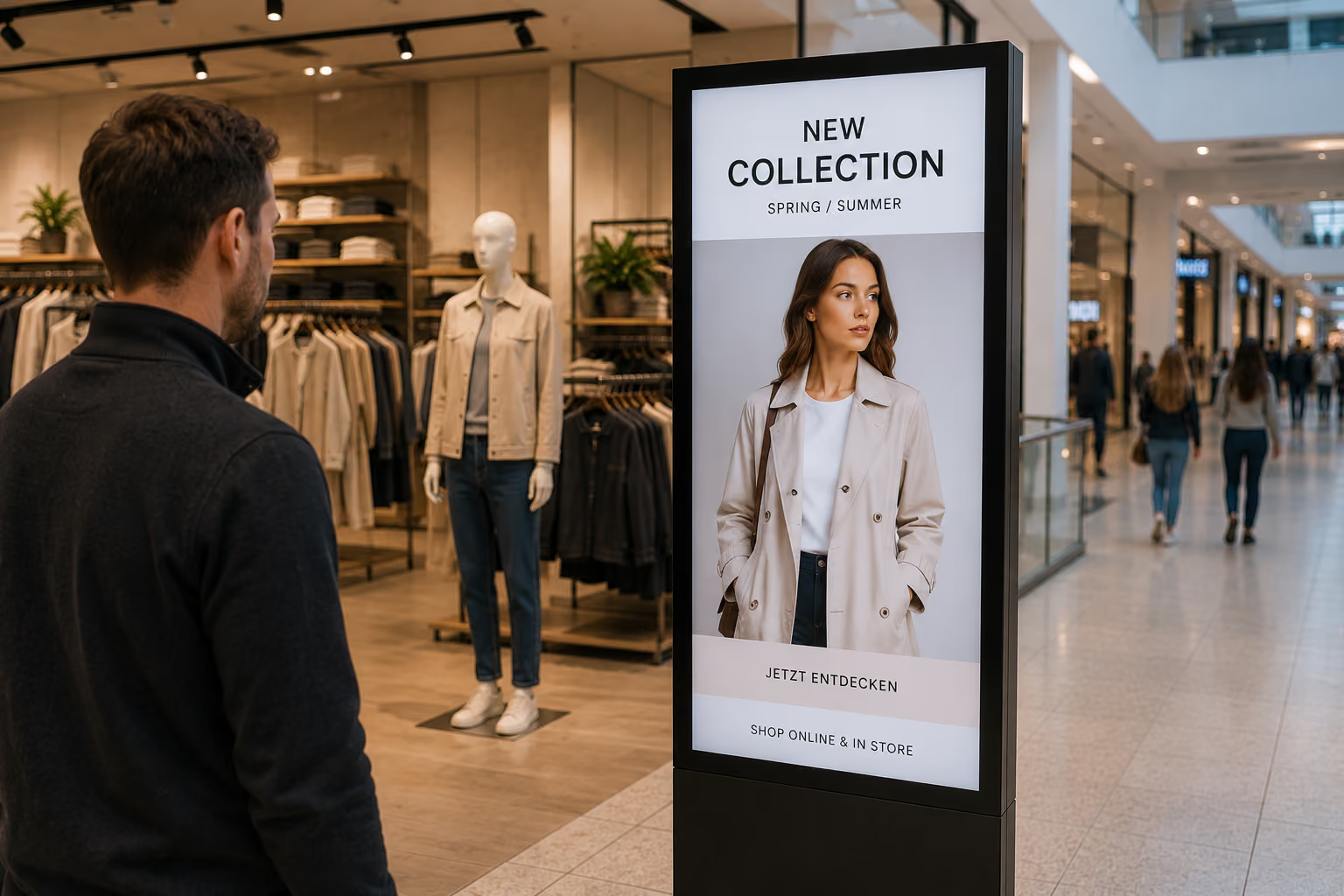
Integrate current social media posts into reception, retail or showroom displays.
More about advertising displays →Event and community content
Use hashtag or platform feeds to make current posts about events and communities visible.
.png)
ABOUT THE INTEGRATION
Connect social media with digital signage
The Social app in connectSignage lets you integrate platform feeds, user feeds, hashtag feeds or custom feed URLs and display them using a template.
TECHNOLOGY & SECURITY
Integrate social media feeds into connectSignage in a controlled way
Displayed content comes from external feeds. Availability and scope therefore also depend on the respective platform and accessible feed source.
Feed source
Supported sources include platform feeds, user and hashtag feeds, and custom feed URLs.
Automatic population
Social media templates are automatically populated with data from the connected feed.
Centralized display
Feed and template are configured centrally in connectSignage and then used in presentations.
SUPPORTED PLATFORMS
Which social media platforms can be integrated?
The Social app supports feeds from LinkedIn, Instagram, Facebook, TikTok, X and other platforms. Available content depends on each platform and its access conditions.

Show company posts, recruitment news and insights into daily work on screens in offices and shared spaces.
Display recent images and posts from suitable Instagram profiles in showrooms, foyers and other public areas.

Integrate available posts from Facebook pages to show news and events on your screens.

TikTok
Use suitable TikTok feeds for events, trends or community content.

YouTube
Integrate available YouTube feeds. Video playback may require additional player-specific configuration.

X / Twitter
Show available posts from X profiles, such as current topics, events and company news.
Use available Pinterest RSS feeds to display visual inspiration and posts.

Threads
Integrate suitable Threads RSS feeds and display selected posts on screens.

Tumblr
Display posts from available Tumblr RSS feeds, such as topical and community content.

Integrate suitable Reddit feeds to display posts about relevant topics on information screens.

Telegram
Use available Telegram RSS feeds for current news and topic-specific content.
Related integrations and use cases

Frequently asked questions
Short answers to common questions about social media and digital signage.
Which social media platforms can I use with connectSignage?↓
Documented platforms include LinkedIn, Instagram, Facebook and TikTok. Additional suitable external social feeds can also be integrated.
Do social media contents update automatically on the displays?↓
Yes. Social media templates are automatically populated with content from the connected feed.
Can I also use hashtag feeds or custom feeds?↓
Yes. In addition to platform and user feeds, hashtag feeds and custom feed URLs can also be added.
Can I customize the layout of social media content?↓
Yes. Templates are used for display and can be selected to match the required digital signage layout.
Which applications are social media feeds suitable for?↓
Typical applications include employer branding, social walls, brand communication, events and current community or company content.
Ready for intuitive digital signage?
Test the platform and see how easy digital communication can be.
.avif)