
CUSTOM SYSTEMS & DATA SOURCES
Connect custom systems, APIs and data sources with digital signage
Custom systems and data sources can be connected with connectSignage. This makes company data automatically visible on digital signage displays.
BENEFITS
Use existing data sources for custom digital signage content
Data does not have to be recreated manually in connectSignage. Existing APIs, files and structured sources can instead serve as the basis for custom displays and widgets.
Connect REST and APIs
Use data from external systems via REST calls and suitable APIs for digital signage applications.
Process JSON, CSV and XML
Use structured files or feeds as data sources for custom layouts and widgets.
Extend custom applications
Integrate existing proxy or connector URLs and project-specific data sources into custom digital signage solutions.
USE CASES
Show your own company data where it is needed
Custom data connections are especially useful for information that already exists in business systems and should automatically become visible on displays.
Production and operational data
Display KPIs, status values and operational data from internal systems on production and information displays.
More about digital signage in industry →Product and pricing data
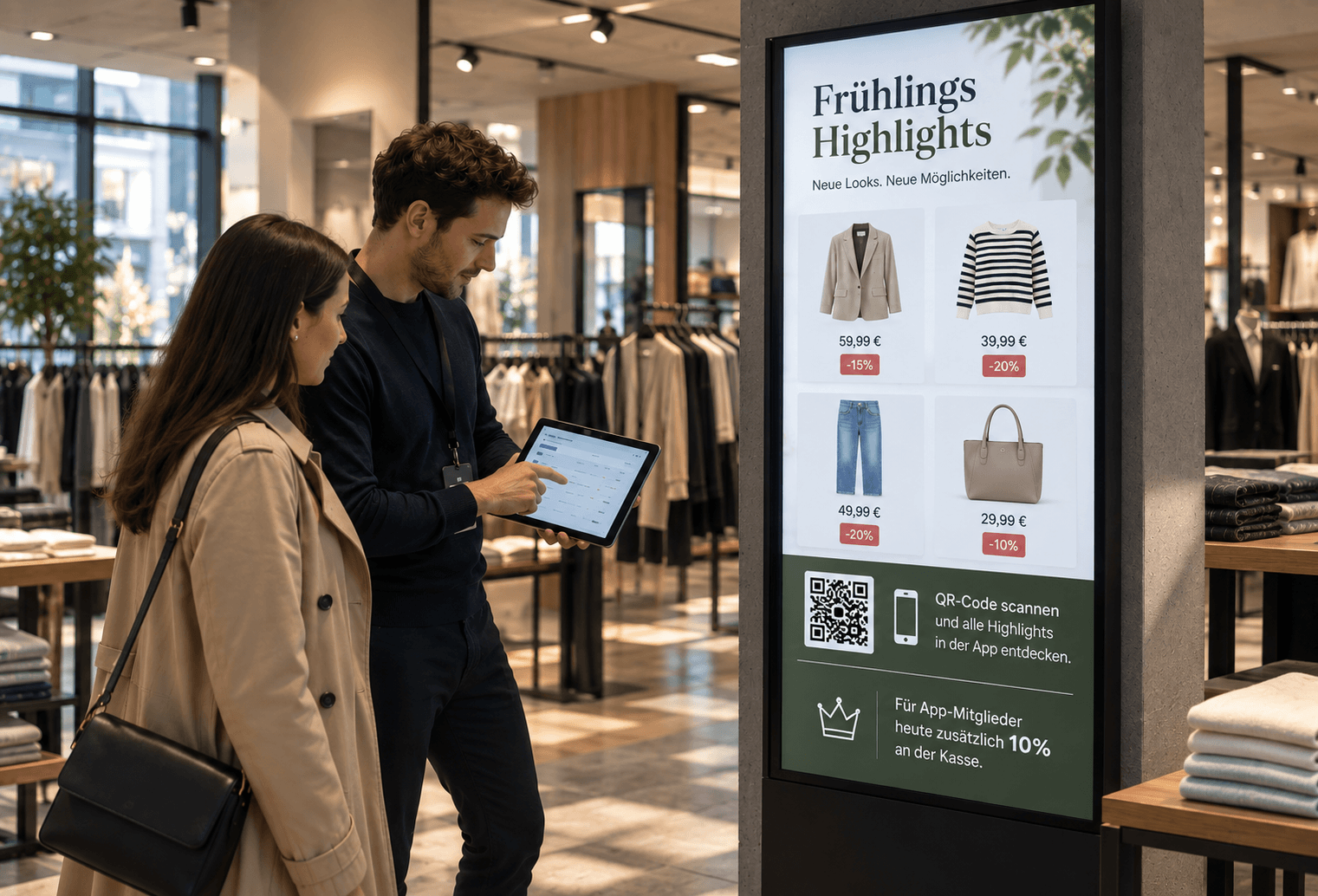
Use structured product information from your own data sources for retail, showroom or sales areas.
Dashboards & status displays
Integrate API-based status information and live data into custom digital signage dashboards.
More about information displays →Custom widgets
Connect custom data sources with configurable widgets and prepare them in a suitable layout.
.png)
ABOUT THE INTEGRATION
Connect custom data sources with connectSignage
Depending on the system, integration can use an API, REST endpoint, structured file or an existing secure connector or proxy URL.
TECHNOLOGY & SECURITY
Connect external data sources securely for each use case
Technical implementation depends on the data format, authentication and security requirements of the respective source.
REST, JSON, CSV & XML
connectSignage can process common structured sources and REST-based connections.
Secure connectors
If credentials or tokens are required, an existing secure proxy or connector URL can be used instead of placing secrets directly in the frontend.
Project-specific integration
For custom systems, the required fields, update intervals and display logic are defined for the specific use case.
Related integrations and use cases

.png)

Frequently asked questions
Short answers to common questions about APIs, REST, JSON, CSV, XML and custom data sources.
Can connectSignage connect custom systems and APIs?↓
External systems can be connected to connectSignage via REST, APIs or structured data sources, depending on their technical setup.
Which data formats does connectSignage support for external sources?↓
Documented options include REST calls as well as JSON, CSV and XML-based data sources.
Can I use data from CSV or JSON files on displays?↓
Structured CSV and JSON data can be used as a source for custom widgets and digital signage layouts.
How are protected APIs connected securely?↓
If tokens or credentials are required, an existing secure proxy or connector URL can be used so secrets are not stored directly in the widget or frontend.
Which applications are custom data sources suitable for?↓
Typical applications include production KPIs, status displays, product and pricing data, custom dashboards and widgets using company data.
Ready for intuitive digital signage?
Test the platform and see how easy digital communication can be.
.avif)